
How to Configure Webhooks in OpenResty Edge: Gateway Server Offline Alerts
To configure a webhook in OpenResty Edge, open Global Config → Webhooks, create a webhook, and subscribe it to an event such as Gateway Server Offline. Edge Admin then sends an HTTP request to your own custom API automatically whenever that event fires. The Gateway Server Offline event covers any cause a server goes offline — whether Edge’s active health probing detects it down, the server itself hits an anomaly, or you take it offline manually in Edge Admin — so your alerting API catches every outage. This tutorial walks through creating, triggering, and verifying such a webhook. If you’d like to understand why event-driven webhook notifications beat polling-based monitoring in the first place, see our overview of the OpenResty Edge webhook mechanism.
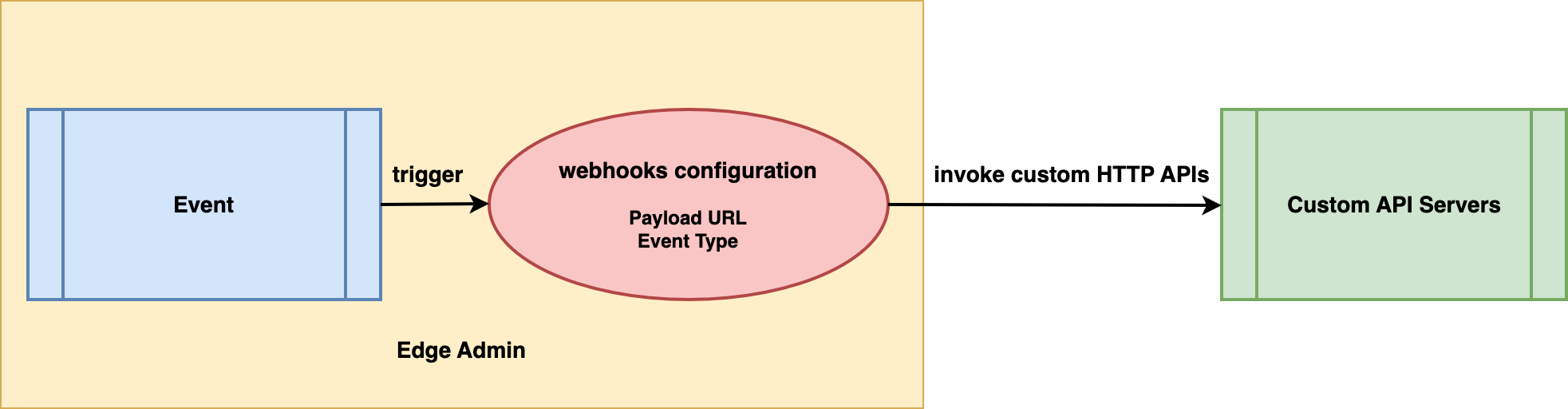
Create a webhook in OpenResty Edge Admin
Let’s go to a web console of OpenResty Edge. This is our sample deployment of the console. Every user would have their own deployment.
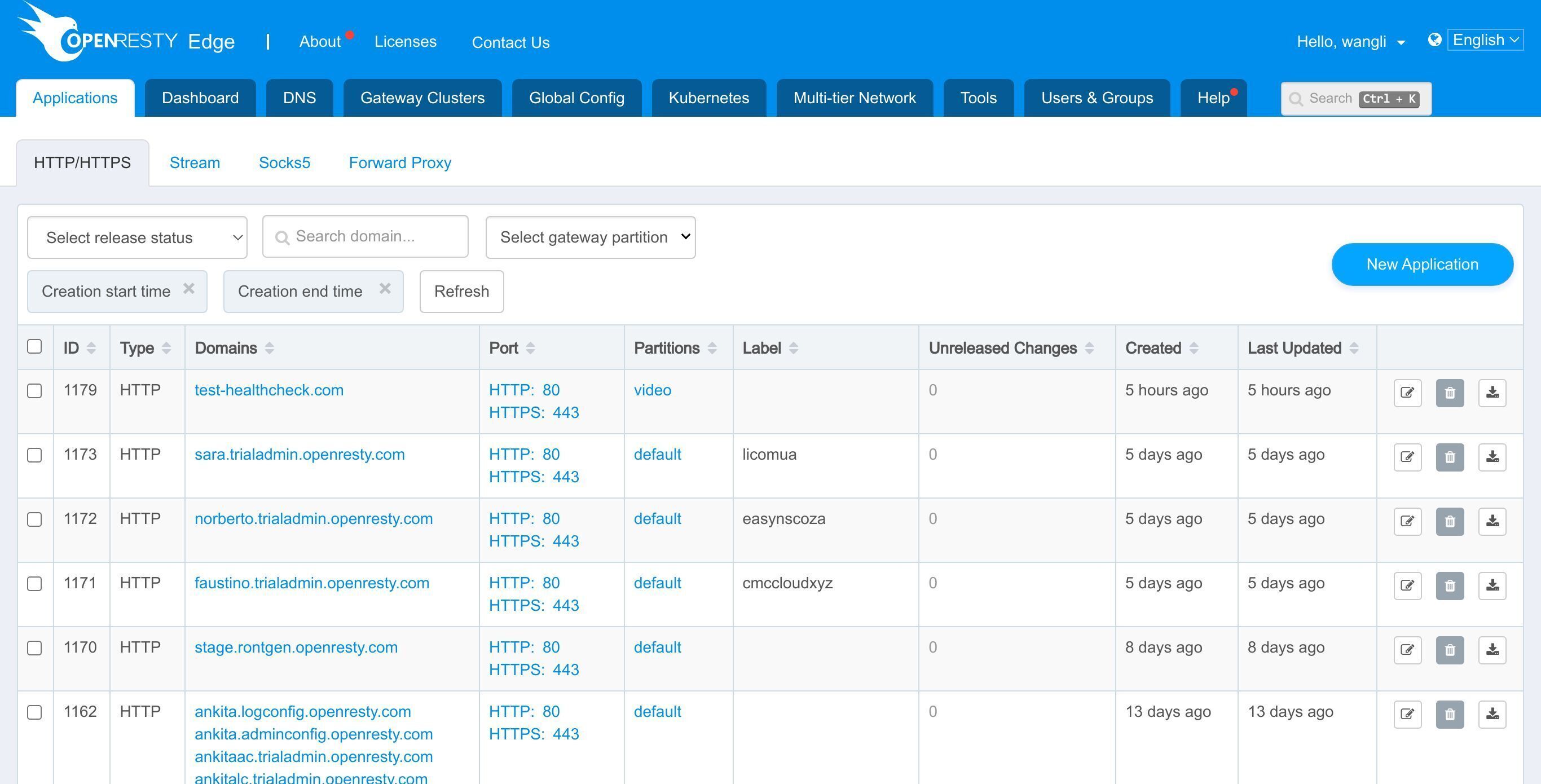
First, we need to create a webhook. Enter the “Global Config” page.
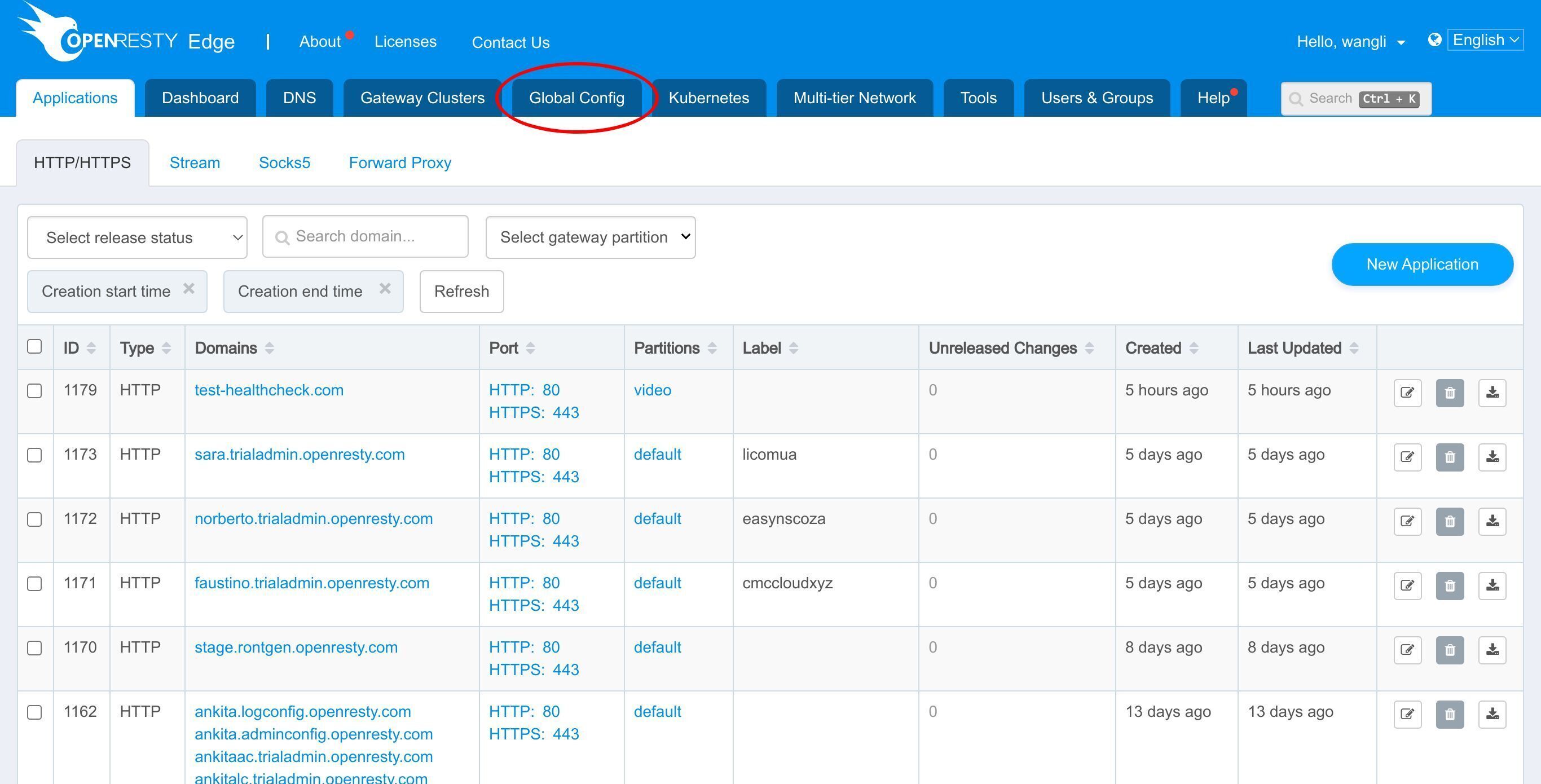
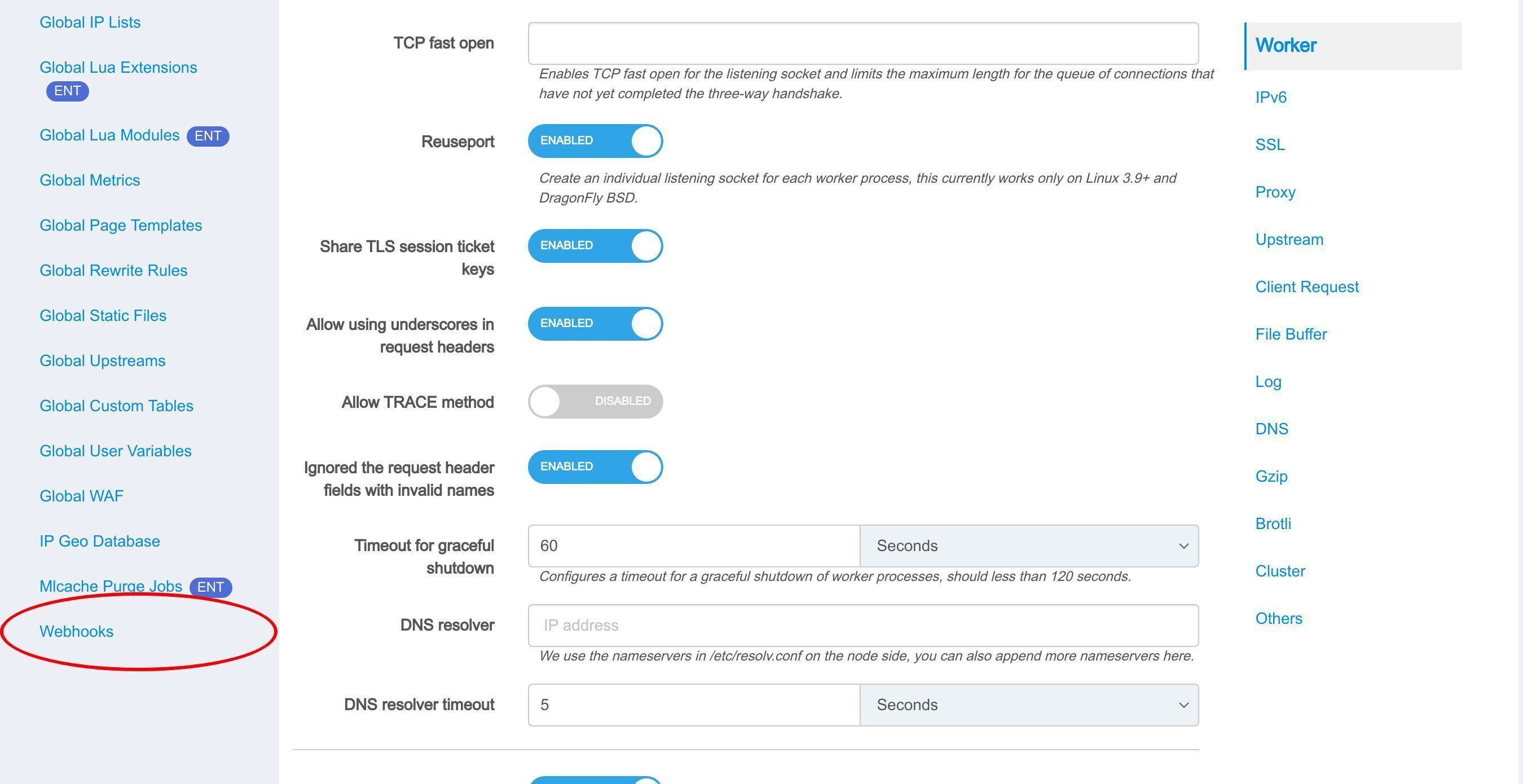
Select “Webhooks”.
Create a webhook.
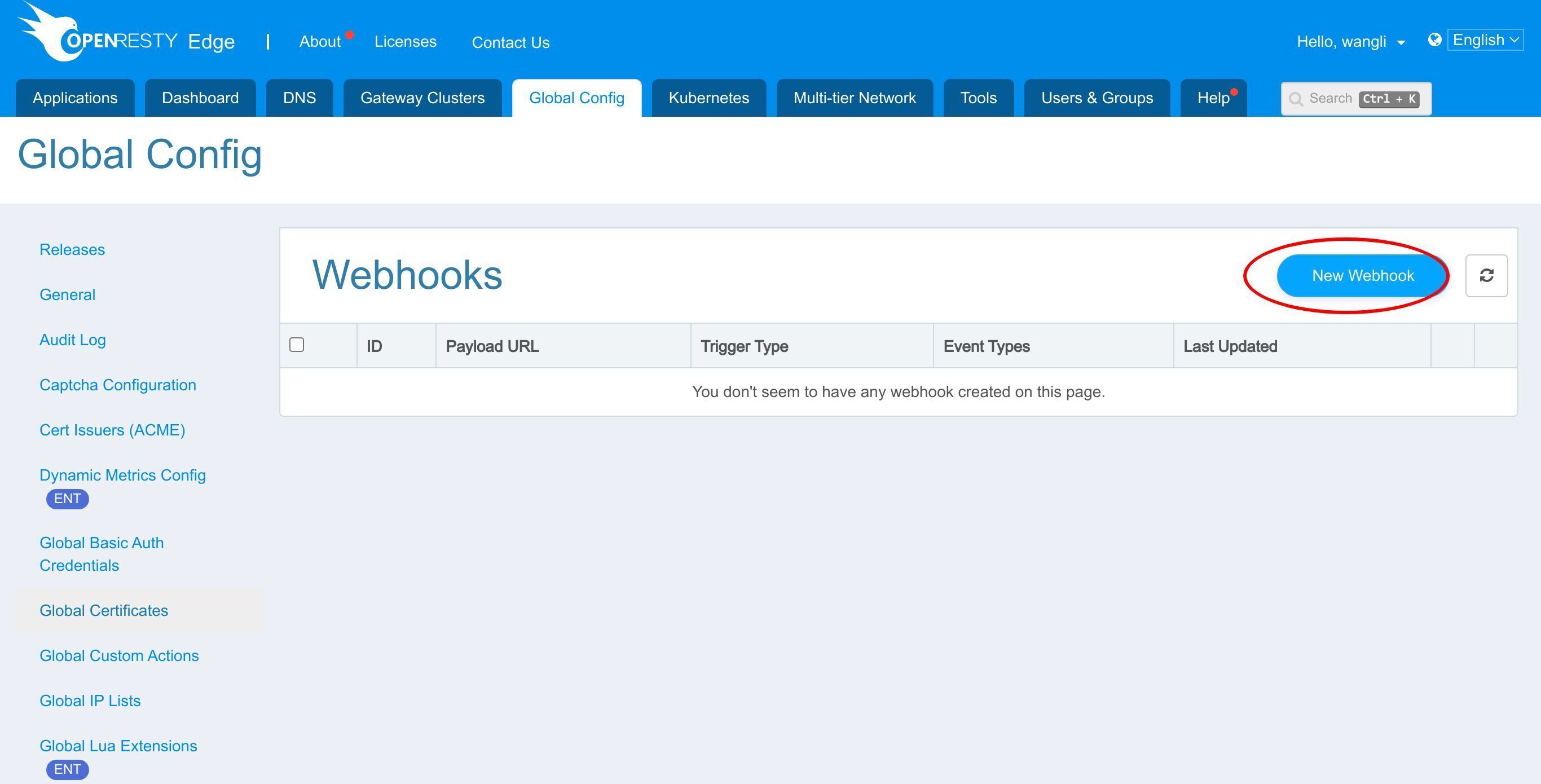
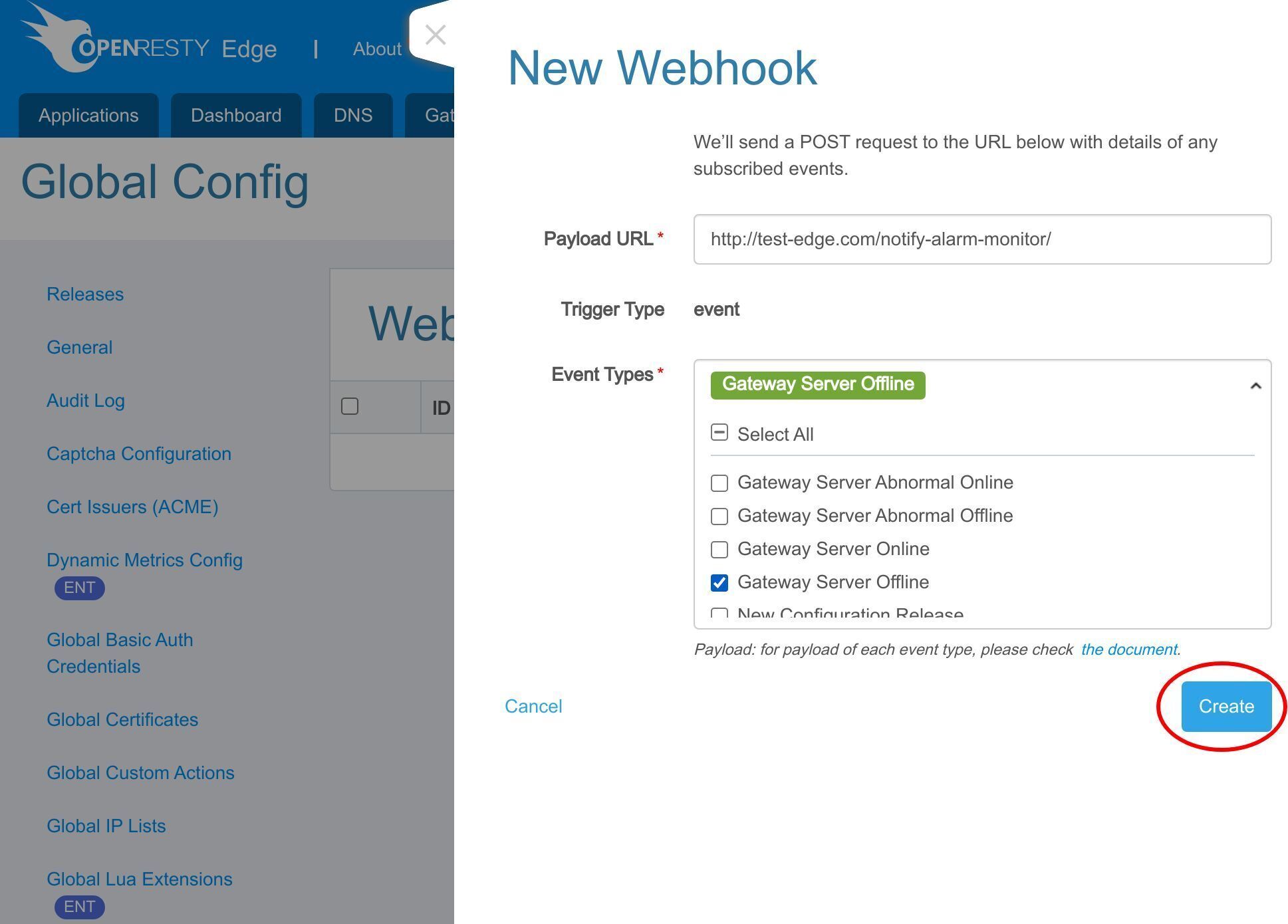
Here we create a webhook that can send an HTTP request to a custom API upon the Gateway Server Offline event. The custom API is implemented by users.
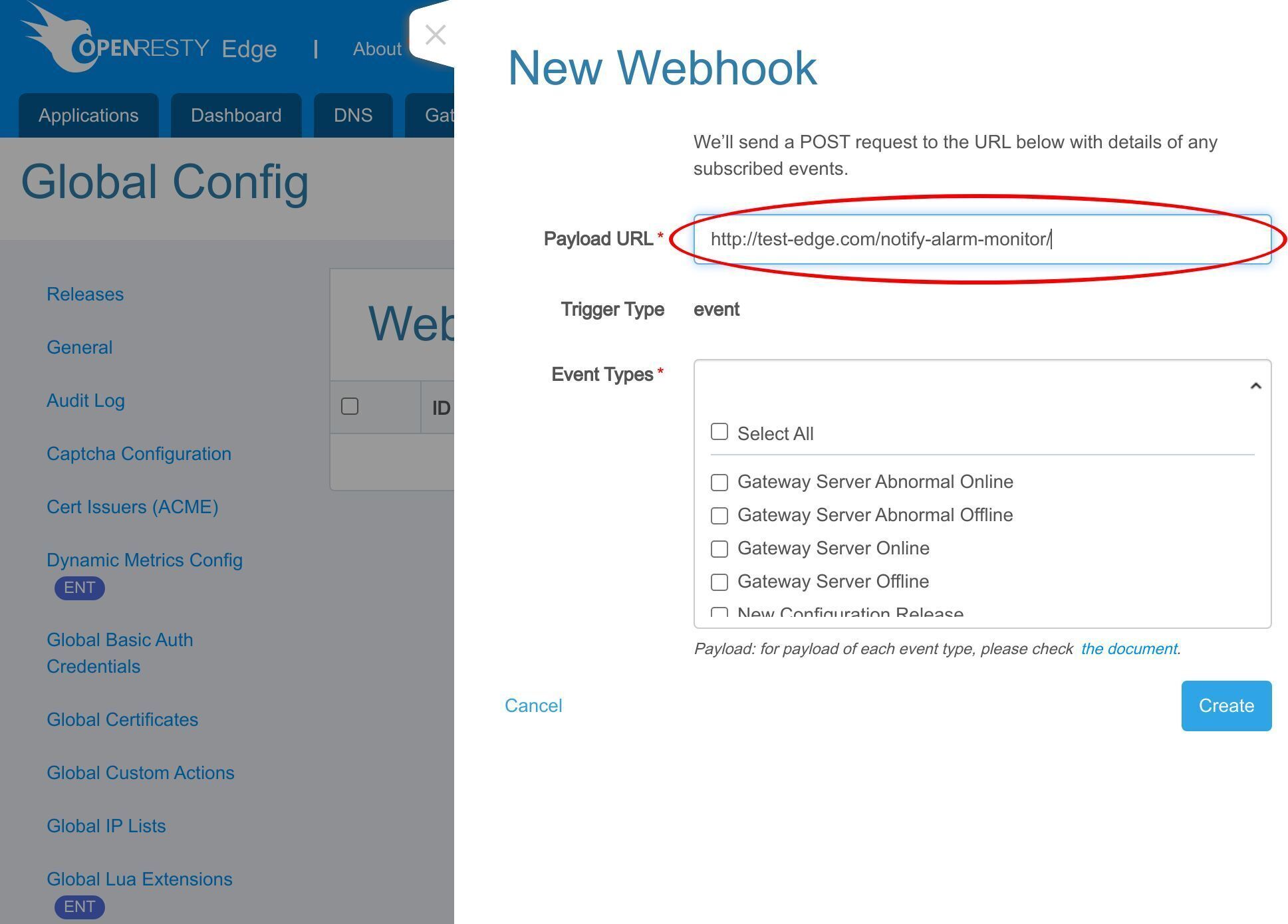
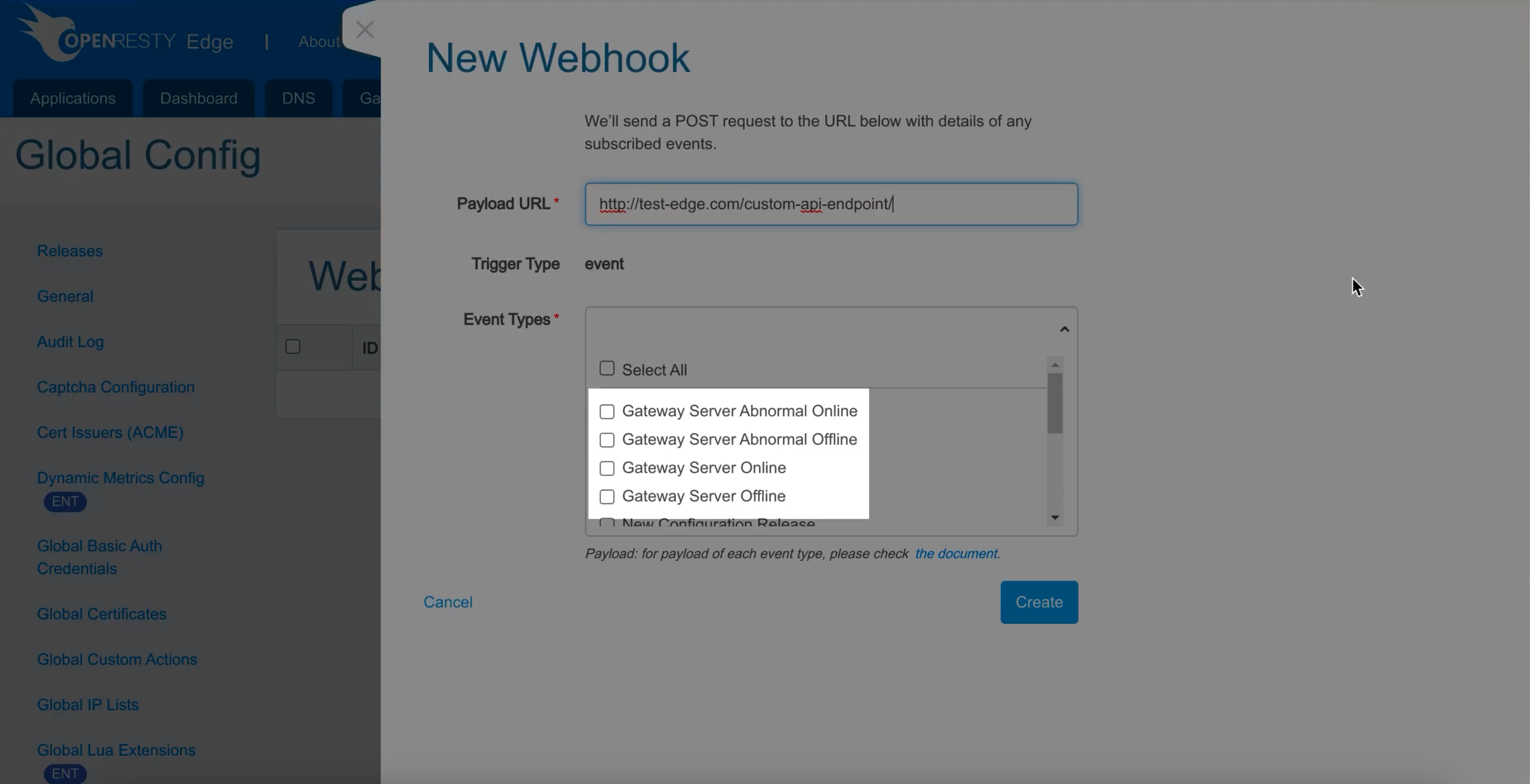
We support many kinds of built-in events. We can also add more events upon user requests.
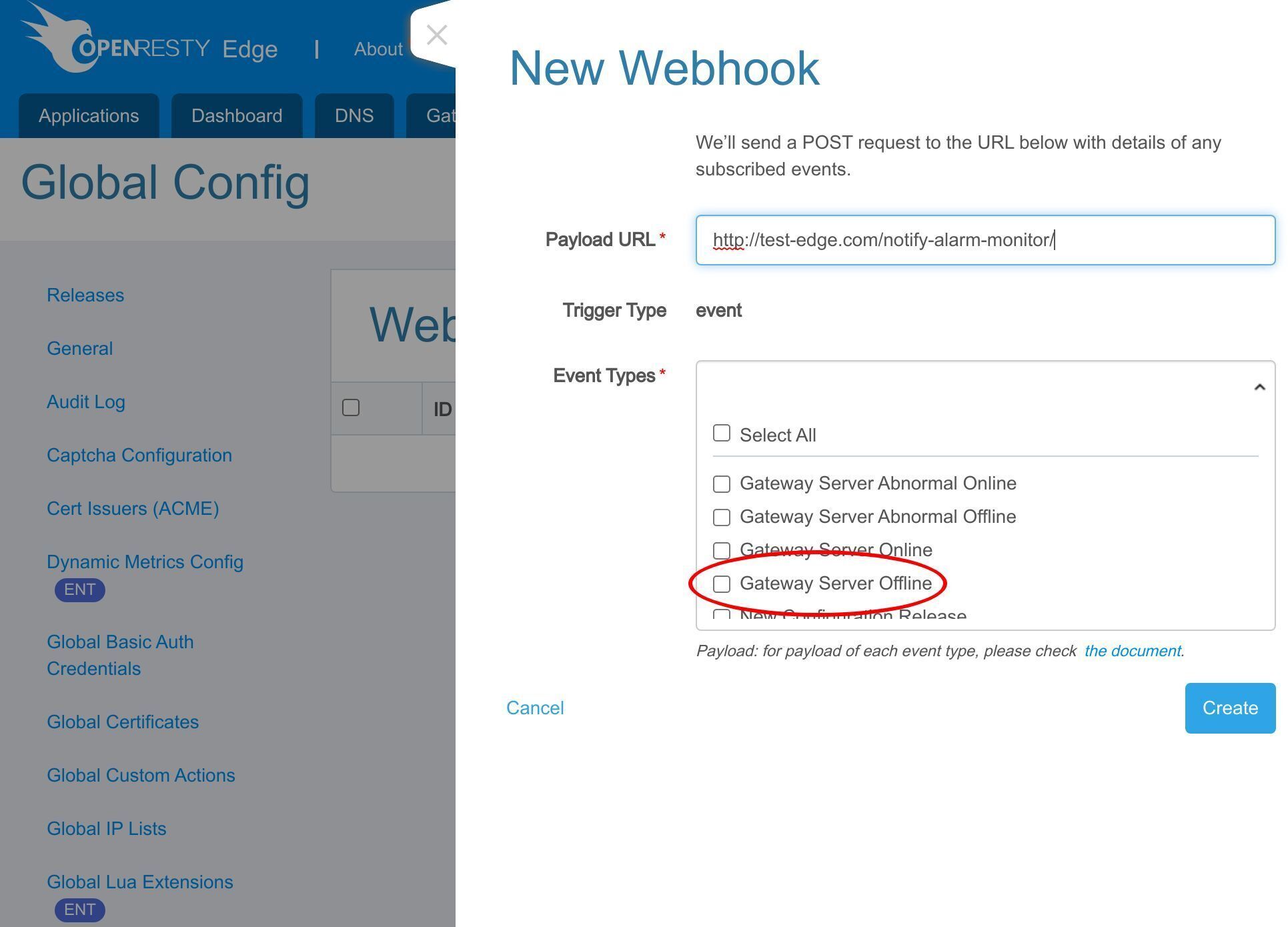
Select the “Gateway Server Offline” event here.
After clicking “Create”, the new webhook is ready now.
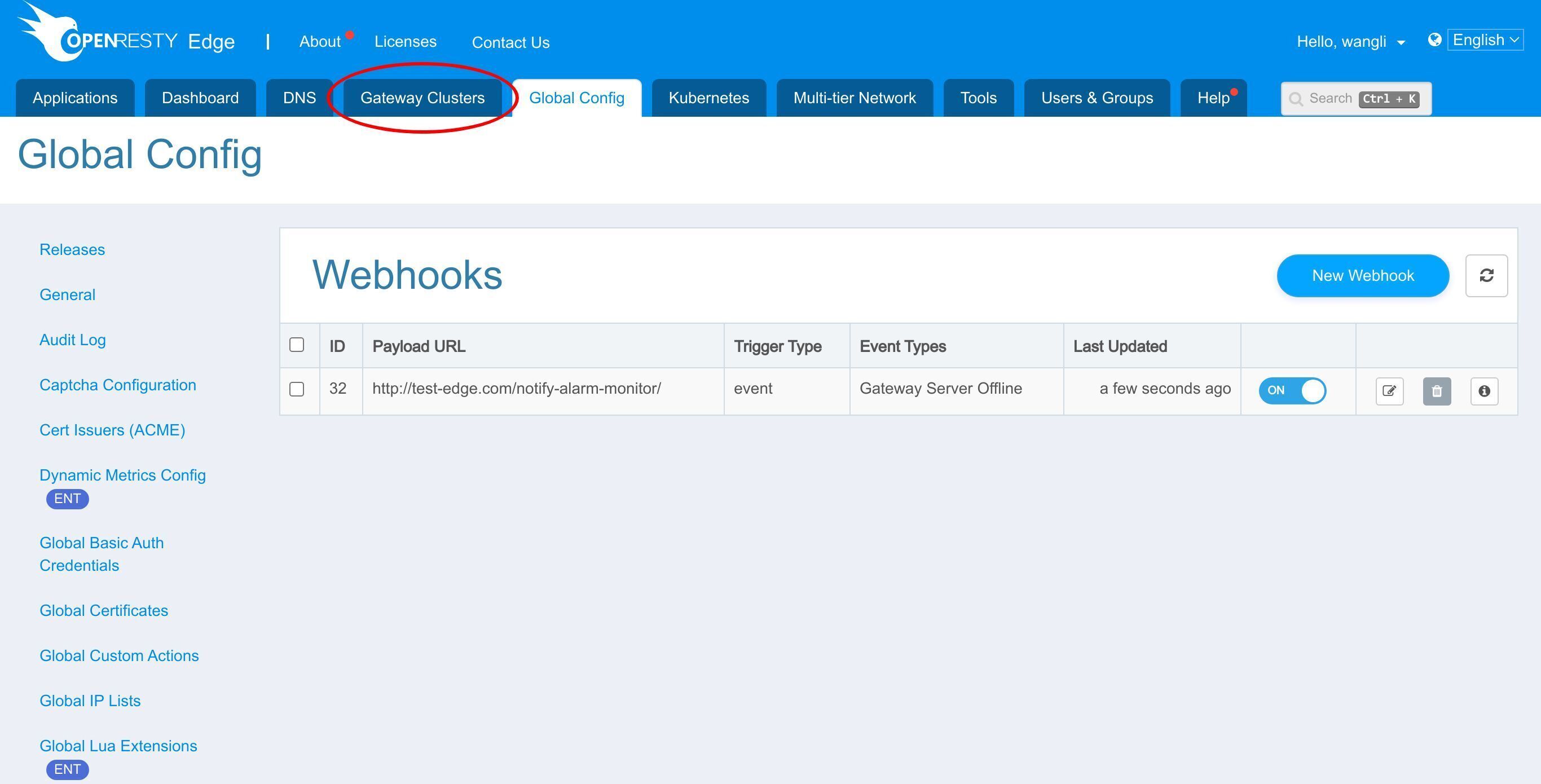
Trigger the webhook with a gateway server offline event
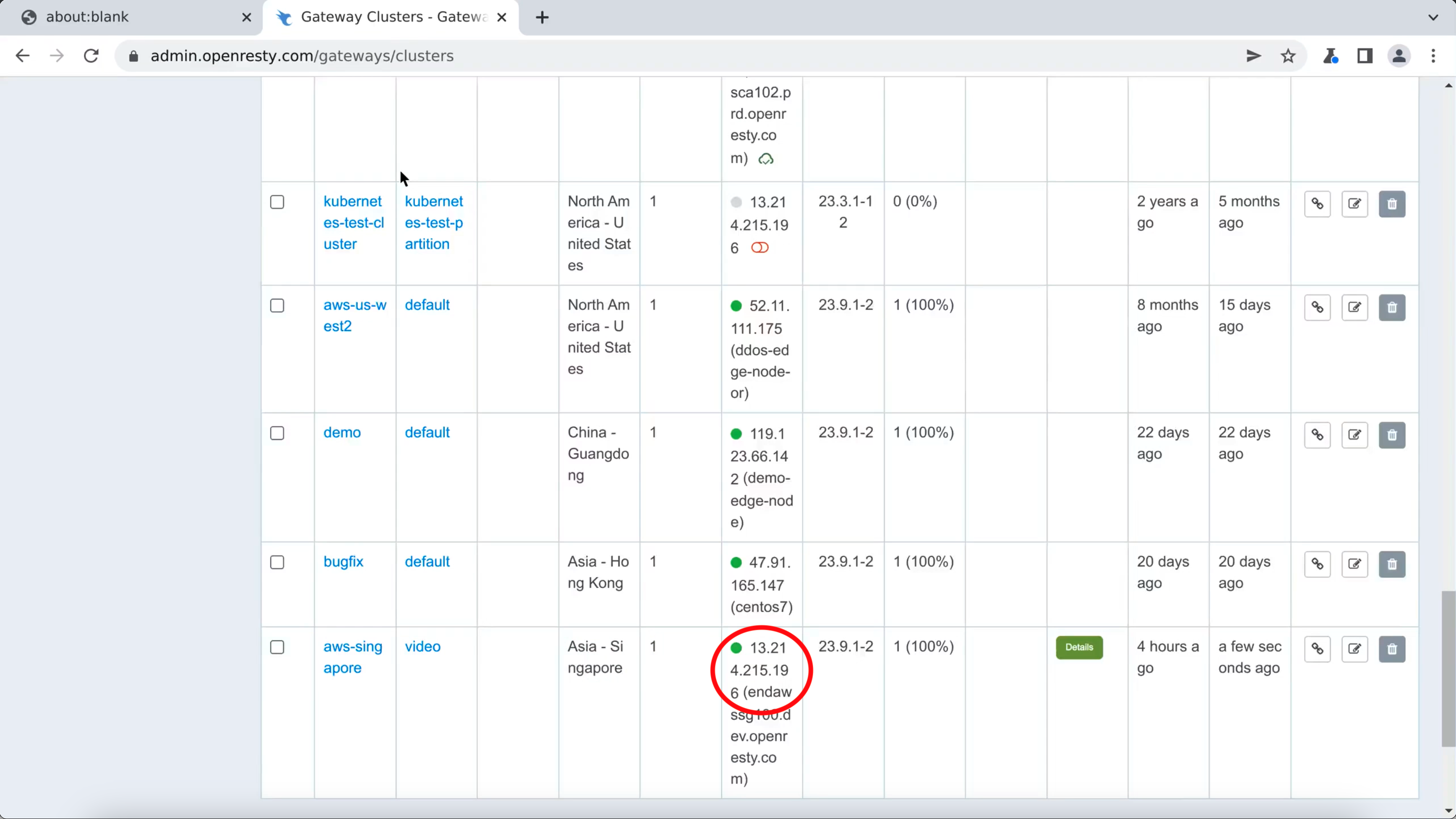
Let’s try to drop off a gateway server to trigger the webhook.
We would use this server.
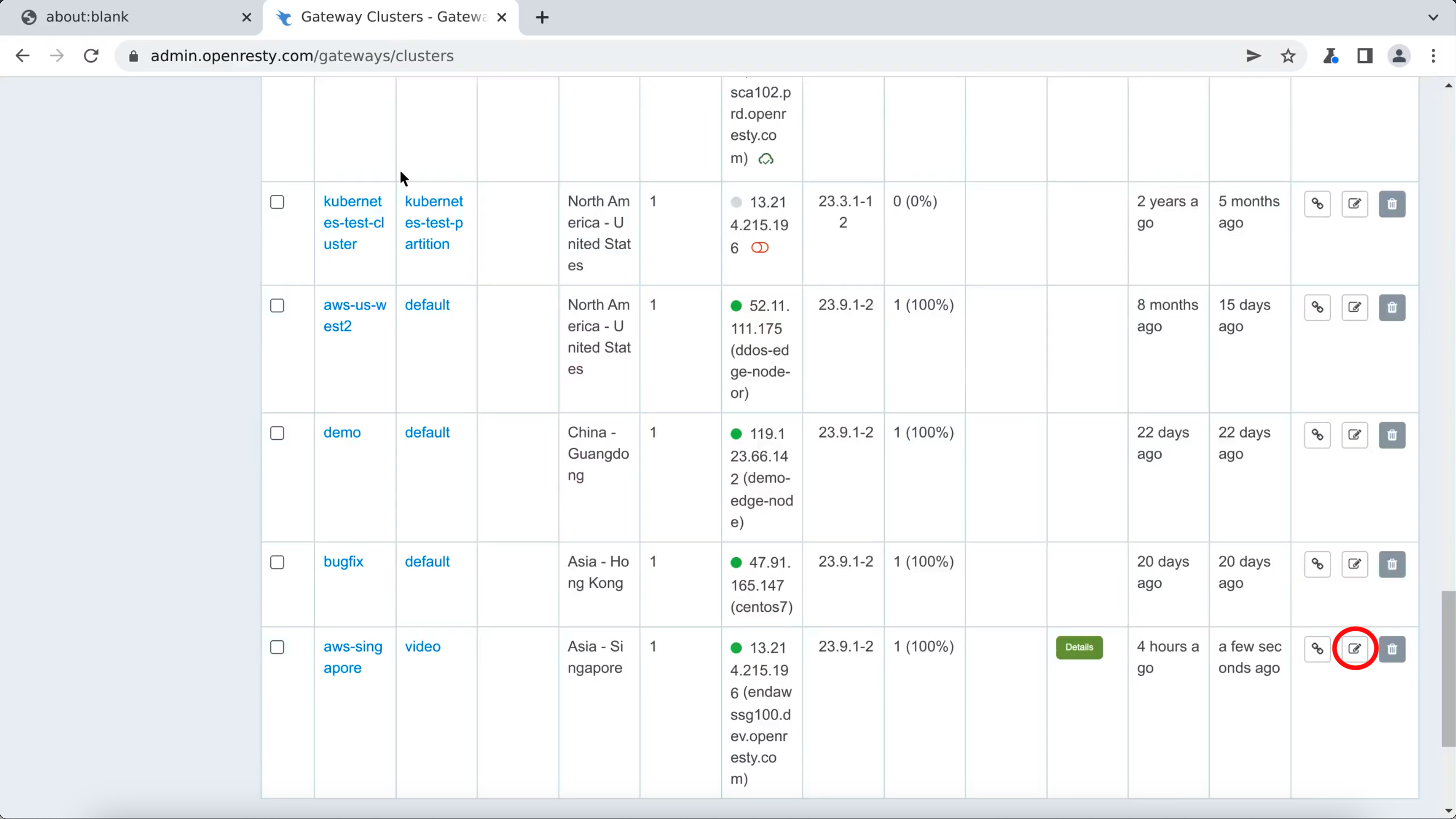
Go to the settings page.
Note that this server is online.
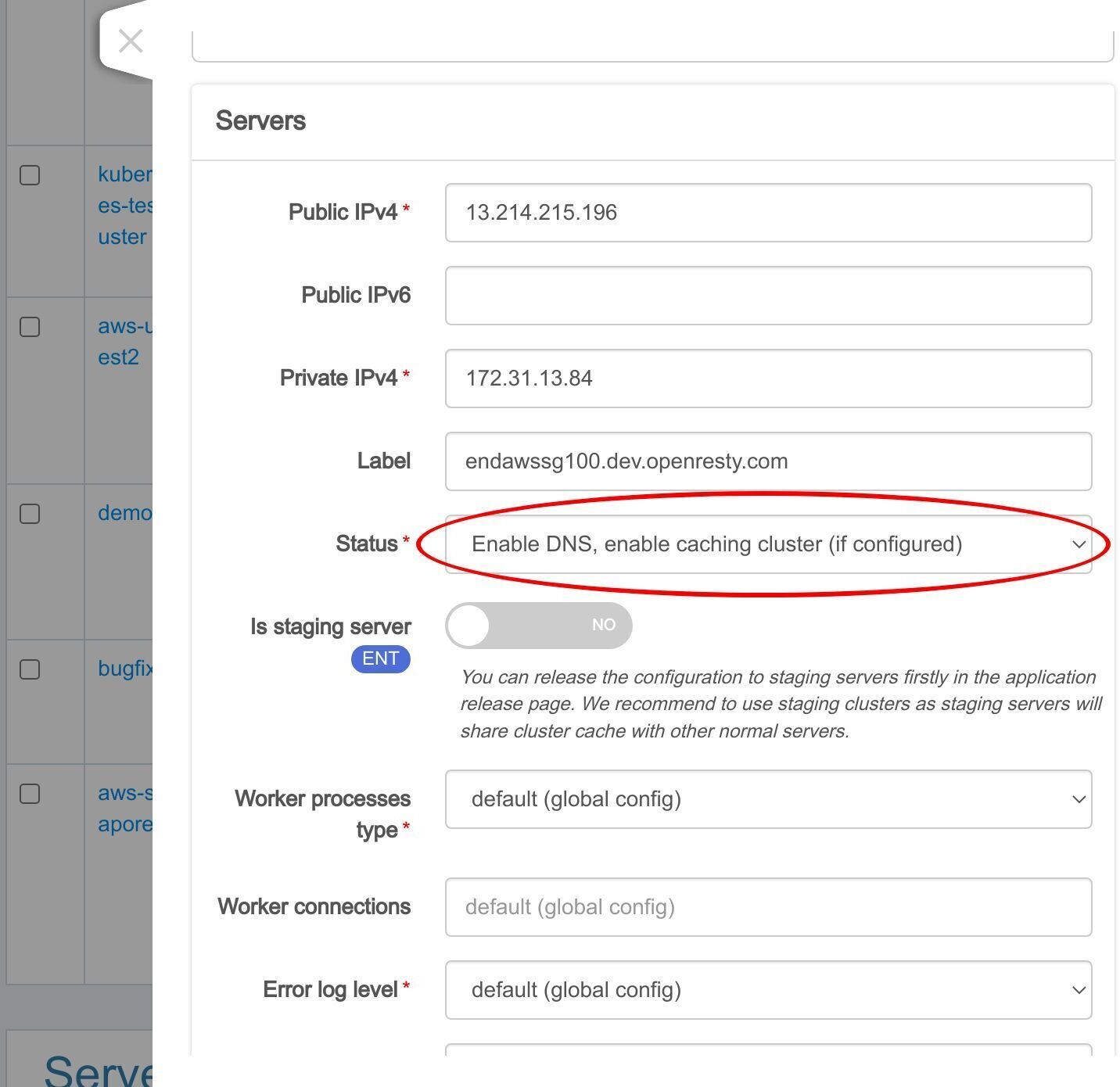
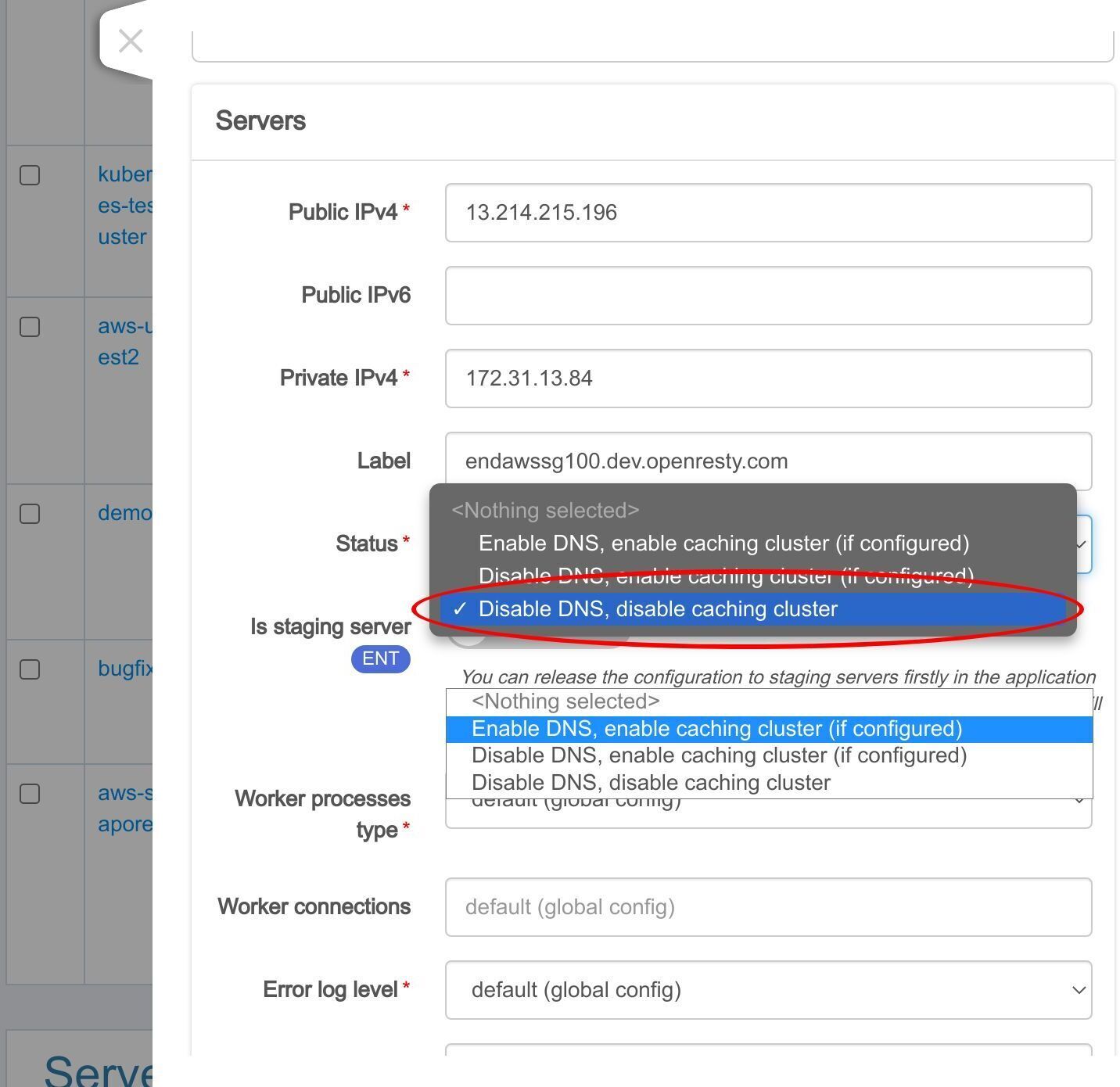
Drop off this server.
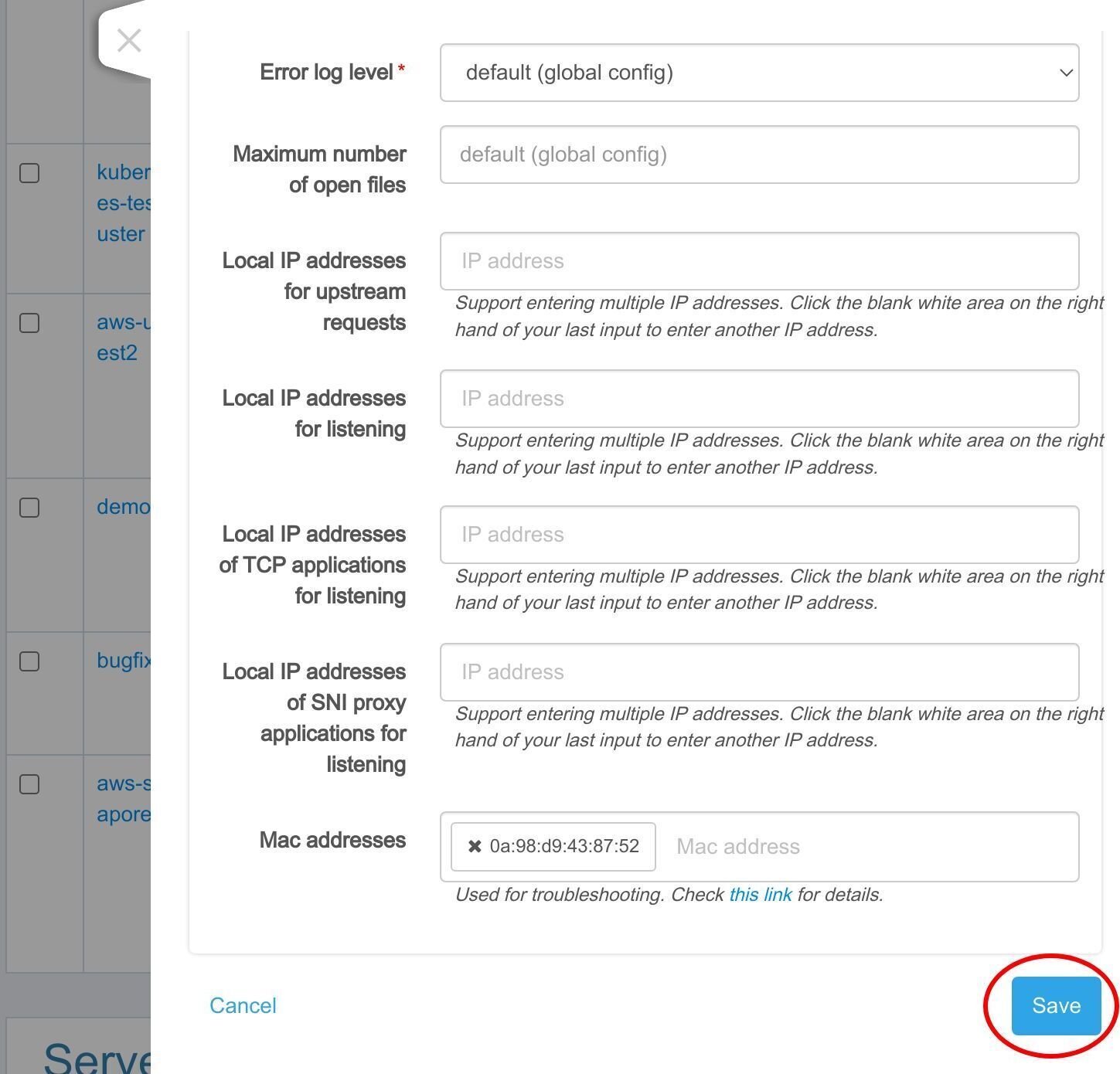
Save it.
Check the webhook execution history
Now we will go to the “Webhooks” page and check the execution history.
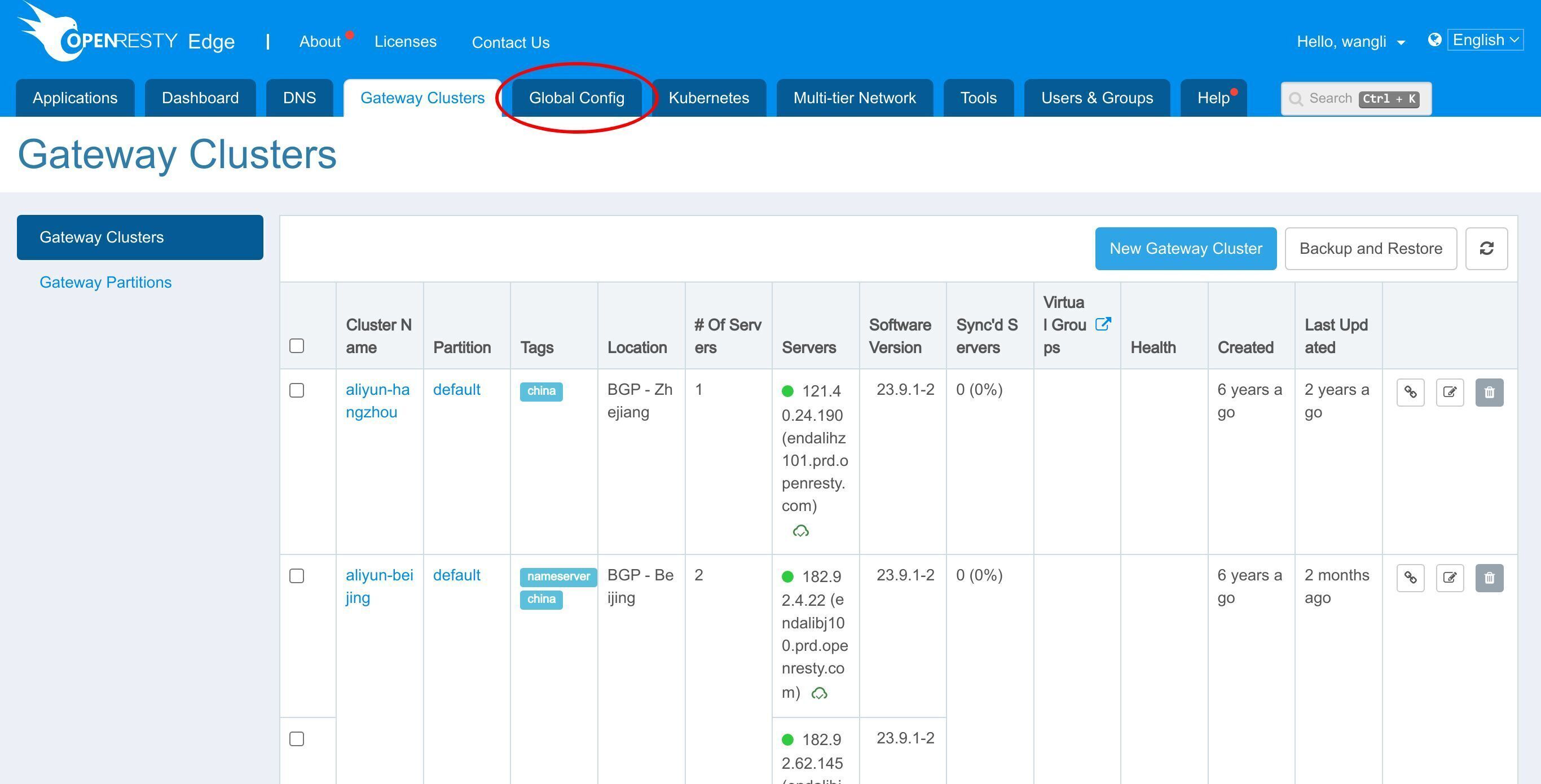
Select “Webhooks”.
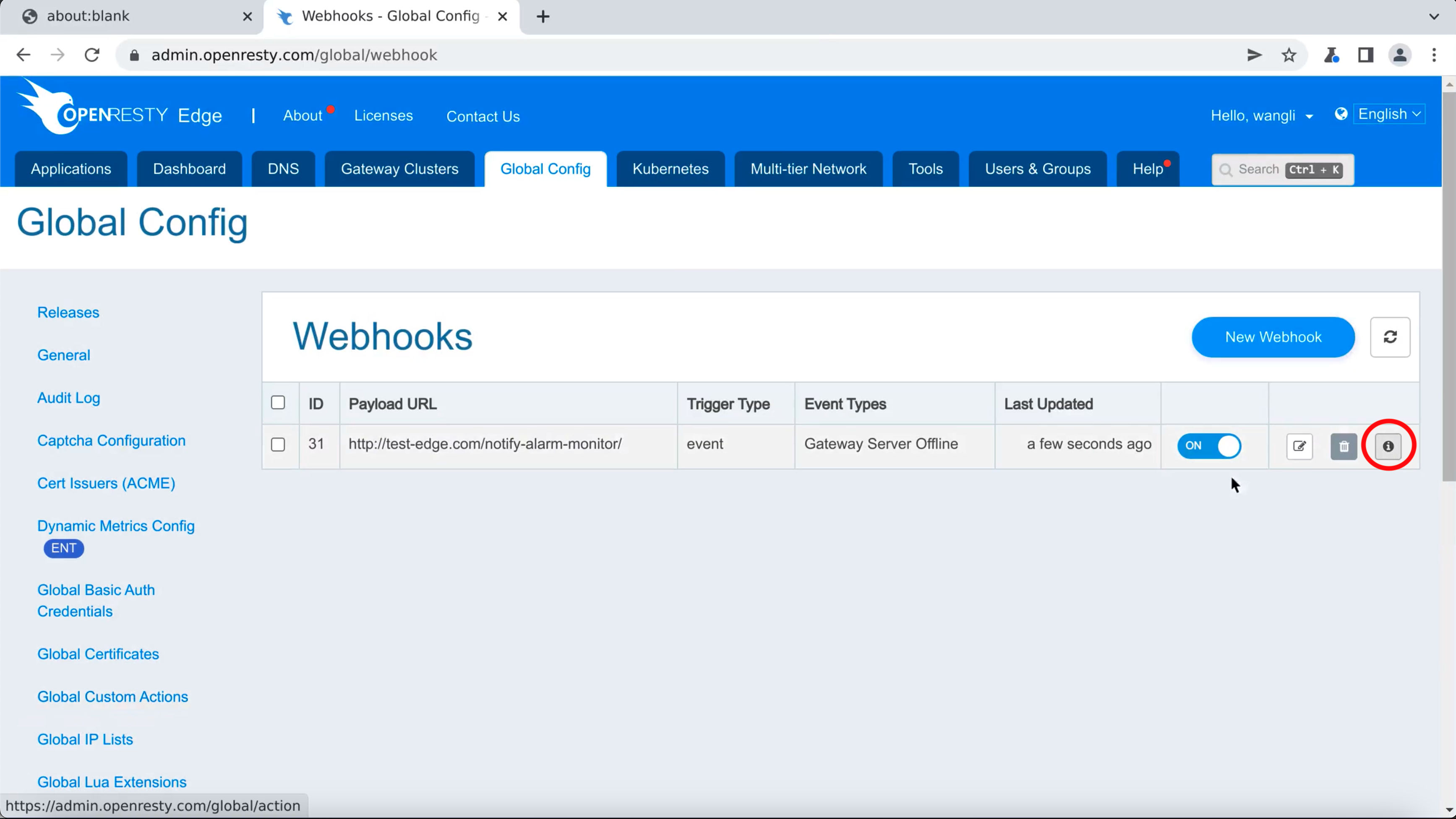
Choose the “Detail” button.
We will see the webhook execution history. It means the triggered event has been sent successfully.
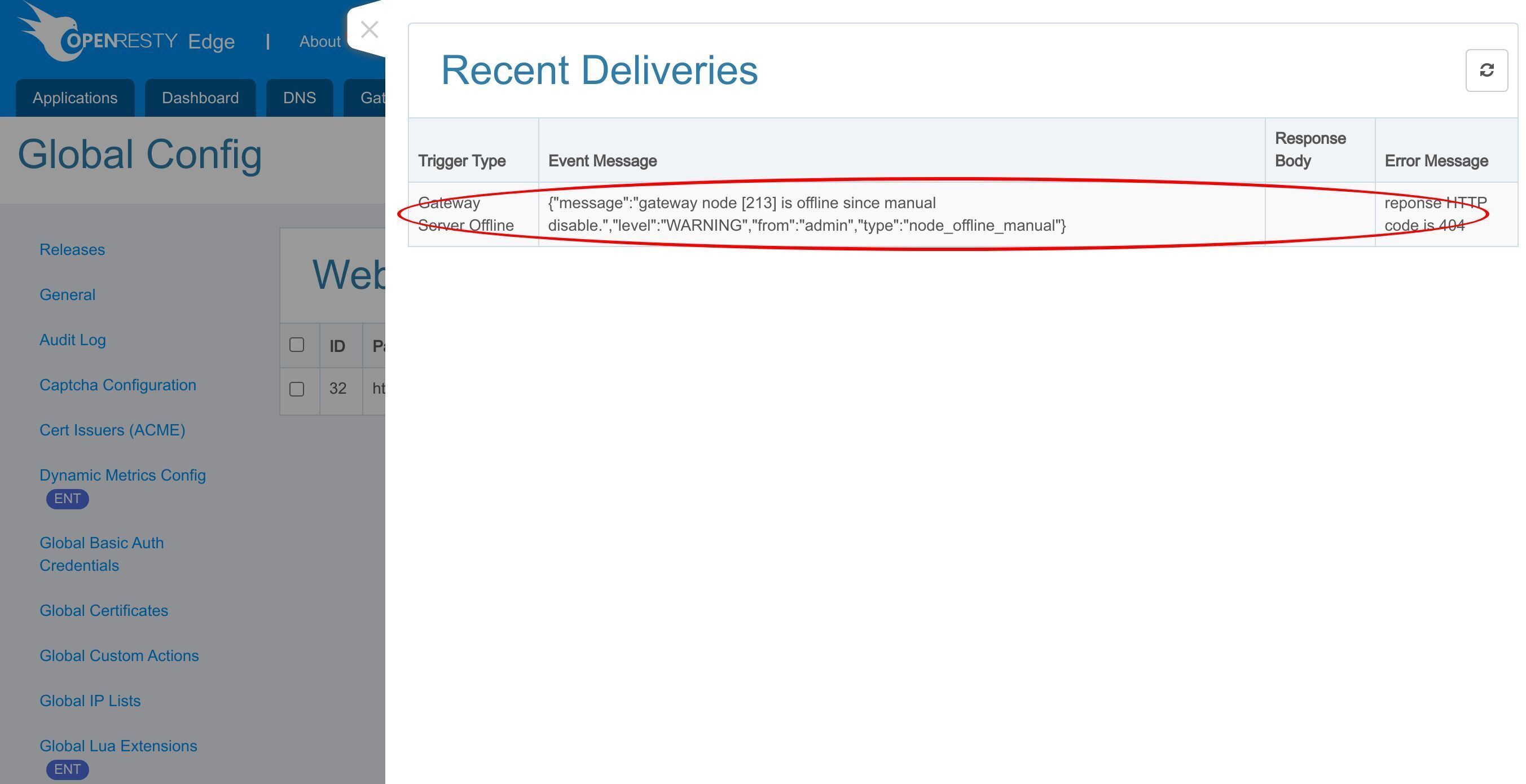
Beyond the manual offline shown here, OpenResty Edge actively probes each gateway server with health checks, so the Gateway Server Offline event also fires when that probing detects a server down or the server itself hits an anomaly. For the operations thinking behind driving alerts and automation from these events, see OpenResty Edge Webhook: Event-Driven Gateway Notifications That Replace Polling.
FAQ
What events can trigger a webhook in OpenResty Edge?
OpenResty Edge supports many built-in events that a webhook can subscribe to, such as the Gateway Server Offline event used in this tutorial. If you need an event that isn’t built in yet, more events can be added on request. When a subscribed event fires, Edge Admin sends an HTTP request to the custom API you configured.
Does the Gateway Server Offline event only fire when I manually take a server offline?
No. Beyond a manual offline in Edge Admin, OpenResty Edge actively probes each gateway server with health checks, so the Gateway Server Offline event fires when that probing detects the server down, when the server itself hits an anomaly, or when you mark it offline manually. A webhook subscribed to it therefore catches every outage, not only planned ones.
How do I confirm a webhook was actually delivered?
Open the Webhooks page in Edge Admin and choose the Detail button for your webhook to view its execution history. Each entry there records a triggered event that was sent to your custom API successfully, so you can verify delivery without instrumenting your own endpoint.
What is OpenResty Edge
OpenResty Edge is our all-in-one gateway software for microservices and distributed traffic architectures. It combines traffic management, private CDN construction, API gateway, security, and more to help you easily build, manage, and protect modern applications. OpenResty Edge delivers industry-leading performance and scalability to meet the demanding needs of high concurrency, high load scenarios. It supports scheduling containerized application traffic such as K8s and manages massive domains, making it easy to meet the needs of large websites and complex applications.
If you like this tutorial, please subscribe to this blog site and/or our YouTube channel. Thank you!
About The Author
Yichun Zhang (Github handle: agentzh), is the original creator of the OpenResty® open-source project and the CEO of OpenResty Inc..
Yichun is one of the earliest advocates and leaders of “open-source technology”. He worked at many internationally renowned tech companies, such as Cloudflare, Yahoo!. He is a pioneer of “edge computing”, “dynamic tracing” and “machine coding”, with over 22 years of programming and 16 years of open source experience. Yichun is well-known in the open-source space as the project leader of OpenResty®, adopted by more than 40 million global website domains.
OpenResty Inc., the enterprise software start-up founded by Yichun in 2017, has customers from some of the biggest companies in the world. Its flagship product, OpenResty XRay, is a non-invasive profiling and troubleshooting tool that significantly enhances and utilizes dynamic tracing technology. And its OpenResty Edge product is a powerful distributed traffic management and private CDN software product.
As an avid open-source contributor, Yichun has contributed more than a million lines of code to numerous open-source projects, including Linux kernel, Nginx, LuaJIT, GDB, SystemTap, LLVM, Perl, etc. He has also authored more than 60 open-source software libraries.
Related Articles
OpenResty XRay Dec 3, 2025

OpenResty XRay Dec 21, 2023

OpenResty XRay Nov 23, 2023

OpenResty XRay Nov 21, 2023

OpenResty XRay Nov 15, 2023