
Call Lua modules by Edgelang in OpenResty Edge
In this video tutorial, you will learn how to use the Edge language, a simple and powerful domain-specific language created by OpenResty Inc. to invoke custom Lua modules in OpenResty Edge’s application page rules. With this approach, you can effortlessly perform gateway operations and calculations that are otherwise extremely complex.
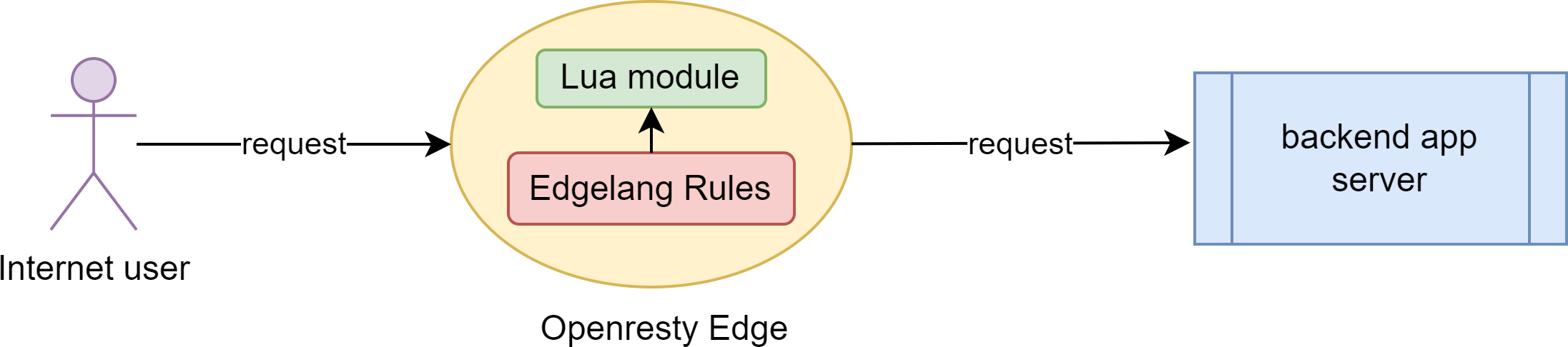
Create a Lua module in OpenResty Edge
Let’s go to a web console of OpenResty Edge. This is our sample deployment of the console. Every user would have their own deployment.
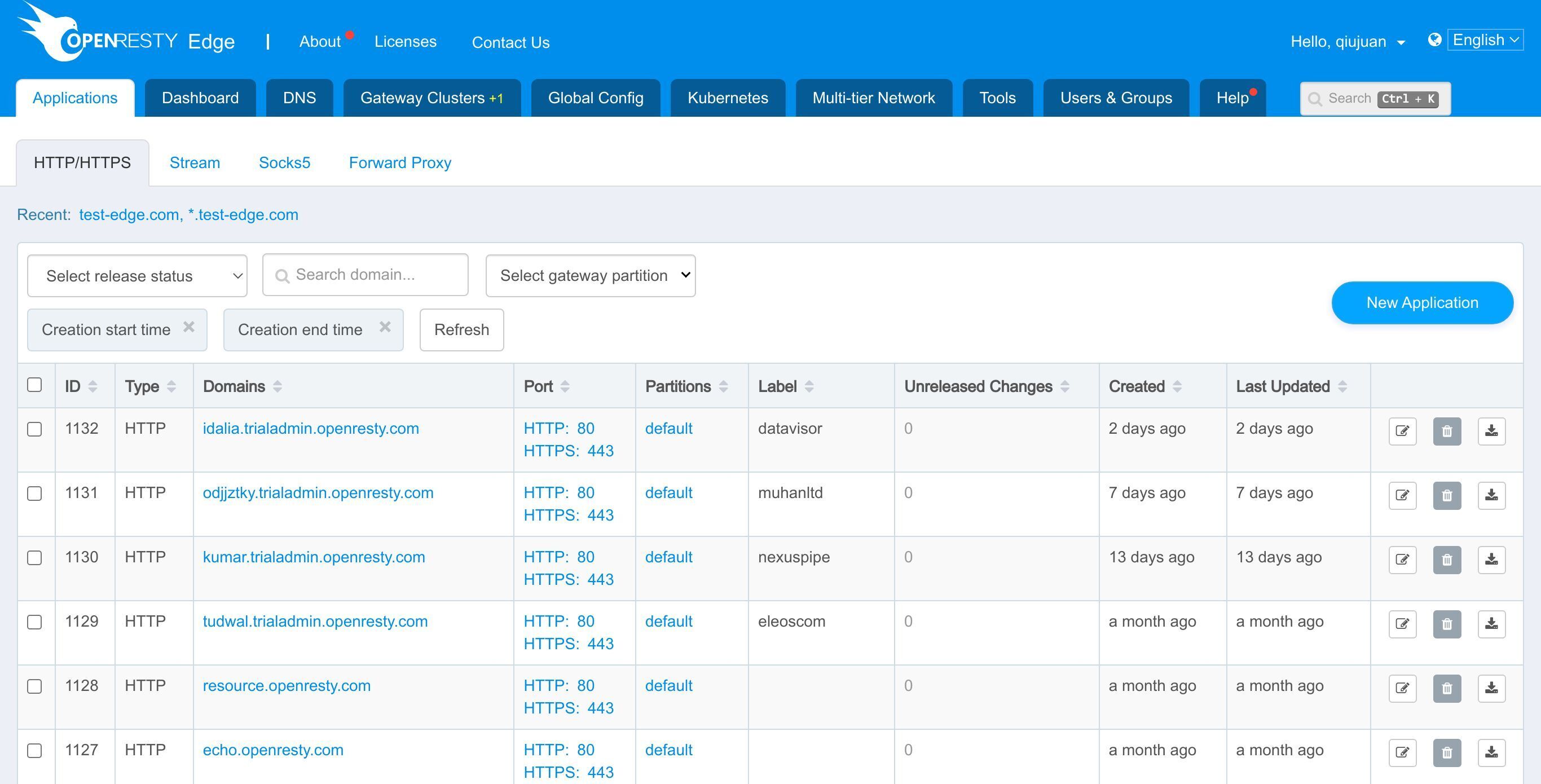
First, we need to create a Lua module.
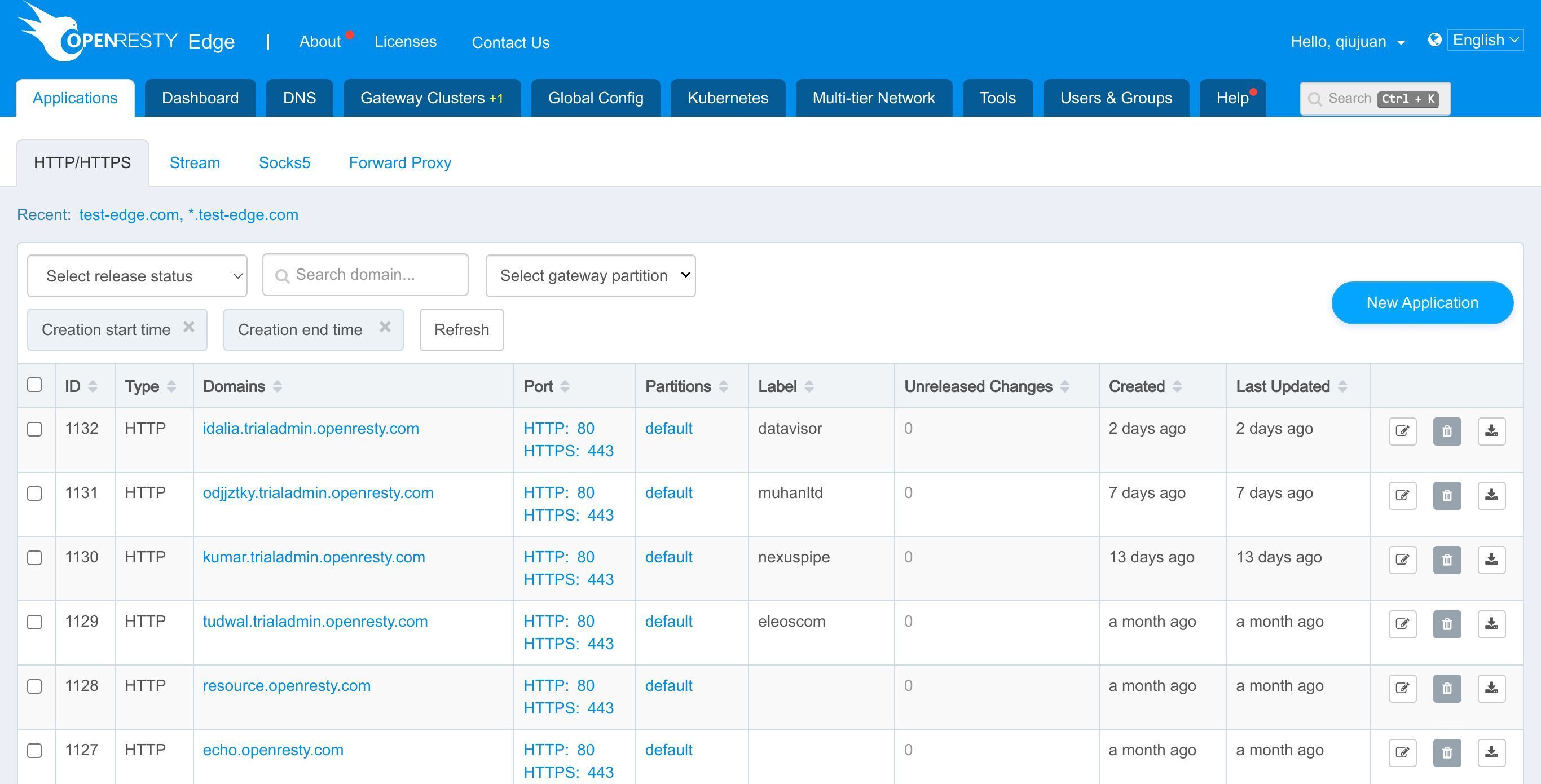
Go to the Global Config page.
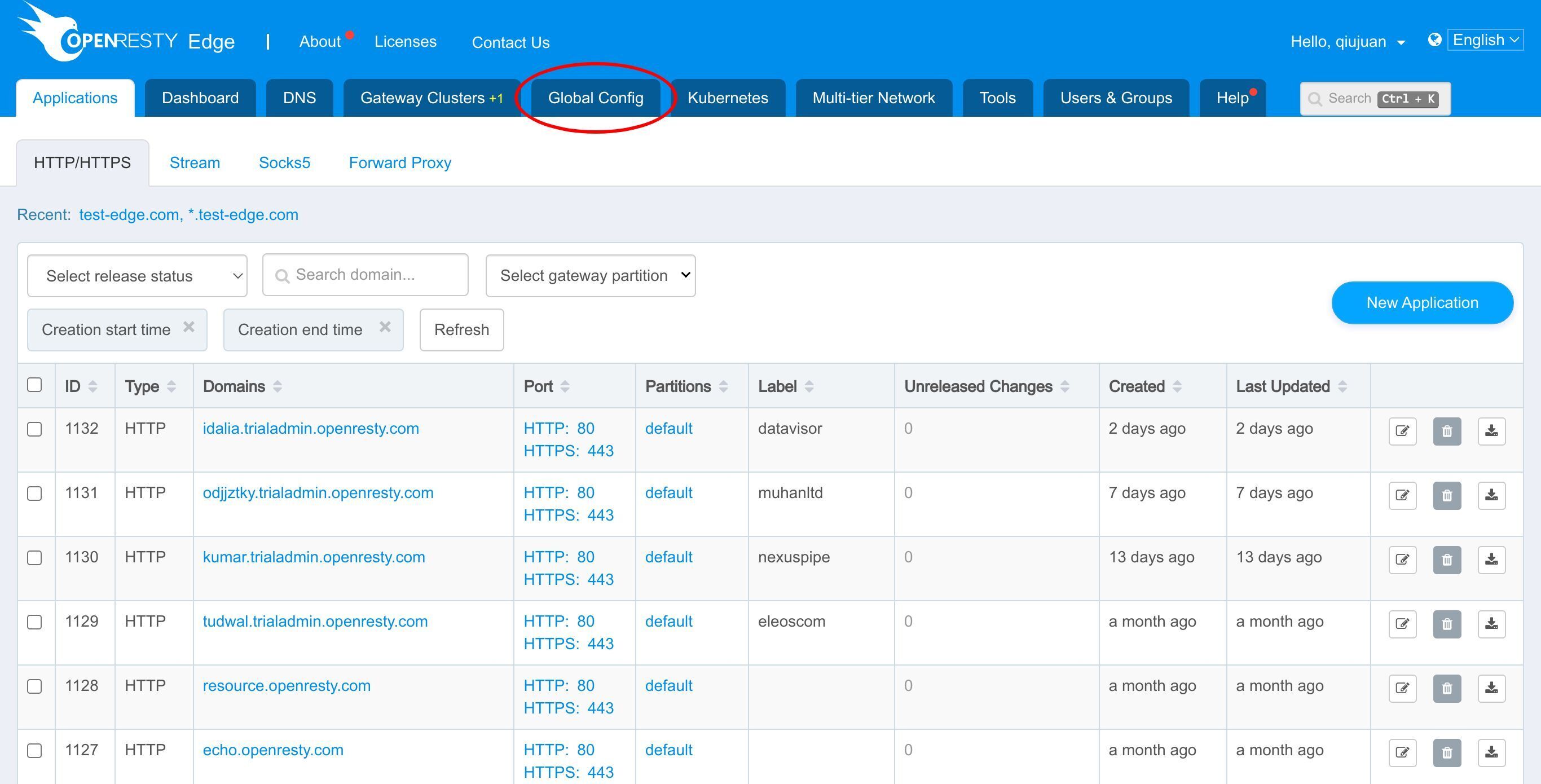
Select “Global Lua Modules”.
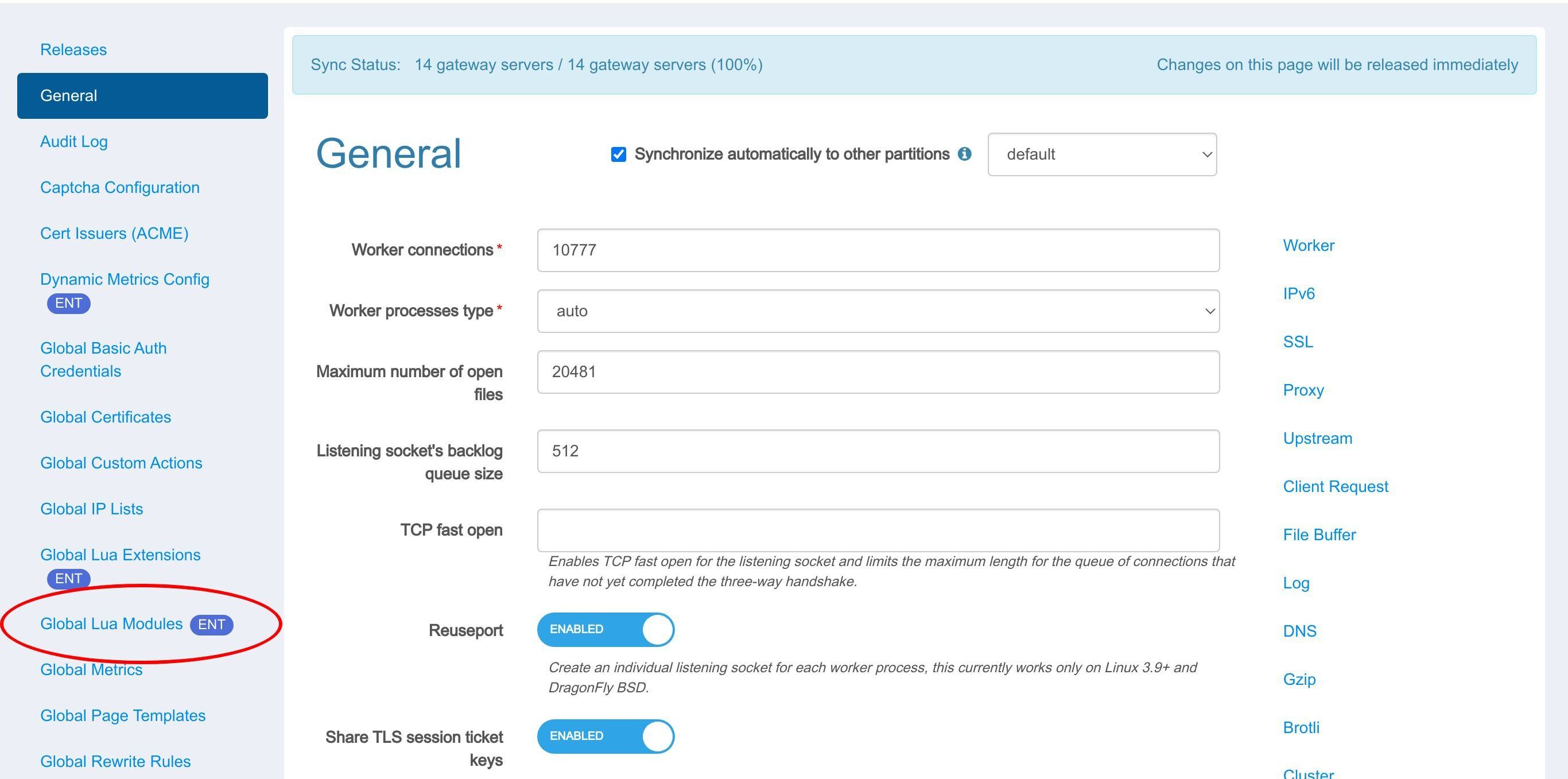
The Lua modules we create here can be called by page rules and be as complex as possible to meet our needs.
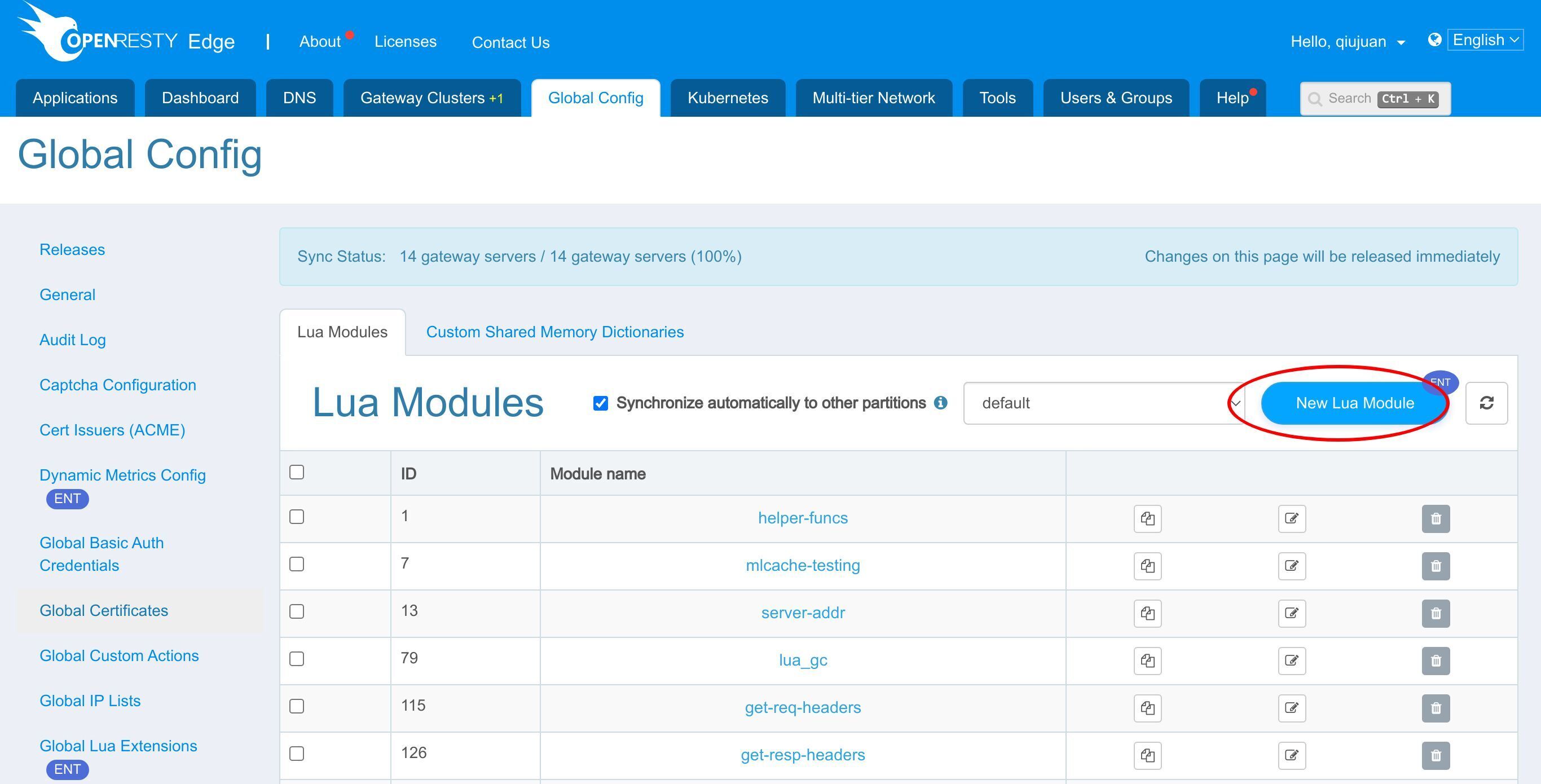
We can upload a Lua file directly.
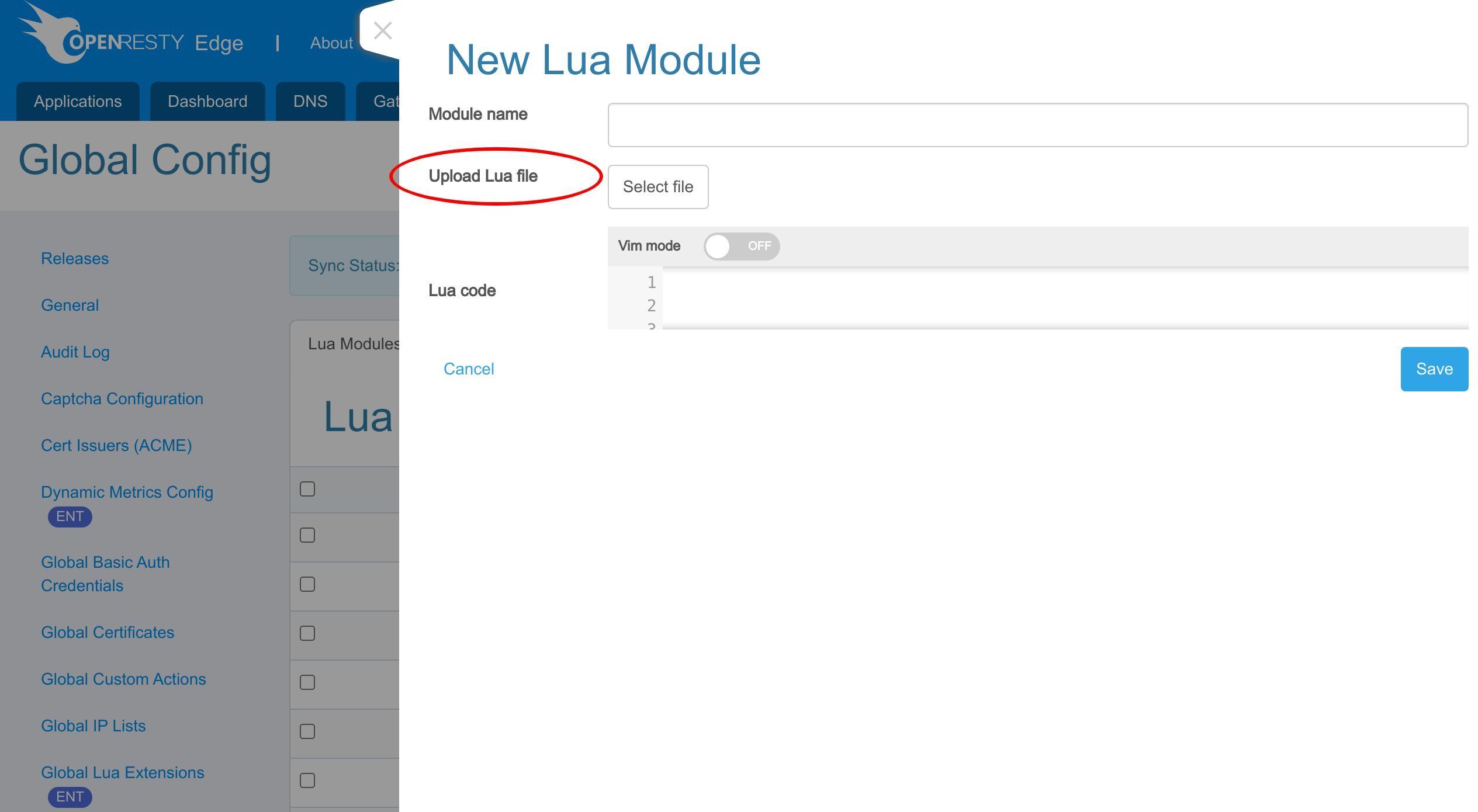
Or write the code in the edit box.
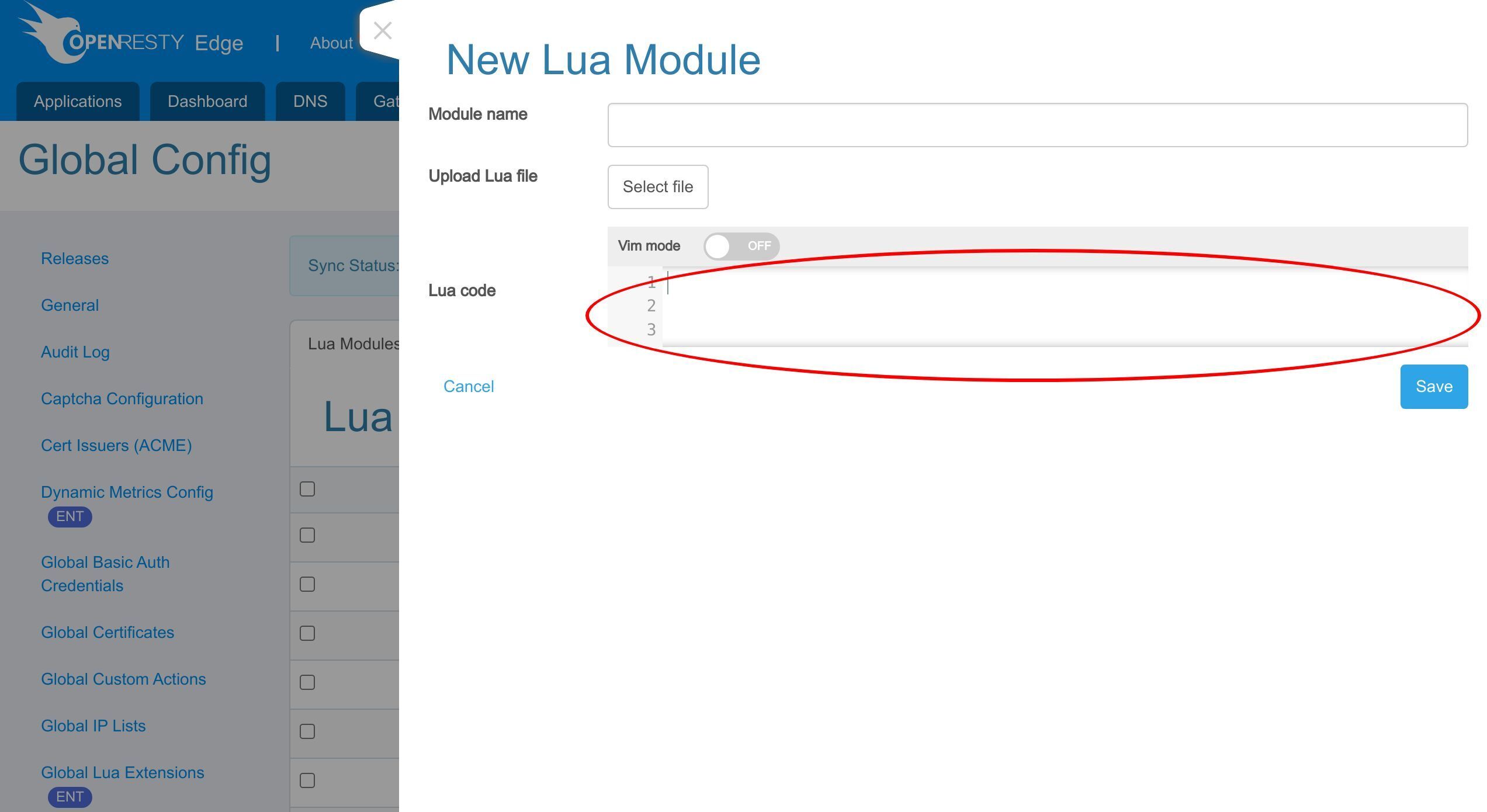
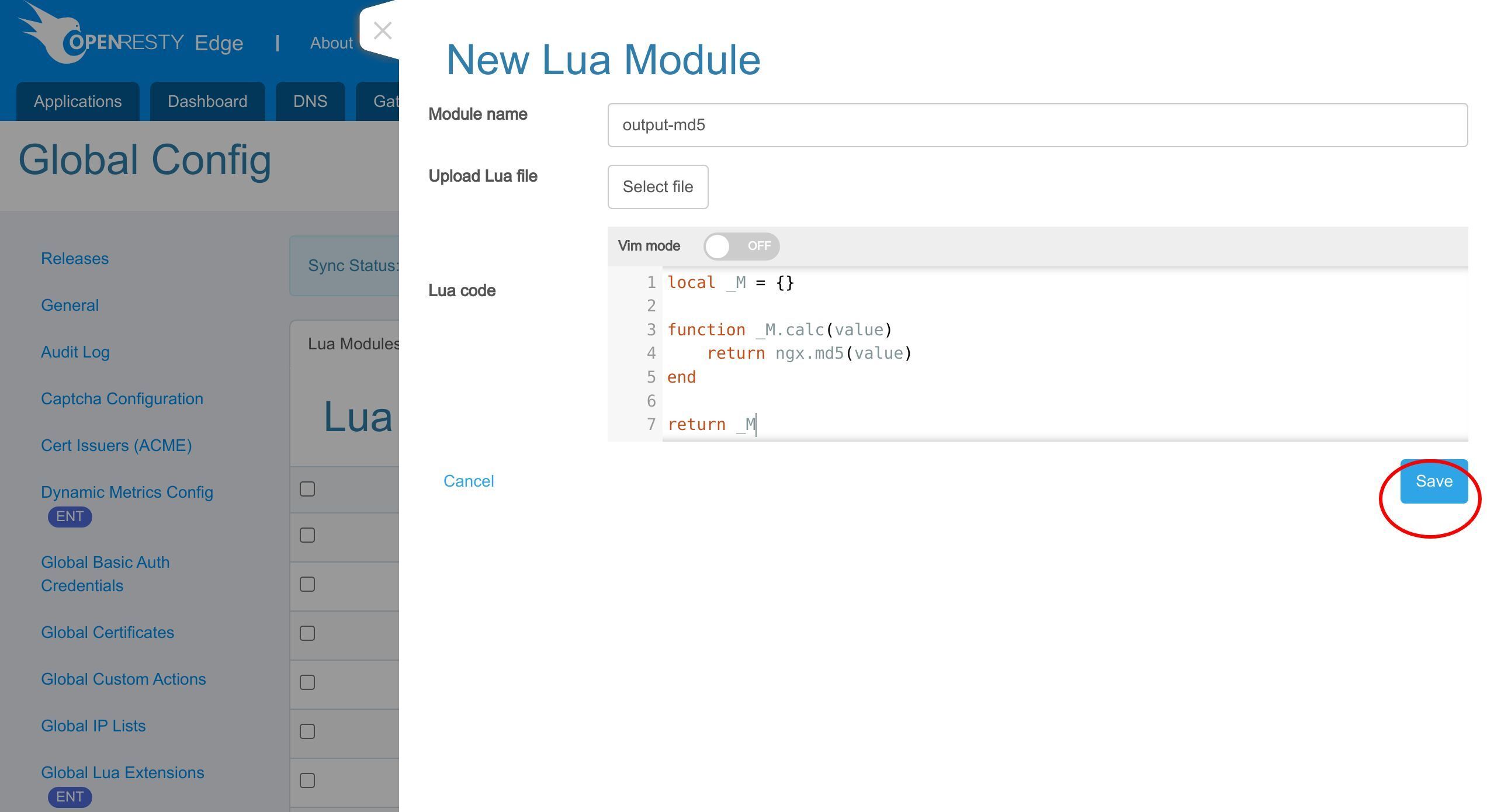
Here, we create a Lua file named output-md5.lua, which can calculate the md5 value of the input parameter.
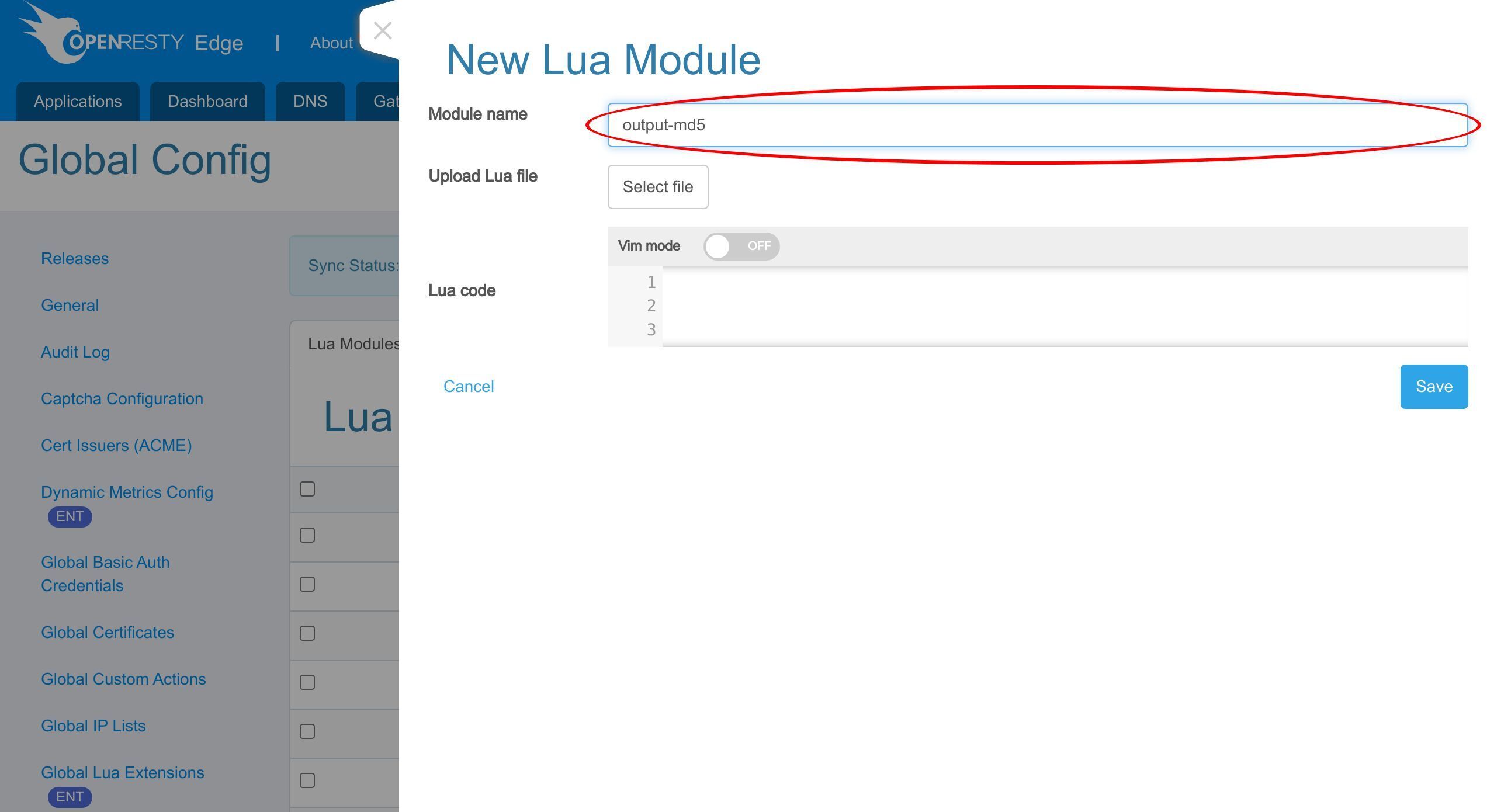
Declare the Lua module table _M.
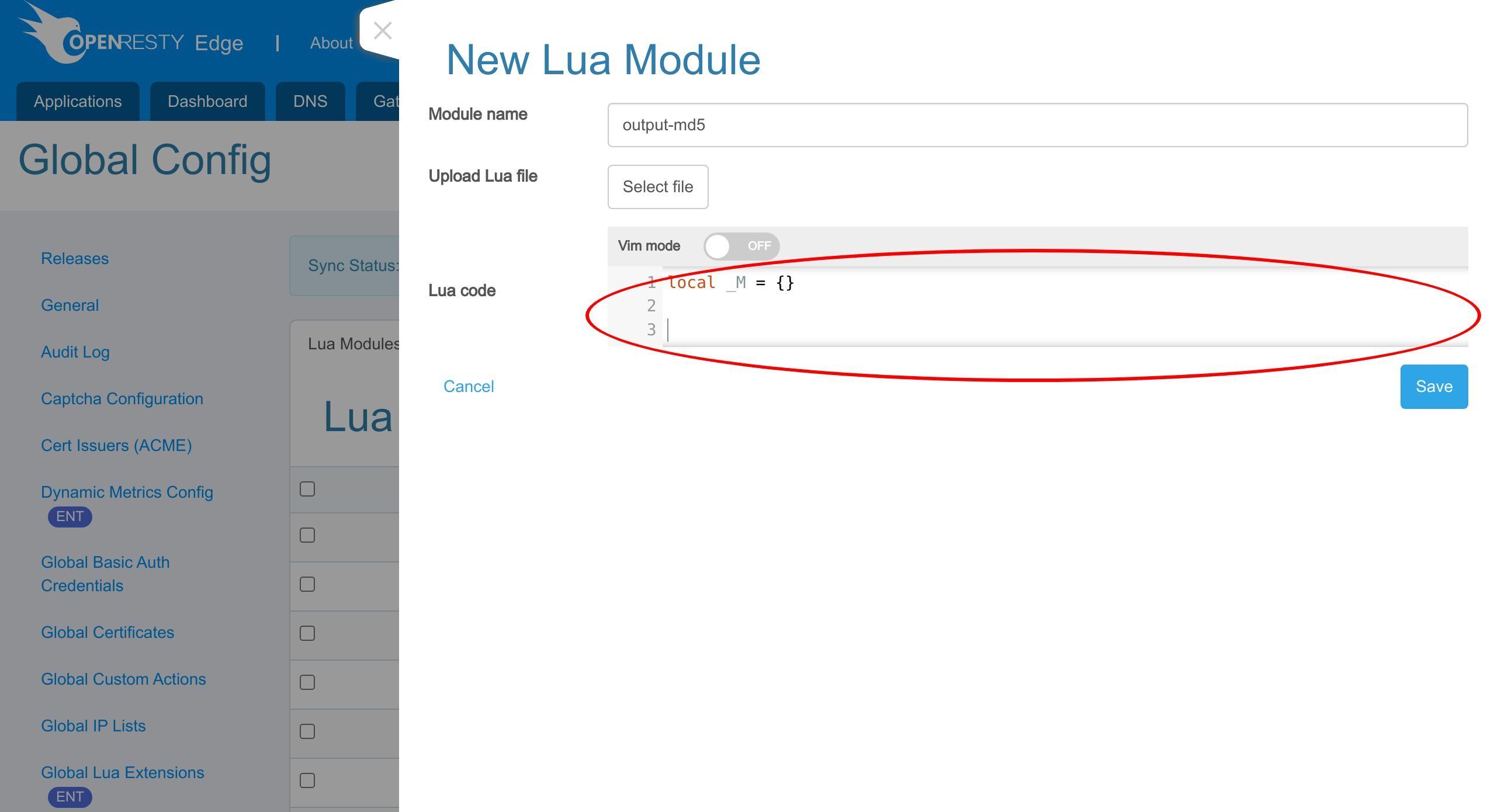
Now, add a function named calc to this Lua module, which can calculate the md5 value of the input parameter.
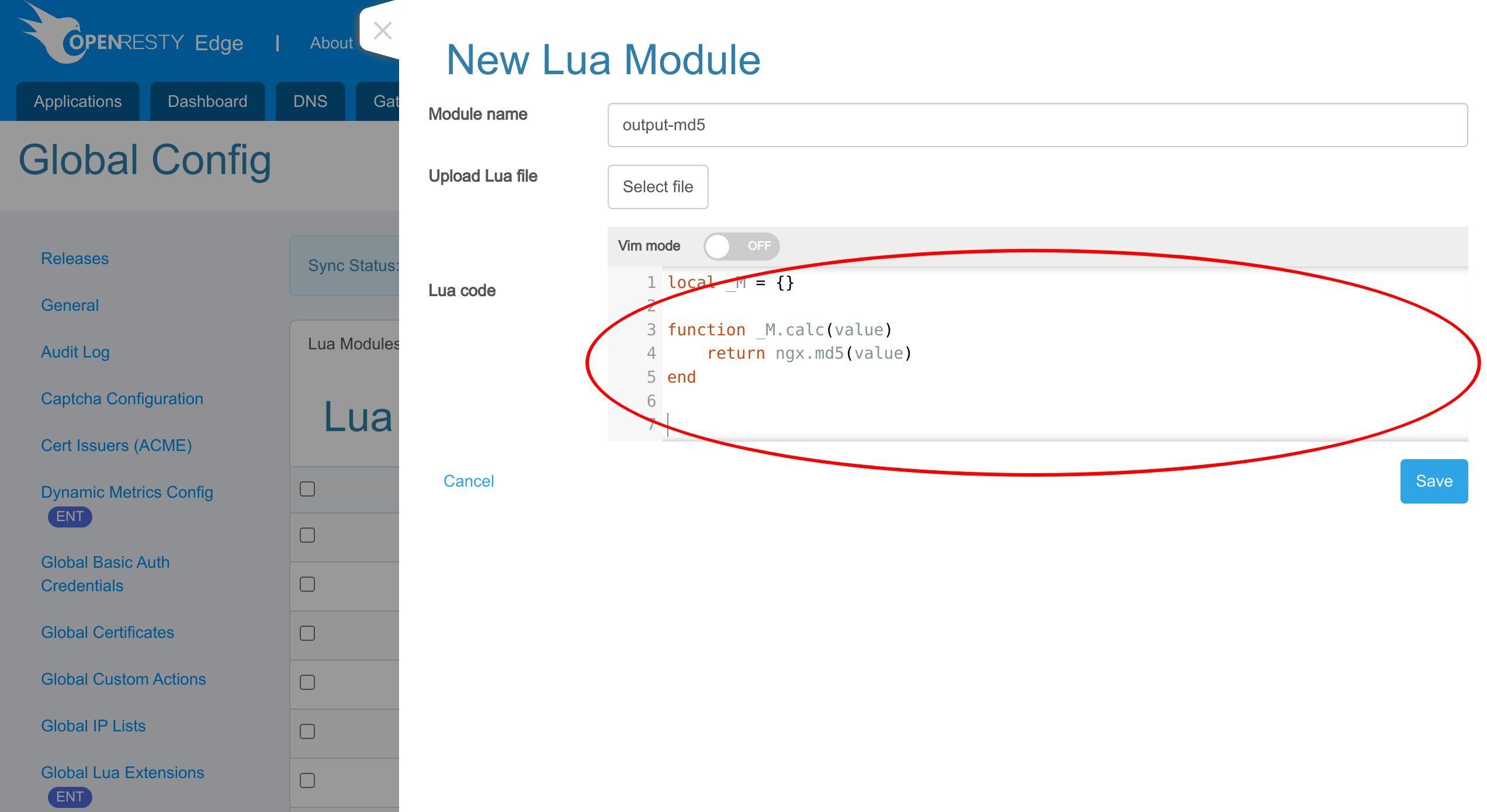
Finally, don’t forget to return the module table at the end.
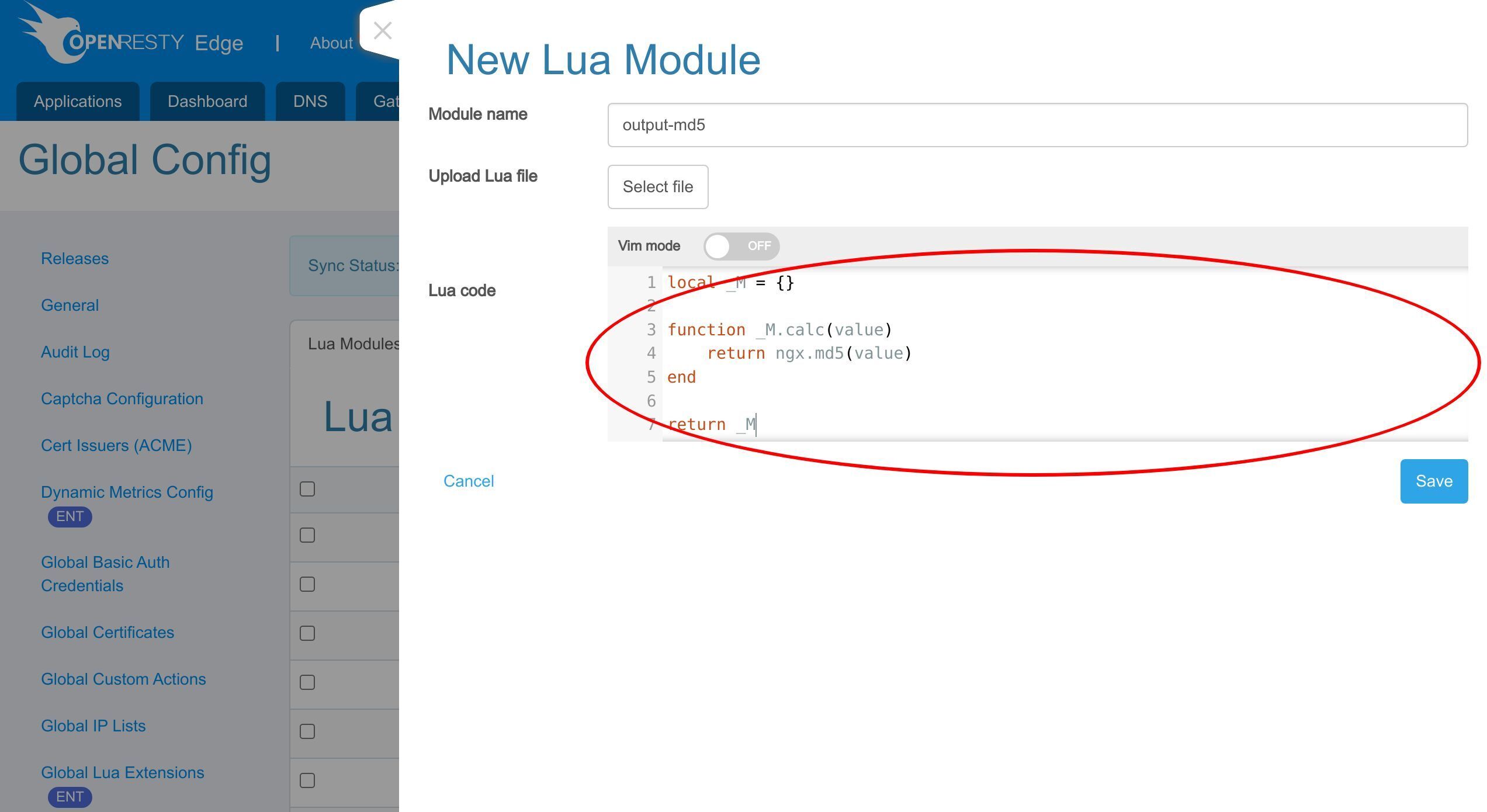
After editing and clicking save, the Lua module will be automatically distributed to each gateway server and can then be referenced by Edgelang code.
Call the Lua module in an HTTP application of OpenResty Edge
Now we try to call the Lua module in an HTTP application of OpenResty Edge.
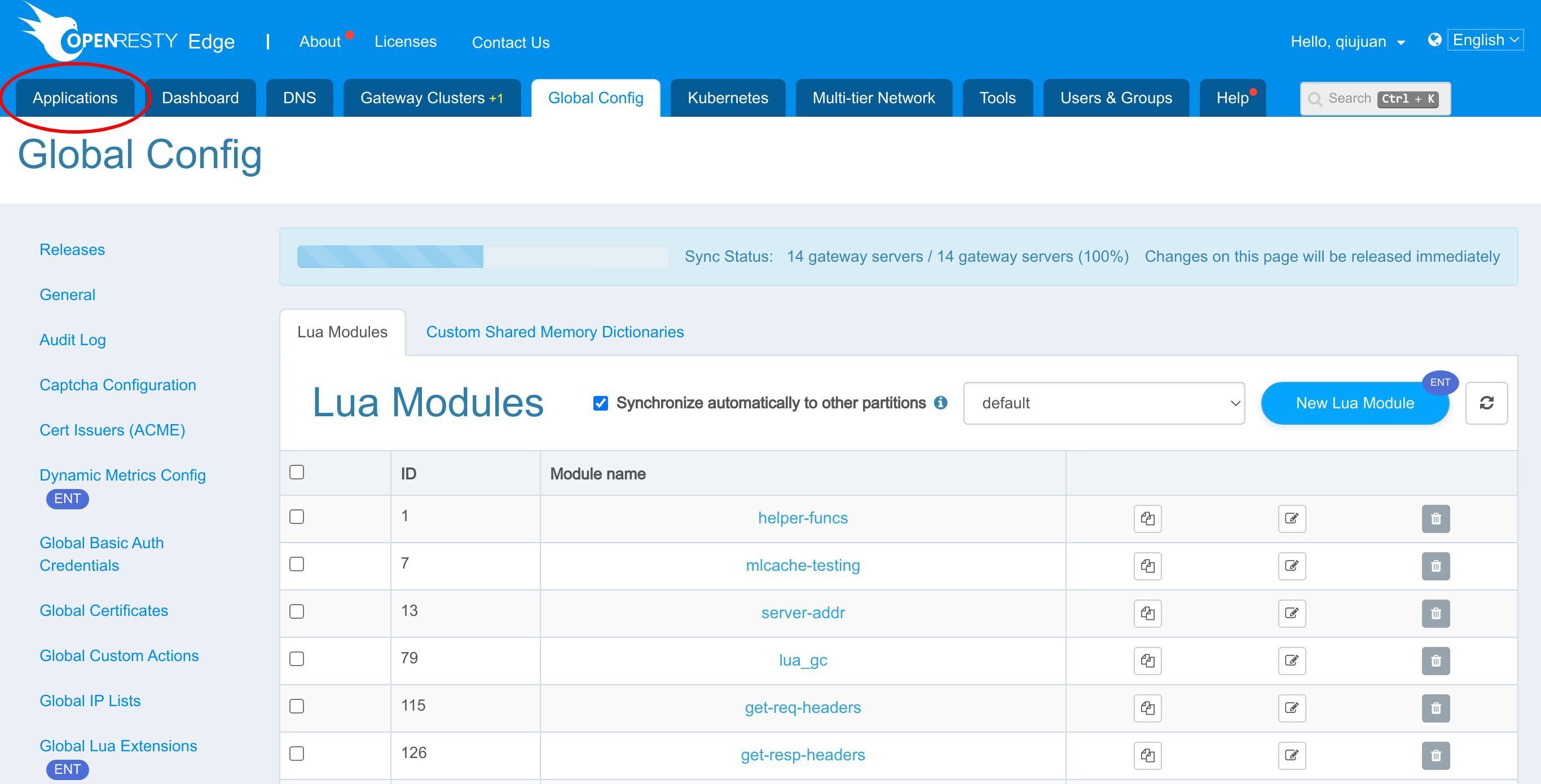
We can still use our continuing sample application, test-edge.com.
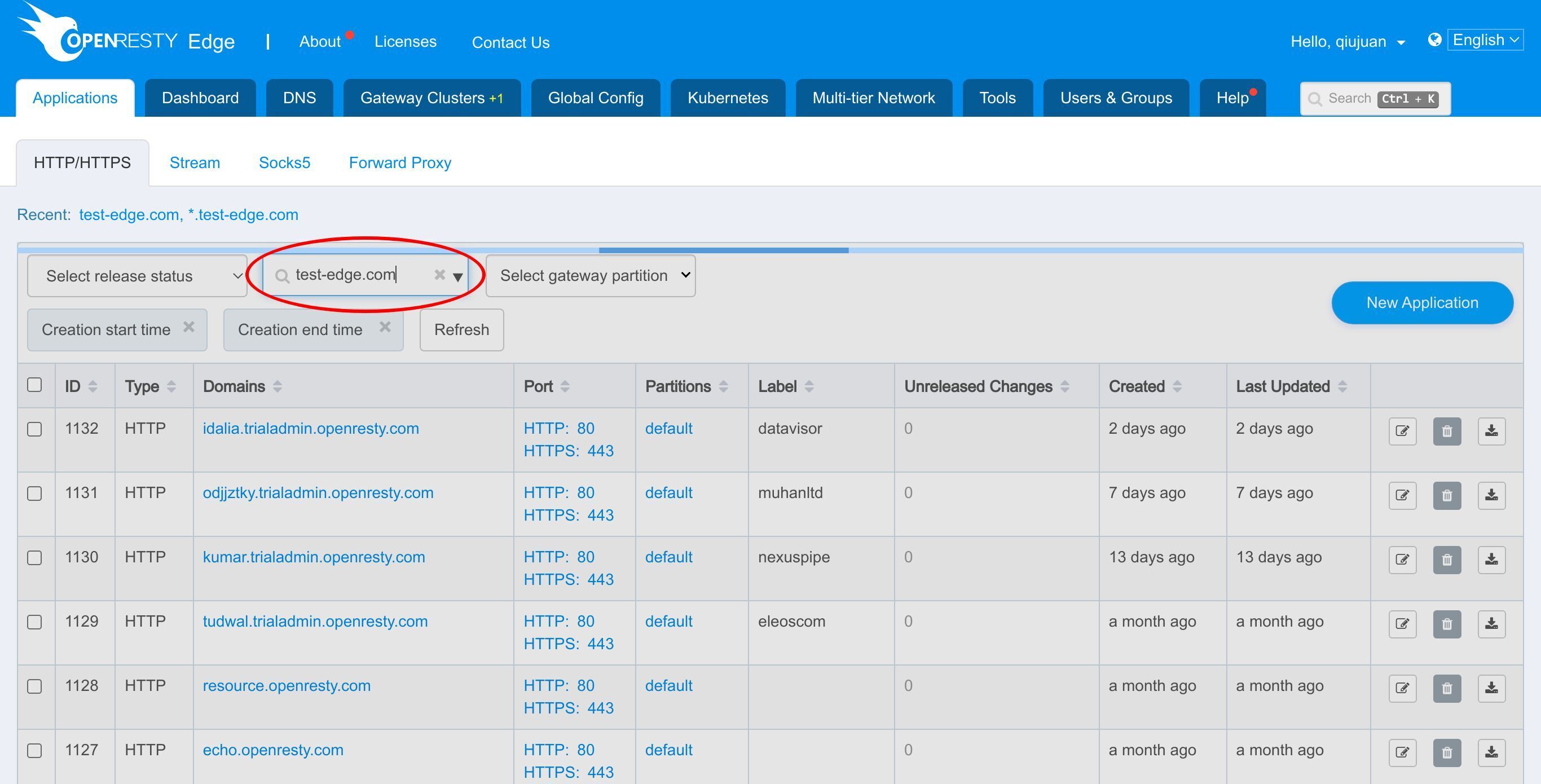
Enter the application.
Click to enter “Page Rules”.
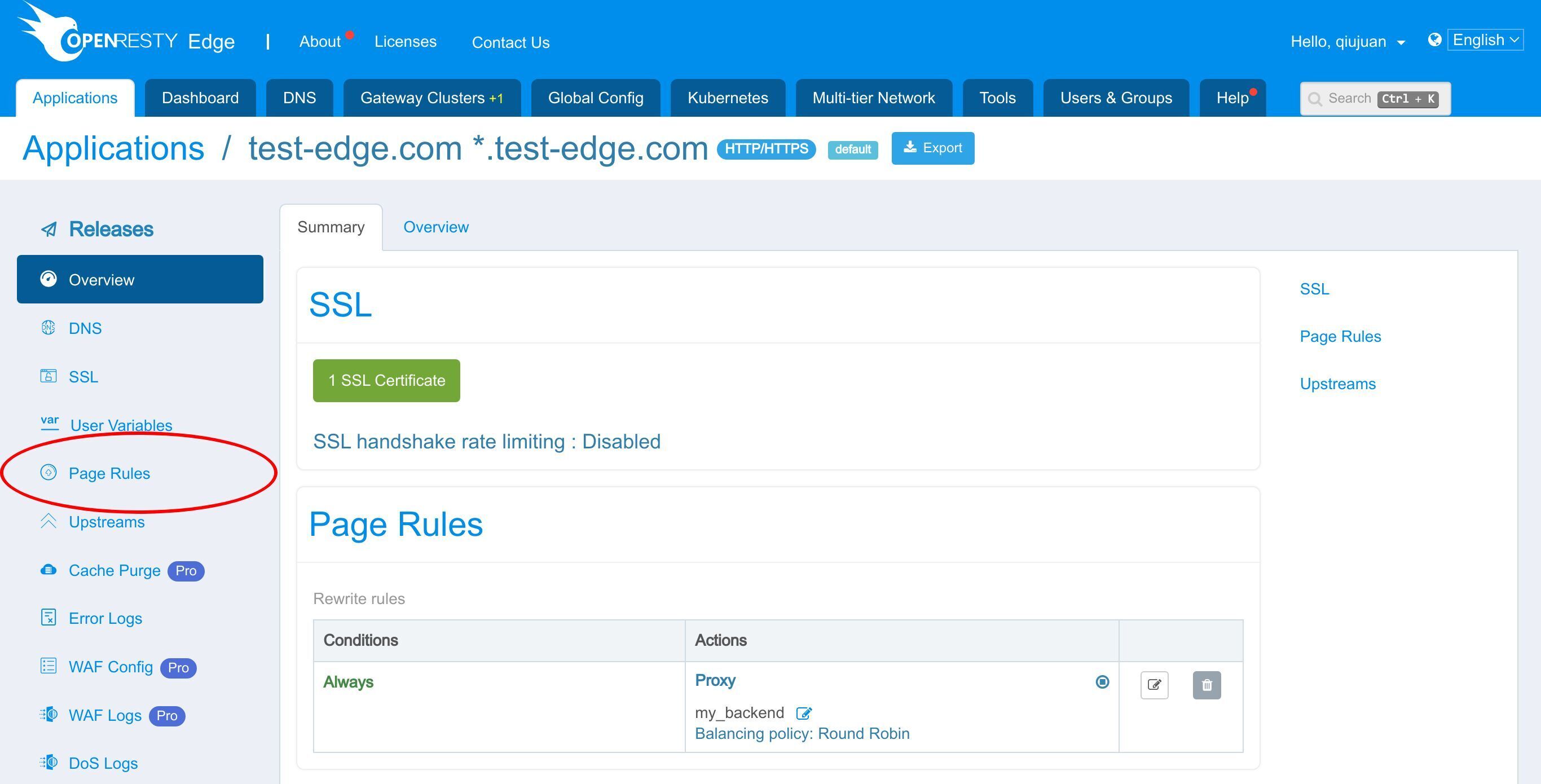
We already have a page rule defined. This page rule sets up a reverse proxy to a pre-defined upstream.
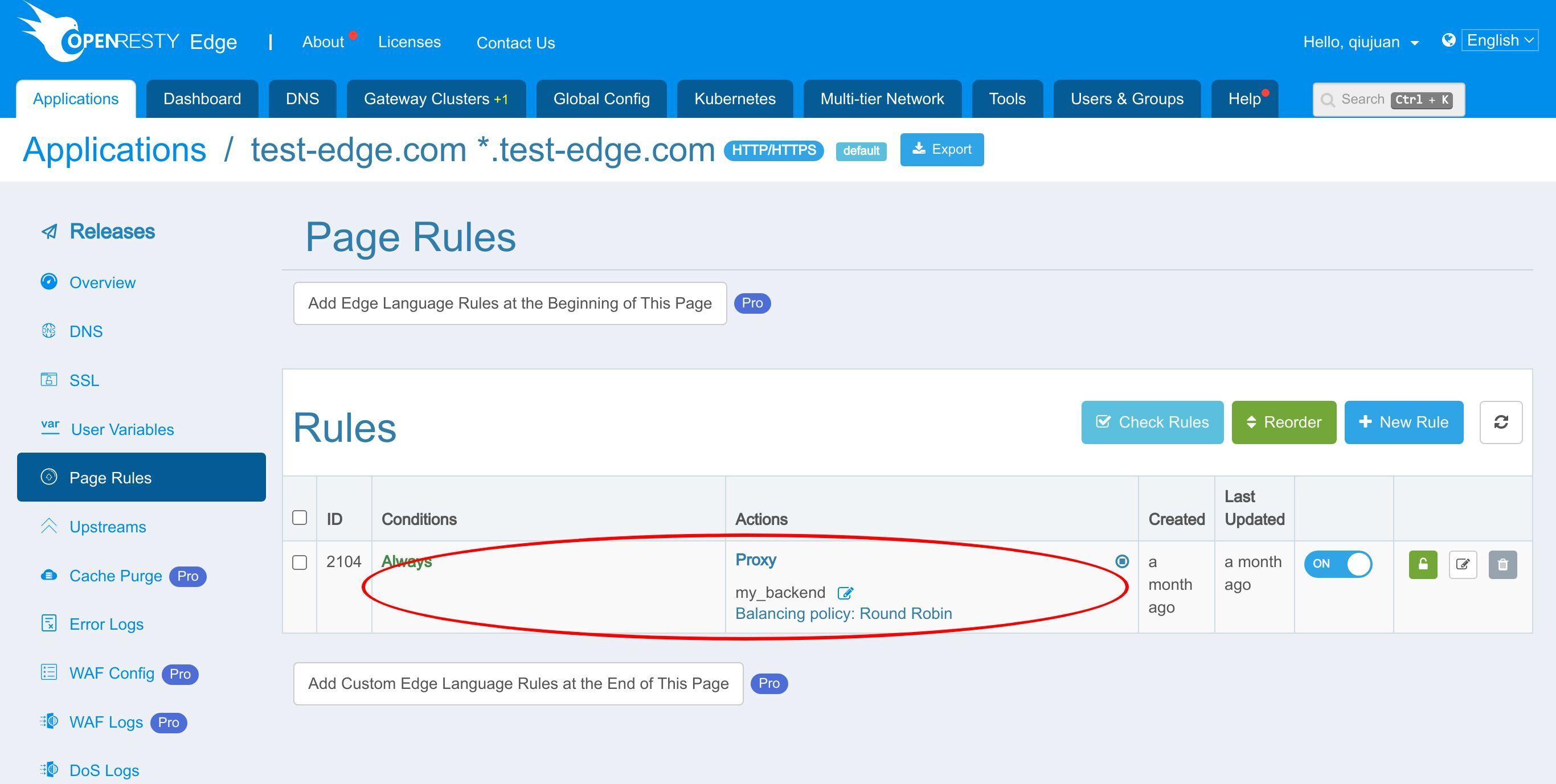
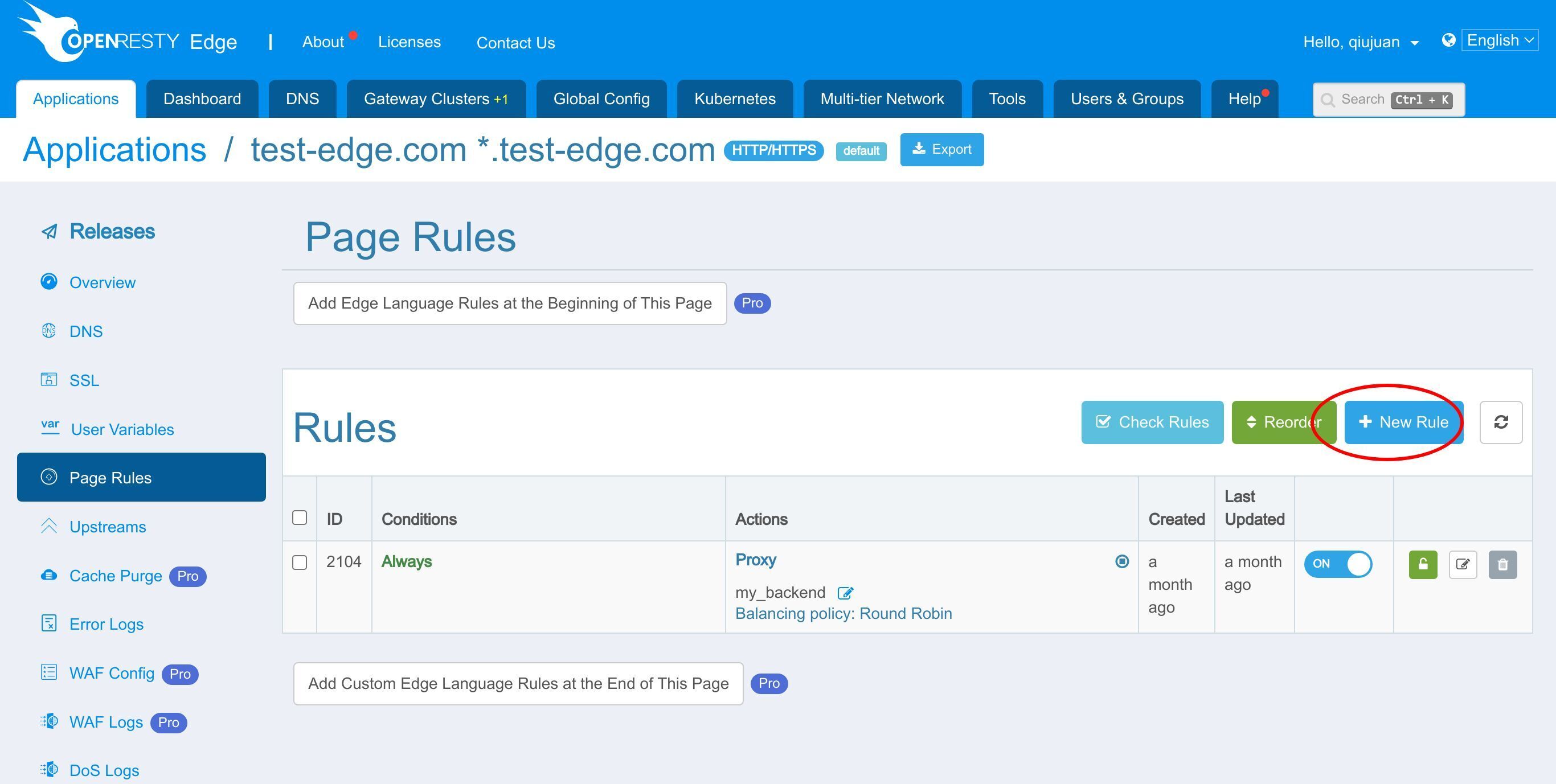
Now let’s add a new page rule to call the Lua module.
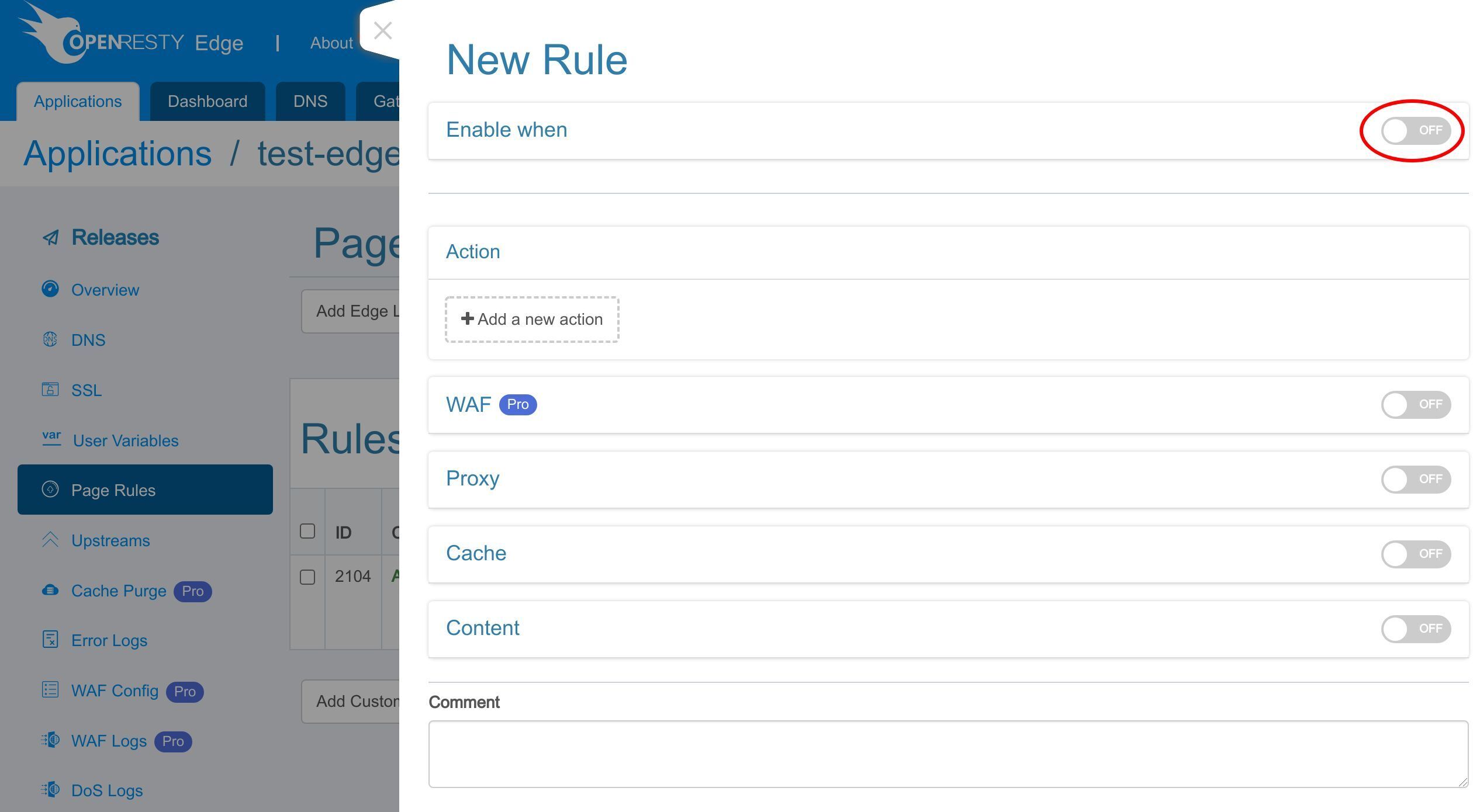
We enable a rule condition to check for the URI /test-md5.
Let’s see all the variables we can choose from.
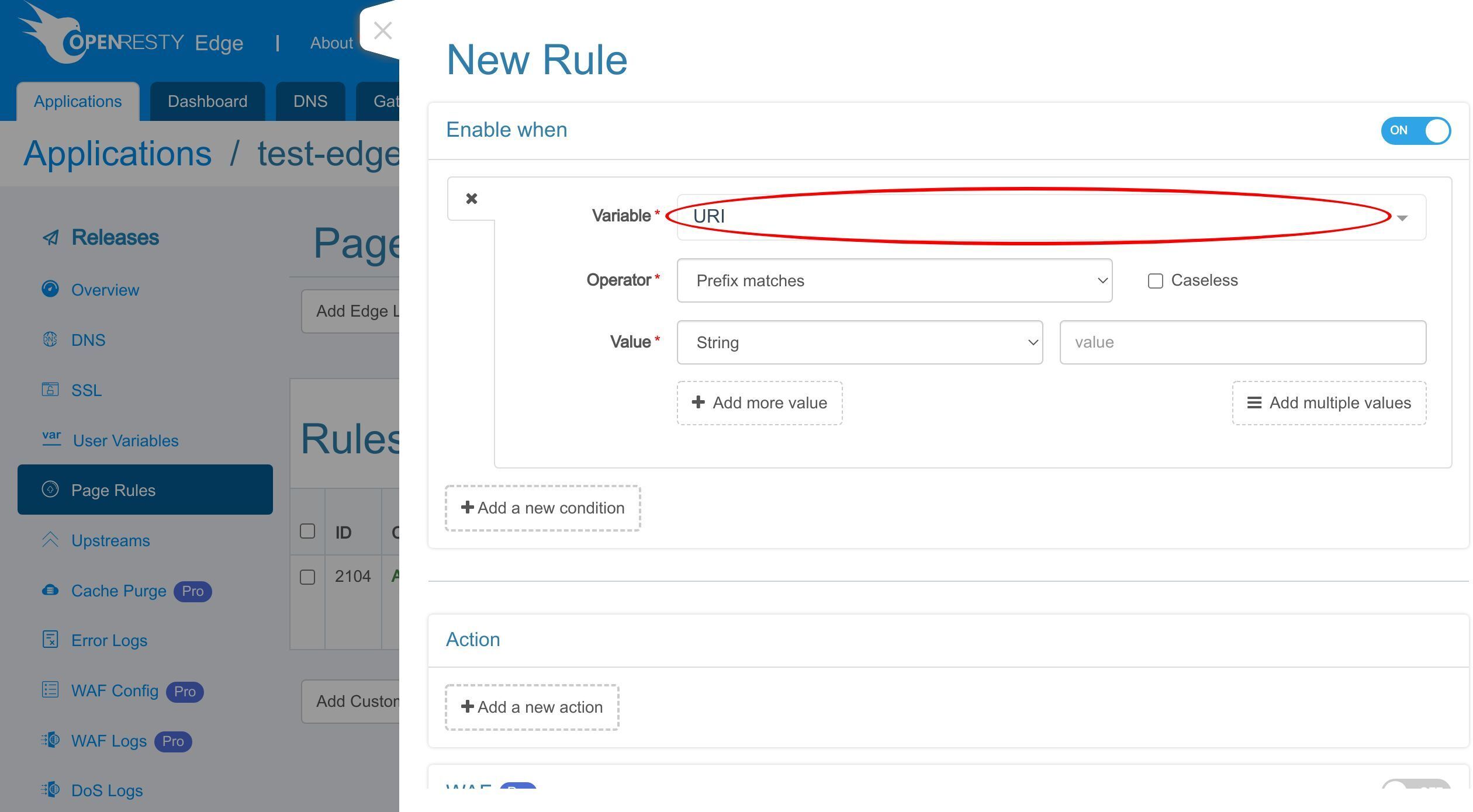
Select URI.
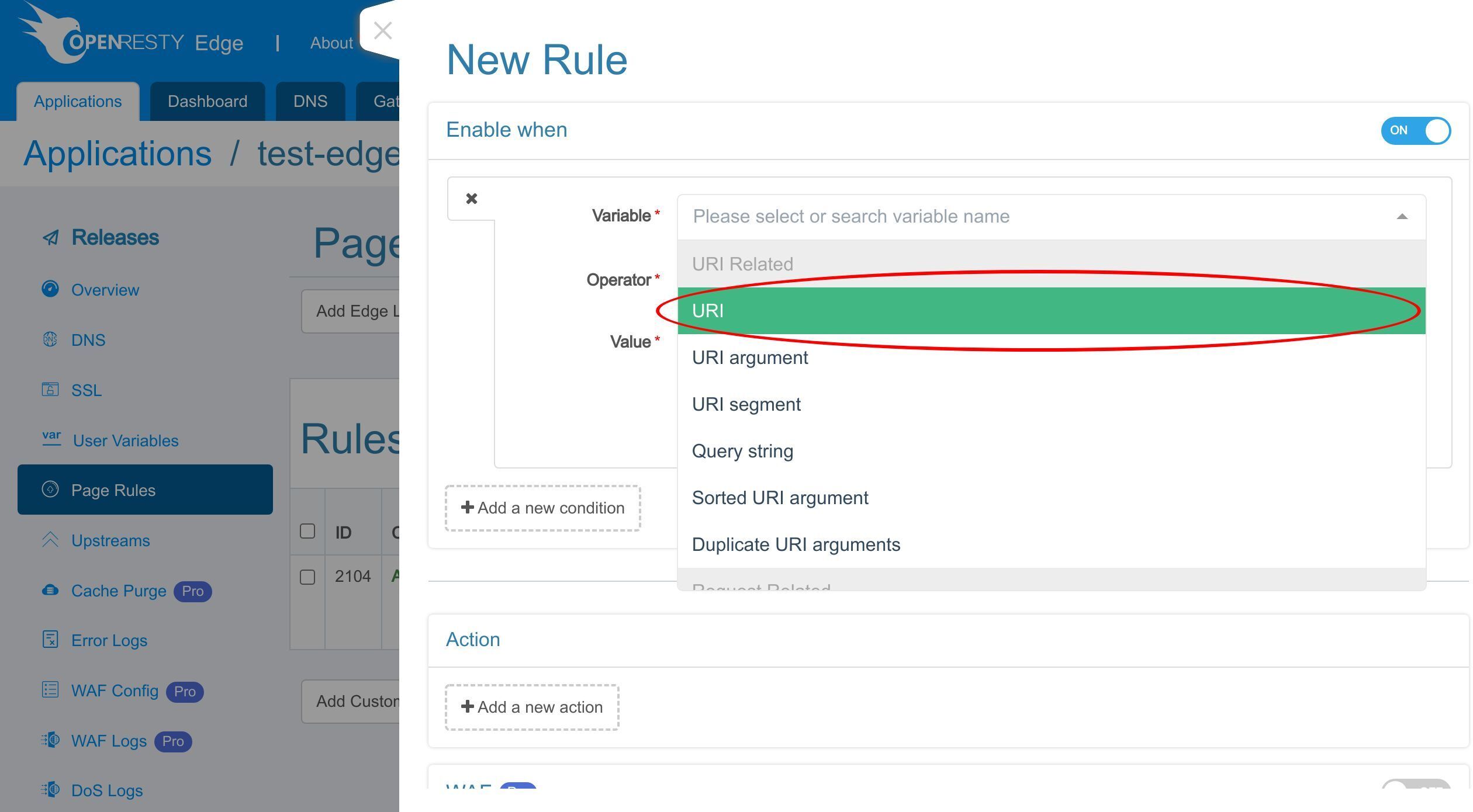
We choose the string equality operator.
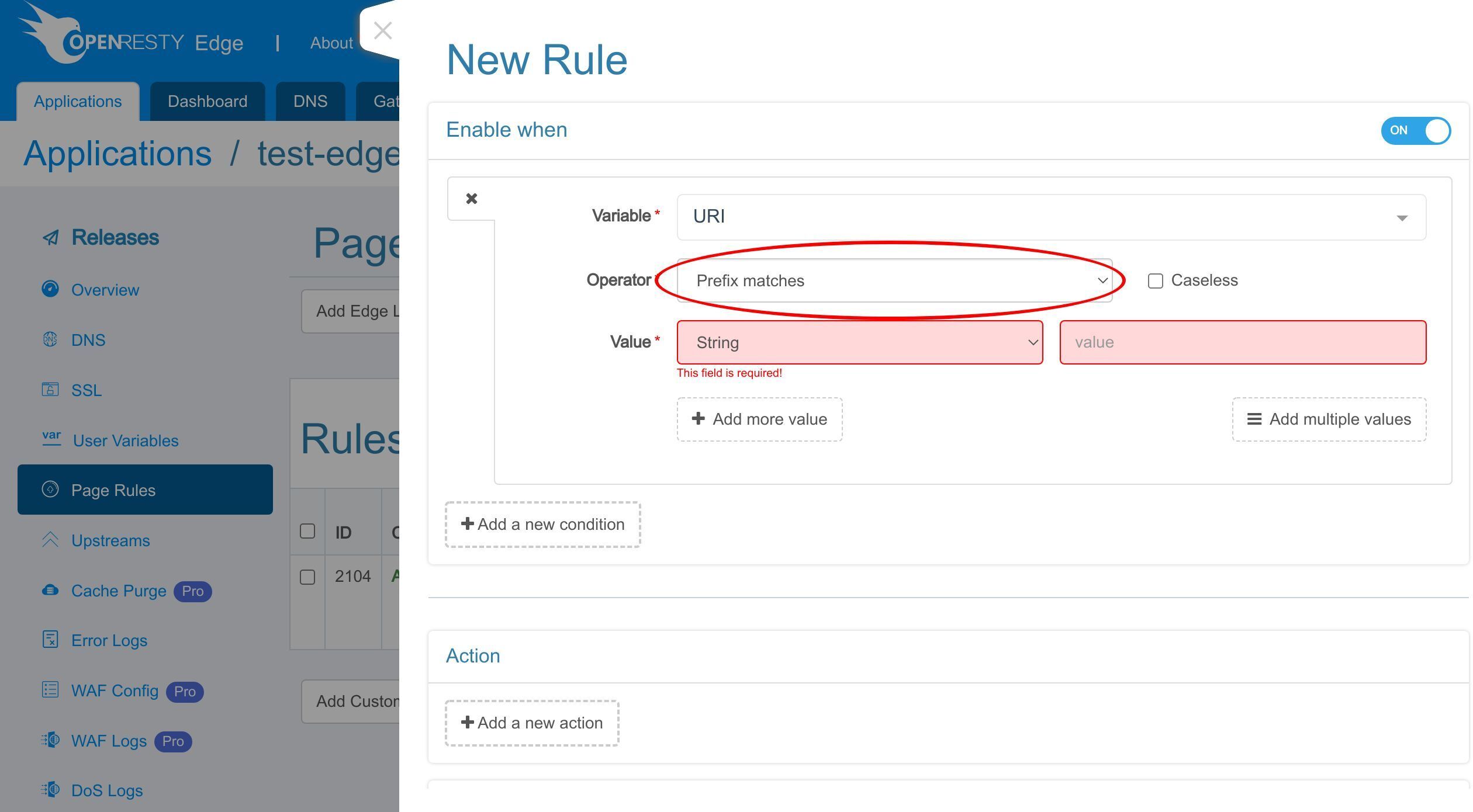
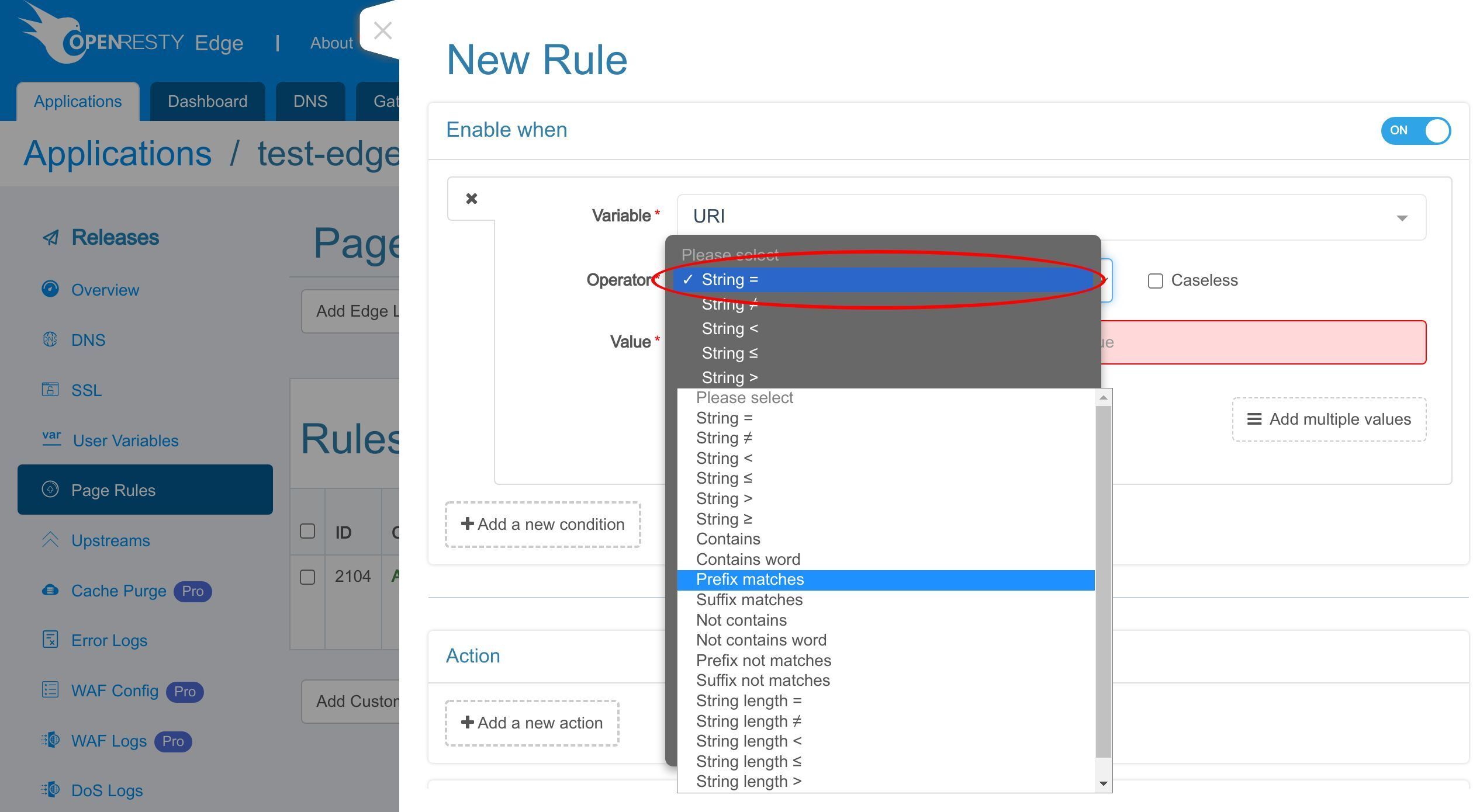
Enter the value /test-md5 to match the root location only.
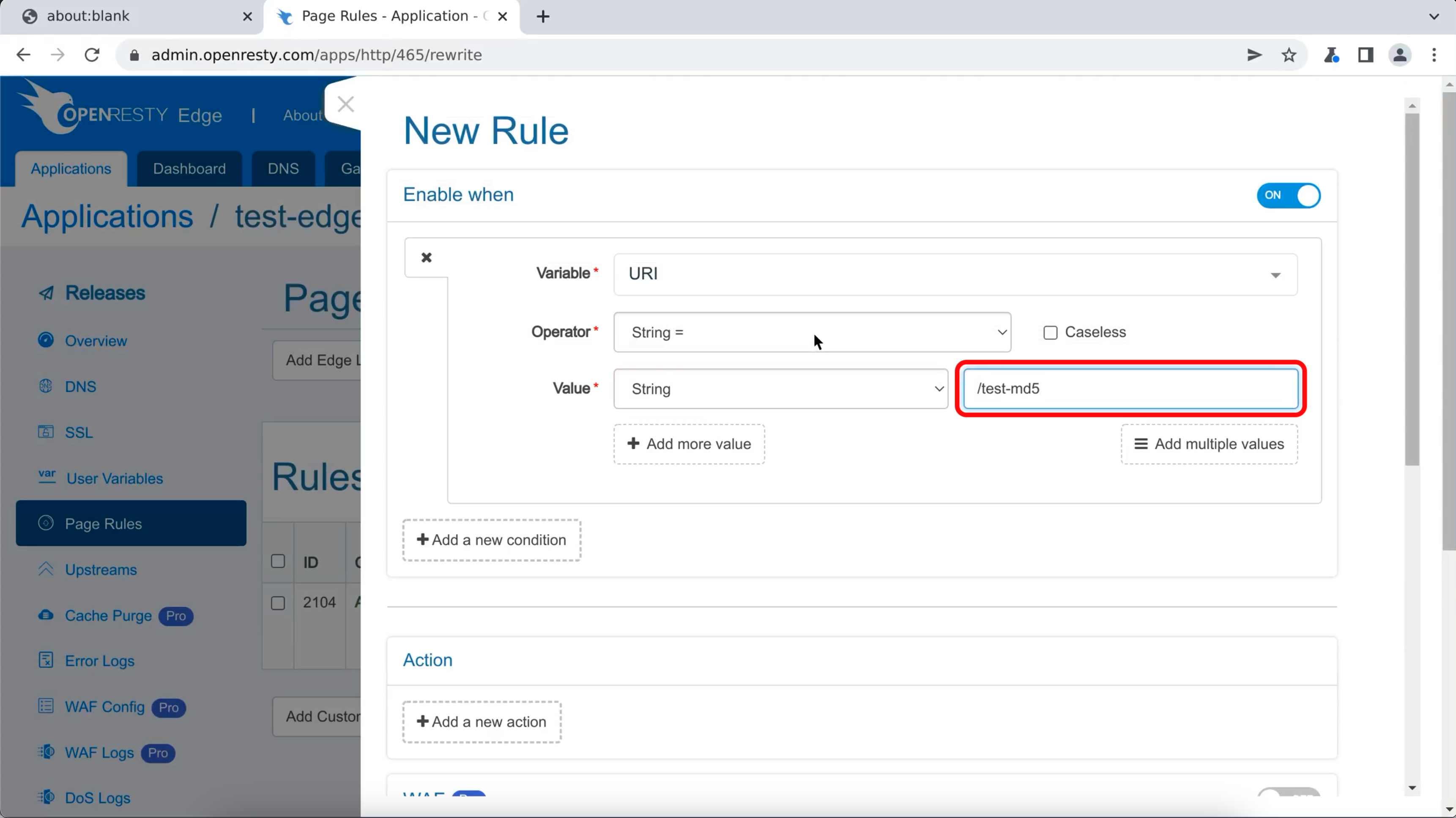
Then, add a new action.
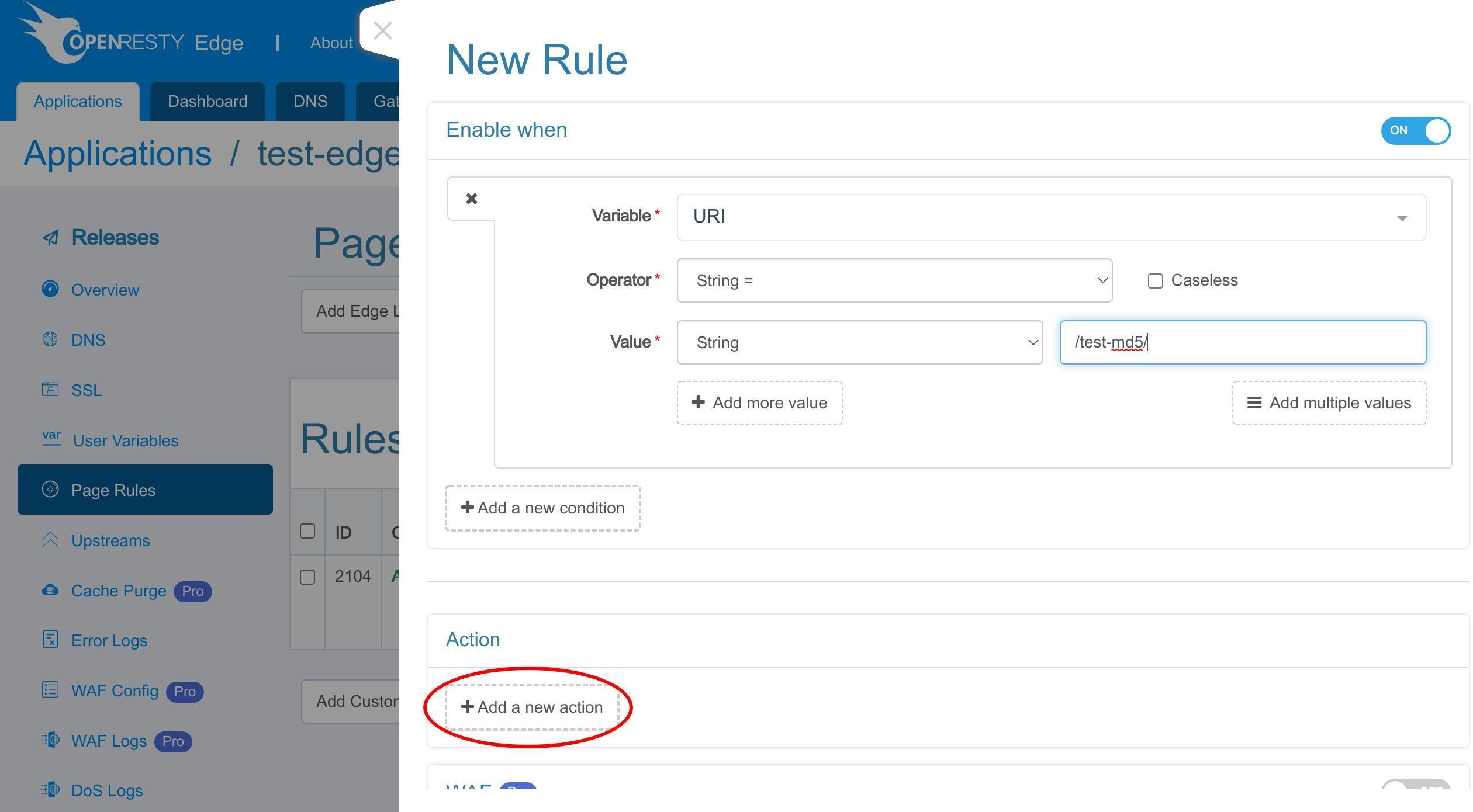
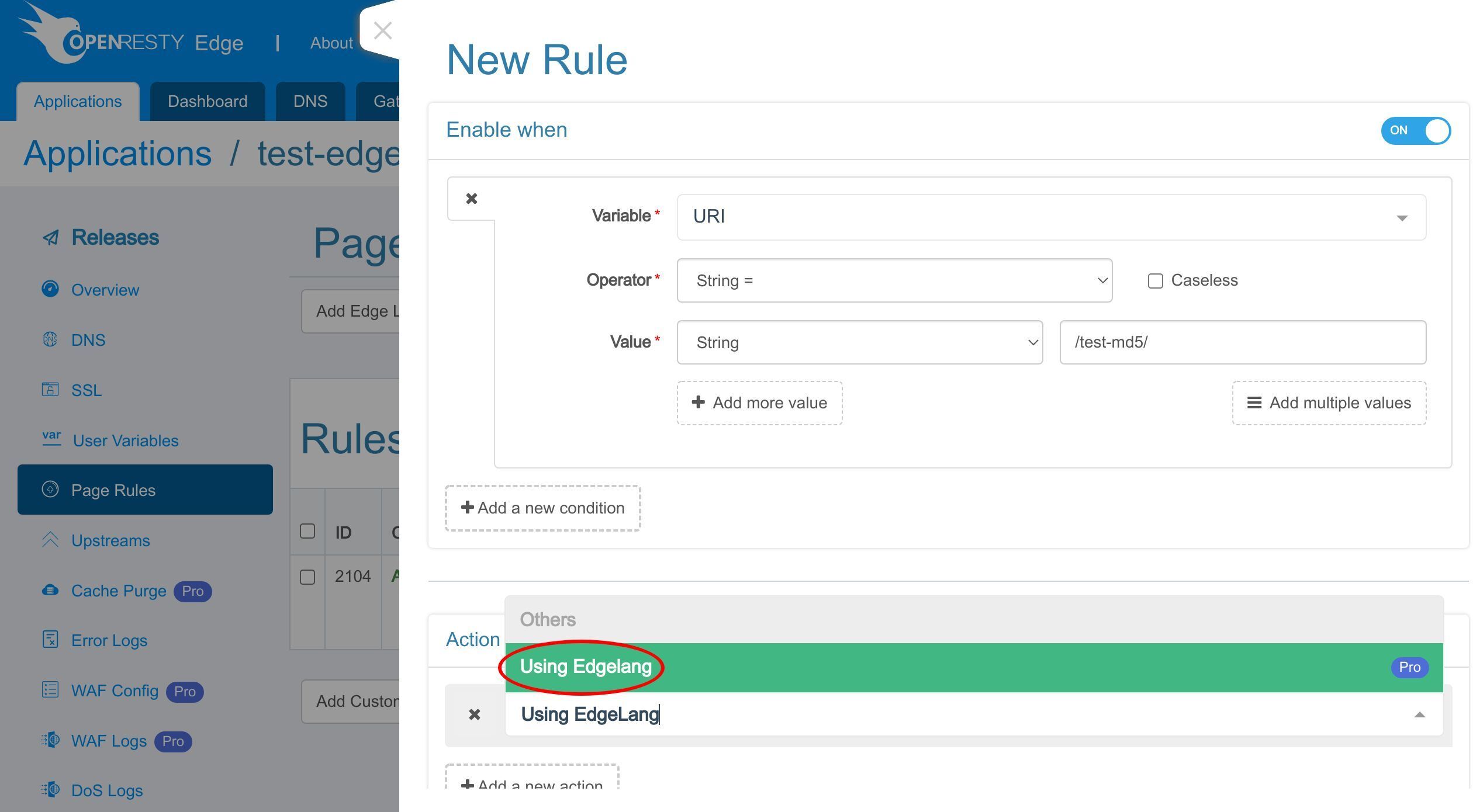
You can search for the action you want to add here.
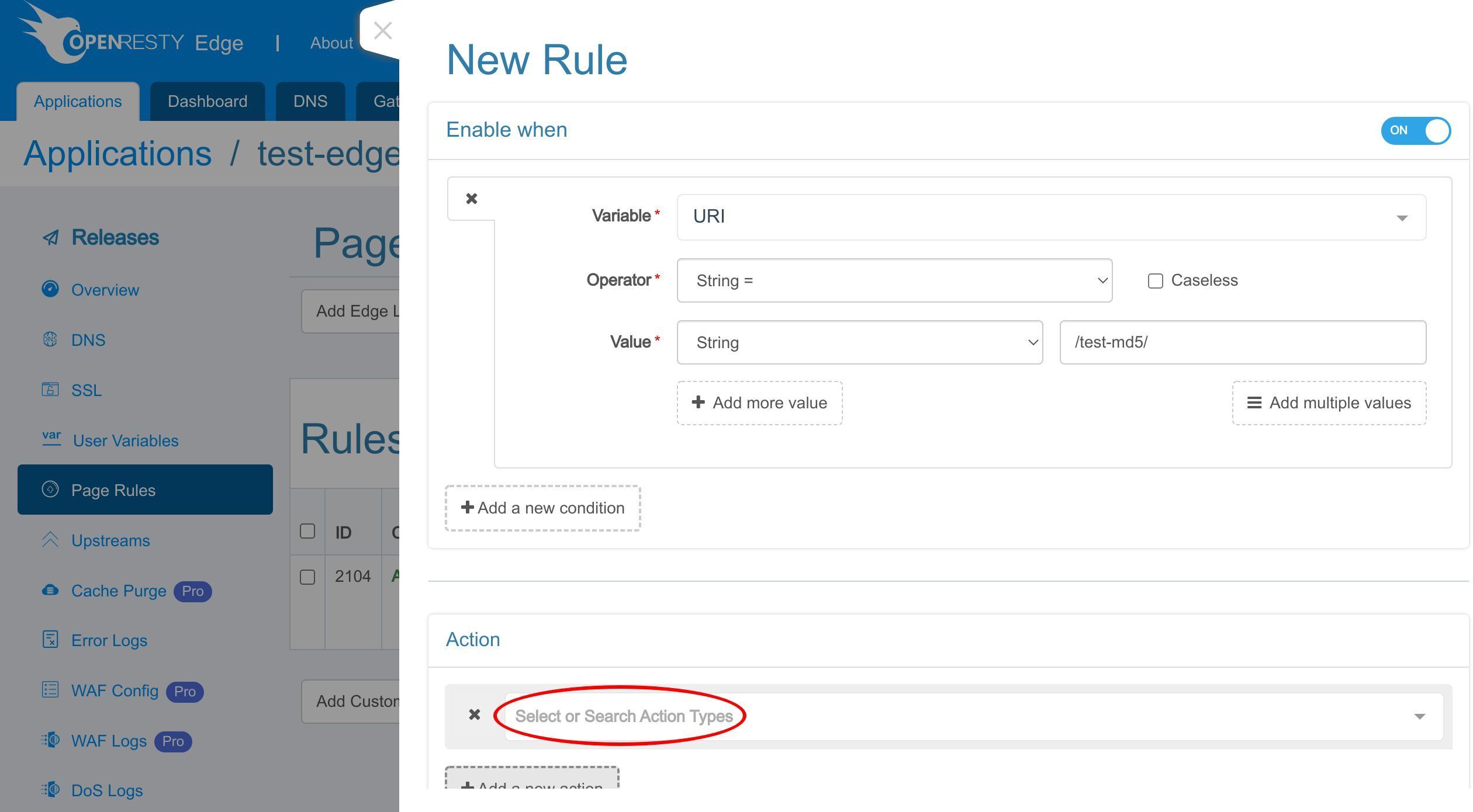
Search for “Using EdgeLang”.
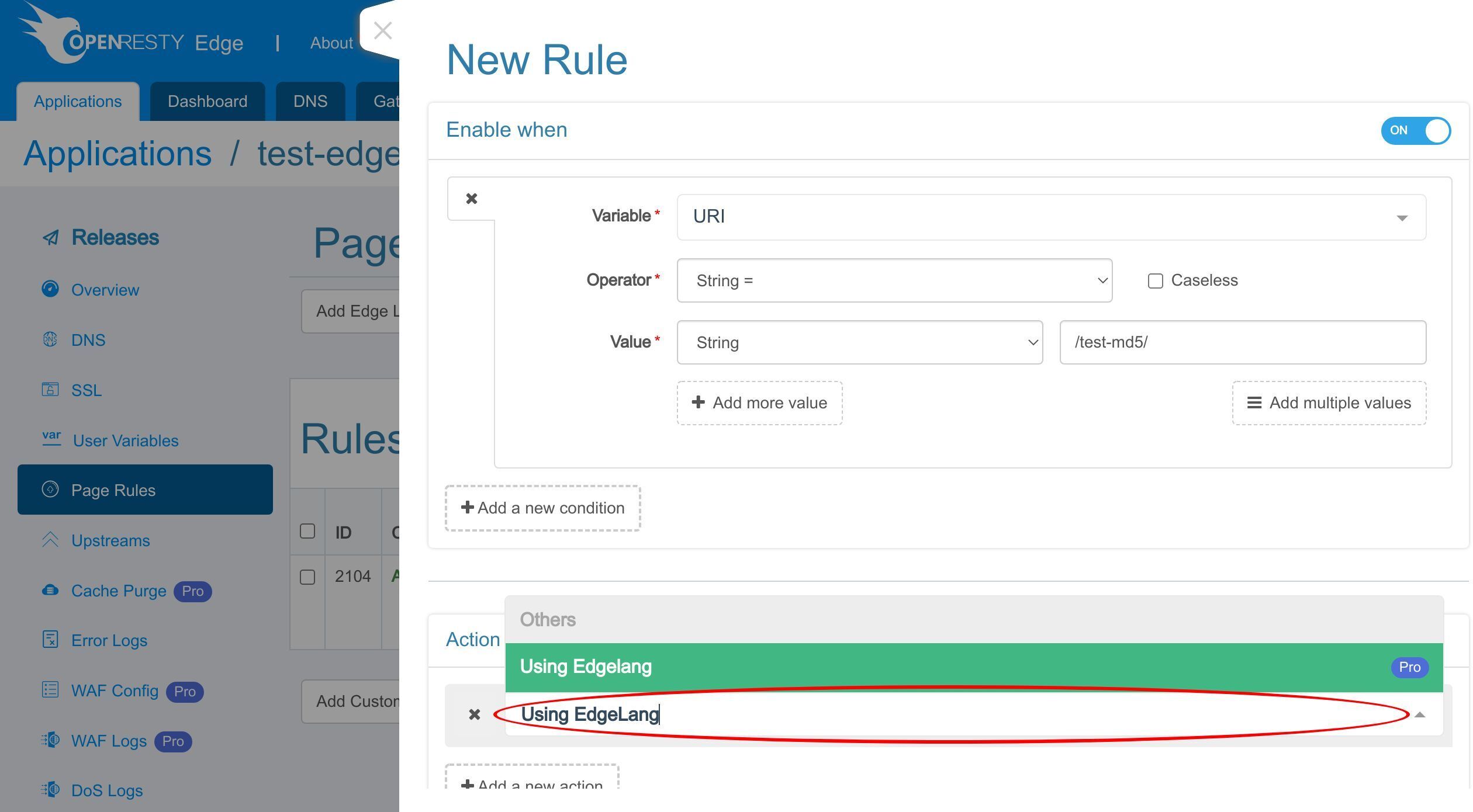
Select it.
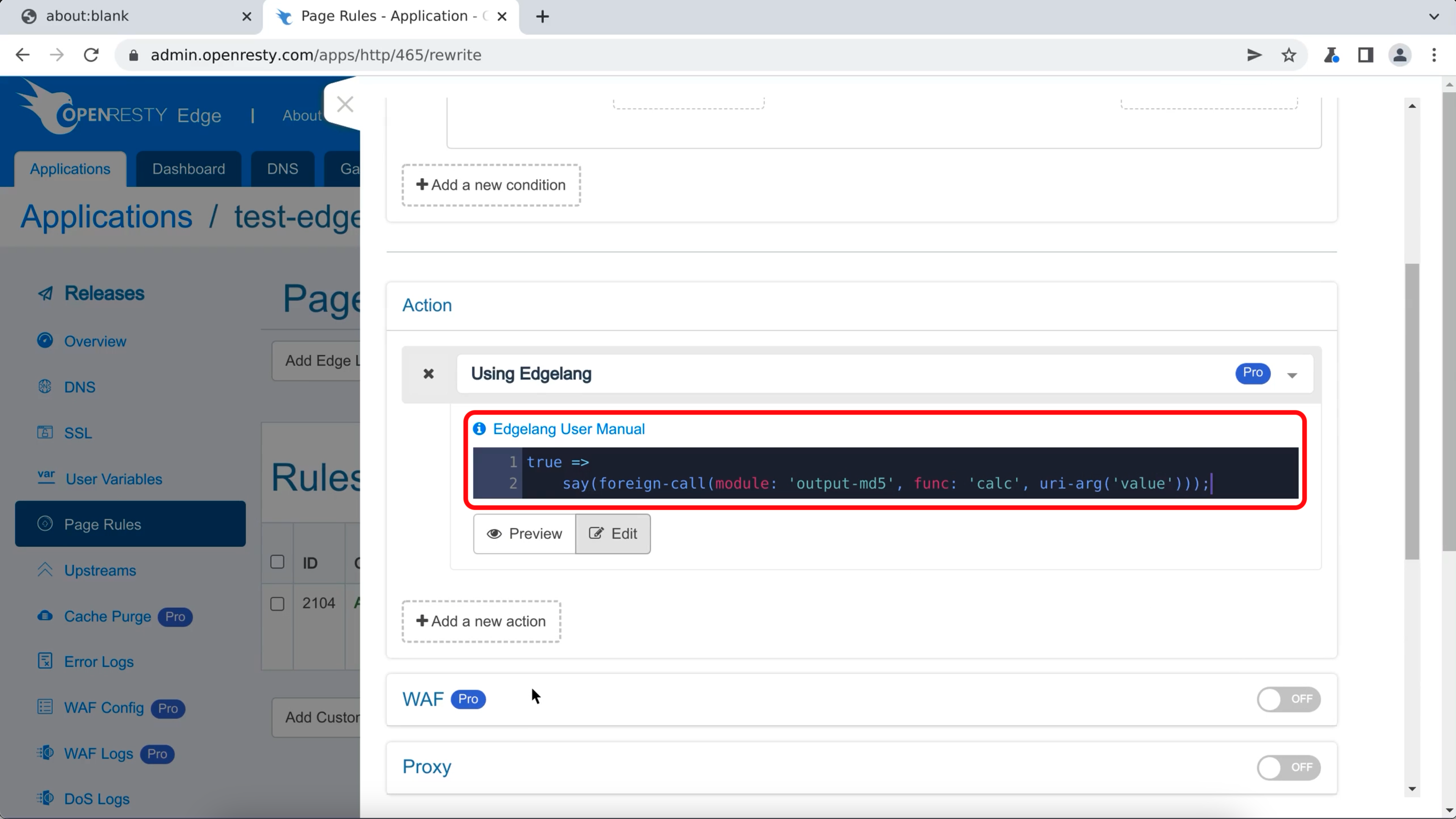
Add the Edgelang code we used to call the Lua module to the edit box. We use the URI argument “value” as the input parameter.
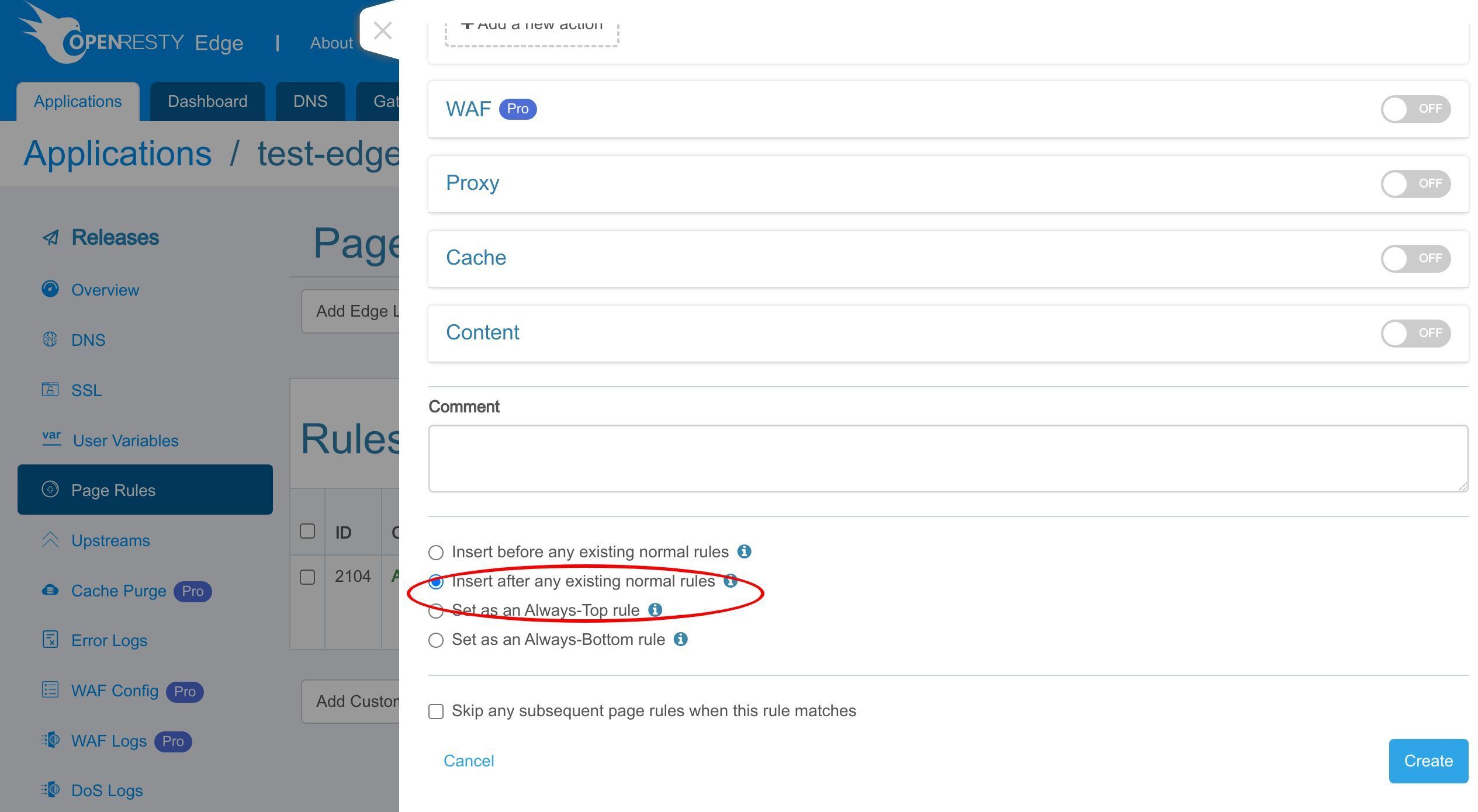
We make sure this rule runs before any existing normal rules.
Make sure we skip any subsequent rules when this rule is matched.
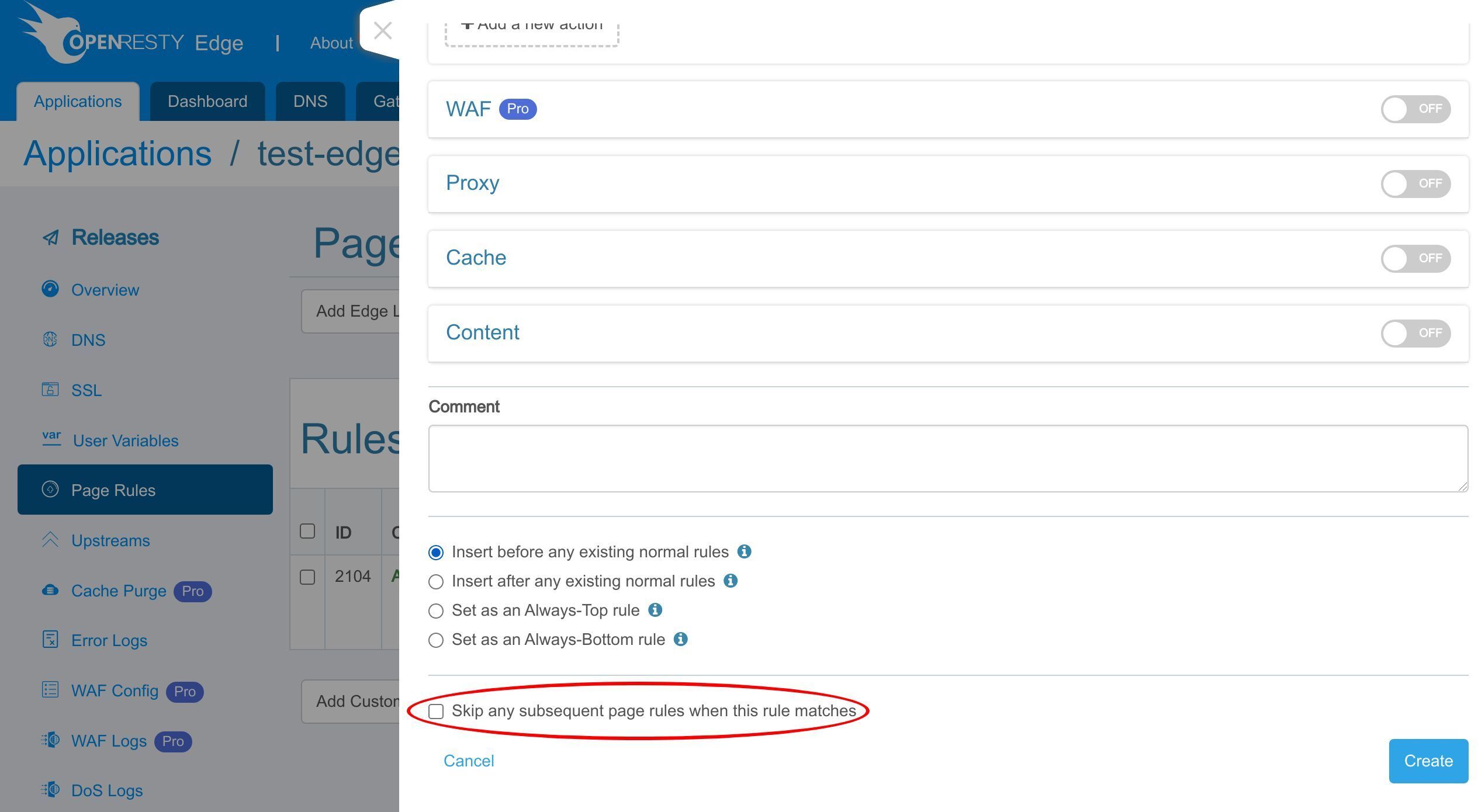
It’s not really necessary for this rule. But it is always a good idea to be explicit when we want to stop request processing immediately.
Create this rule for real.
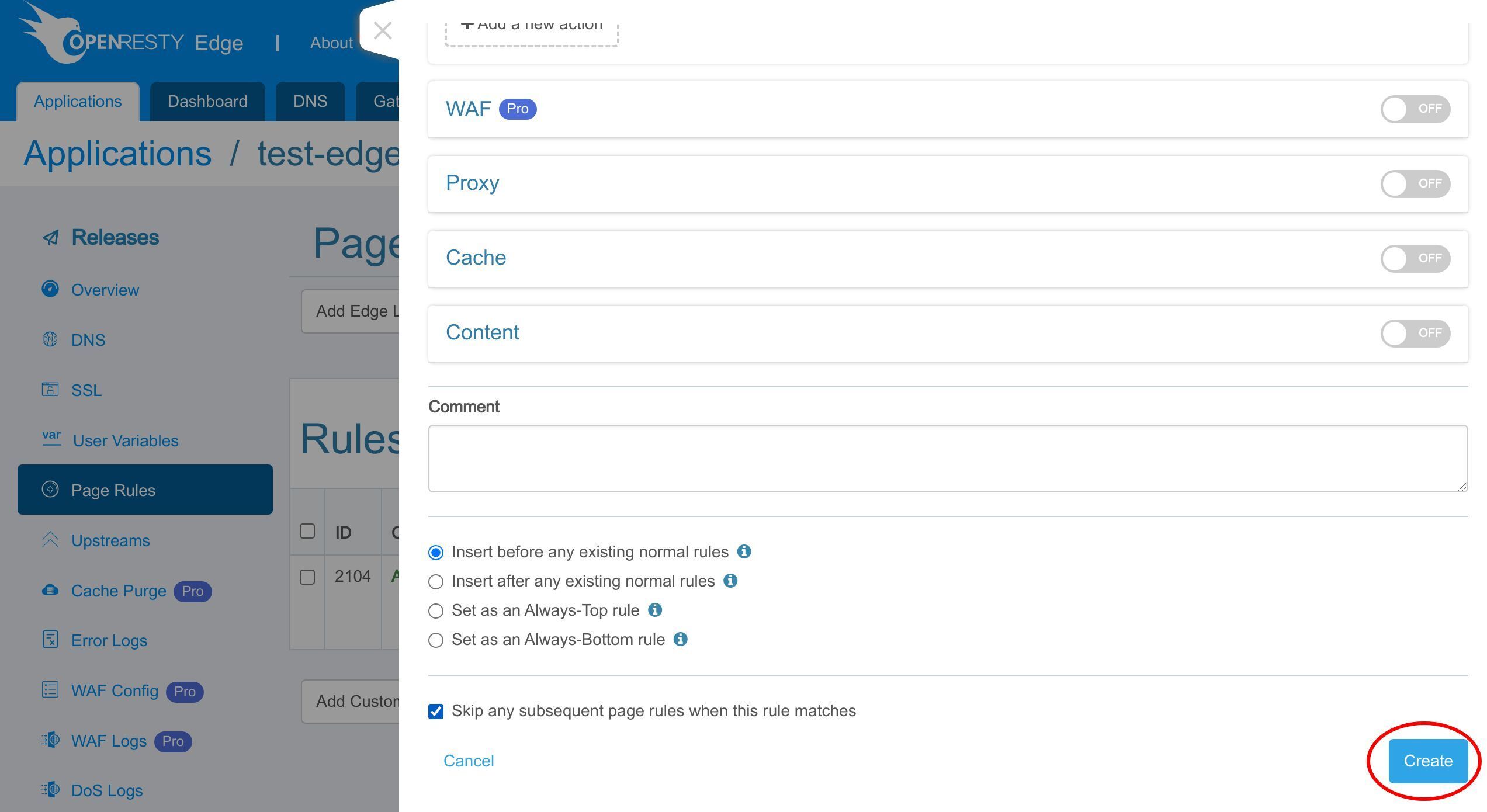
As always, we need to make a new release to push out our new changes.
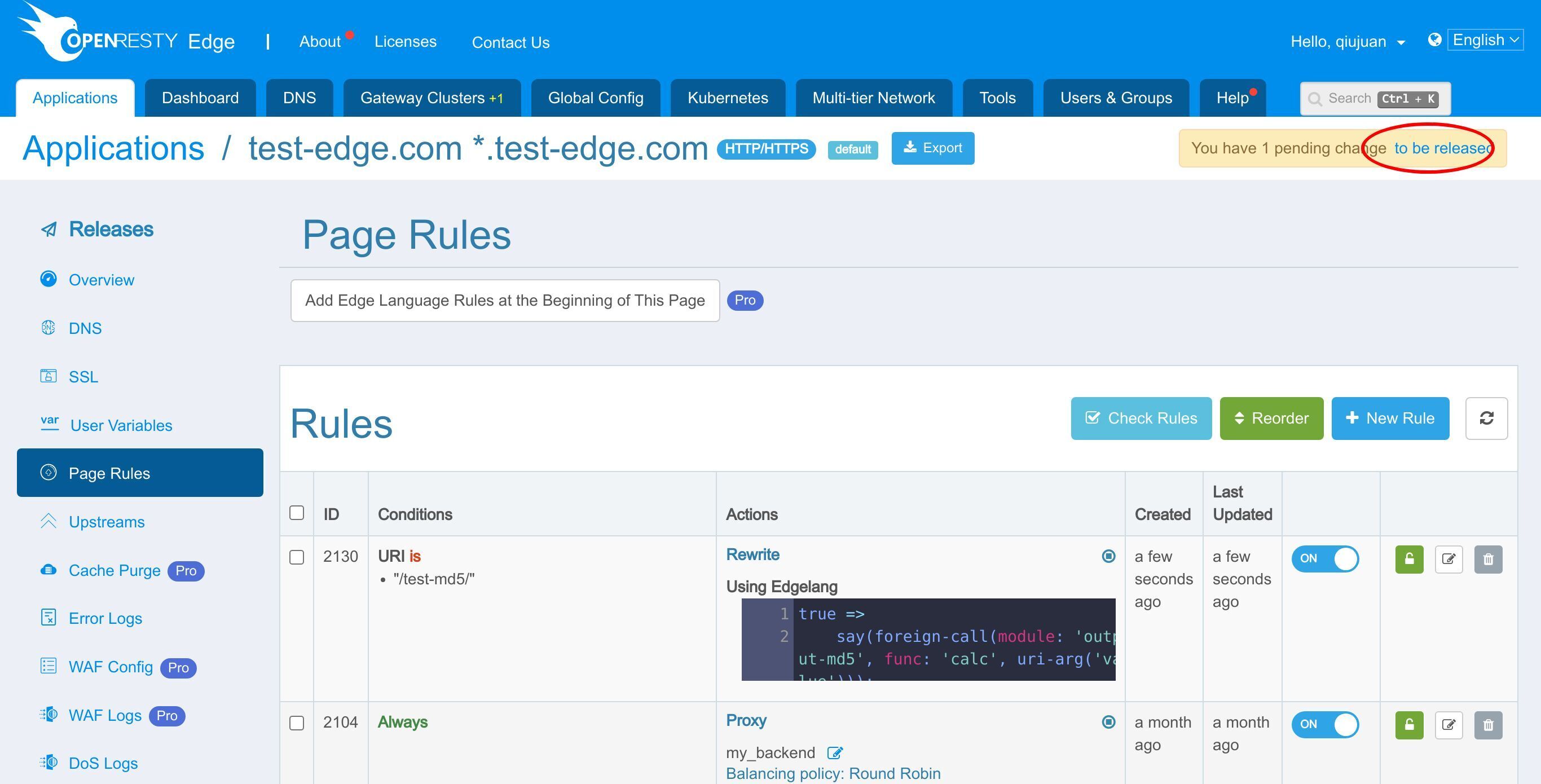
Click on this button.
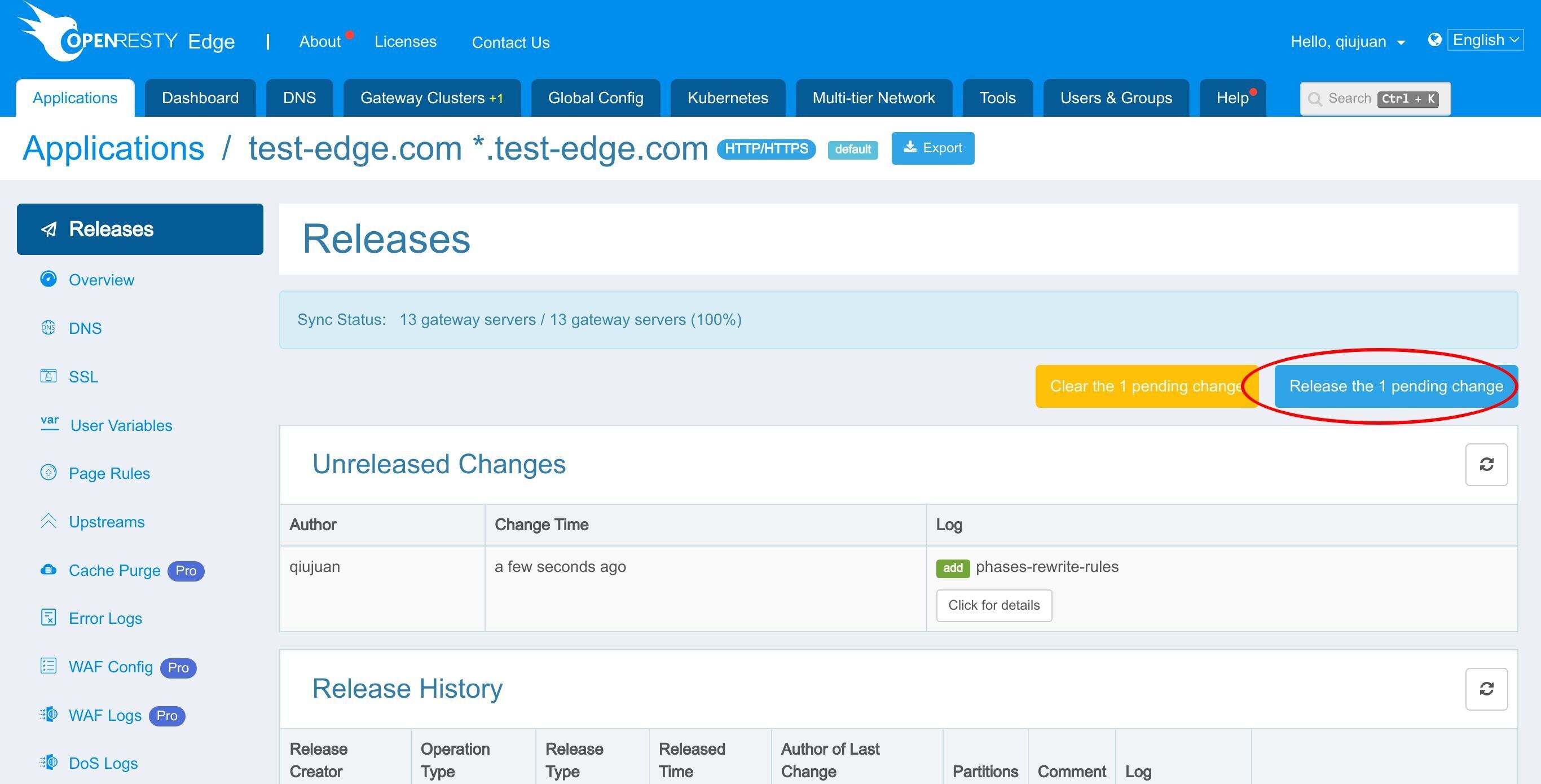
Ship it!
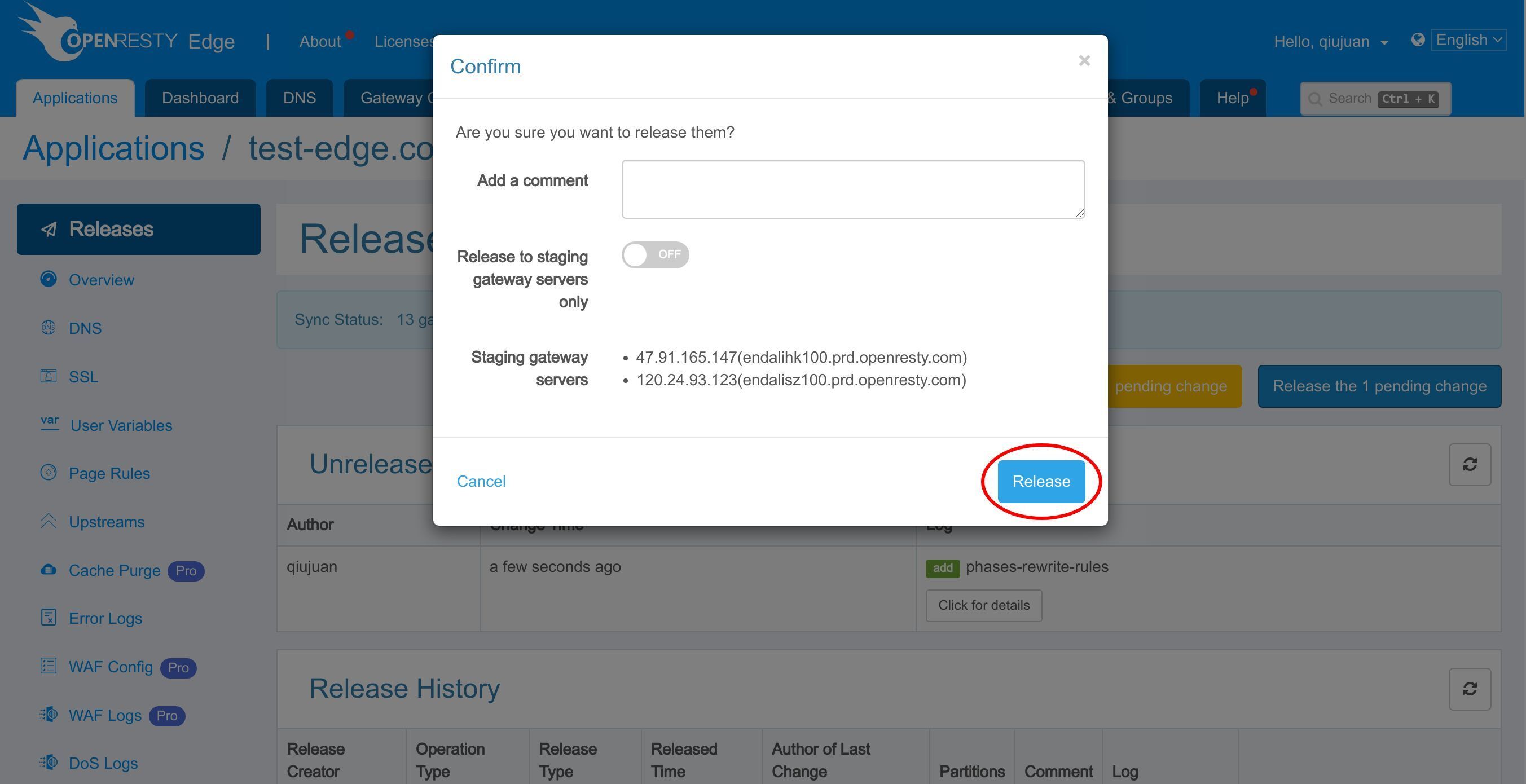
Our new release is now synchronized to all our gateway servers.
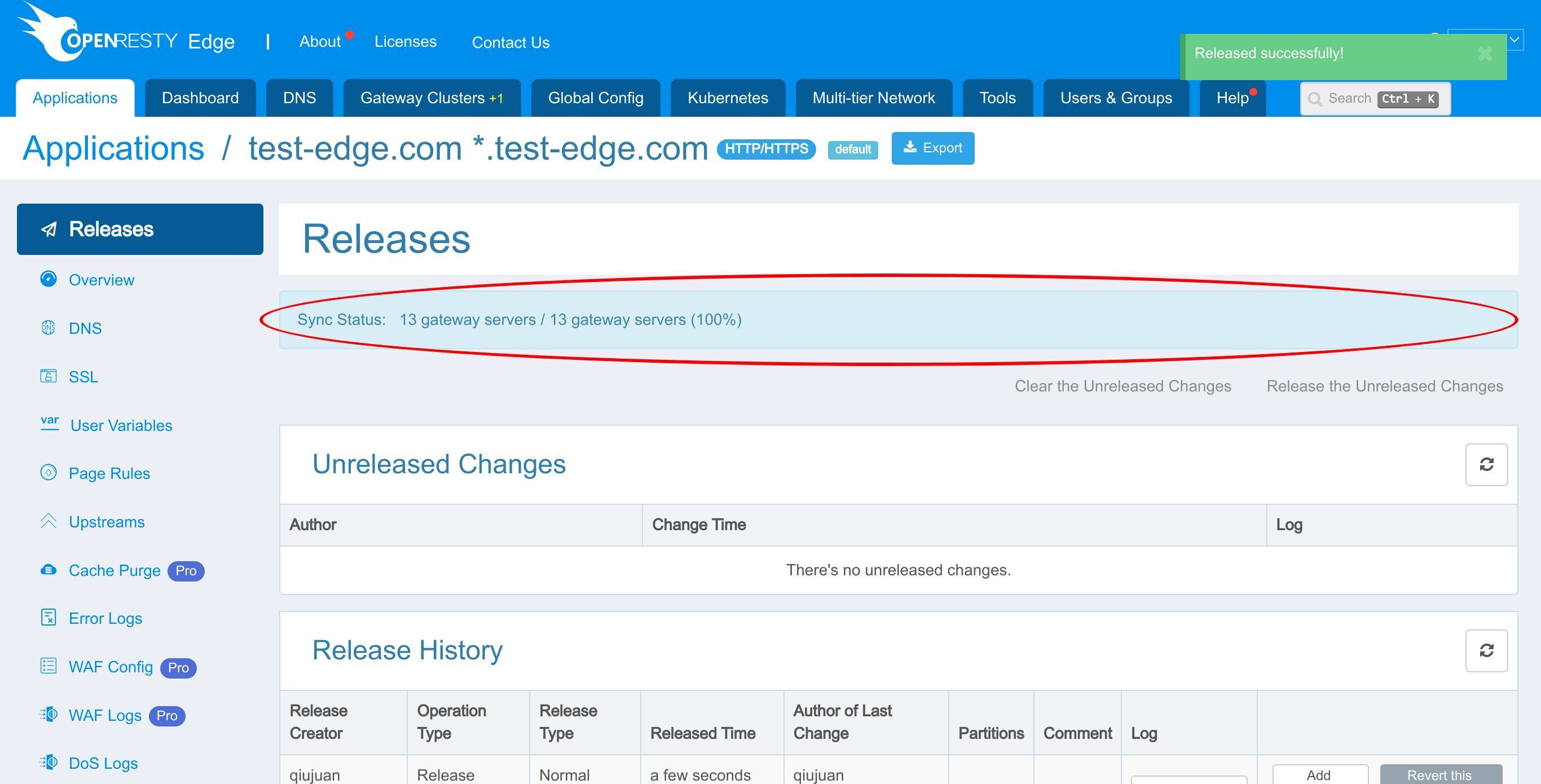
Now the new page rule has been pushed to all the gateway clusters and servers.
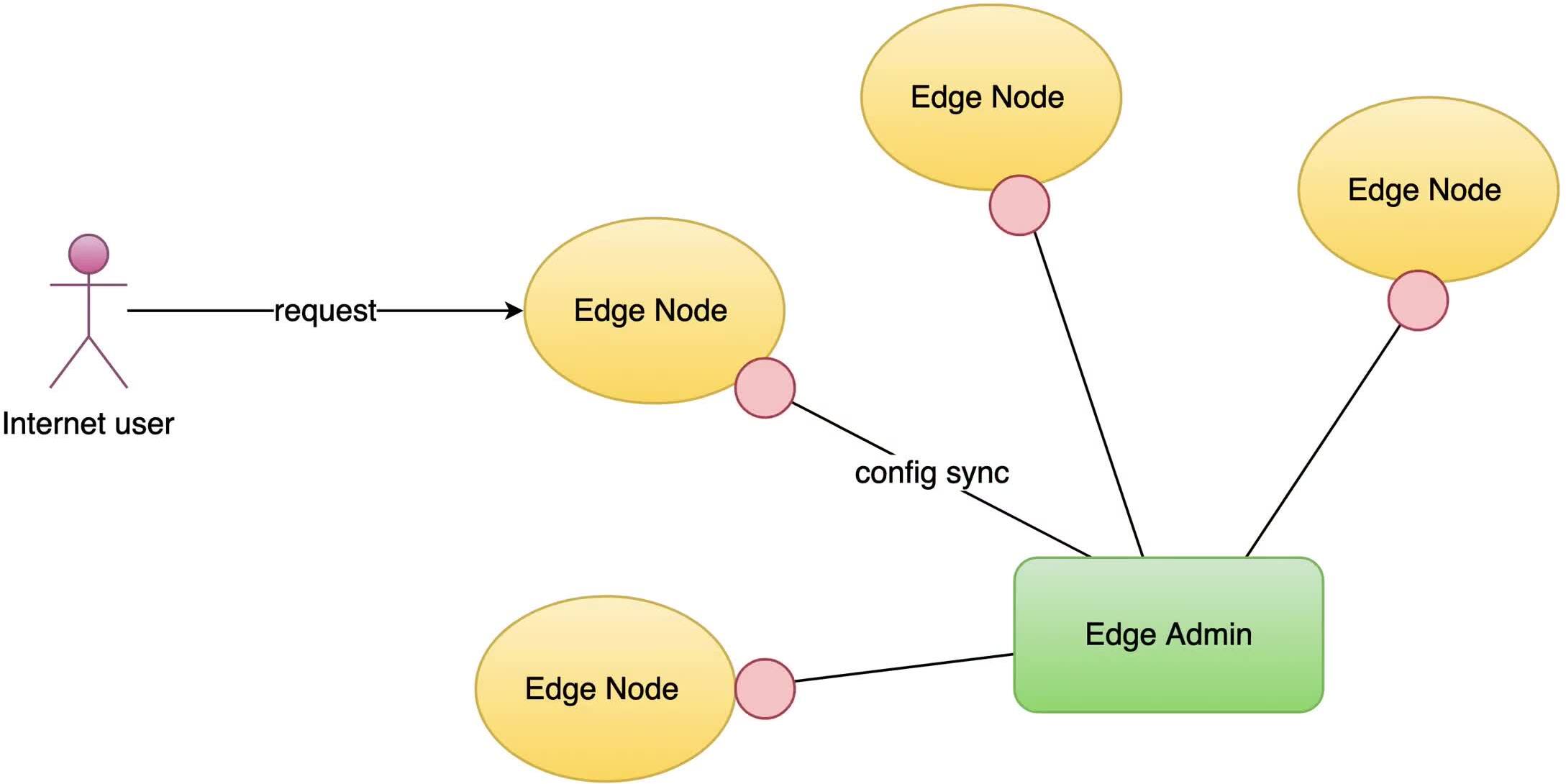
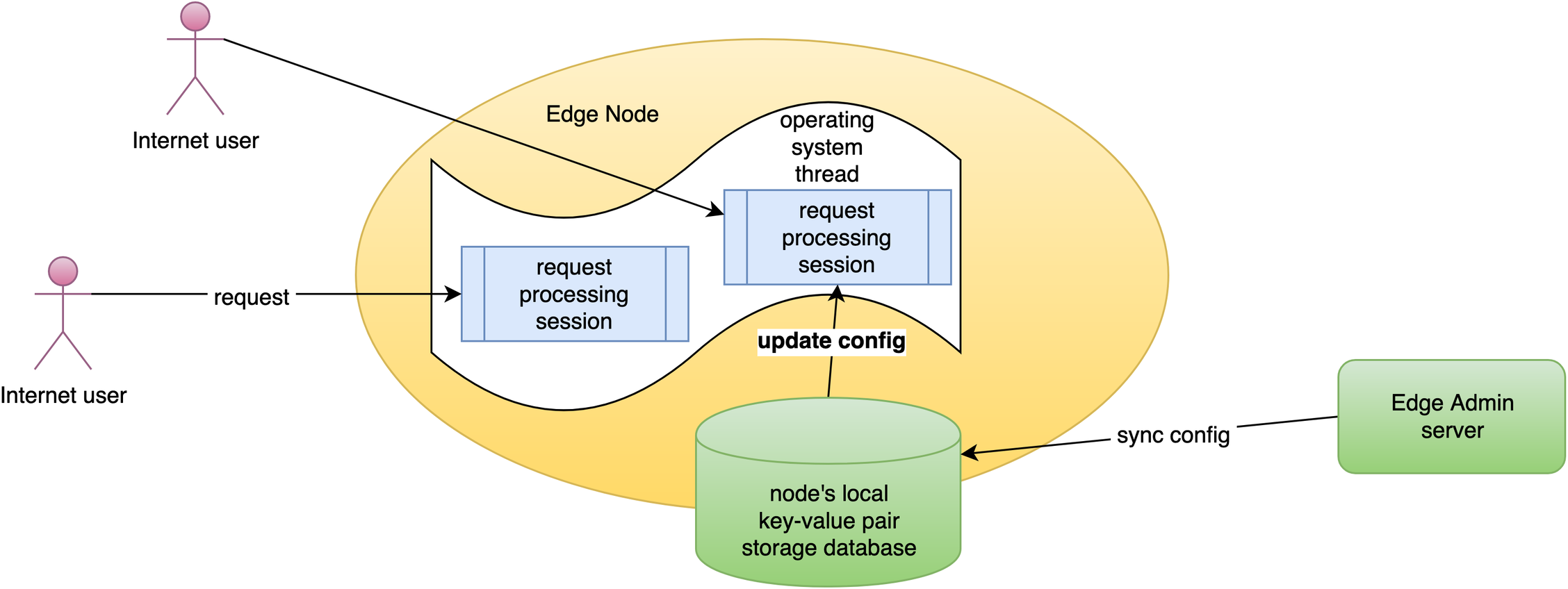
Our configuration changes do NOT require server reload, restart, or binary upgrade. So, it’s very efficient and scalable.
Verify the effect of calling the Lua module
Next, we’ll verify the effect of calling the Lua module.
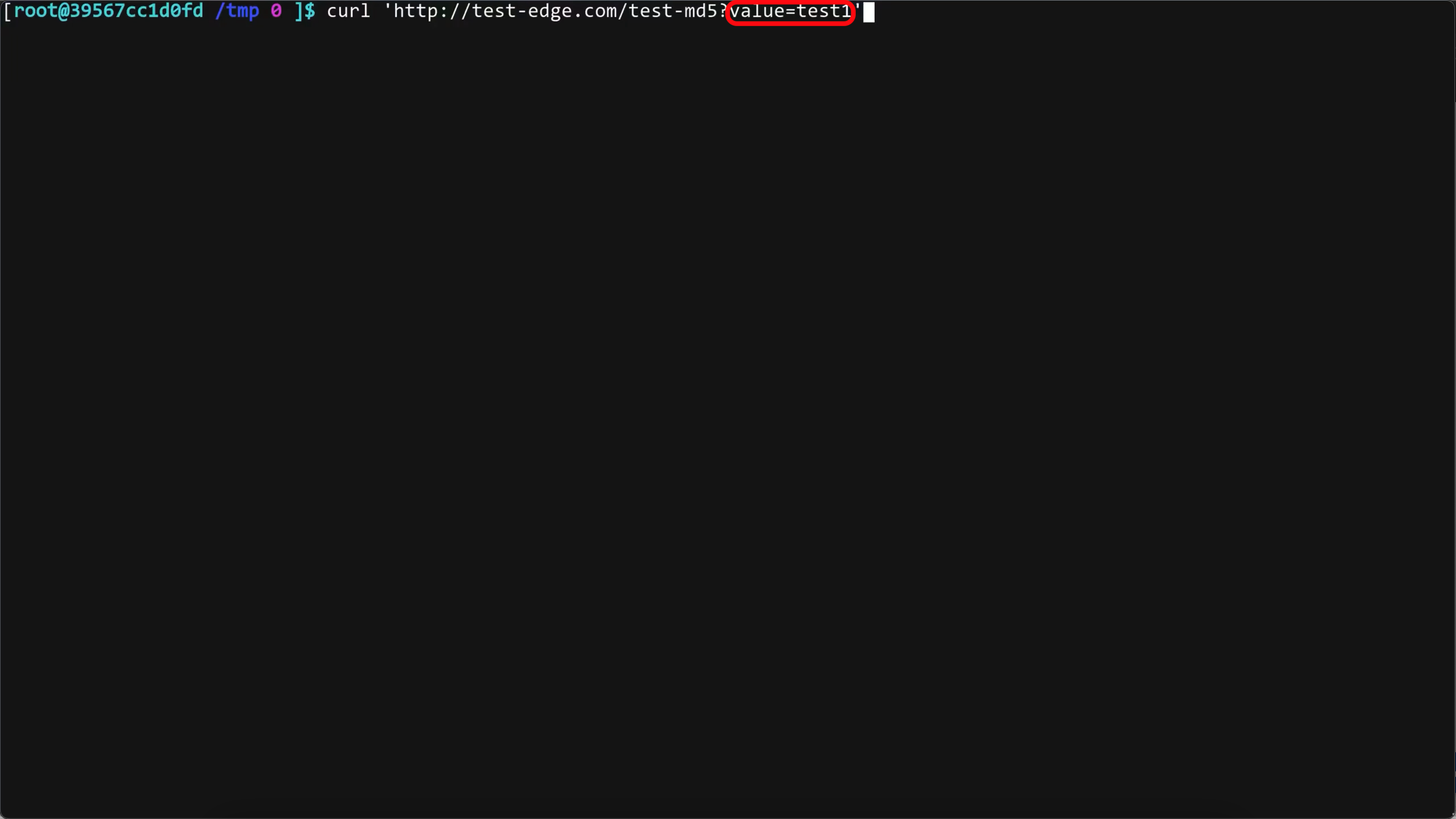
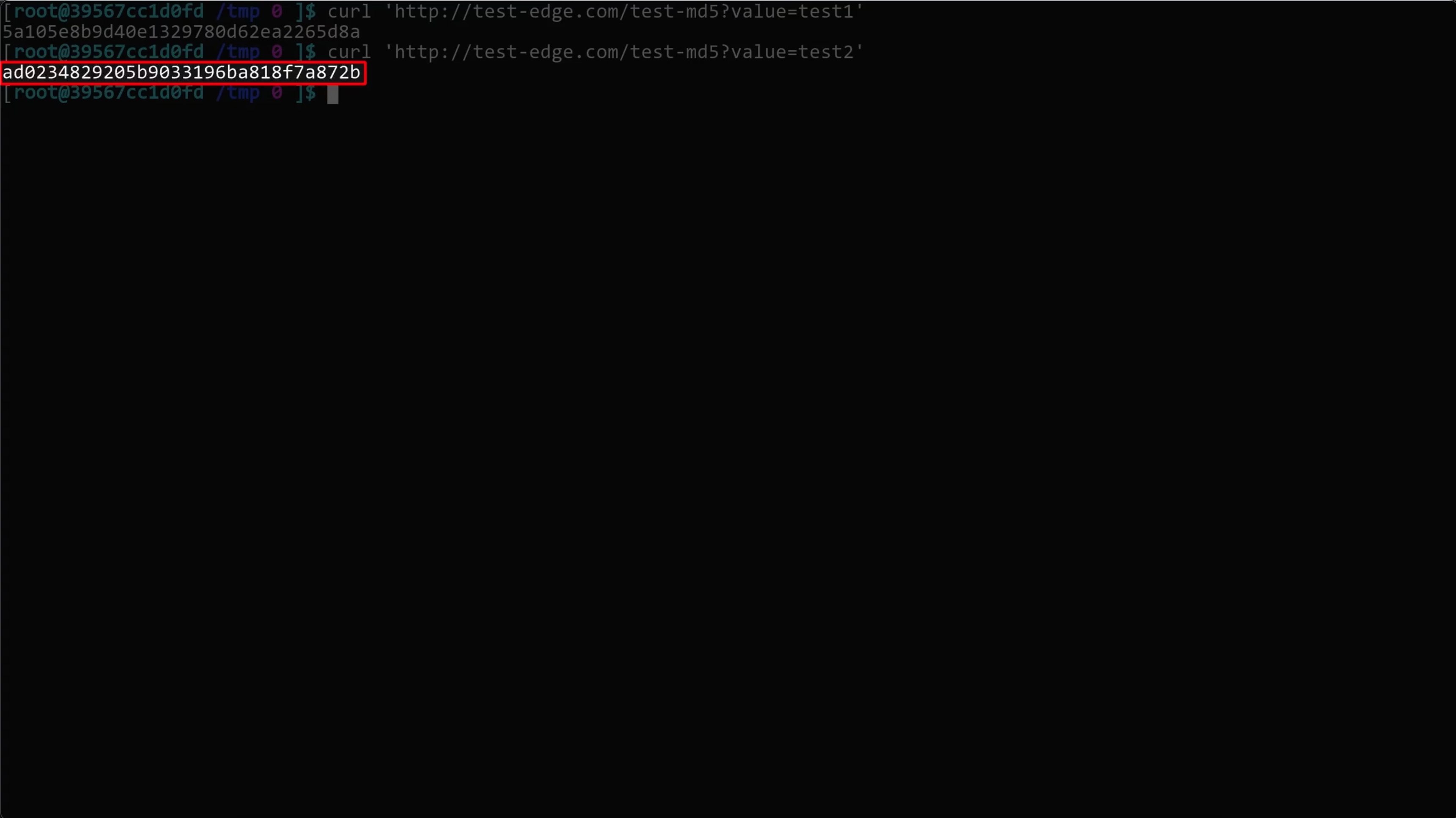
On the terminal, we send an HTTP request to this gateway server via the curl command-line utility.
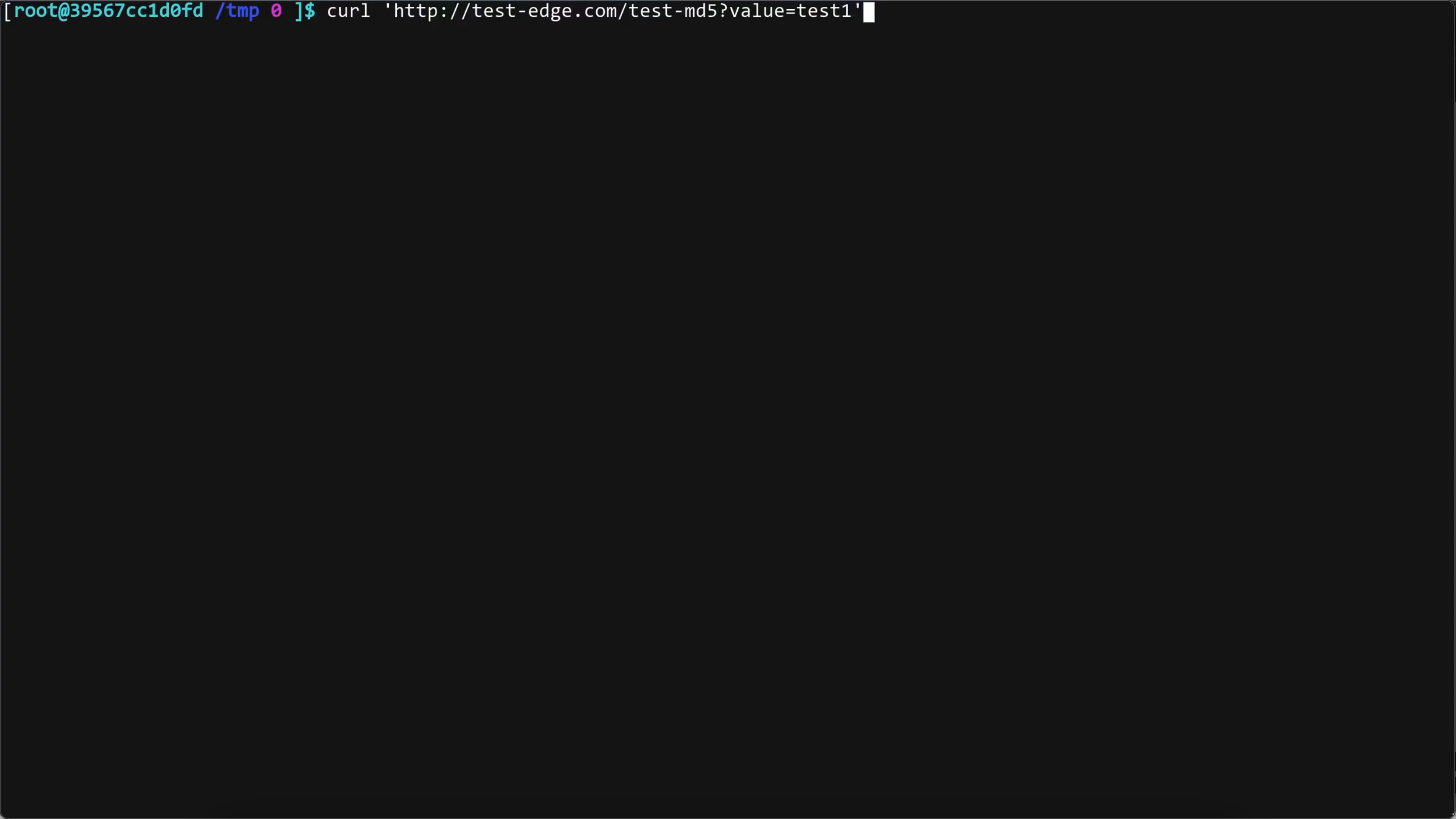
Here, we send a request with URI argument value=test1. Note the value=test1 URI argument.
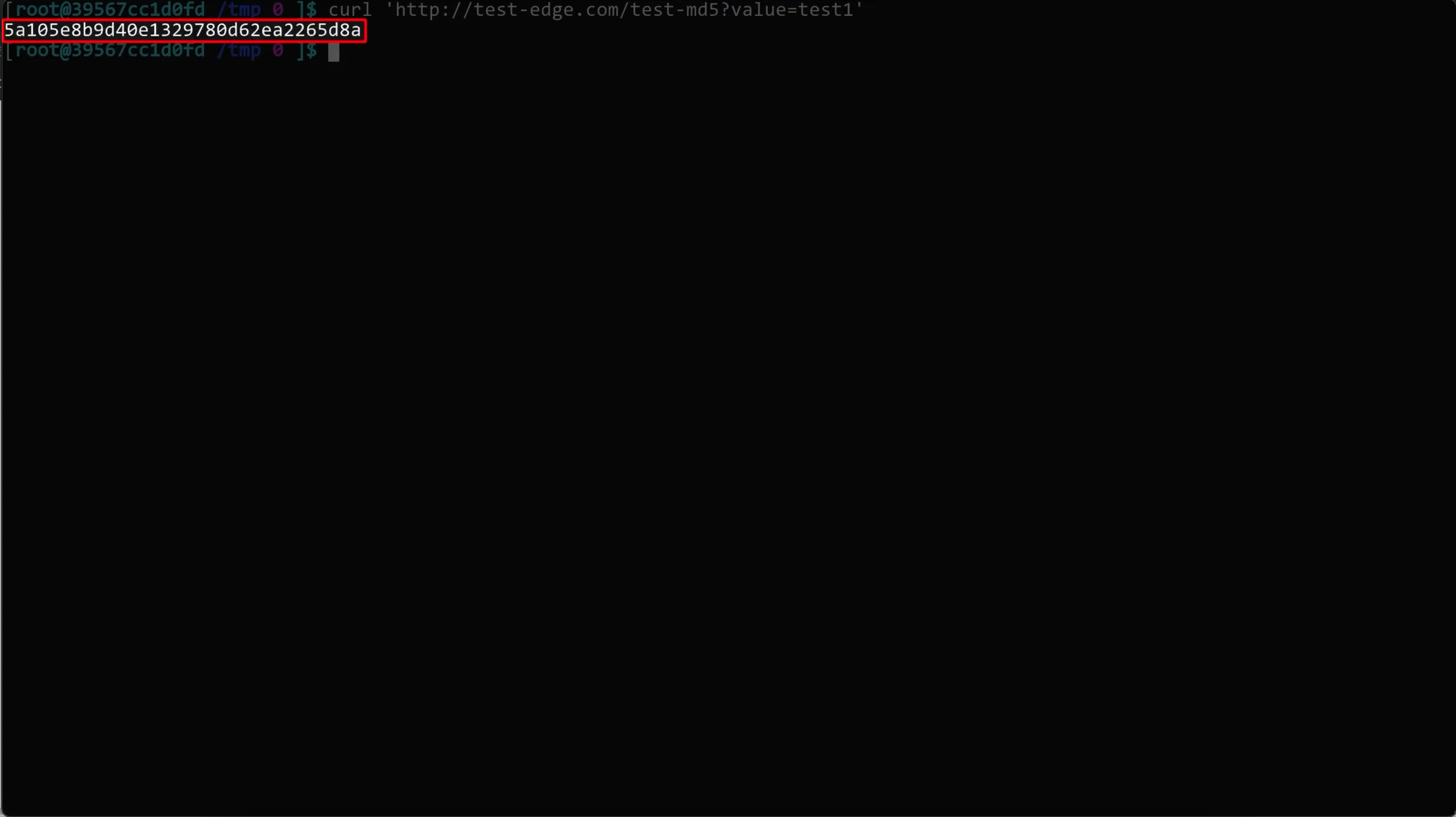
Run the command. We can get the returned md5 value.
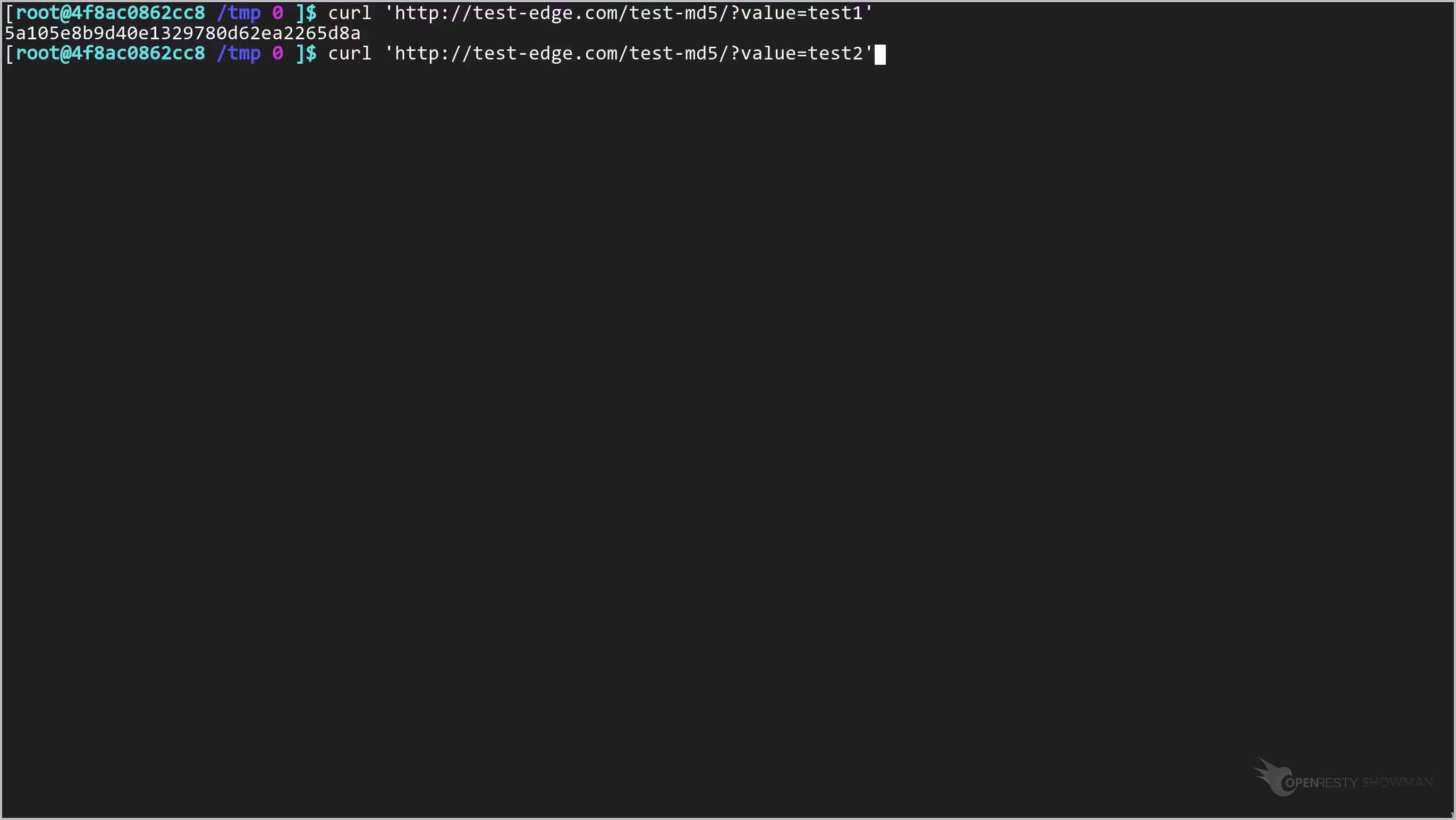
Now, we change the URI argument.
Note the value=test2 URI argument.
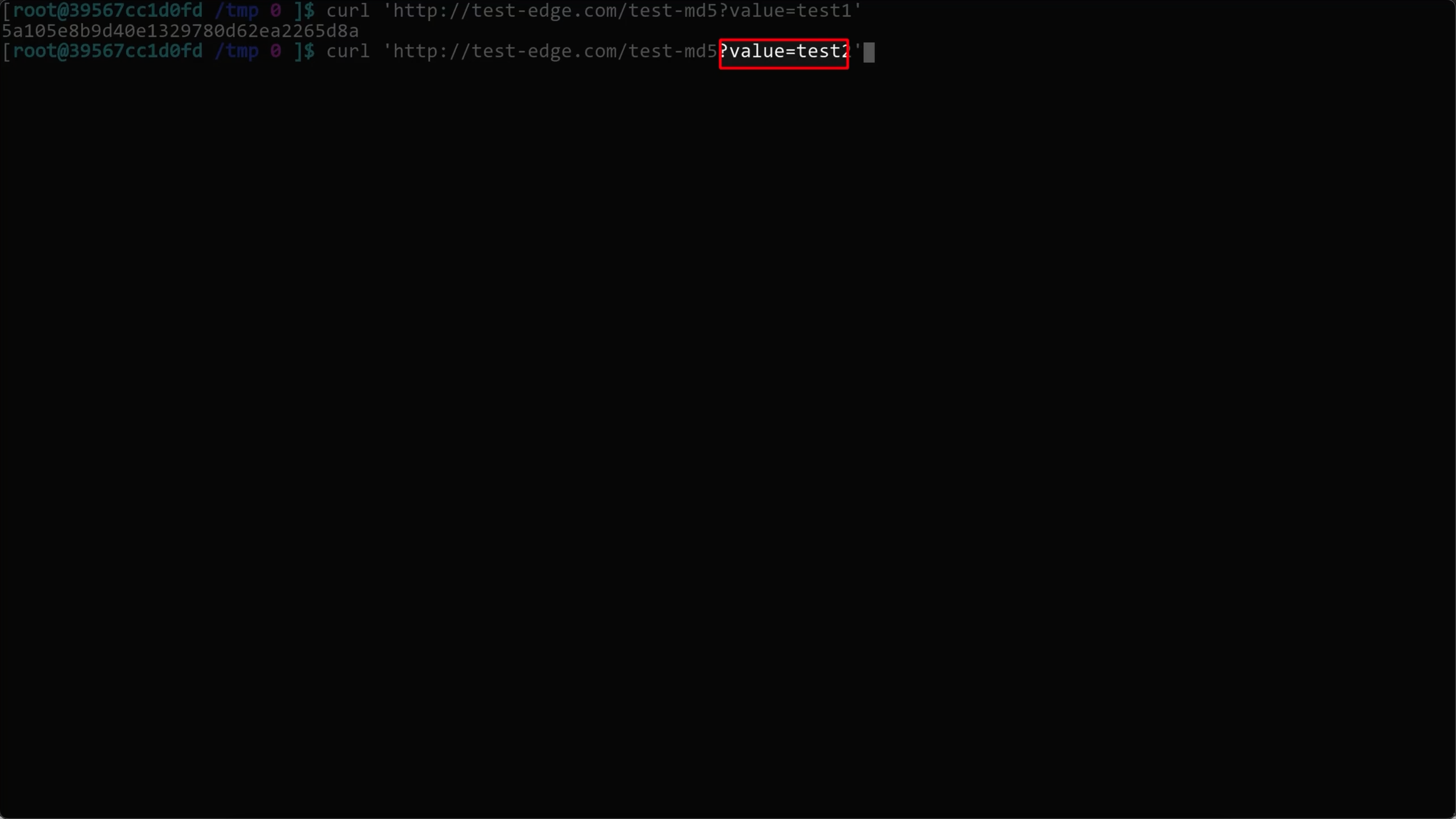
Run it! Note that the returned md5 value has changed.
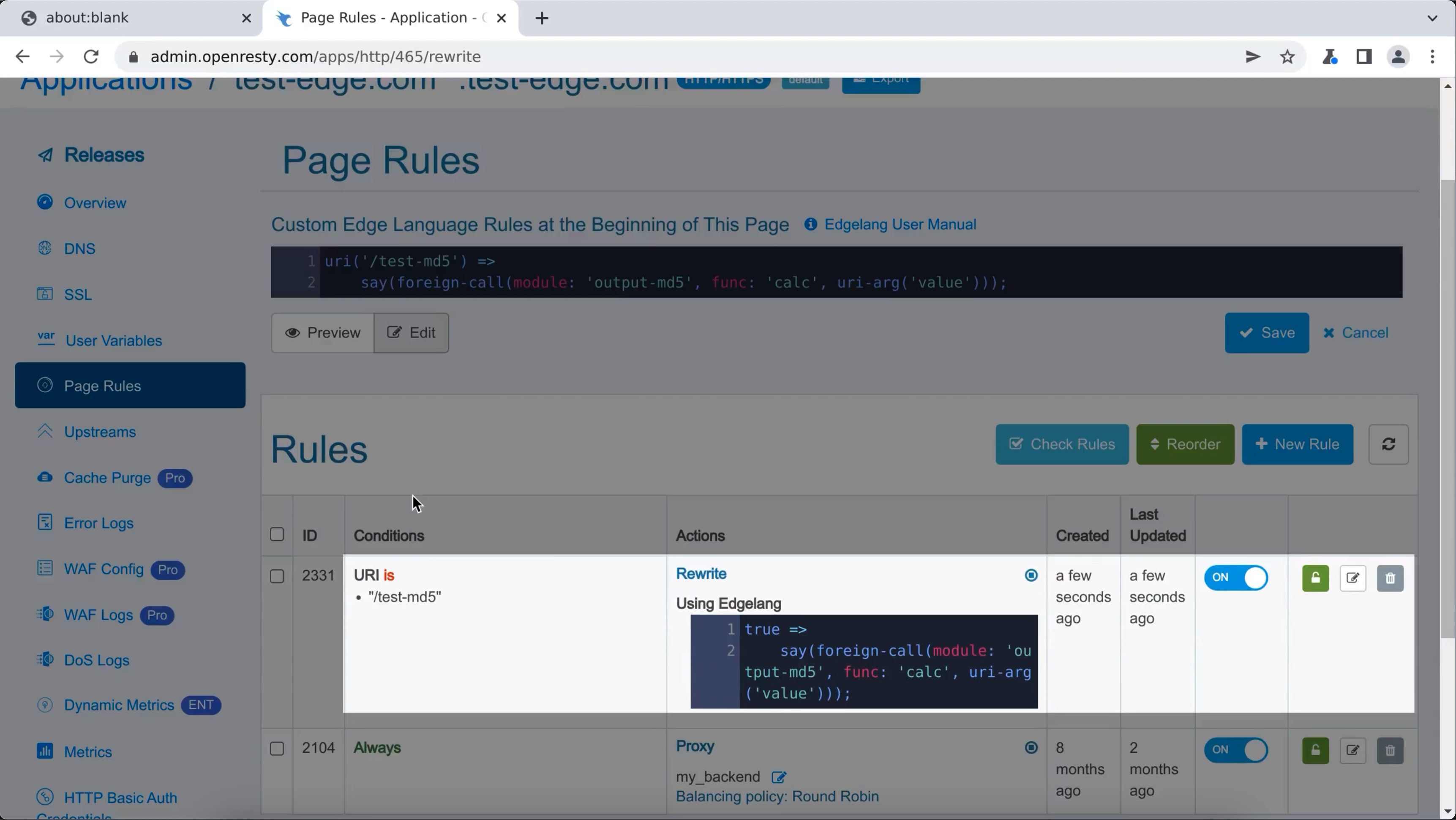
We can also call our Lua modules at the beginning of Page Rules.
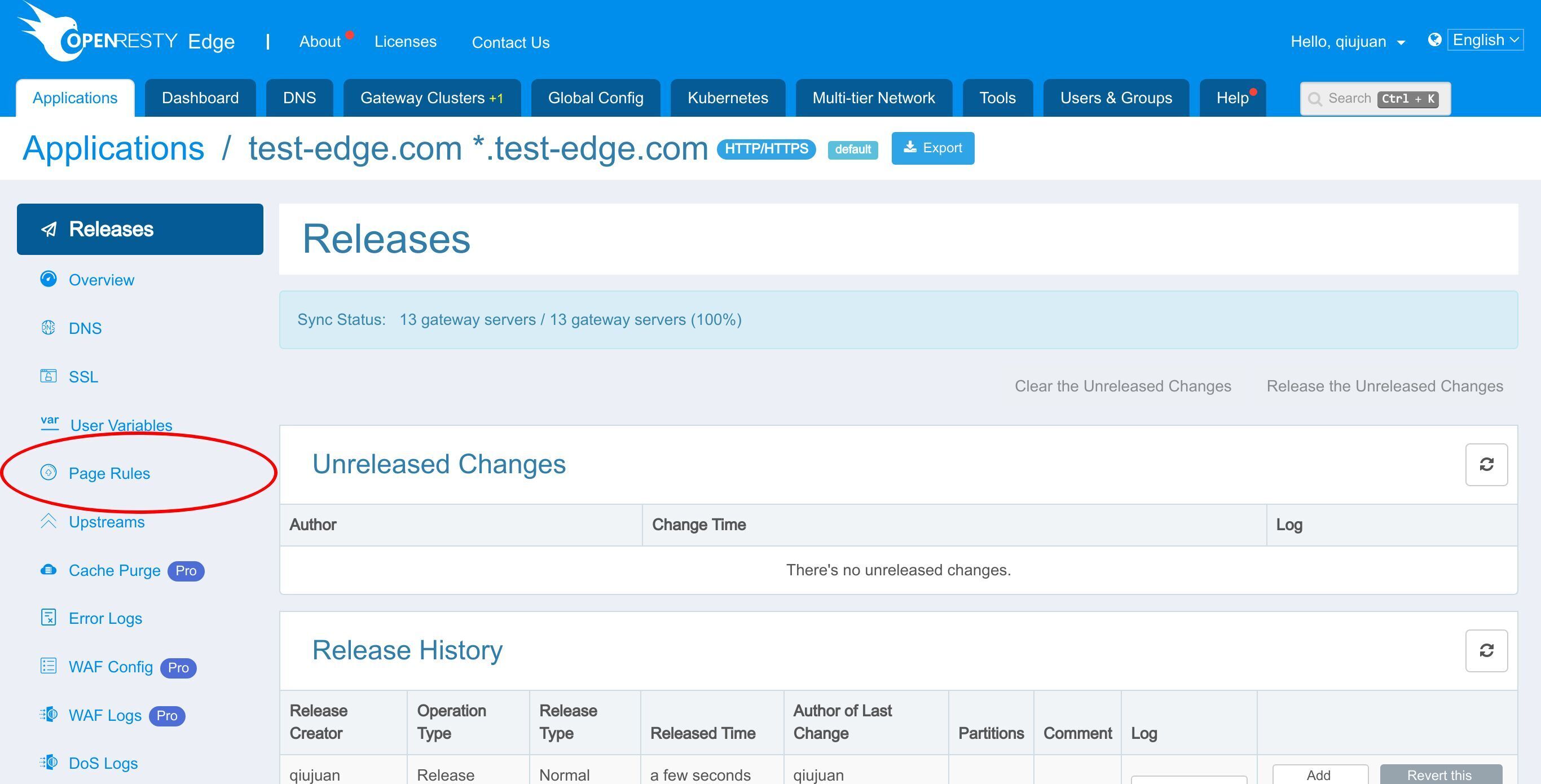
Add Edgelang code here.
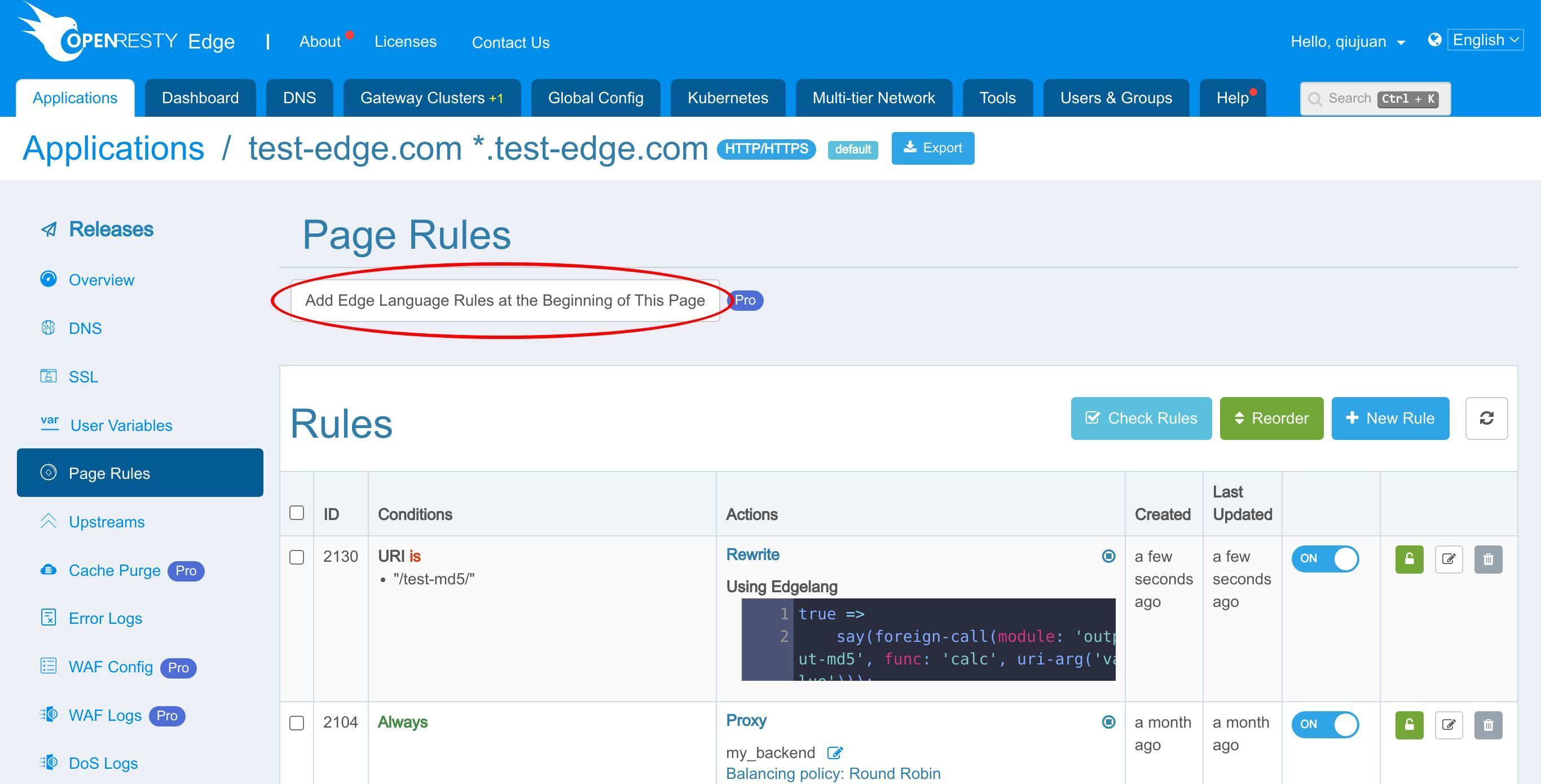
Click the “Edit” button.
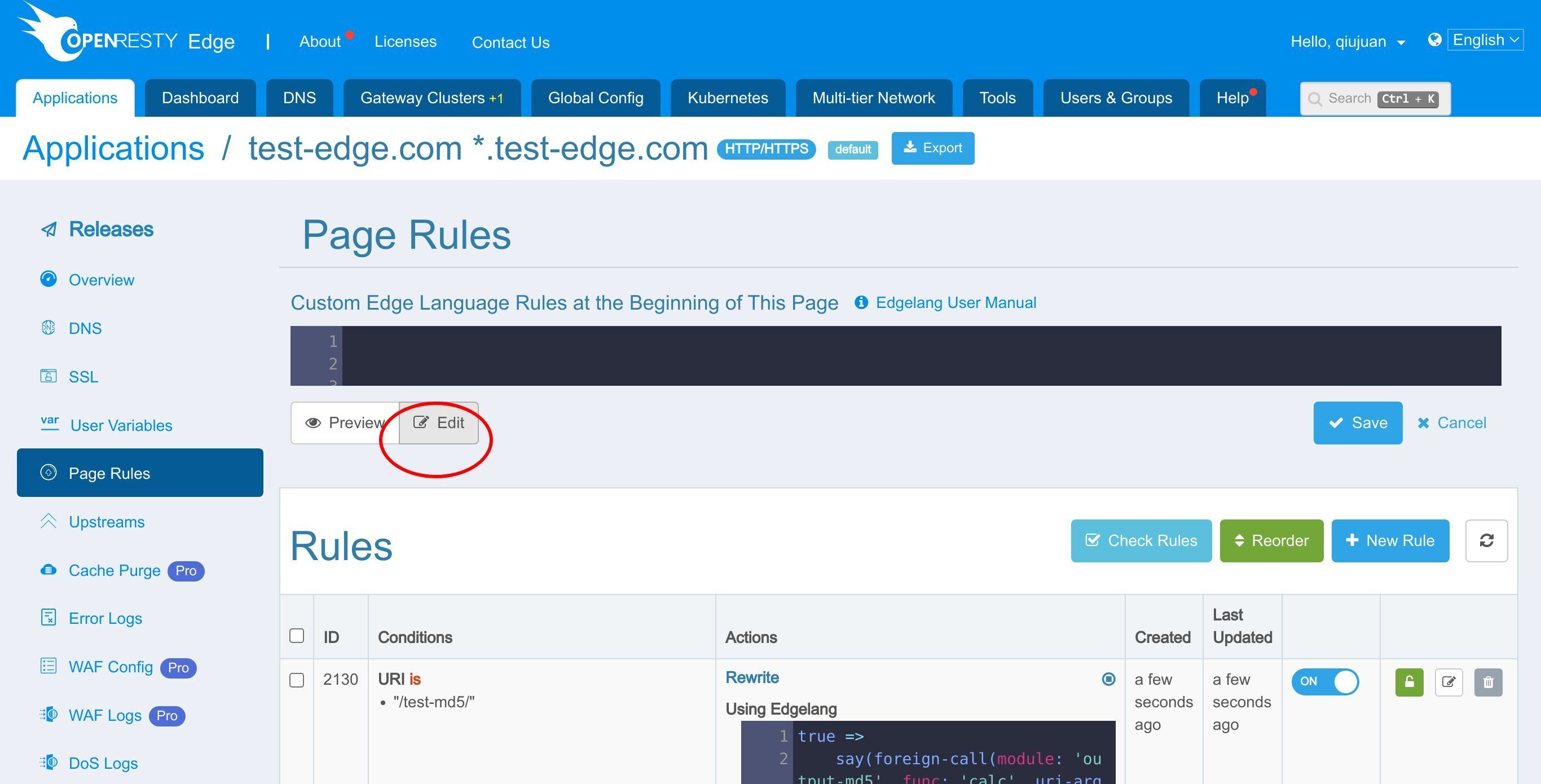
Write Edgelang Code in the edit box.
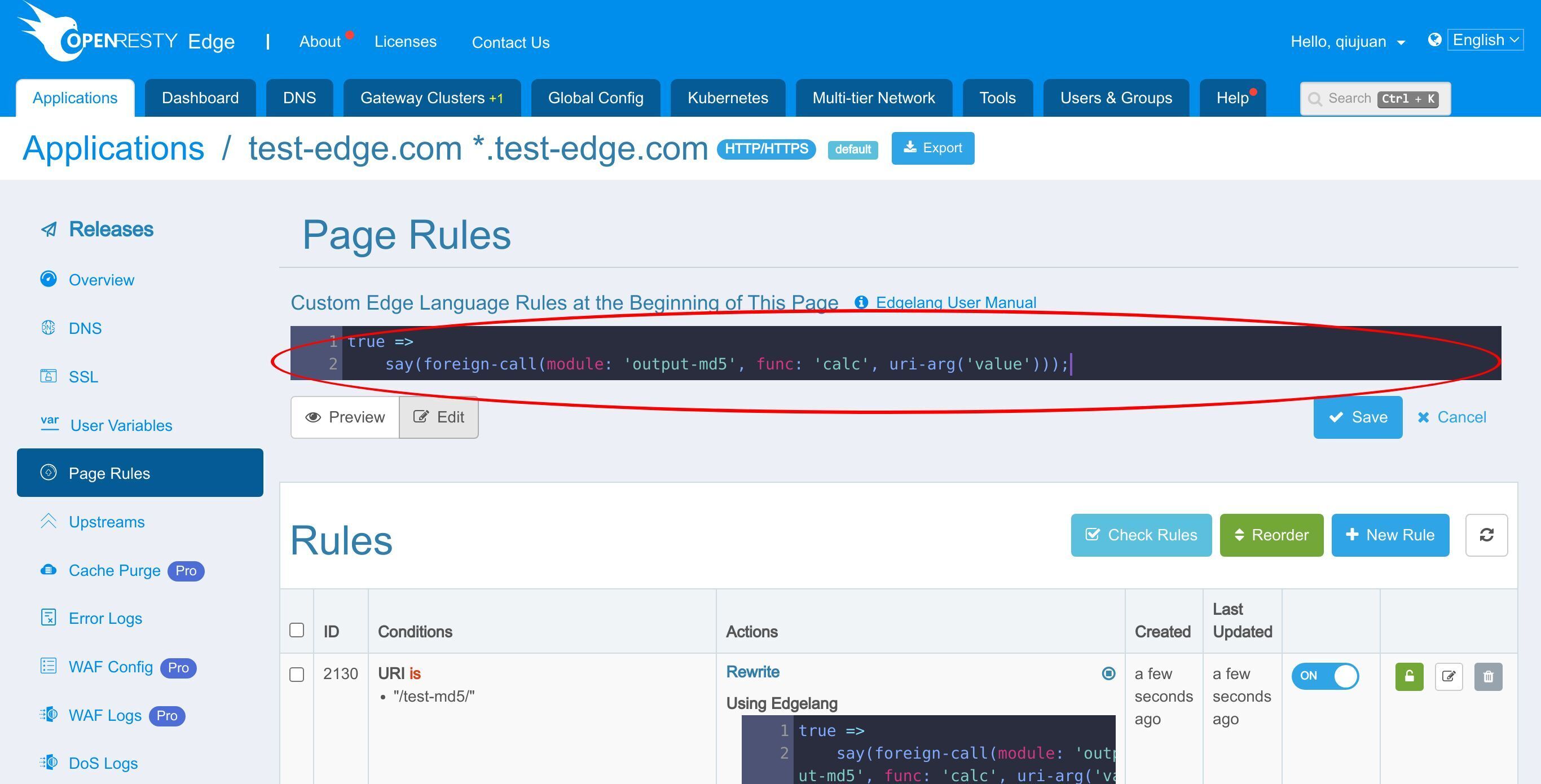
It works the same way as the page rule we just set up.
What is OpenResty Edge
OpenResty Edge is our all-in-one gateway software for microservices and distributed traffic architectures. It combines traffic management, private CDN construction, API gateway, security, and more to help you easily build, manage, and protect modern applications. OpenResty Edge delivers industry-leading performance and scalability to meet the demanding needs of high concurrency, high load scenarios. It supports scheduling containerized application traffic such as K8s and manages massive domains, making it easy to meet the needs of large websites and complex applications.
If you like this tutorial, please subscribe to this blog site and/or our YouTube channel. Thank you!
About The Author
Yichun Zhang (Github handle: agentzh), is the original creator of the OpenResty® open-source project and the CEO of OpenResty Inc..
Yichun is one of the earliest advocates and leaders of “open-source technology”. He worked at many internationally renowned tech companies, such as Cloudflare, Yahoo!. He is a pioneer of “edge computing”, “dynamic tracing” and “machine coding”, with over 22 years of programming and 16 years of open source experience. Yichun is well-known in the open-source space as the project leader of OpenResty®, adopted by more than 40 million global website domains.
OpenResty Inc., the enterprise software start-up founded by Yichun in 2017, has customers from some of the biggest companies in the world. Its flagship product, OpenResty XRay, is a non-invasive profiling and troubleshooting tool that significantly enhances and utilizes dynamic tracing technology. And its OpenResty Edge product is a powerful distributed traffic management and private CDN software product.
As an avid open-source contributor, Yichun has contributed more than a million lines of code to numerous open-source projects, including Linux kernel, Nginx, LuaJIT, GDB, SystemTap, LLVM, Perl, etc. He has also authored more than 60 open-source software libraries.
Related Articles
OpenResty XRay Jun 27, 2024

OpenResty XRay Jun 26, 2024

OpenResty XRay May 8, 2024

OpenResty XRay Apr 28, 2024

OpenResty XRay Apr 10, 2024