
How to Create OpenResty Edge Lua Extensions for Event-Driven Automation: Auto-Remove Offline Gateway Nodes from DNS
An OpenResty Edge Lua extension is a snippet of custom Lua code that Edge runs automatically when a built-in gateway event fires — for example, when a gateway server goes abnormally offline. You create, edit, and bind these extensions entirely from Edge’s web console under Global Config → Global Lua Extensions, choosing an event type as the trigger. This turns Edge into an event-driven automation platform: instead of polling or writing external glue code, you attach Lua logic directly to gateway lifecycle events.
This tutorial walks through building an event-driven Lua extension that reacts to the Gateway Server Abnormal Offline event and removes the dead node from GoDaddy DNS the moment a gateway server drops — so DNS stops resolving traffic to an offline node, with no manual intervention. For invoking reusable Lua from page rules instead of events, see the companion feature Global Lua Modules; for a webhook-based take on the same event-driven pattern, see Event-Driven Operations with OpenResty Edge Webhook.
How to create an OpenResty Edge Lua extension bound to a gateway event
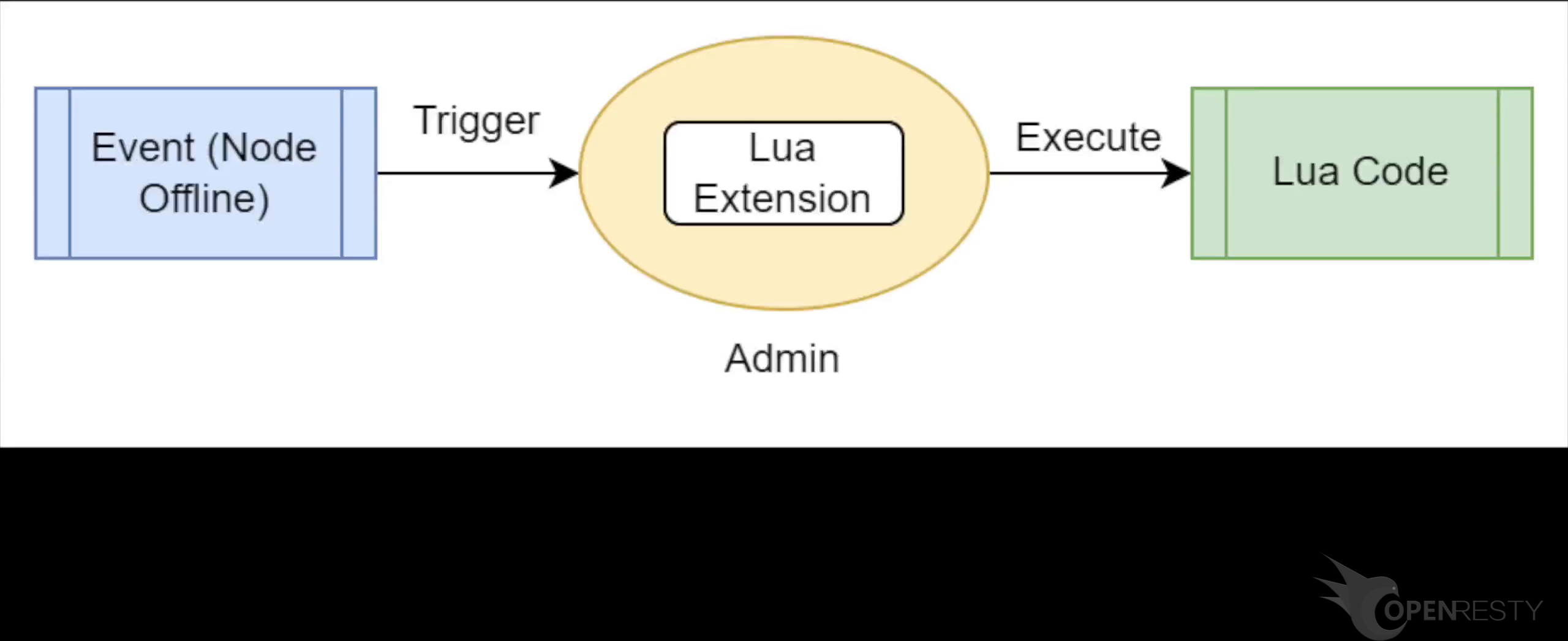
OpenResty Edge provides powerful Lua extensions to automatically respond to offline events from the gateway server.
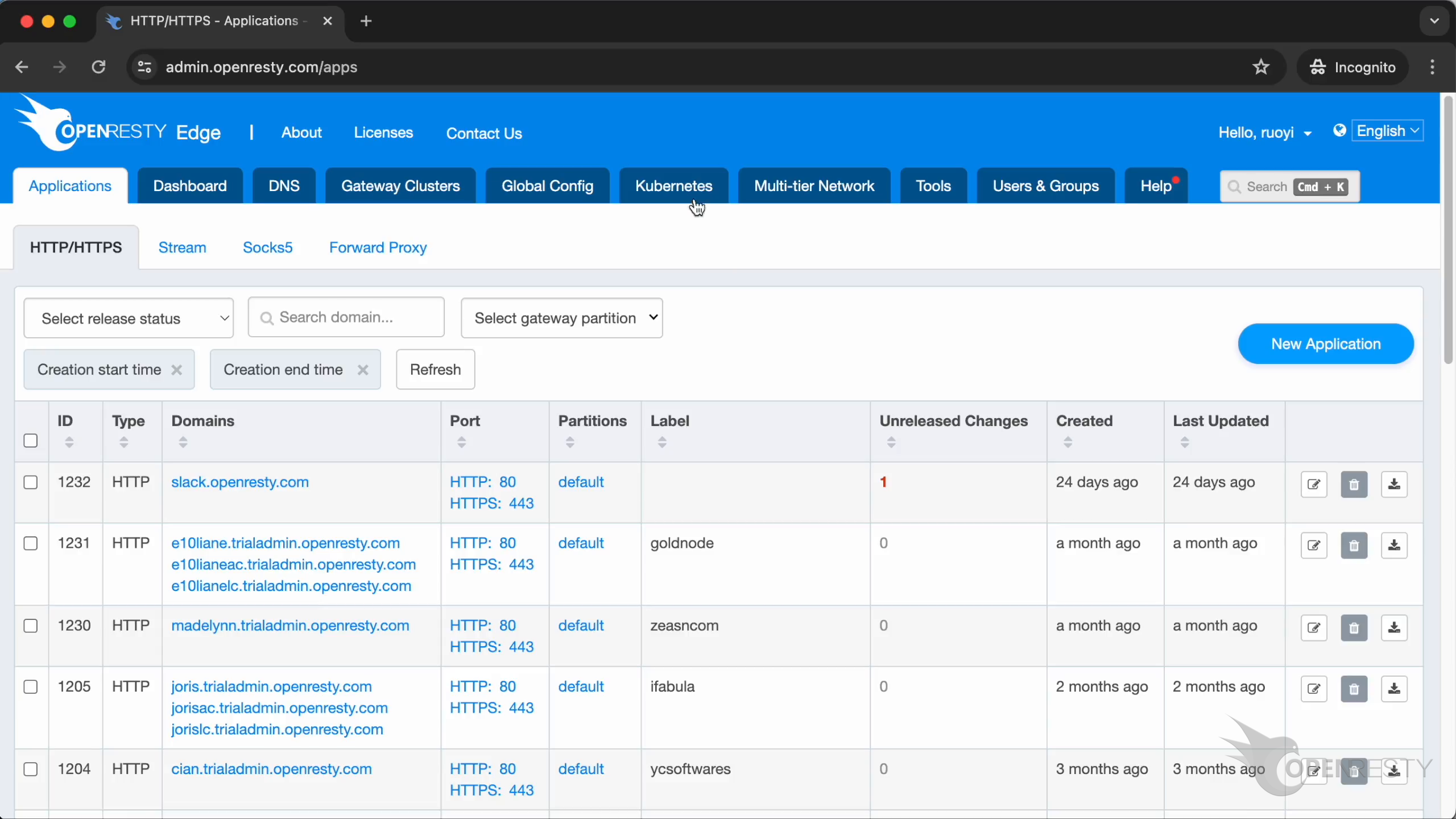
Let’s switch to the web console of OpenResty Edge. This is our sample deployment of the console. Every user would have their own deployment.
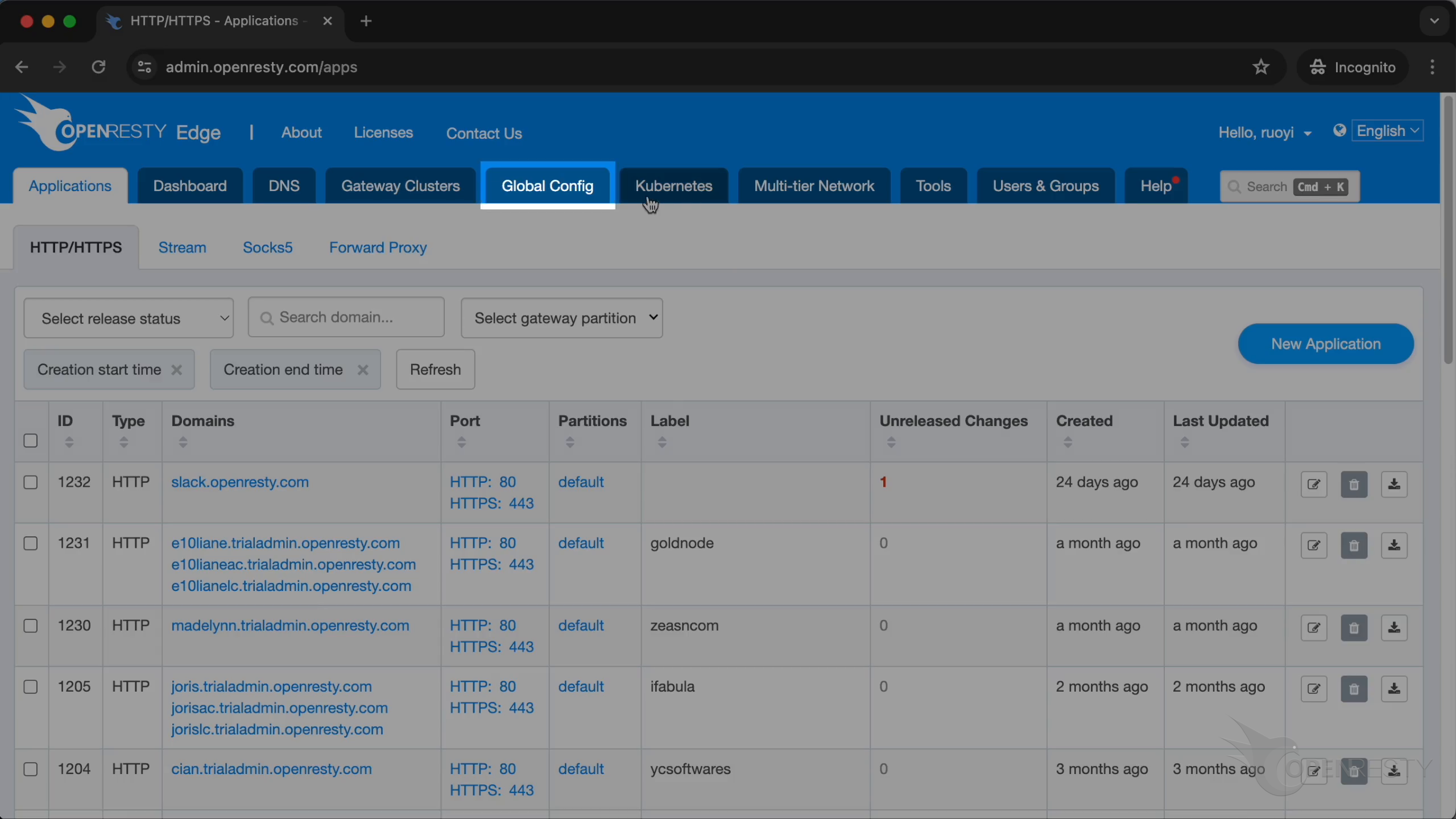
Go to the “Global Config” page.
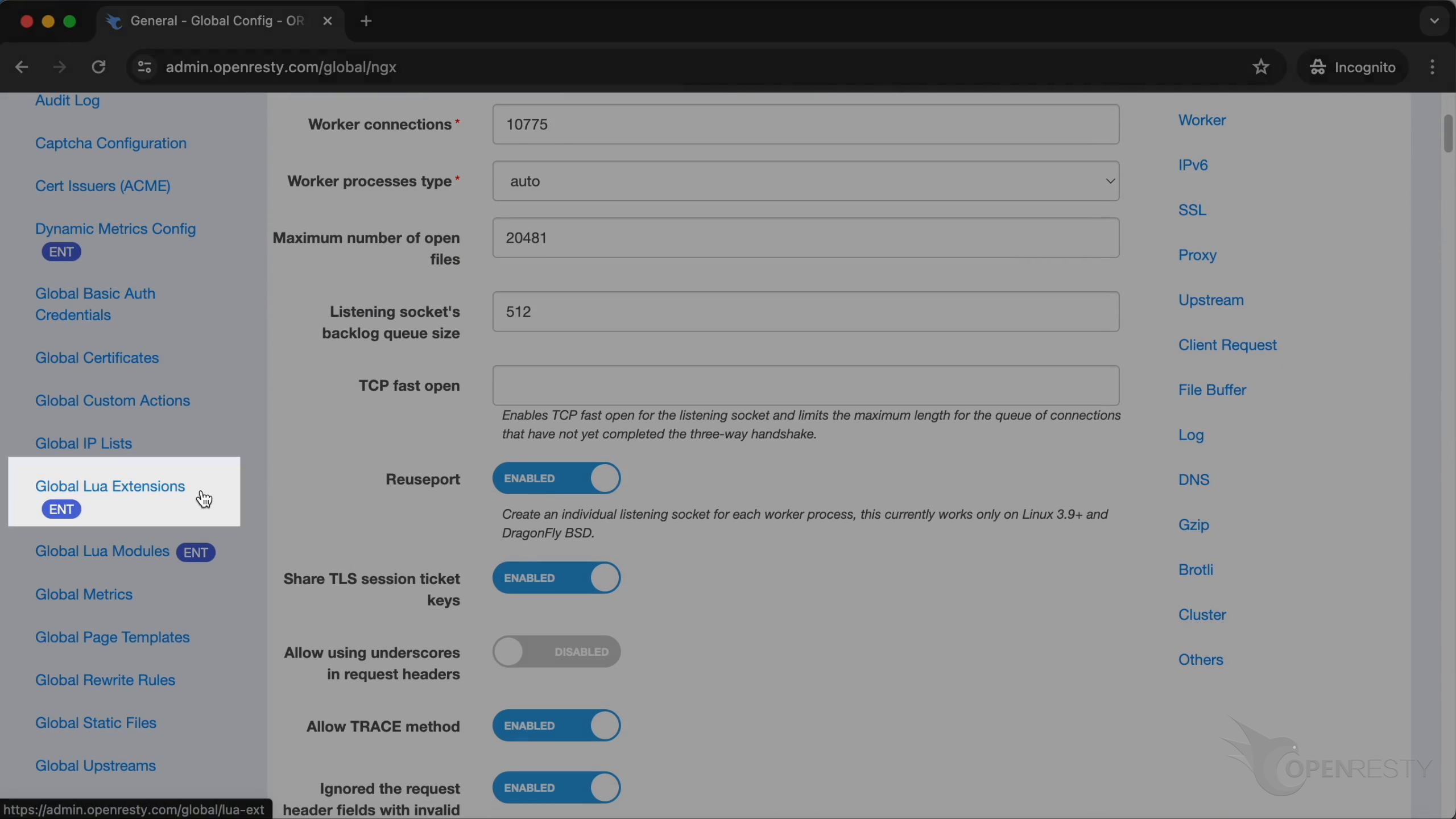
Click on “Global Lua Extensions”.
Let’s create a new Lua Extension.
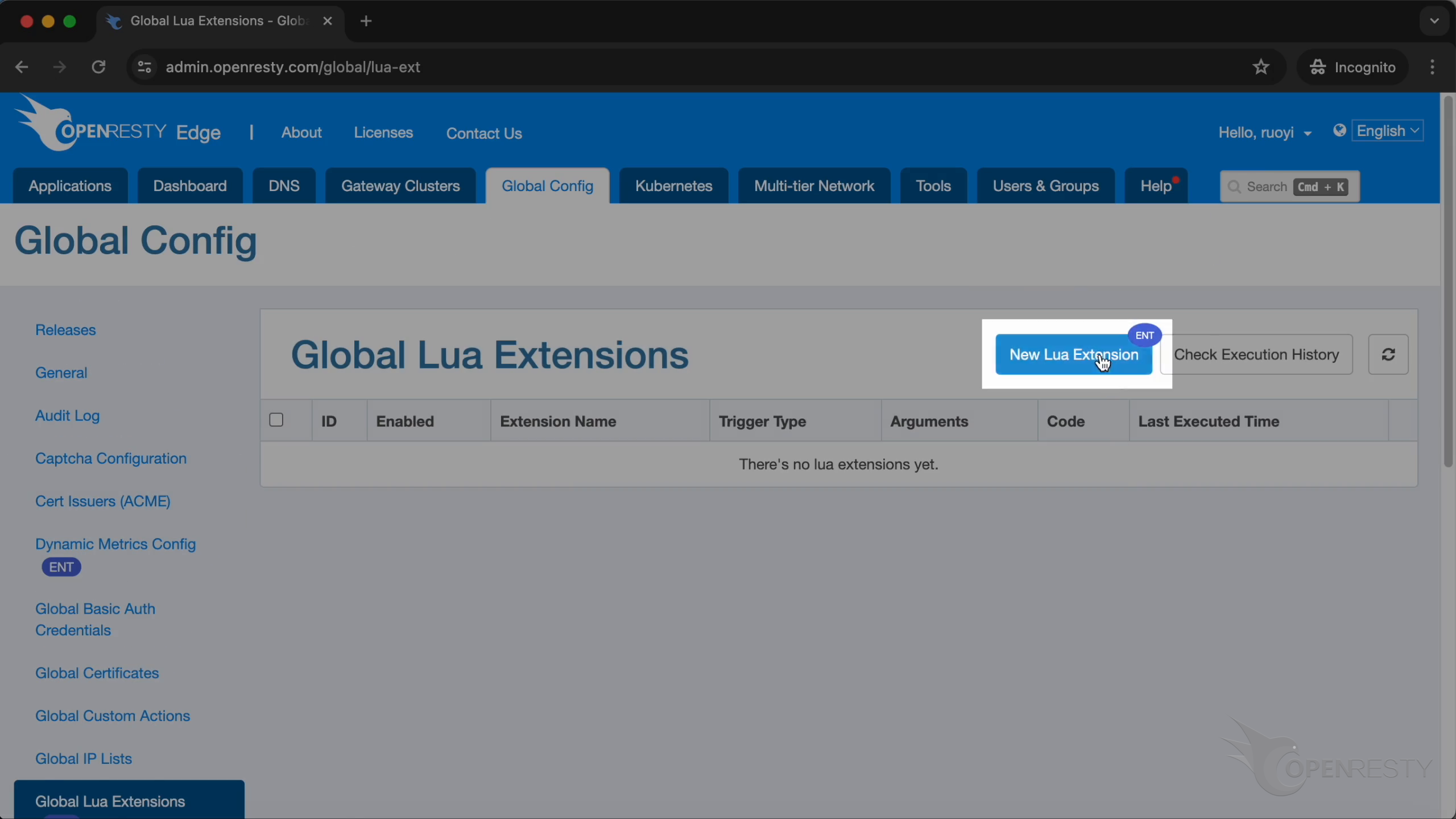
Create an extension to prevent GoDaddy from resolving a domain name to an already offline node.
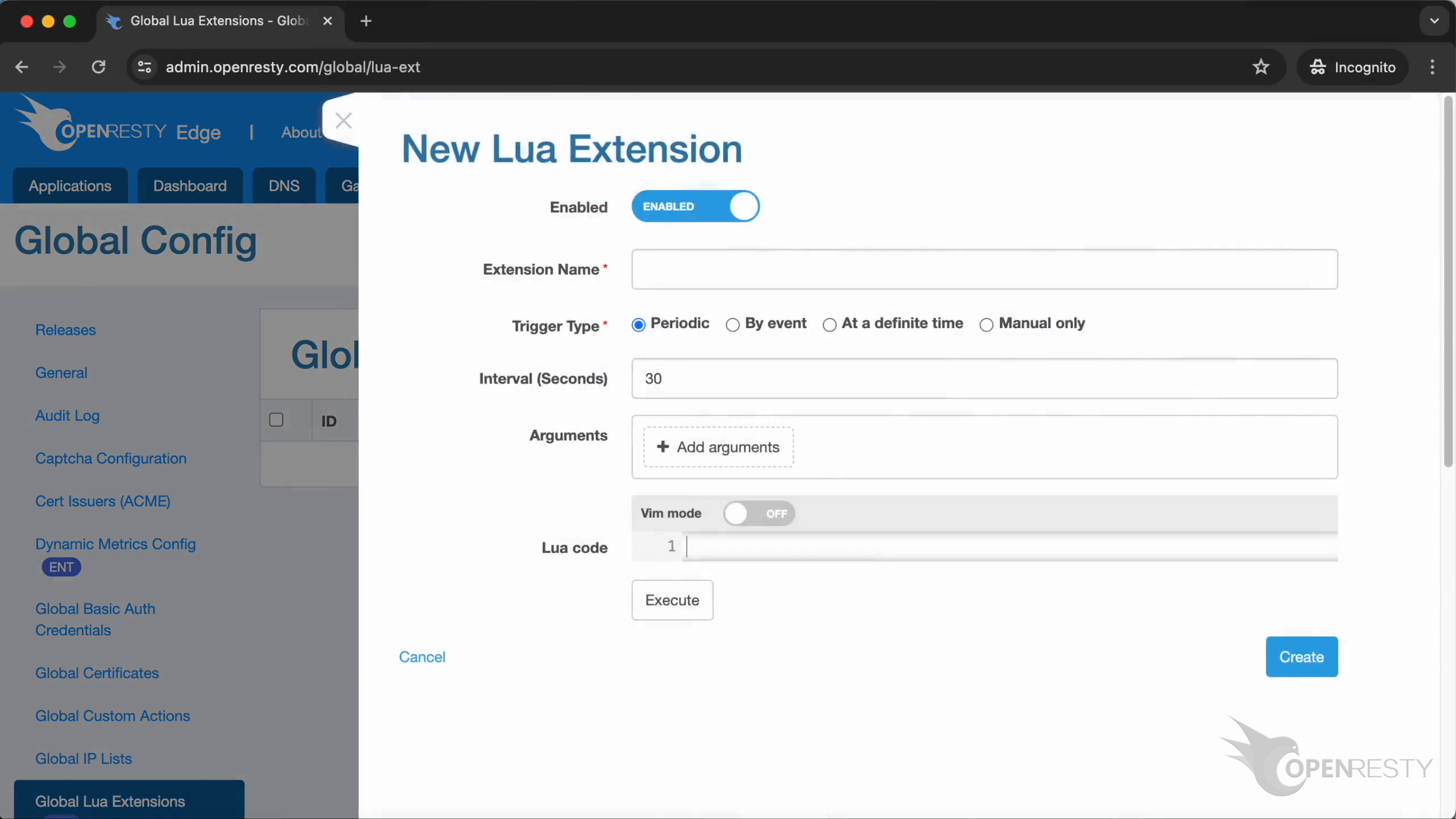
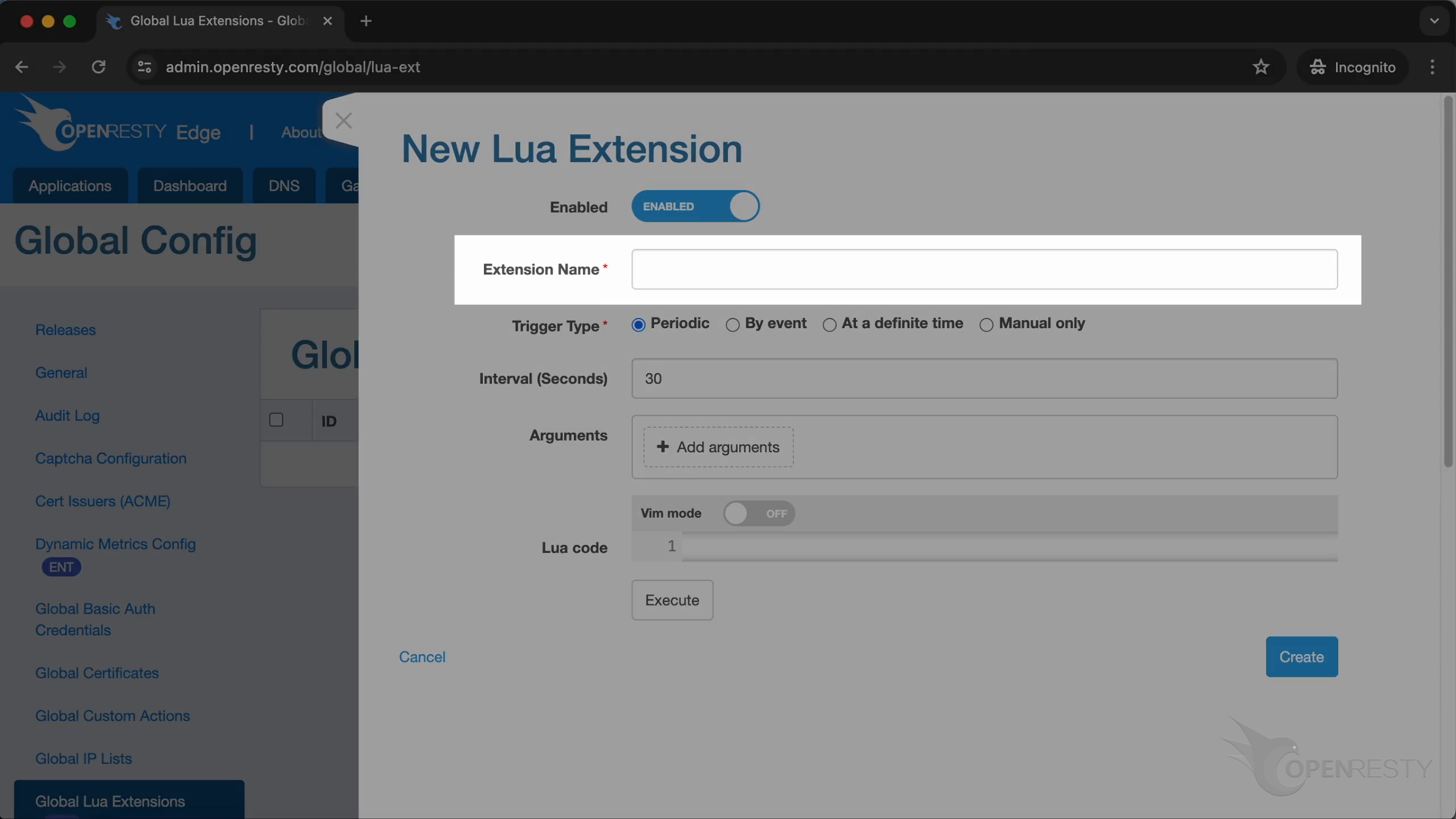
Here we enter the name as “remove_node_from_godaddy_if_node_is_offline”.
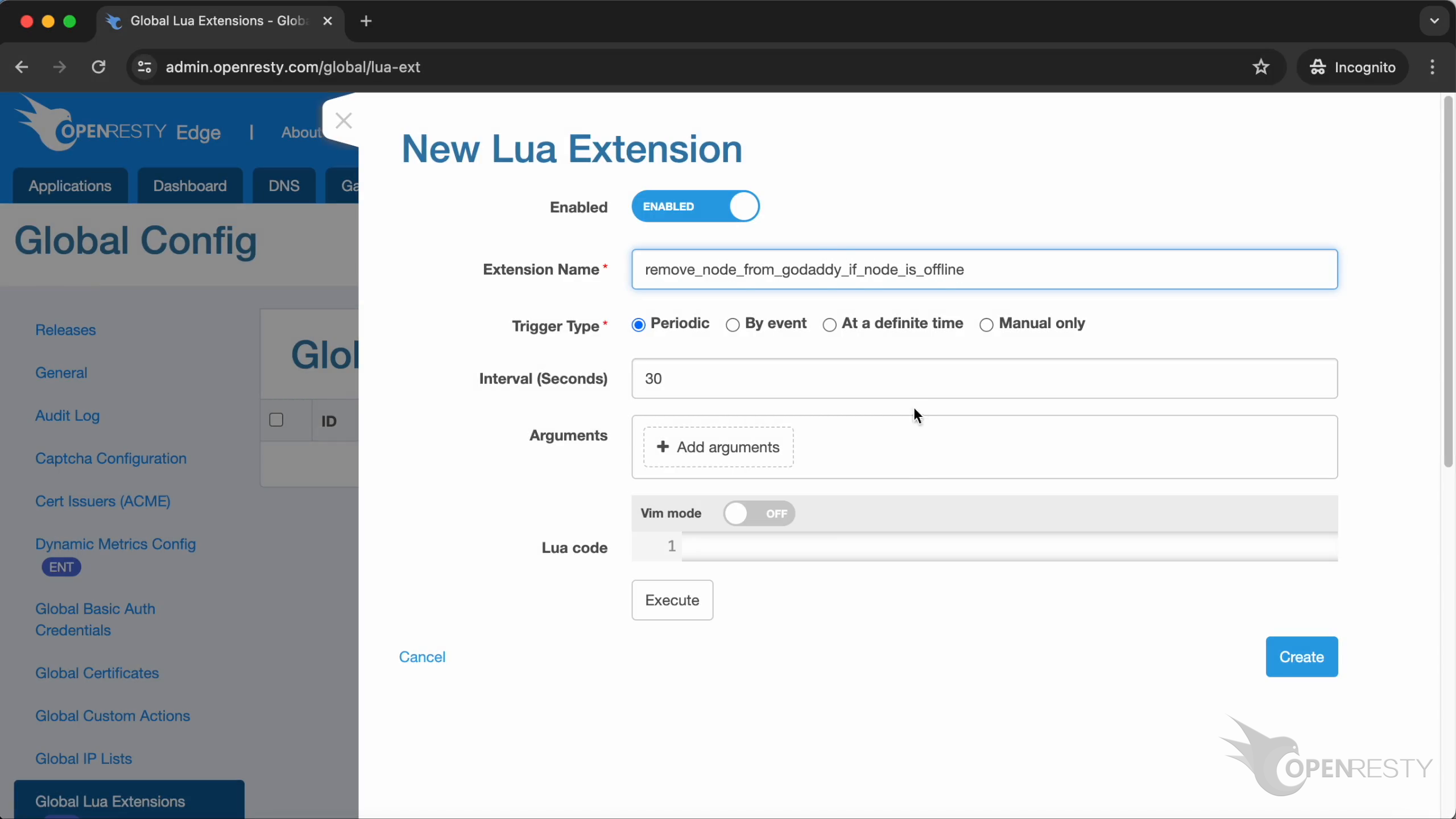
Select “By event”.
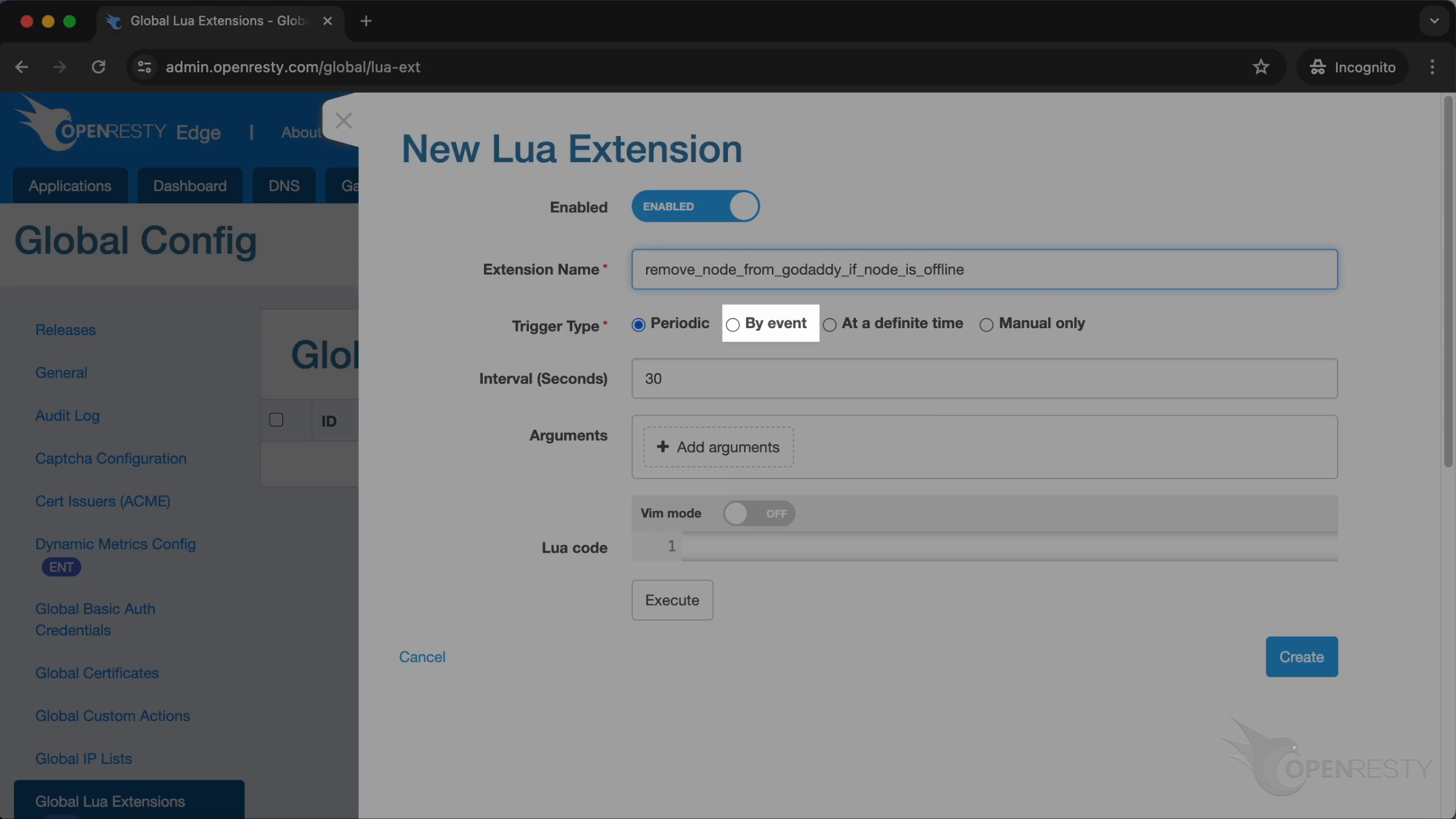
OpenResty’s Edge supports several kinds of built-in events.
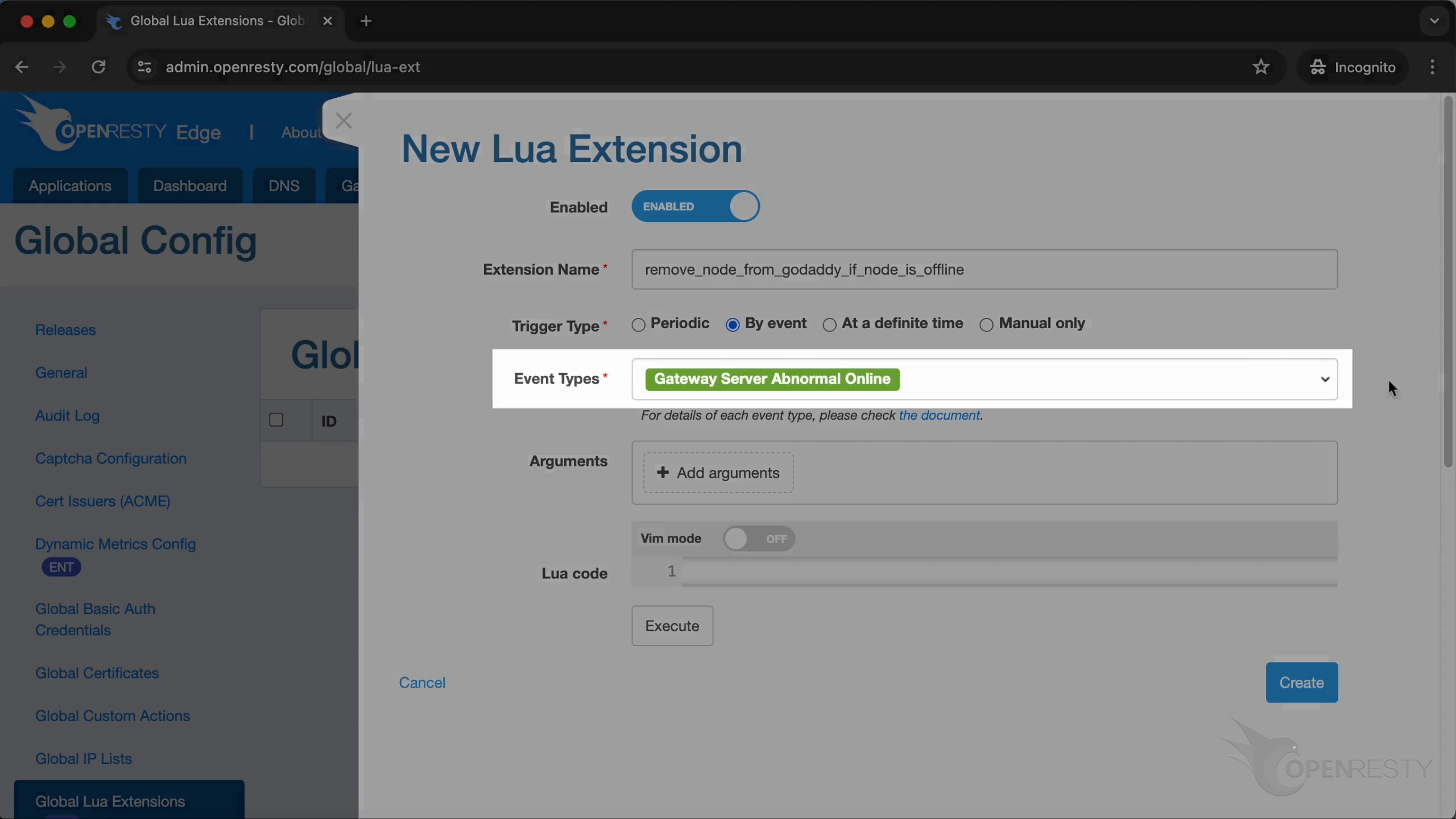
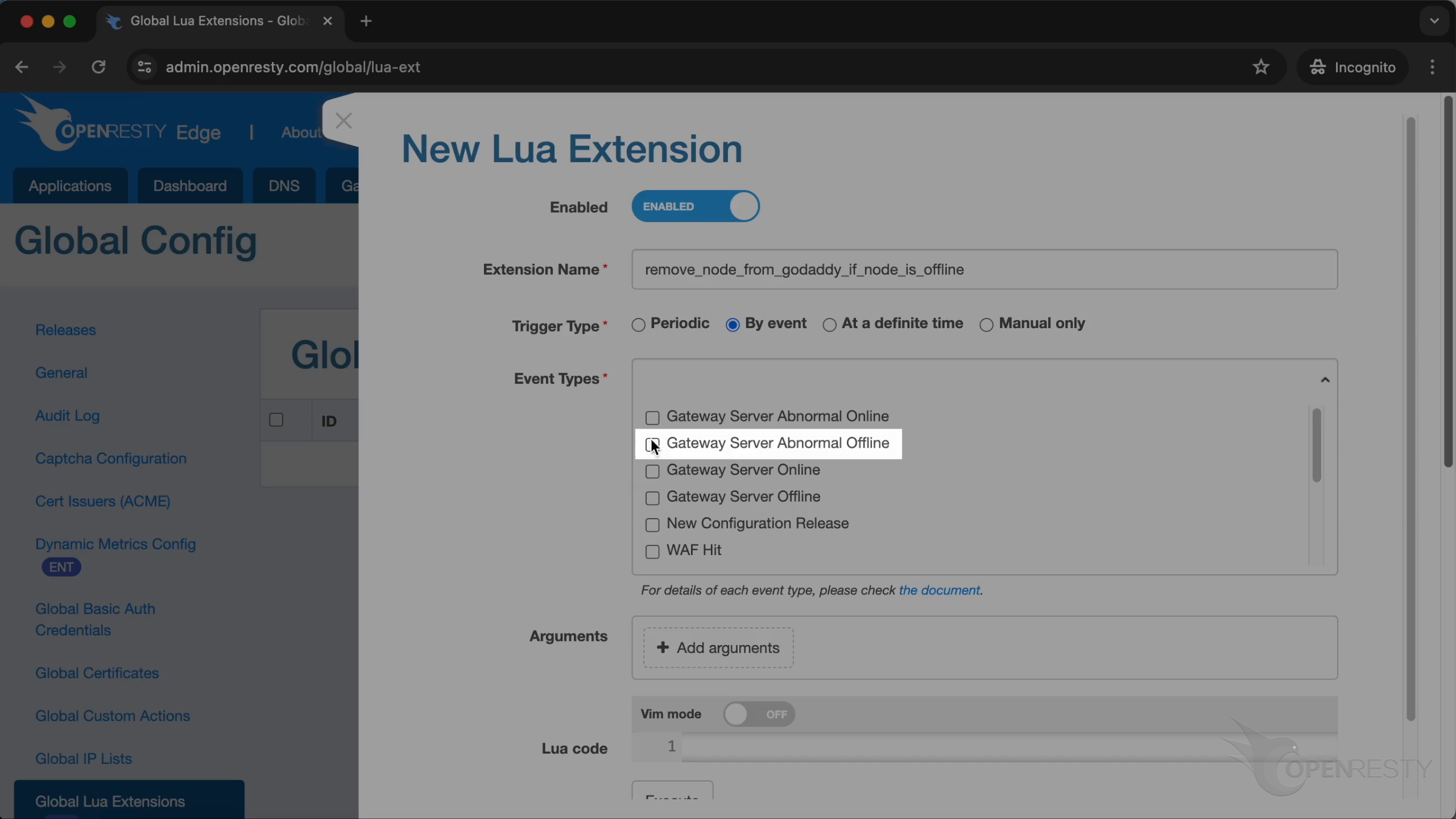
Here, we select the type “Gateway Server Abnormal Offline”. This means that if the server is offline, the Lua Extension will be triggered.
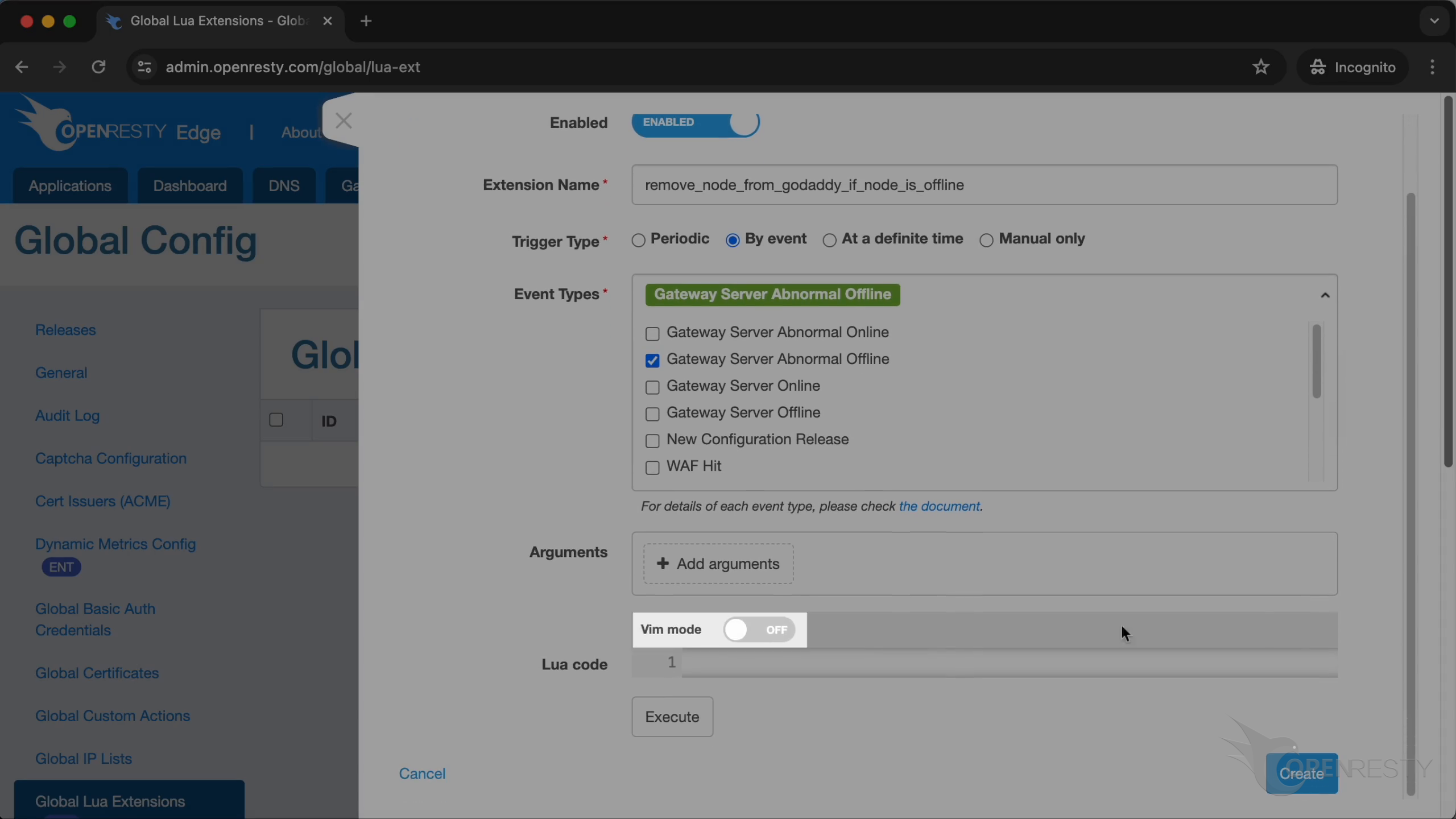
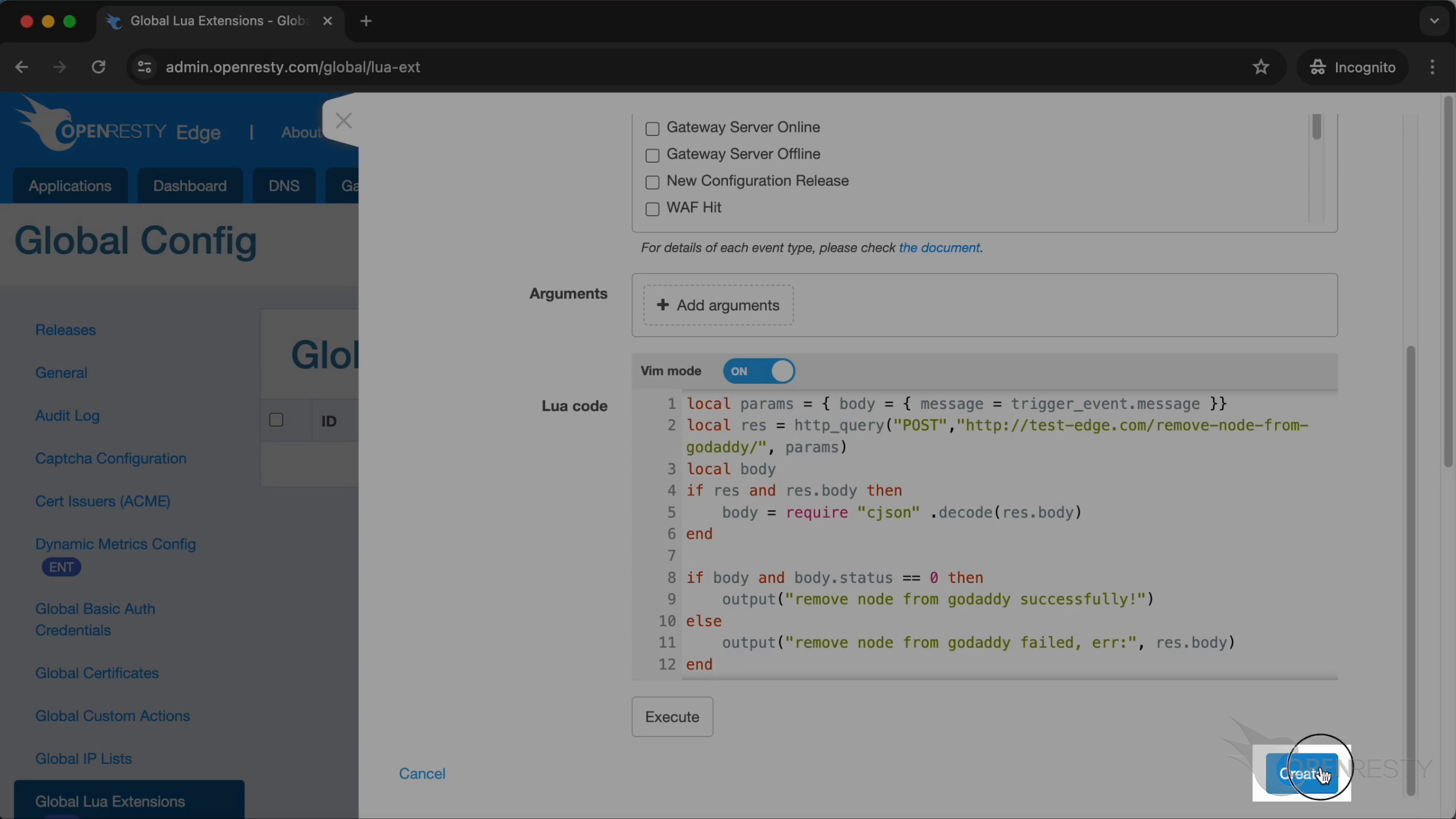
If you are used to using Vim, you can enable Vim mode to edit code.
When the event occurs, it will pass trigger_event to Lua Extension.
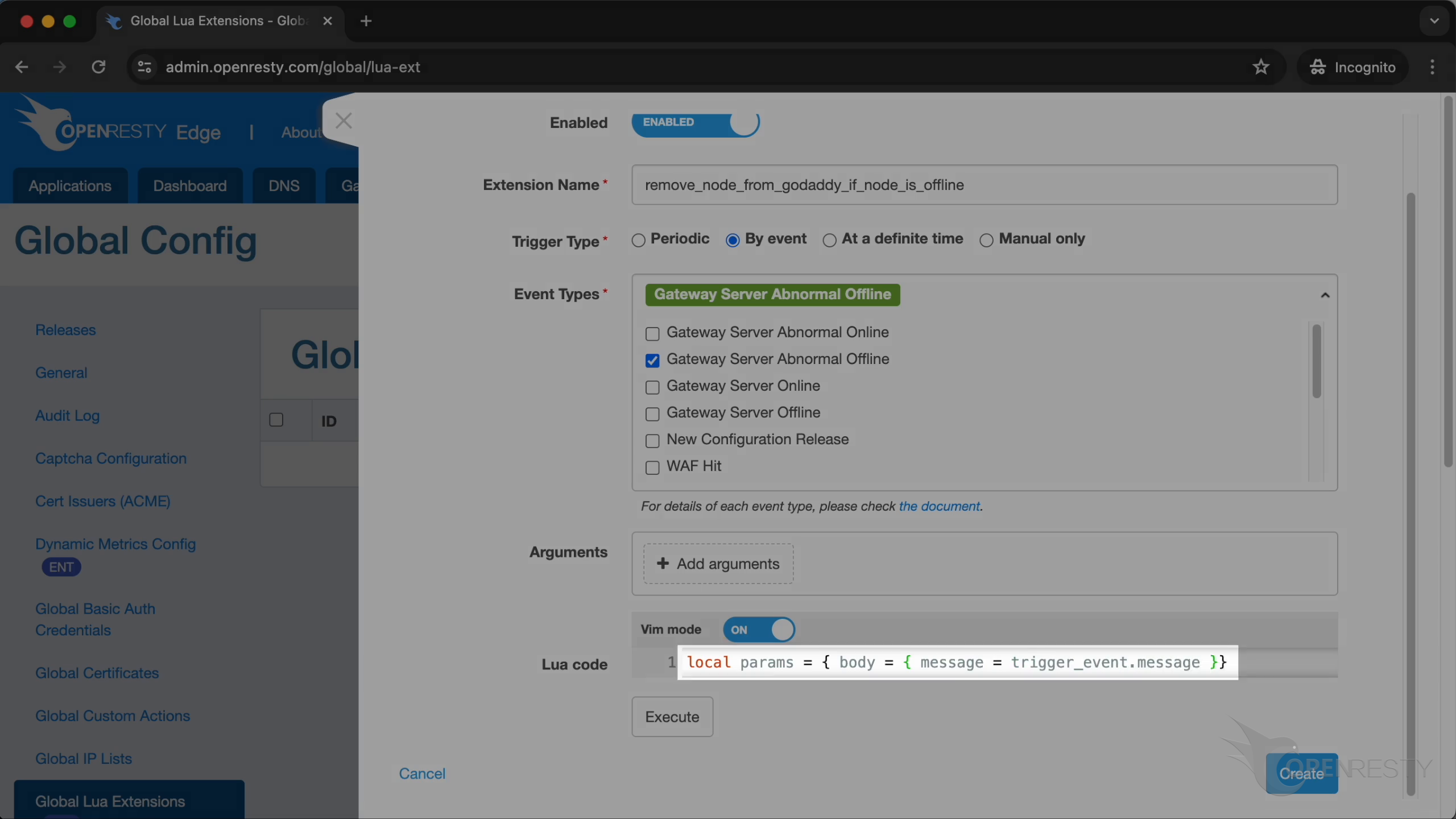
Send a request to the manager service, which could remove the node from GoDaddy when it’s offline.
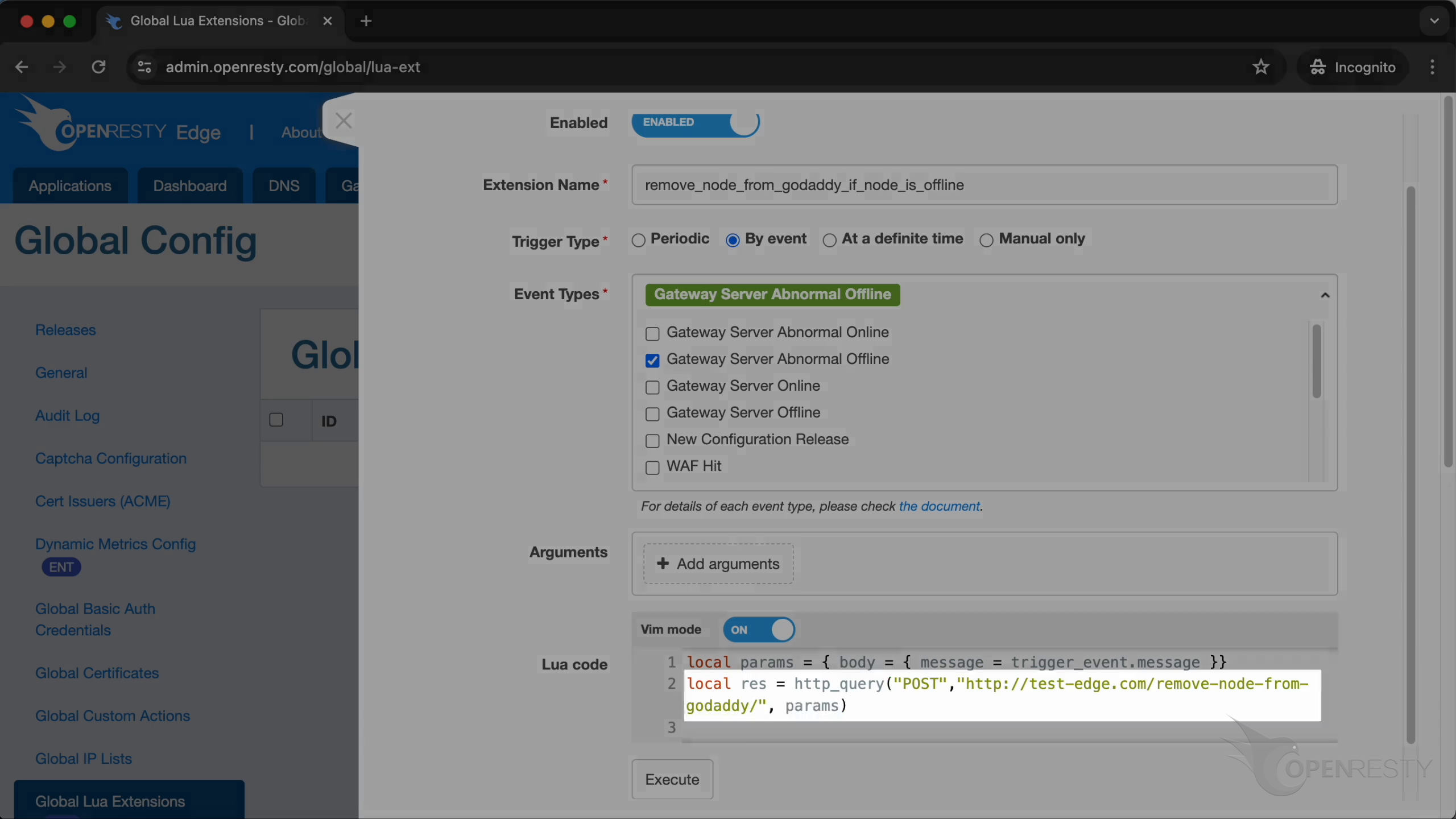
When the response content meets the conditions, use Lua’s cjson module to decode it and assign the result to the body variable.
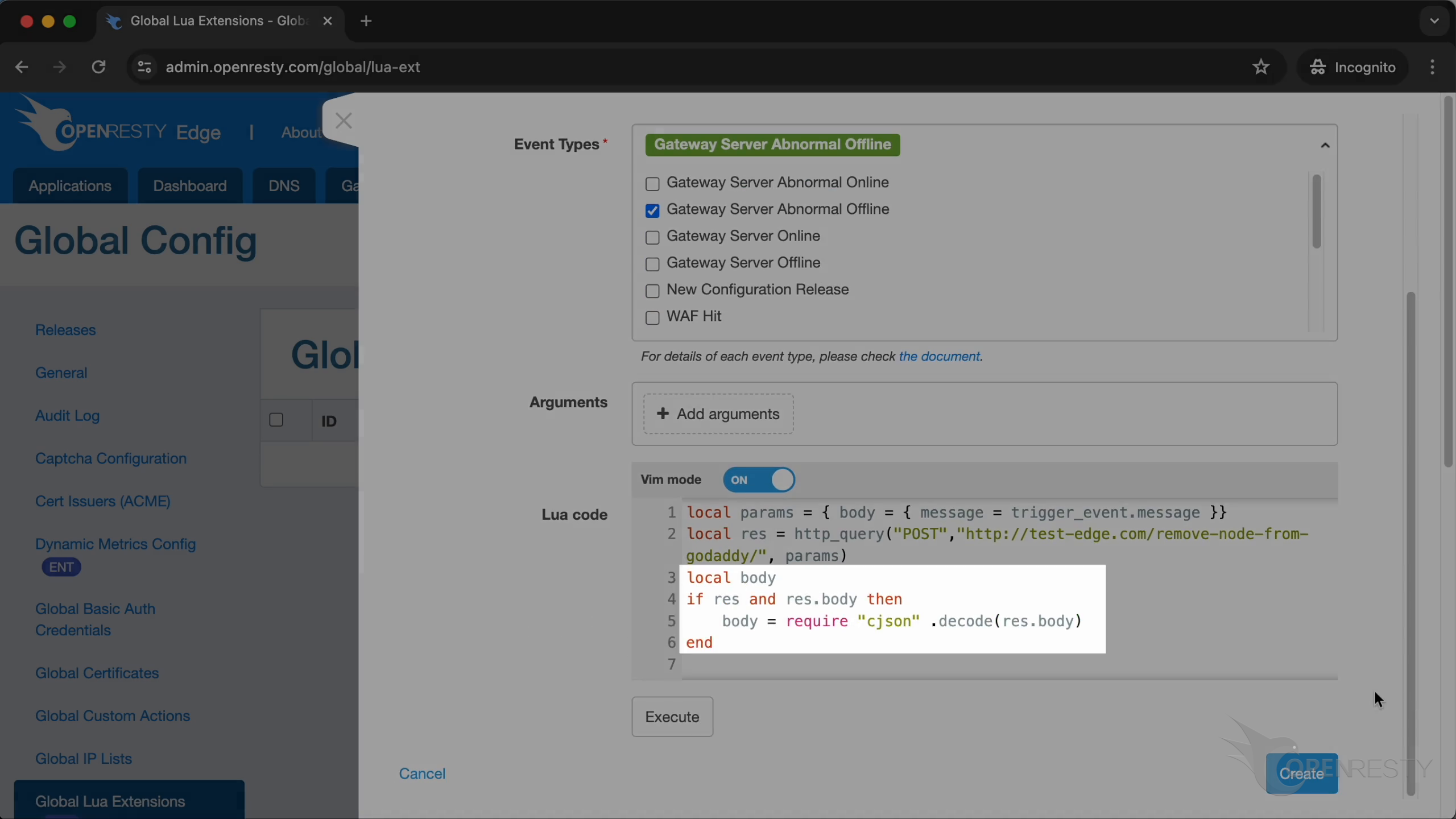
If body exists and body.status equals 0, then output the successful message.
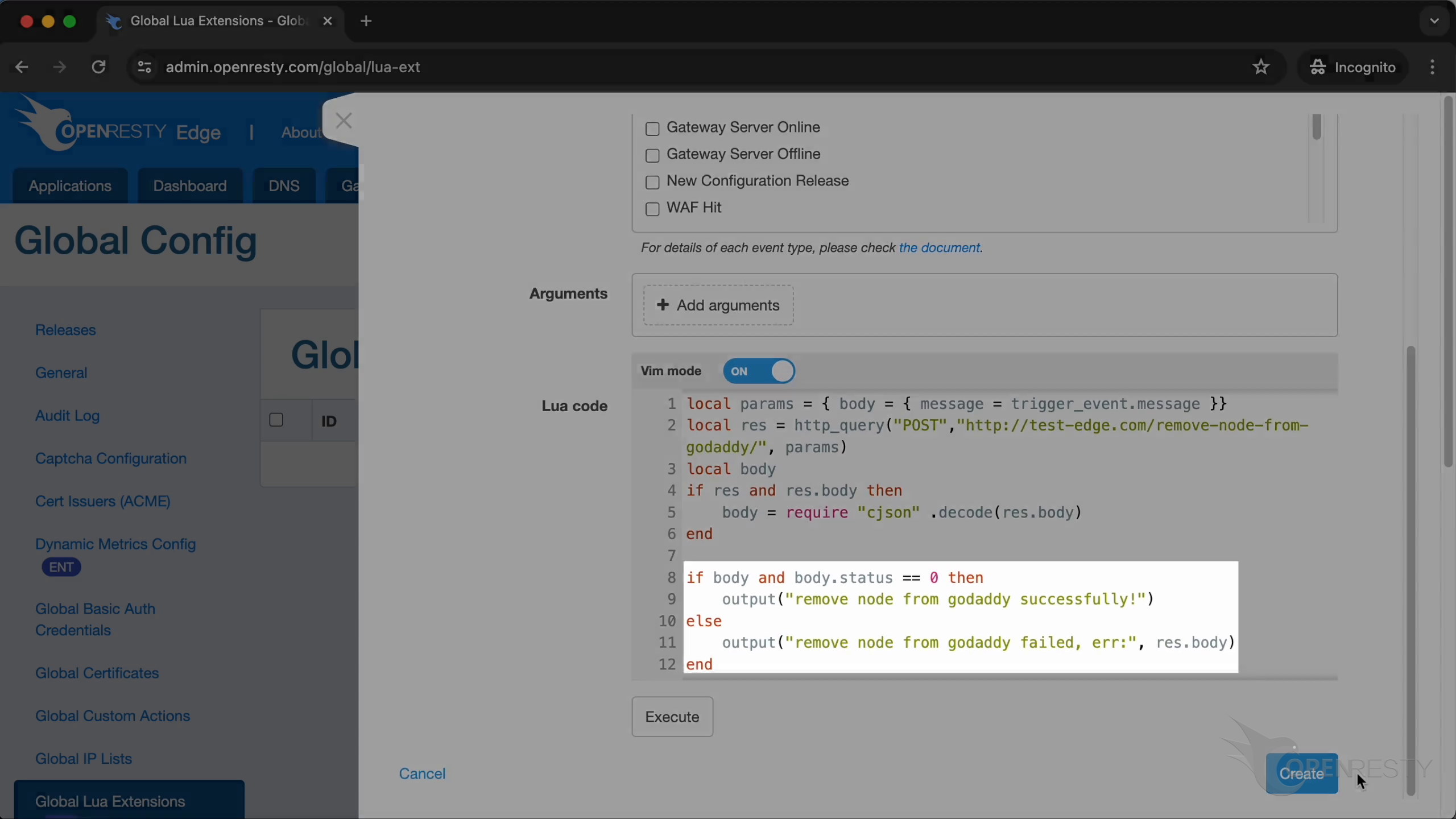
Click to create it!
How to trigger and verify the Lua extension by taking a gateway server offline
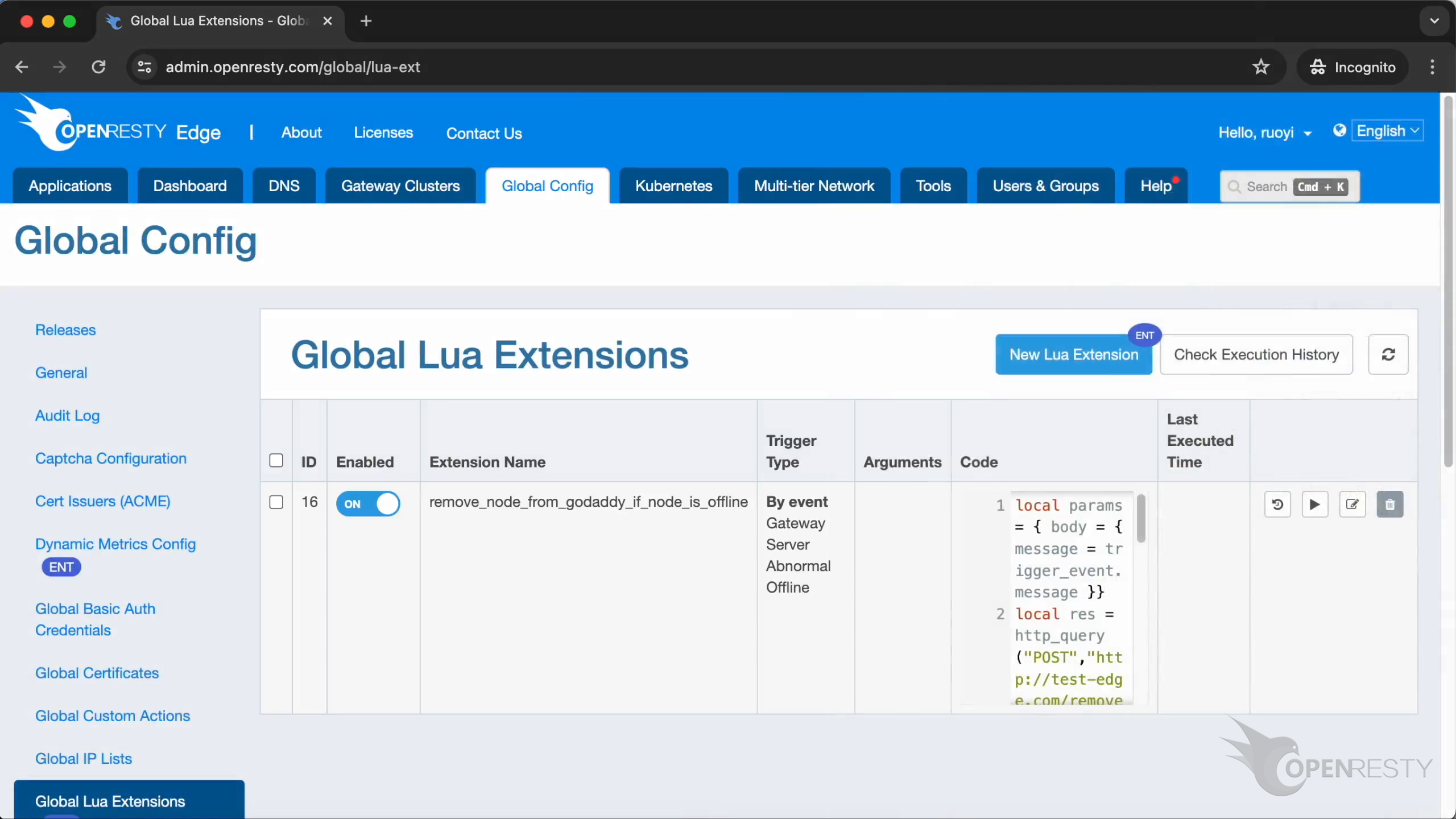
After creating, the new Lua Extension will work automatically. Let’s test it with an offline gateway server.
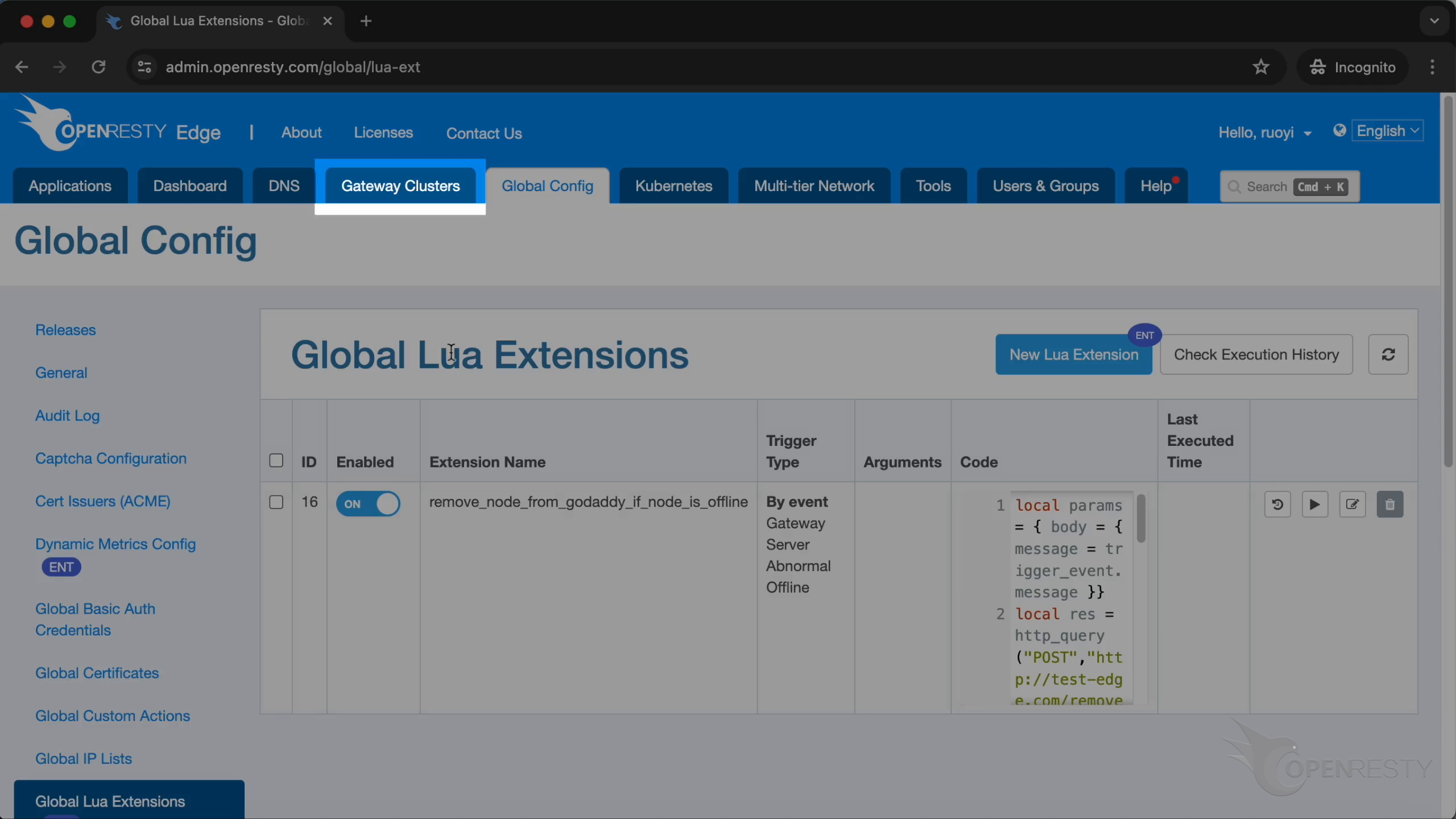
Go to Gateway Clusters’s page.
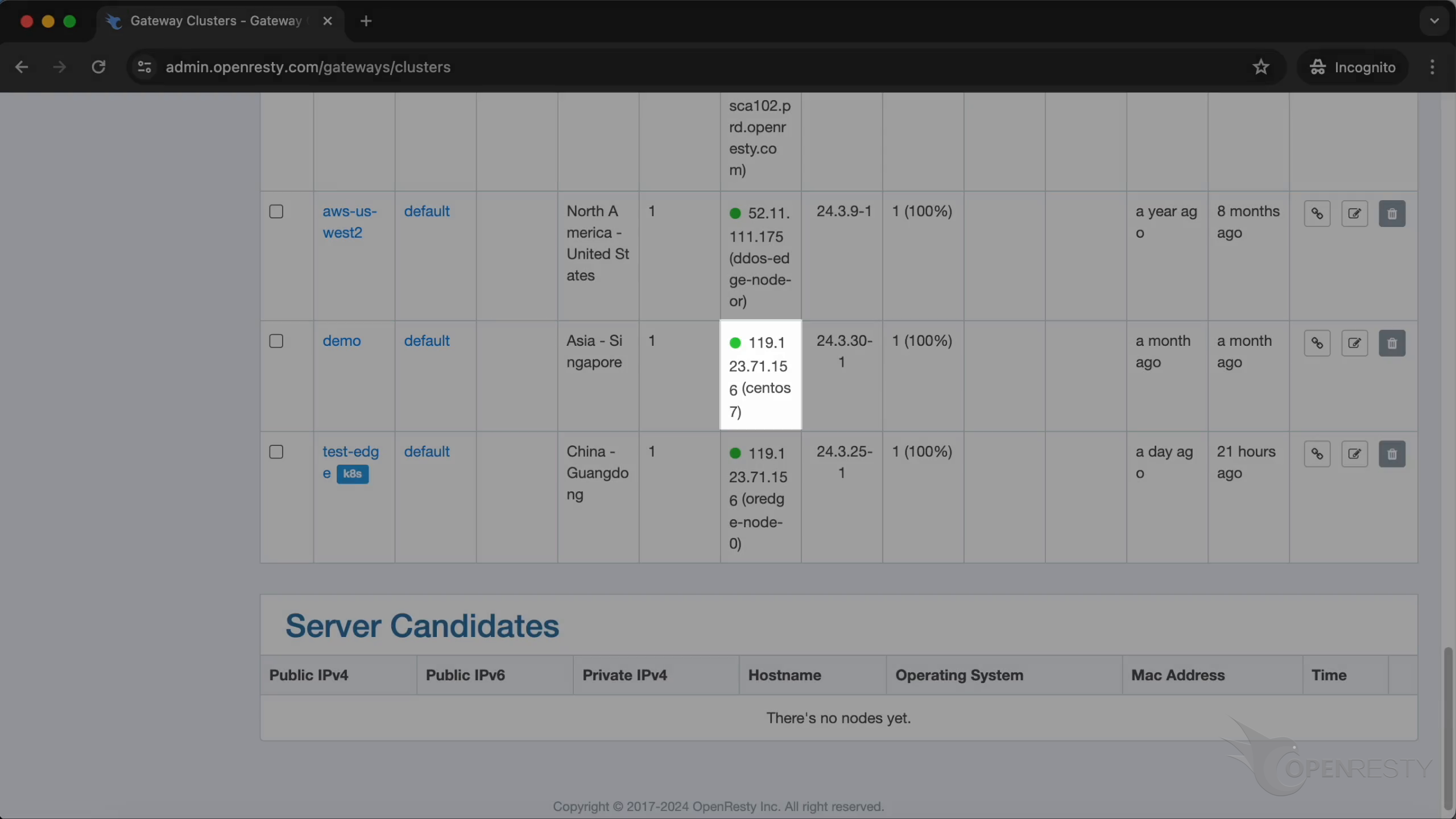
This is the gateway cluster we are going to use.
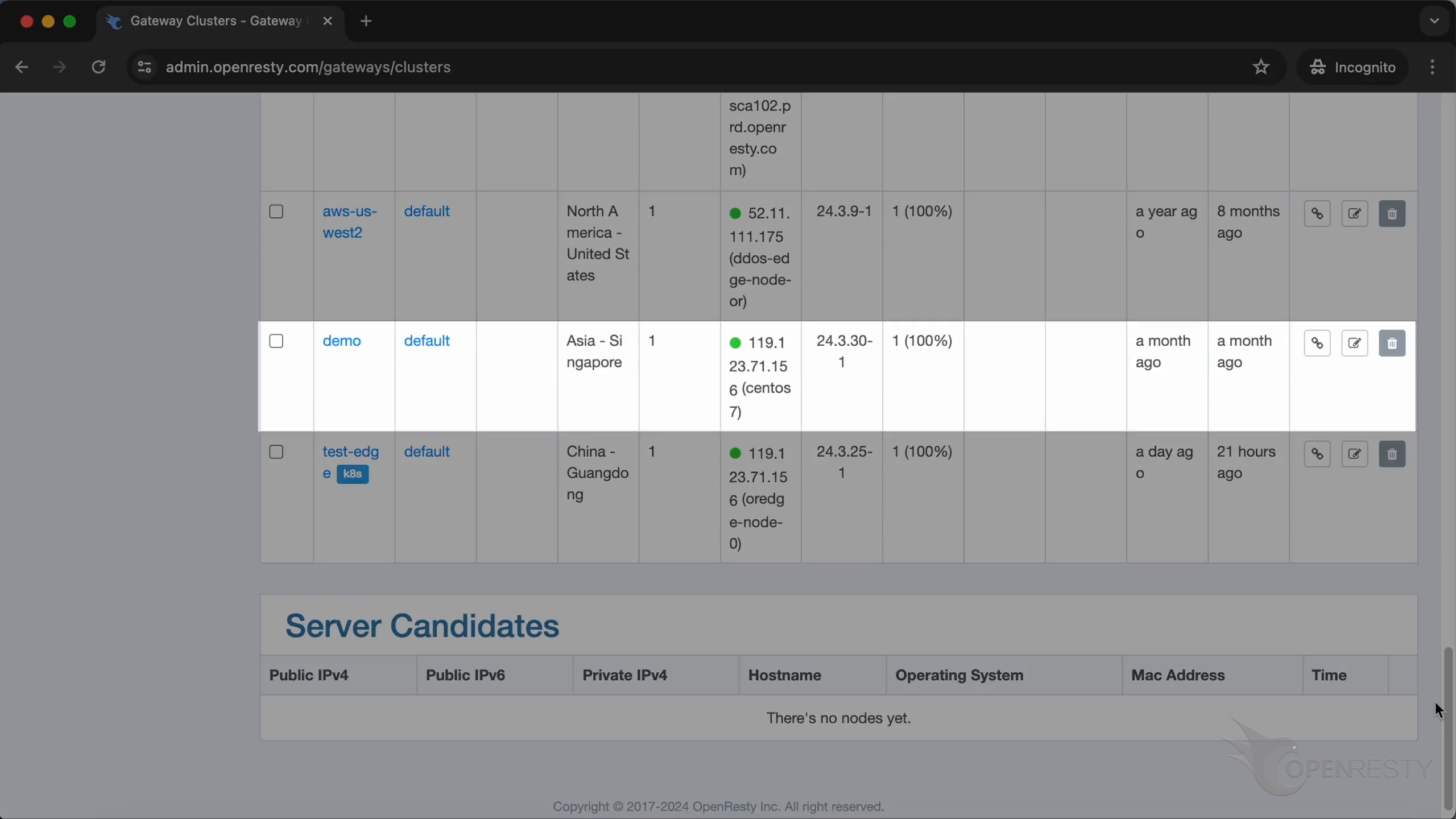
It’s online now.
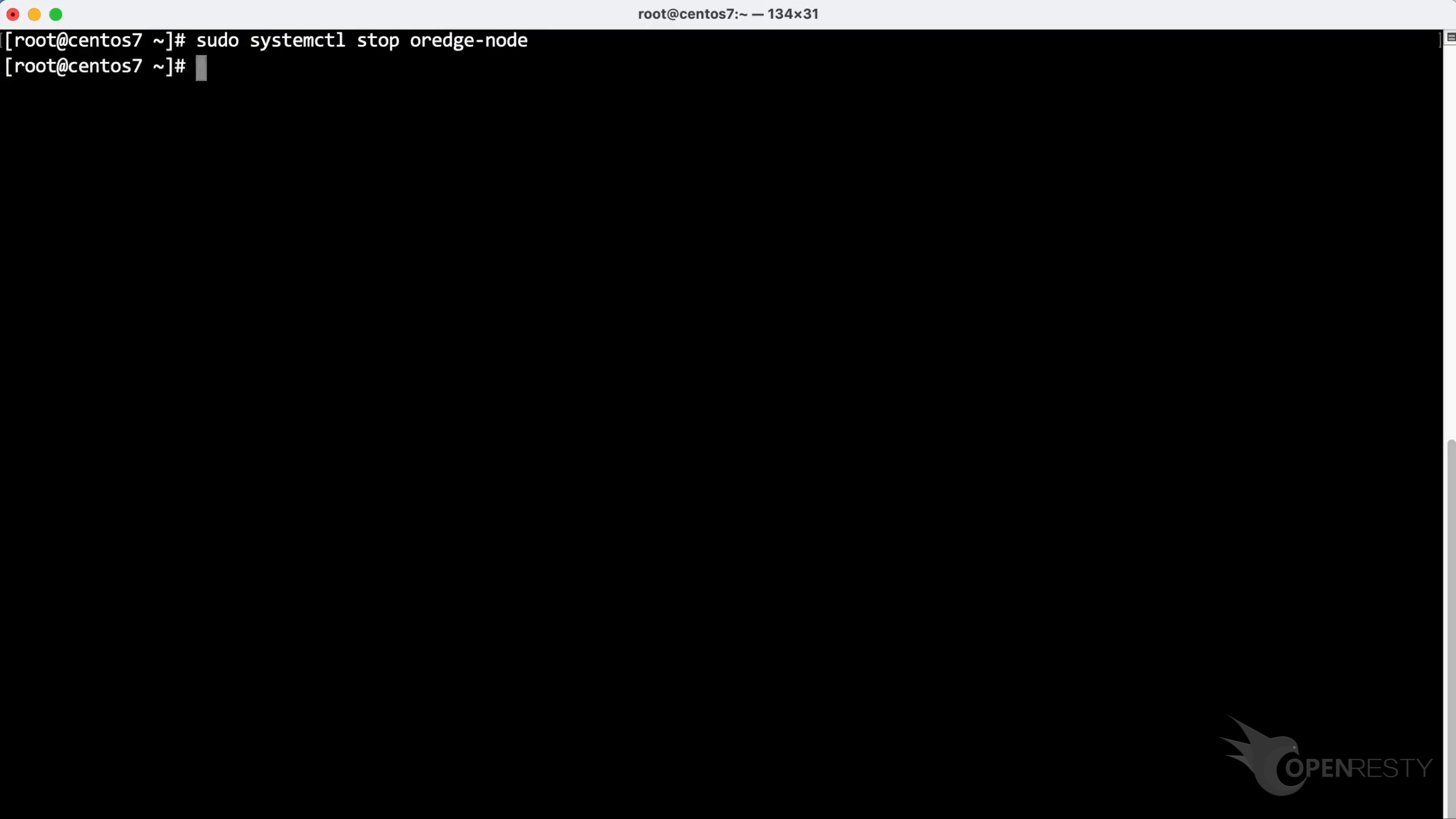
Use the systemctl command on the terminal to stop the service.
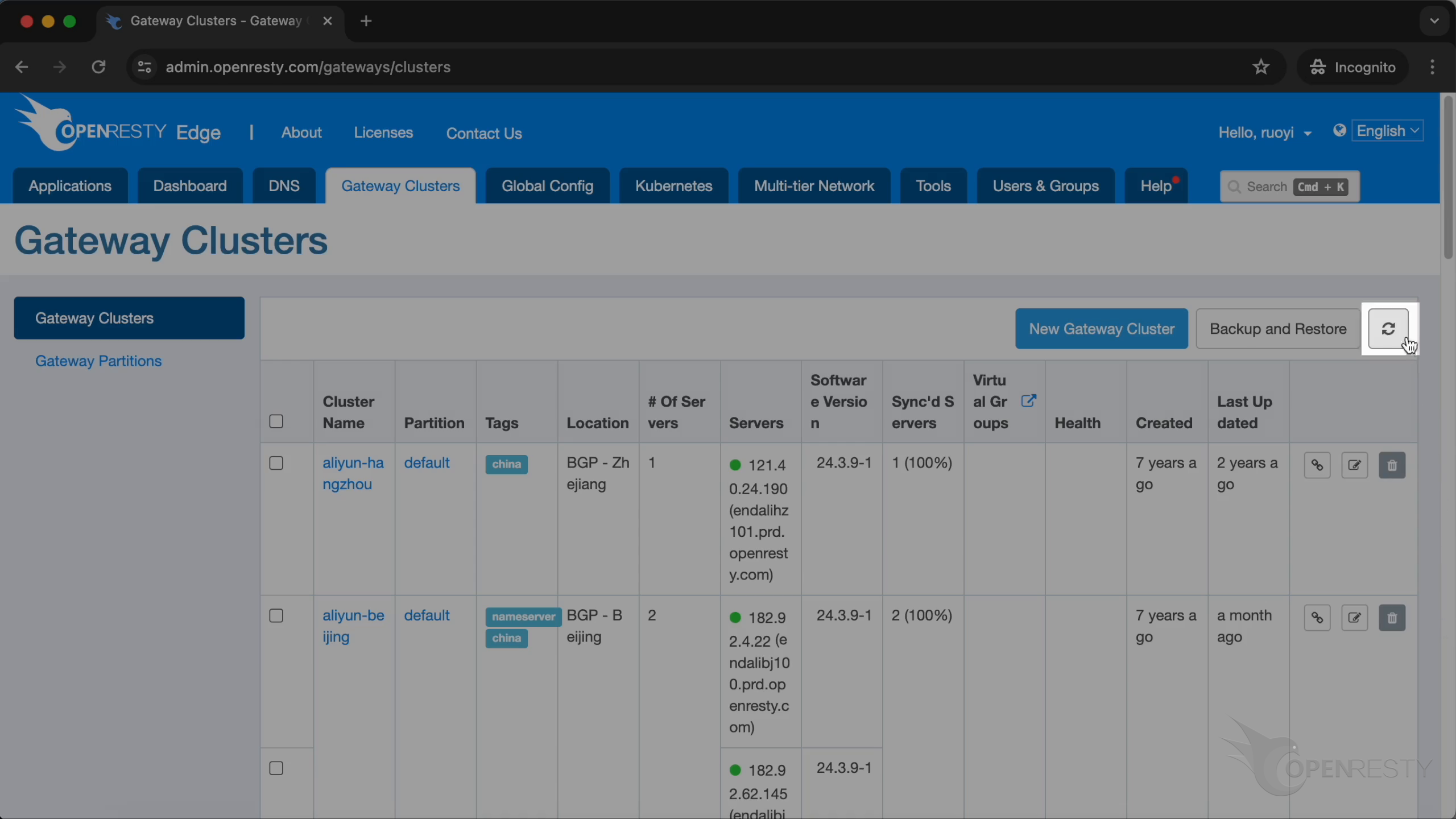
Refresh the list.
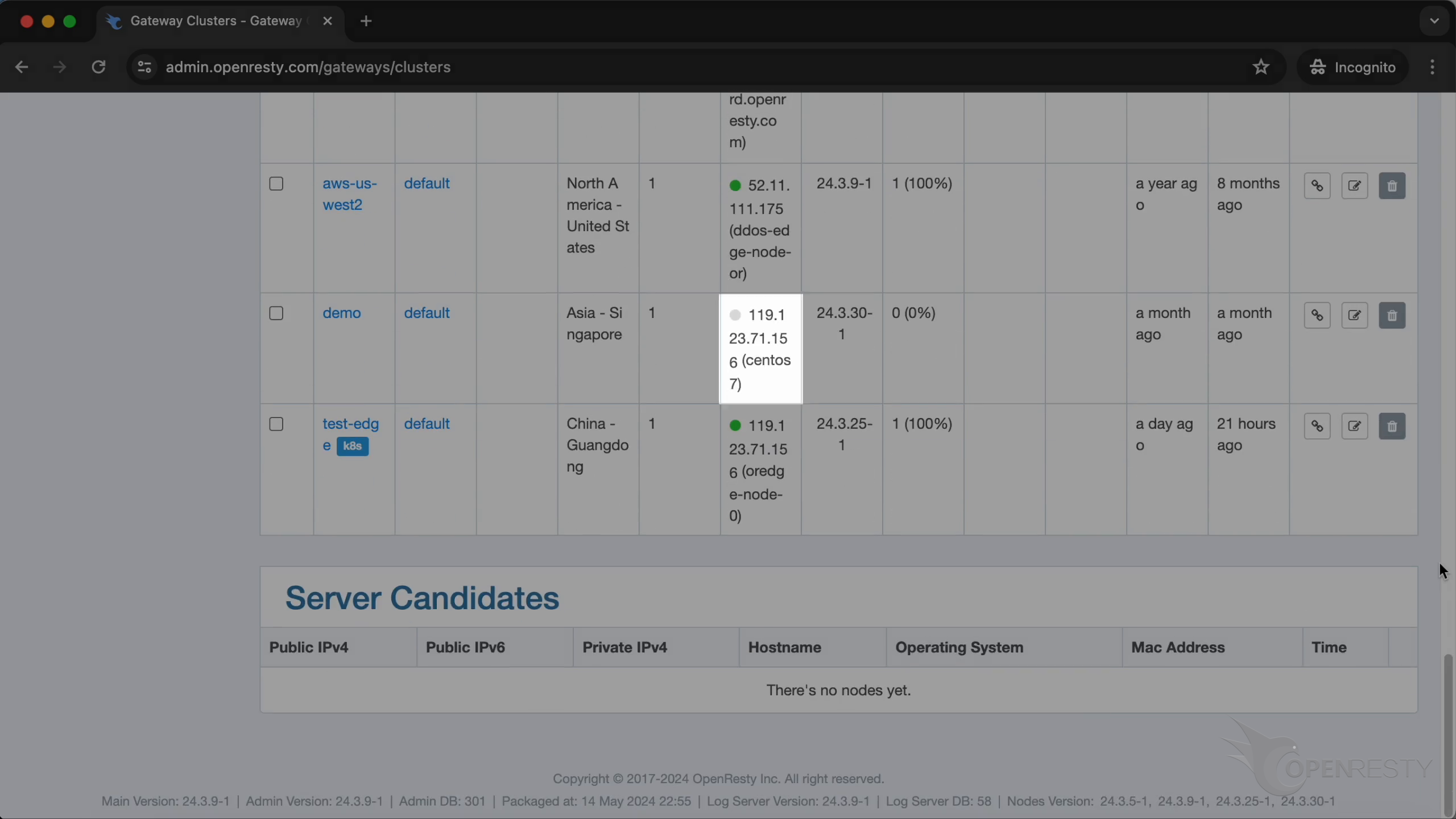
The server is offline now.
Go back to “Global Config”.
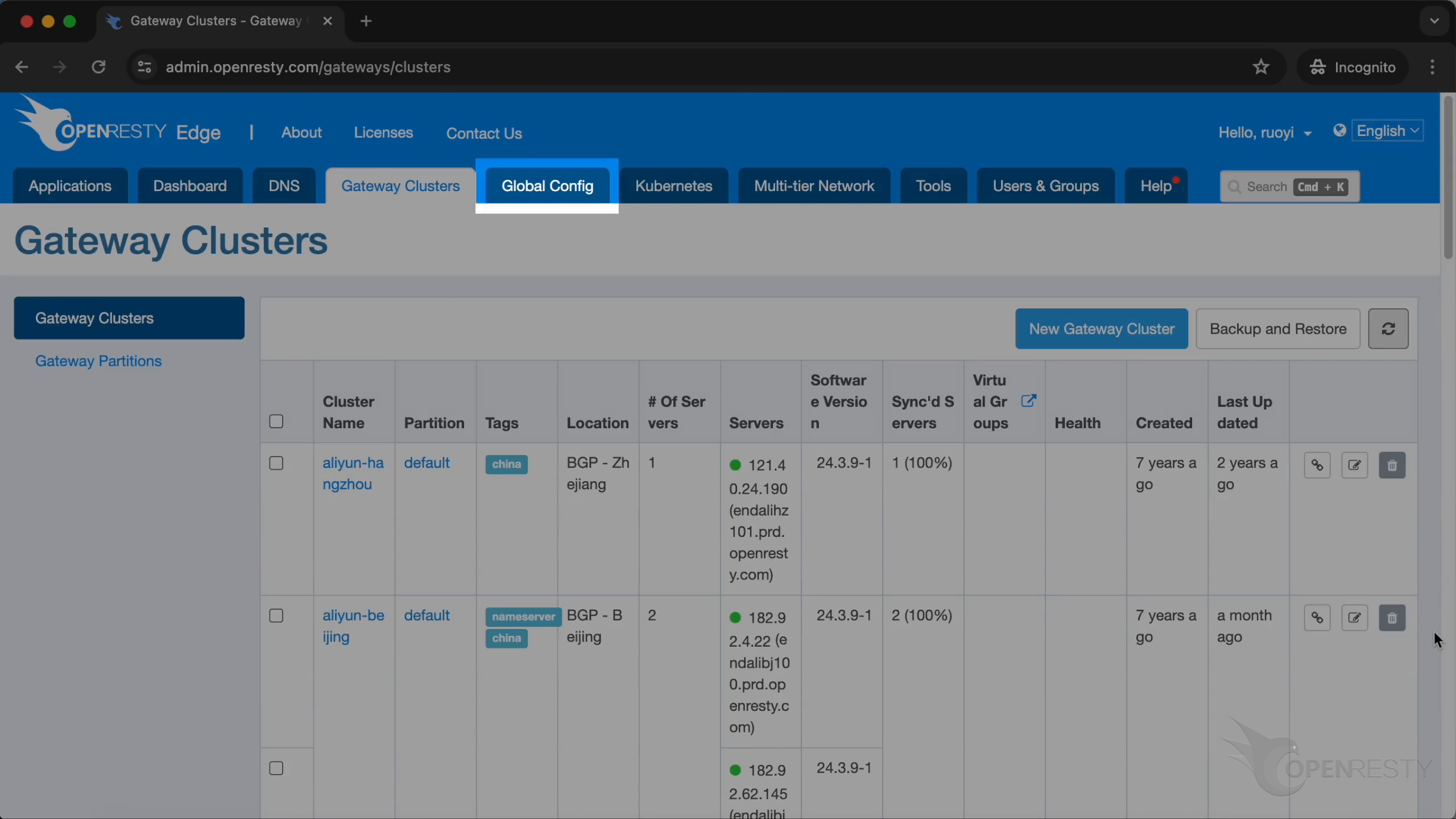
Enter “Global Lua Extensions”.
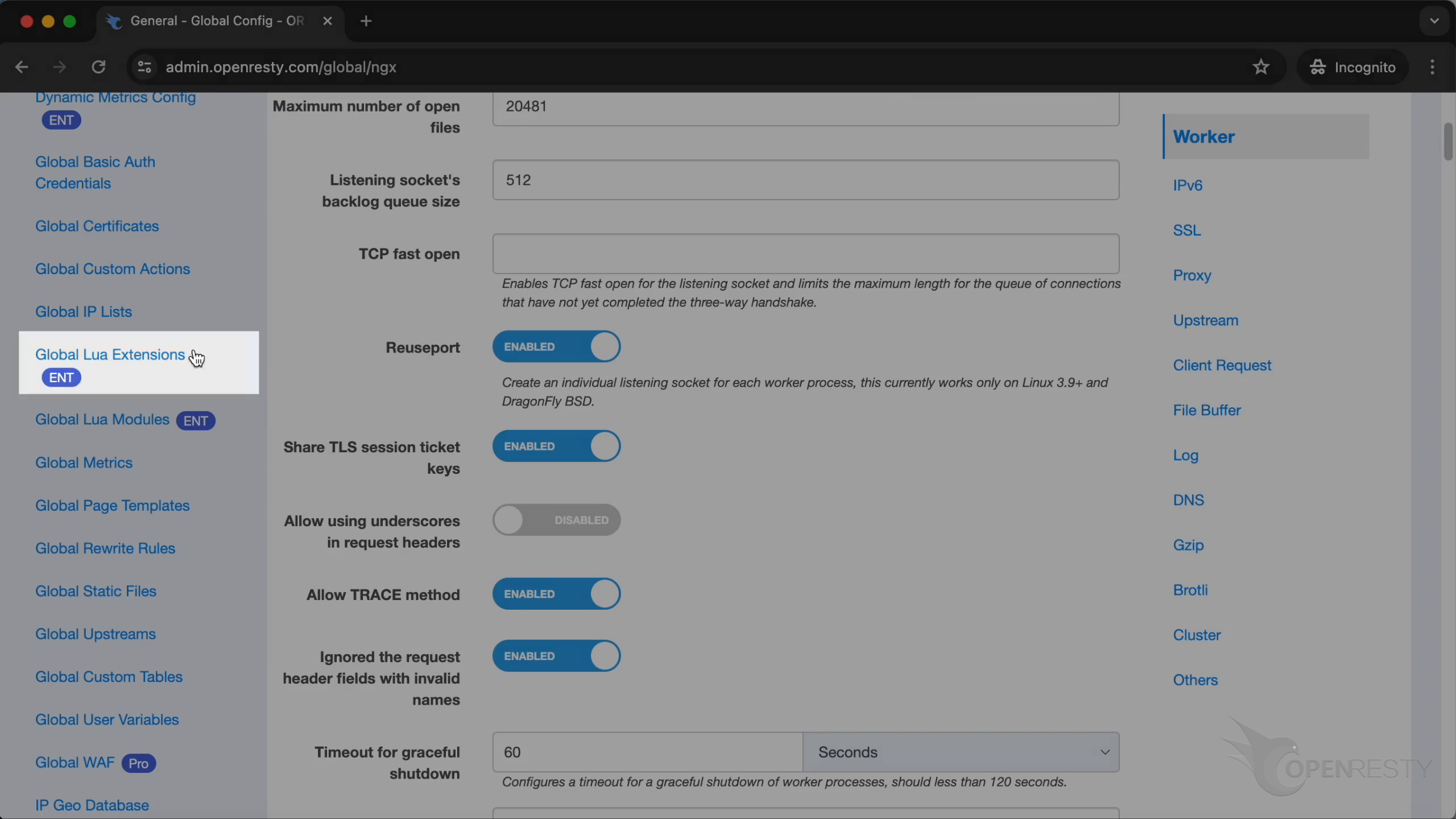
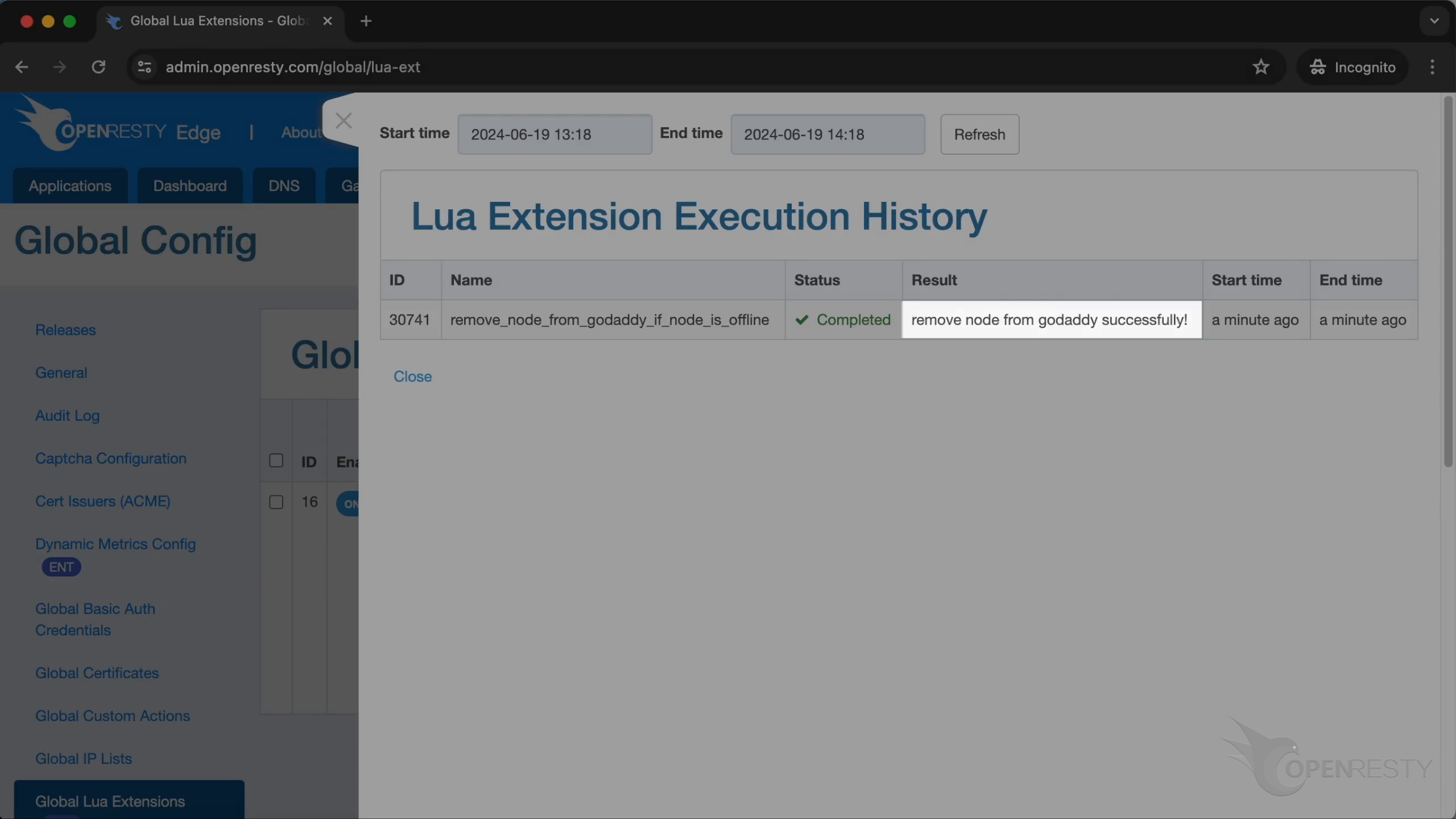
Check the history of execution.
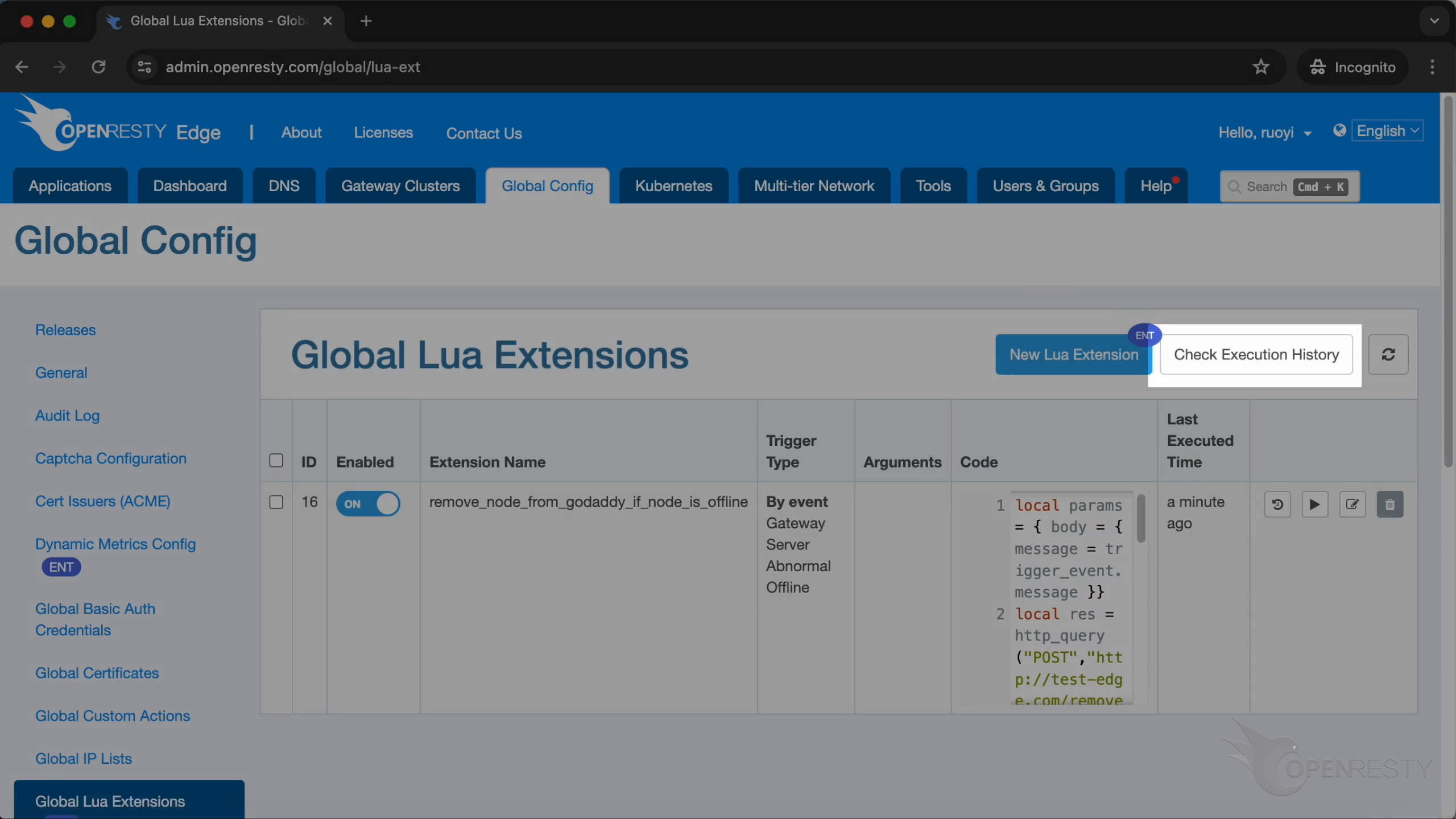
As shown, the extension has been triggered and executed.
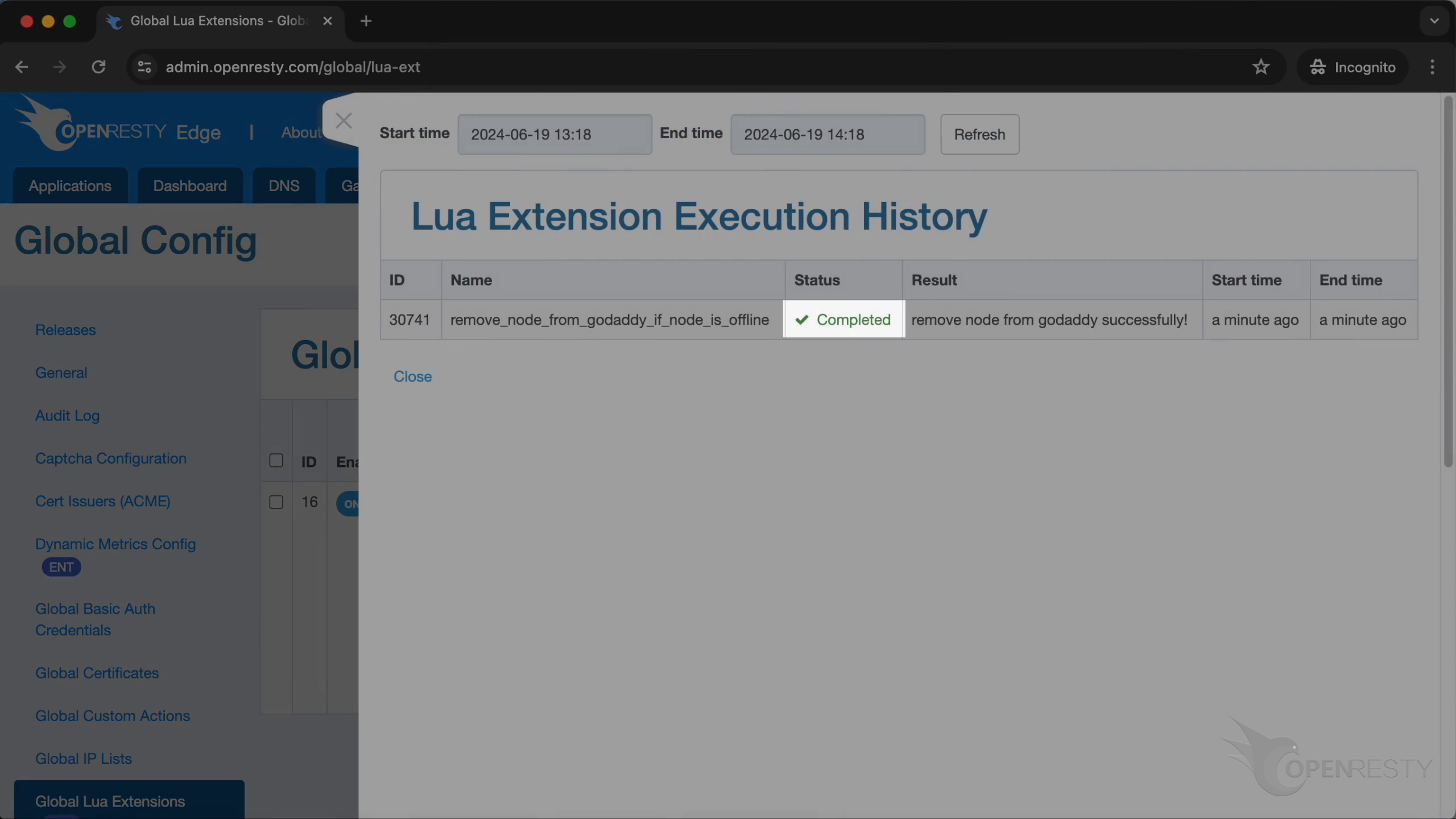
The node has been removed from GoDaddy successfully.
Frequently asked questions
What is a Lua extension in OpenResty Edge?
A Lua extension is a block of custom Lua code that OpenResty Edge runs automatically in response to a built-in gateway event. You write and manage it from the web console under Global Config → Global Lua Extensions, so you can add event-driven automation without touching the underlying gateway configuration files.
What events can trigger a Lua extension?
When you create an extension, you choose “By event” as its trigger. OpenResty Edge supports several kinds of built-in events; in this tutorial we use “Gateway Server Abnormal Offline”, which fires the extension whenever a gateway server goes offline.
Do I need to reload or restart the gateway after creating a Lua extension?
No. Lua extensions run on the Edge Admin (the management side), not on the gateway nodes (Edge Nodes), so there is no gateway to reload or restart. After you click Create, the new Lua extension works automatically — there is no extra activation step. The next time the bound event fires, the Edge Admin runs your Lua code.
What data does the extension receive when the event fires?
When the event occurs, OpenResty Edge passes a trigger_event value to the Lua extension, so your code knows which server or context triggered it and can act accordingly — for example, identifying the offline node to remove.
Can a Lua extension call an external service like a DNS provider?
Yes. In this example the extension sends a request to the manager service to remove the offline node from GoDaddy, then uses Lua’s cjson module to decode the response and checks whether body.status equals 0 before logging success. The same pattern works for any HTTP API.
How do I confirm a Lua extension actually ran?
Go back to Global Config → Global Lua Extensions and check the execution history. It shows whether the extension was triggered and executed — in this tutorial, confirming that the offline node was removed from GoDaddy DNS.
What is OpenResty Edge
OpenResty Edge is our all-in-one gateway software for microservices and distributed traffic architectures. It combines traffic management, private CDN construction, API gateway, security, and more to help you easily build, manage, and protect modern applications. OpenResty Edge delivers industry-leading performance and scalability to meet the demanding needs of high concurrency, high load scenarios. It supports scheduling containerized application traffic such as K8s and manages massive domains, making it easy to meet the needs of large websites and complex applications.
If you like this tutorial, please subscribe to this blog site and/or our YouTube channel. Thank you!
About The Author
Yichun Zhang (Github handle: agentzh), is the original creator of the OpenResty® open-source project and the CEO of OpenResty Inc..
Yichun is one of the earliest advocates and leaders of “open-source technology”. He worked at many internationally renowned tech companies, such as Cloudflare, Yahoo!. He is a pioneer of “edge computing”, “dynamic tracing” and “machine coding”, with over 22 years of programming and 16 years of open source experience. Yichun is well-known in the open-source space as the project leader of OpenResty®, adopted by more than 40 million global website domains.
OpenResty Inc., the enterprise software start-up founded by Yichun in 2017, has customers from some of the biggest companies in the world. Its flagship product, OpenResty XRay, is a non-invasive profiling and troubleshooting tool that significantly enhances and utilizes dynamic tracing technology. And its OpenResty Edge product is a powerful distributed traffic management and private CDN software product.
As an avid open-source contributor, Yichun has contributed more than a million lines of code to numerous open-source projects, including Linux kernel, Nginx, LuaJIT, GDB, SystemTap, LLVM, Perl, etc. He has also authored more than 60 open-source software libraries.
Related Articles
OpenResty XRay Jun 27, 2024

OpenResty XRay May 8, 2024

OpenResty XRay Apr 28, 2024

OpenResty XRay Sep 2, 2025

OpenResty XRay Feb 6, 2024