
Redirect Based on Browser Language in OpenResty Edge: Accept-Language Page Rule
To redirect based on browser language in OpenResty Edge, create a page rule that matches the request URI / and the Accept-Language request header sent by the client, then attach a redirect action to the matching locale, such as /fr/. Mark it an Always-Top rule so it runs first, and add a catch-all rule that falls back to /en/ for every other language. The change ships to every gateway node with no server reload, restart, or binary upgrade.
In this post, we walk through both rules step by step in the OpenResty Edge Admin console, and verify them with curl and a browser. If you are after a simpler rule, see how to redirect HTTP to HTTPS with a 301 page rule first.
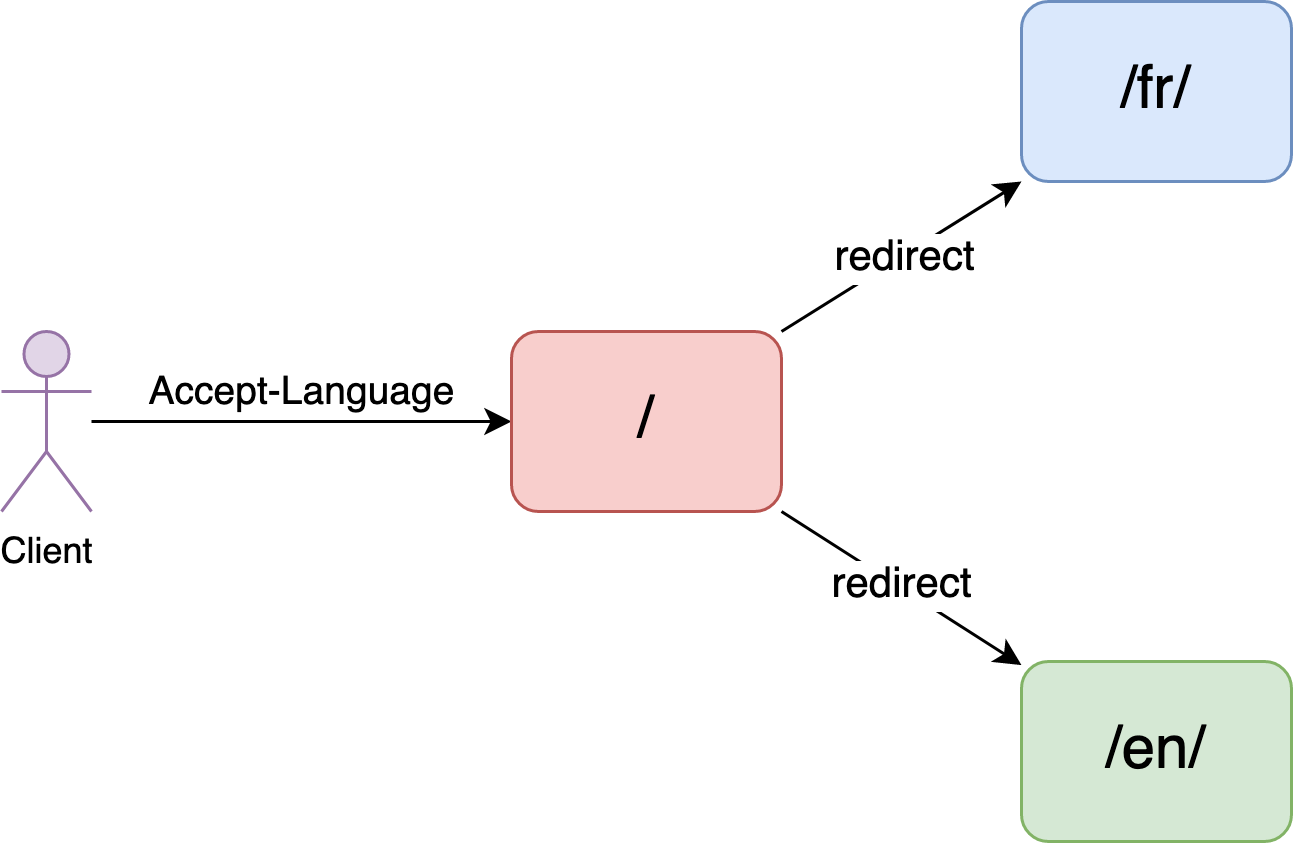
The origin site that serves different languages by location
Let’s say we have an origin site which supports different languages at different locations. For example, this is the /en/ location.
$ curl 'http://test-edge.com/en/'
Hello, world!
Note the English text, “Hello World”.
And we also have a French version under the /fr/ location.
$ curl 'http://test-edge.com/fr/'
Bonjour, le monde!
This is French text.
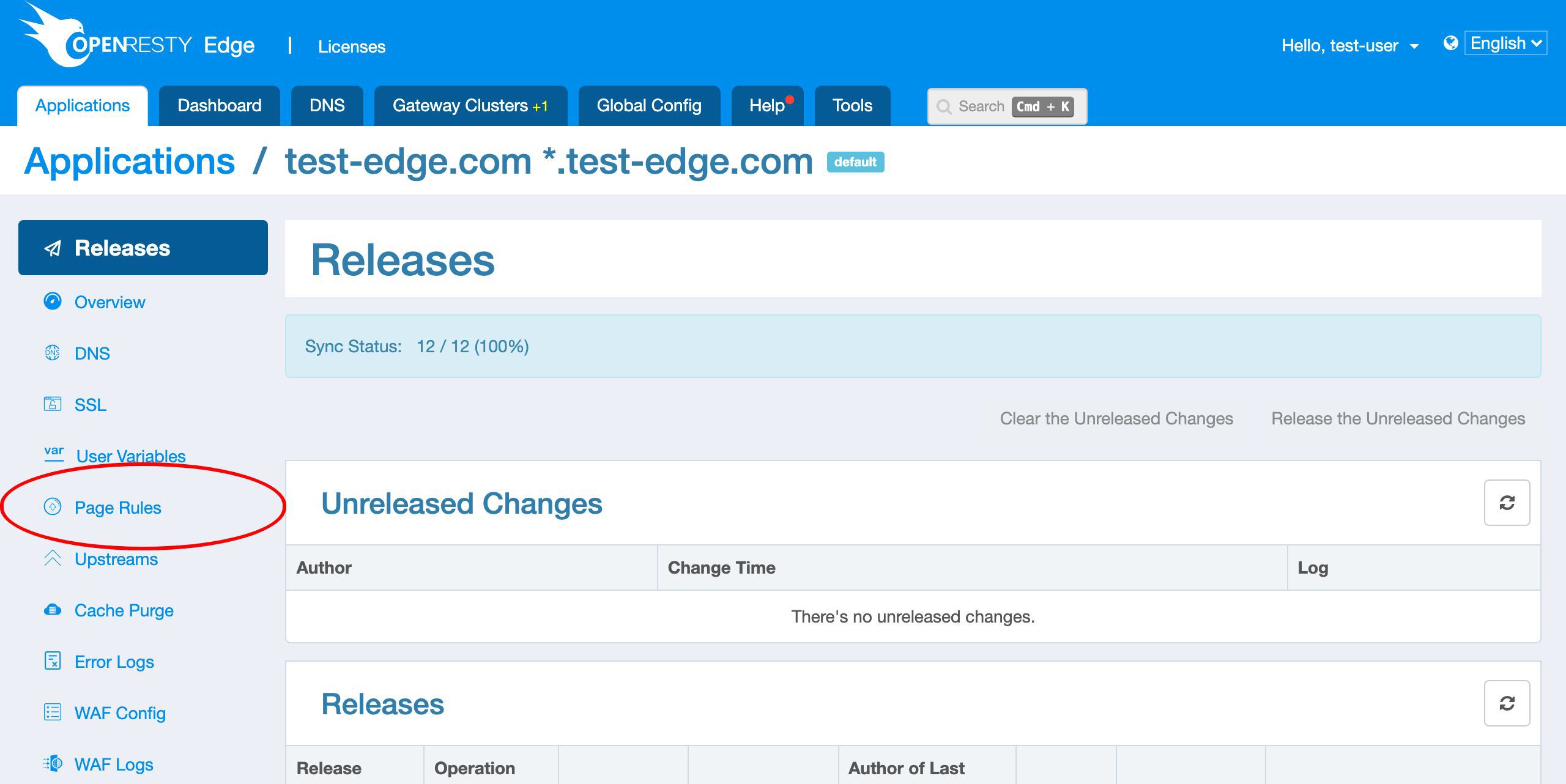
Create a page rule to redirect by Accept-Language
The goal here is when the client accesses the root location, /, we can automatically redirect to a language-specific location. We’ll use the Accept-Language request header sent by the clients.
As always, let’s go to the OpenResty Edge’s Admin web console. This is our sample deployment of the console. Every user has her own local deployment.
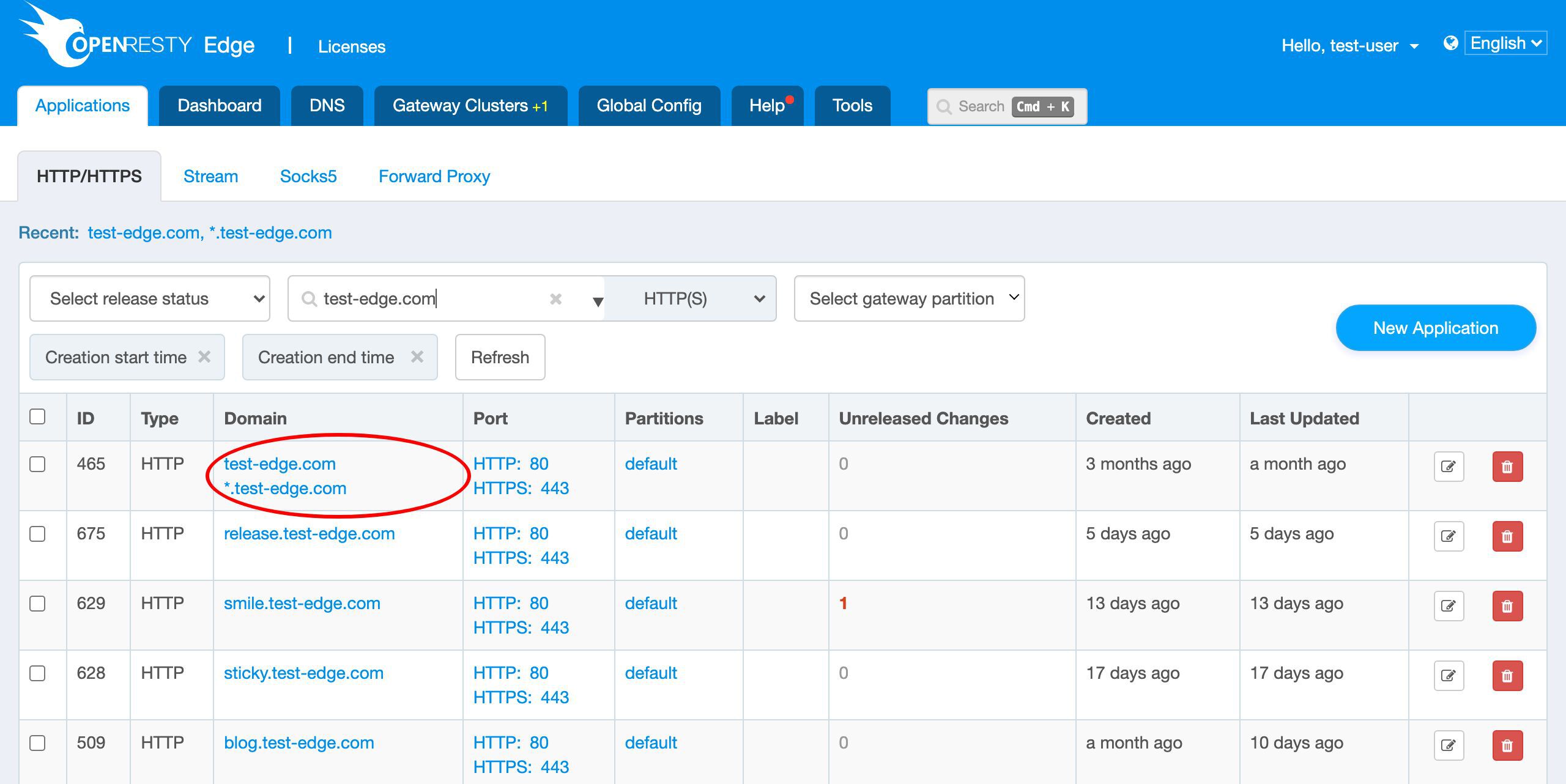
This time we use our on-going sample application for the test-edge.com domain.
Let’s enter this application.
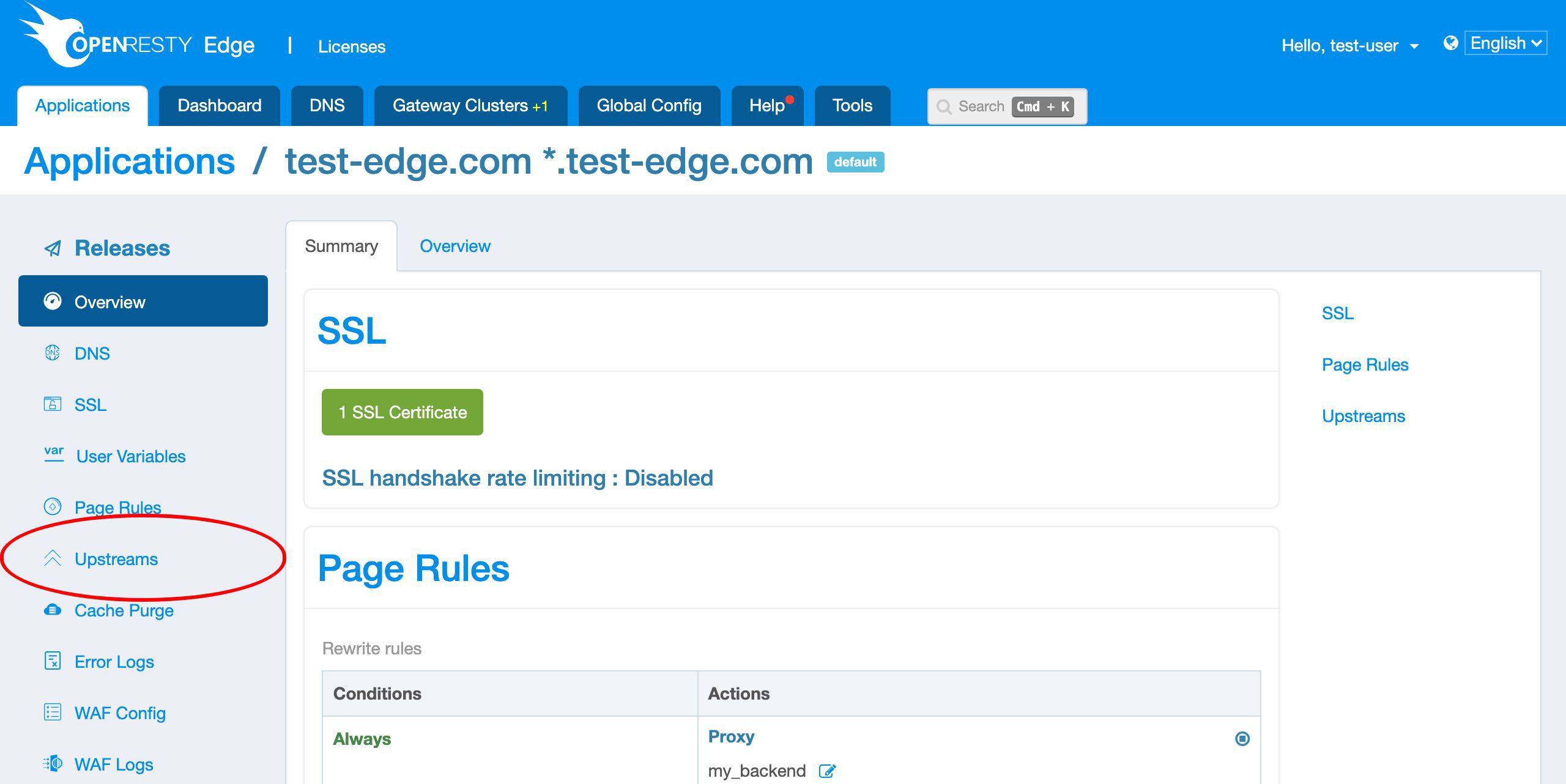
We already have an upstream defined.
This my_backend upstream has only 1 backend server. It is also the origin site we just tested at the beginning.
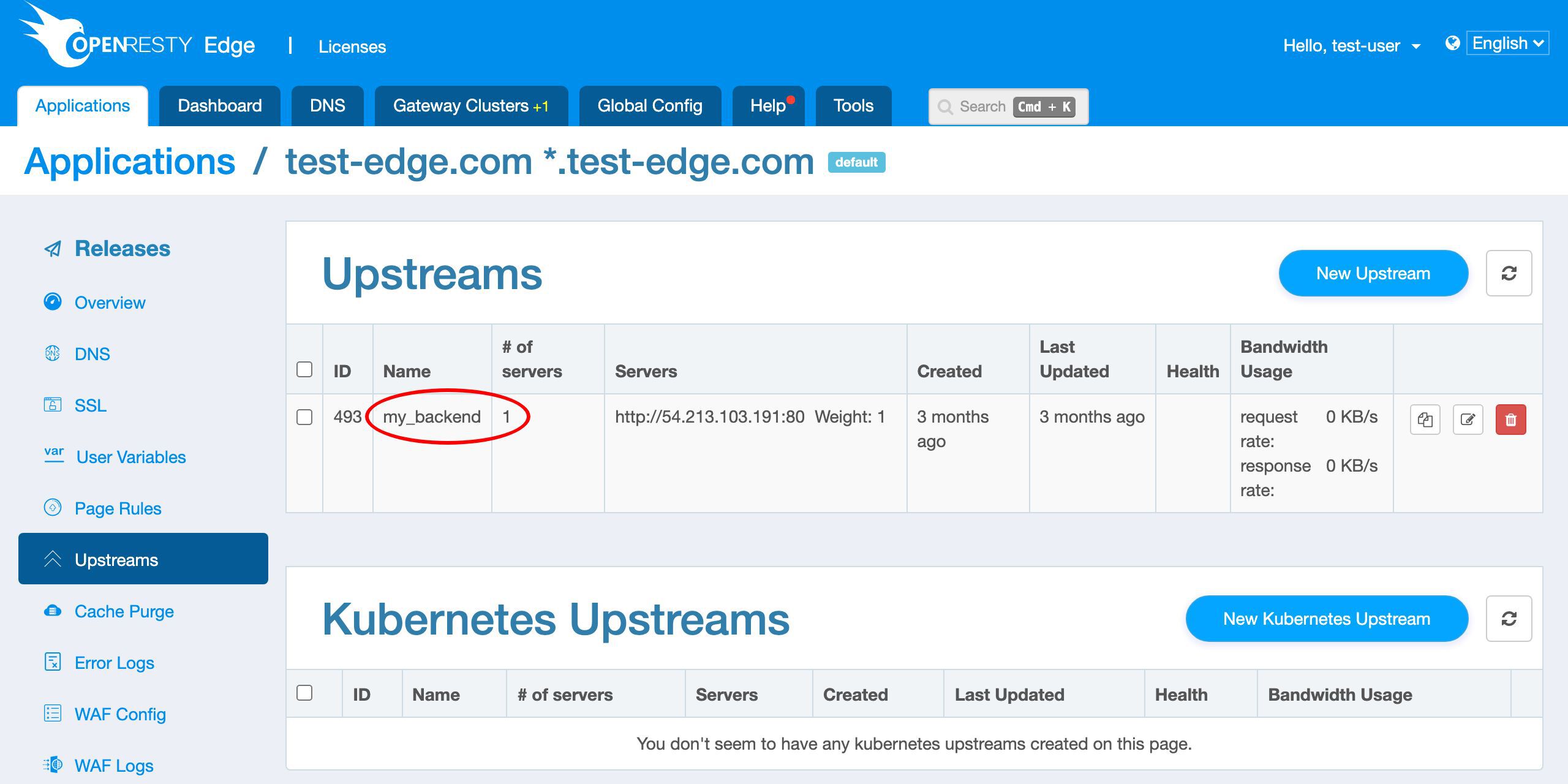
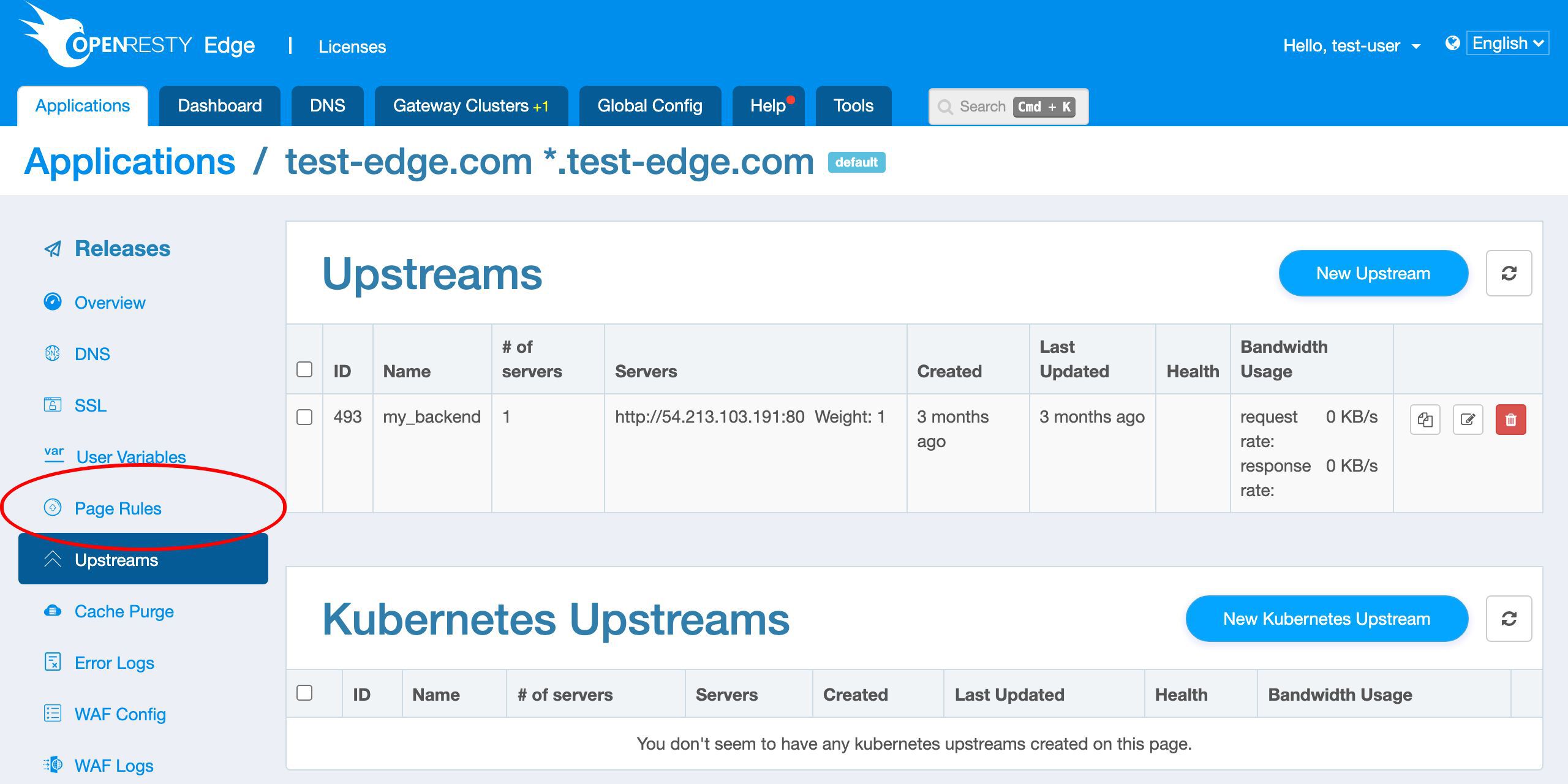
my_backend upstream which we just saw earlier.
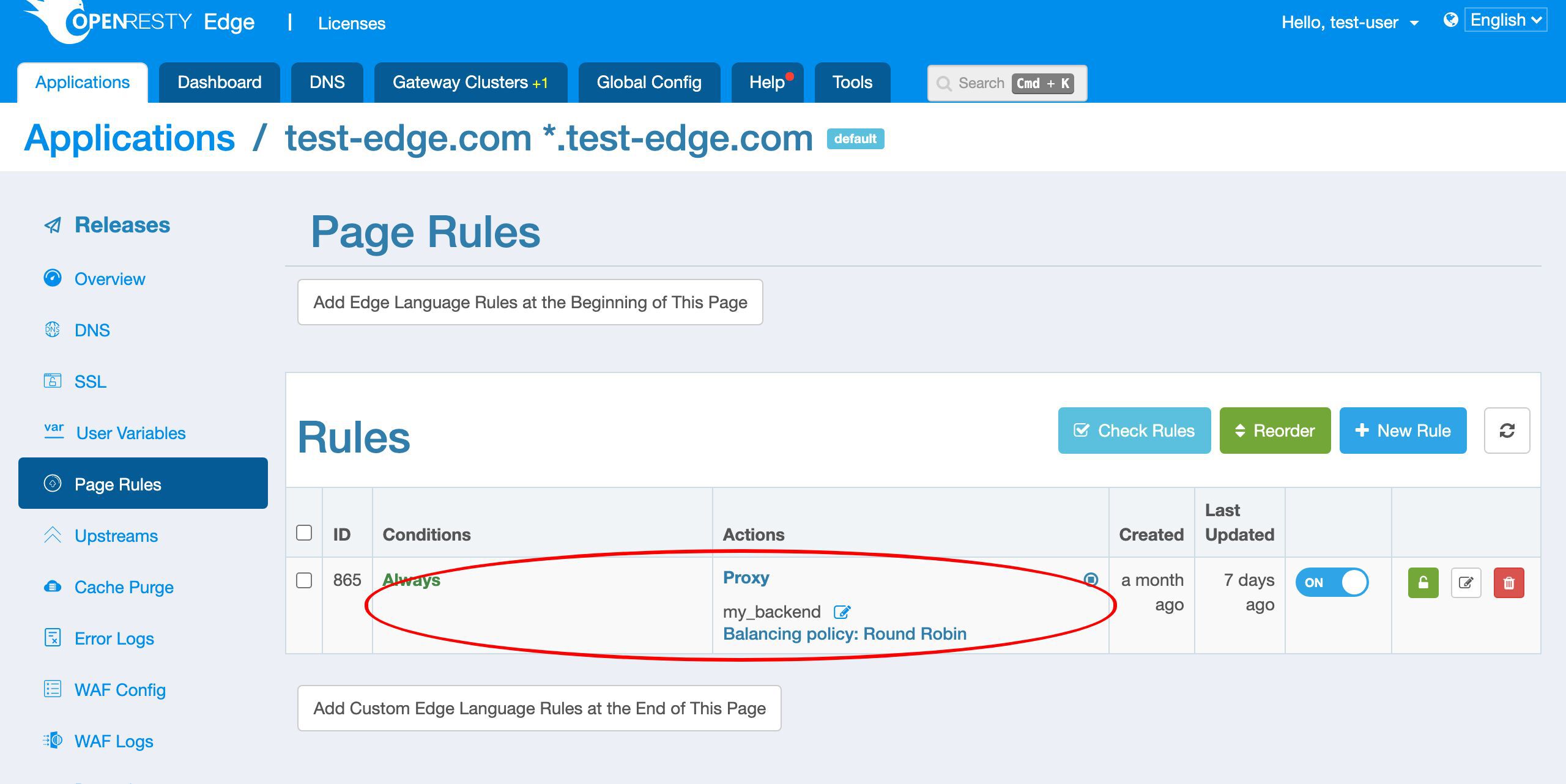
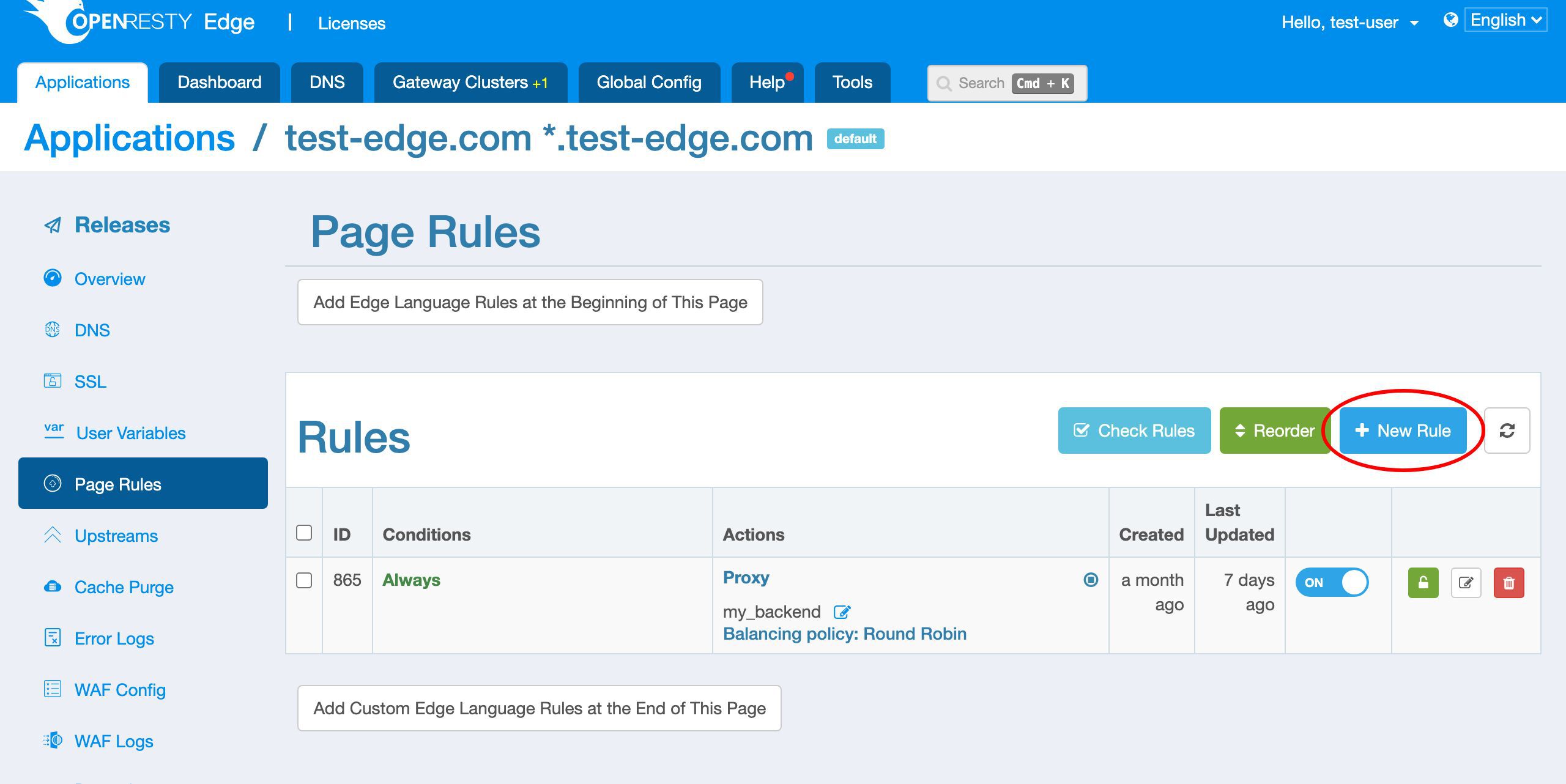
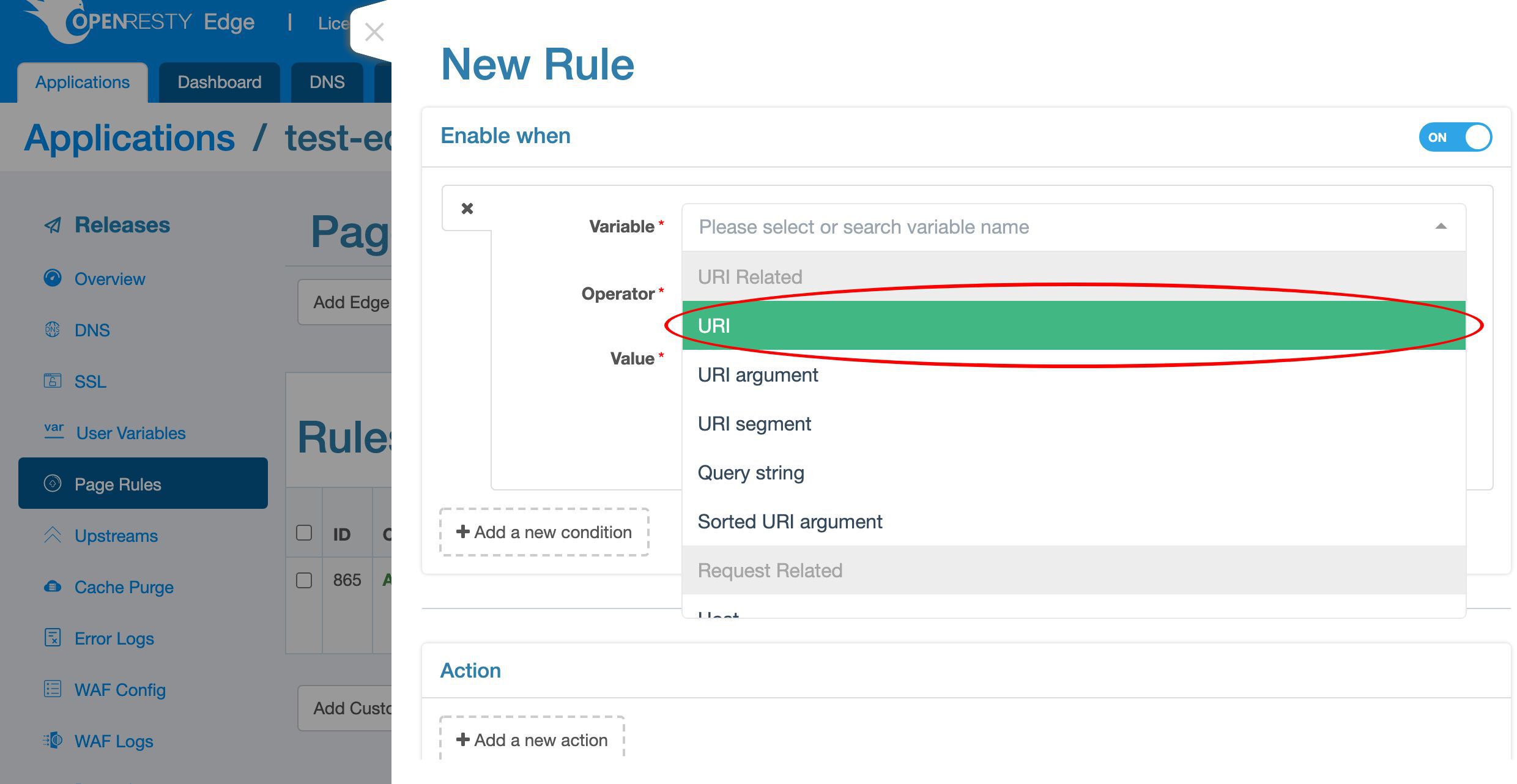
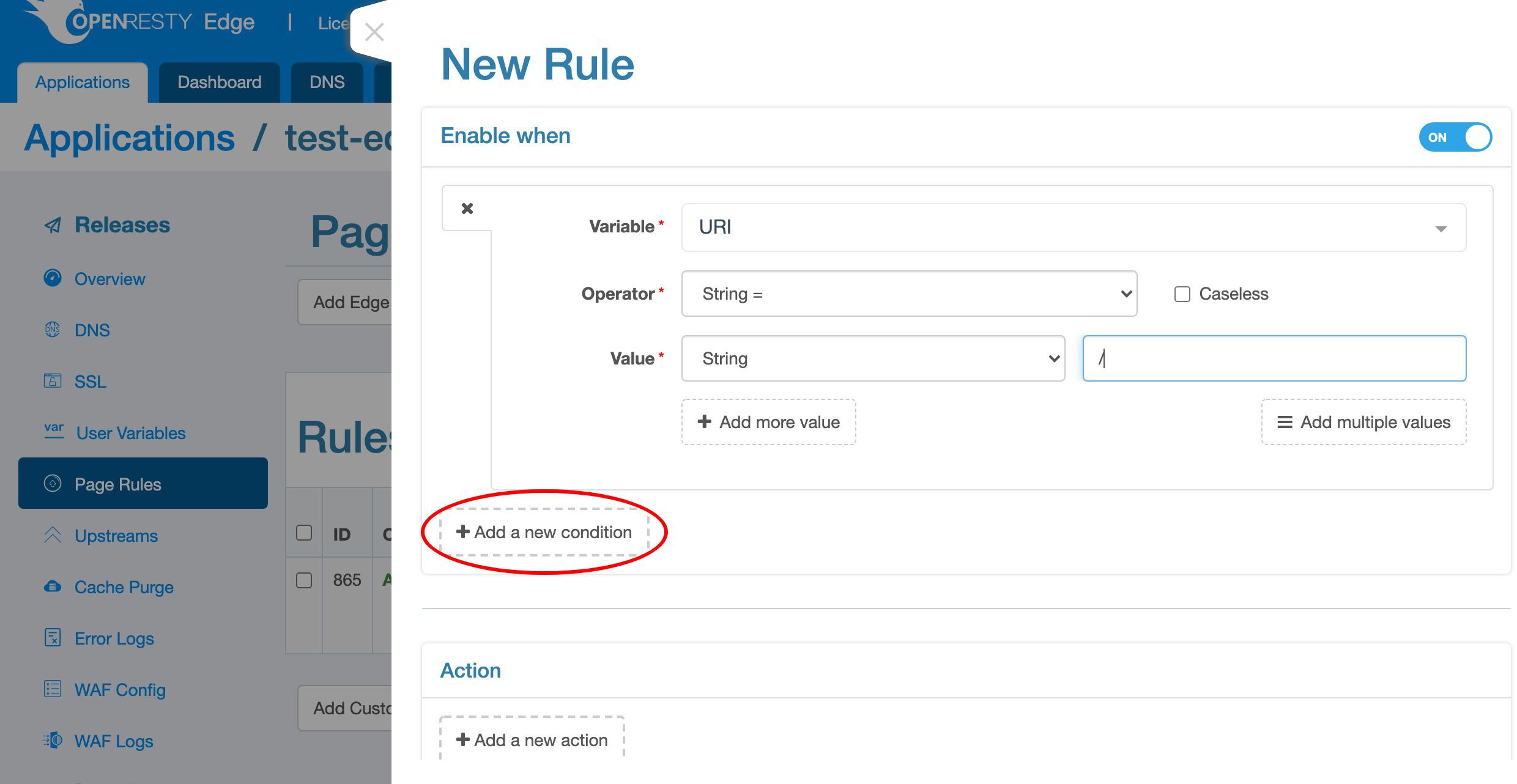
/.
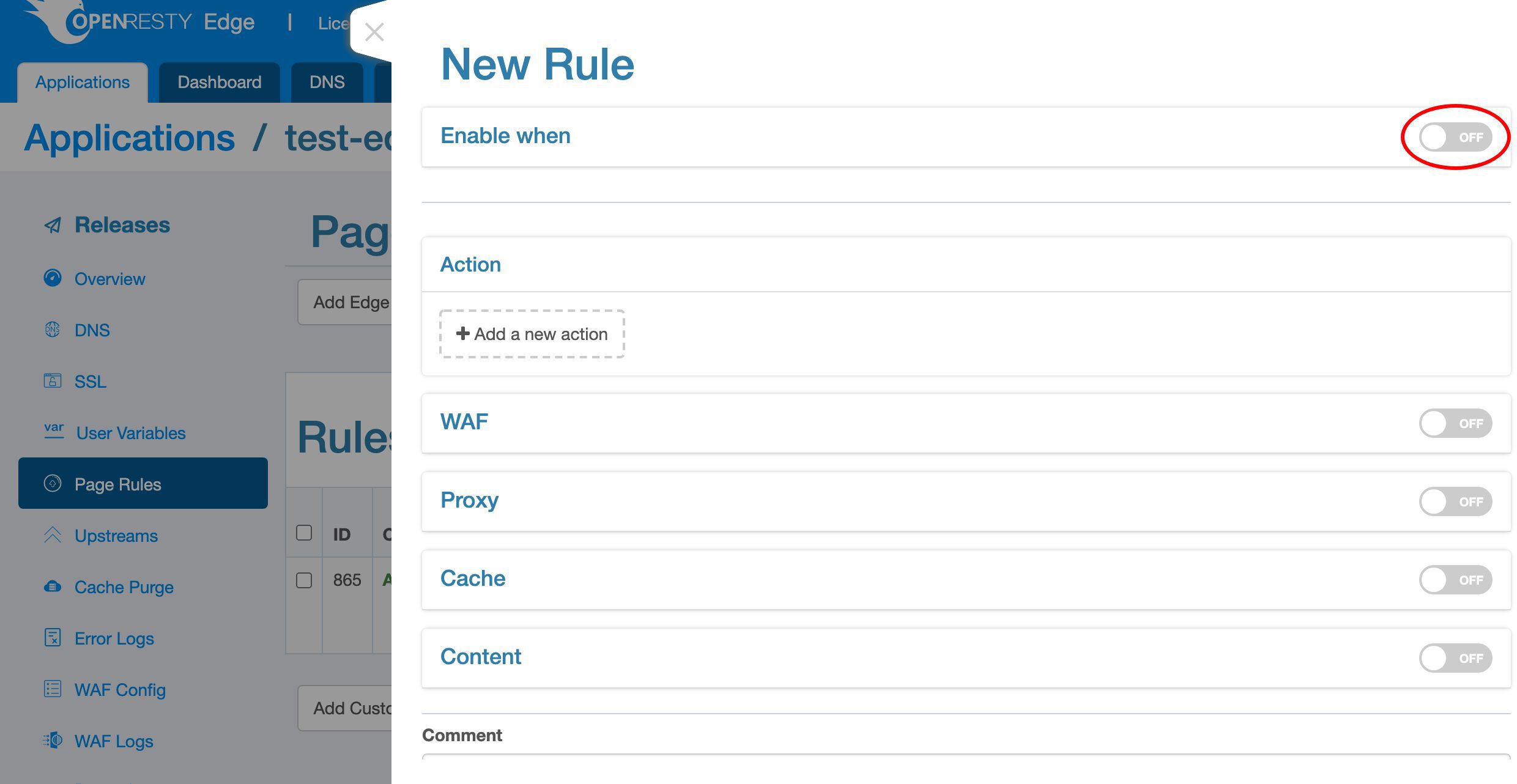
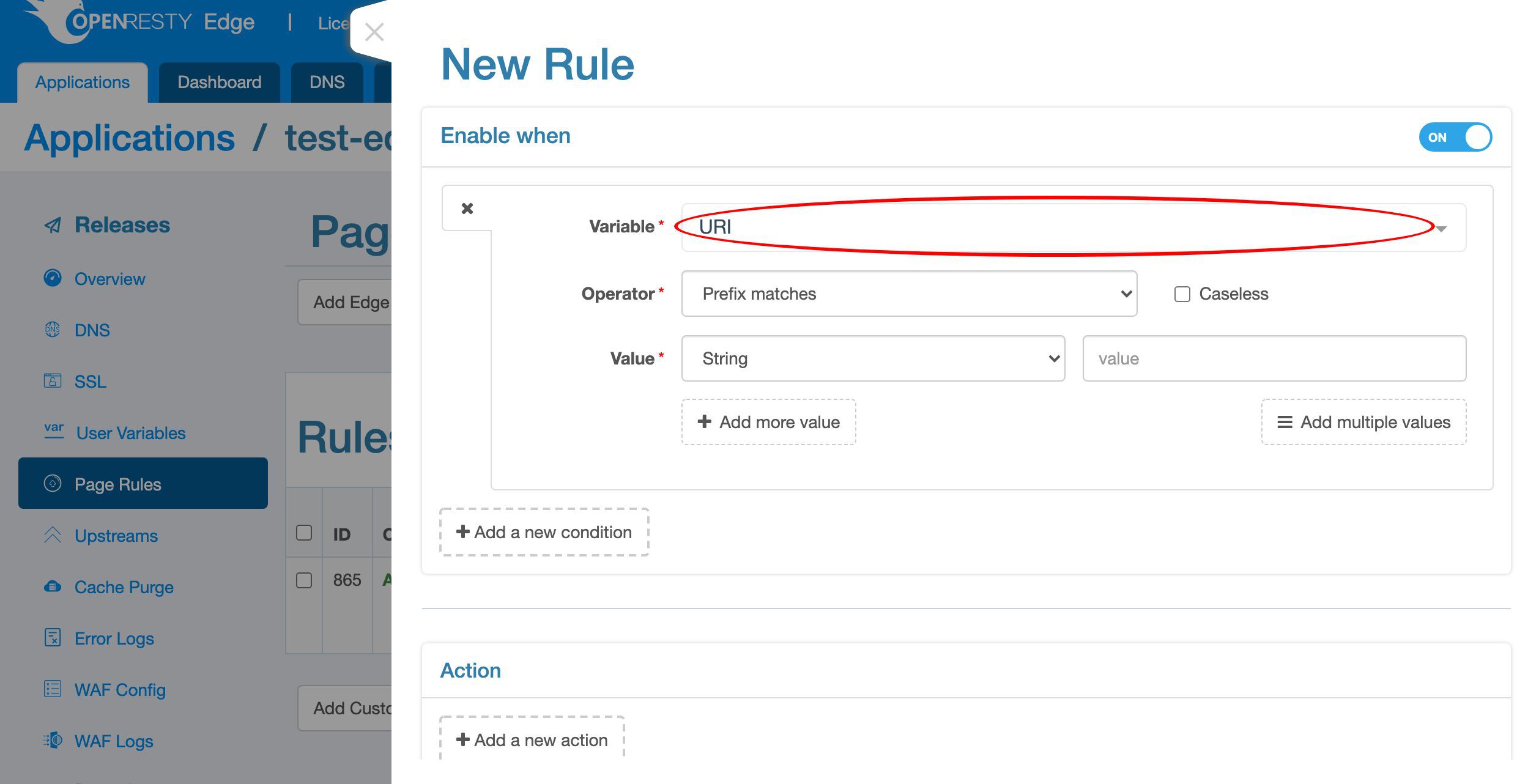
URI.
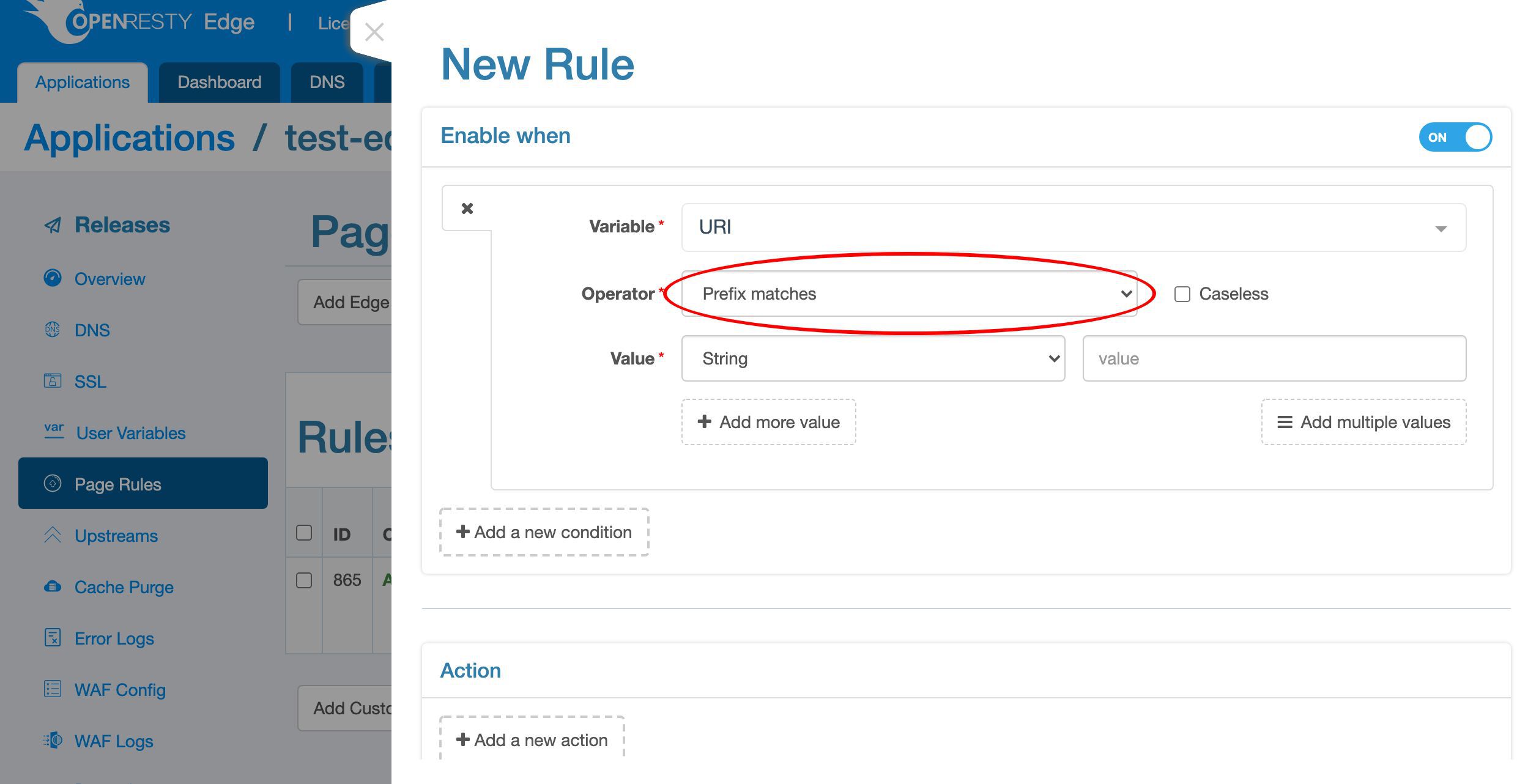
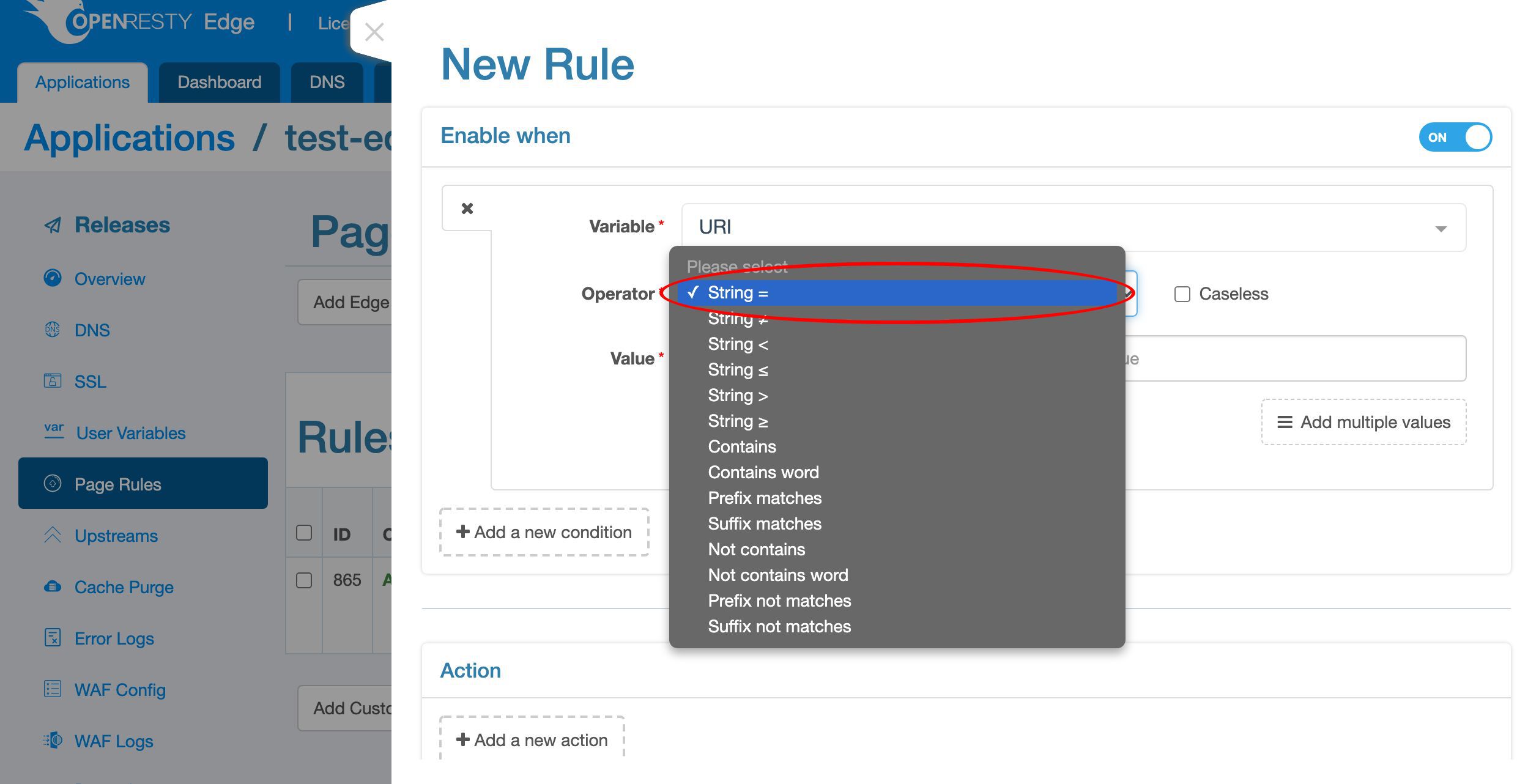
/ to match the root location only.
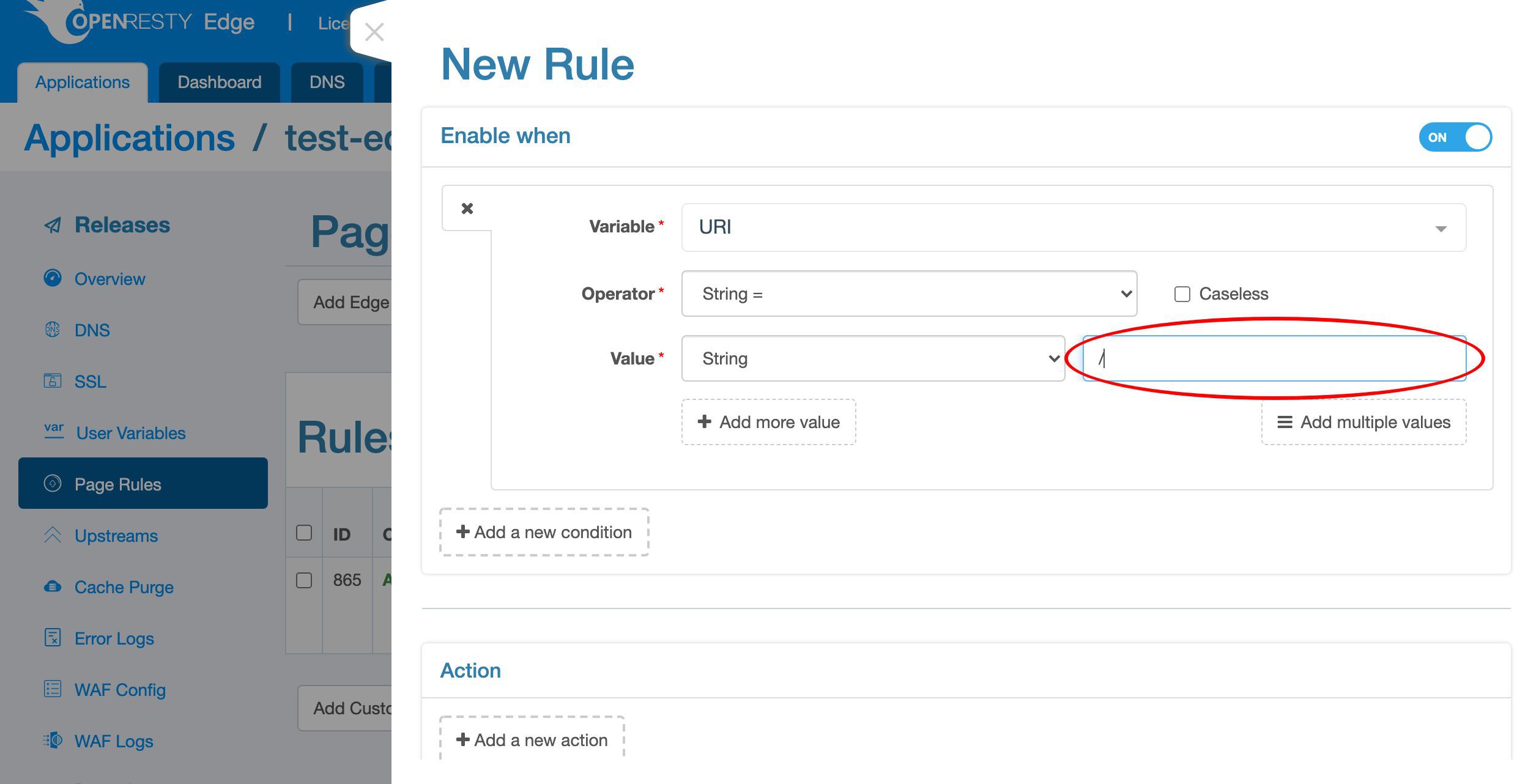
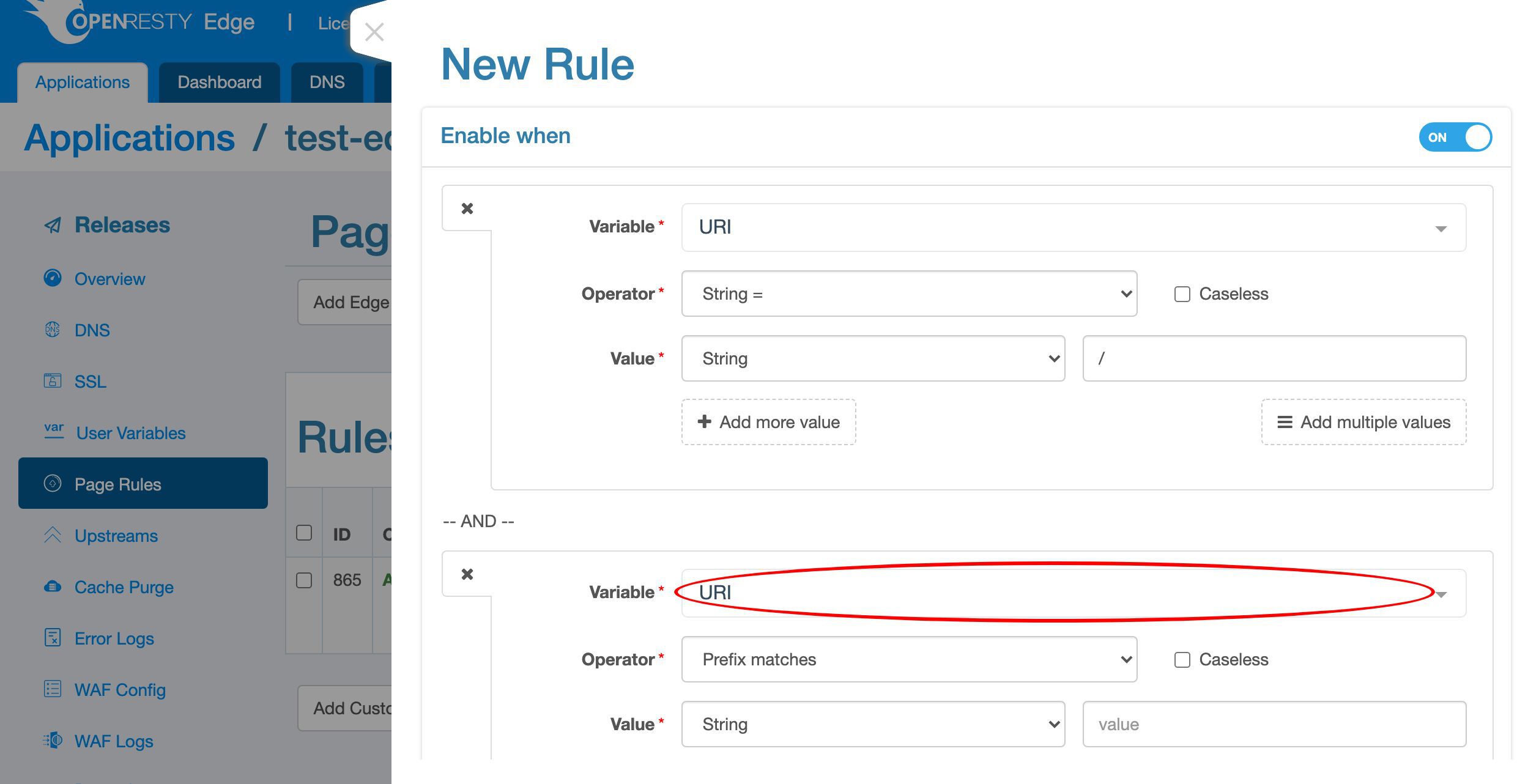
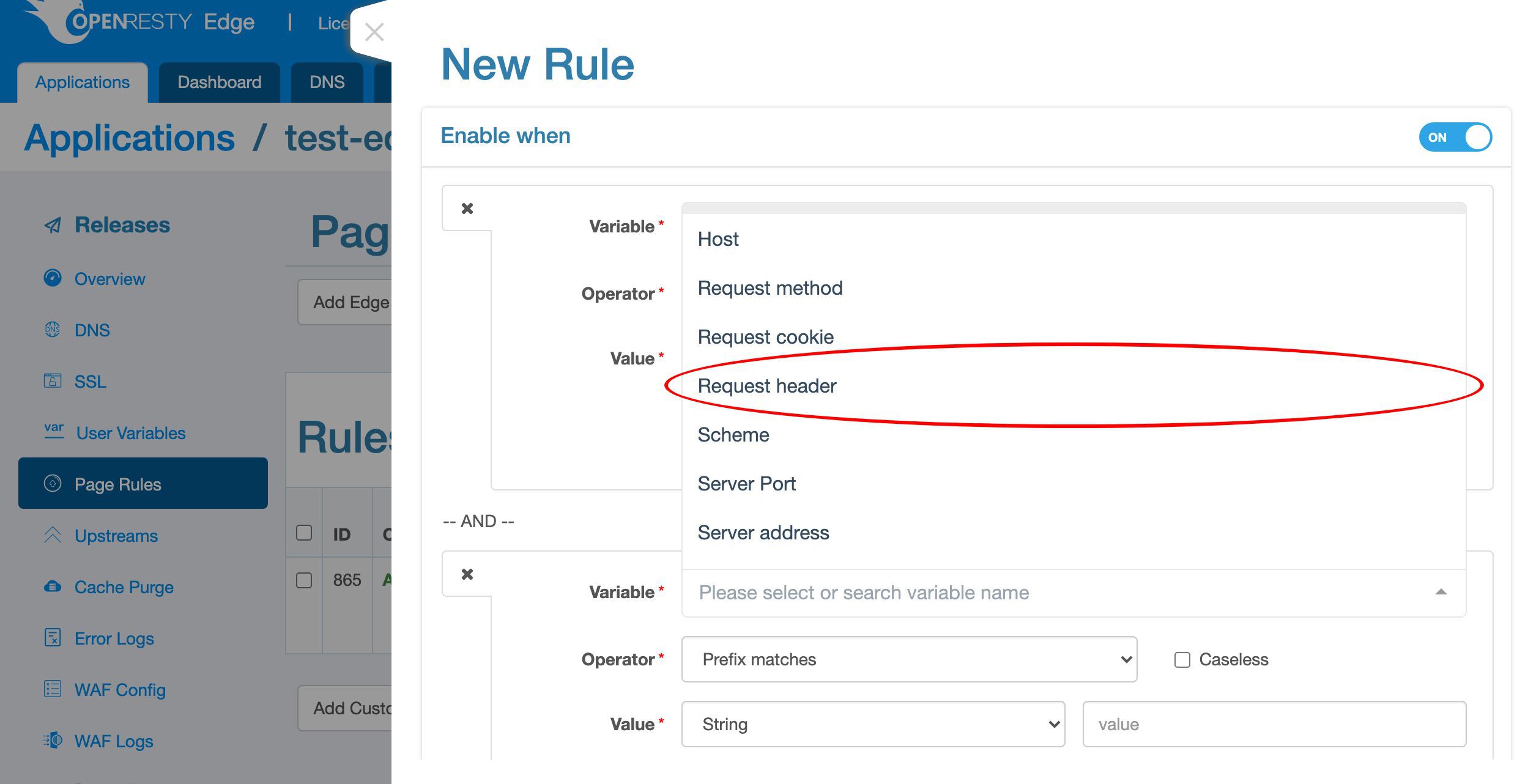
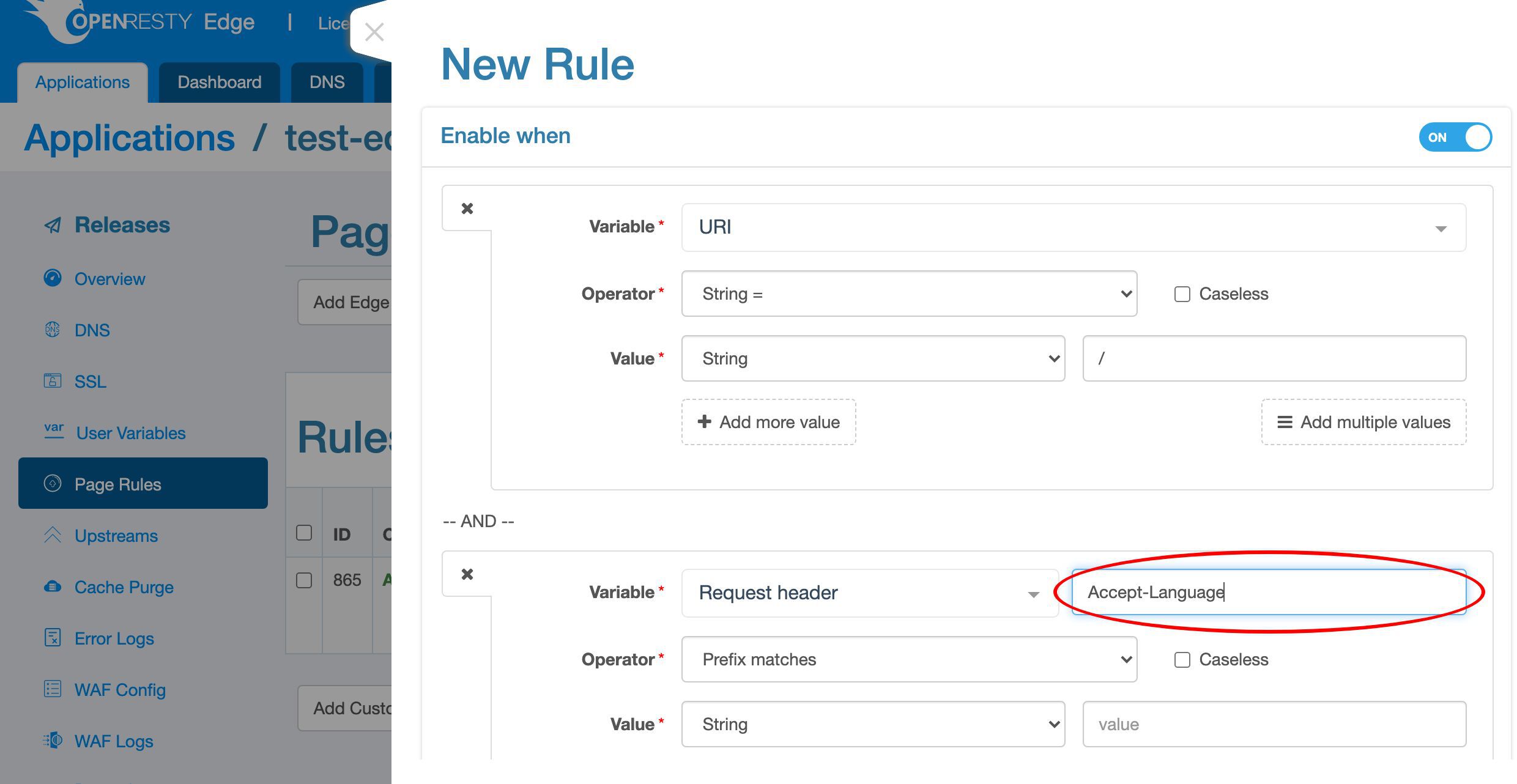
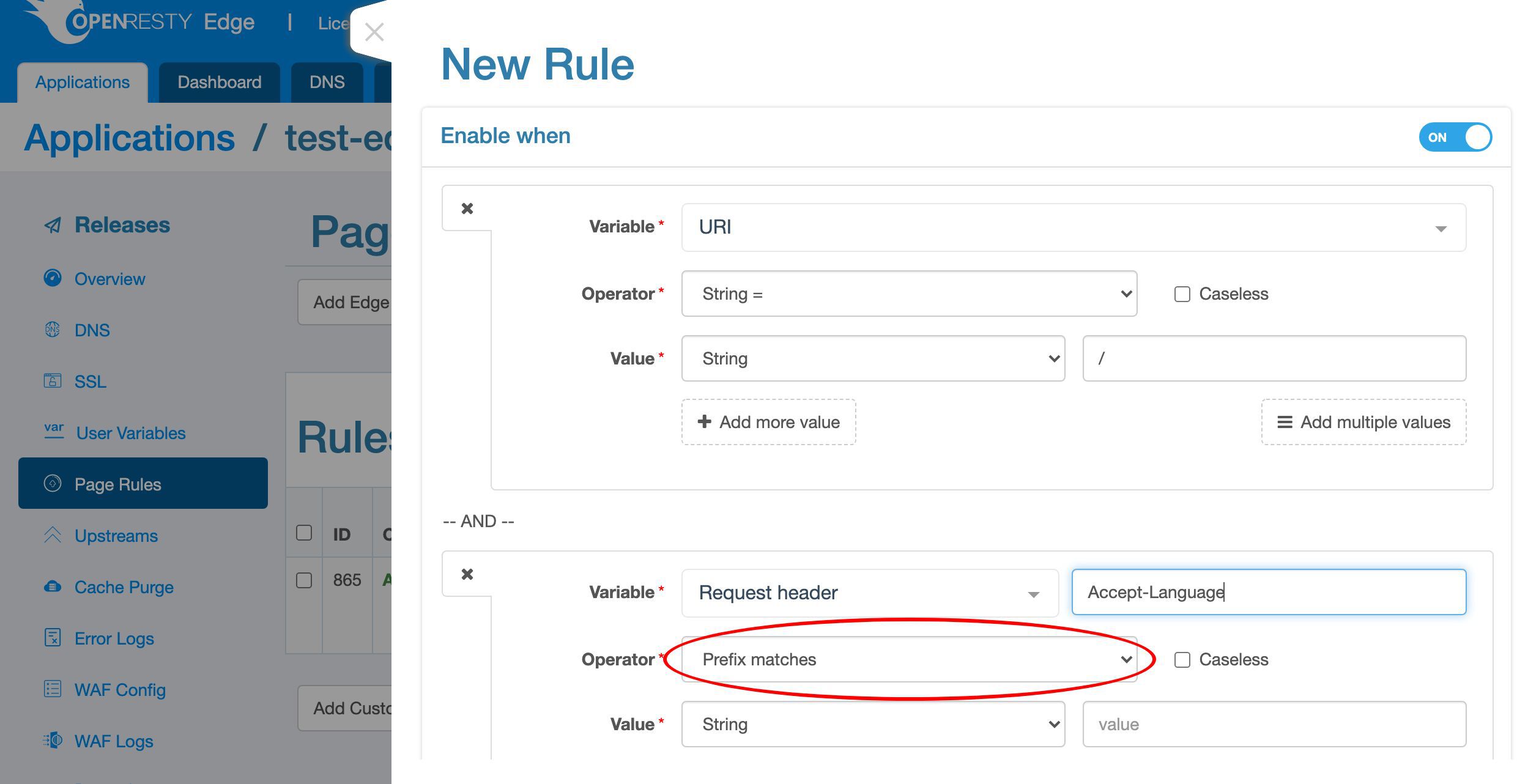
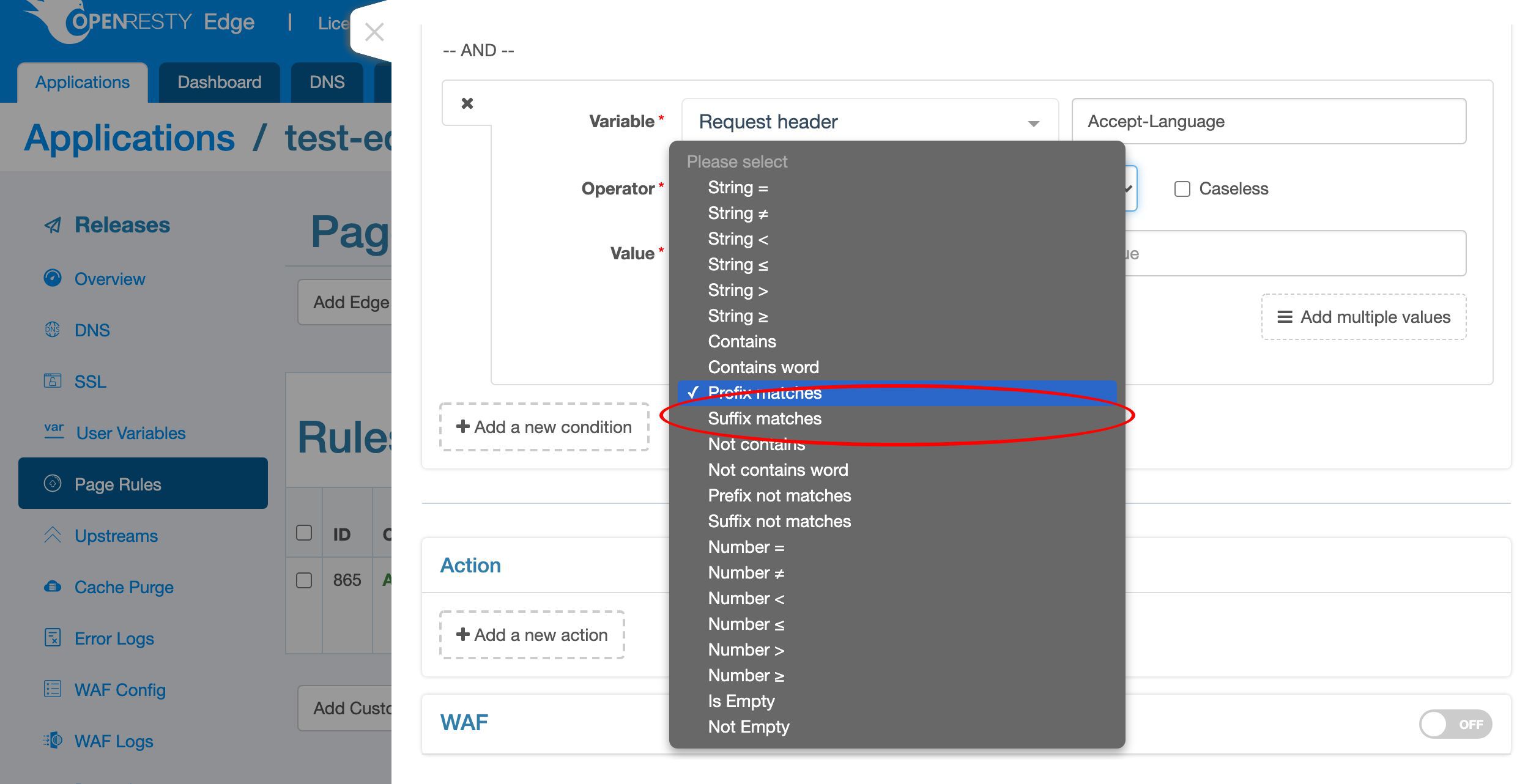
For the matched value, we select the regular expression type, “Regex”.

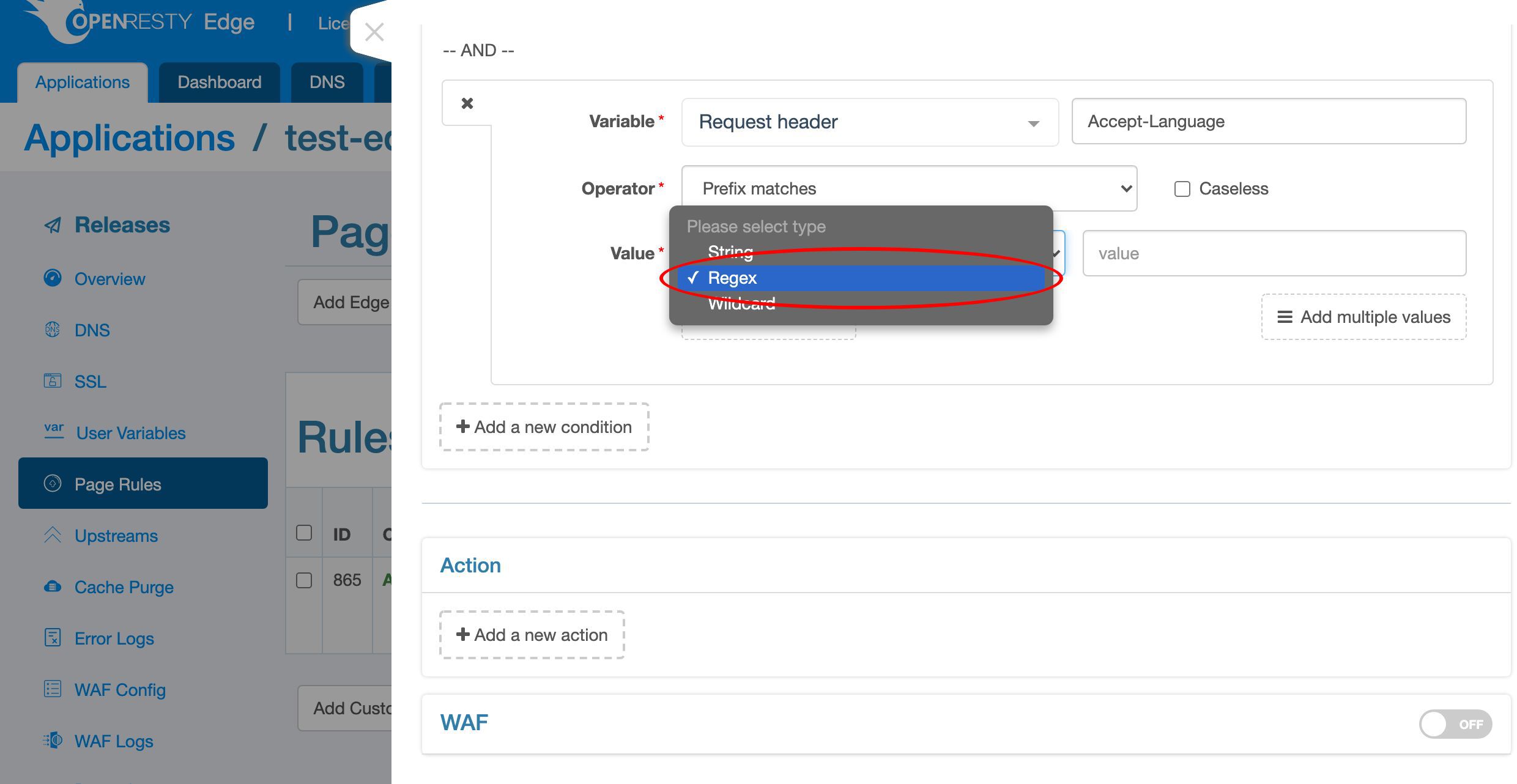
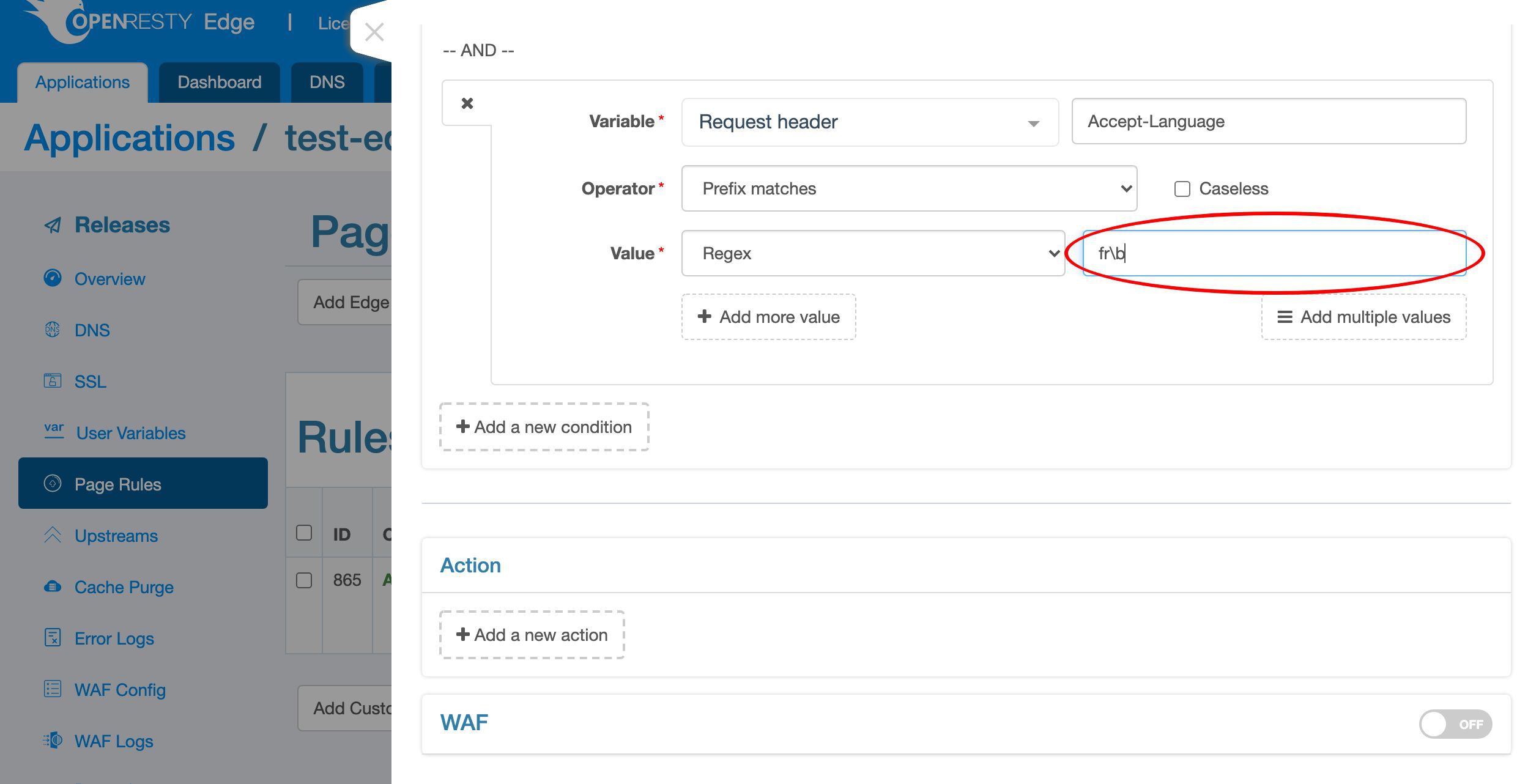
Here we check the “Caseless” box to do case insensitive matching.
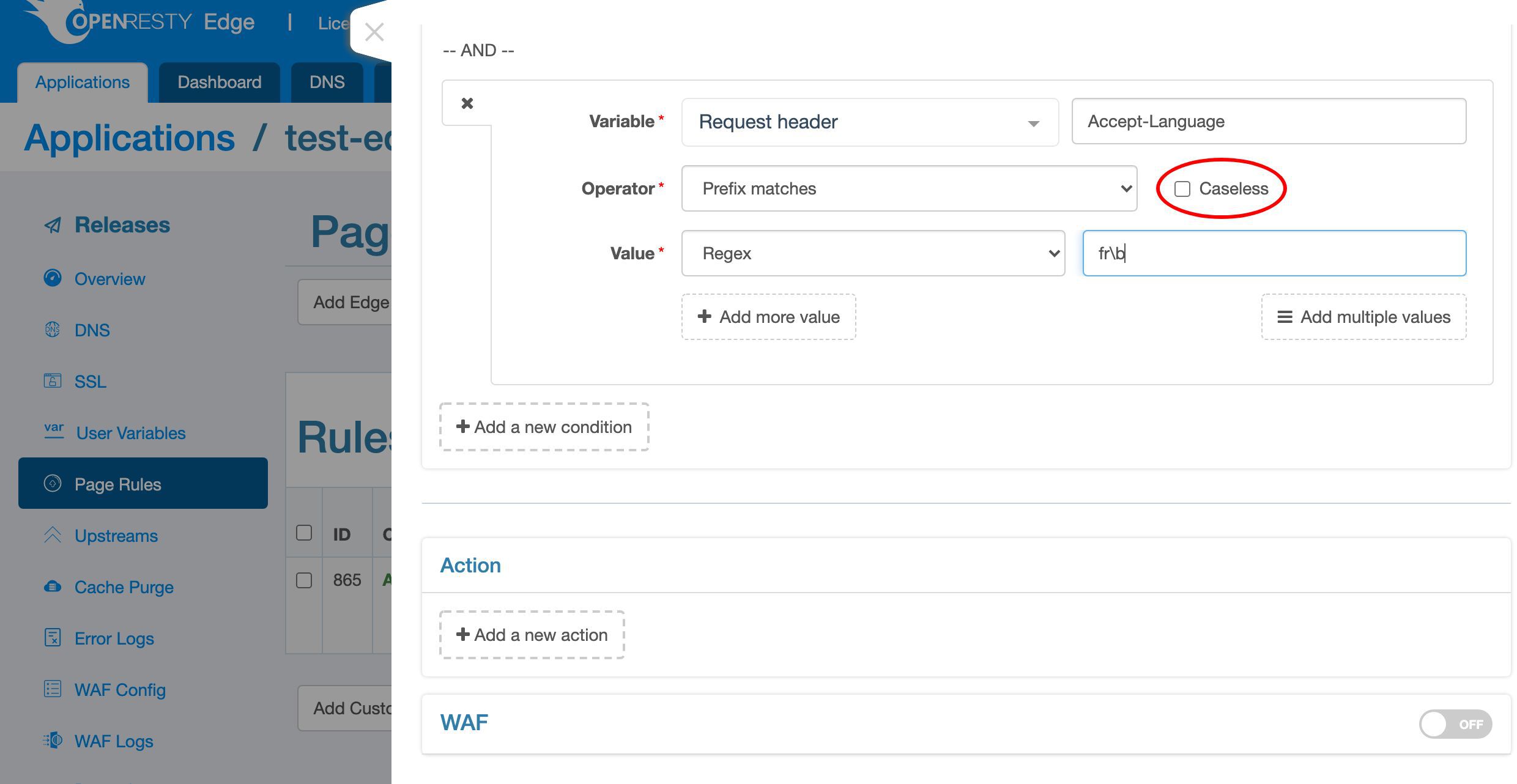
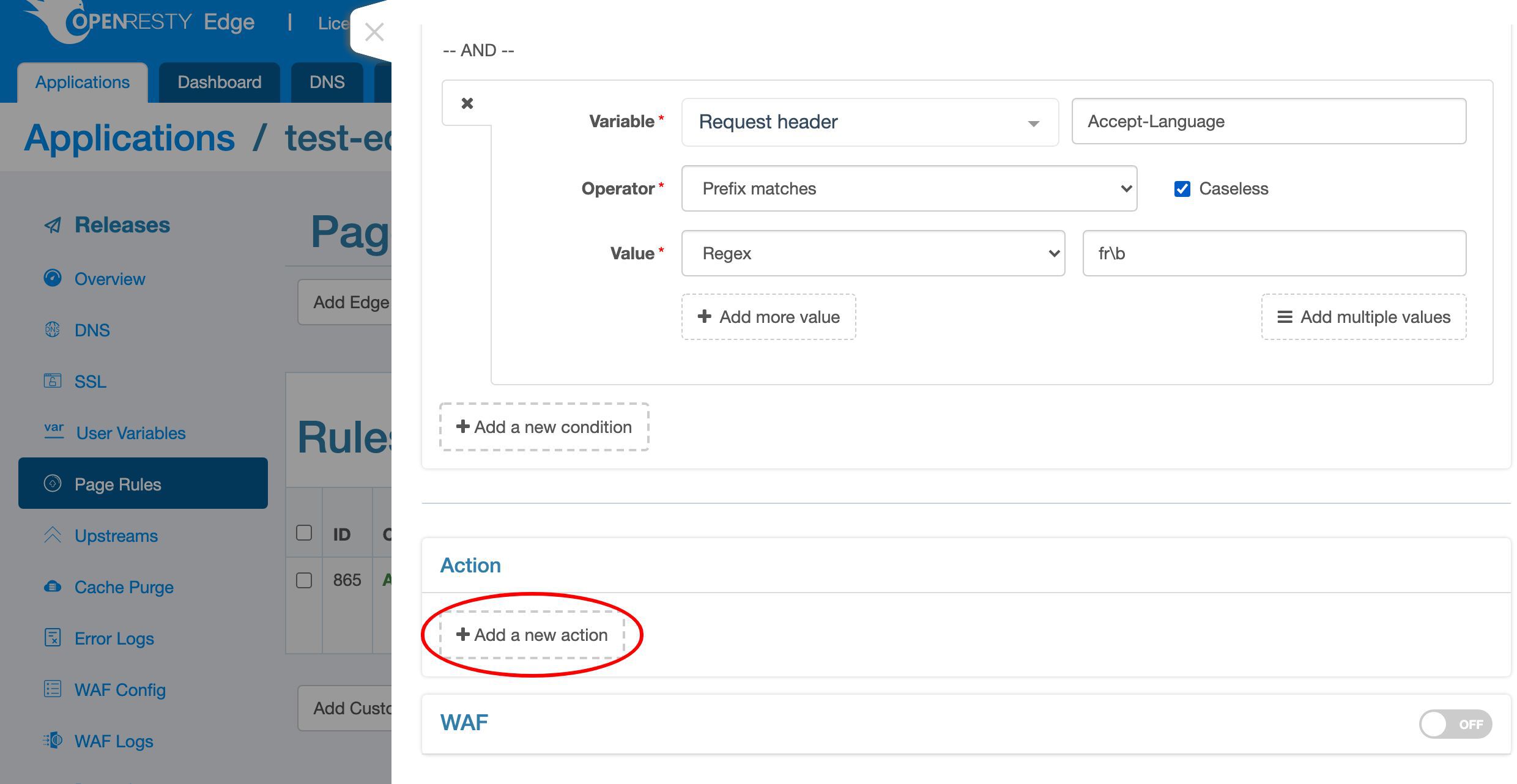
Now we add a new action.
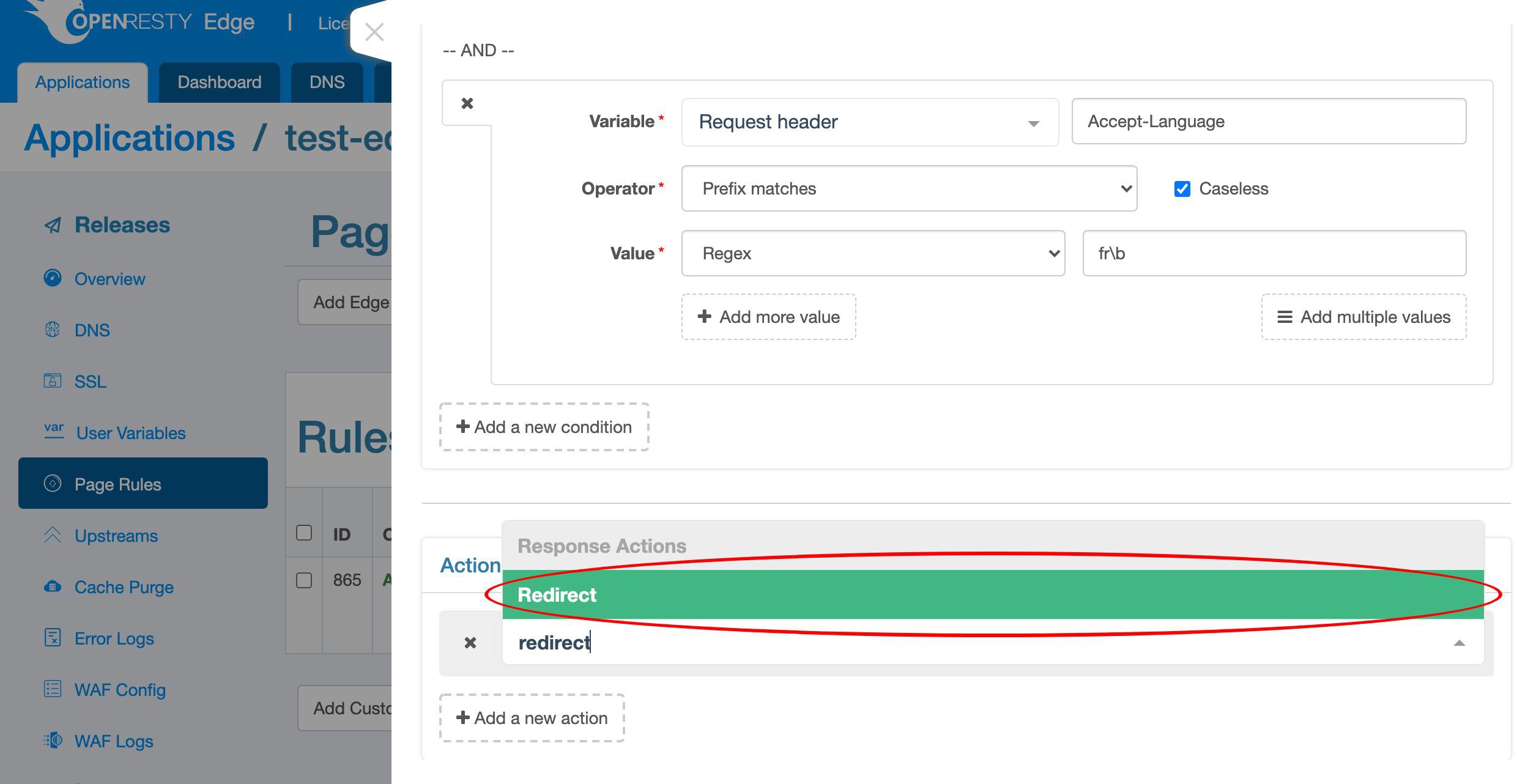
Choose the action type, “redirect”.
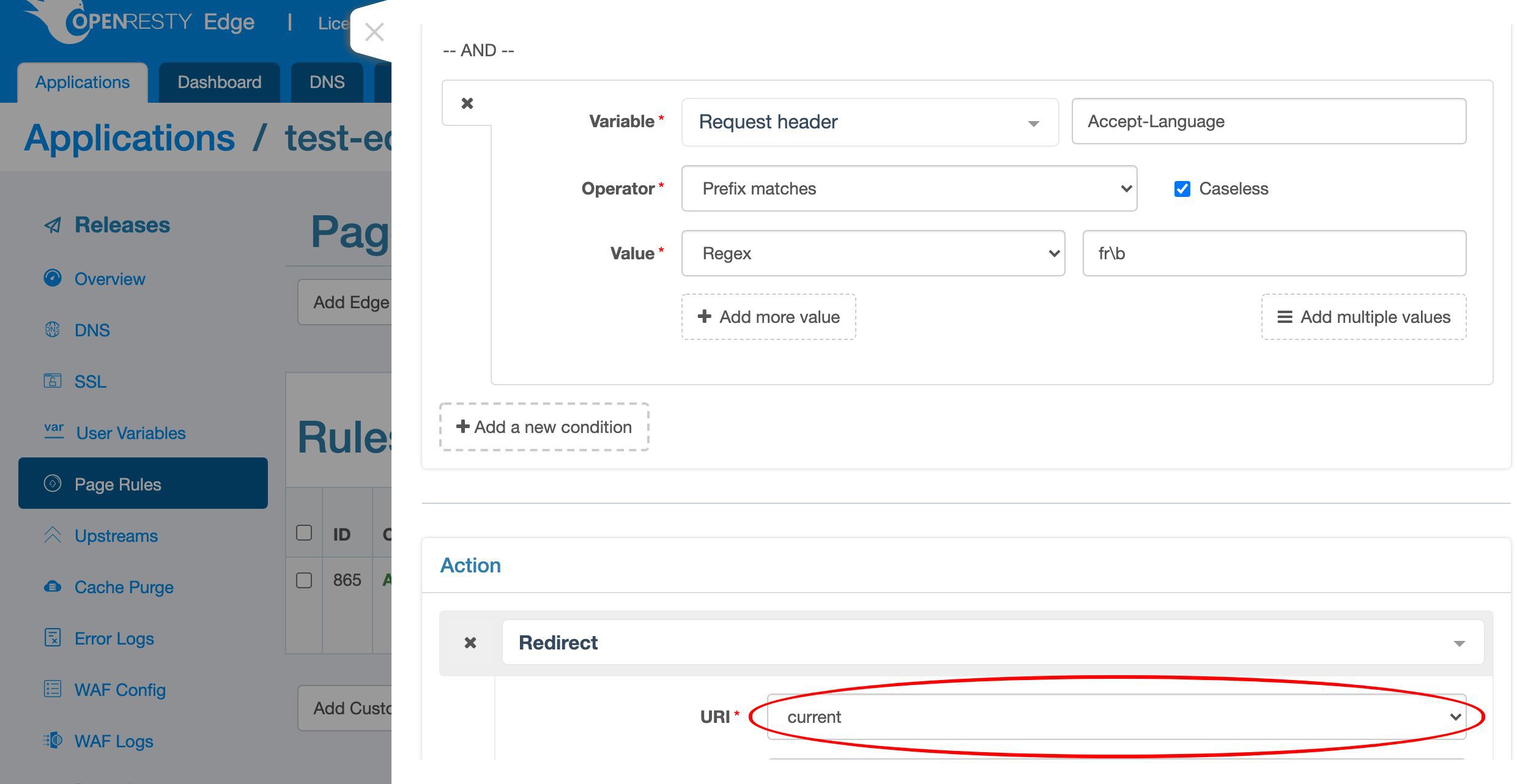
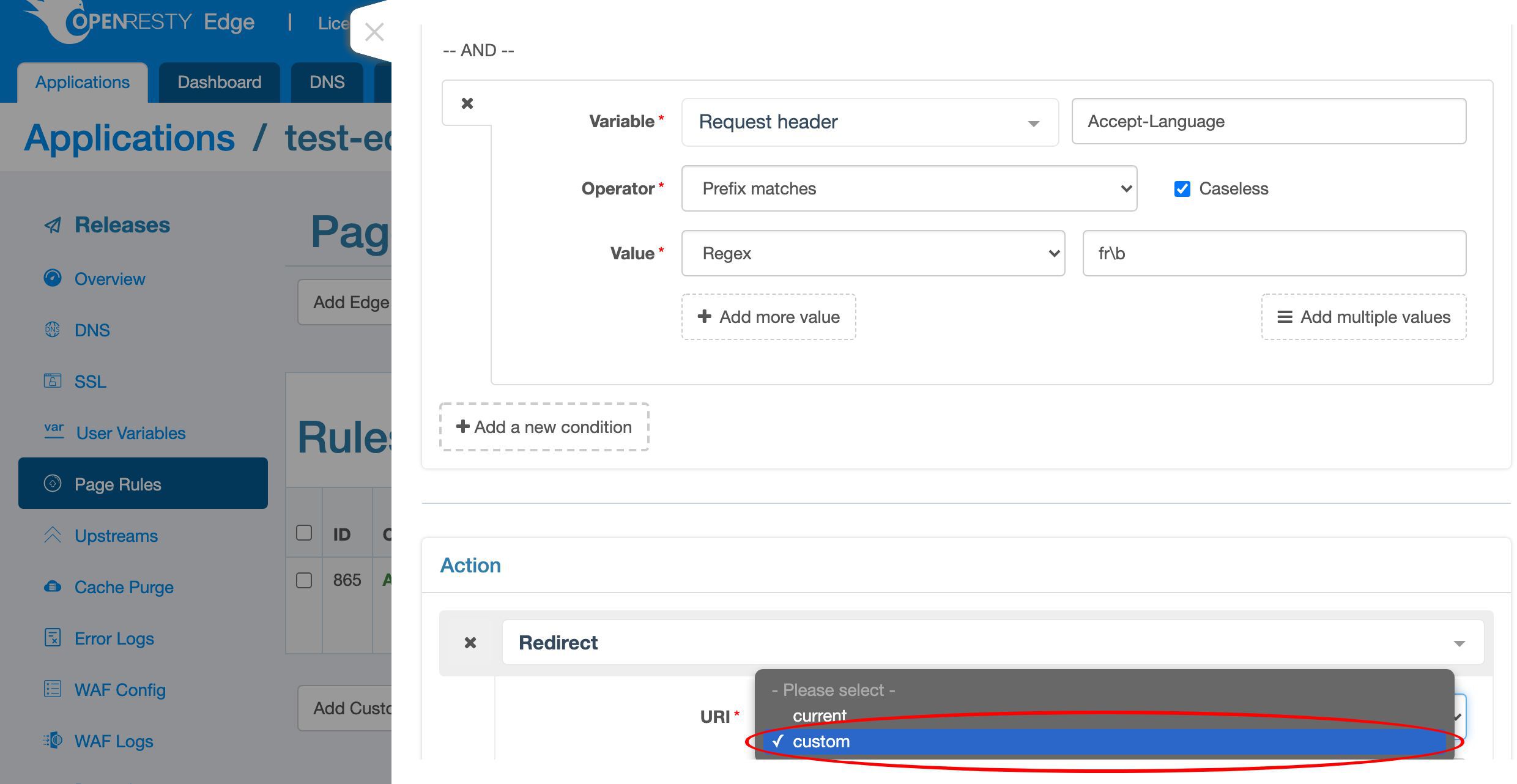
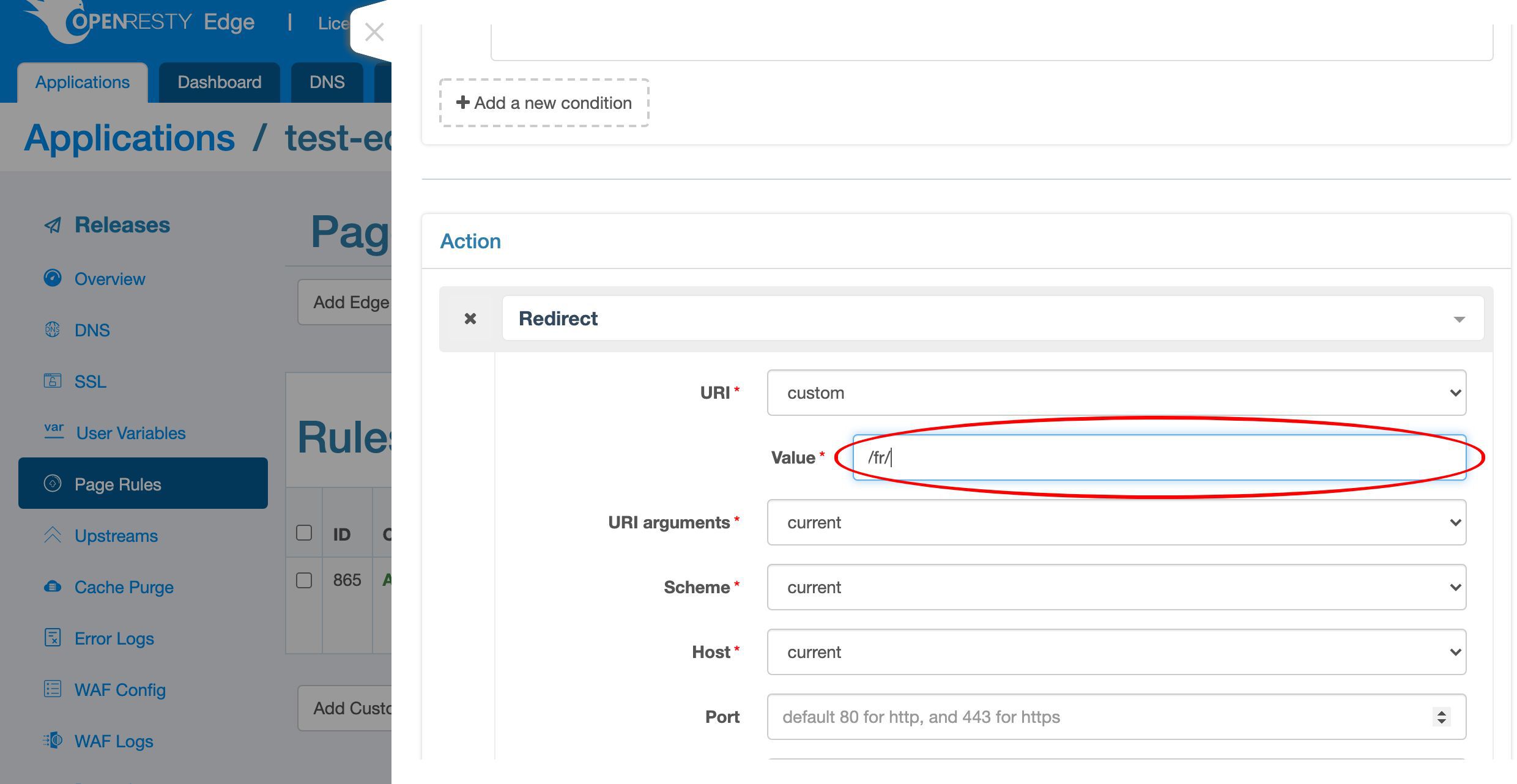
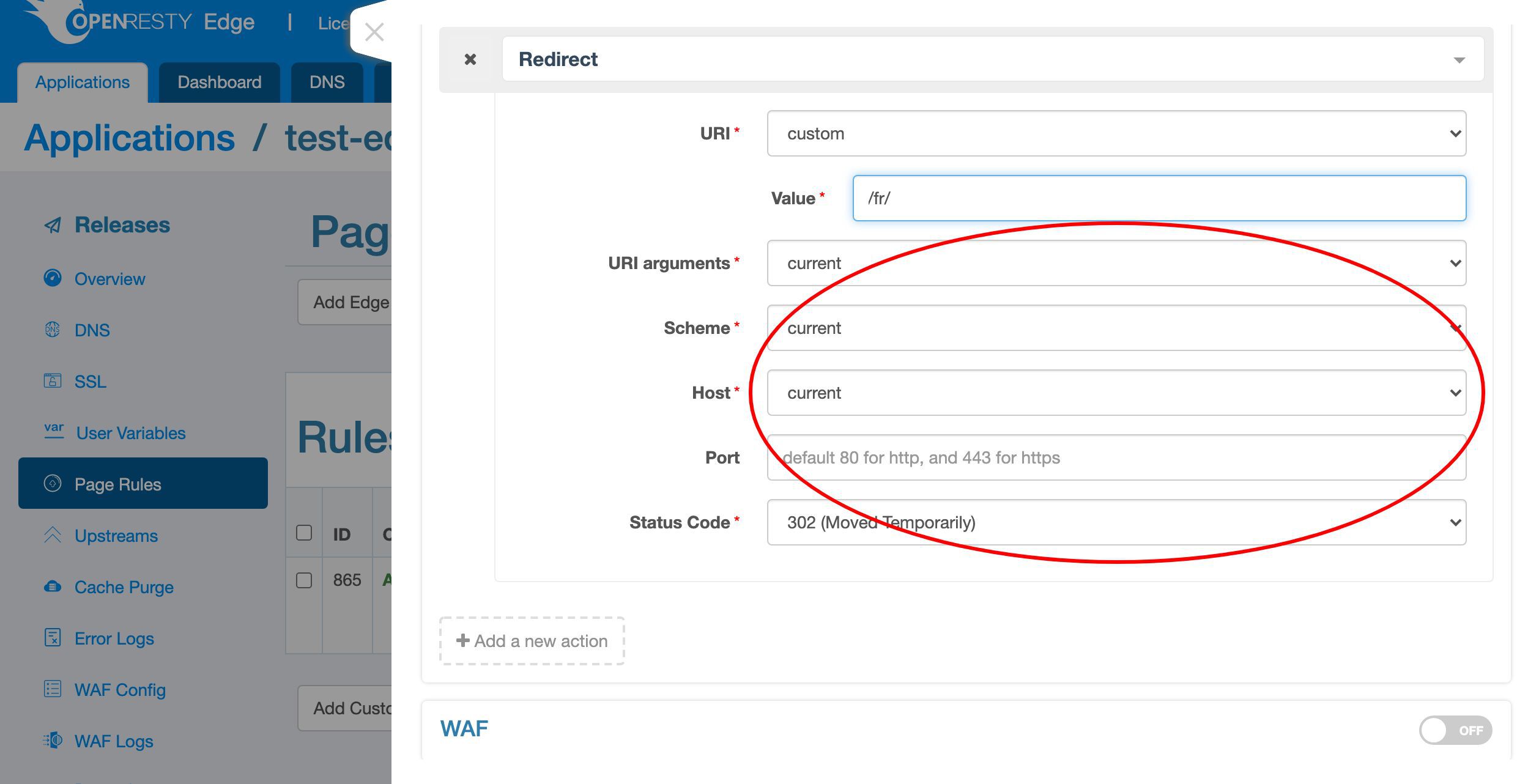
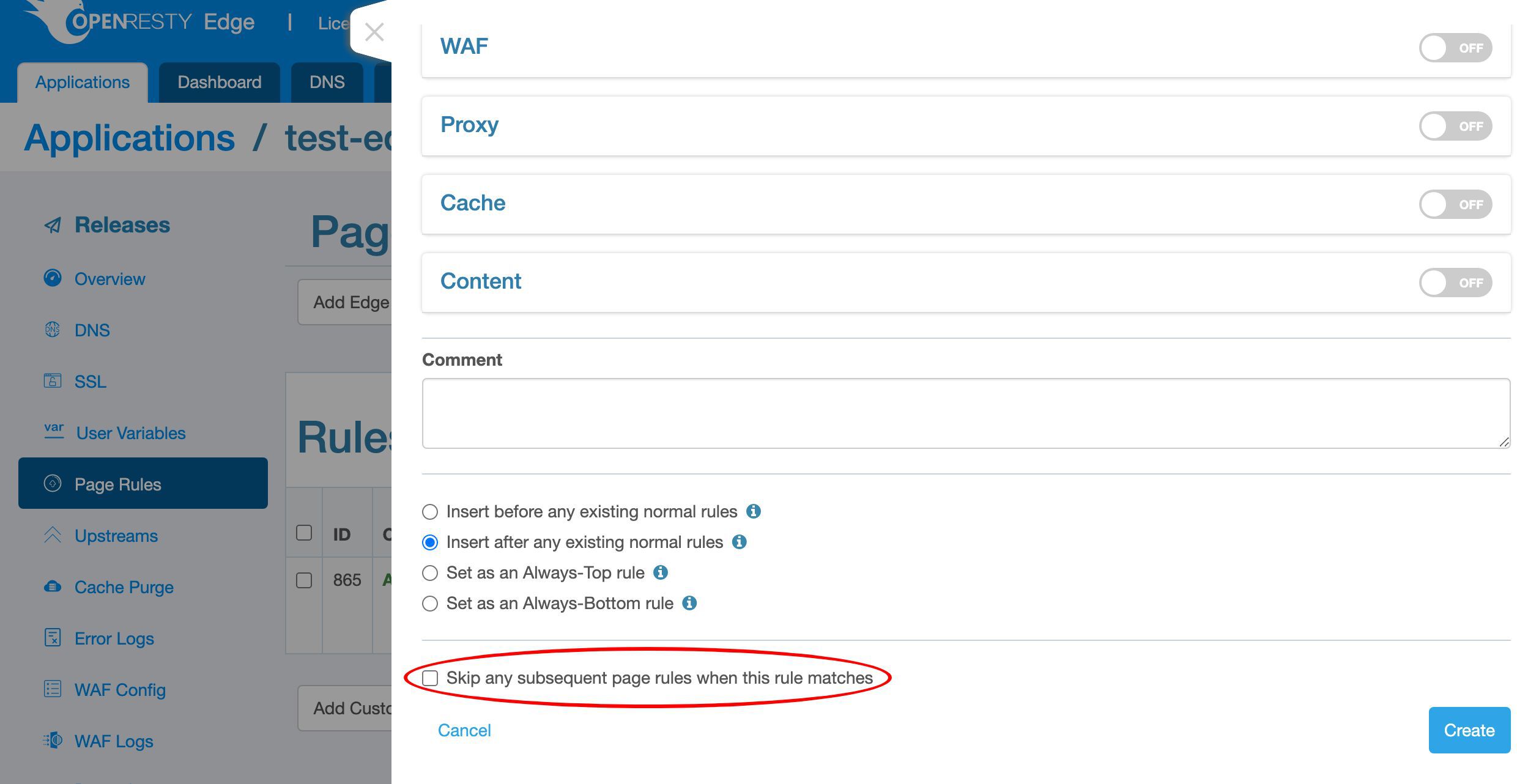
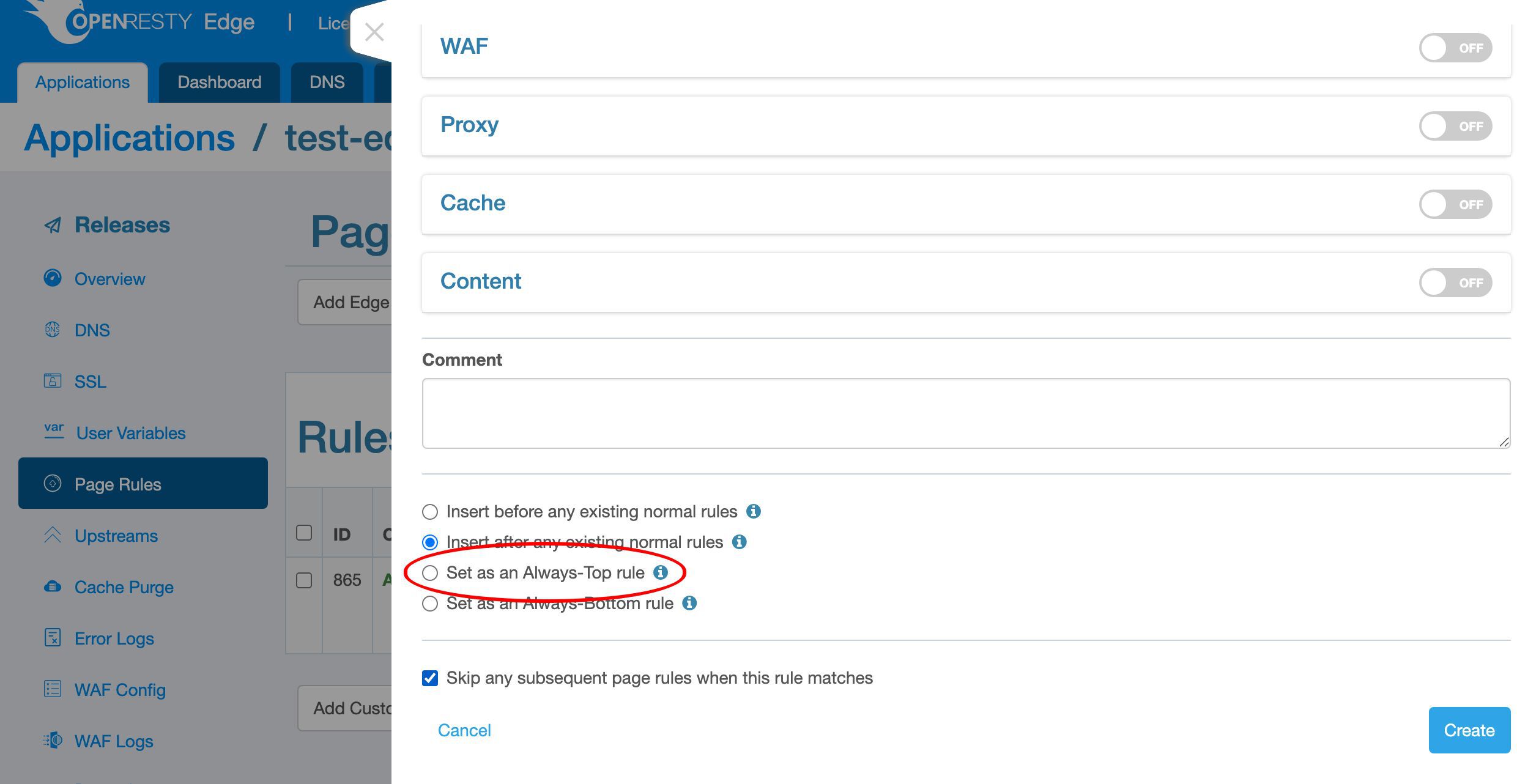
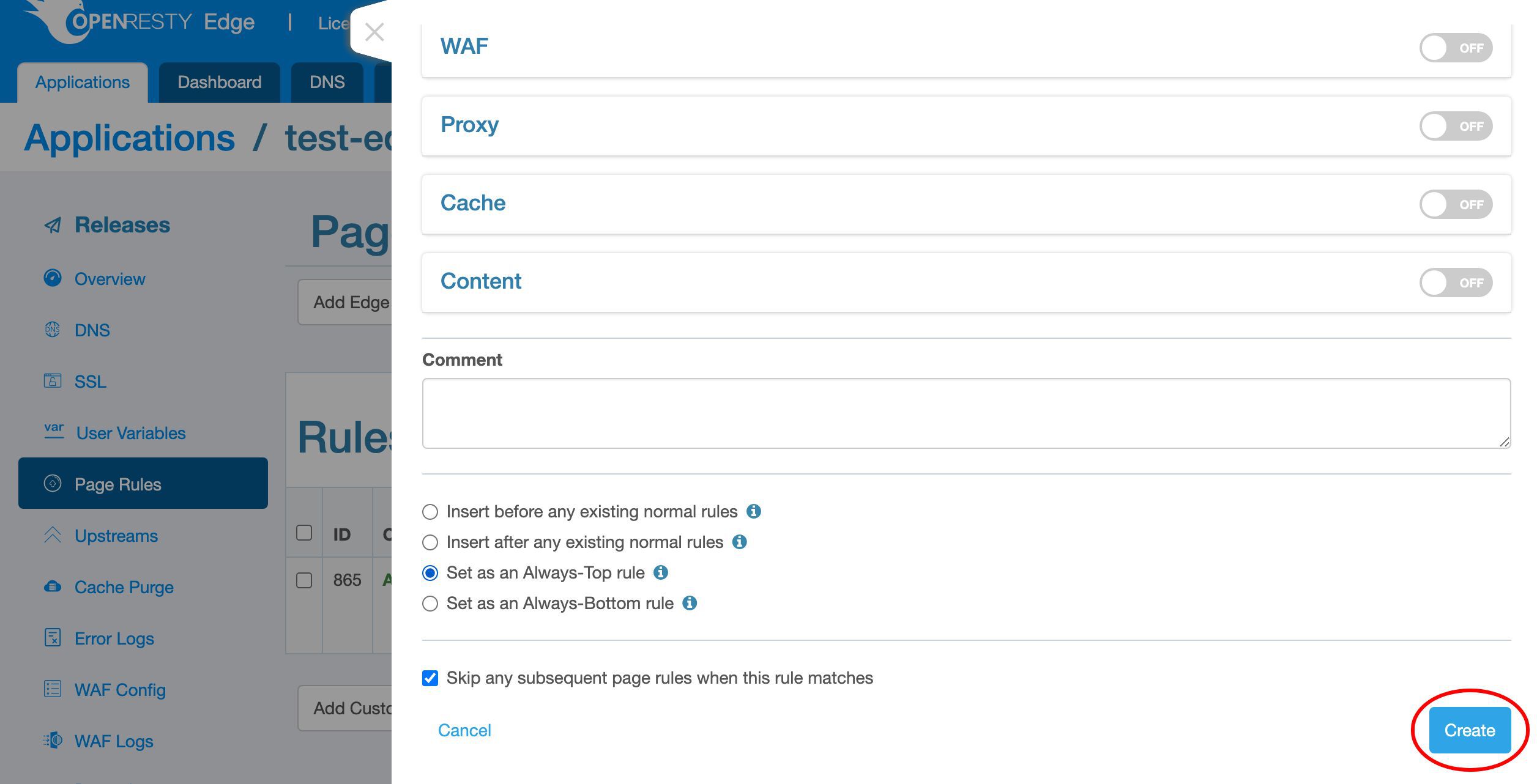
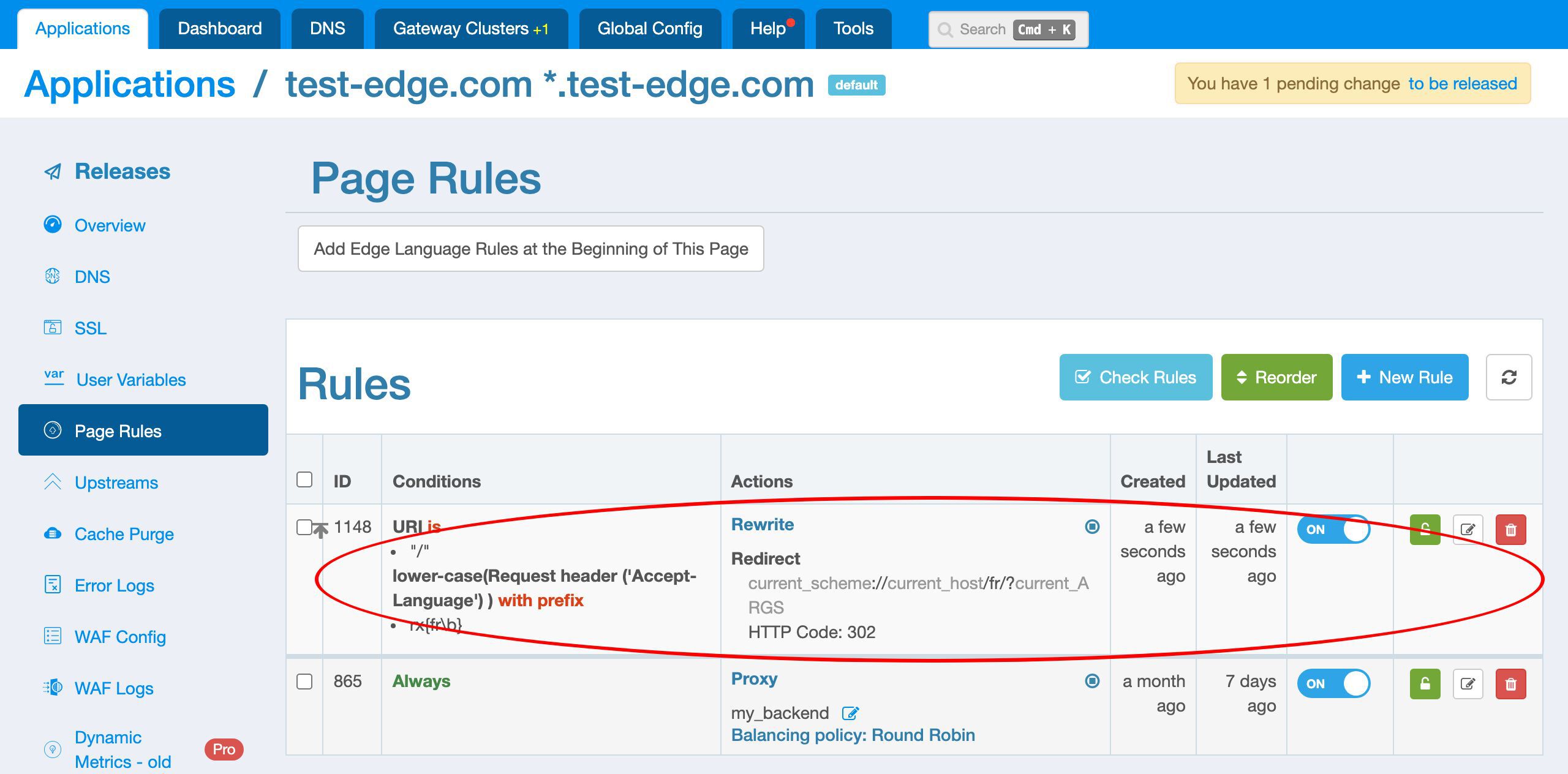
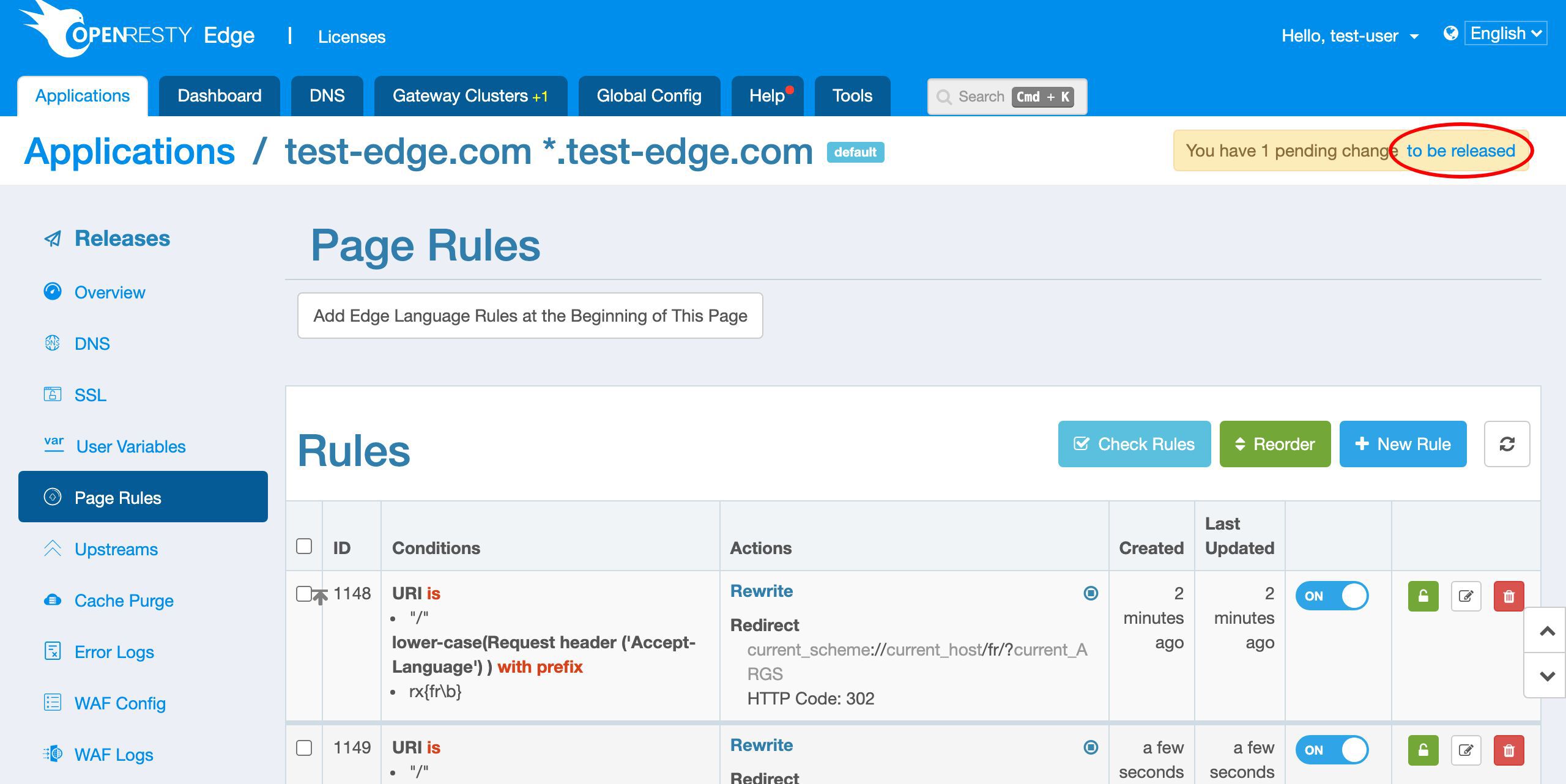
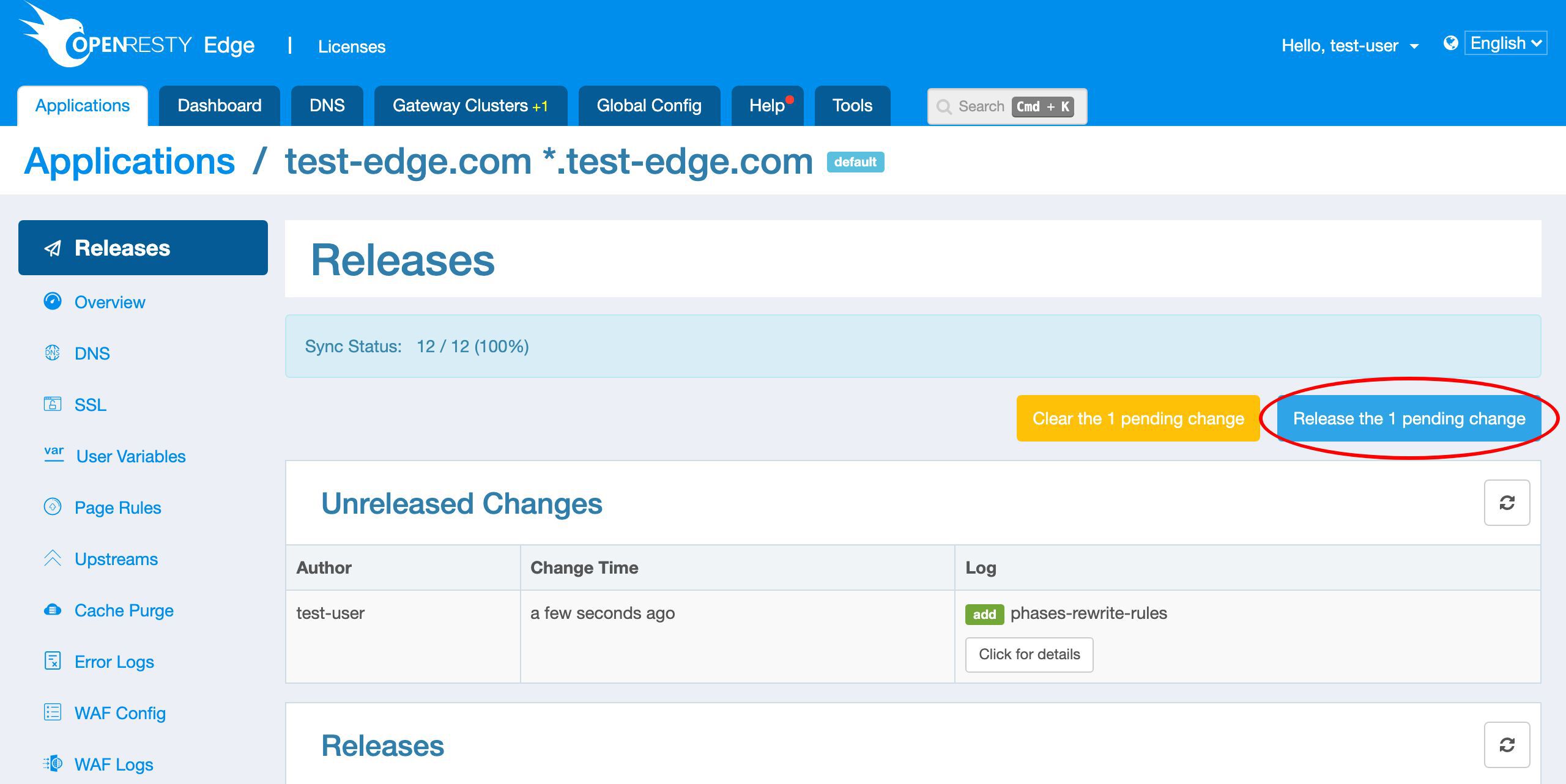
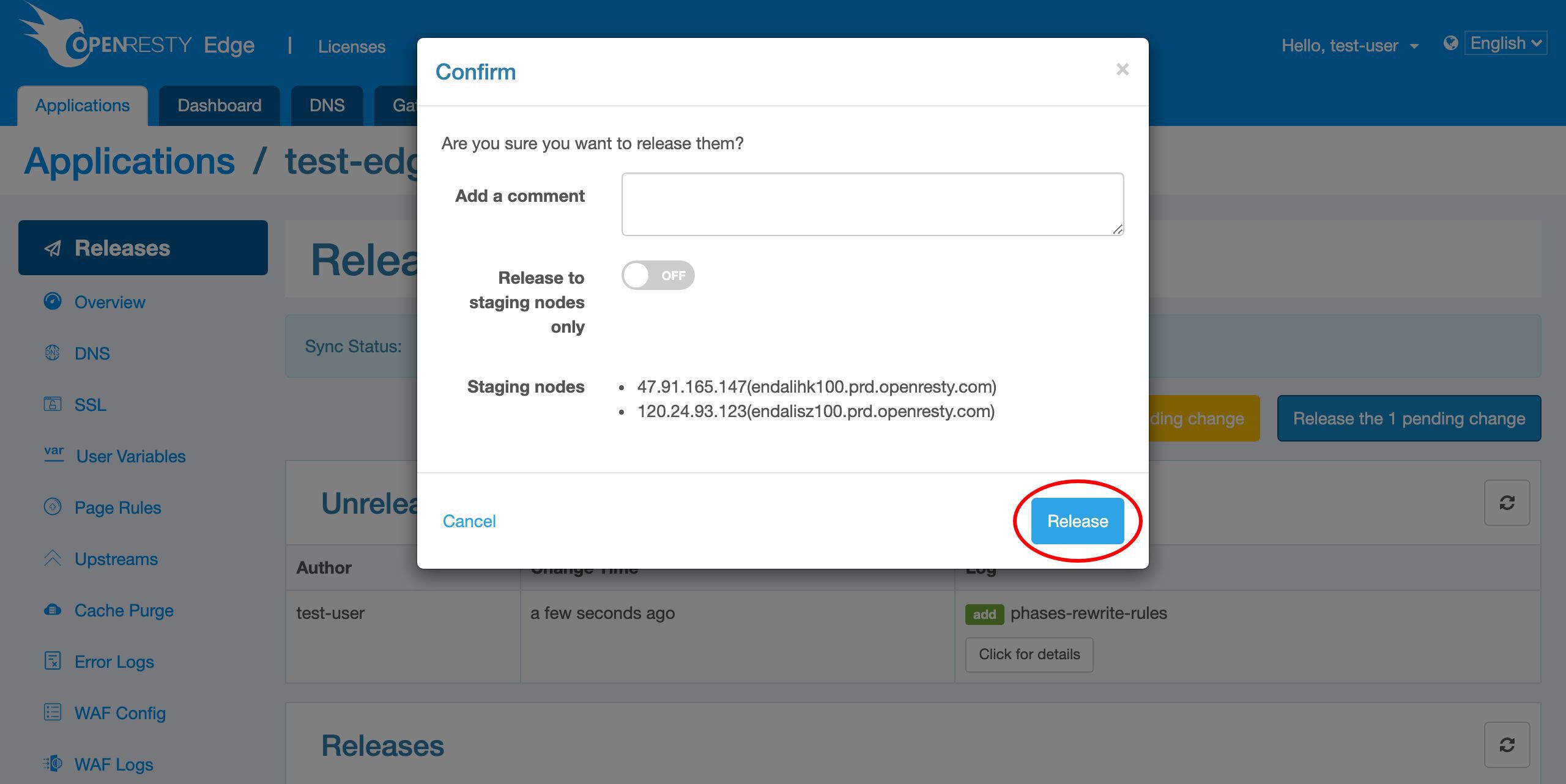
We need to make a new release to push out our new page rule, as always.
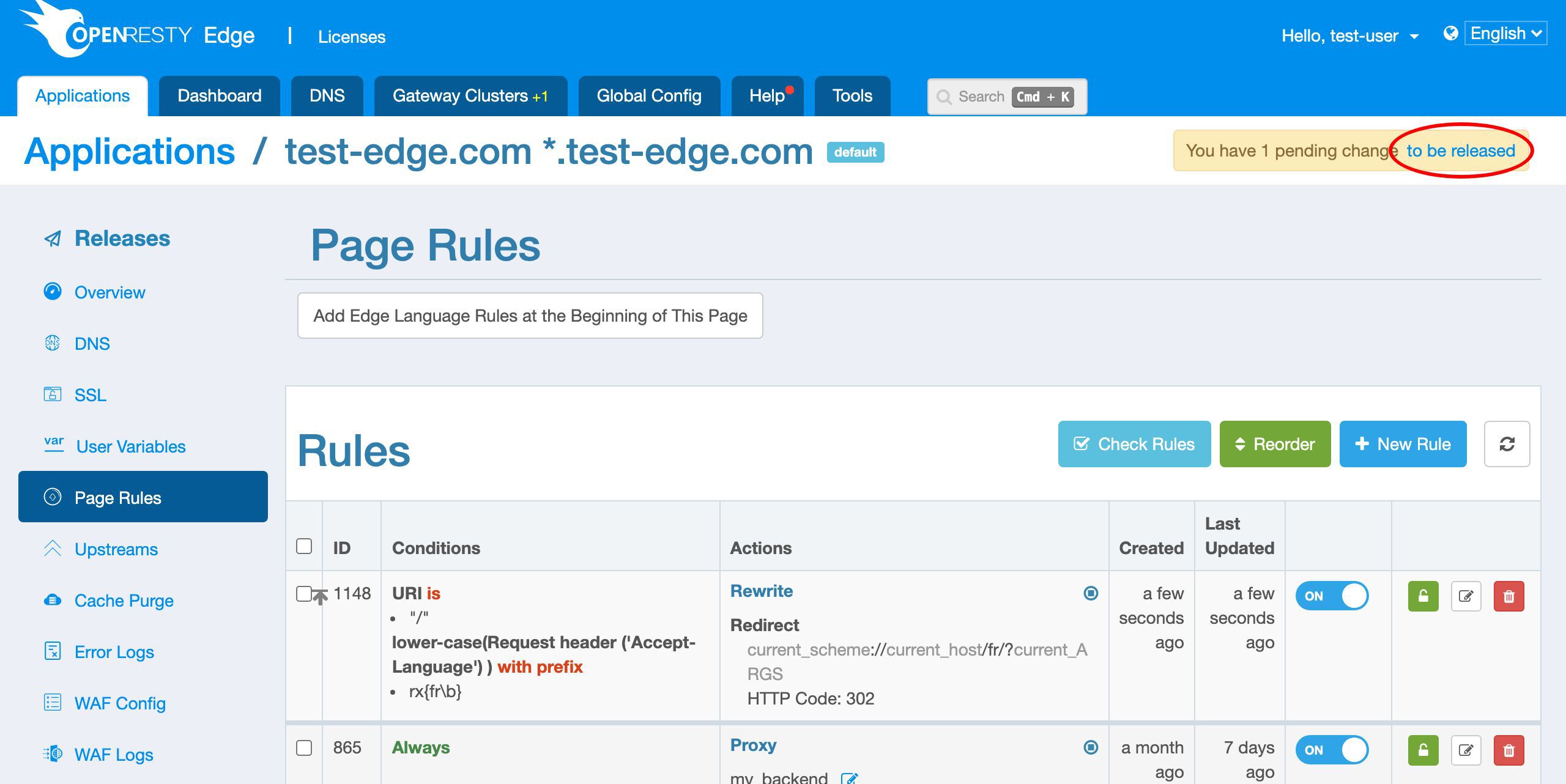
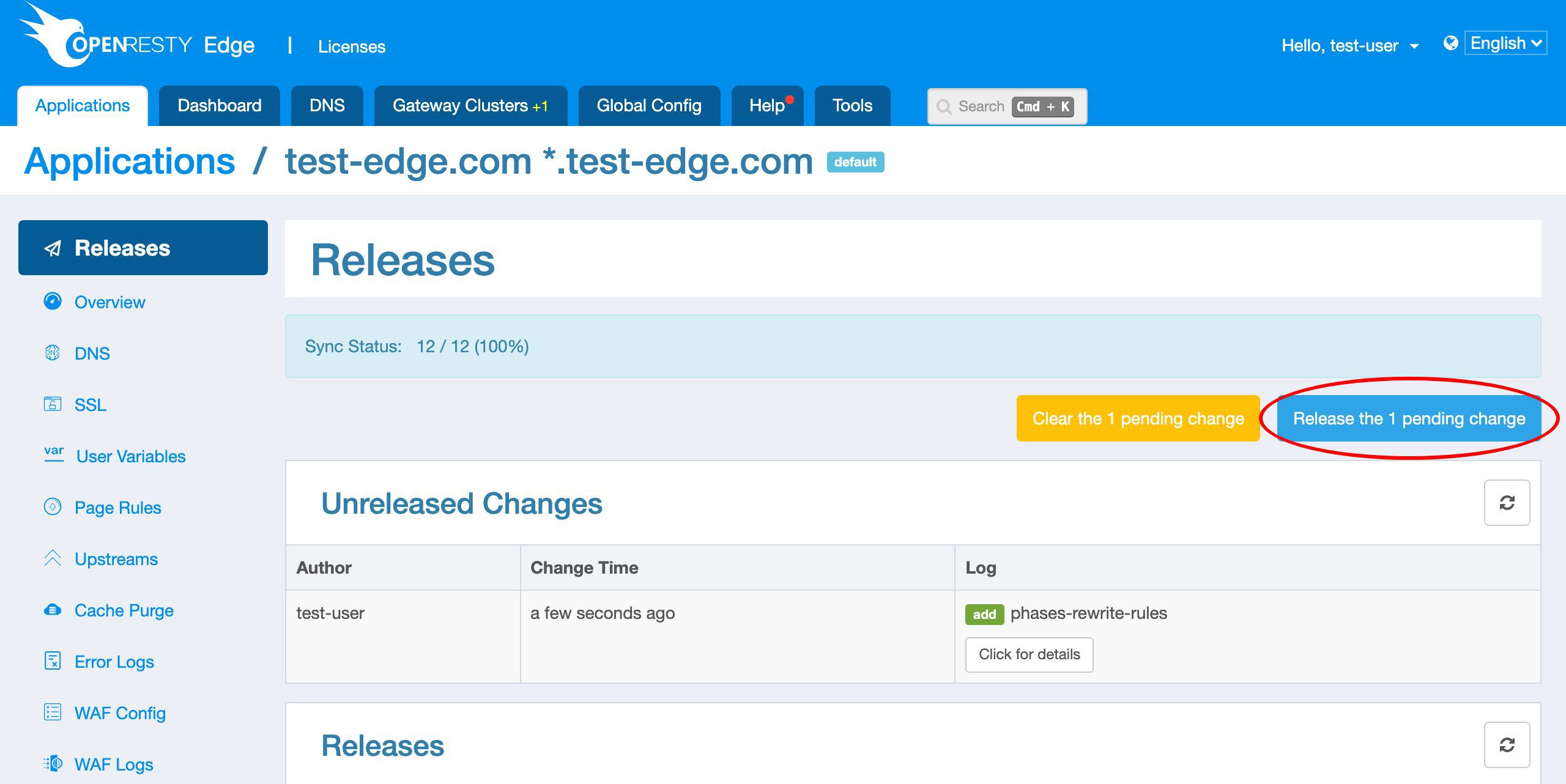
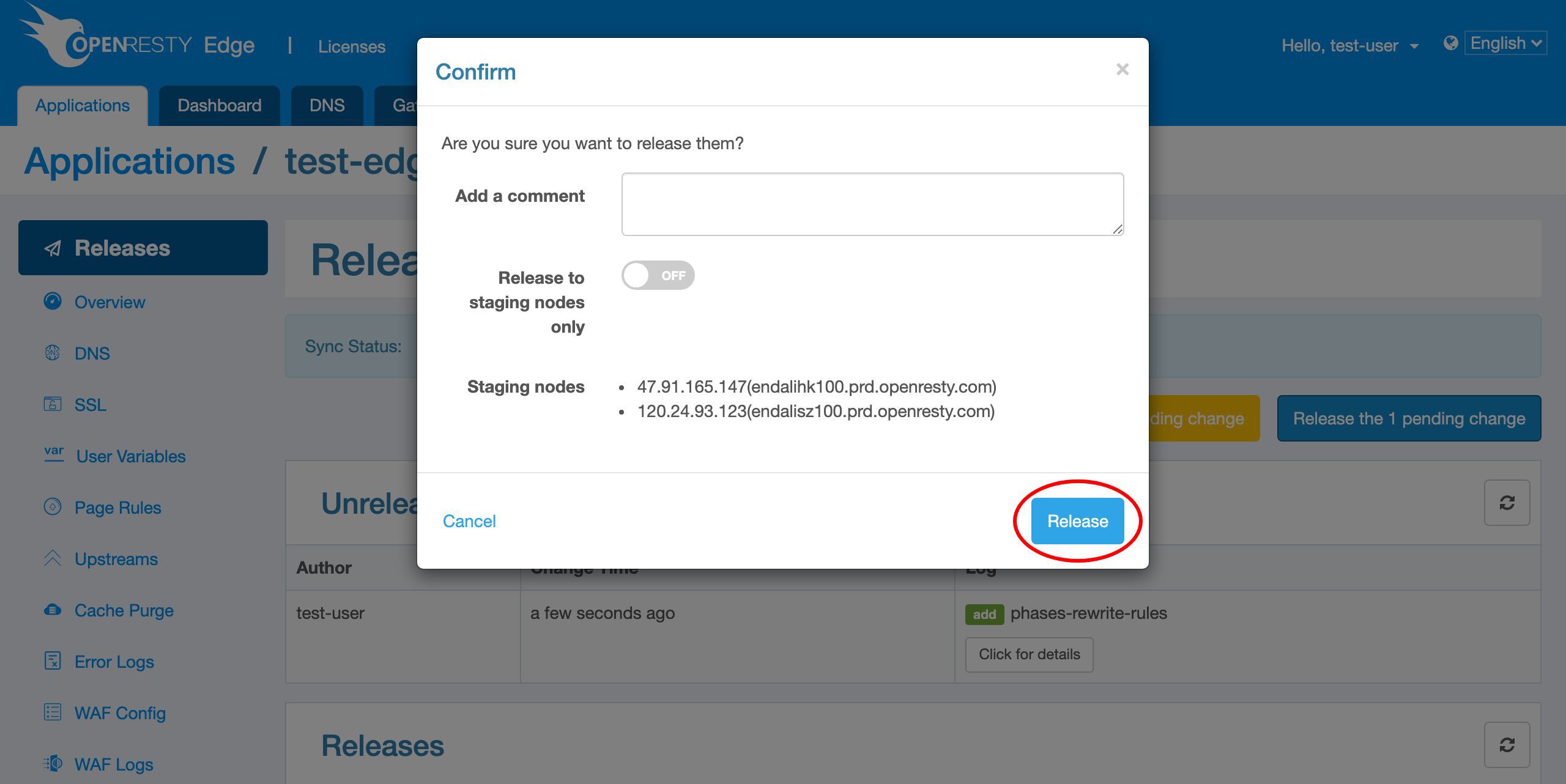
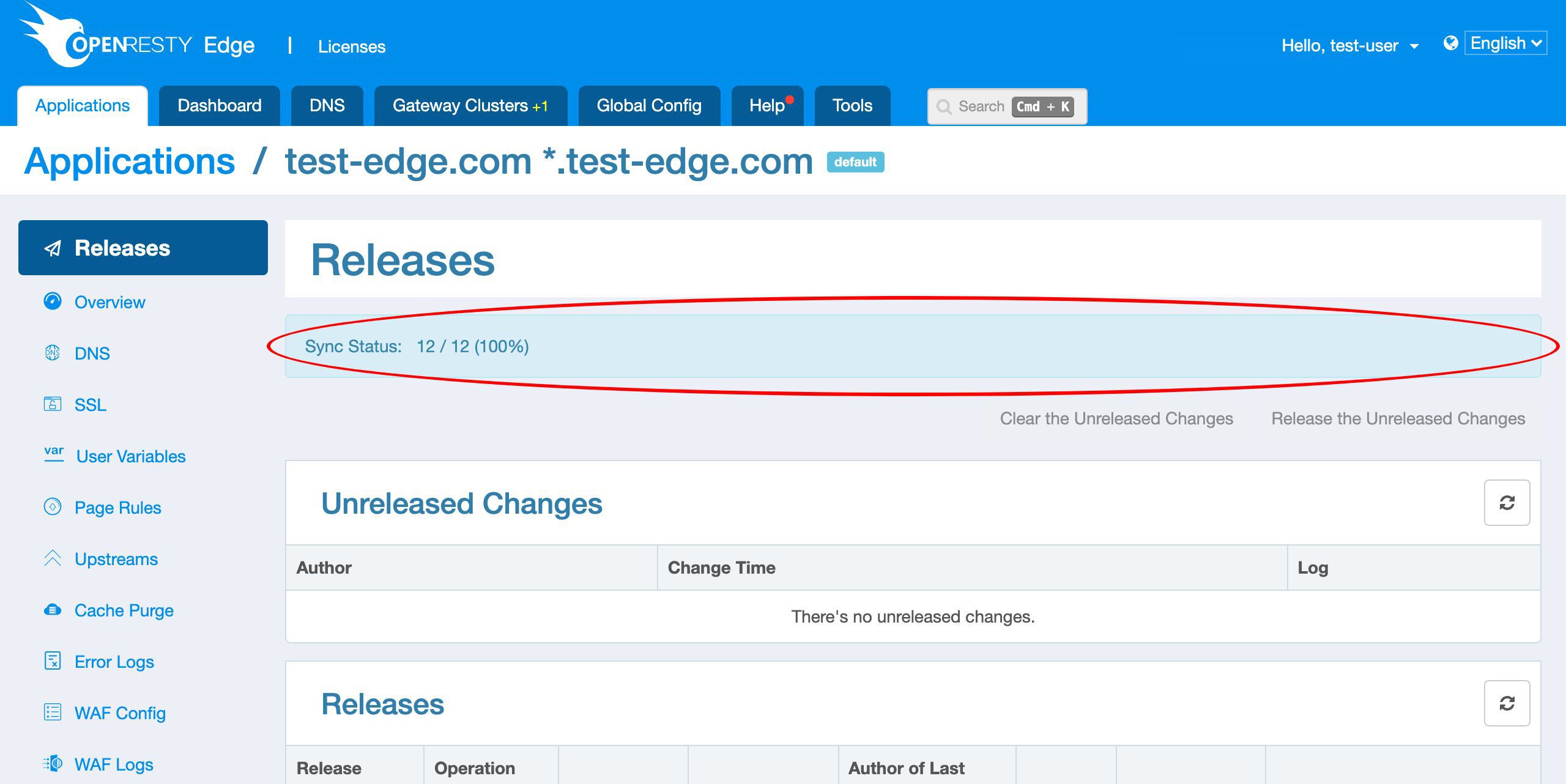
Our configuration changes do NOT require server reload, restart, or binary upgrade. So it’s very efficient and scalable.
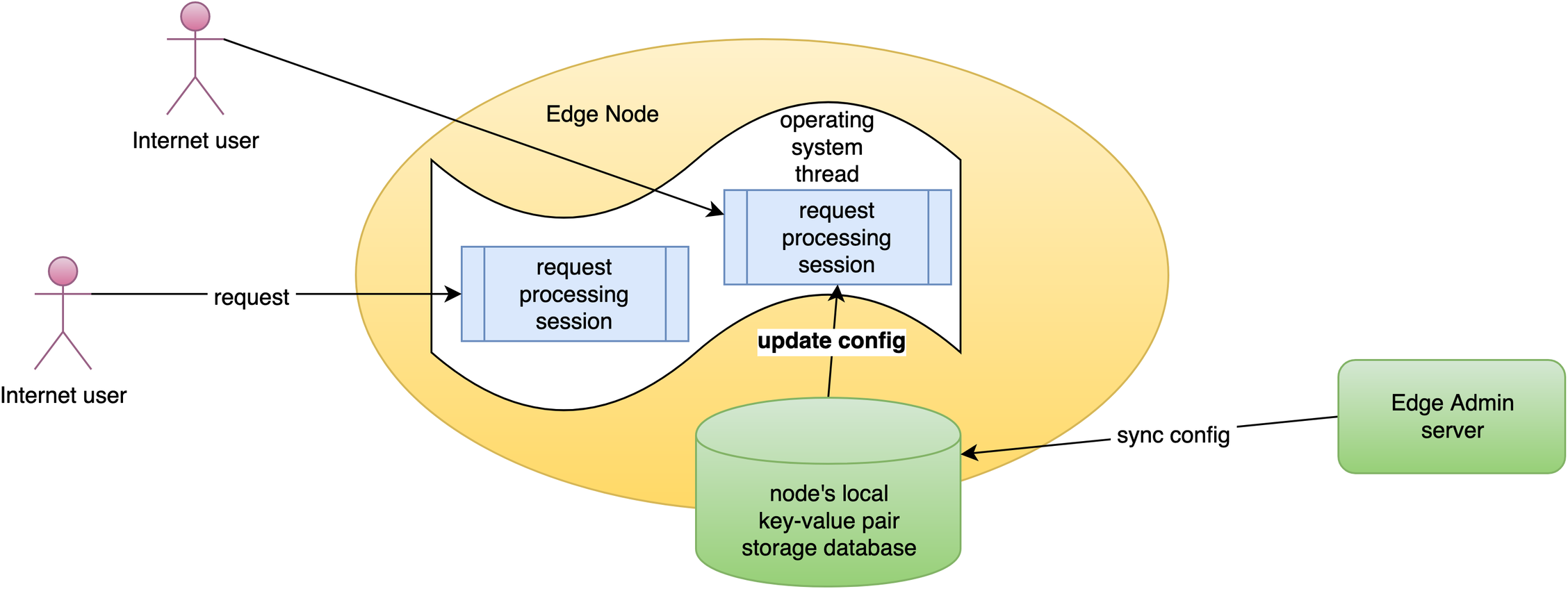
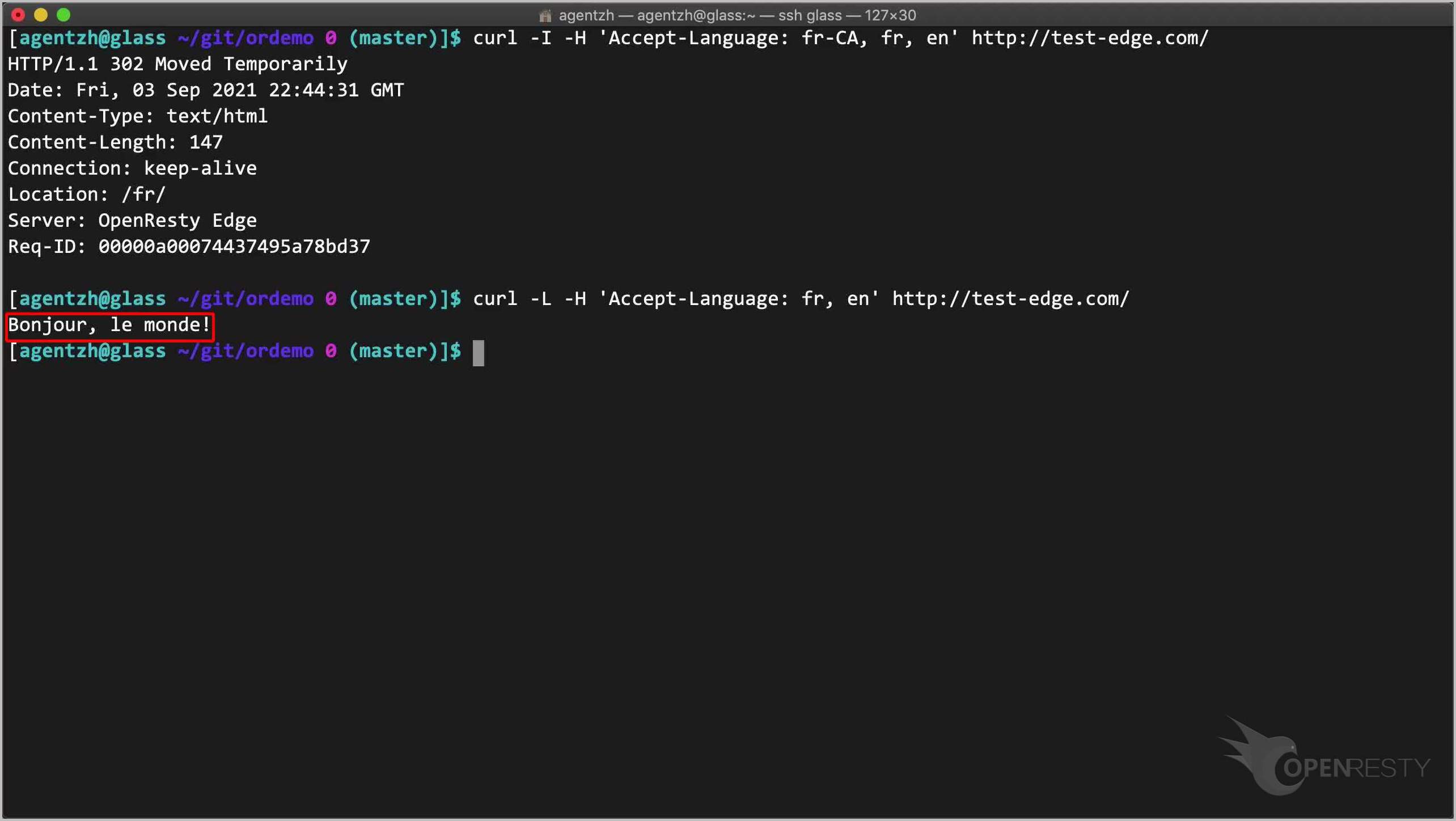
Test the French Accept-Language redirect with curl
On the terminal, we can send HTTP requests with curl.
curl -I -H 'Accept-Language: fr-CA, fr, en' http://test-edge.com/
Note that we specify 3 languages: fr-CA, fr, and en. So French takes precedence over English for this request.
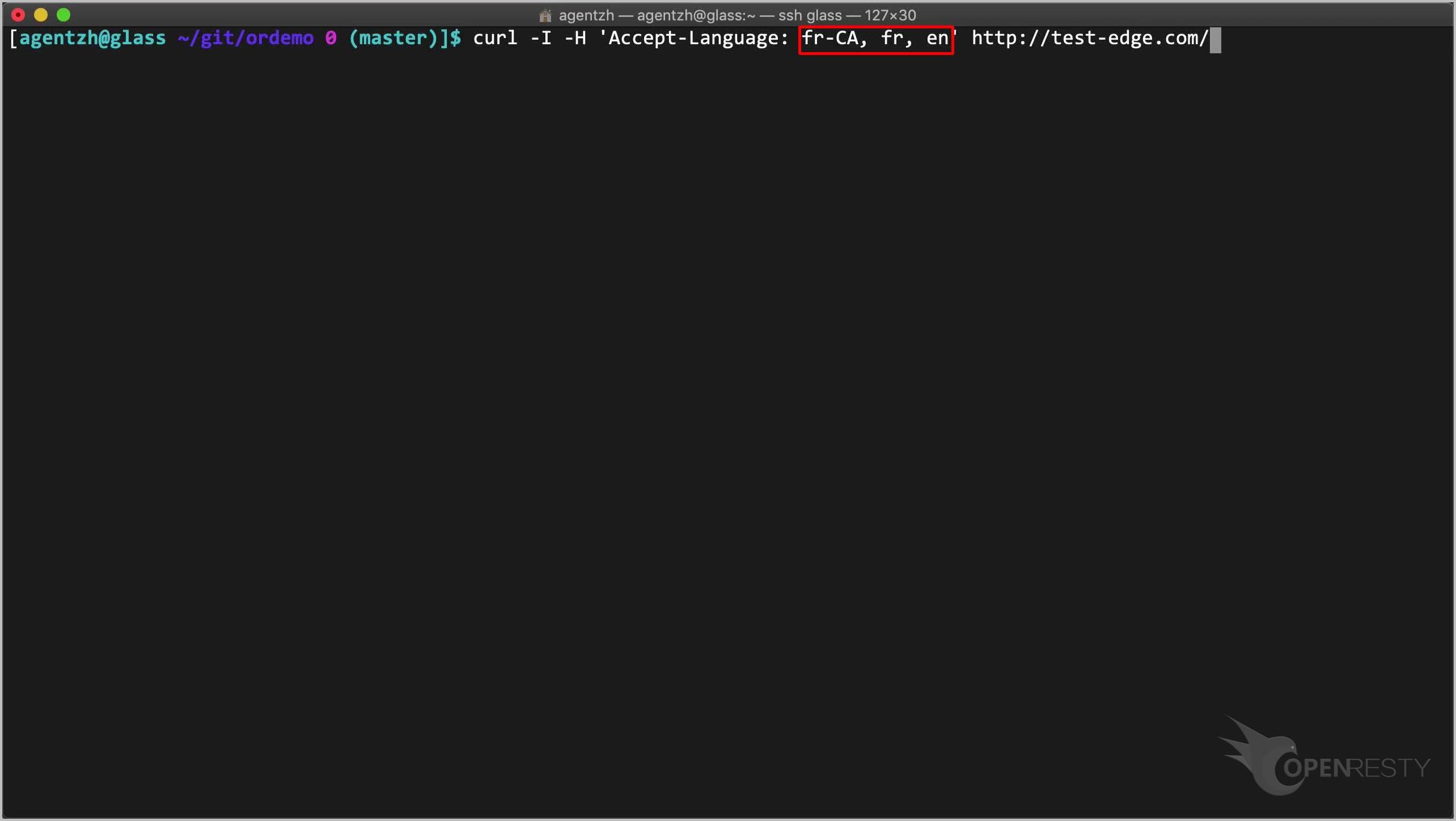
Run this command.
Note that it is indeed a redirect to /fr/.
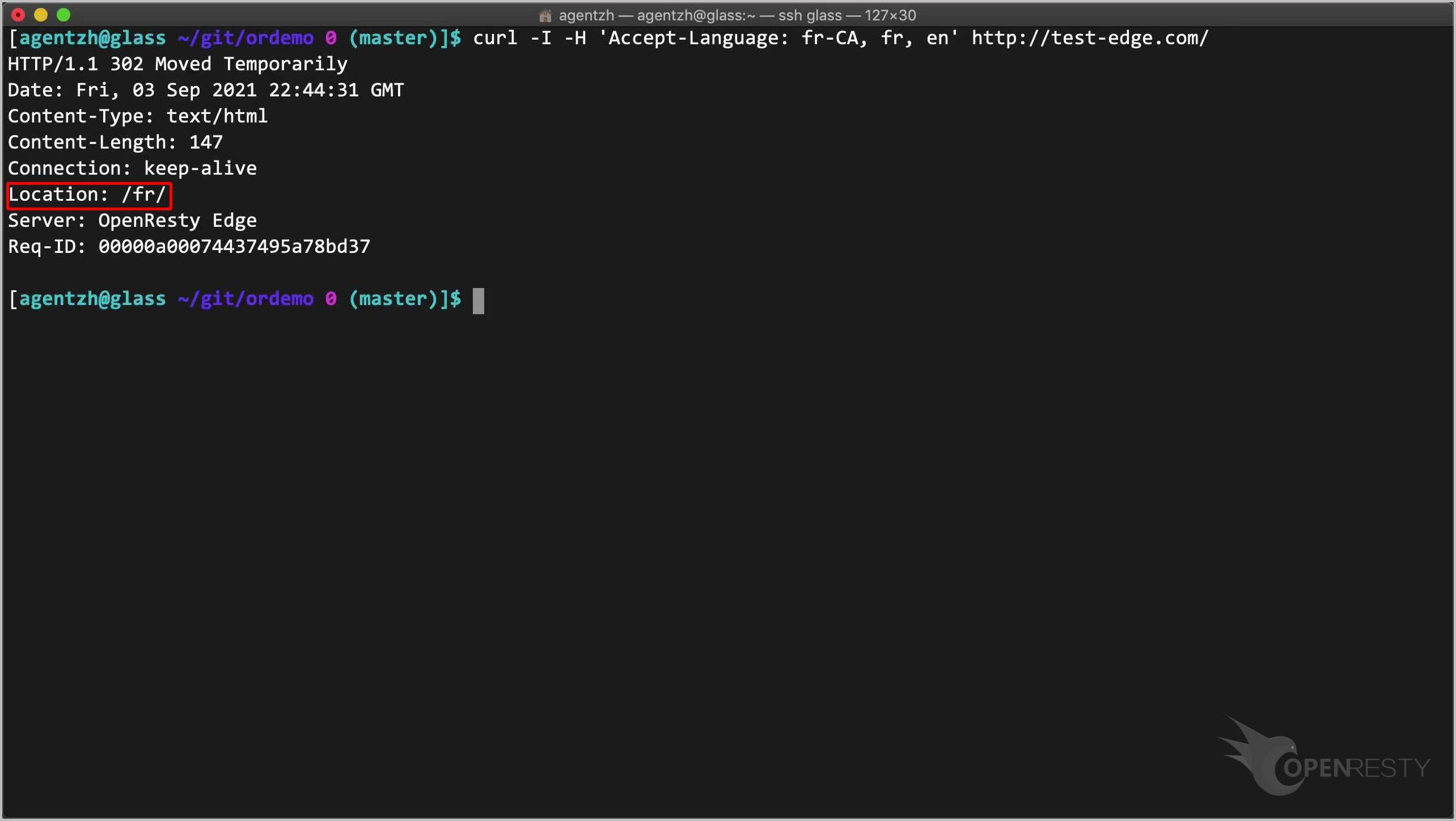
We can make curl follow redirects automatically.
curl -L -H 'Accept-Language: fr, en' http://test-edge.com/
Note the -L option.
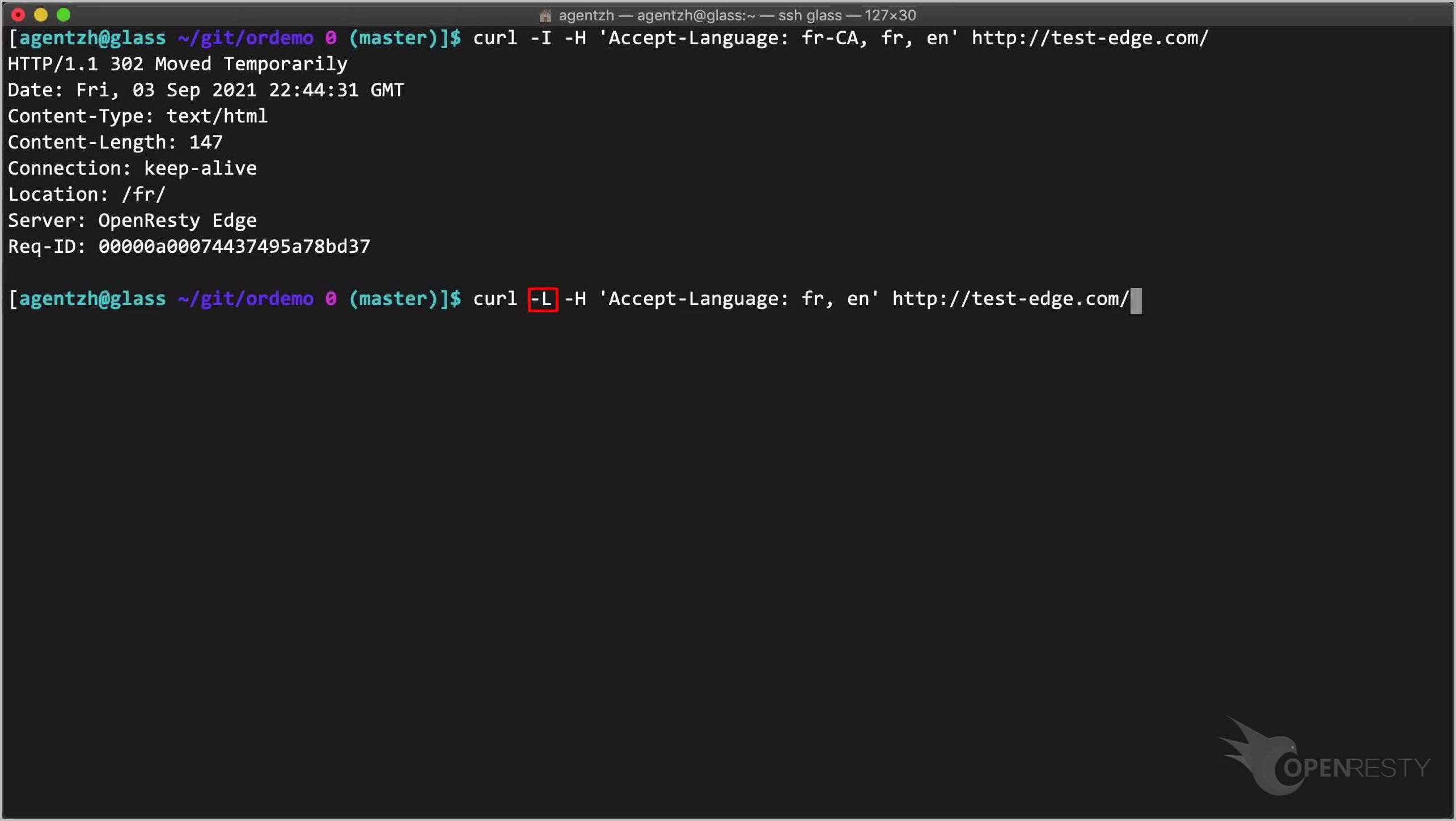
Run this command.
We can see the French text returned.
Add a fallback page rule to redirect other languages to English
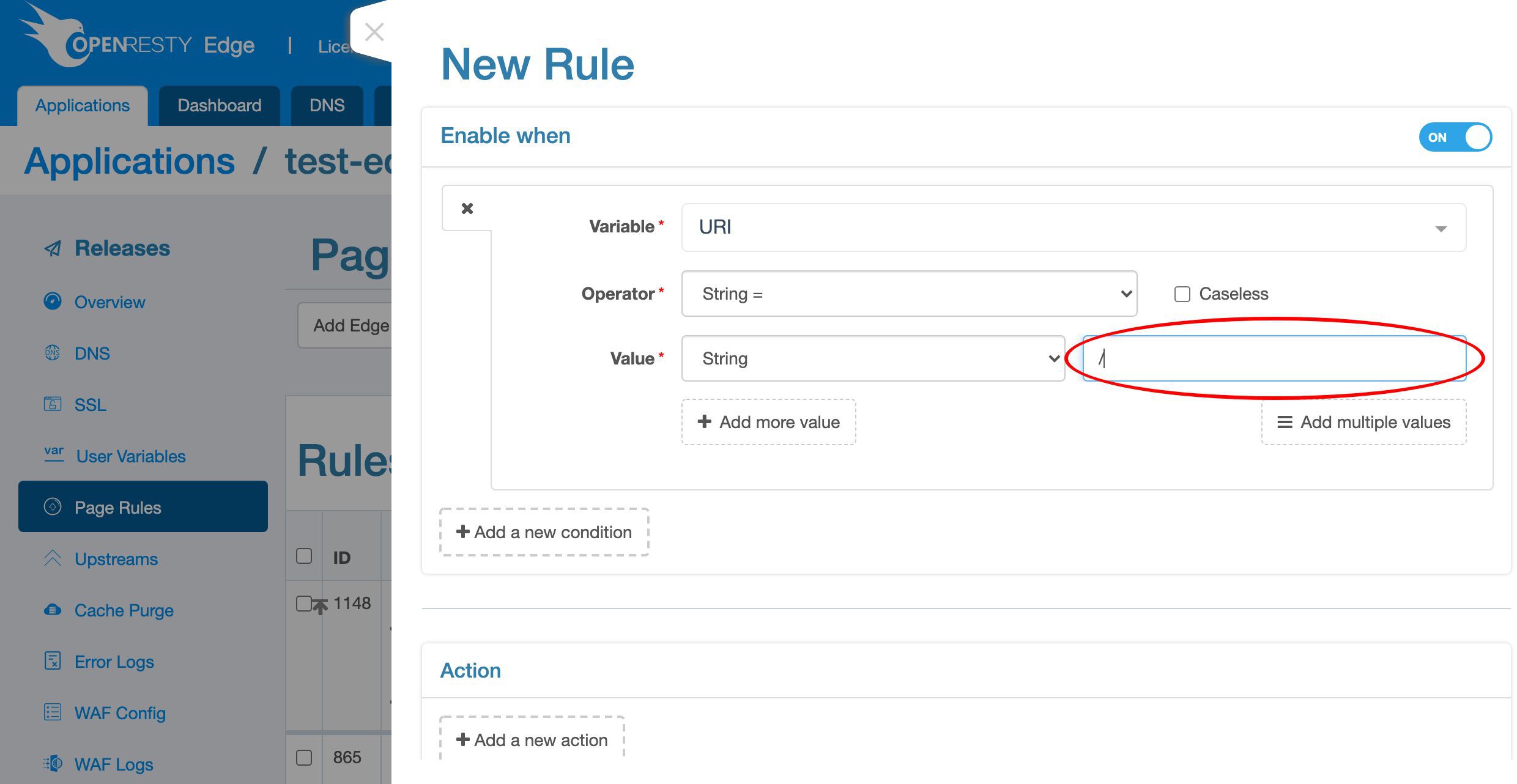
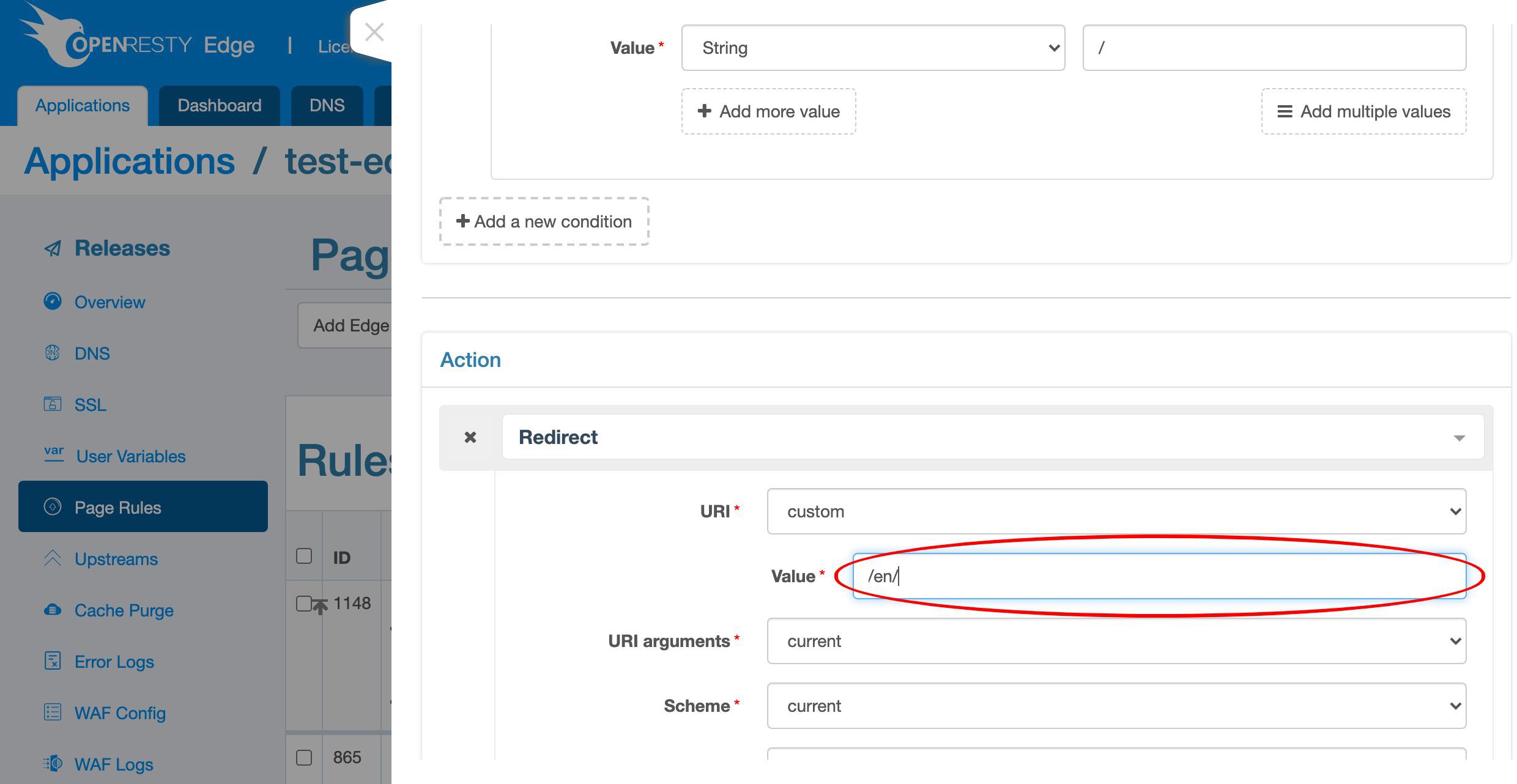
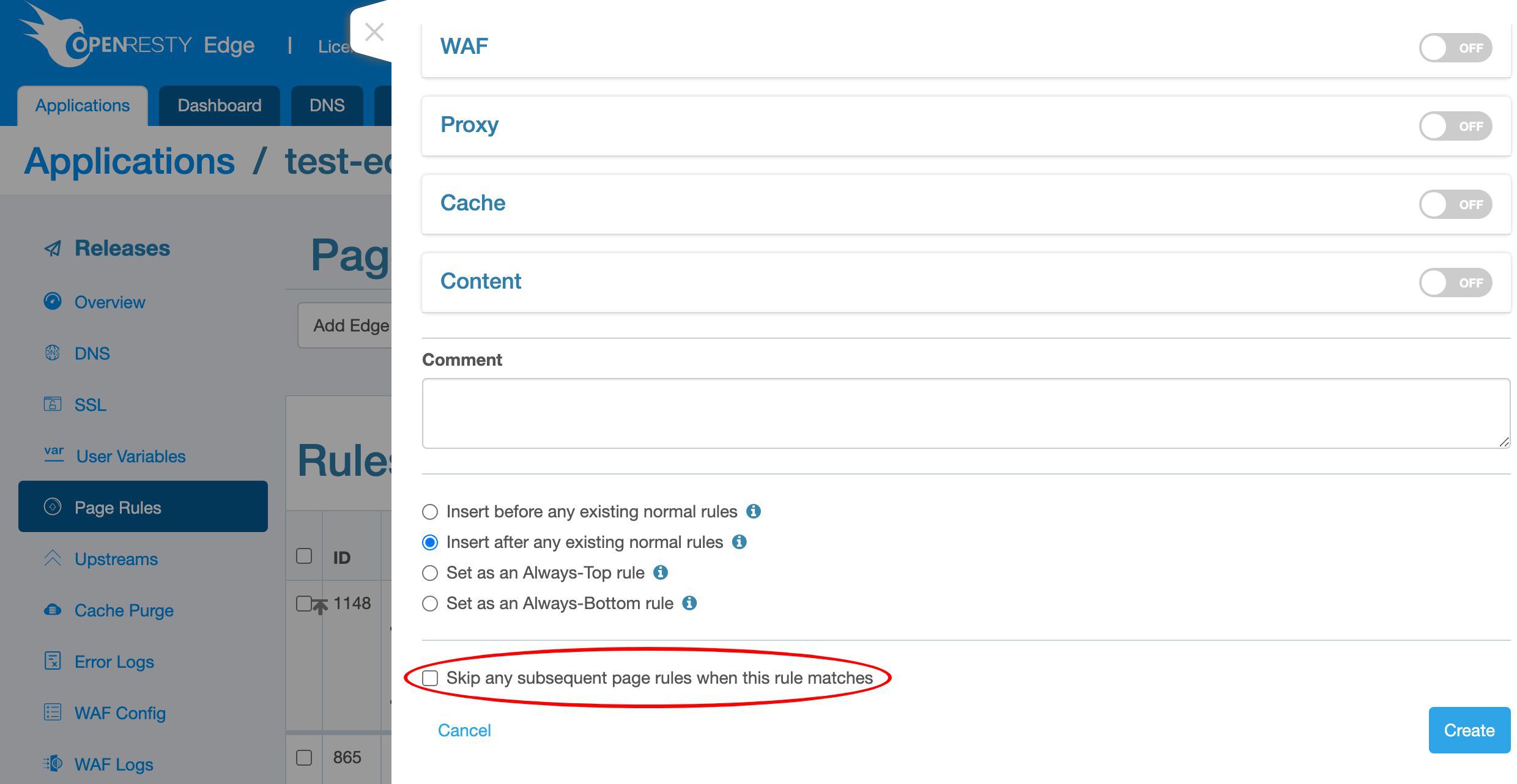
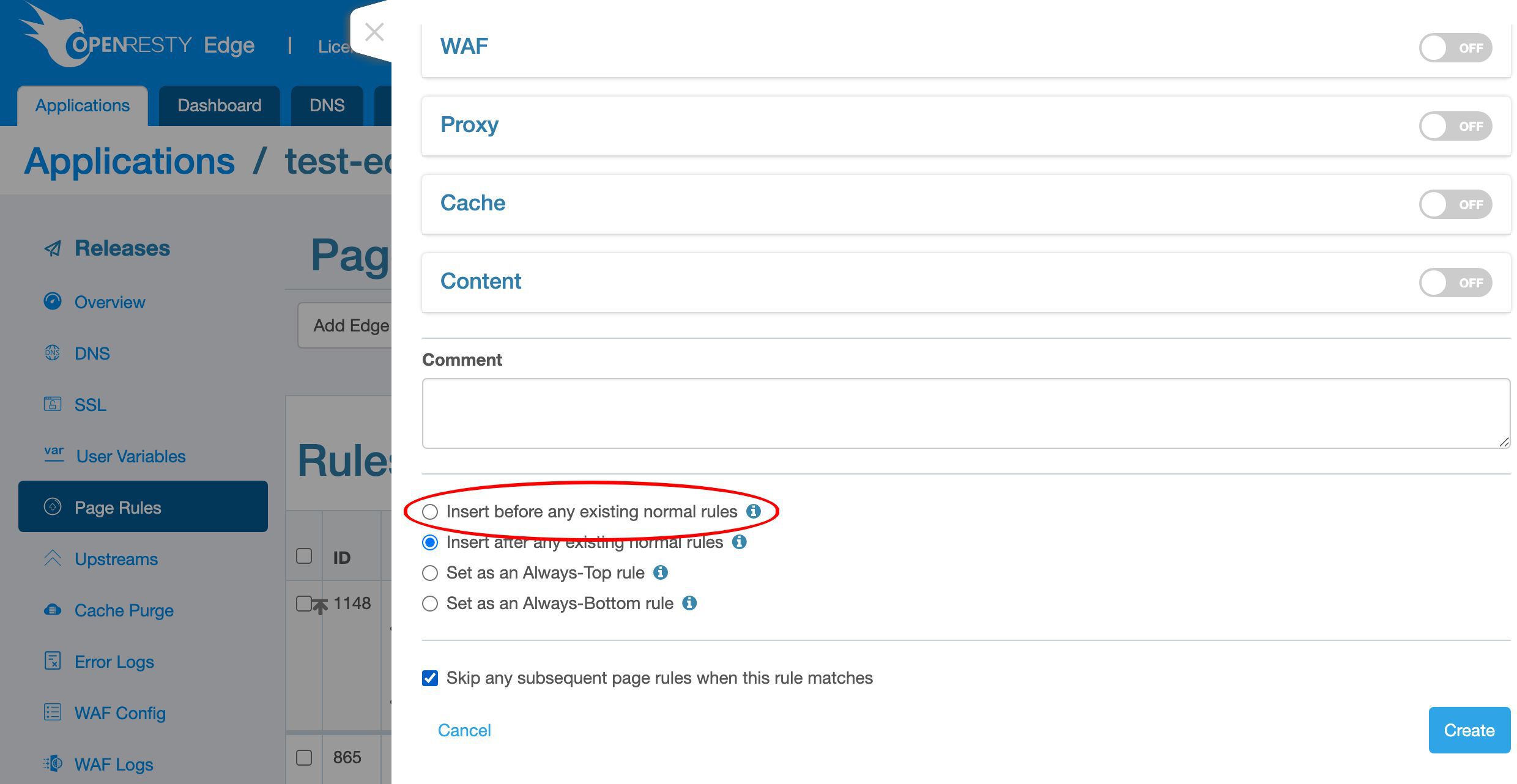
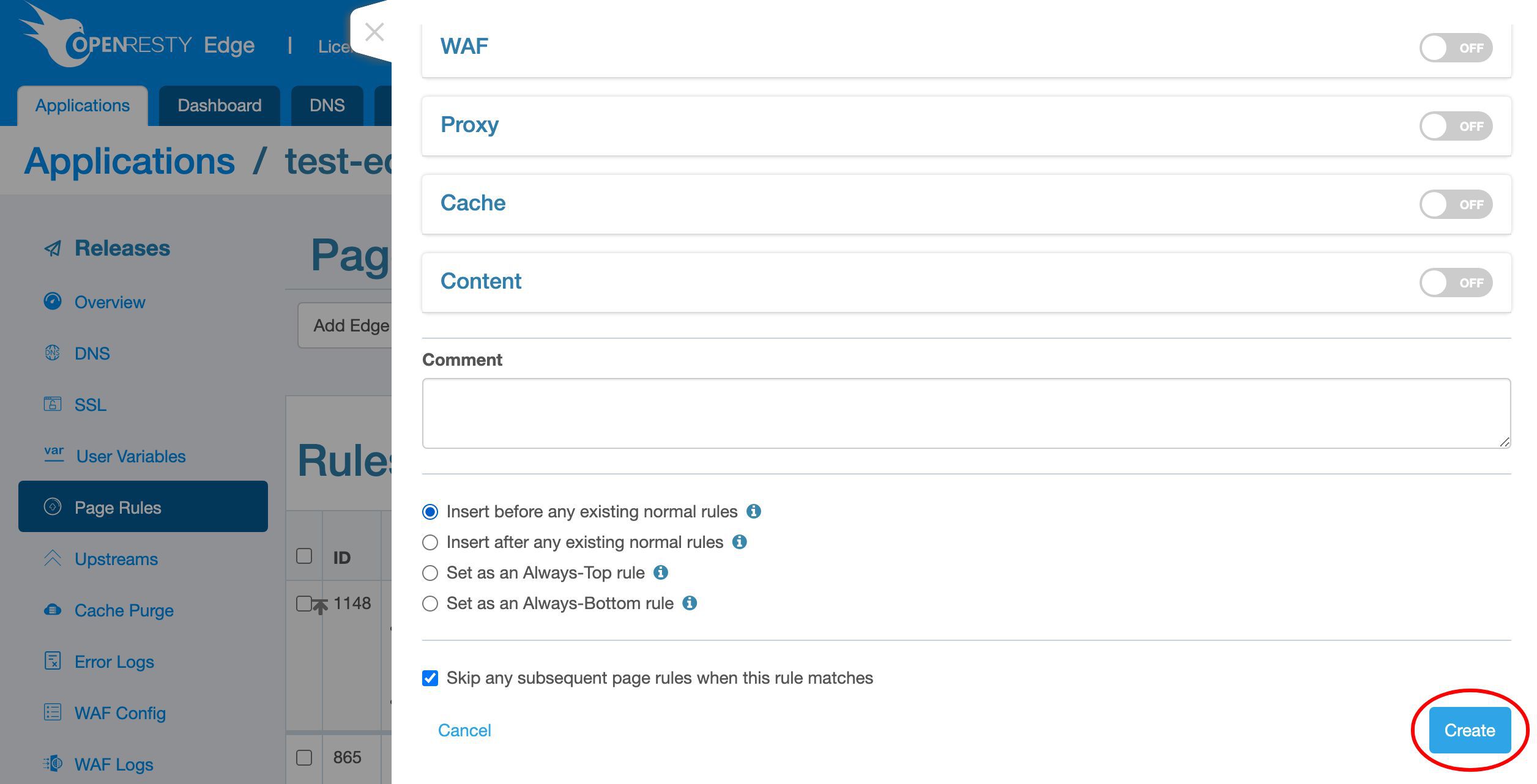
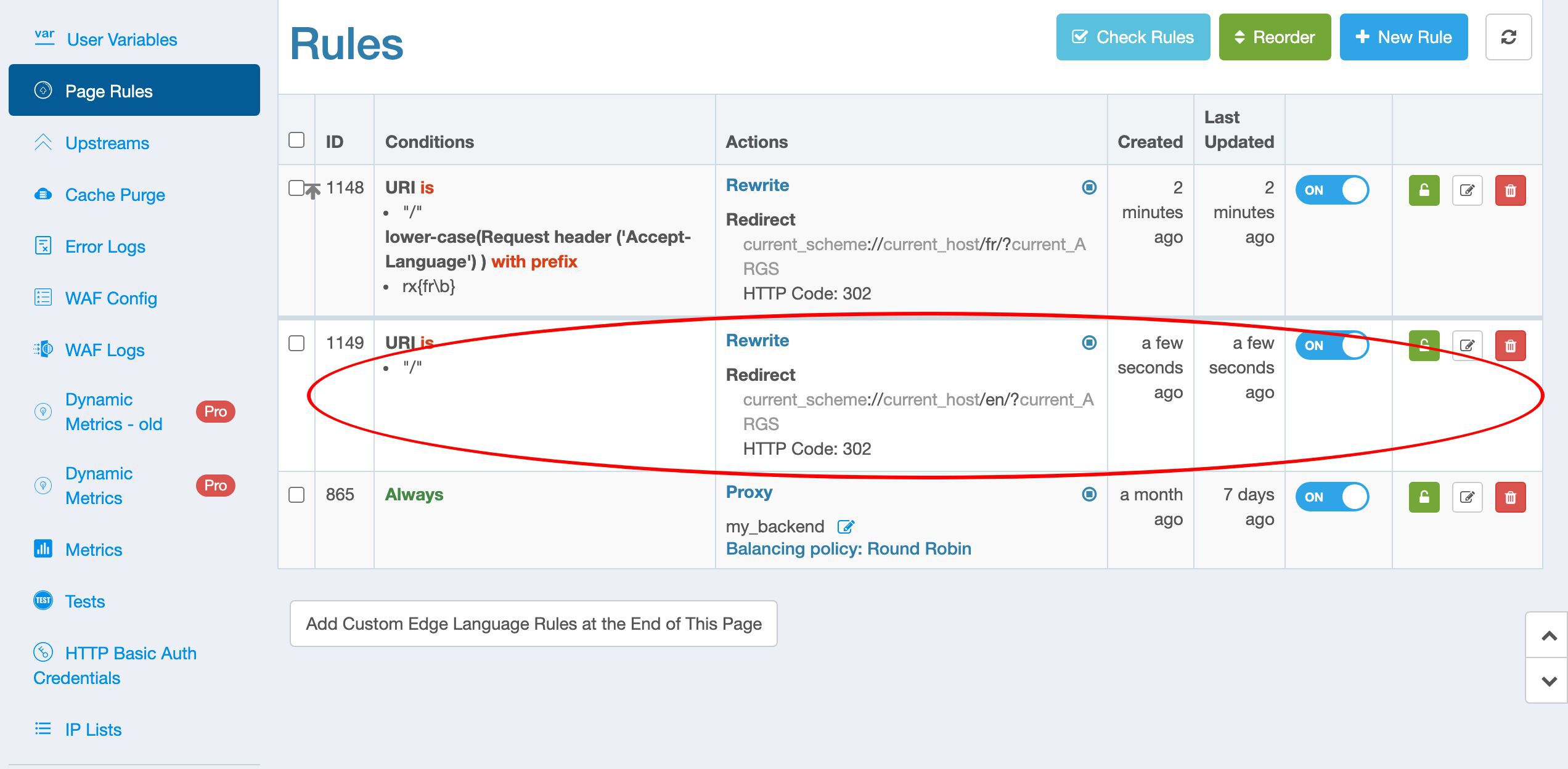
Next we’d add a generic page rule to redirect to the English page for other languages.
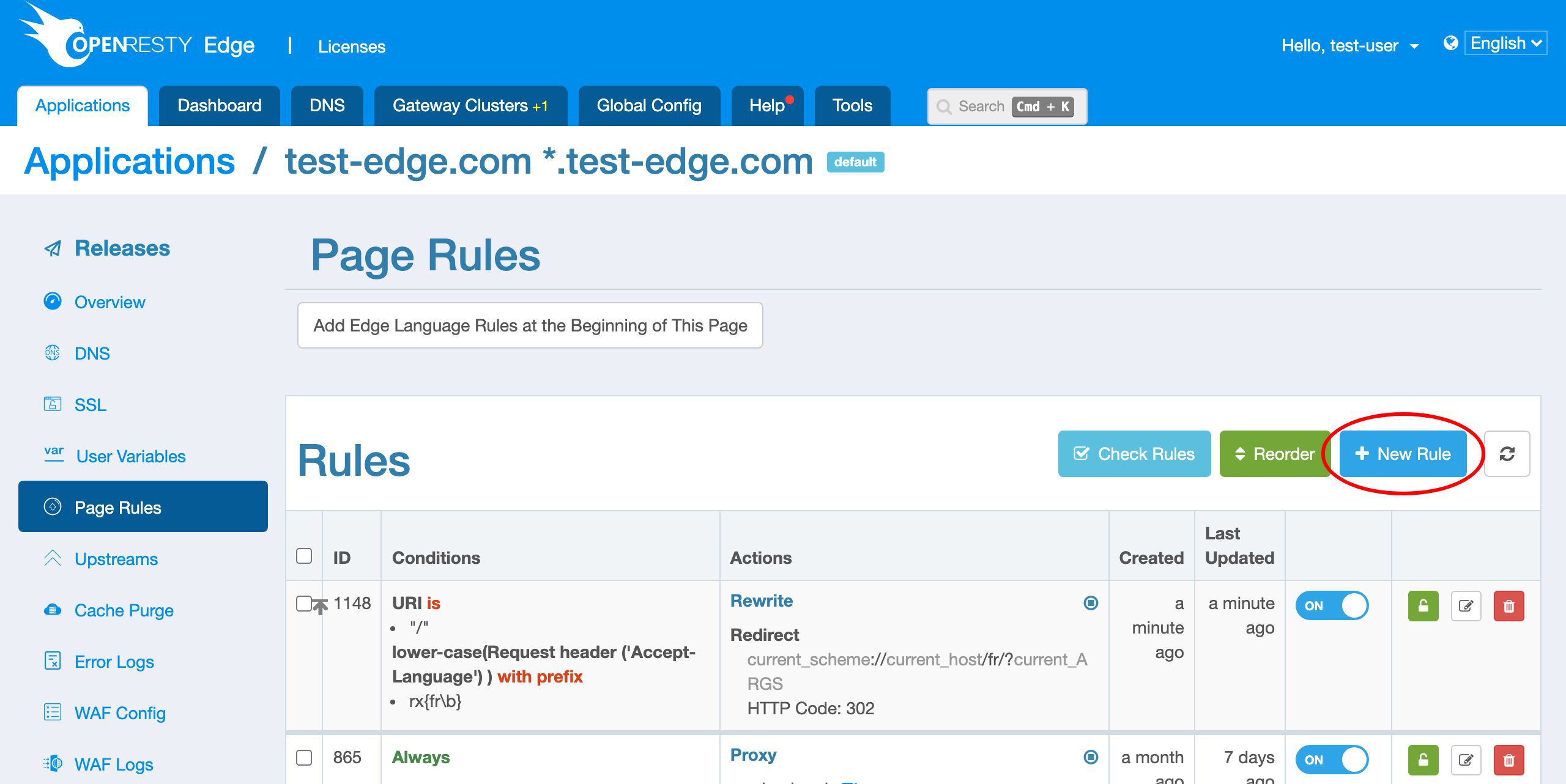
/.
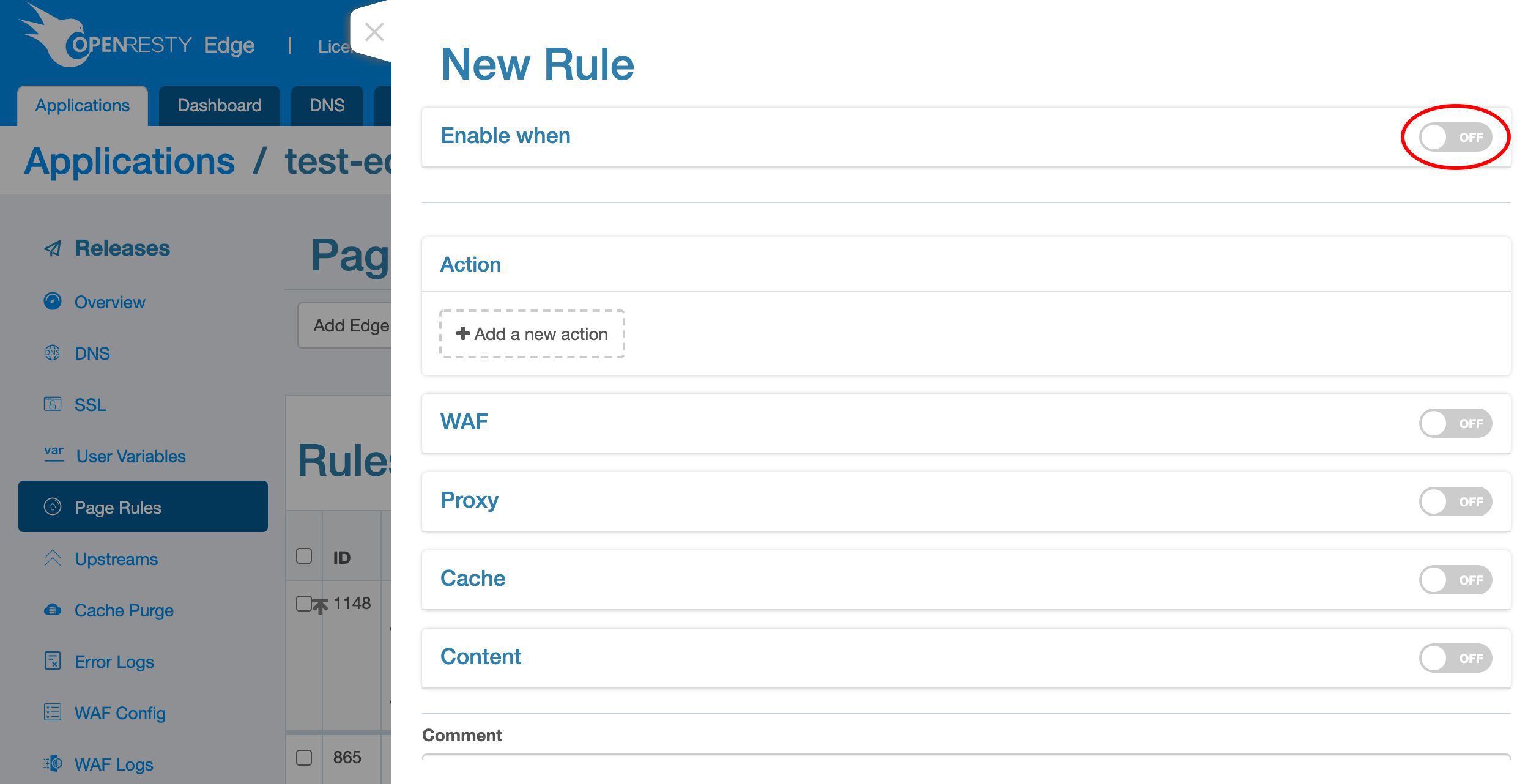
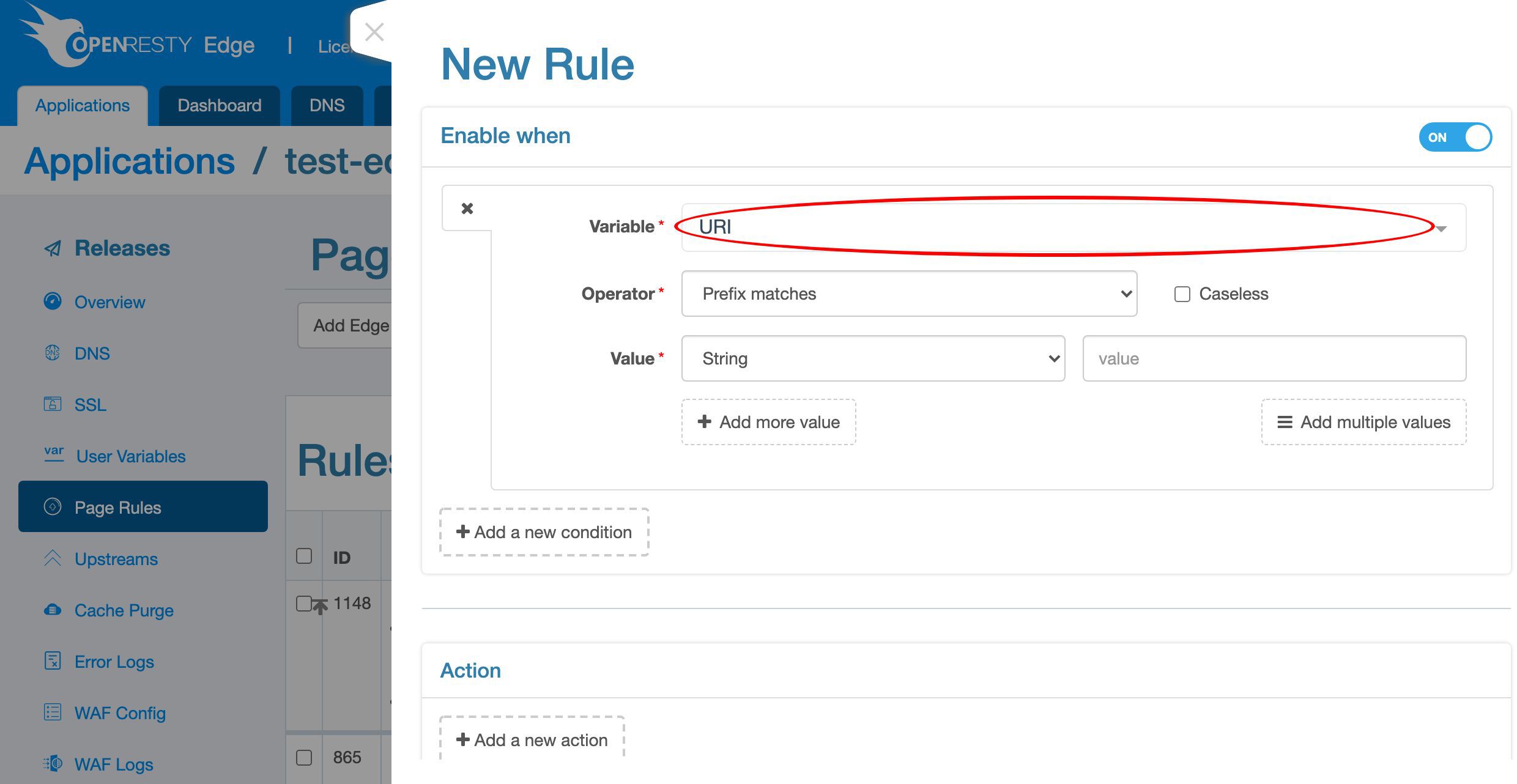
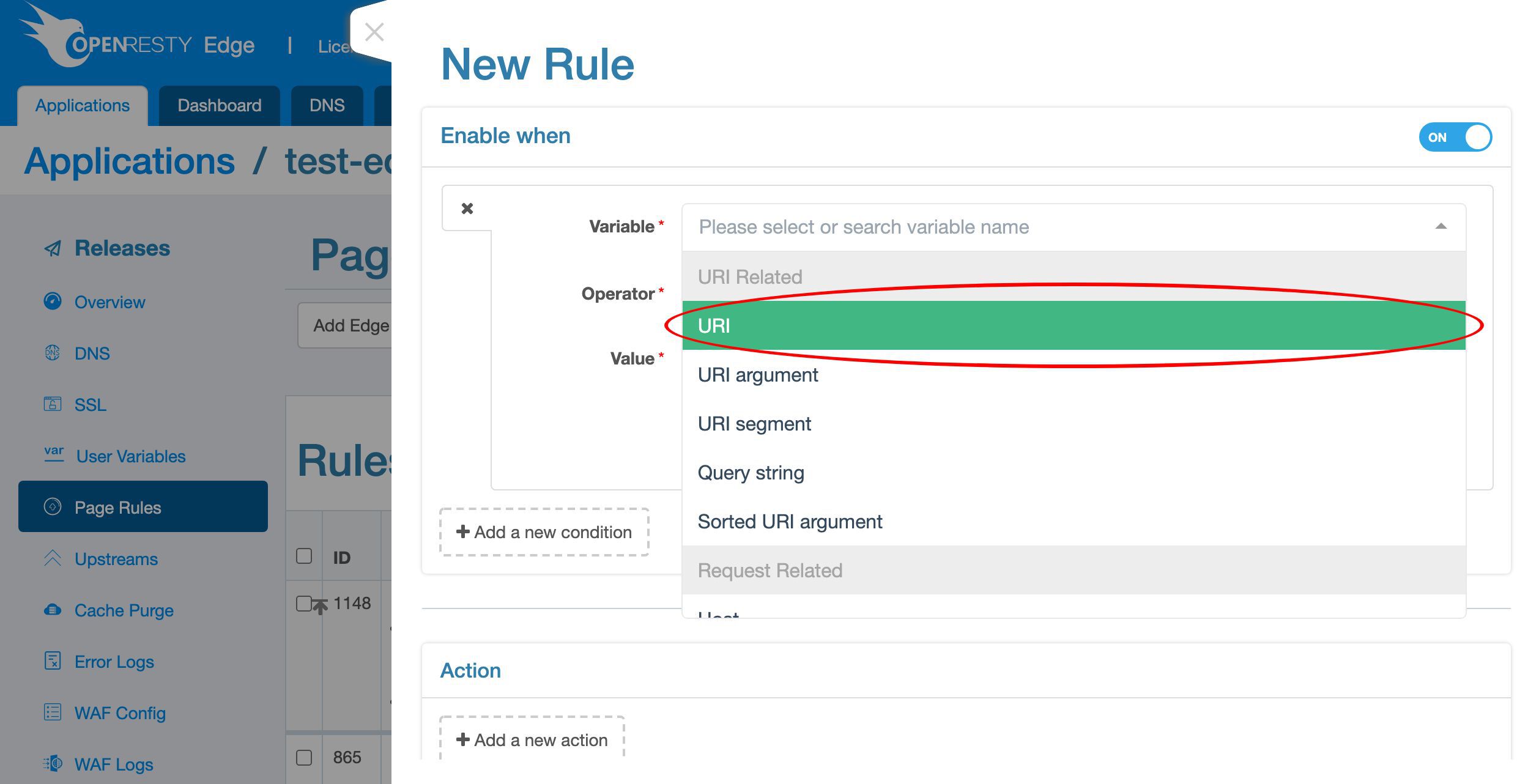
URI.
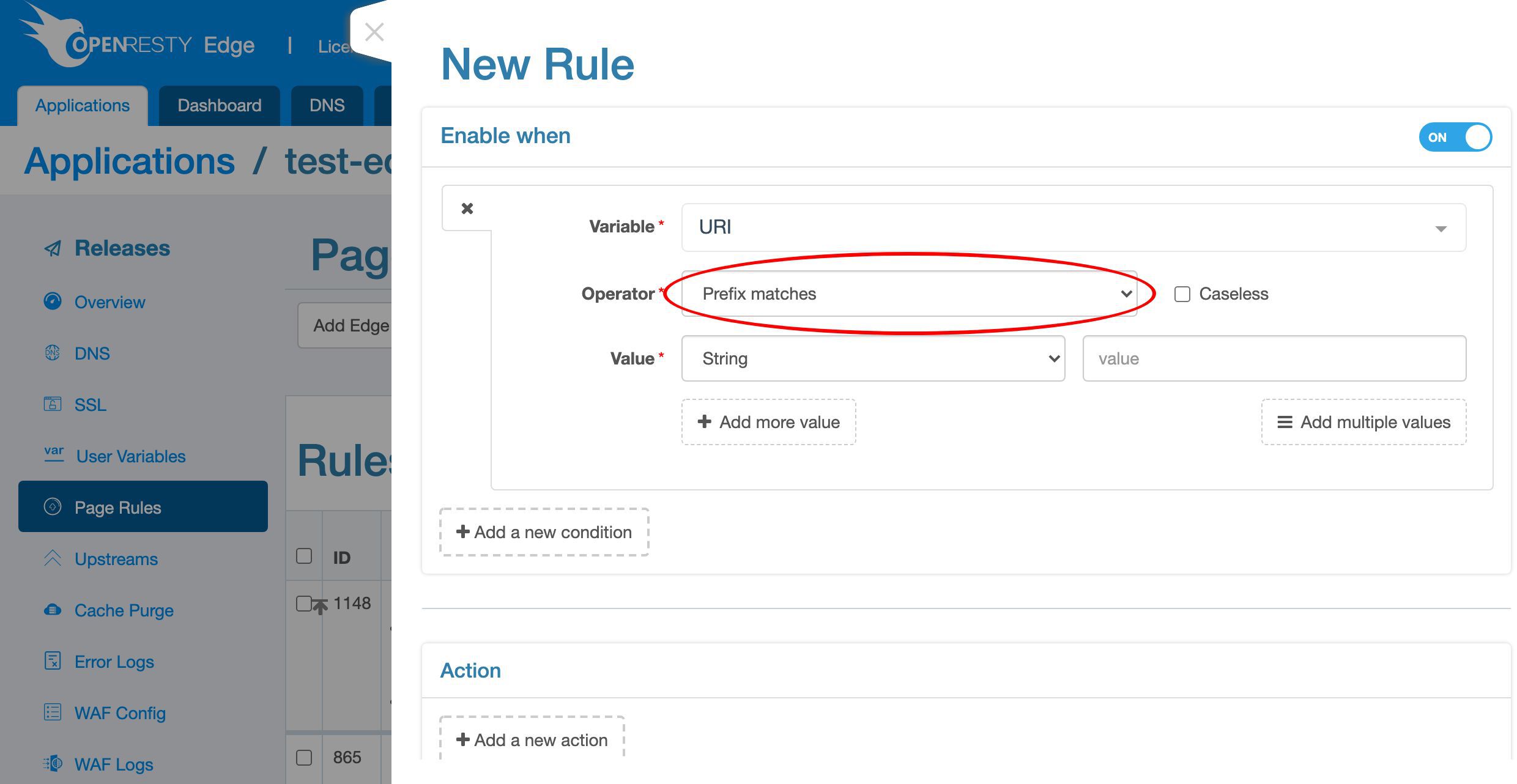
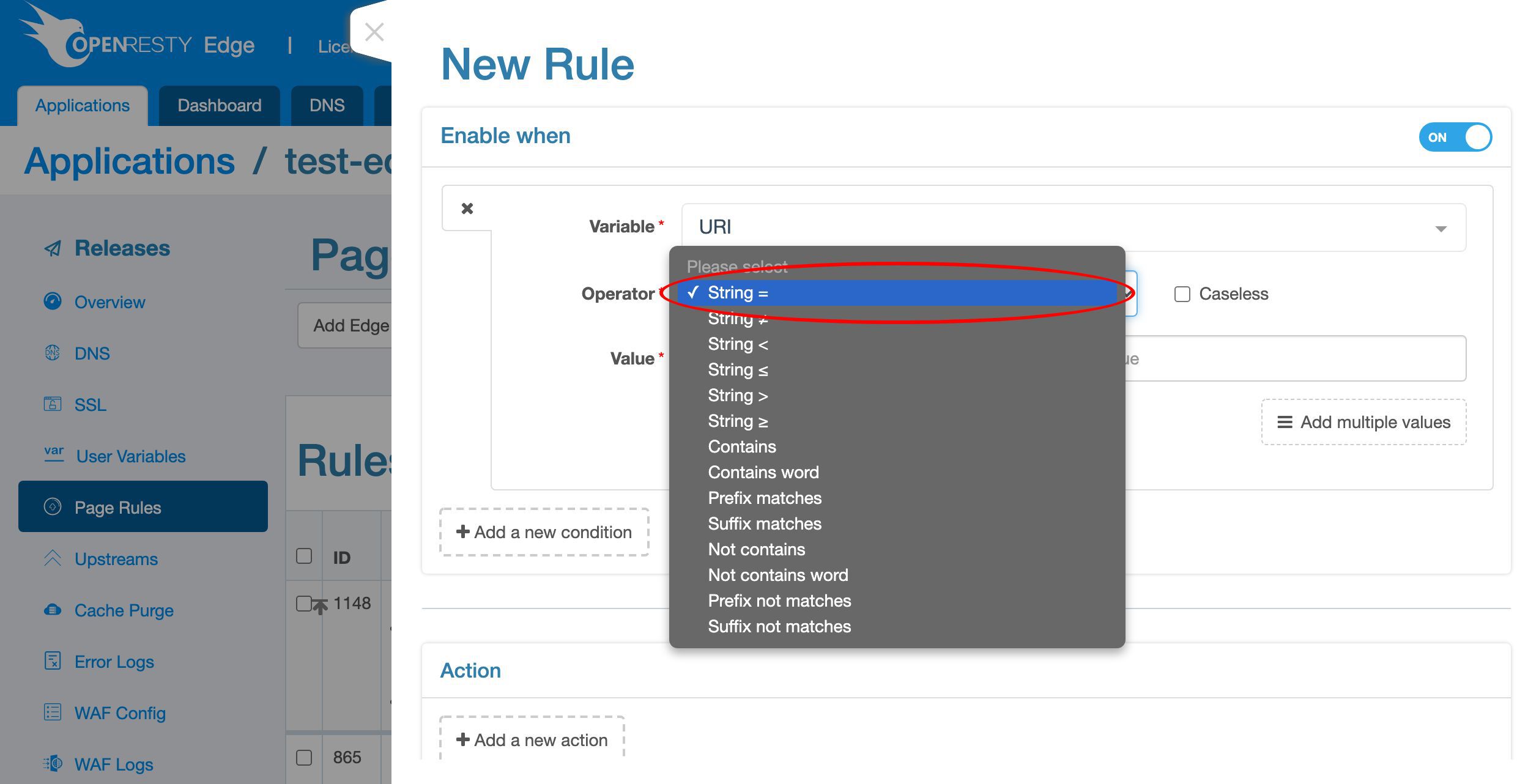
/ as before.
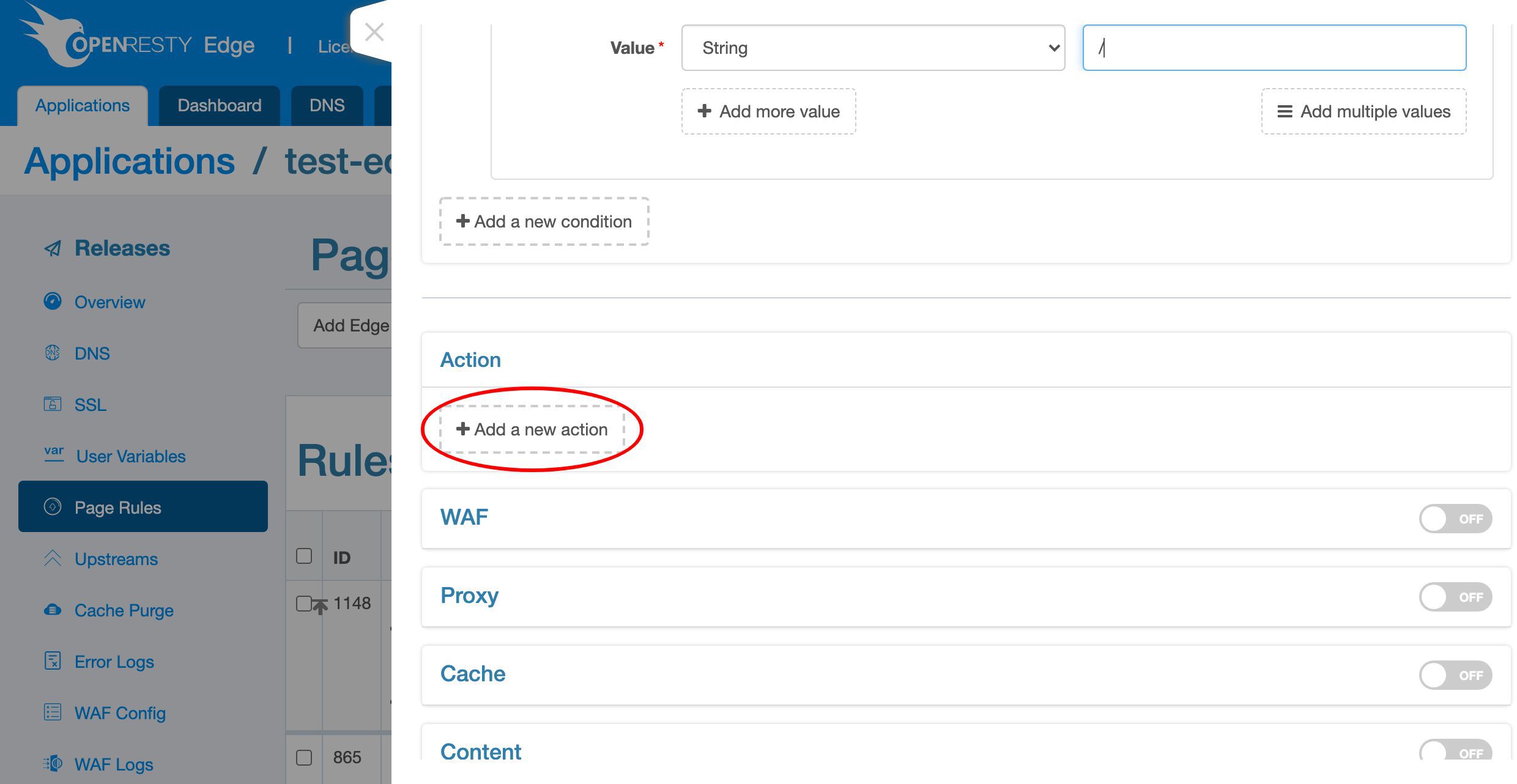
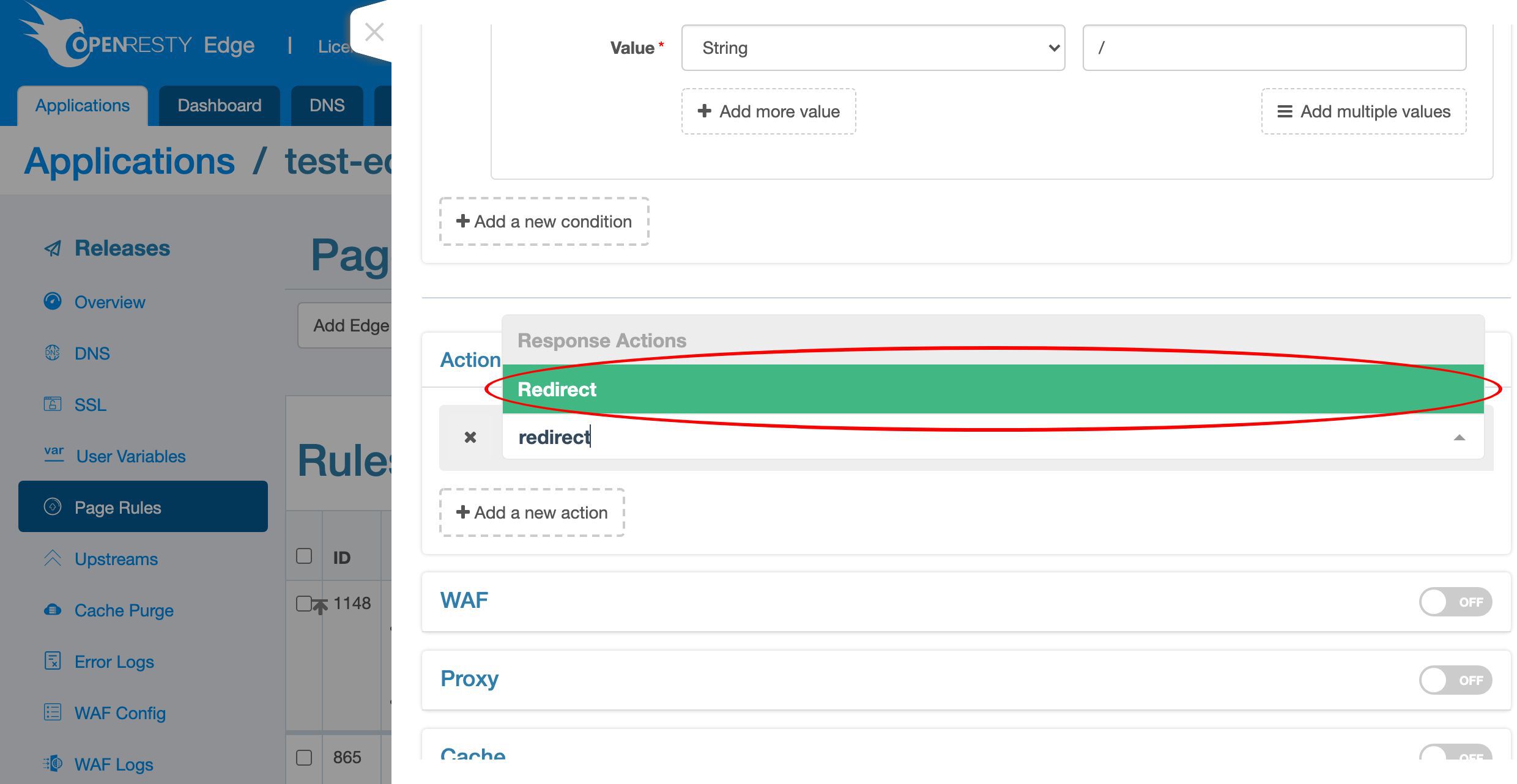
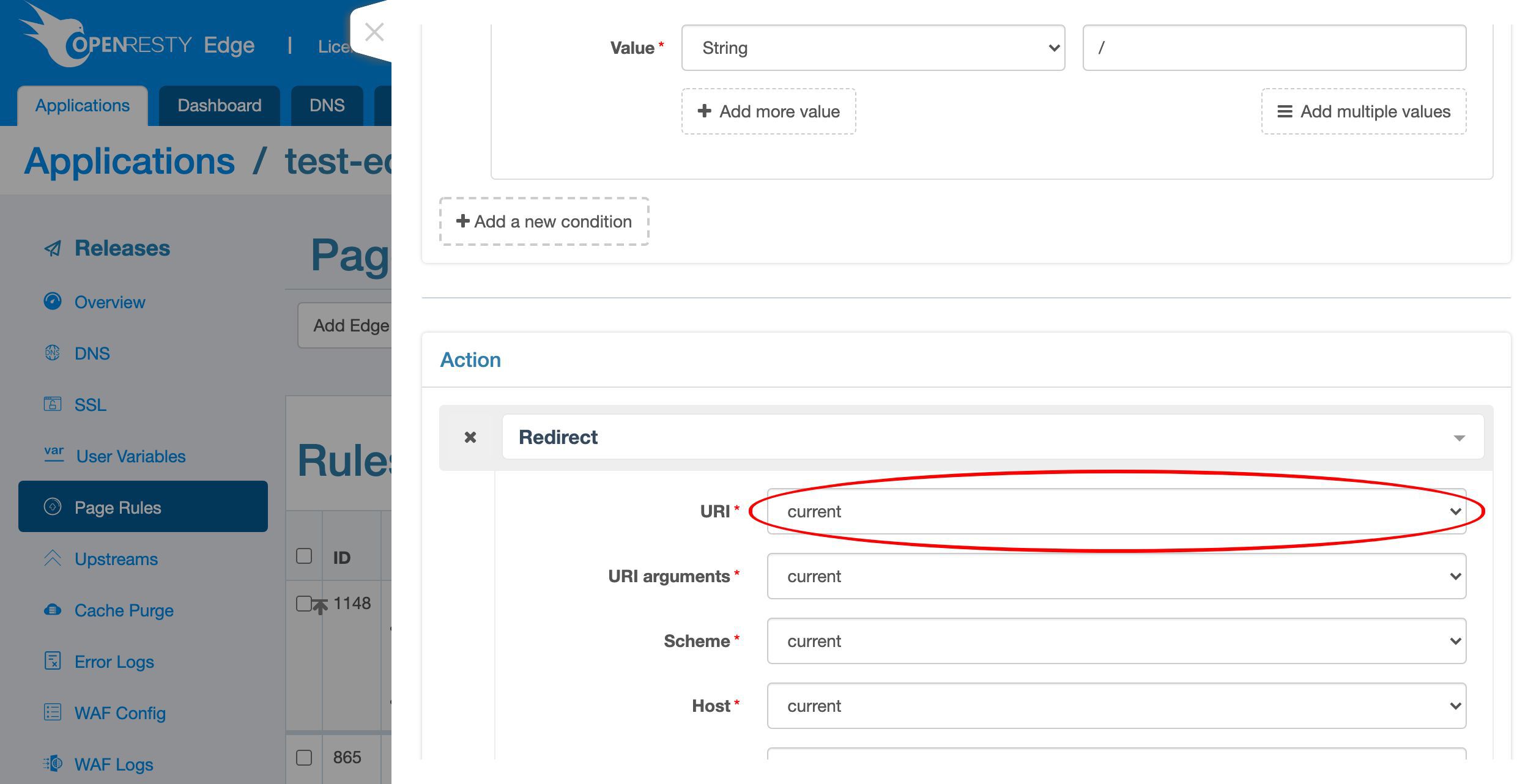
Add a new redirect action as before.

Test the English fallback redirect in a browser
We can test the / location with the web browser. This web browser uses the English language setting.
http://test-edge.com/
We can see the English text “Hello, world” is displayed in the web browser.

/en/. This is what I’d like to cover today.FAQ
How does OpenResty Edge detect the visitor’s language?
It reads the Accept-Language request header, which clients send with each request. The page rule matches that header with a prefix condition and a regex such as fr\b, so both fr and regional variants like fr-CA match. Any client that sets Accept-Language—including curl—triggers the same redirect.
Can I redirect by browser language without editing nginx.conf?
Yes. The whole rule is built in the OpenResty Edge Admin console: a URI condition, an Accept-Language header condition, and a redirect action. After you publish a release, the rule is pushed to every gateway cluster with no server reload, restart, or binary upgrade.
How do I set a default language fallback?
Add a second page rule that matches only the root URI /, with no Accept-Language condition, and a redirect action to /en/. Order the language-specific rules above it so the fallback runs last. In this tutorial the French rule matches French clients first, and every other language falls through to the English page.
Why mark the language redirect as an Always-Top rule?
An Always-Top rule always runs before normal rules, so the language redirect is evaluated before the reverse-proxy rule that serves the root location. Combined with “skip subsequent rules when matched,” this guarantees the client is redirected to the correct locale before any other rule can respond.
What happens when the client sends several languages at once?
The Accept-Language header can list multiple languages, for example fr-CA, fr, en. Because the condition uses a prefix match, only the first (highest-priority) language is considered. In that example French takes precedence over English, so the request is redirected to /fr/.
What is OpenResty Edge
OpenResty Edge is our all-in-one gateway software for microservices and distributed traffic architectures. It combines traffic management, private CDN construction, API gateway, security, and more to help you easily build, manage, and protect modern applications. OpenResty Edge delivers industry-leading performance and scalability to meet the demanding needs of high concurrency, high load scenarios. It supports scheduling containerized application traffic such as K8s and manages massive domains, making it easy to meet the needs of large websites and complex applications.
If you like this tutorial, please subscribe to this blog site and/or our YouTube channel. Thank you!
About The Author
Yichun Zhang (Github handle: agentzh), is the original creator of the OpenResty® open-source project and the CEO of OpenResty Inc..
Yichun is one of the earliest advocates and leaders of “open-source technology”. He worked at many internationally renowned tech companies, such as Cloudflare, Yahoo!. He is a pioneer of “edge computing”, “dynamic tracing” and “machine coding”, with over 22 years of programming and 16 years of open source experience. Yichun is well-known in the open-source space as the project leader of OpenResty®, adopted by more than 40 million global website domains.
OpenResty Inc., the enterprise software start-up founded by Yichun in 2017, has customers from some of the biggest companies in the world. Its flagship product, OpenResty XRay, is a non-invasive profiling and troubleshooting tool that significantly enhances and utilizes dynamic tracing technology. And its OpenResty Edge product is a powerful distributed traffic management and private CDN software product.
As an avid open-source contributor, Yichun has contributed more than a million lines of code to numerous open-source projects, including Linux kernel, Nginx, LuaJIT, GDB, SystemTap, LLVM, Perl, etc. He has also authored more than 60 open-source software libraries.
Related Articles
OpenResty XRay Jun 29, 2021

OpenResty XRay Oct 19, 2021

OpenResty XRay Sep 16, 2021

OpenResty XRay Jun 25, 2021

OpenResty XRay May 27, 2021