
EdgeLang Tutorial: How to Write Gateway & WAF Rules in OpenResty Edge
This EdgeLang tutorial shows how to write gateway rules in OpenResty Edge using EdgeLang, its rule-based domain-specific language. Each EdgeLang rule has a condition and a consequent (a list of actions) joined by an arrow (=>) and ended with a semicolon — for example, redirecting requests for /foo/ to /bar/. Below we add a page-rule redirect, test it with curl, refine it from exact to prefix matching, and then write a WAF rule — all pushed live to every gateway with no reload, restart, or binary upgrade. New to EdgeLang? Start with what EdgeLang is and why it beats hand-written Lua.
How EdgeLang Compiles Rules for Speed
The user can use Edgelang to write complex gateway rules for custom authentication, request and response rewriting, dynamic upstream routing, and more. The rules usually run much faster than hand-crafted Lua code, for example. The Edgelang compiler emits efficient native code running on gateway servers.
The Edgelang compiler is extremely efficient. It implements many advanced optimization techniques.
It supports combining regular expressions referenced by all the Edgelang rules into a single state machine. This way, it can immediately know which rules and which parts of those rules are matched by scanning the request data only once.
How to Write an EdgeLang Page Rule (URL Redirect Example)
It also supports combining constant string prefix and suffix patterns into single tree data structures across all the Edgelang rules.
Let’s go to a web console of OpenResty Edge. This is our sample deployment of the console. Every user has their own deployment.
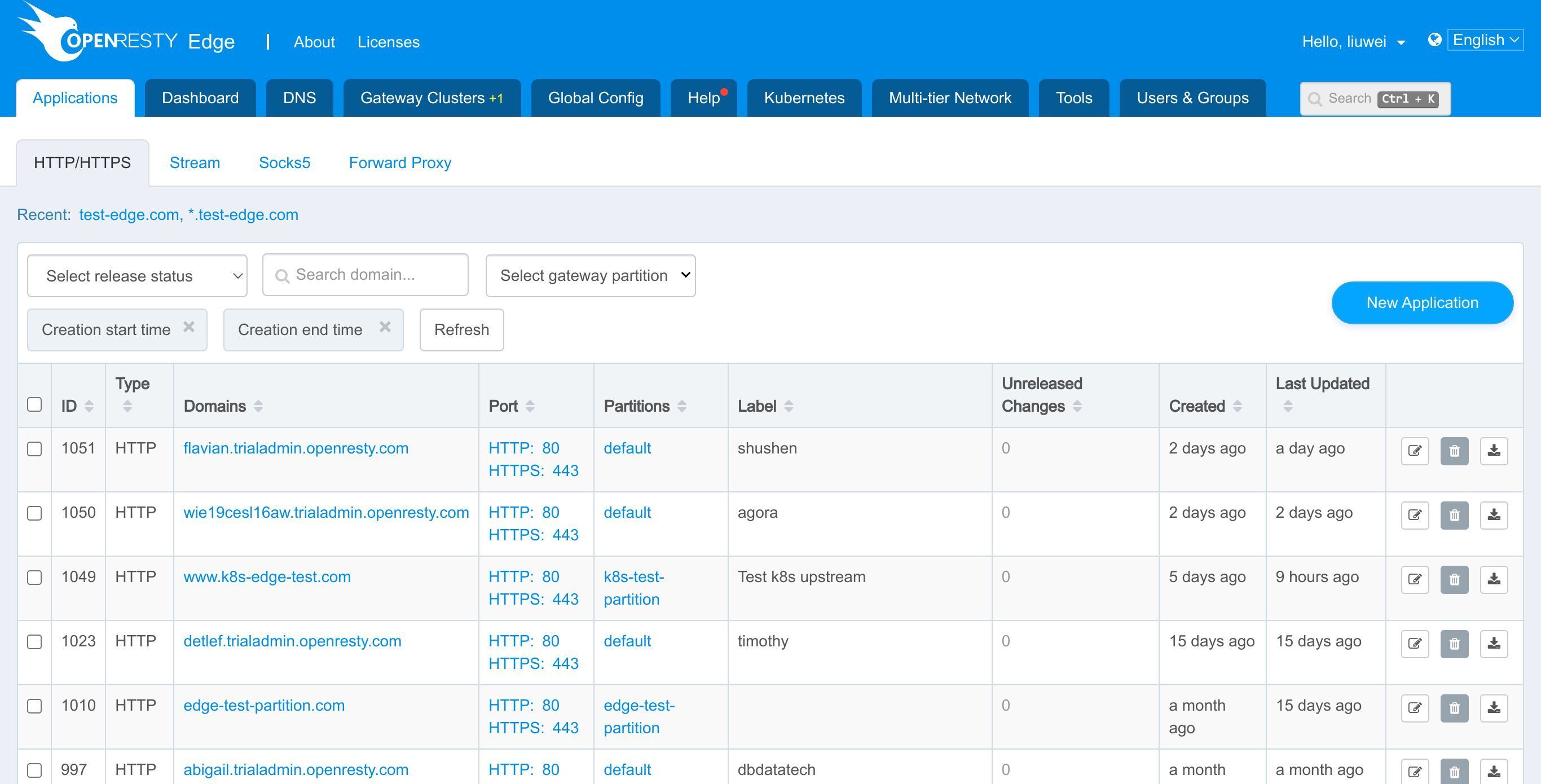
We still use our continuing sample Edge application, test-edge.com.
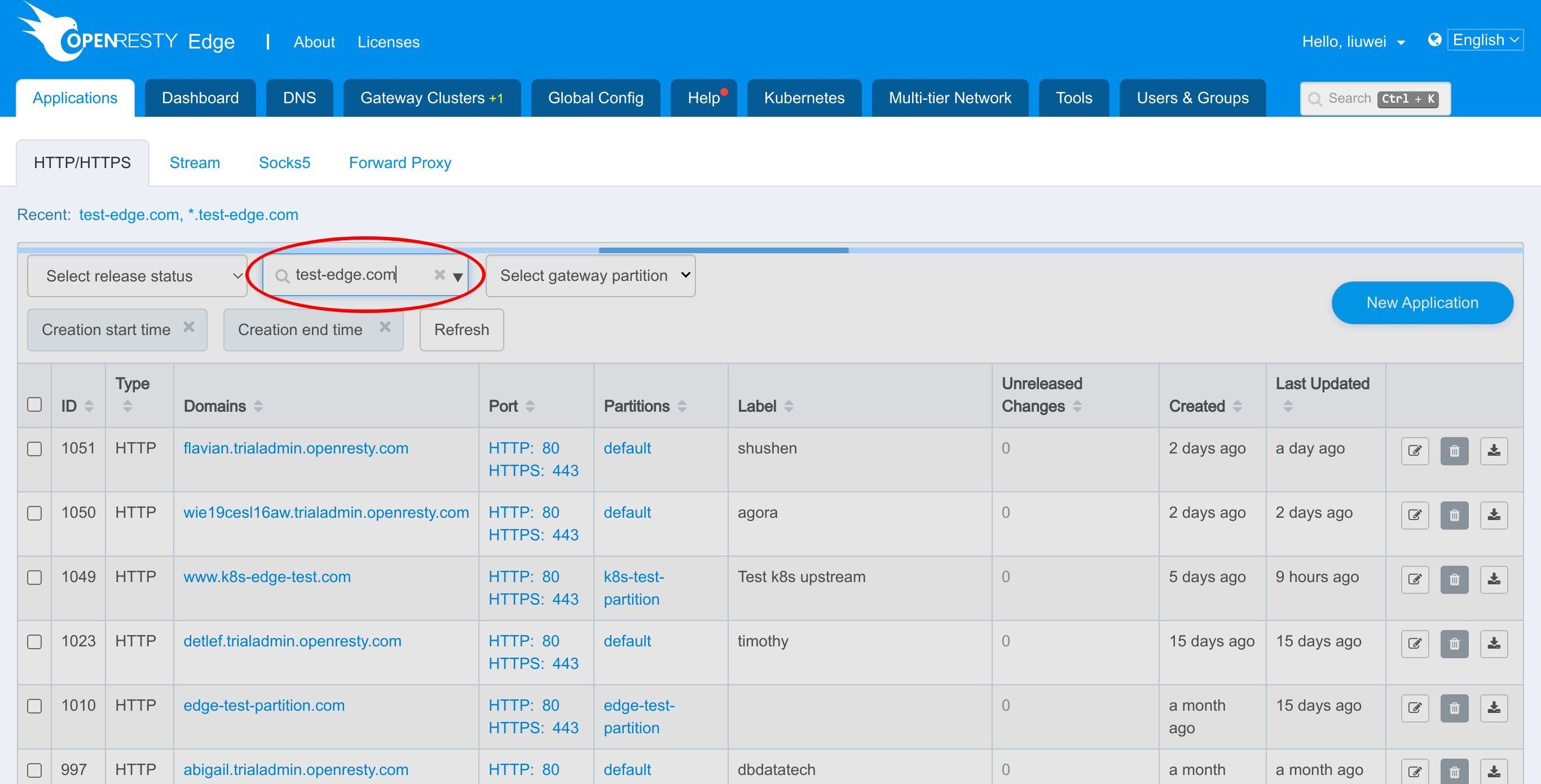
Enter the application.

We have a page rule already defined in a previous tutorial.
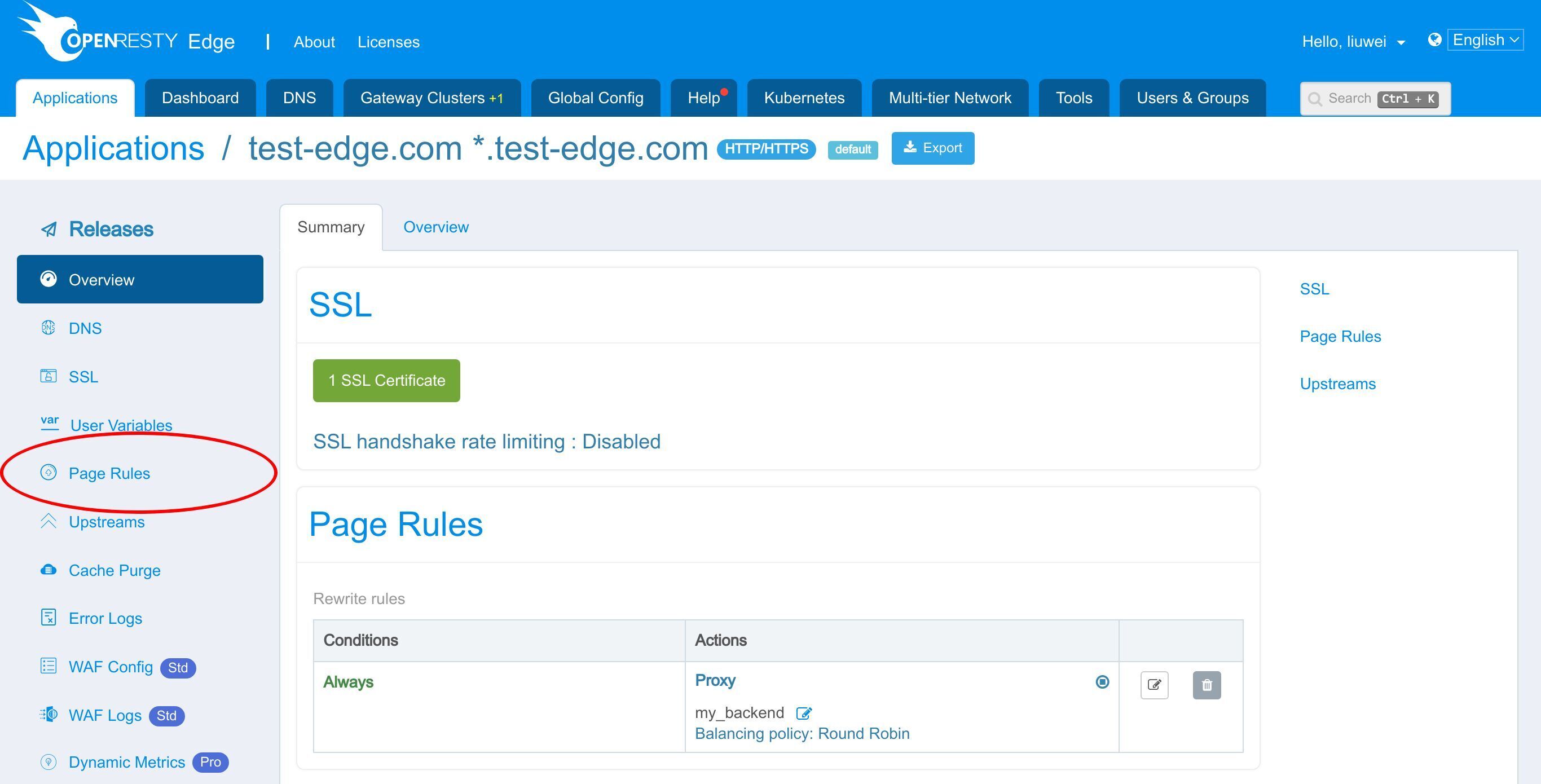
This page rule sets up a reverse proxy to an upstream.
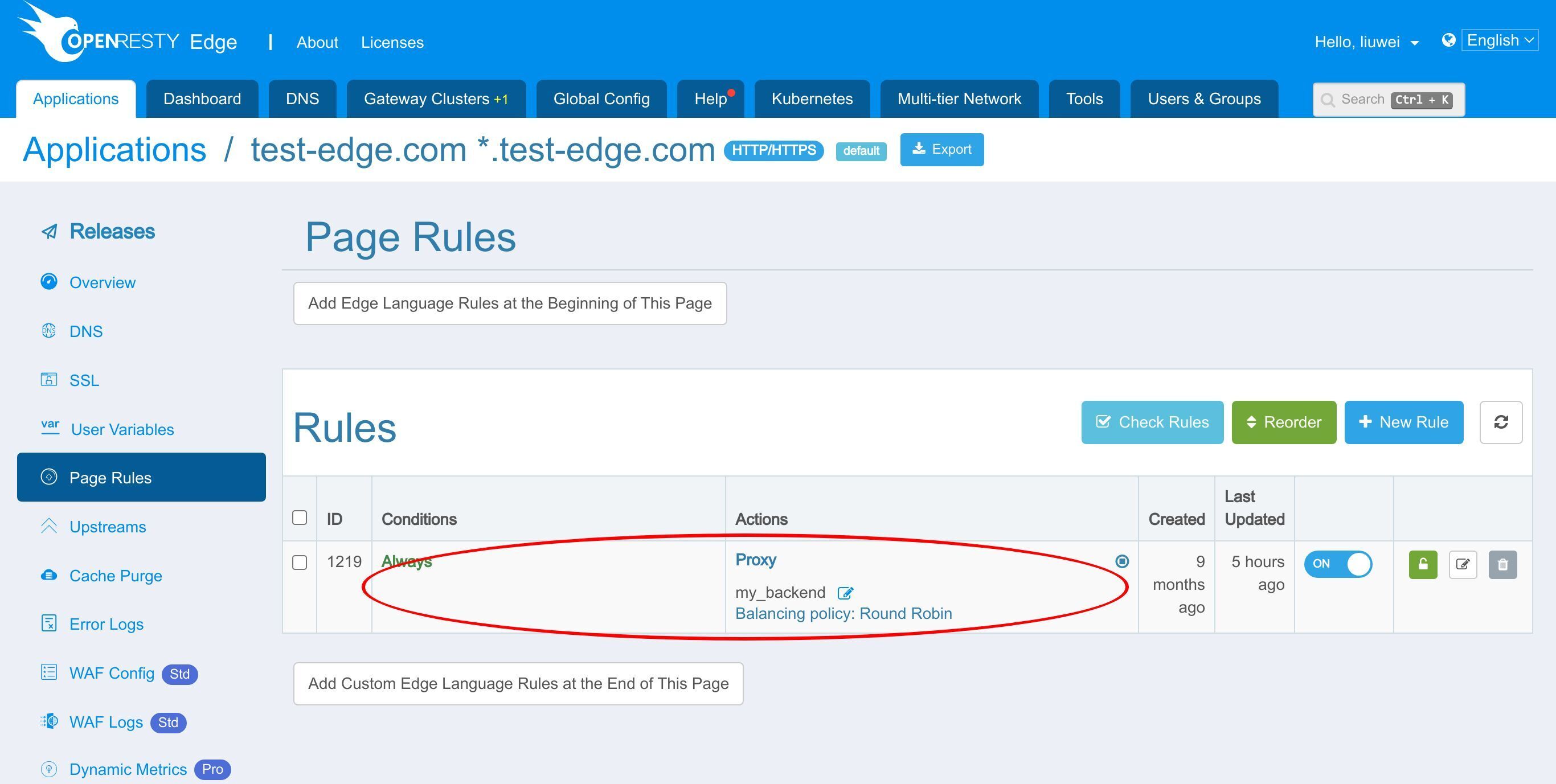
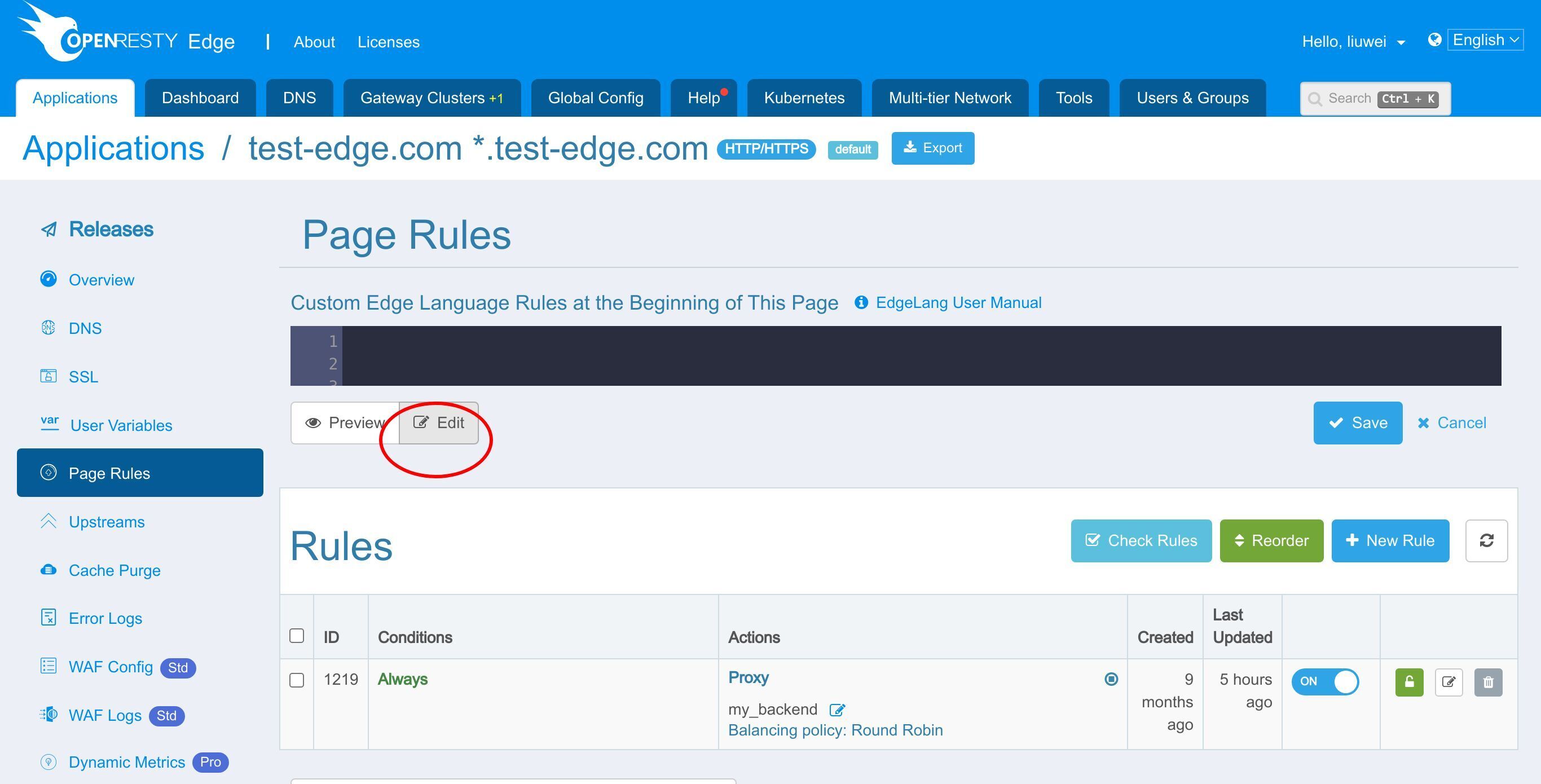
We can add our Edgelang code here.

Let’s add our first rule.
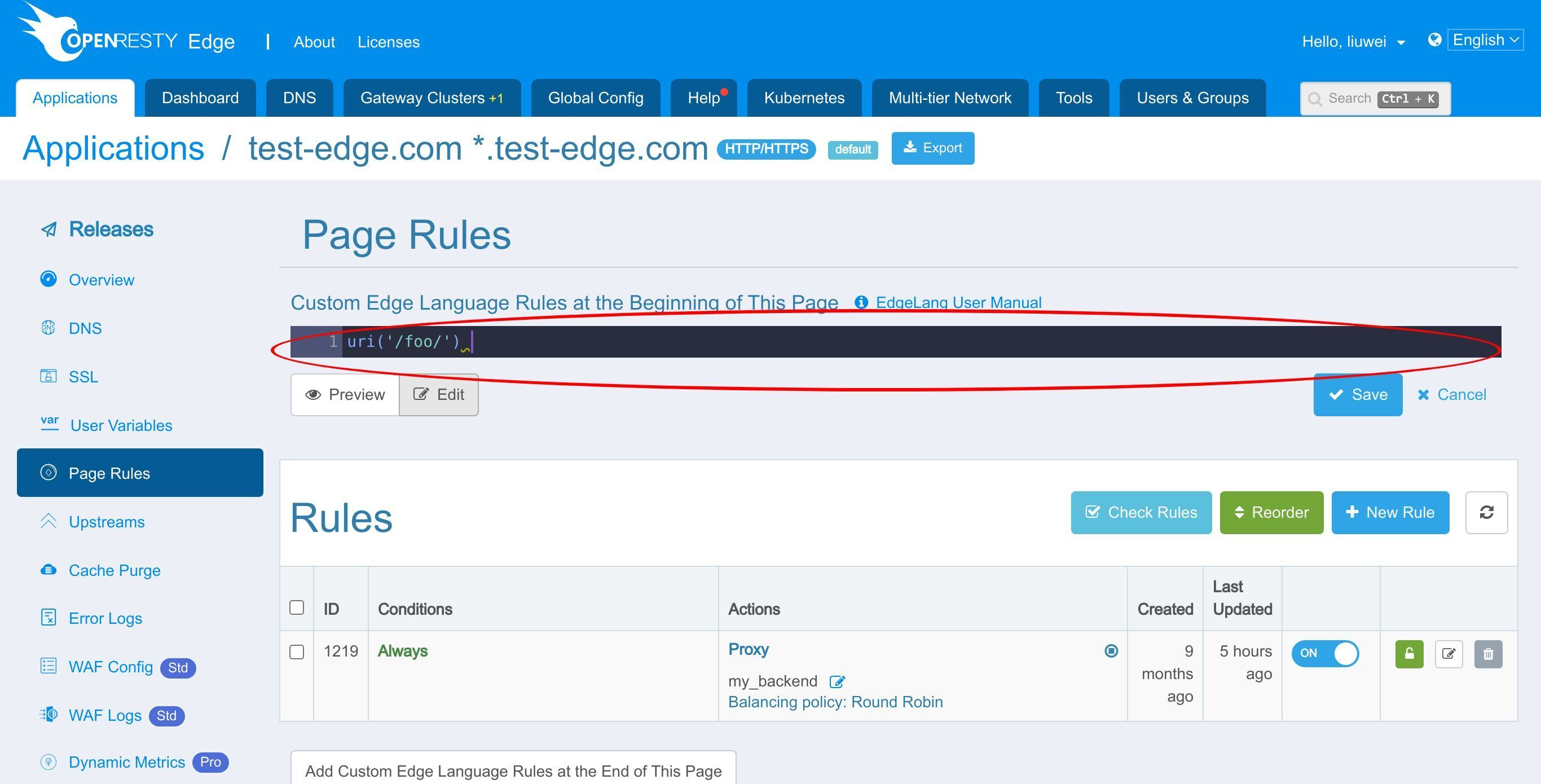
First it comes the rule condition part. When the URI is “/foo/”.
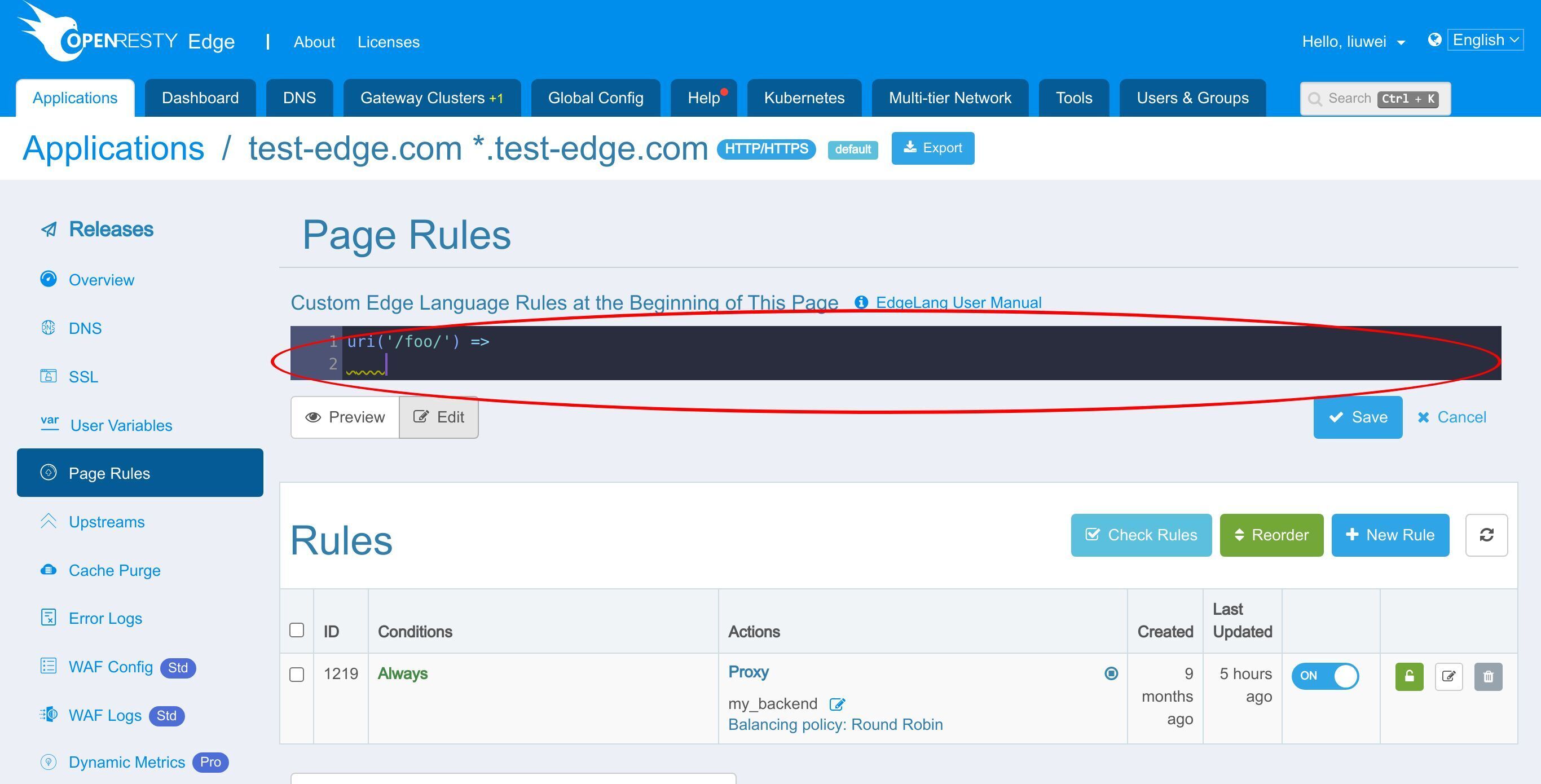
Then we use the arrow to complete our condition.
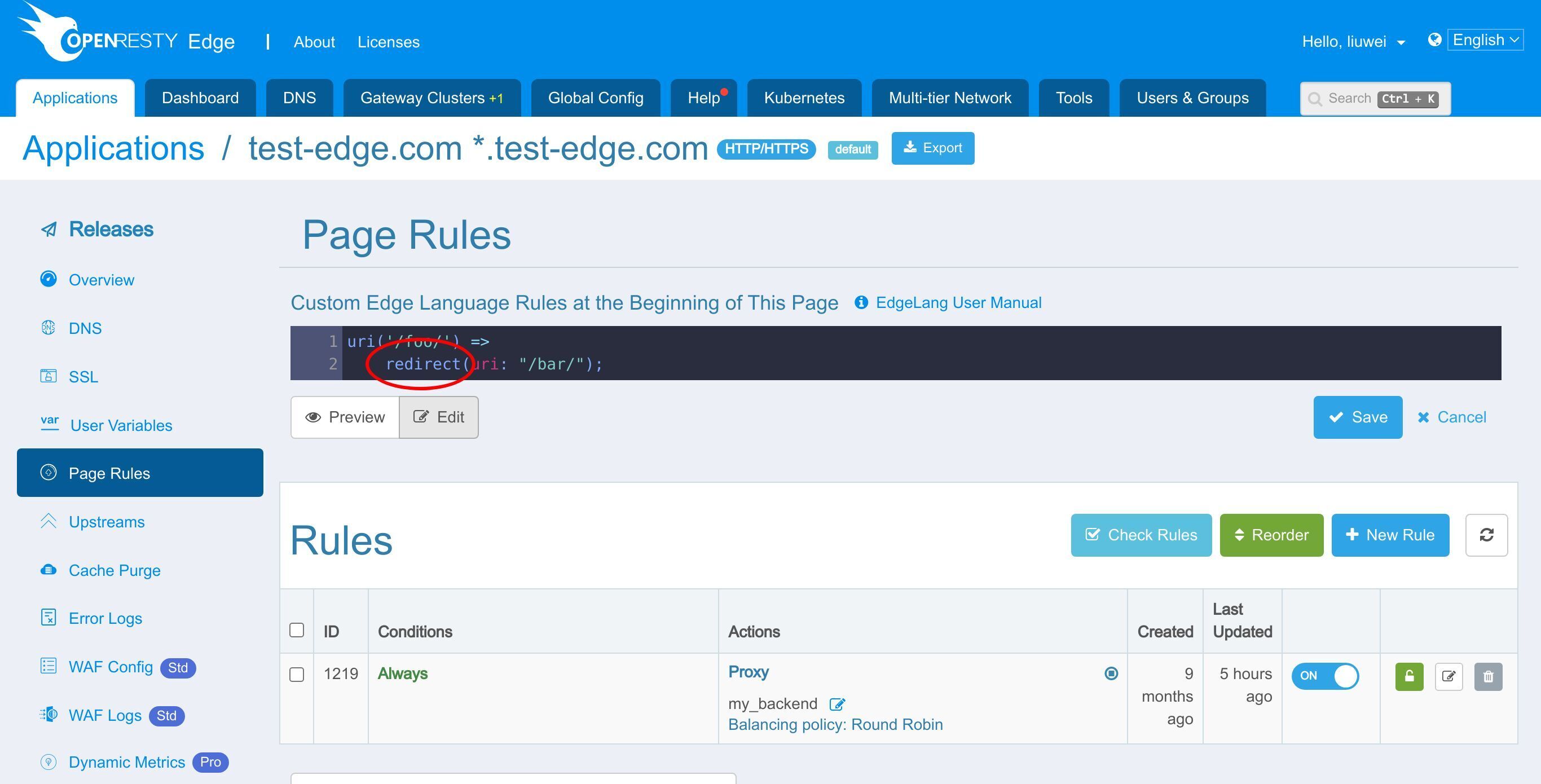
After the arrow, we specify our actions to take when the conditions are met.

This action initiates an HTTP redirect to the “/bar/” page.
Save the rule.
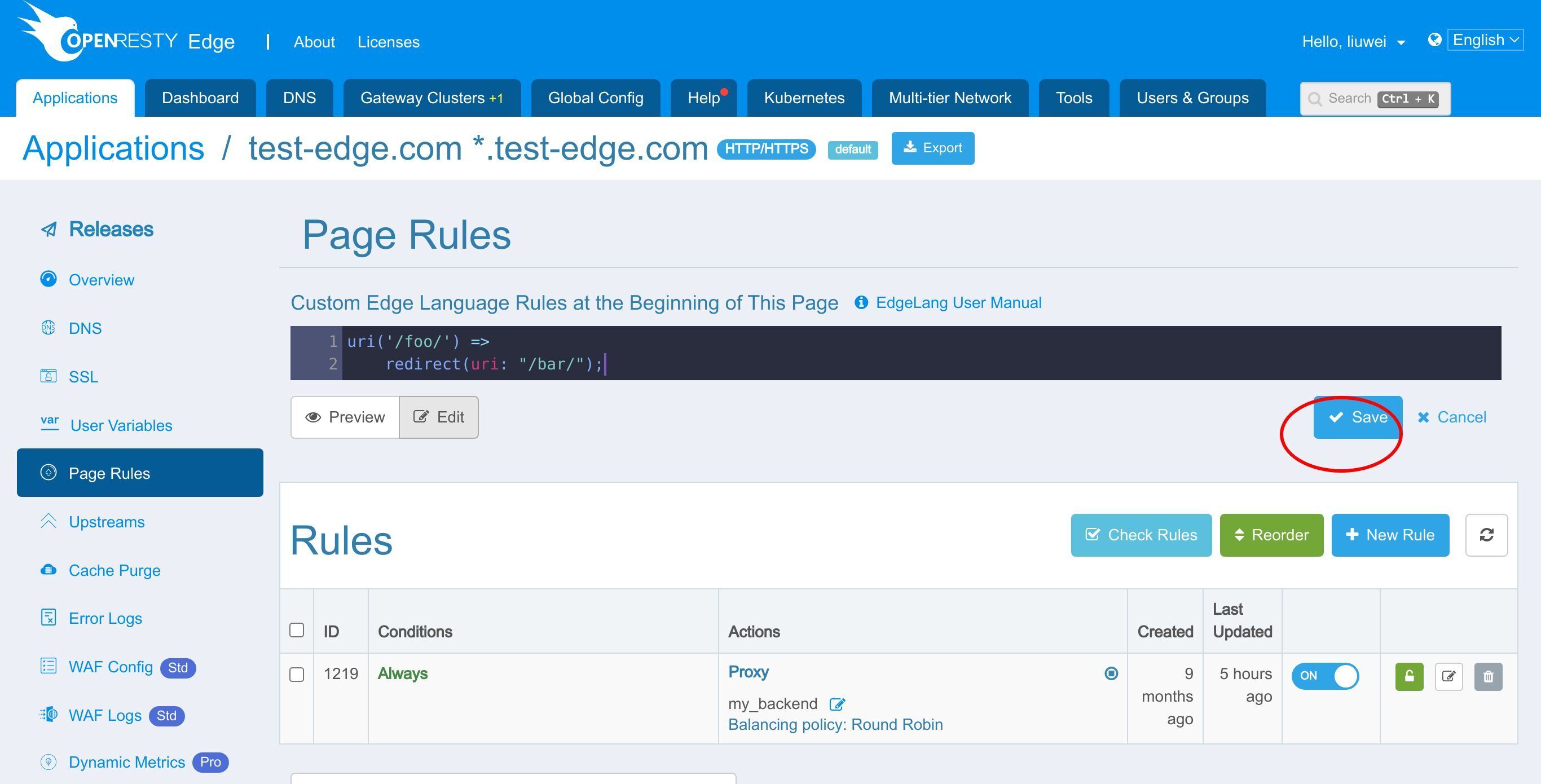
As we can see, the Edgelang specification consists of rules. And each rule comes with two basic parts:
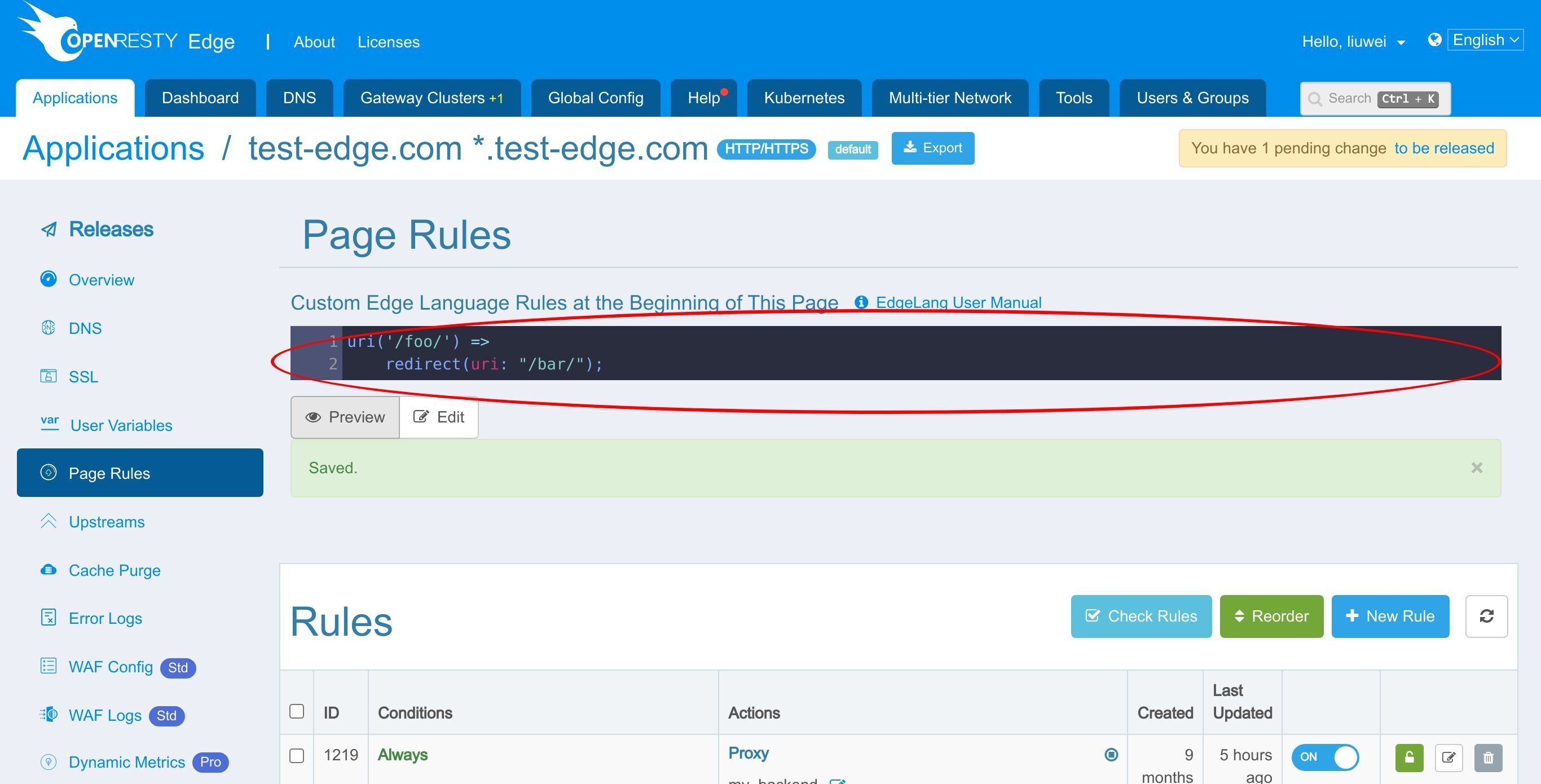
a condition,
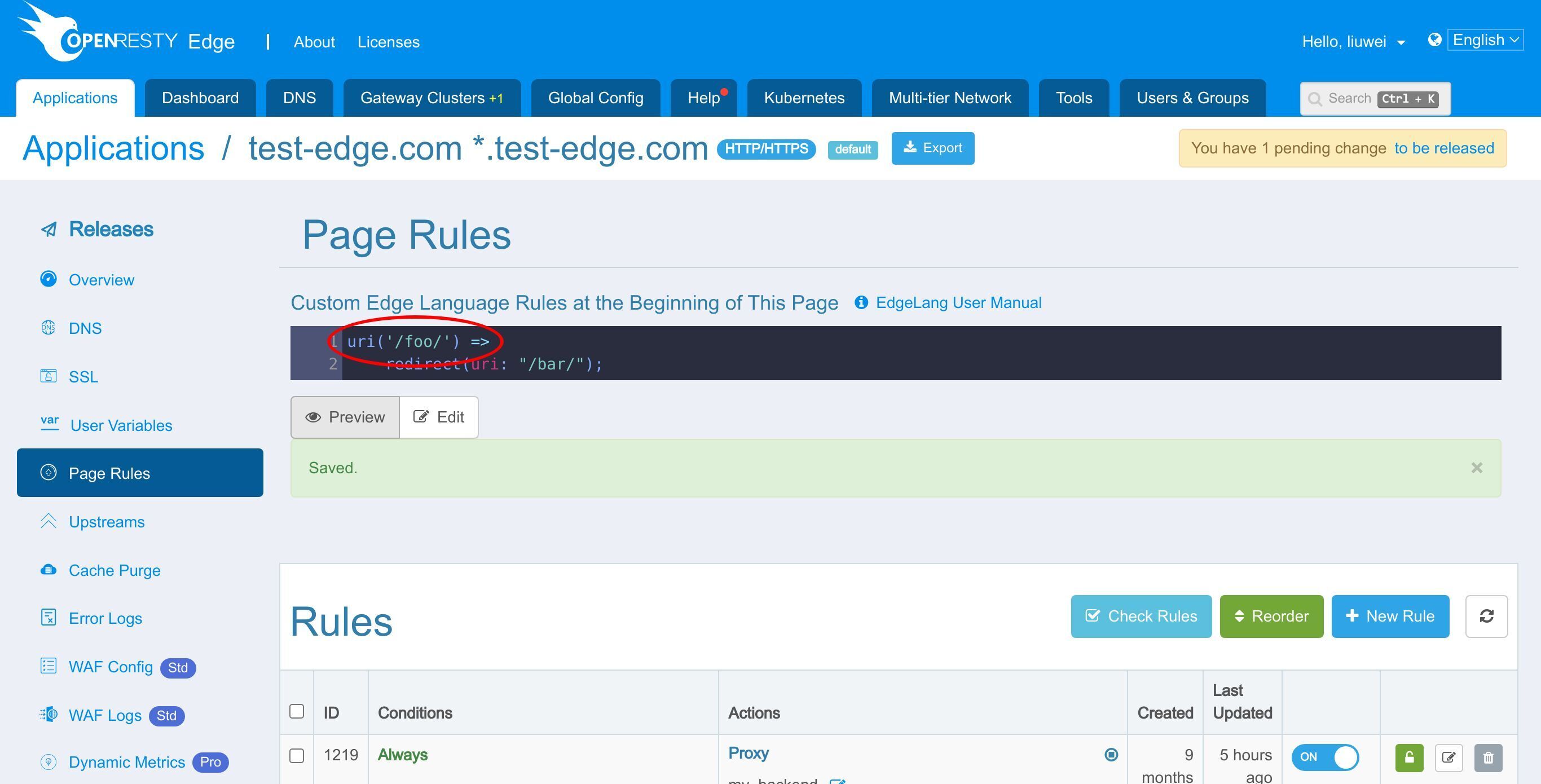
and a consequent consisting of actions.
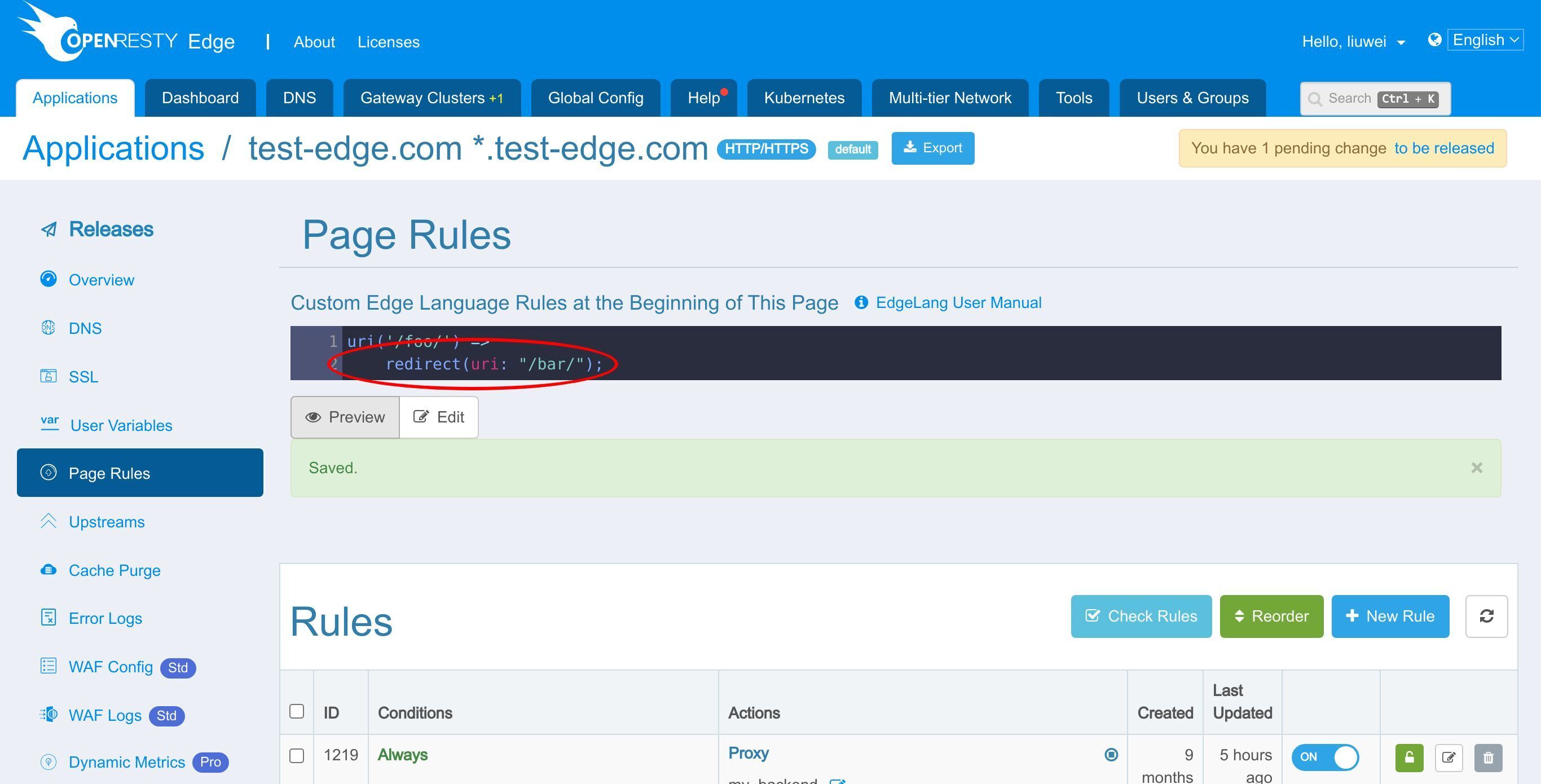
The condition and the consequent are connected by an arrow sequence.
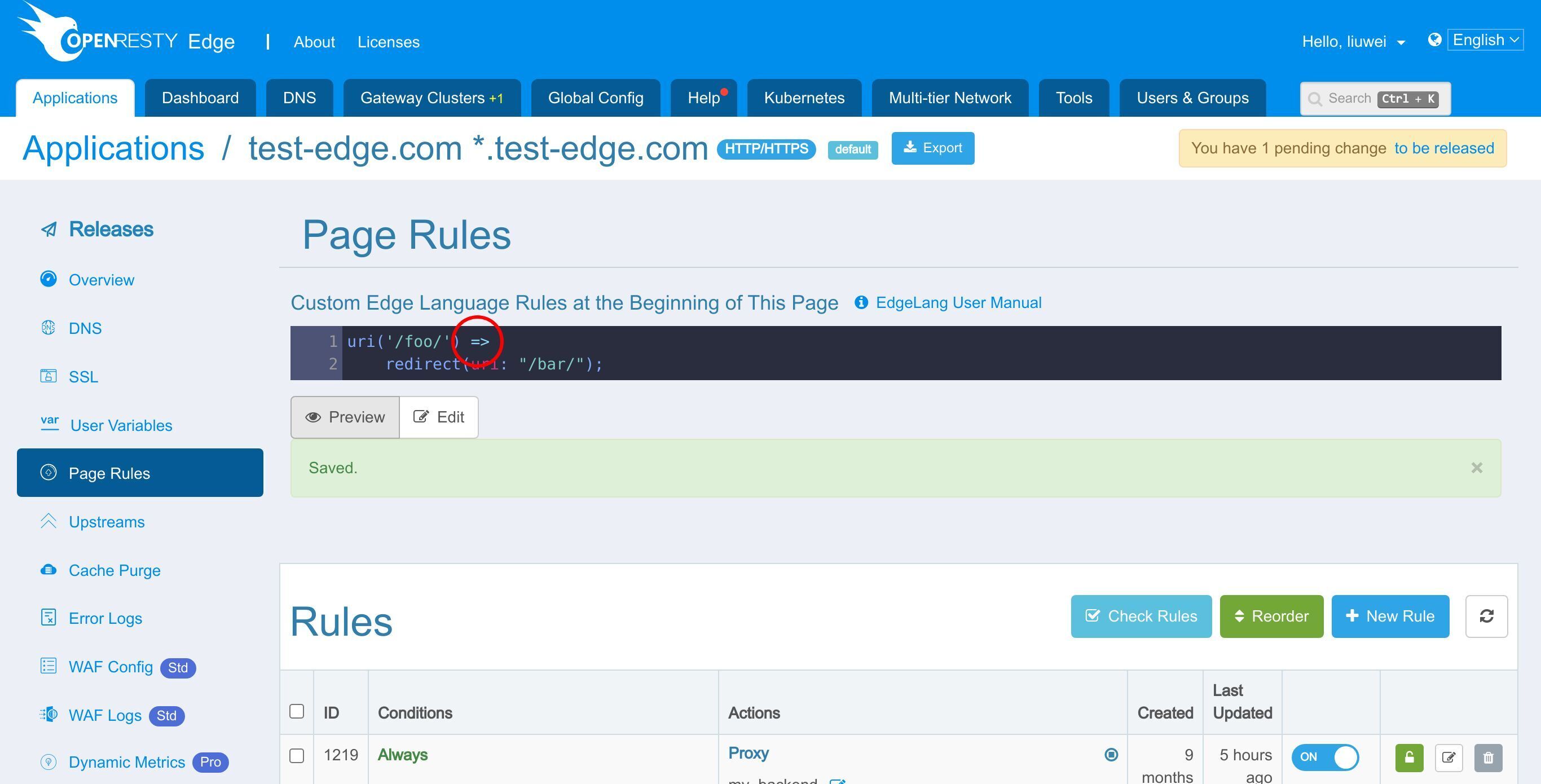
And the whole rule is terminated by a semicolon character.
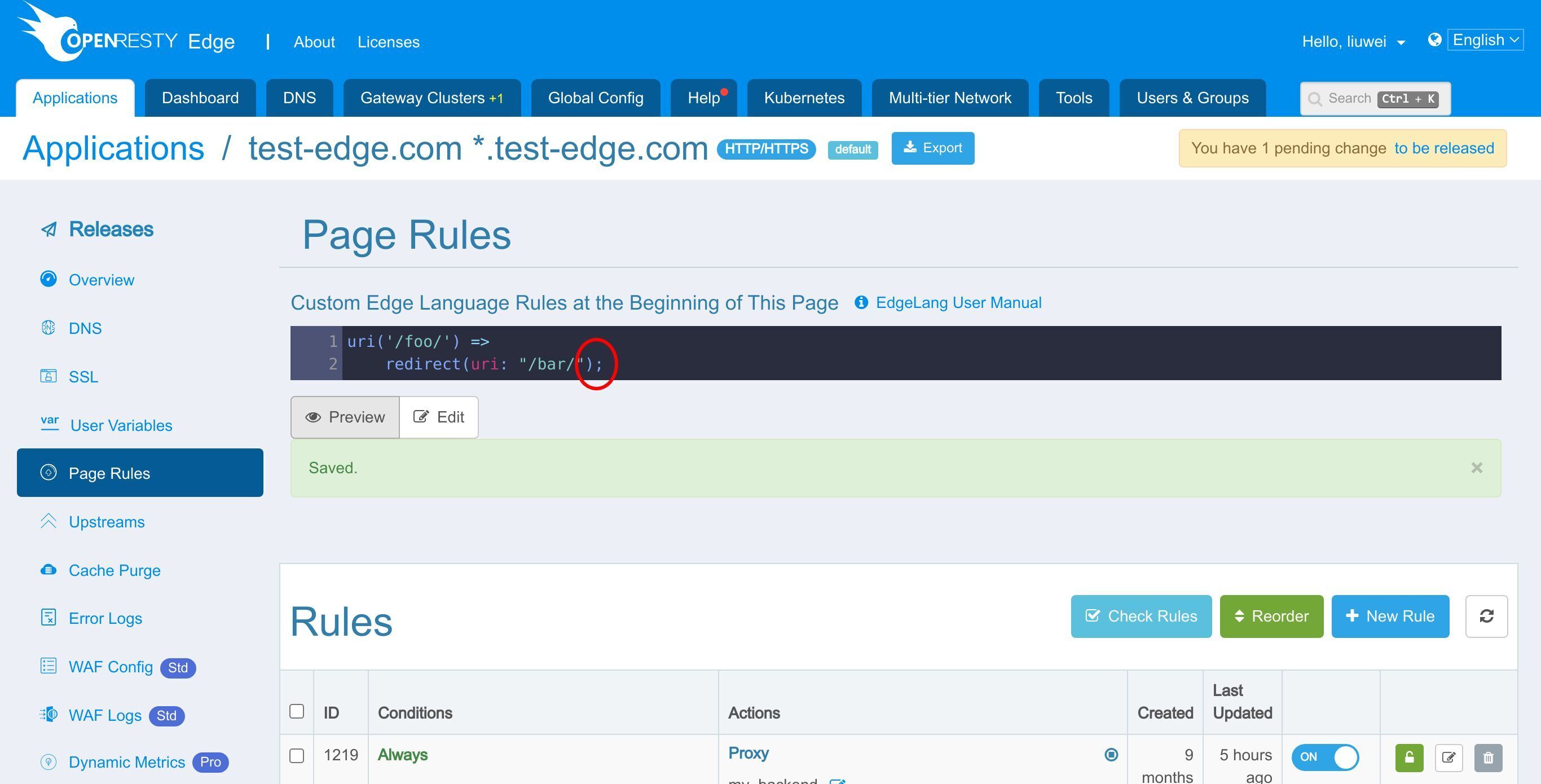
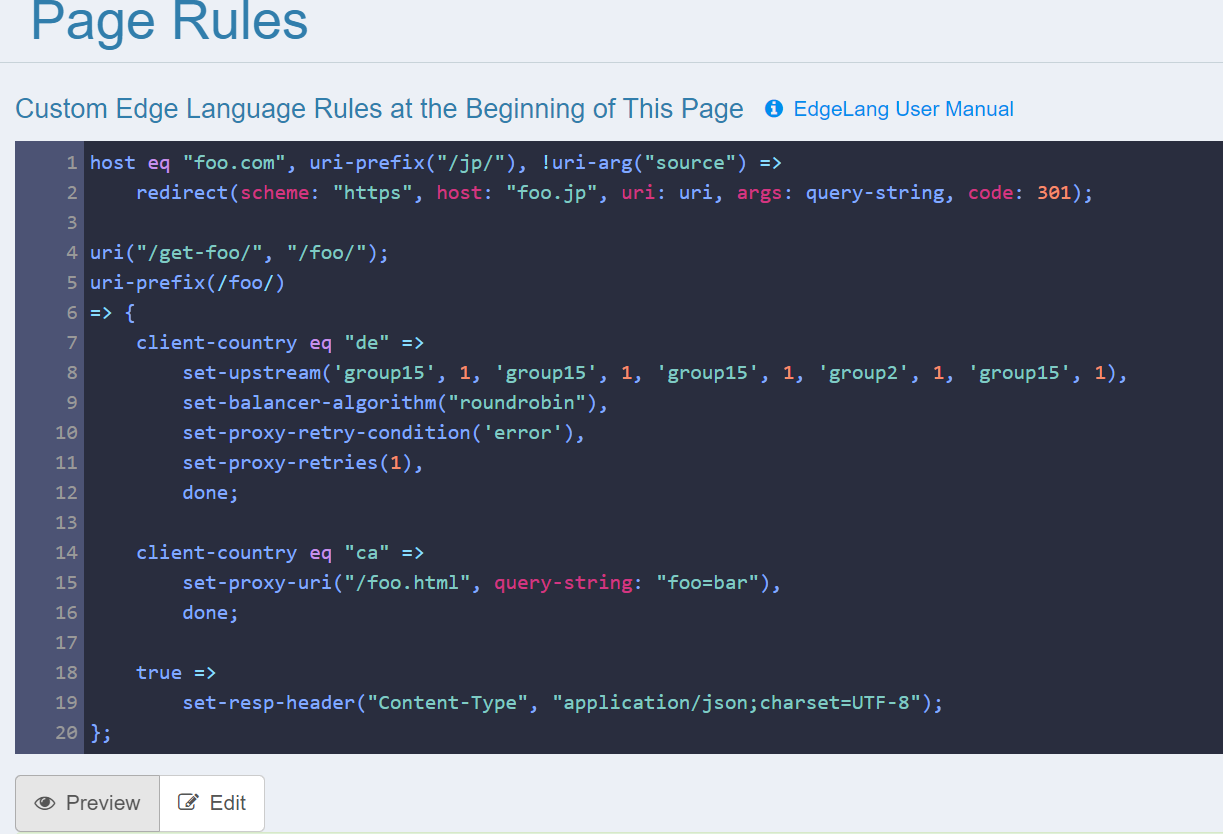
This is just a simplest rule. We can add as many rules as we like. Each rule can also take many conditions AND’d or OR’d together. And a rule can take many actions in its consequent part.
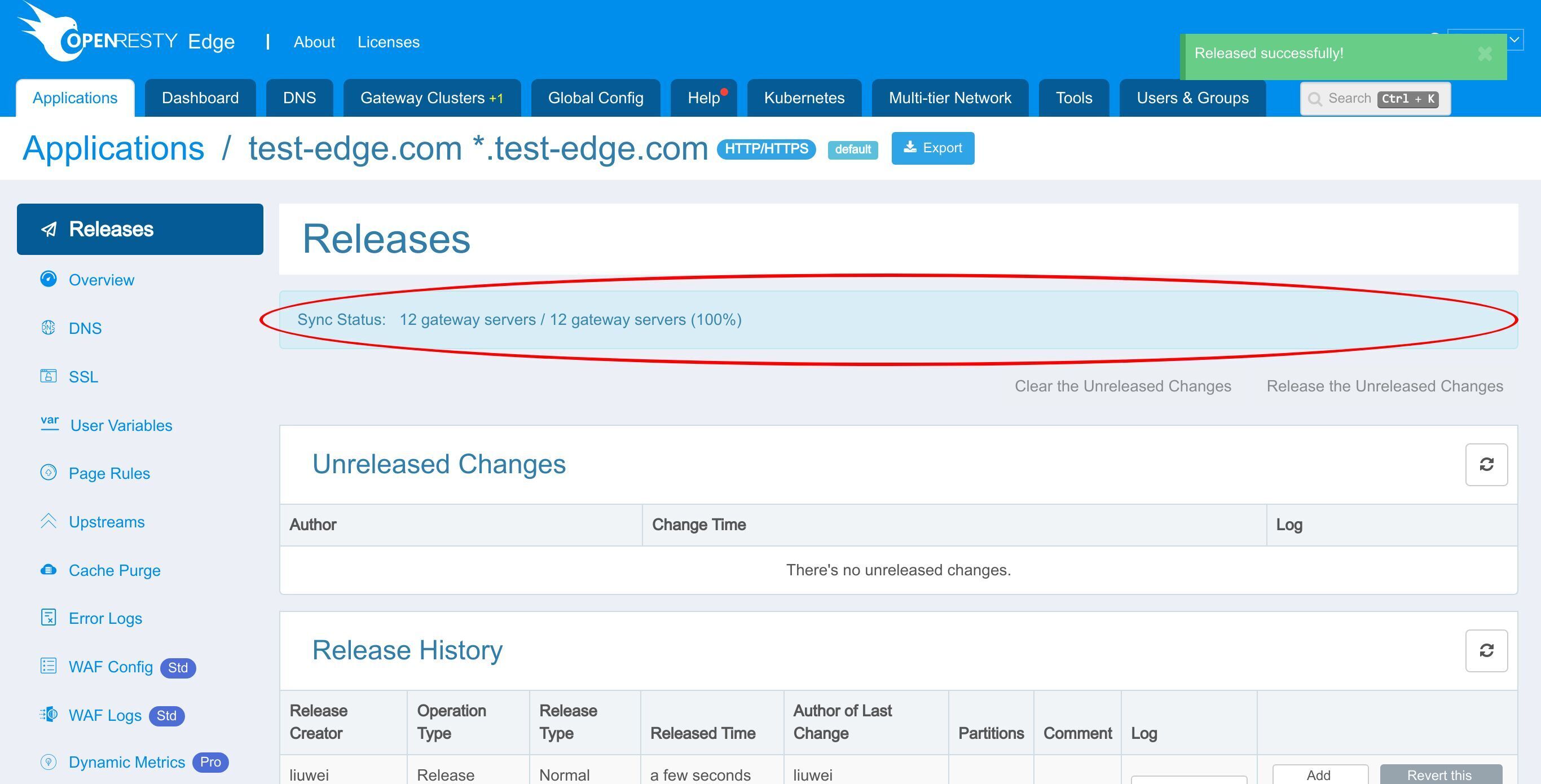
Let’s make a new configuration release to push out our new changes, as always.
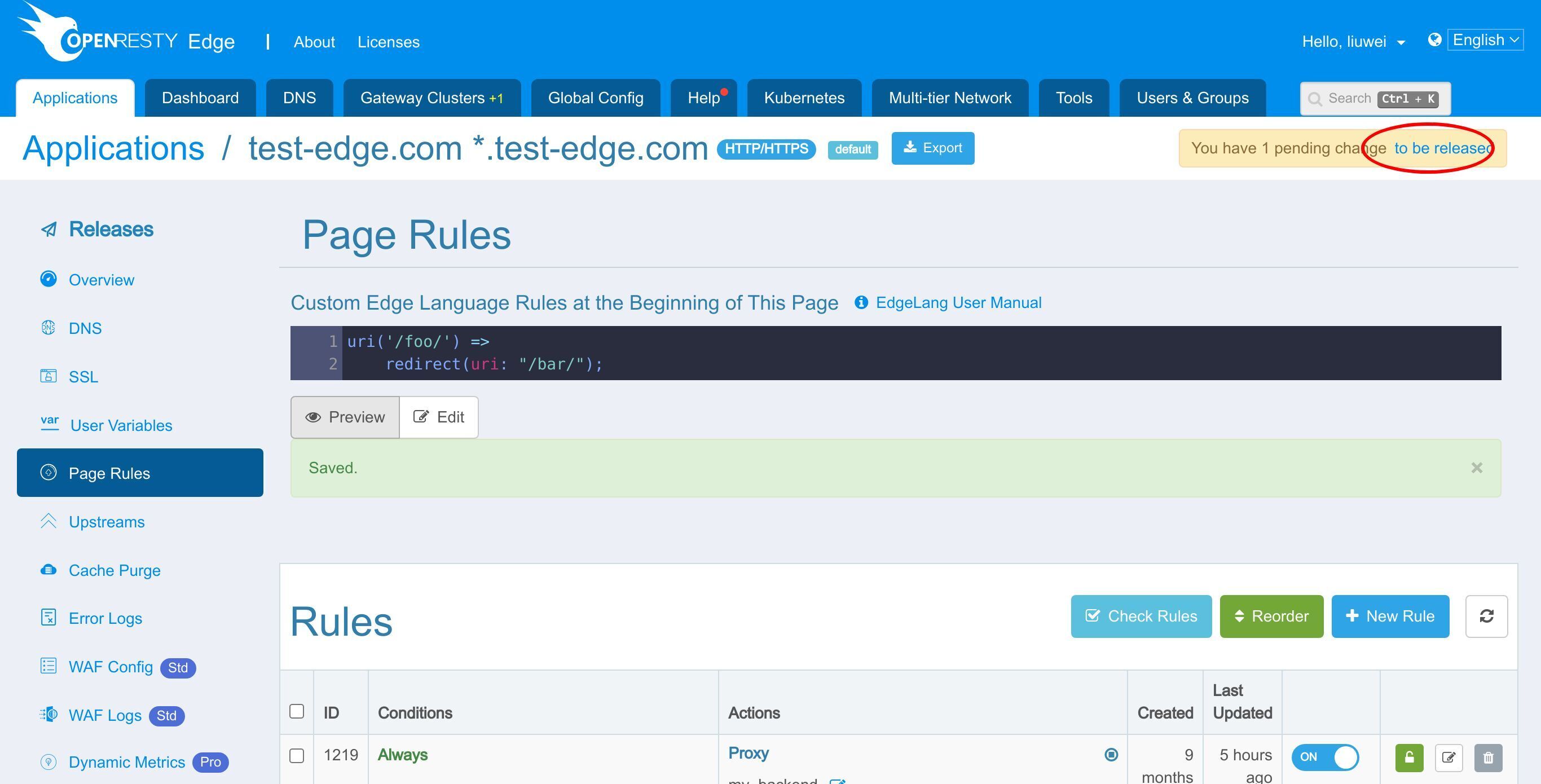
Click this button.
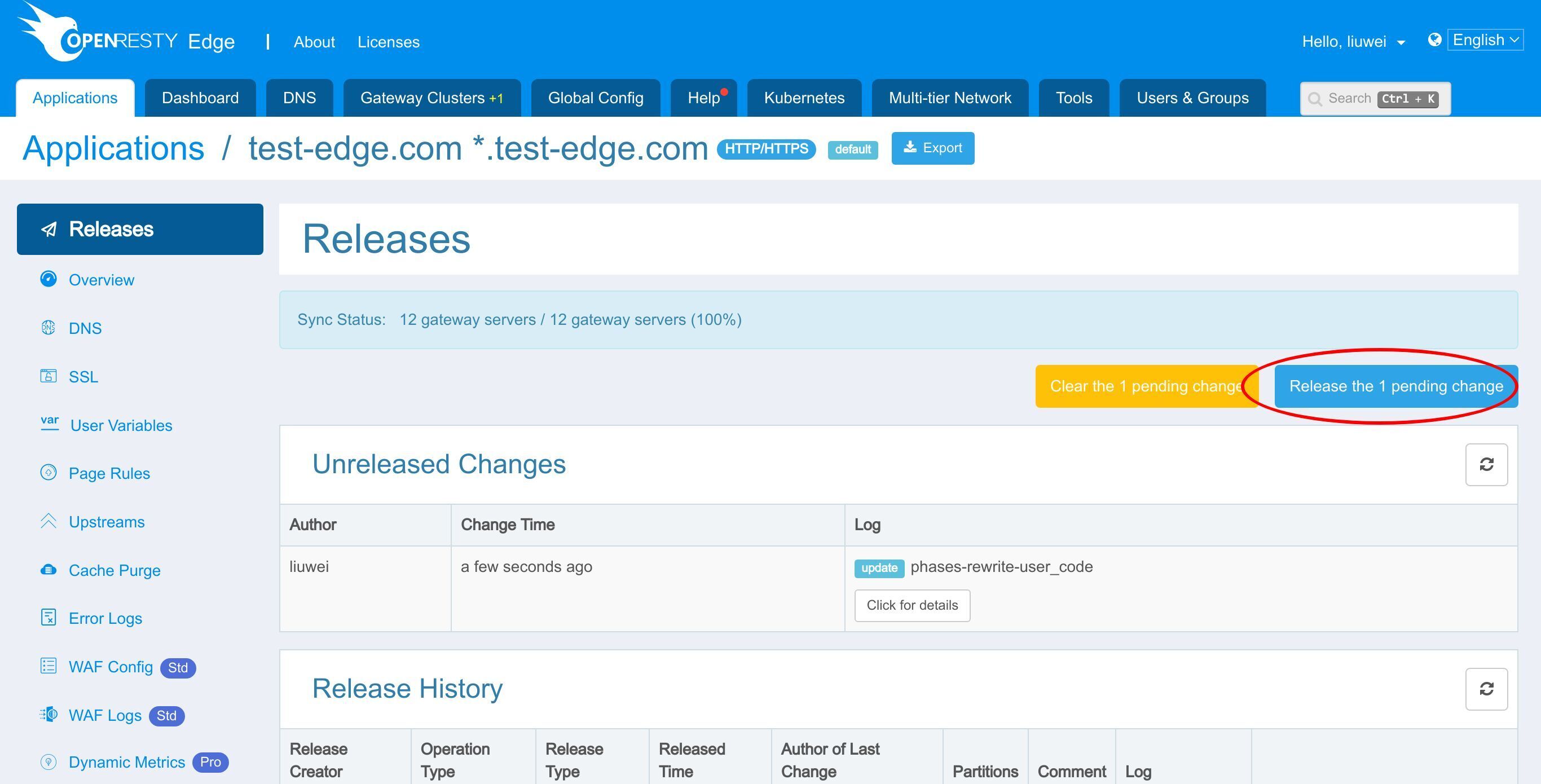
Ship it!
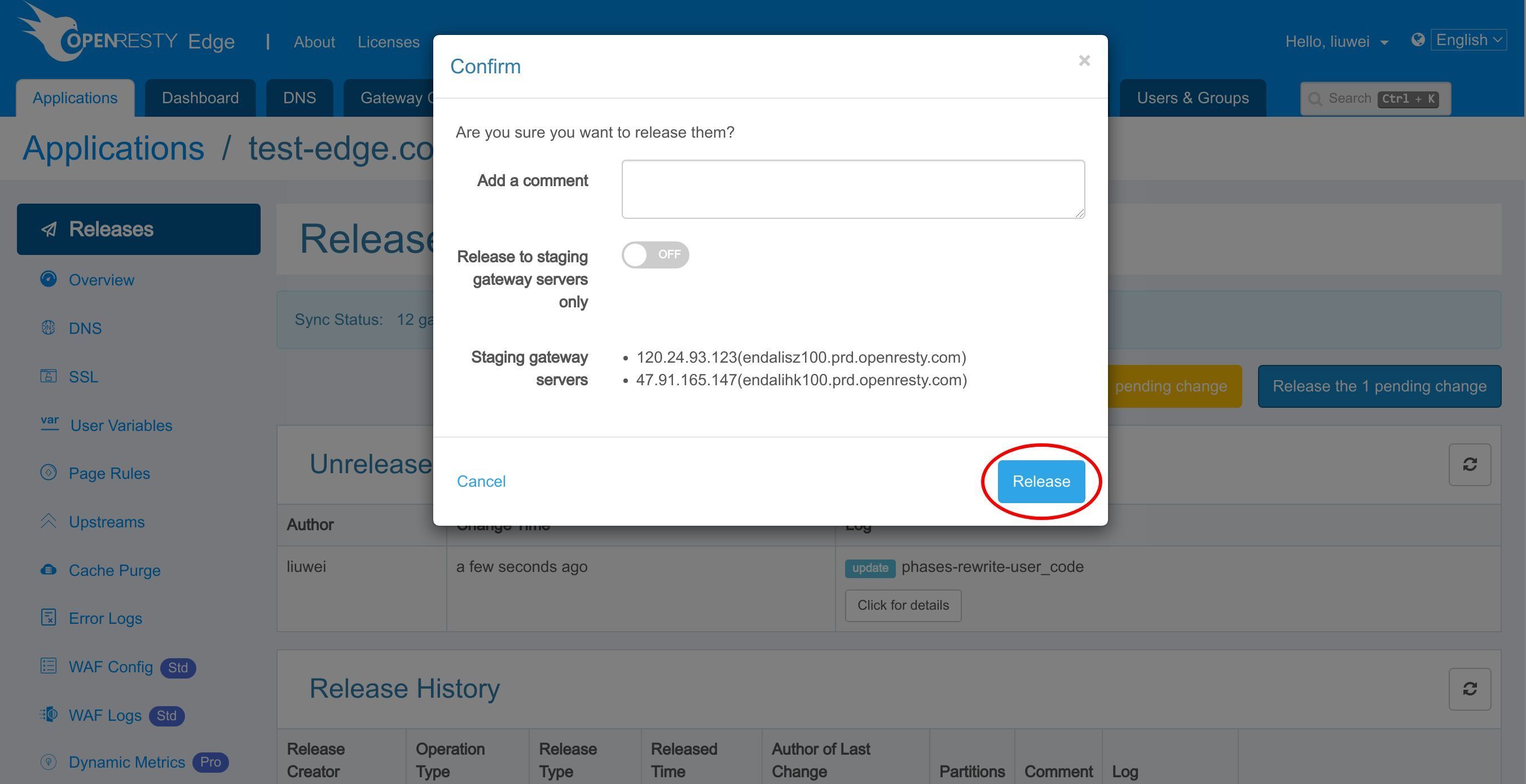
Our new release is now synchronized to all our gateway servers.
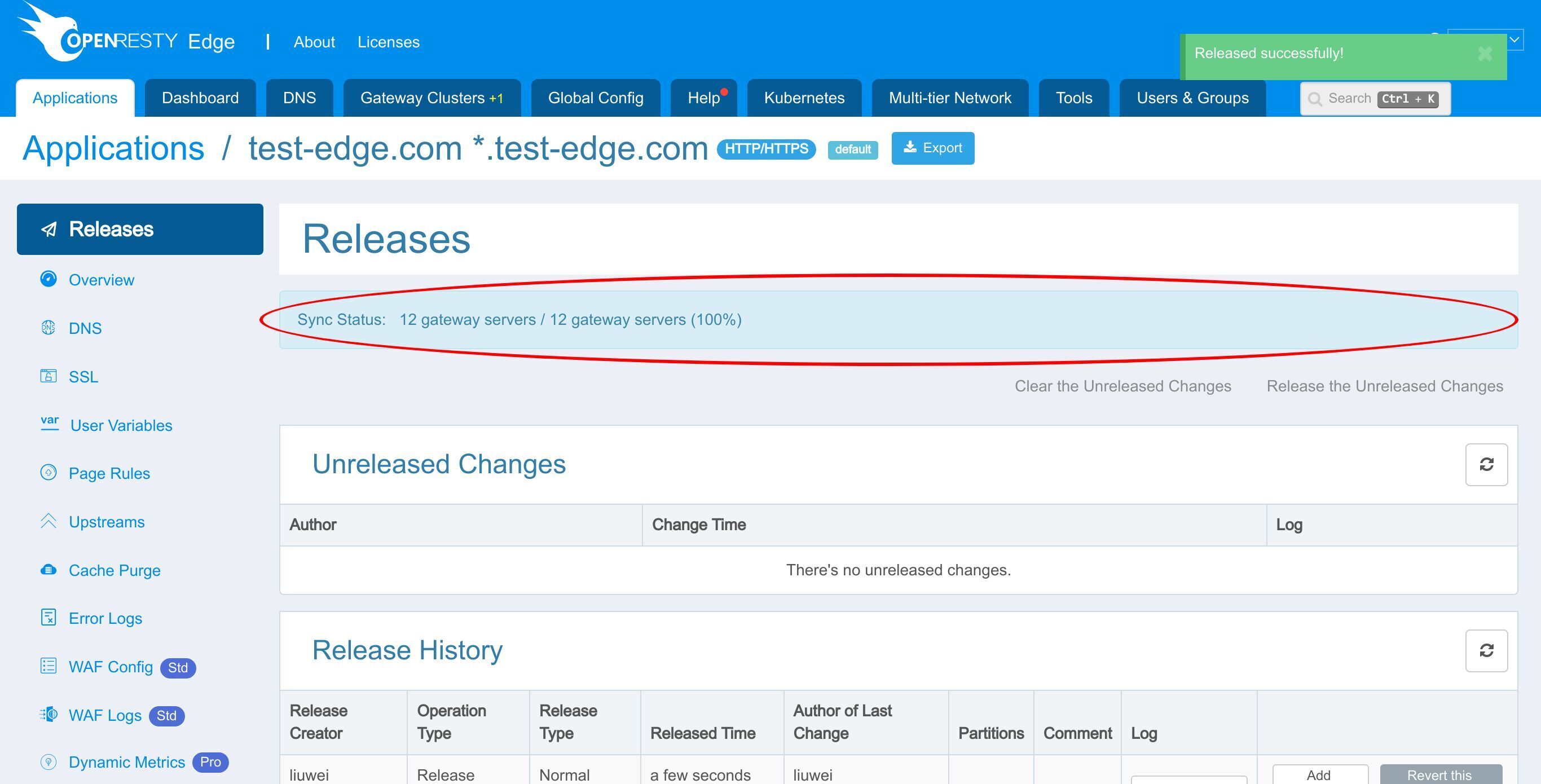
Now the new page rule has been pushed to all the gateway clusters and servers.
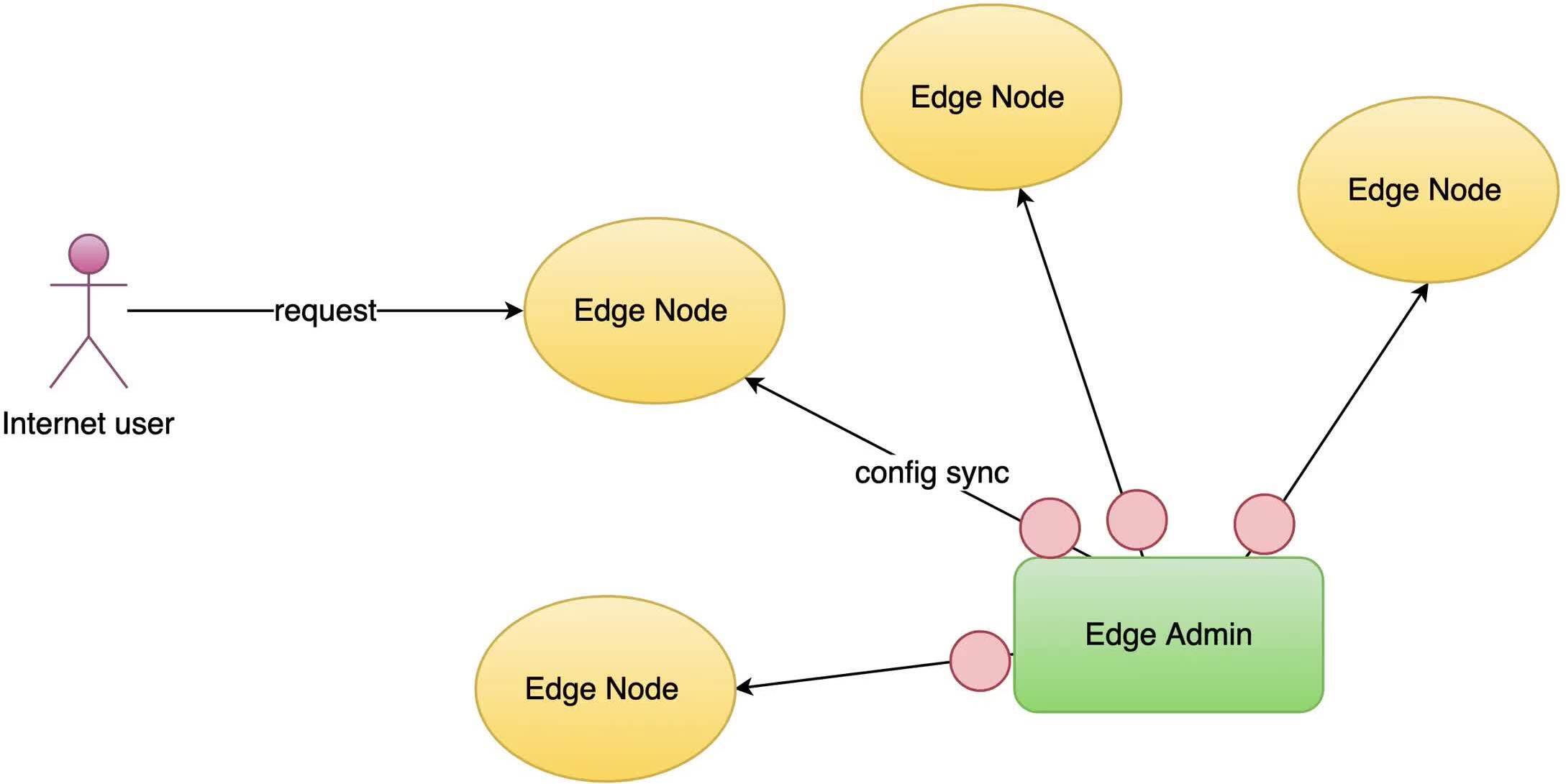
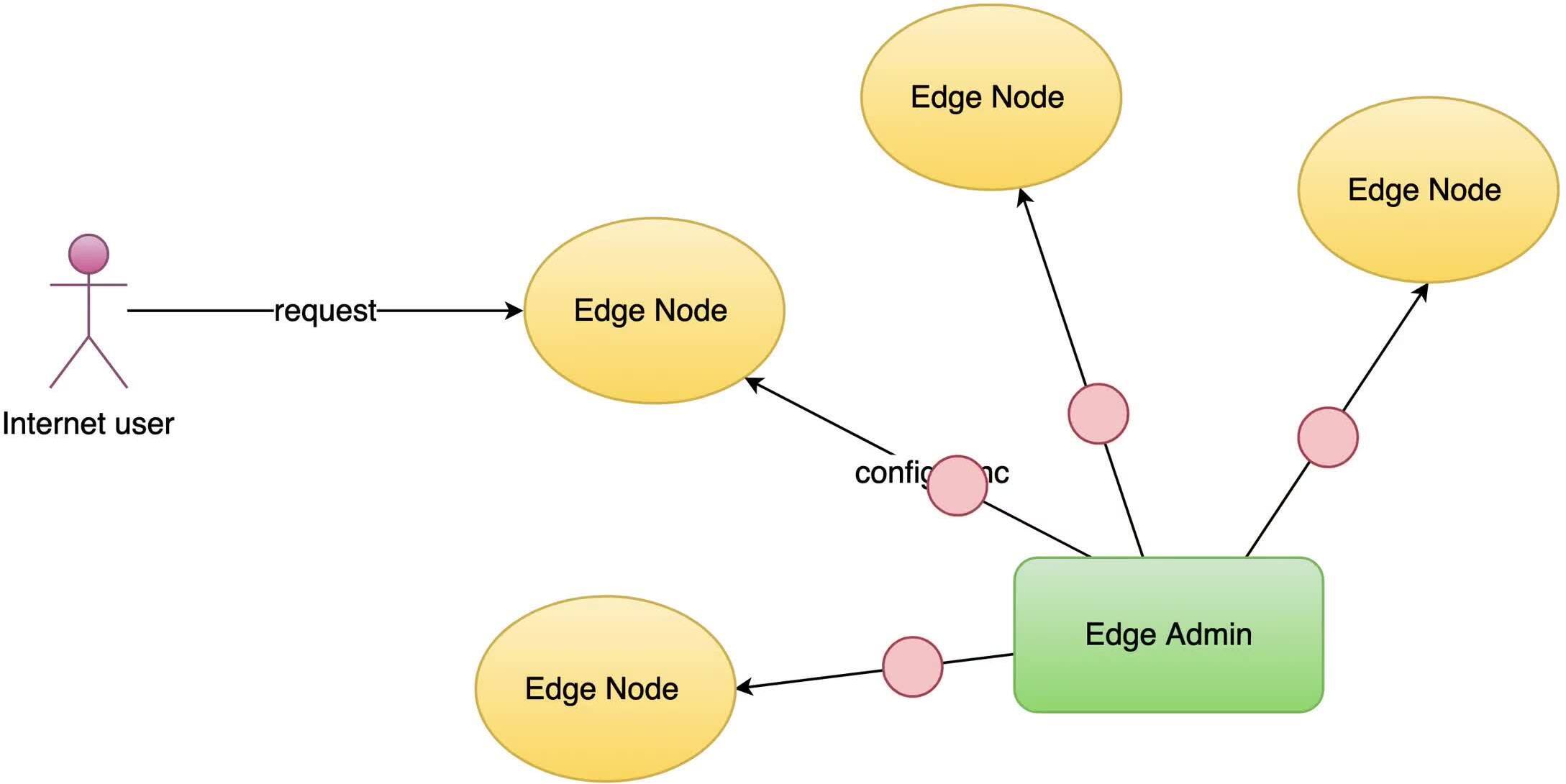
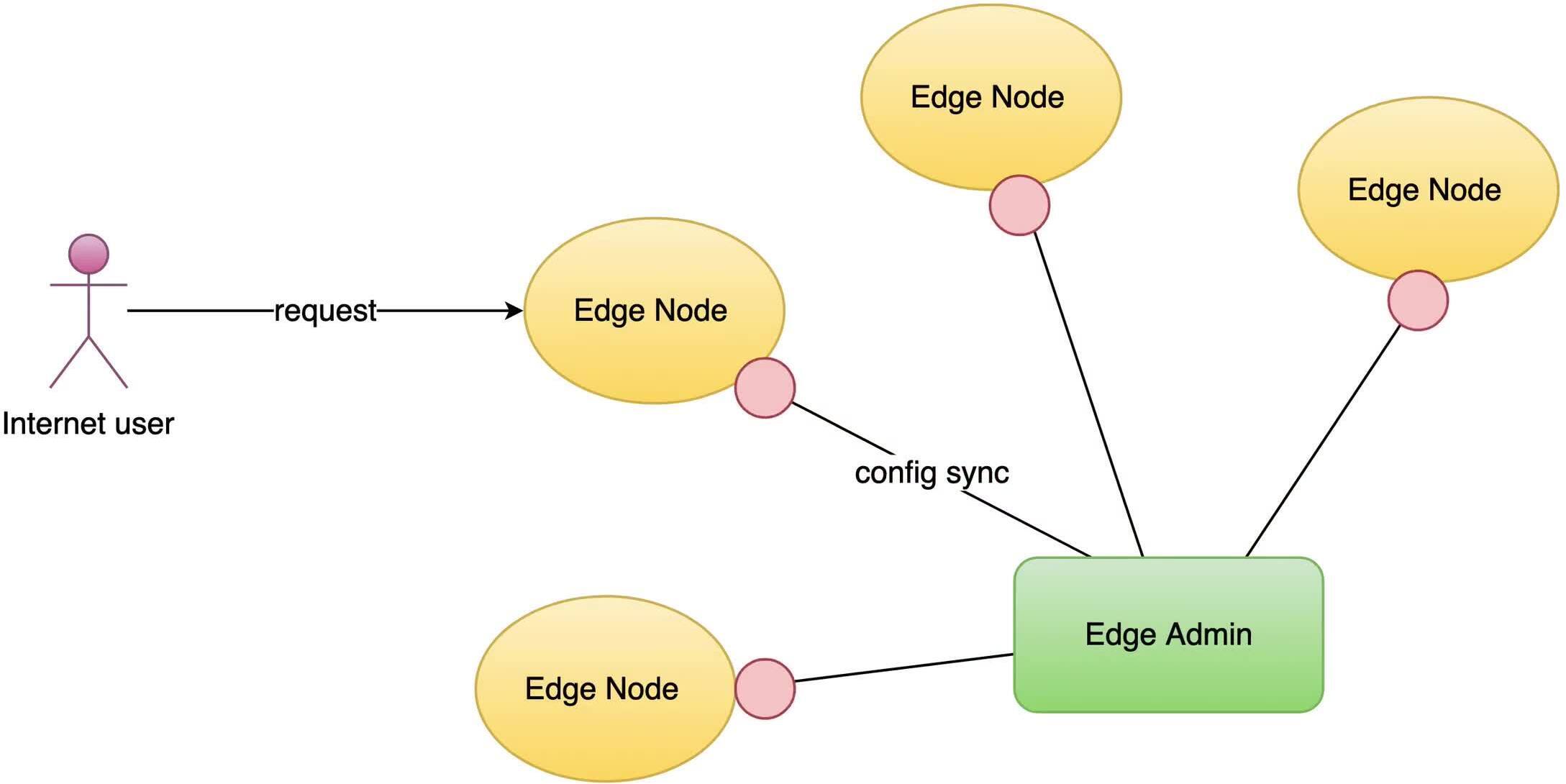
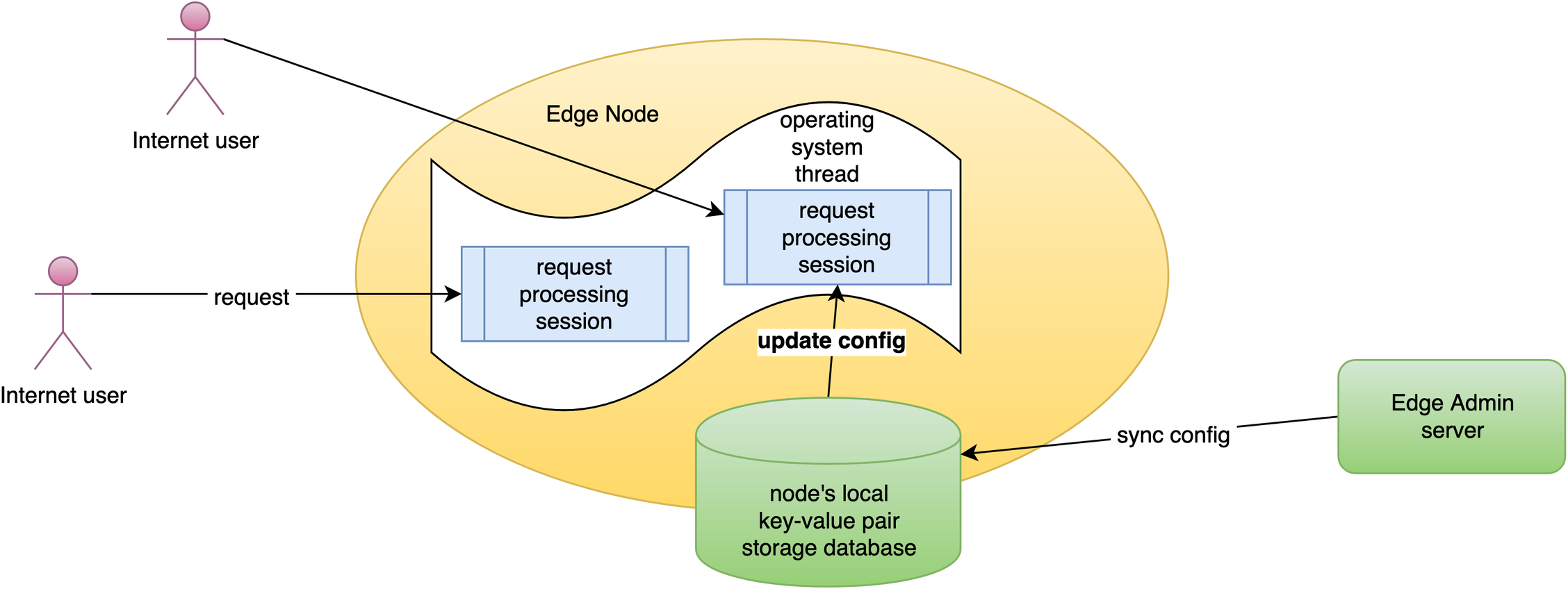
Our configuration changes do NOT require server reload, restart, or binary upgrade. So it’s very efficient and scalable.
Test the EdgeLang Rule with curl
On the terminal, we send an HTTP request to a gateway server resolved by DNS via the curl command-line utility.
curl -I http://test-edge.com/bar/
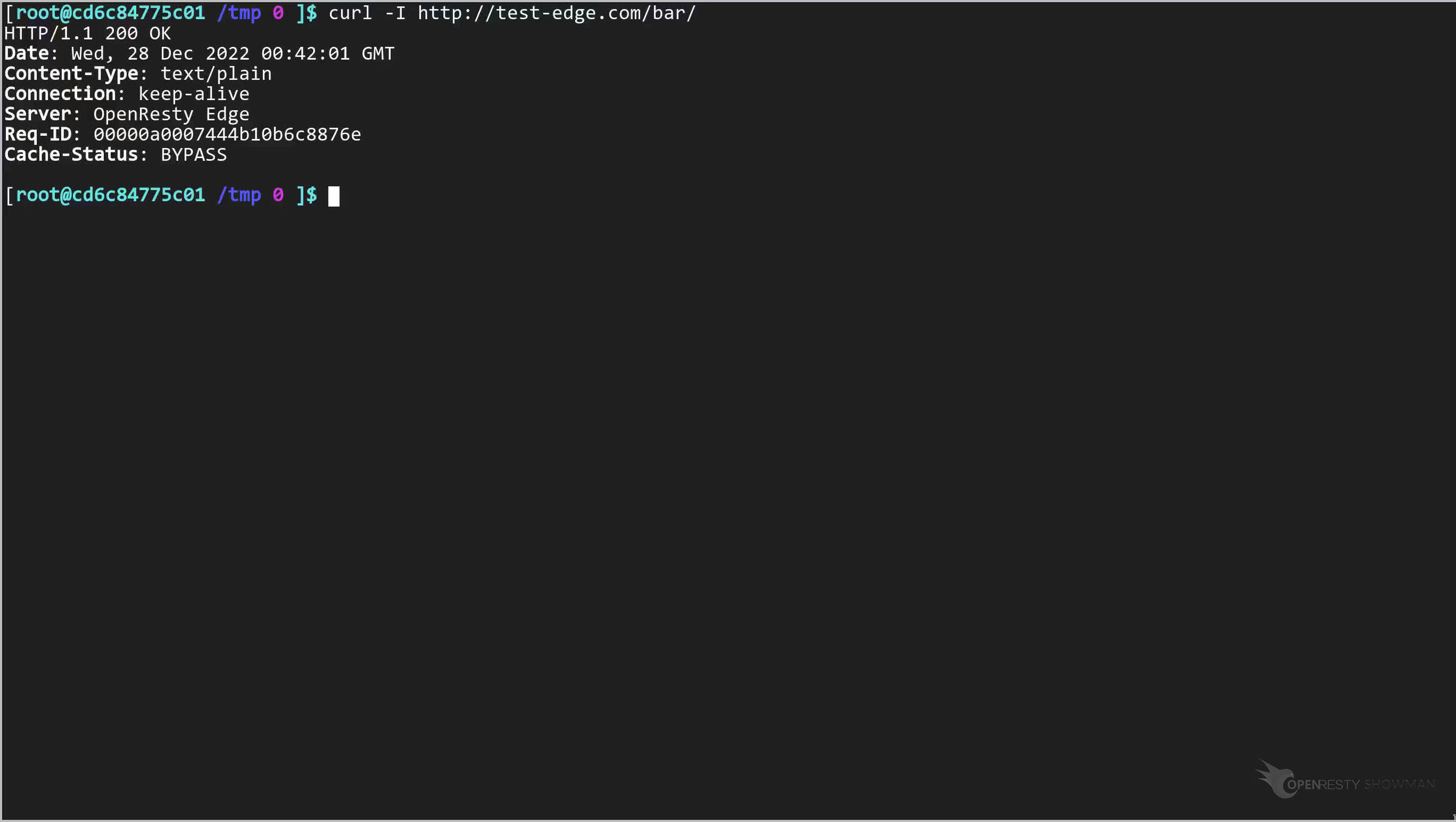
Note the response header has no redirects.
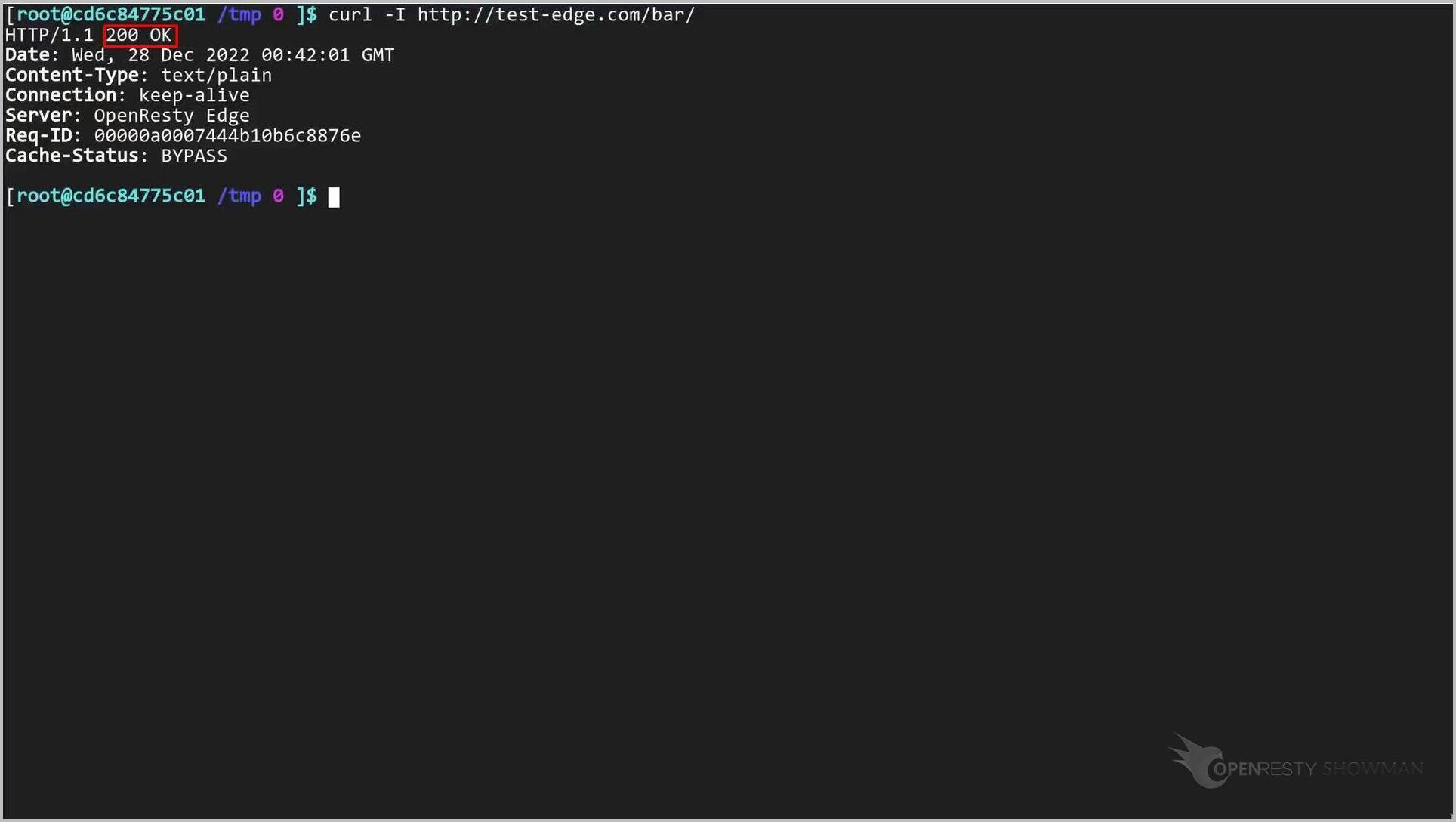
Next, let’s send an HTTP request with /foo/ URI.
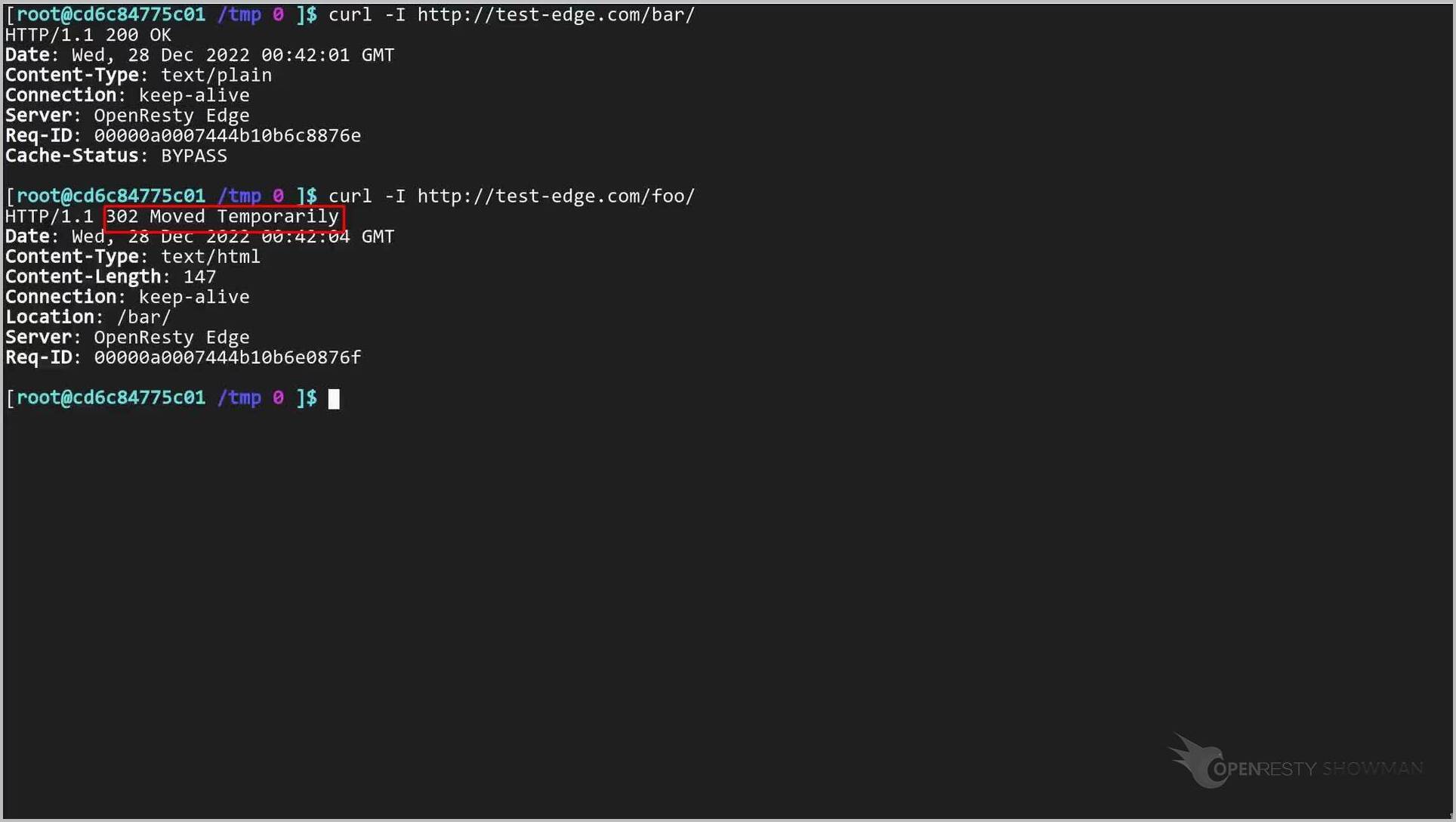
curl -I http://test-edge.com/foo/
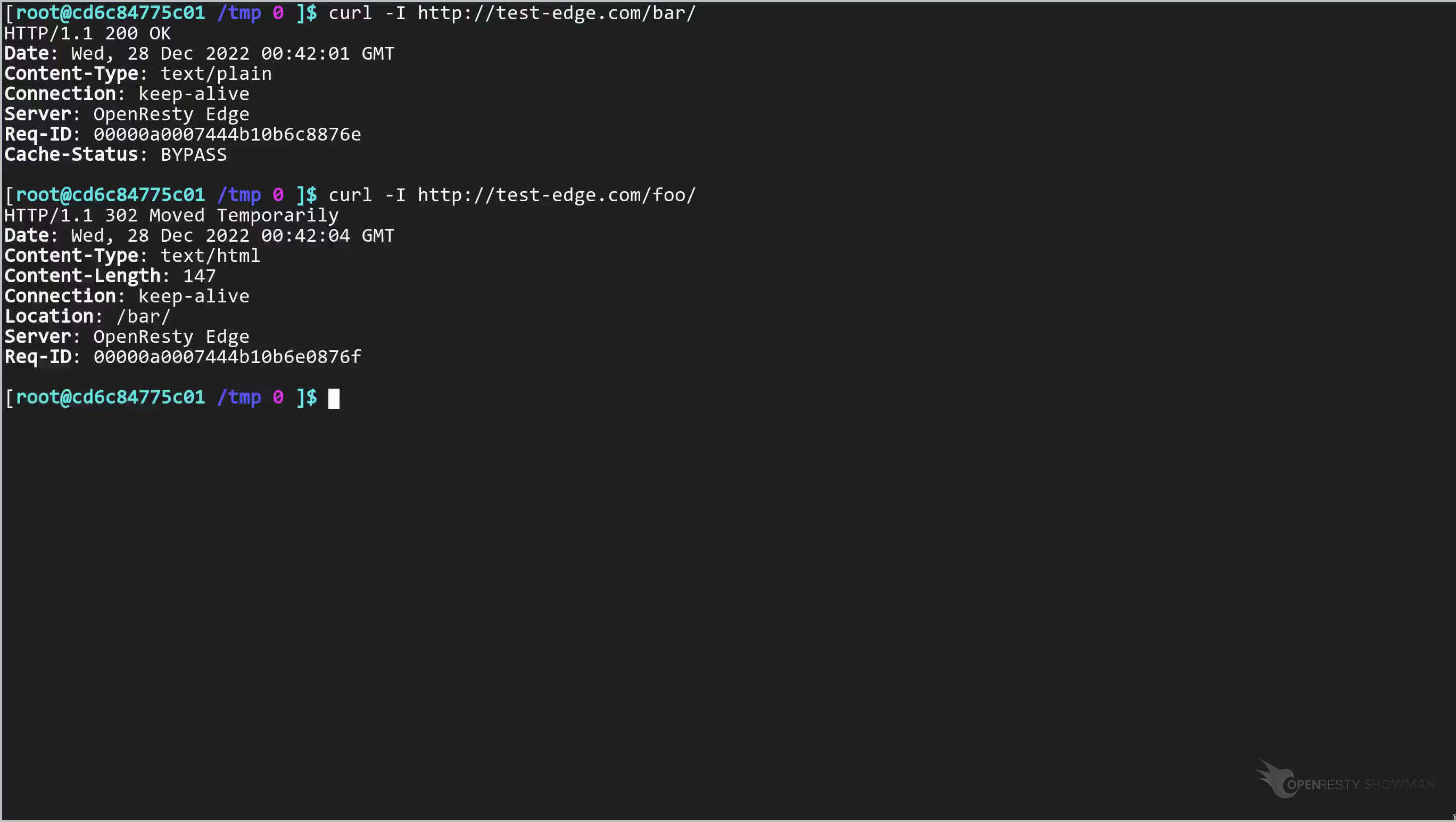
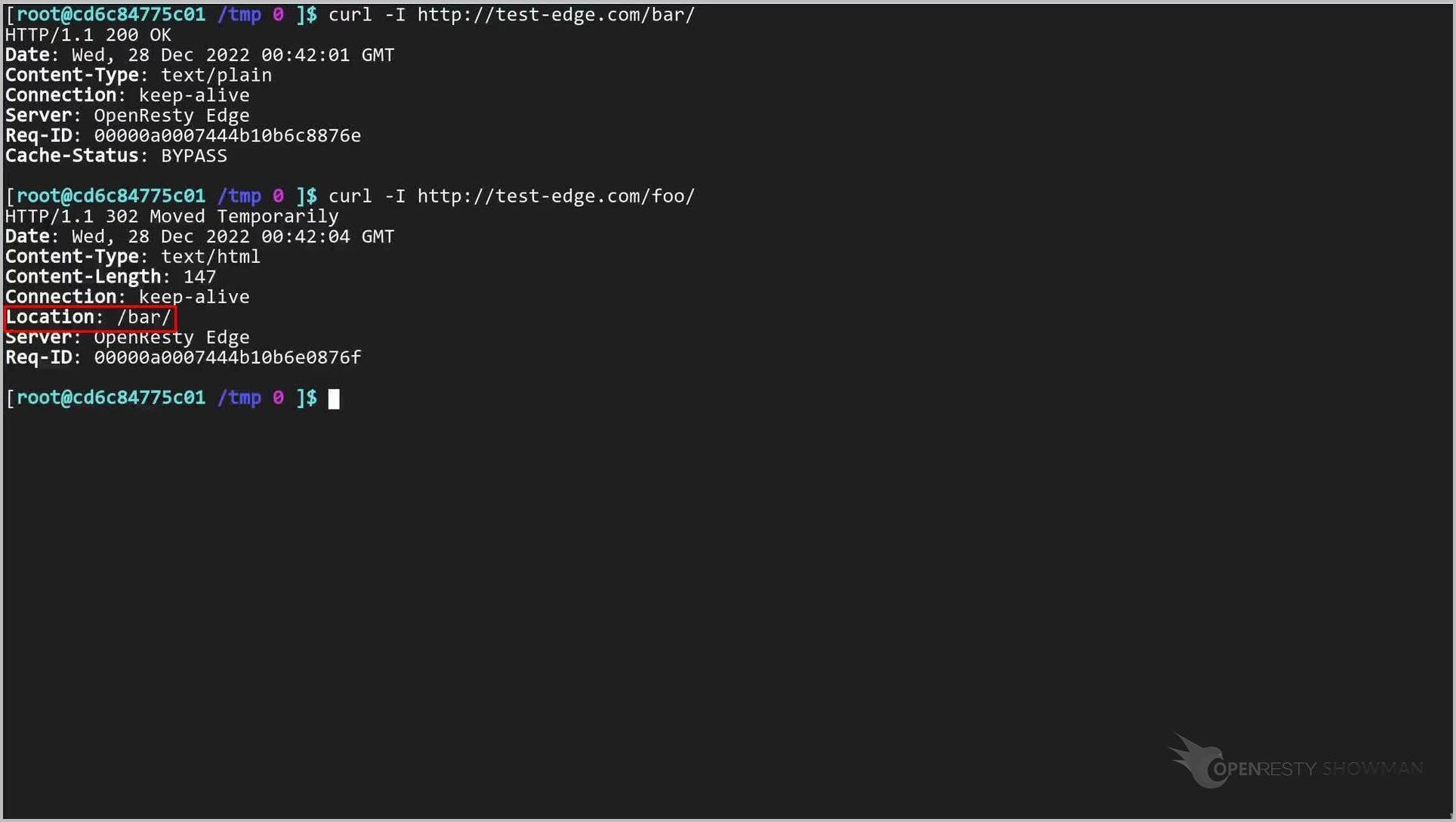
Note that the request has been redirected.
It is being redirected to the /bar/ location. Our Edgelang rule works!
Let’s test another URI with the prefix “/foo/”.
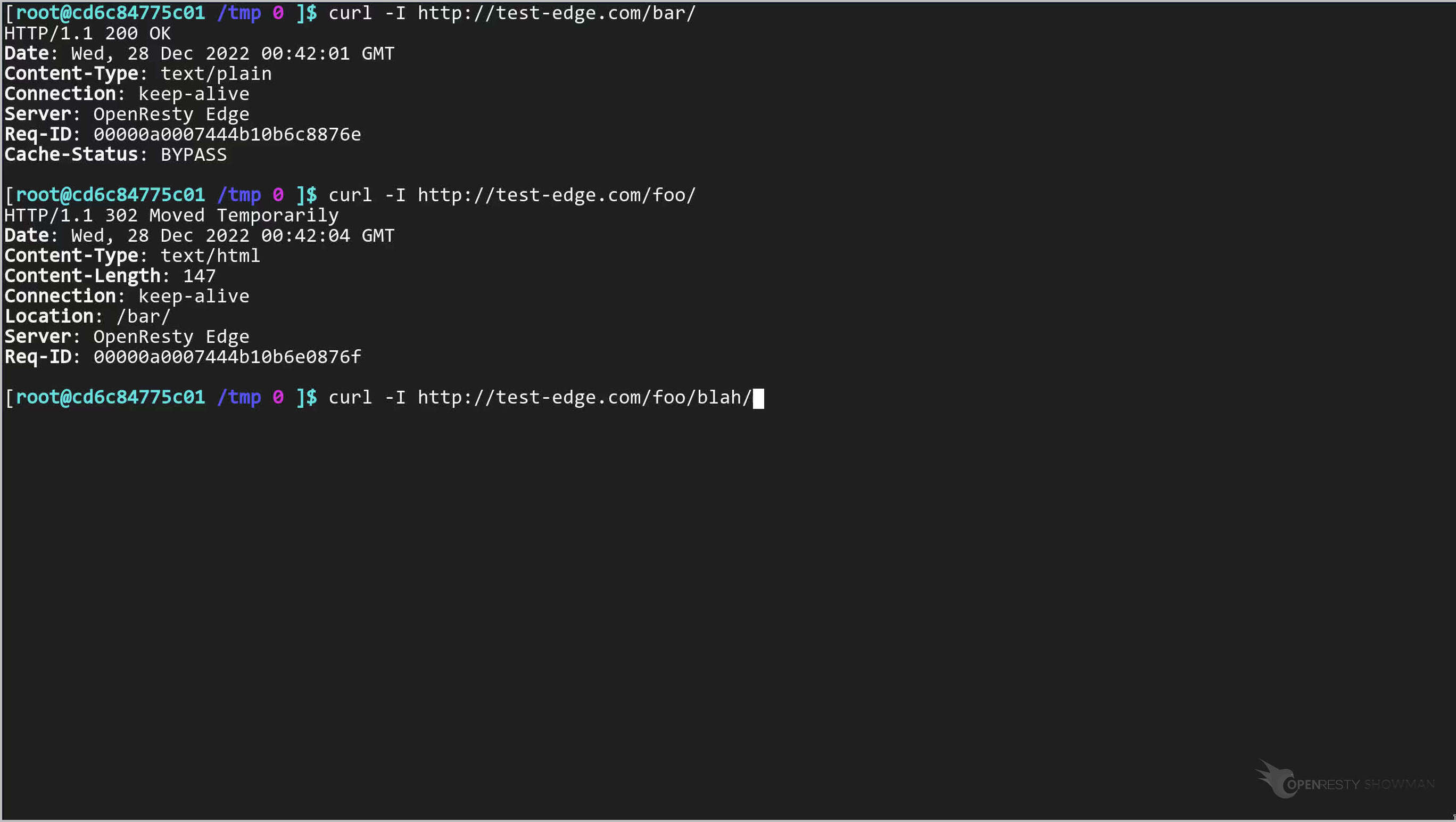
The URI takes an extra suffix, “blah/”.
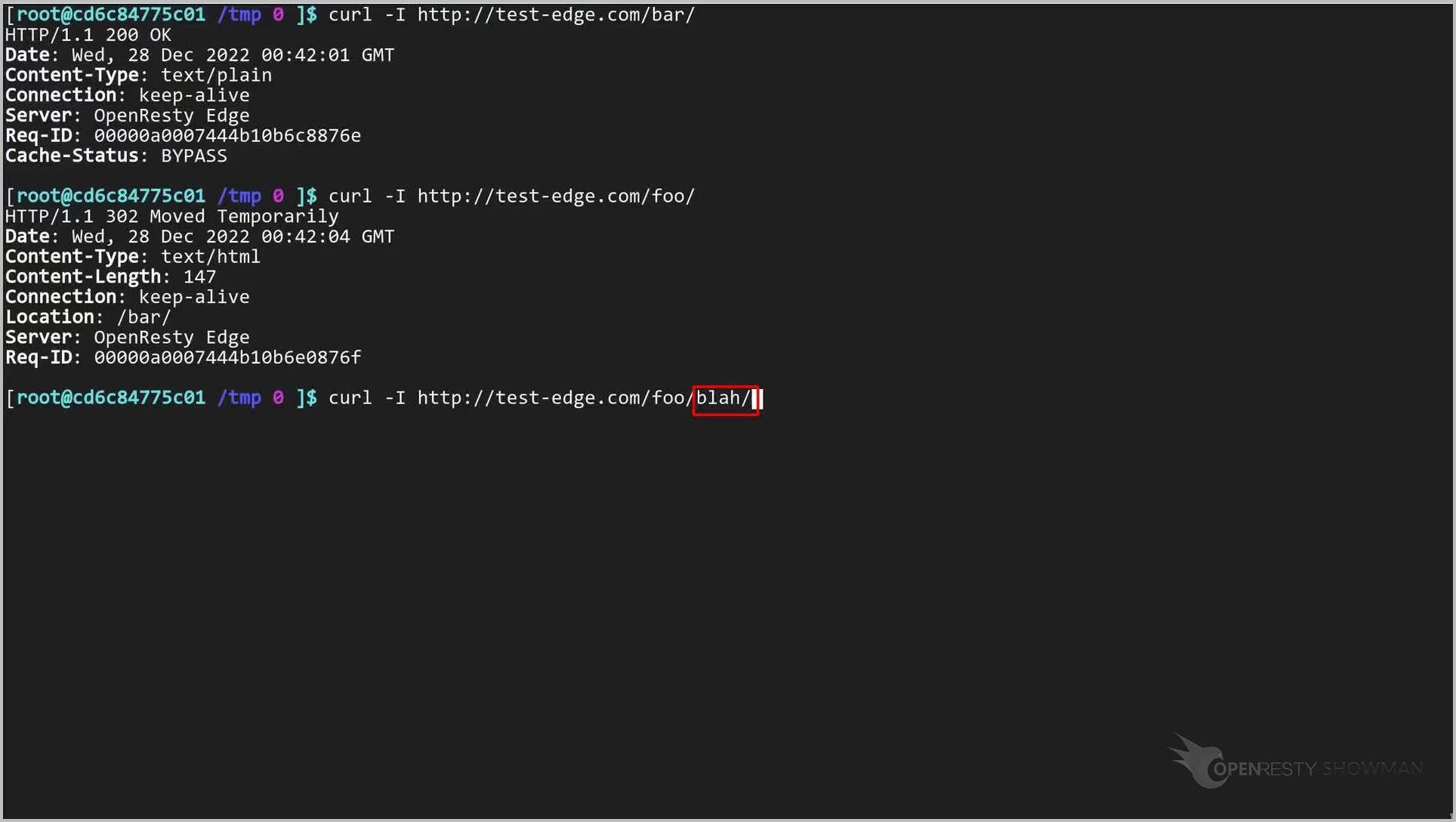
Send the request.
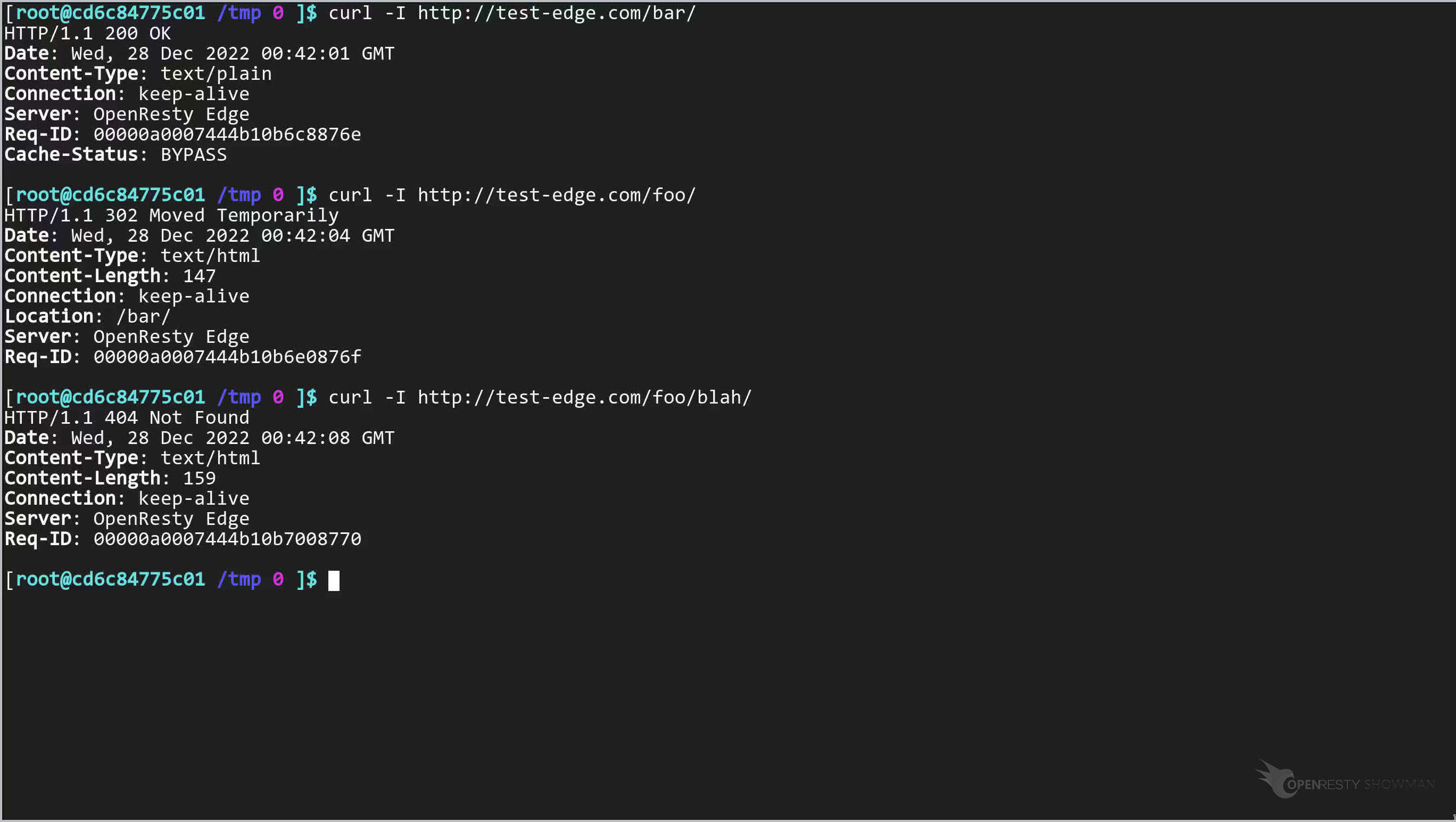
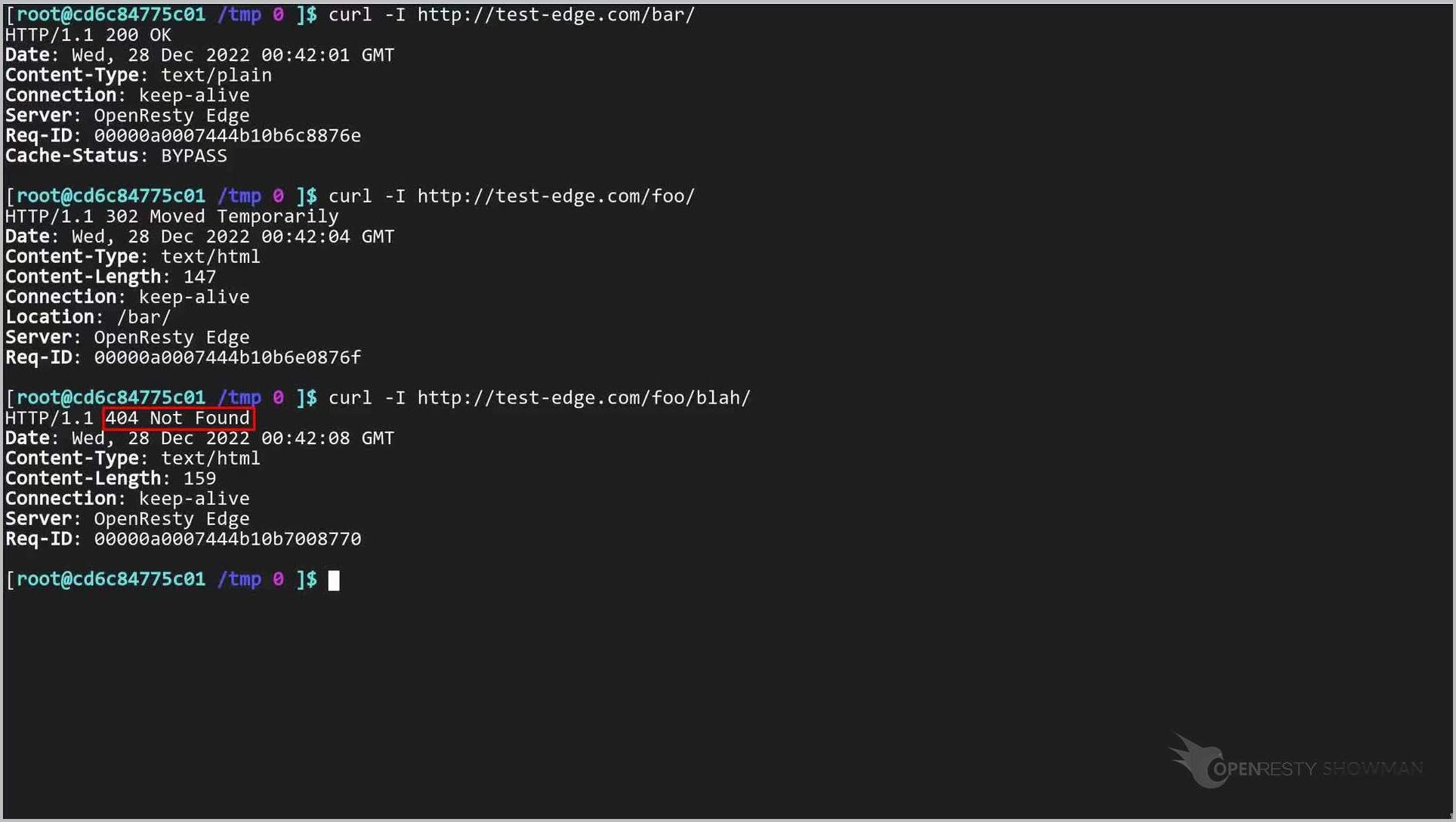
Note that the edgelang rule was not hit. This is because the our Edgelang condition needs to match “/foo/” exactly.
Modify an EdgeLang Rule: Exact vs. Prefix Match
Let’s edit the condition in our Edgelang rule to handle such cases properly.
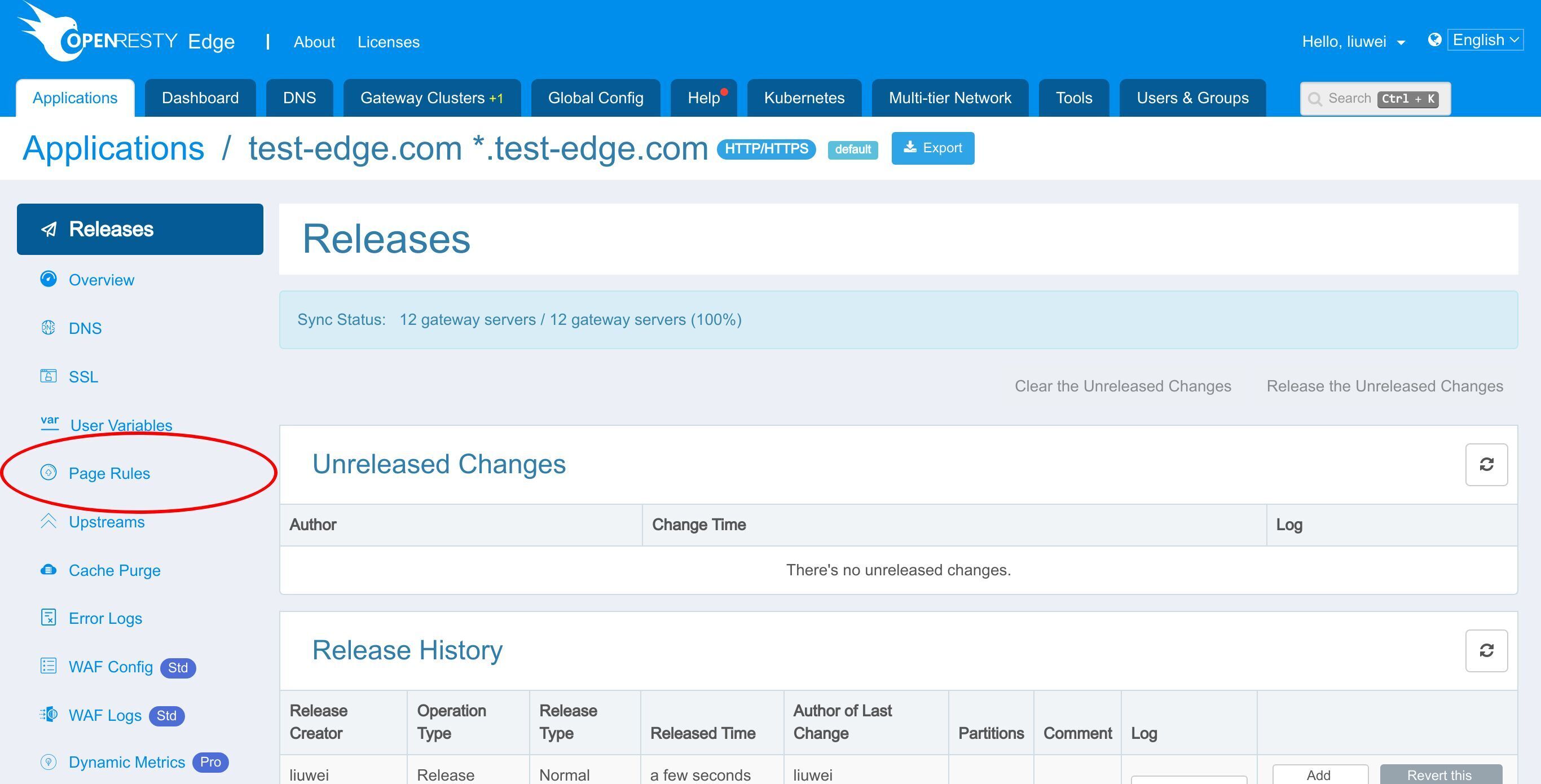
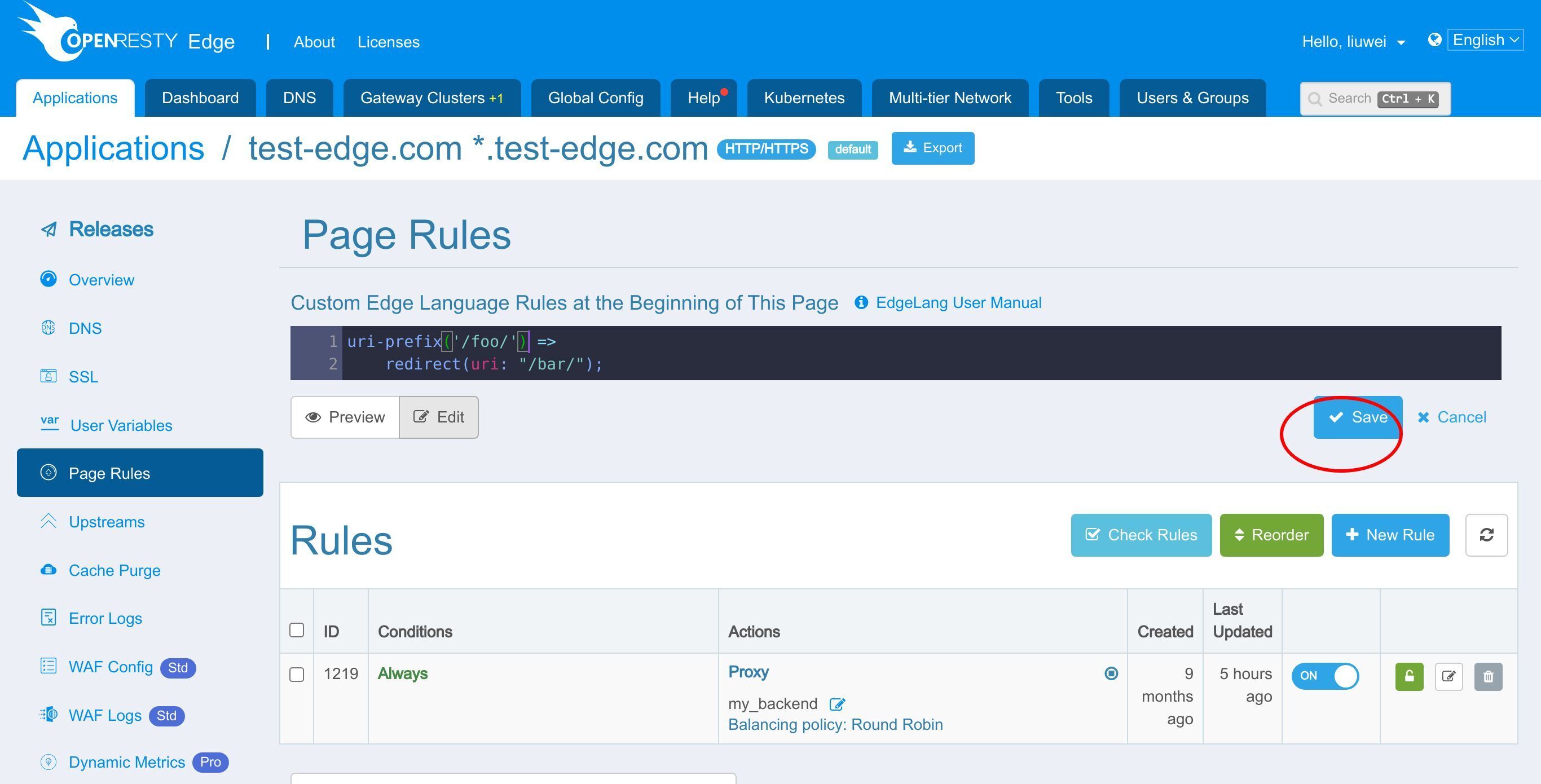
Click the Edit button.
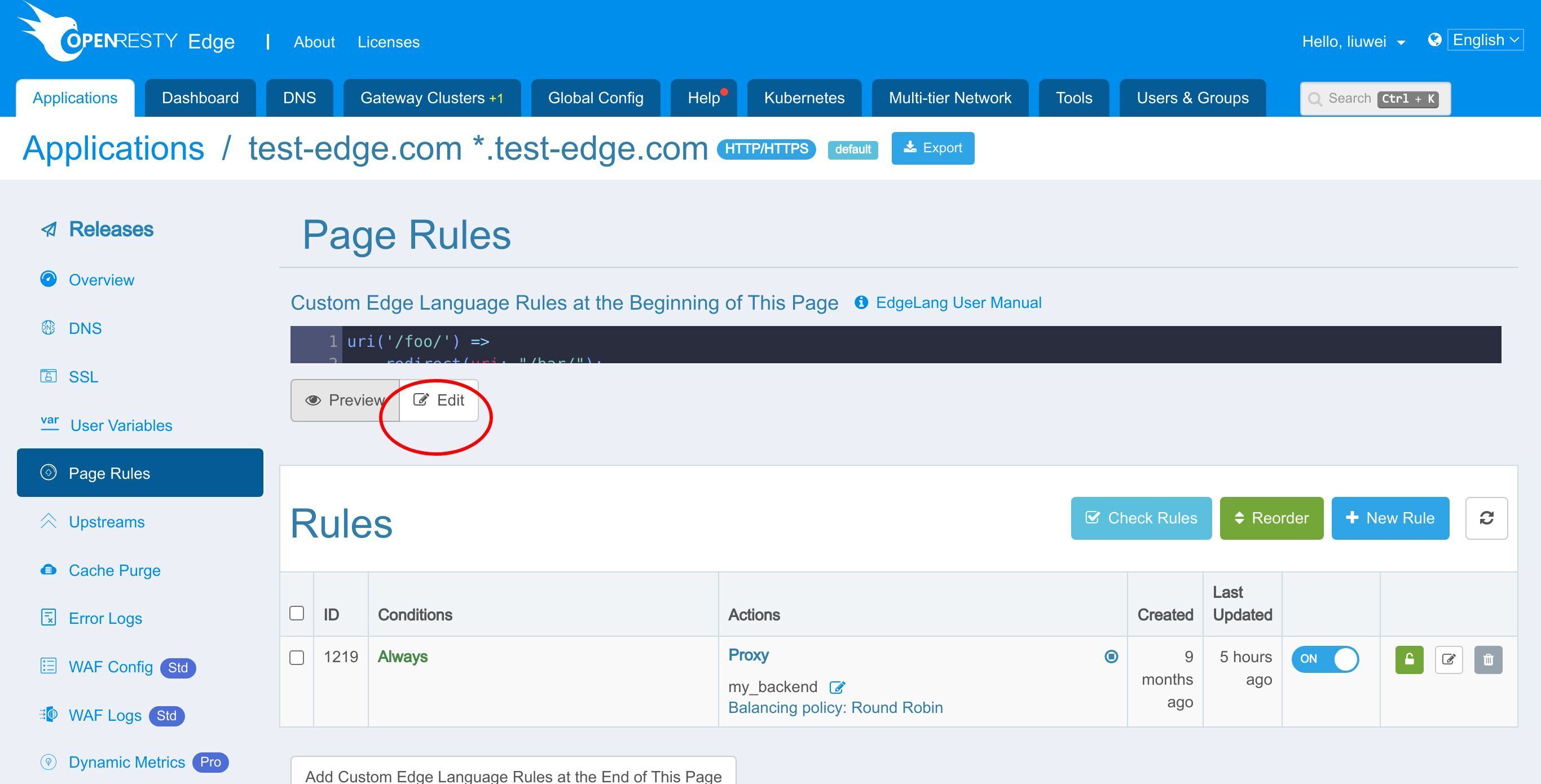
Delete the original condition.
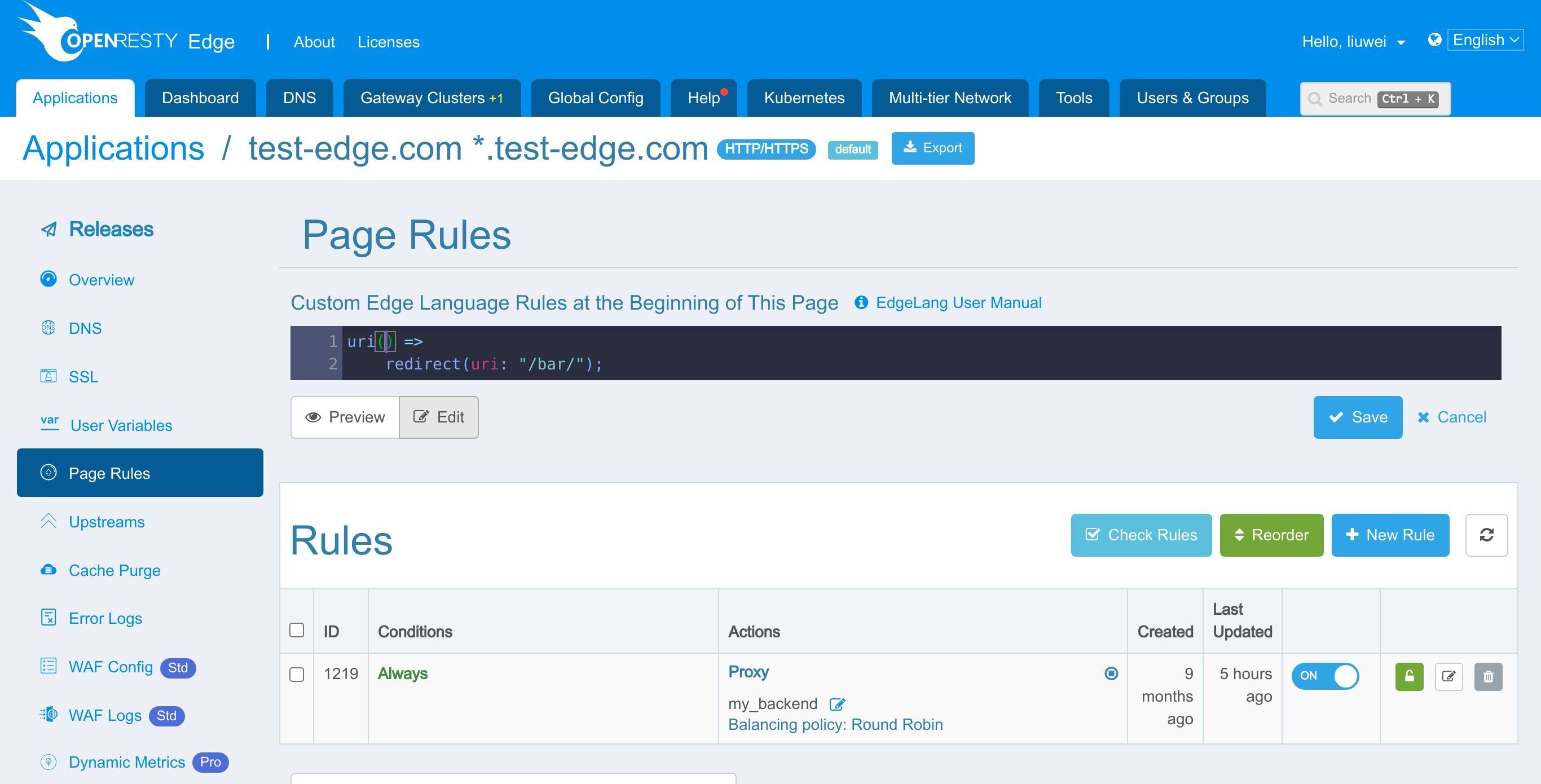
Change it to matching the URI prefix “/foo/”.
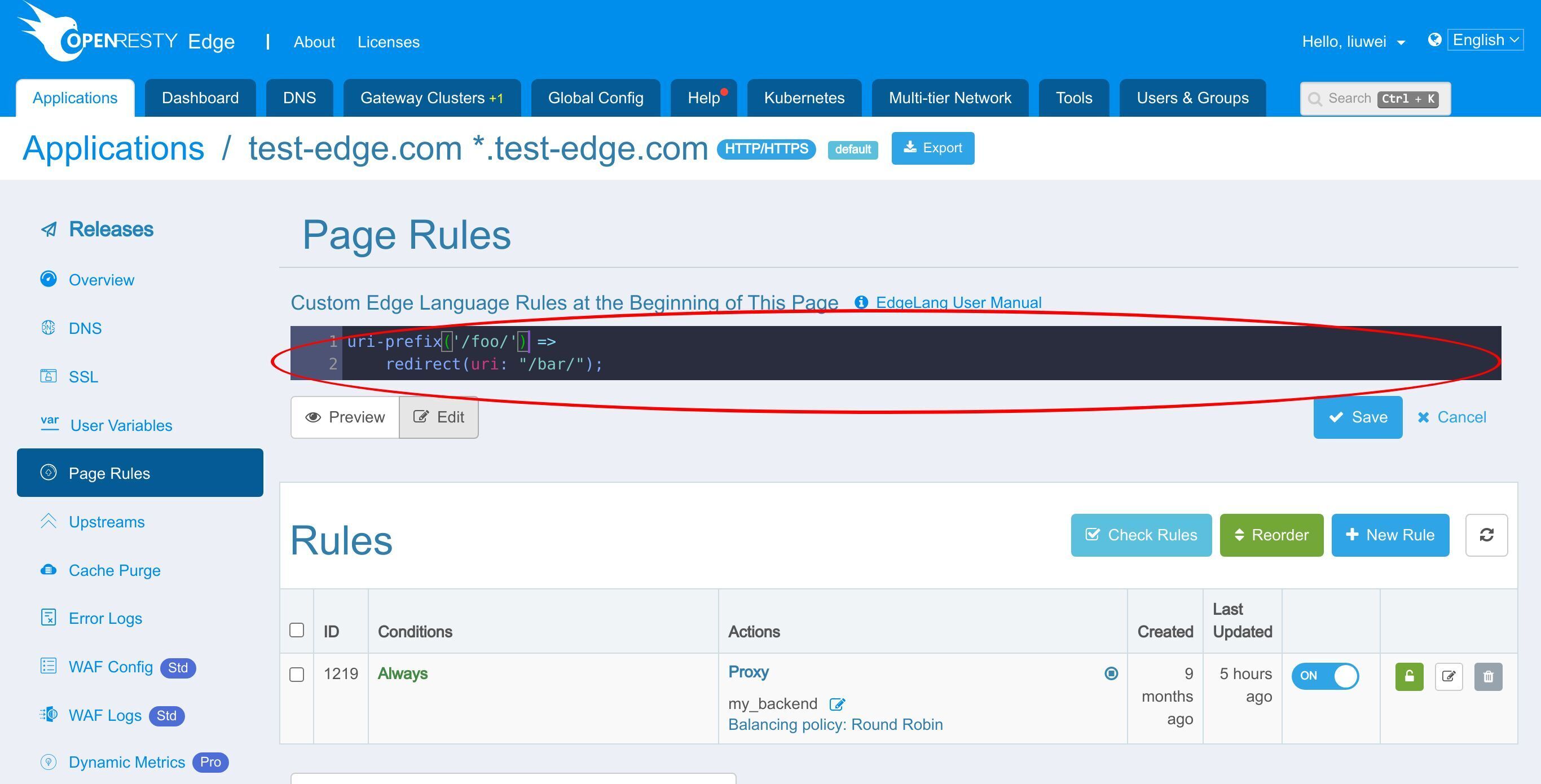
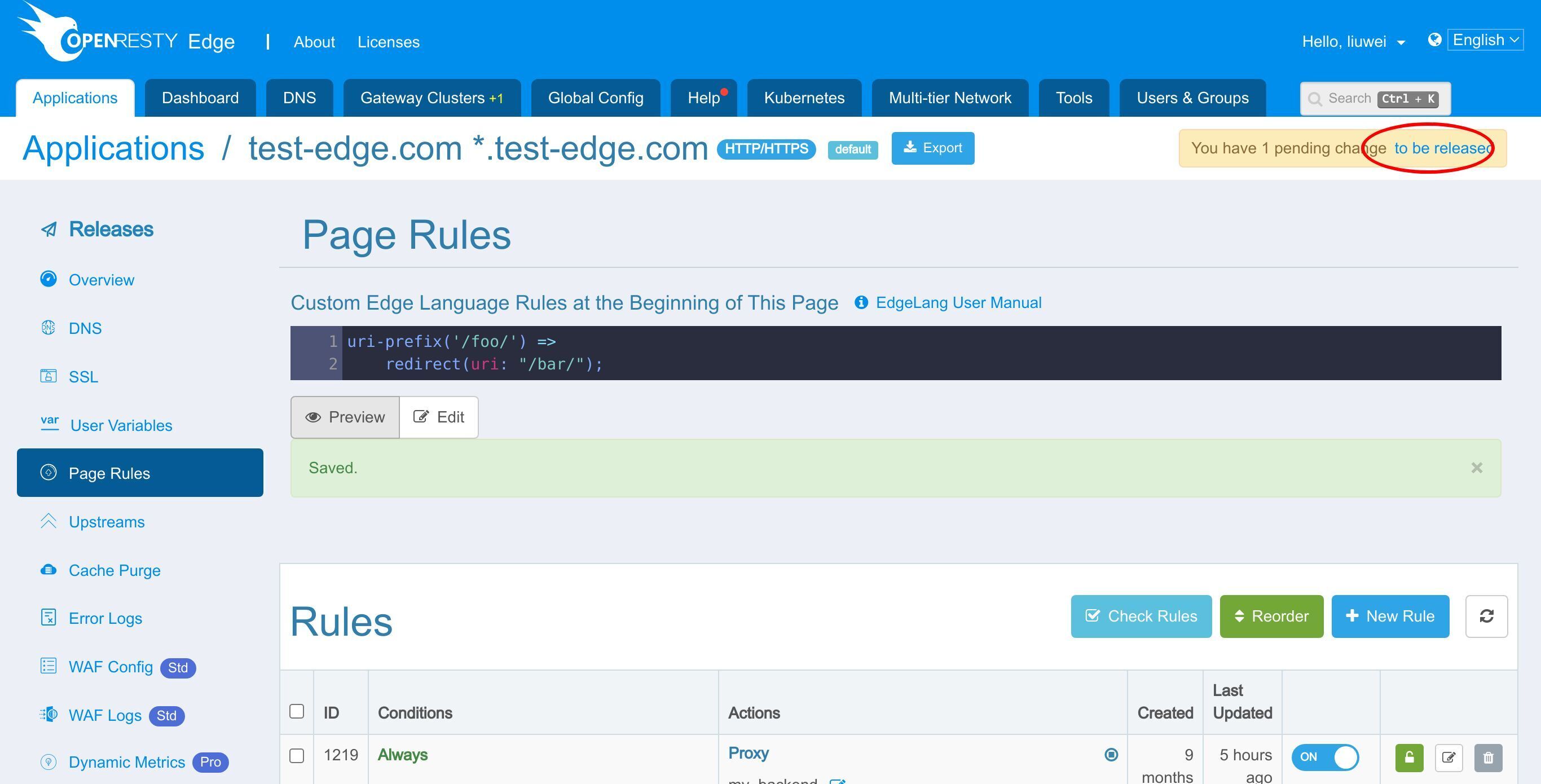
Save the rule.
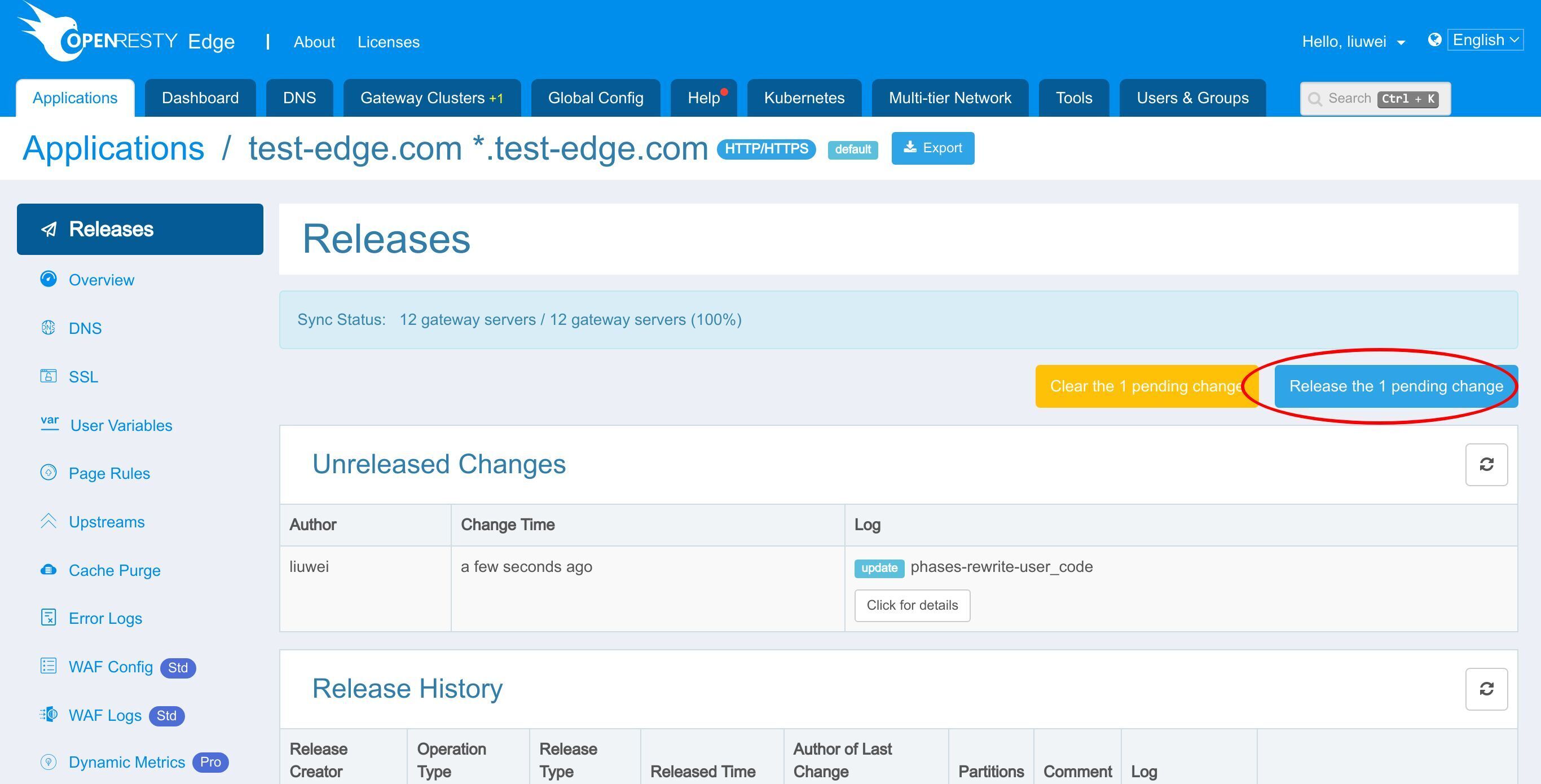
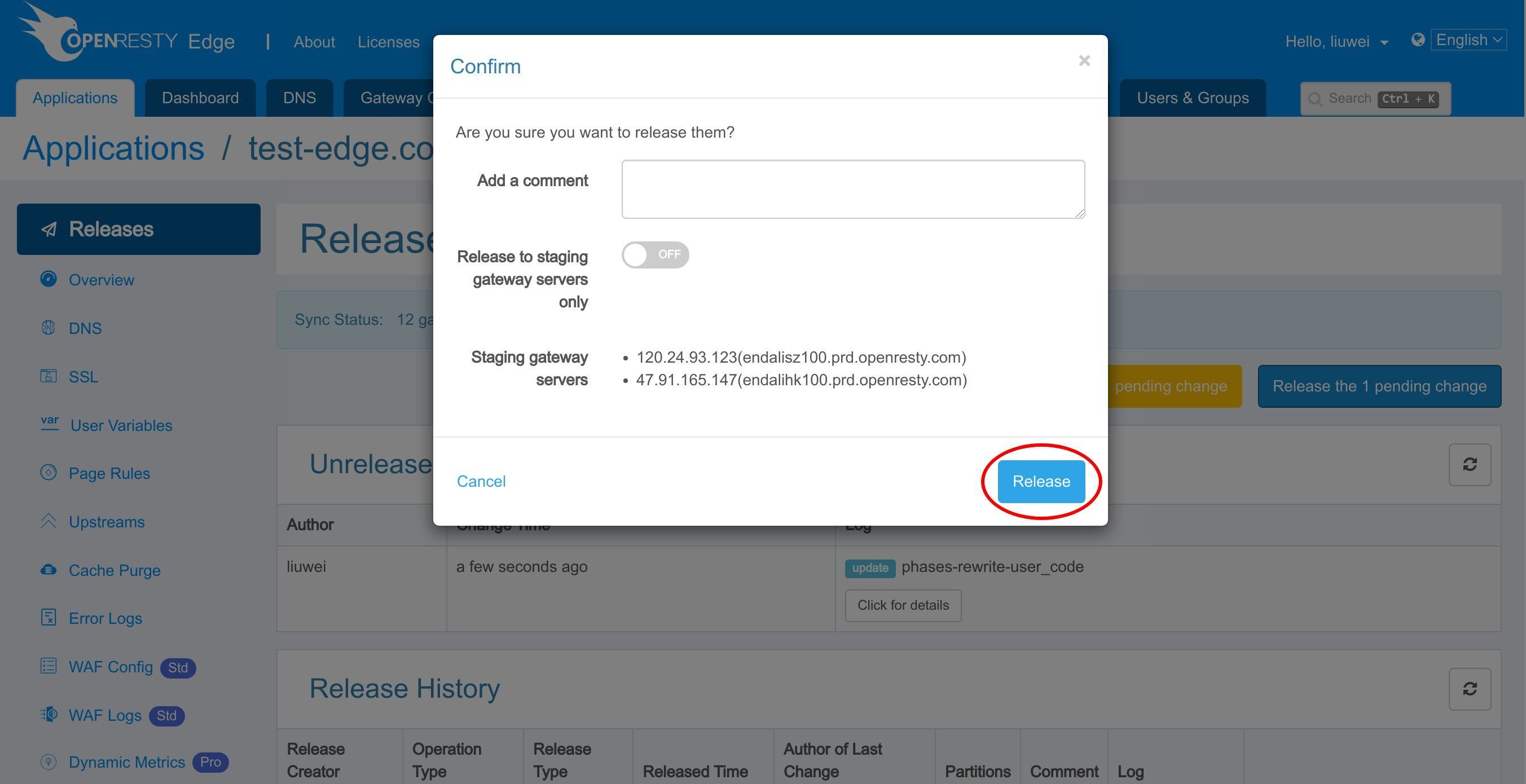
Make a new configuration release again.
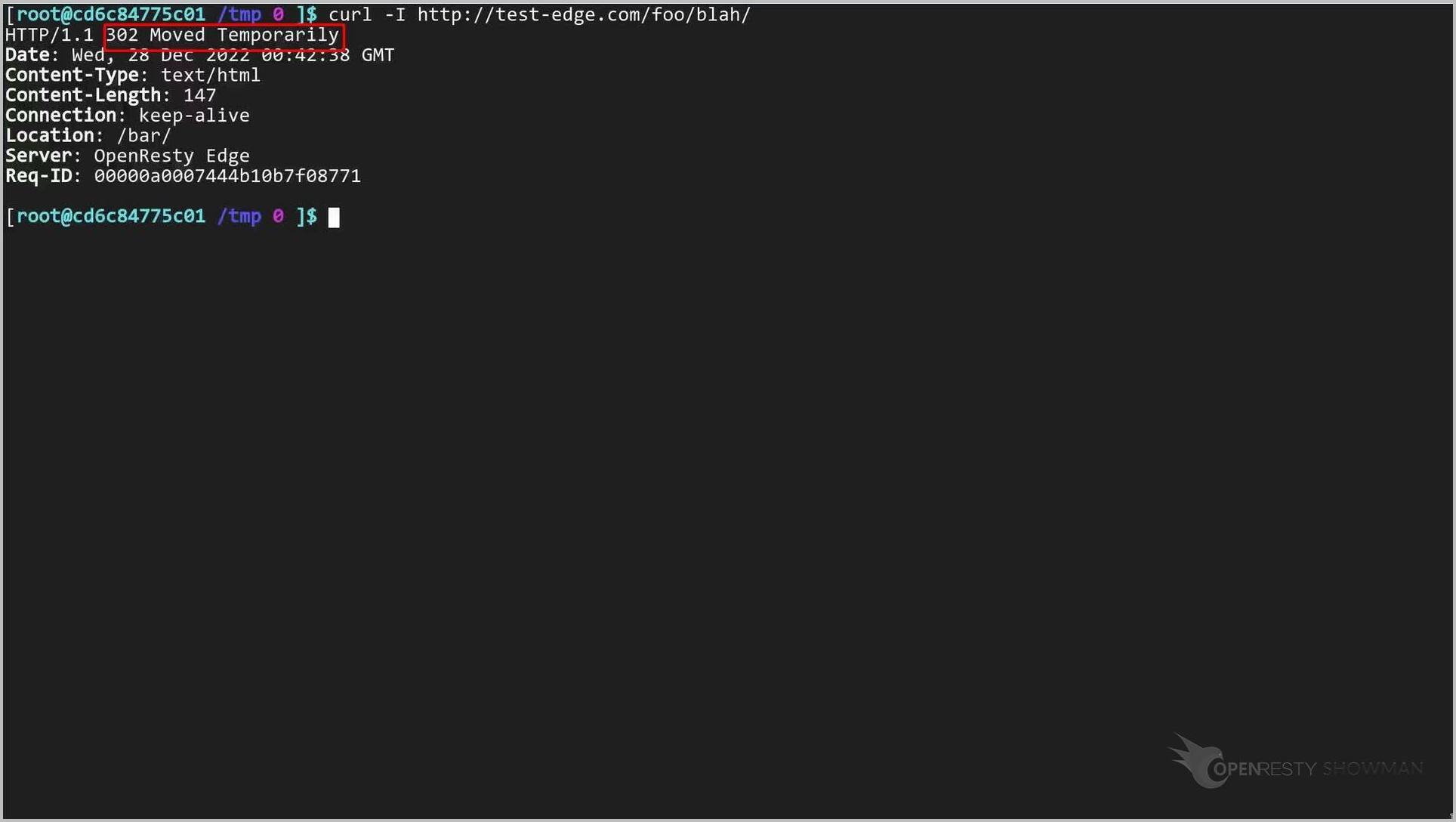
Back to the terminal. Let’s send our previous test request again.
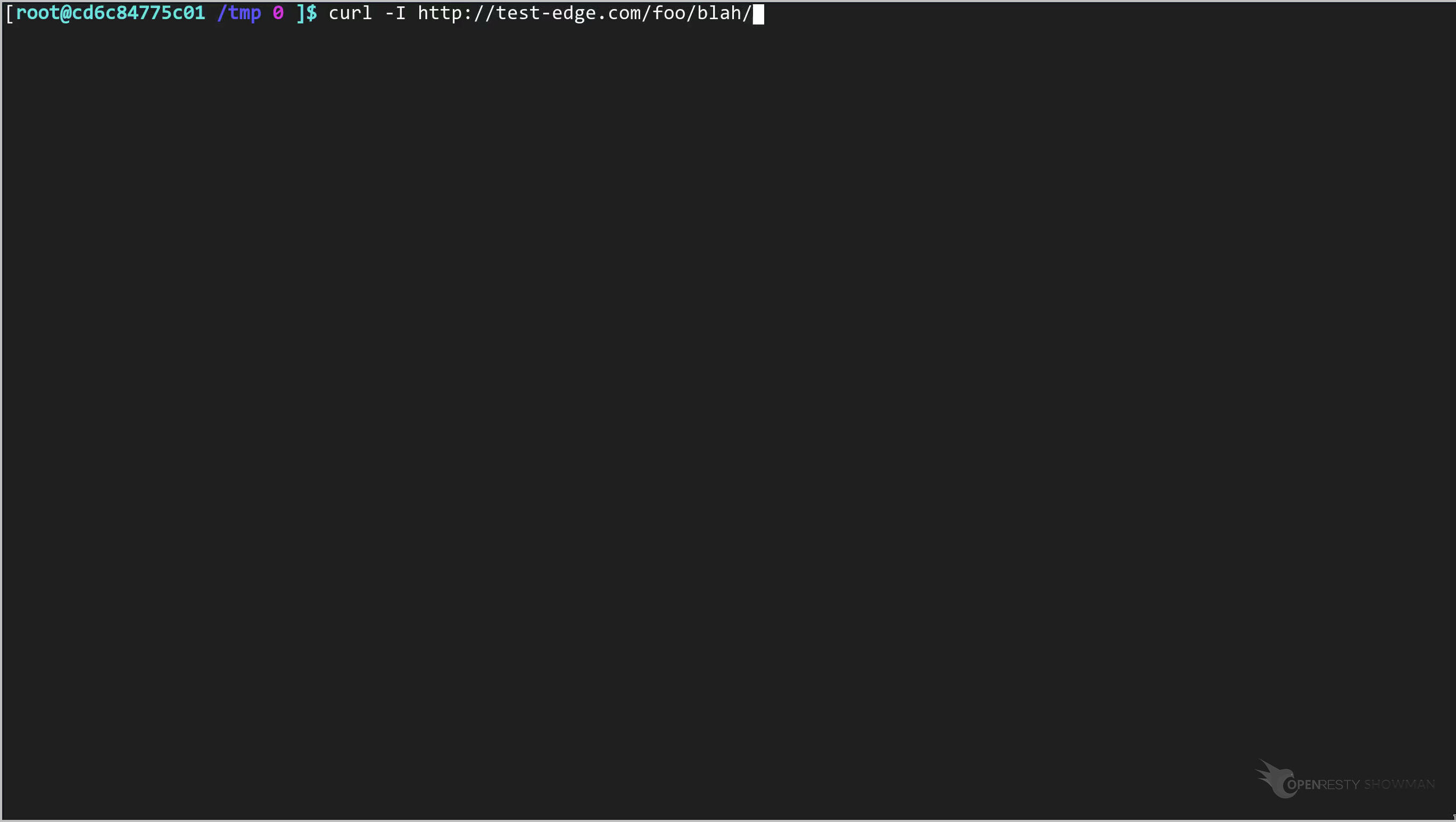
It still takes the “blah/” URI suffix.
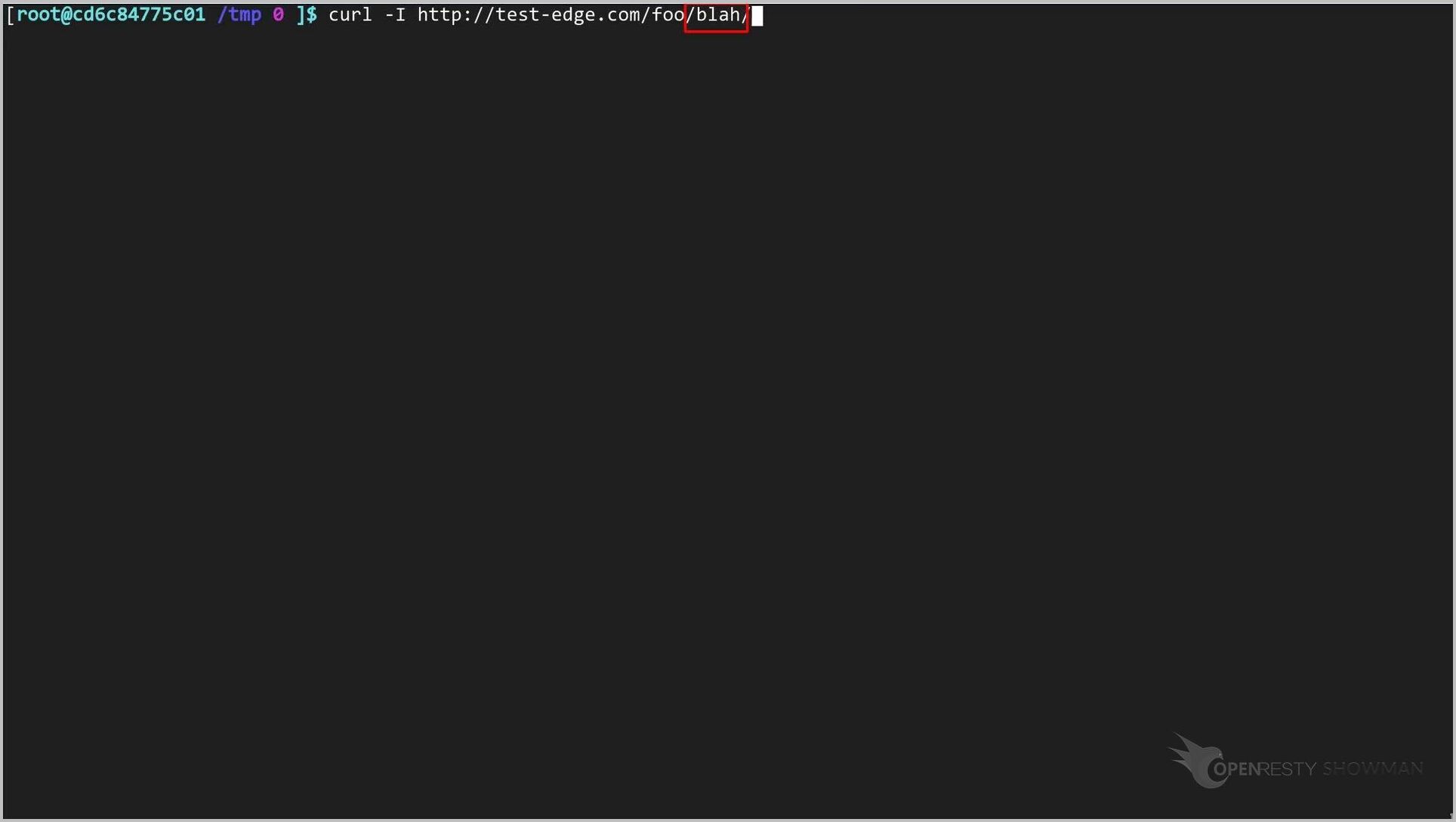
Send the request.
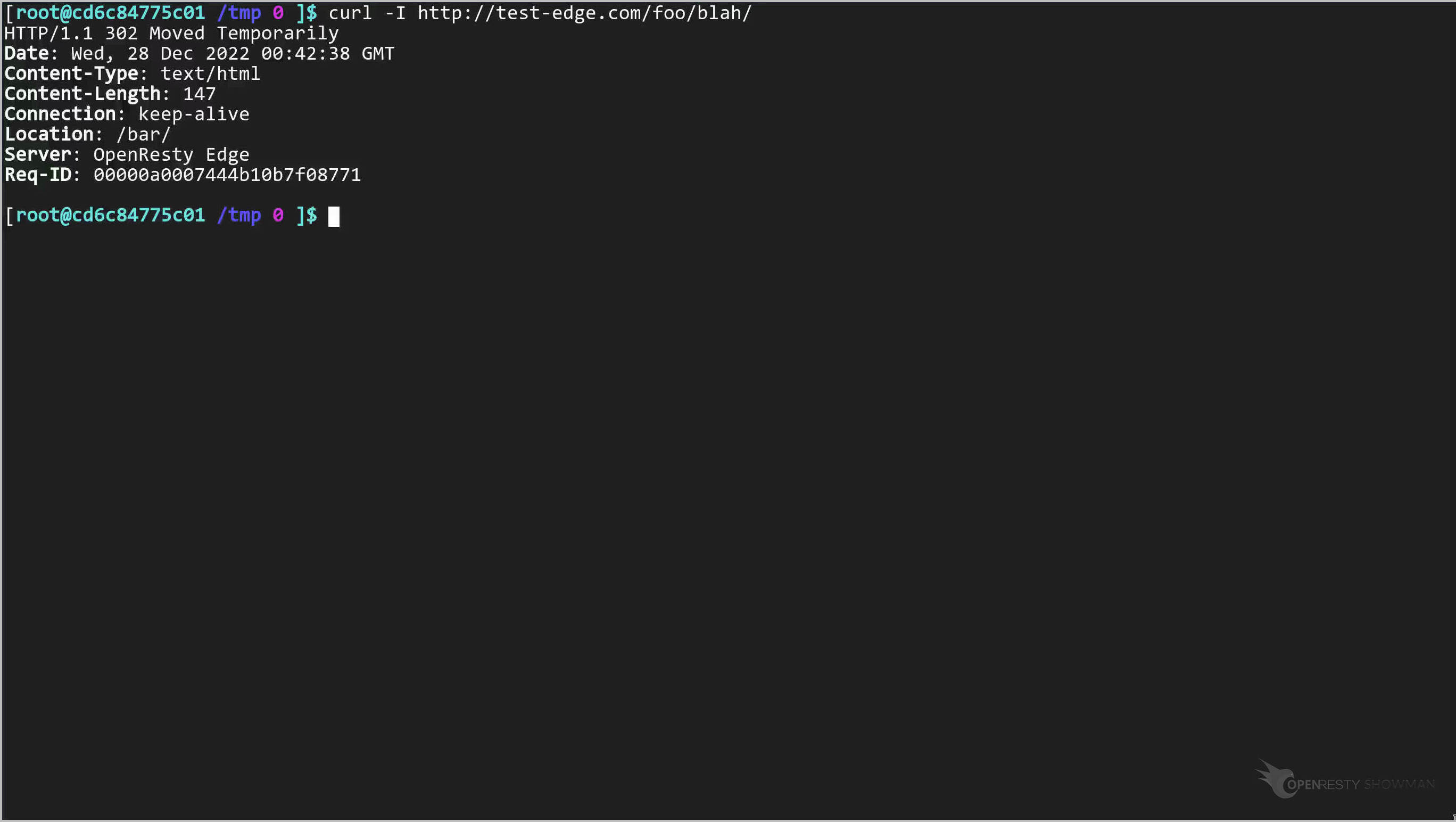
It triggers a redirect and thus hit our Edgelang rule this time.
Next, let’s send an HTTP request without any extra URI suffixes.
curl -I http://test-edge.com/foo/
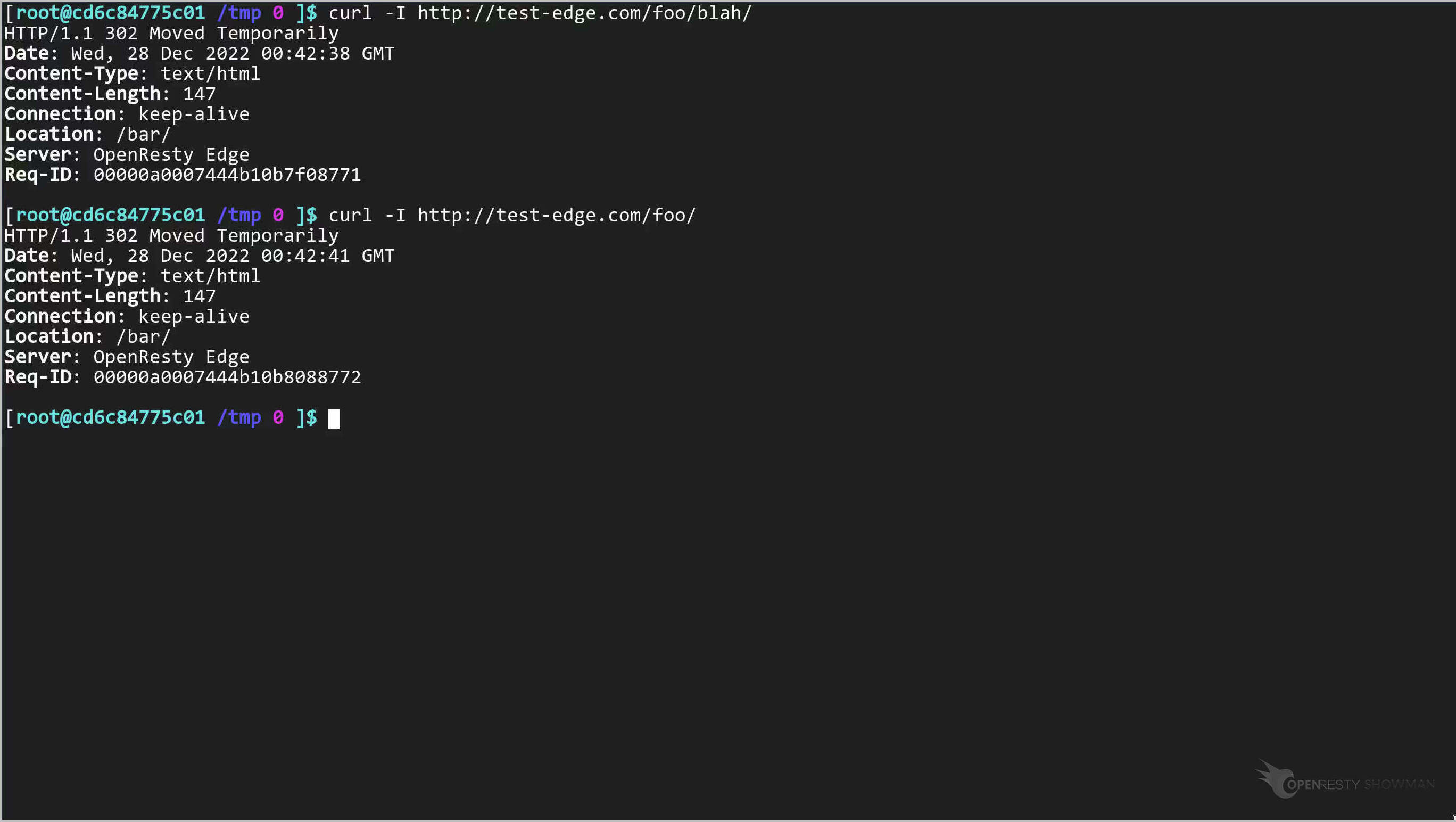
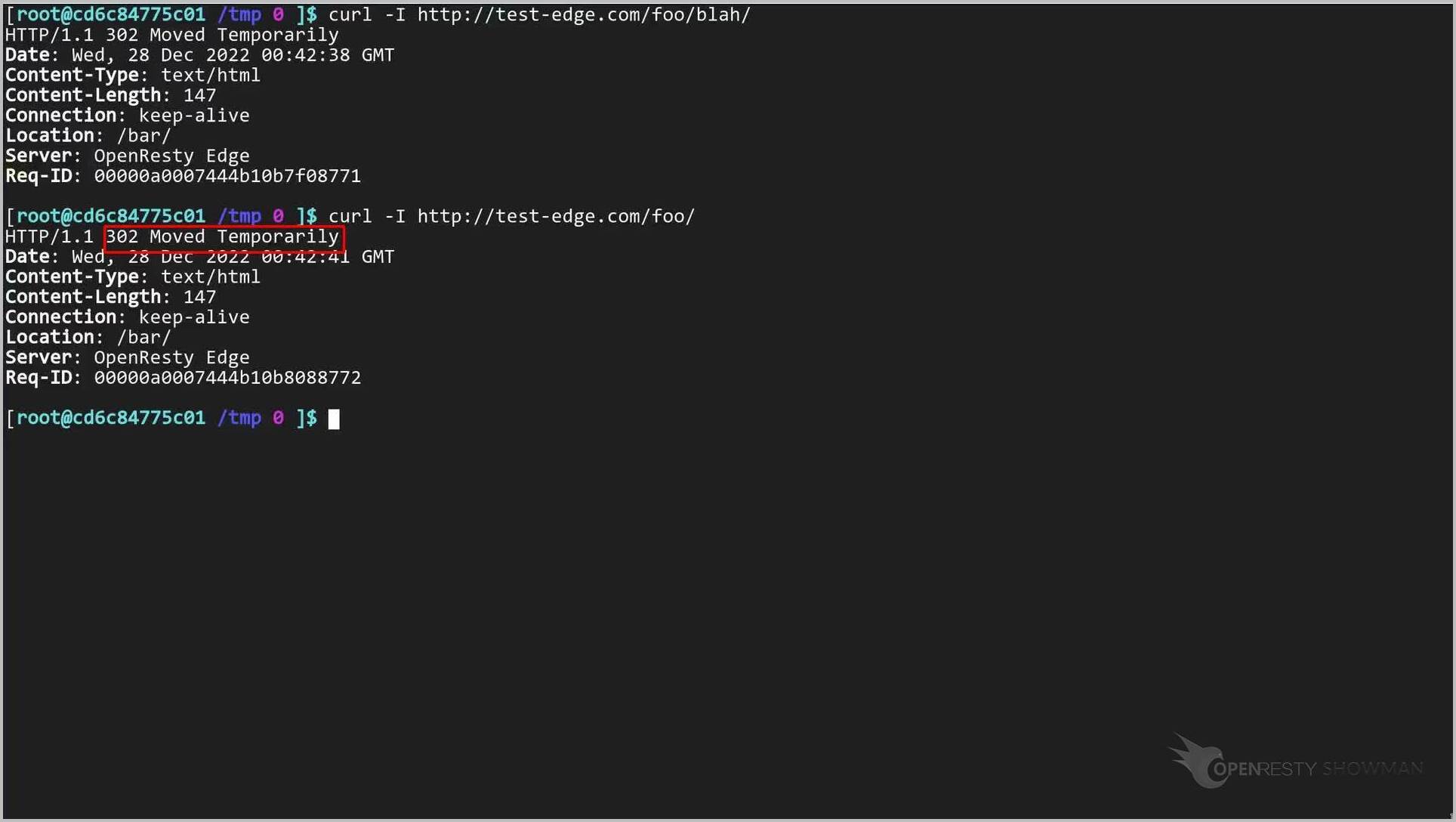
It is still a hit.
How to Write WAF Rules in EdgeLang
We could use Edgelang in many different places of the web console.
For instance, EdgeLang can be used to add custom rules for WAF, or the Web Application Firewall. For a deeper look at the programmable WAF itself — including how to enable, test, and block attacks and its performance benchmark against ModSecurity — see those dedicated tutorials.
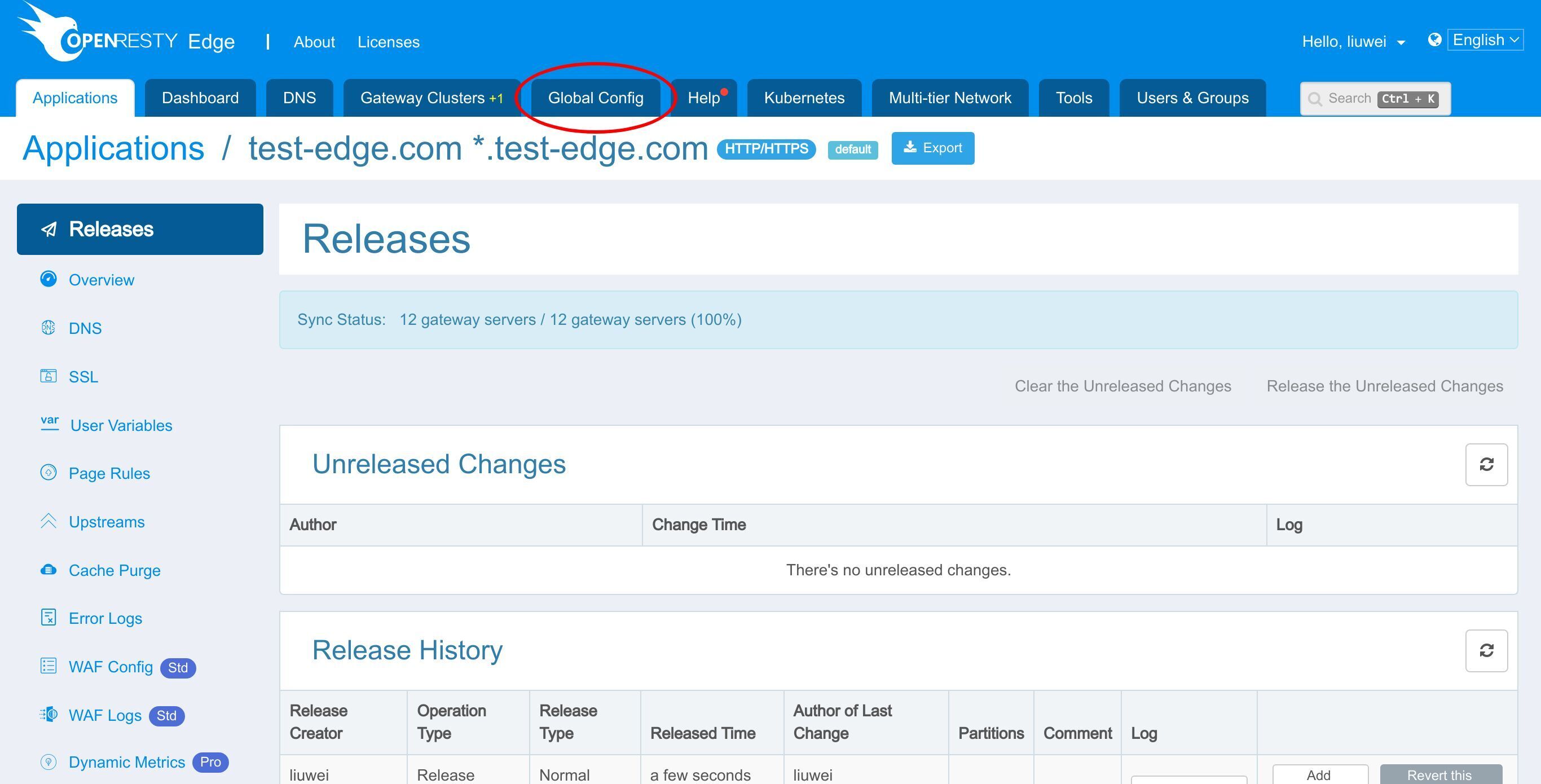
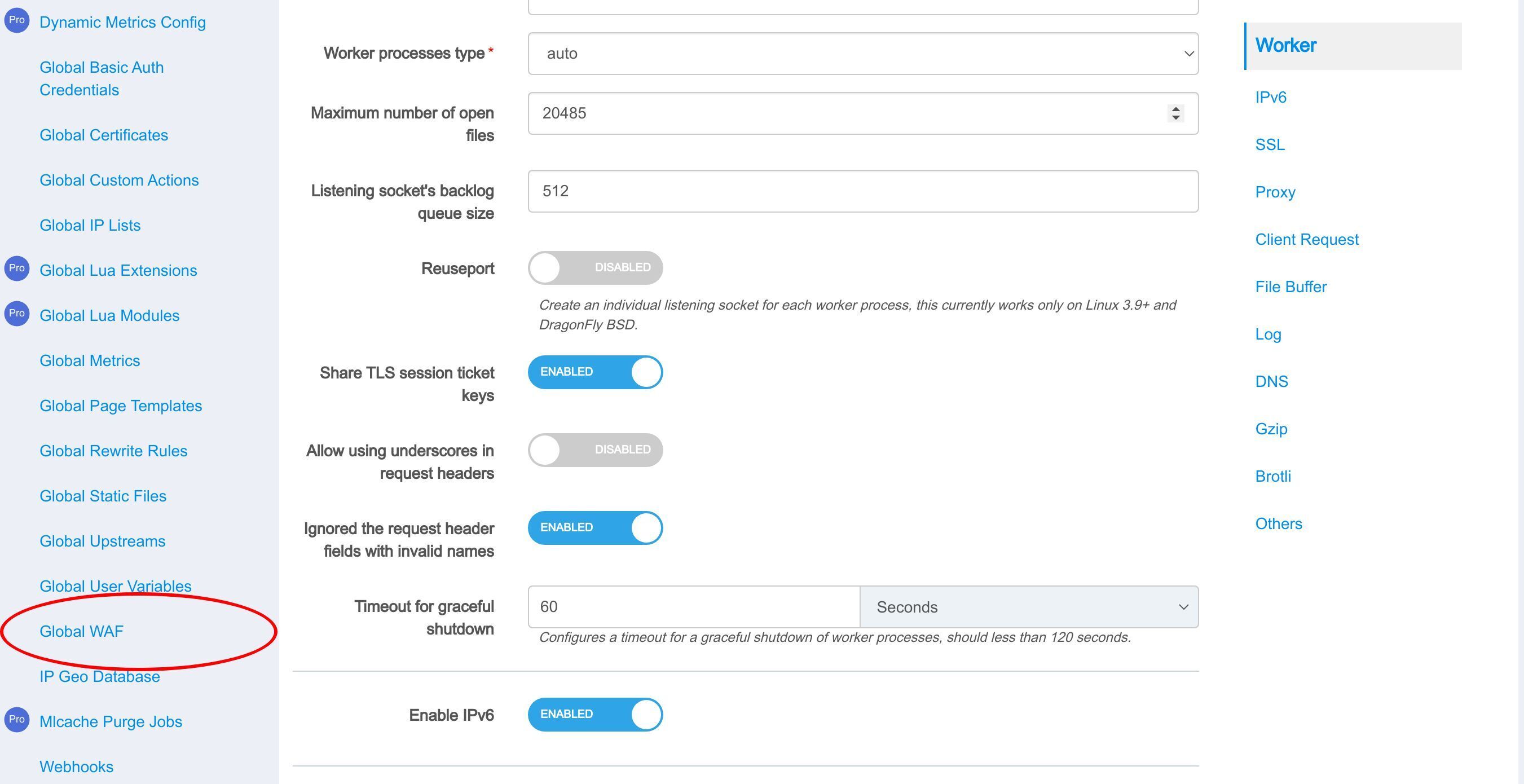
Create a new WAF rule.
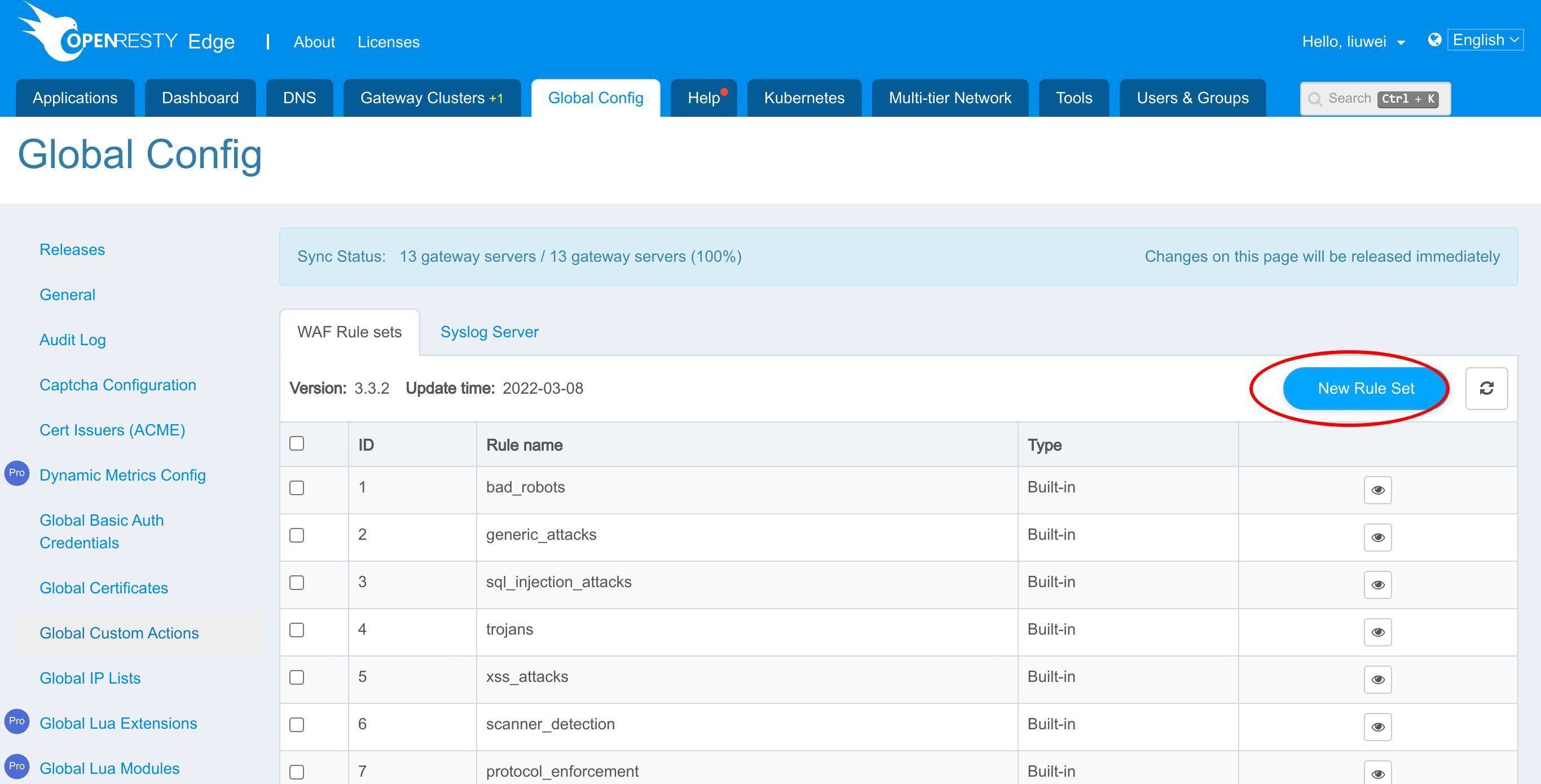
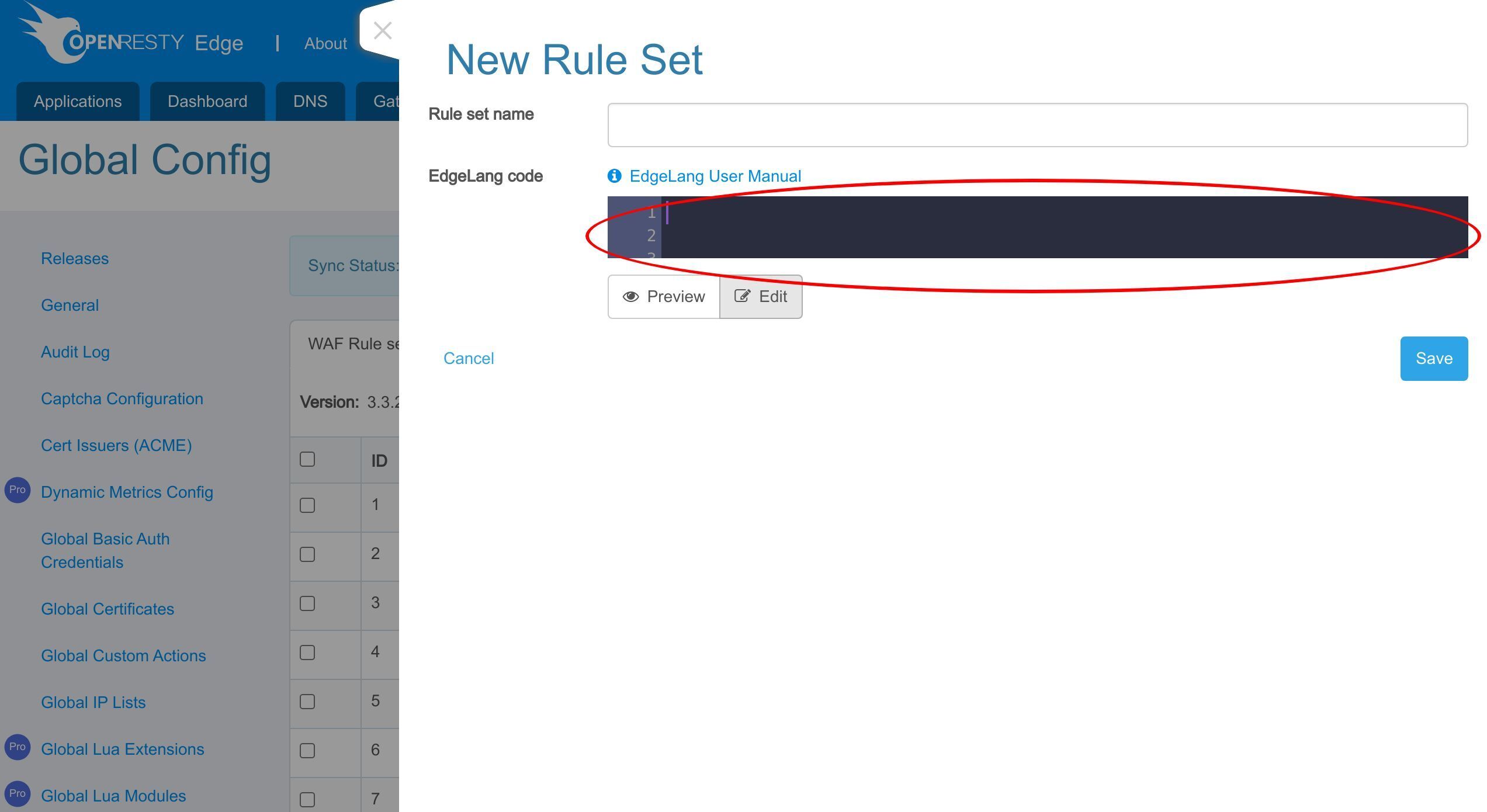
Write Edgelang here.
EdgeLang User Manual and More Examples
Our self-designed gateway DSL EdgeLang is a very powerful language with many features. It supports calling custom Lua modules and Lua code, or any .so dynamic link library — see calling Lua modules from EdgeLang for a worked example. Its compiler supports cross-rules deep optimization.
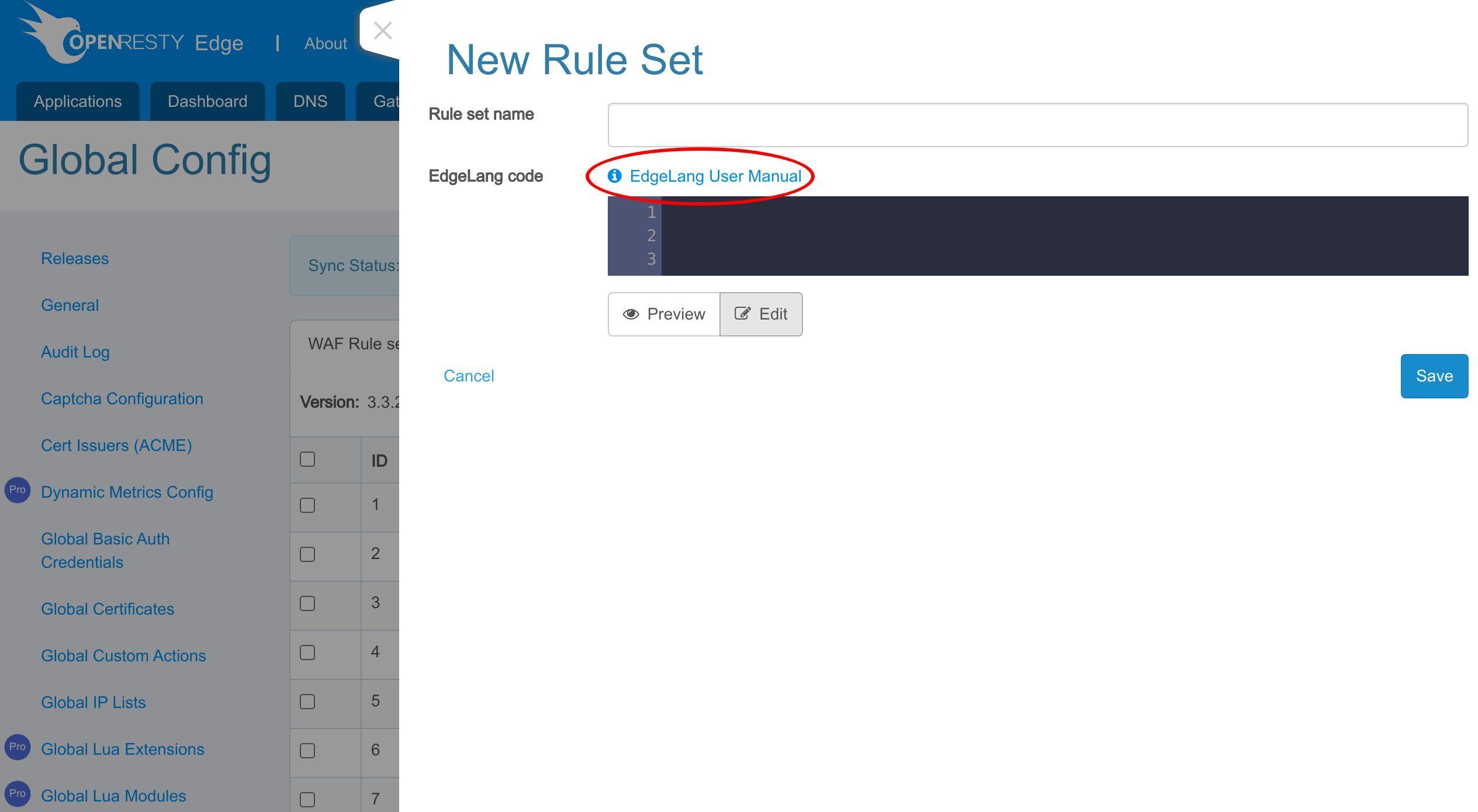
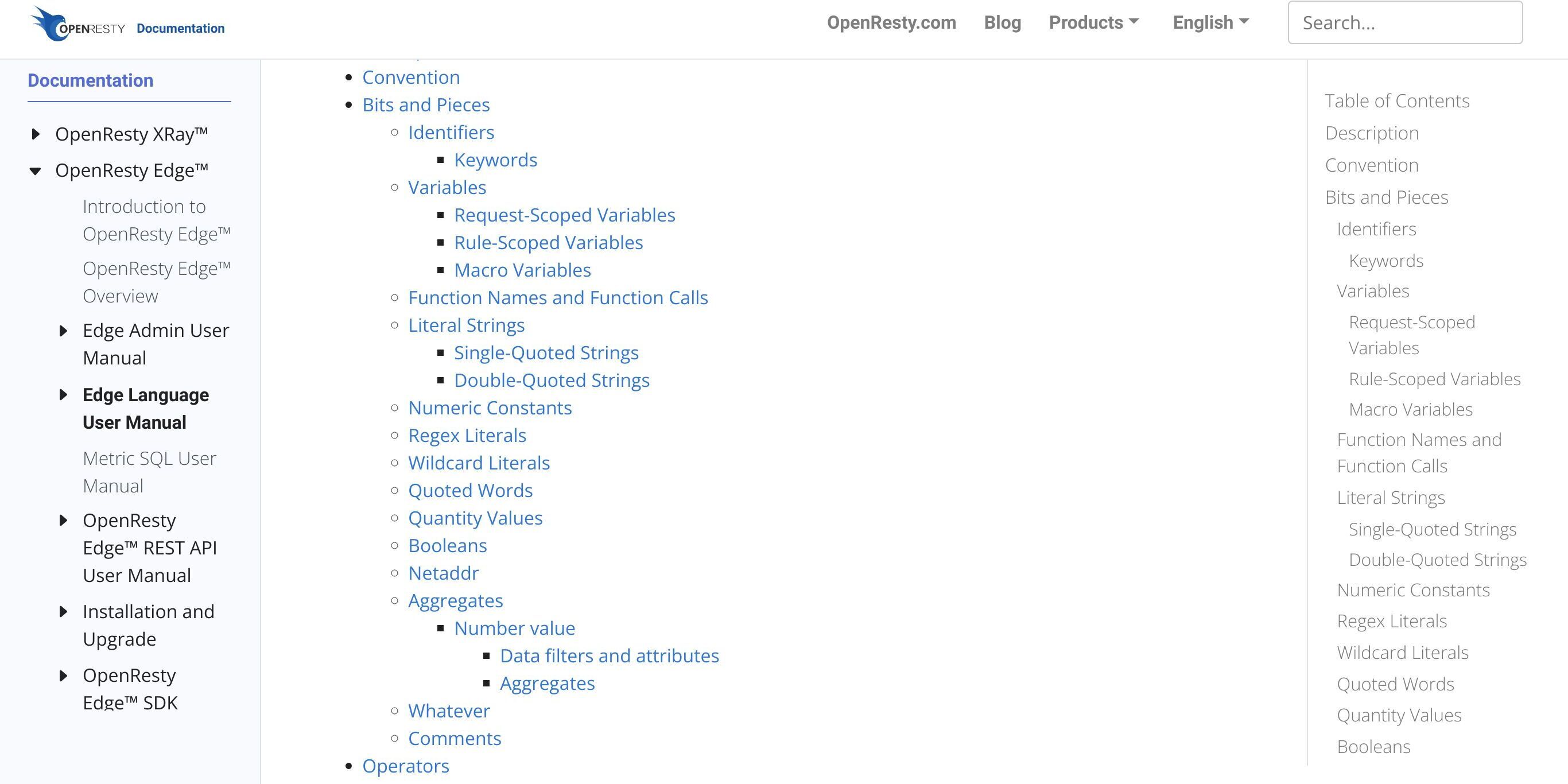
Feel free to read our Edgelang User Manual to learn more.

There are many code examples.
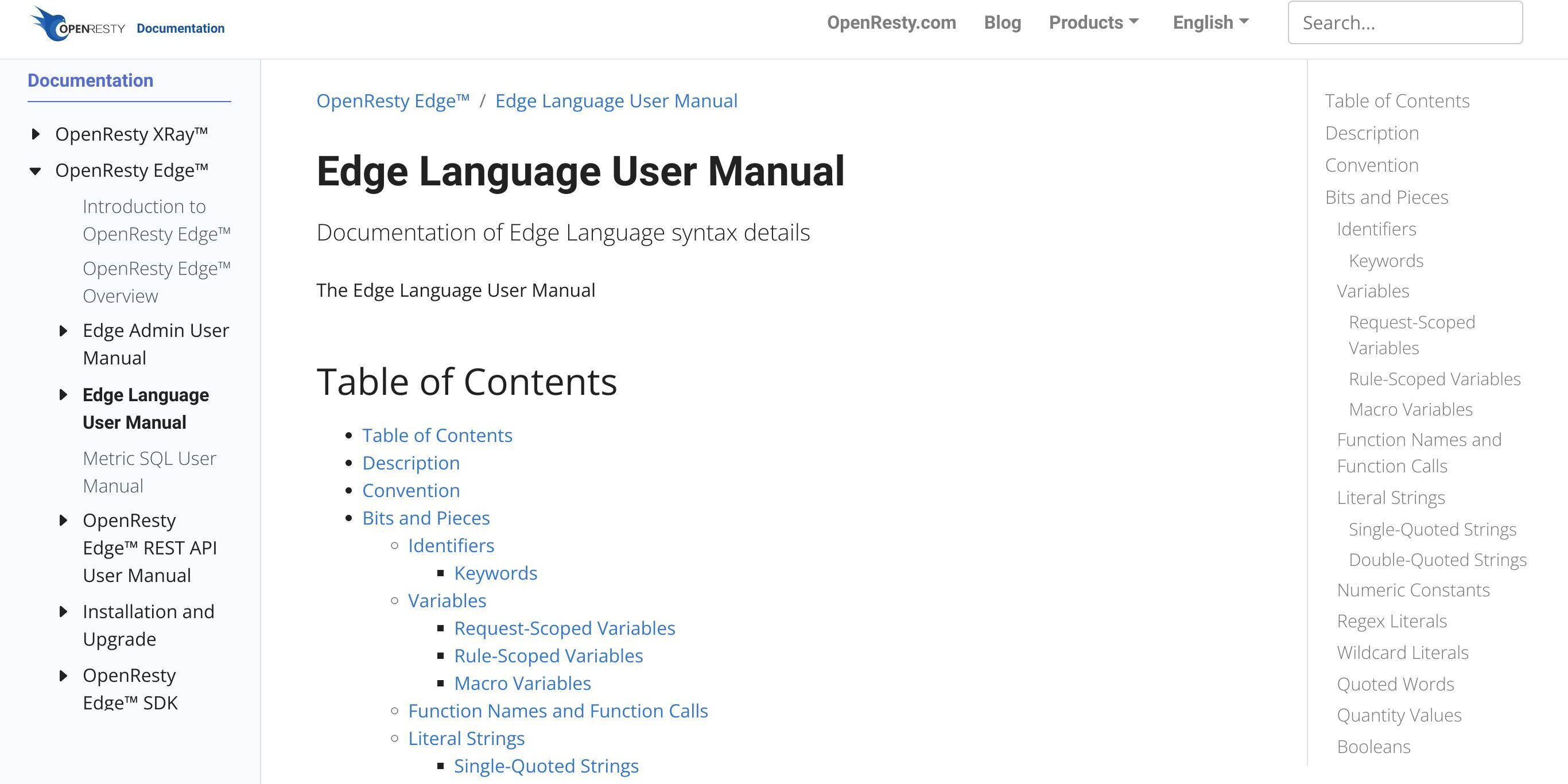
And they explain various usage of Edgelang in great detail.
Frequently Asked Questions
How do you write an EdgeLang rule?
An EdgeLang specification consists of rules. Each rule has two parts — a condition and a consequent (a list of actions) — connected by an arrow (=>) and terminated by a semicolon. A rule can combine many conditions with AND/OR and take several actions in its consequent. For example, a rule whose condition matches the URI /foo/ can trigger an action that redirects the request to /bar/.
Do EdgeLang changes require a gateway reload or restart?
No. After you edit EdgeLang rules, you make a new configuration release and it synchronizes to all gateway servers and clusters. The changes do NOT require any server reload, restart, or binary upgrade, which makes rolling out new rules very efficient and scalable.
Can EdgeLang define WAF rules?
Yes. Besides page rules, EdgeLang can be used in many places in the web console, including custom rules for the Web Application Firewall (WAF). You write the EdgeLang directly in the WAF rule editor, using the same condition-and-action syntax.
What is the difference between exact and prefix matching in EdgeLang?
An exact-match condition on /foo/ fires only when the URI is exactly /foo/, so a request to /foo/blah/ is not hit. If you want the rule to also cover sub-paths, change the condition to match the URI prefix /foo/; then both /foo/ and /foo/blah/ trigger the rule.
What is OpenResty Edge
OpenResty Edge is our all-in-one gateway software for microservices and distributed traffic architectures. It combines traffic management, private CDN construction, API gateway, security, and more to help you easily build, manage, and protect modern applications. OpenResty Edge delivers industry-leading performance and scalability to meet the demanding needs of high concurrency, high load scenarios. It supports scheduling containerized application traffic such as K8s and manages massive domains, making it easy to meet the needs of large websites and complex applications.
If you like this tutorial, please subscribe to this blog site and/or our YouTube channel. Thank you!
About The Author
Yichun Zhang (Github handle: agentzh), is the original creator of the OpenResty® open-source project and the CEO of OpenResty Inc..
Yichun is one of the earliest advocates and leaders of “open-source technology”. He worked at many internationally renowned tech companies, such as Cloudflare, Yahoo!. He is a pioneer of “edge computing”, “dynamic tracing” and “machine coding”, with over 22 years of programming and 16 years of open source experience. Yichun is well-known in the open-source space as the project leader of OpenResty®, adopted by more than 40 million global website domains.
OpenResty Inc., the enterprise software start-up founded by Yichun in 2017, has customers from some of the biggest companies in the world. Its flagship product, OpenResty XRay, is a non-invasive profiling and troubleshooting tool that significantly enhances and utilizes dynamic tracing technology. And its OpenResty Edge product is a powerful distributed traffic management and private CDN software product.
As an avid open-source contributor, Yichun has contributed more than a million lines of code to numerous open-source projects, including Linux kernel, Nginx, LuaJIT, GDB, SystemTap, LLVM, Perl, etc. He has also authored more than 60 open-source software libraries.
Related Articles
OpenResty XRay Jun 5, 2023

OpenResty XRay May 29, 2023

OpenResty XRay Apr 25, 2023

OpenResty XRay Jul 8, 2026

OpenResty XRay Apr 10, 2024