
How to Release and Roll Back Gateway Config in OpenResty Edge: Version Control Without Reload
OpenResty Edge manages gateway configuration with built-in version control: every change stays pending until you make a config release, which pushes it to all gateway clusters at once with no reload, restart, or binary upgrade. Before releasing, you can preview the change as a text or JSON diff, ship it as a Normal or Staging release, and later revert or roll back to any earlier version in one click.
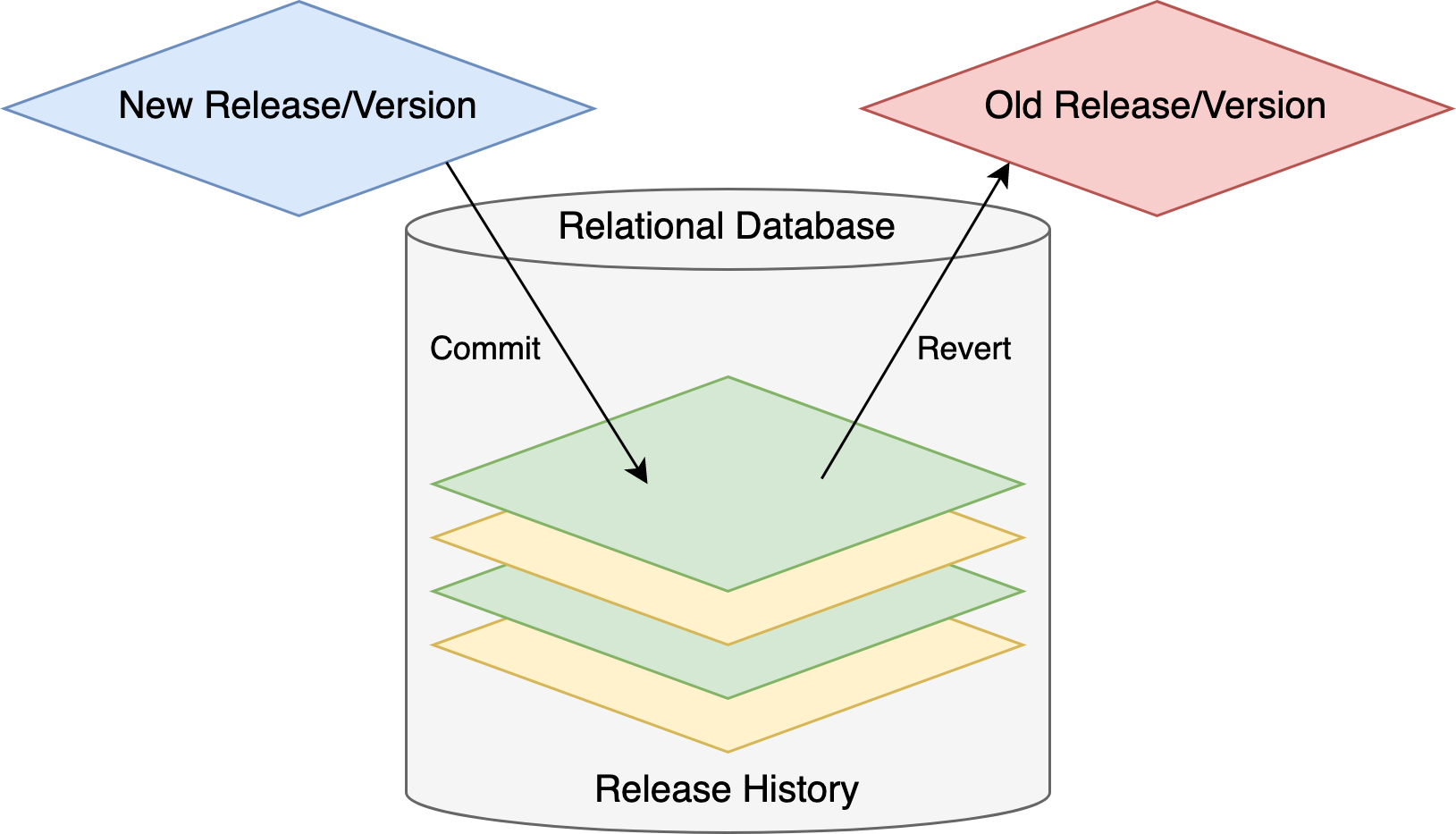
This tutorial walks through the full workflow: create a page rule, release it, modify and re-release it, then revert the latest release and roll back to an earlier one—each step verified with a curl test. The web console’s relational database provides the version control underneath.
Create a page rule for the sample application
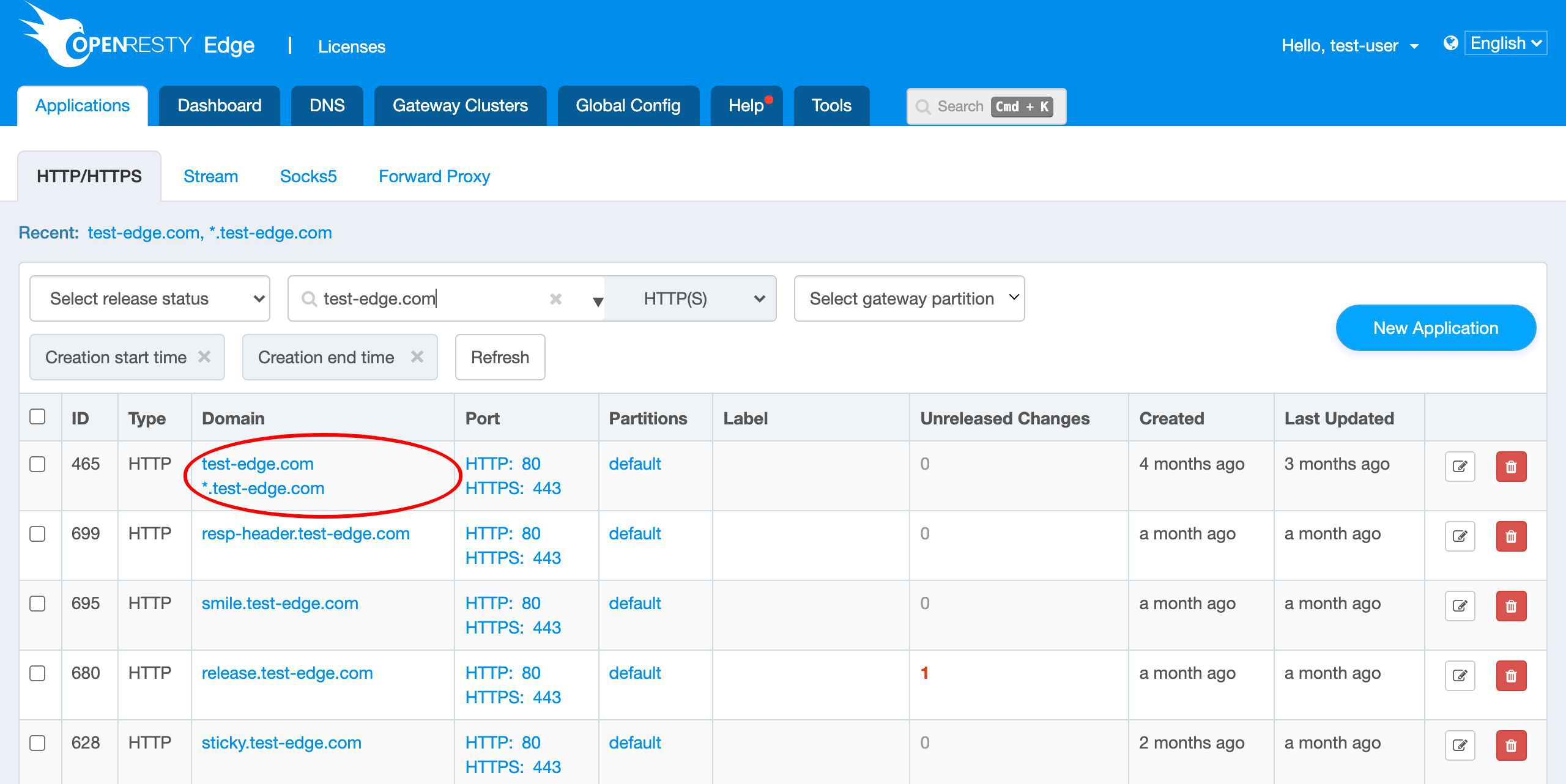
As always, let’s go to the OpenResty Edge’s Admin web console. This is our sample deployment of the console. Every user has her own local deployment.
We still use our continuing sample application for the test-edge.com domain.

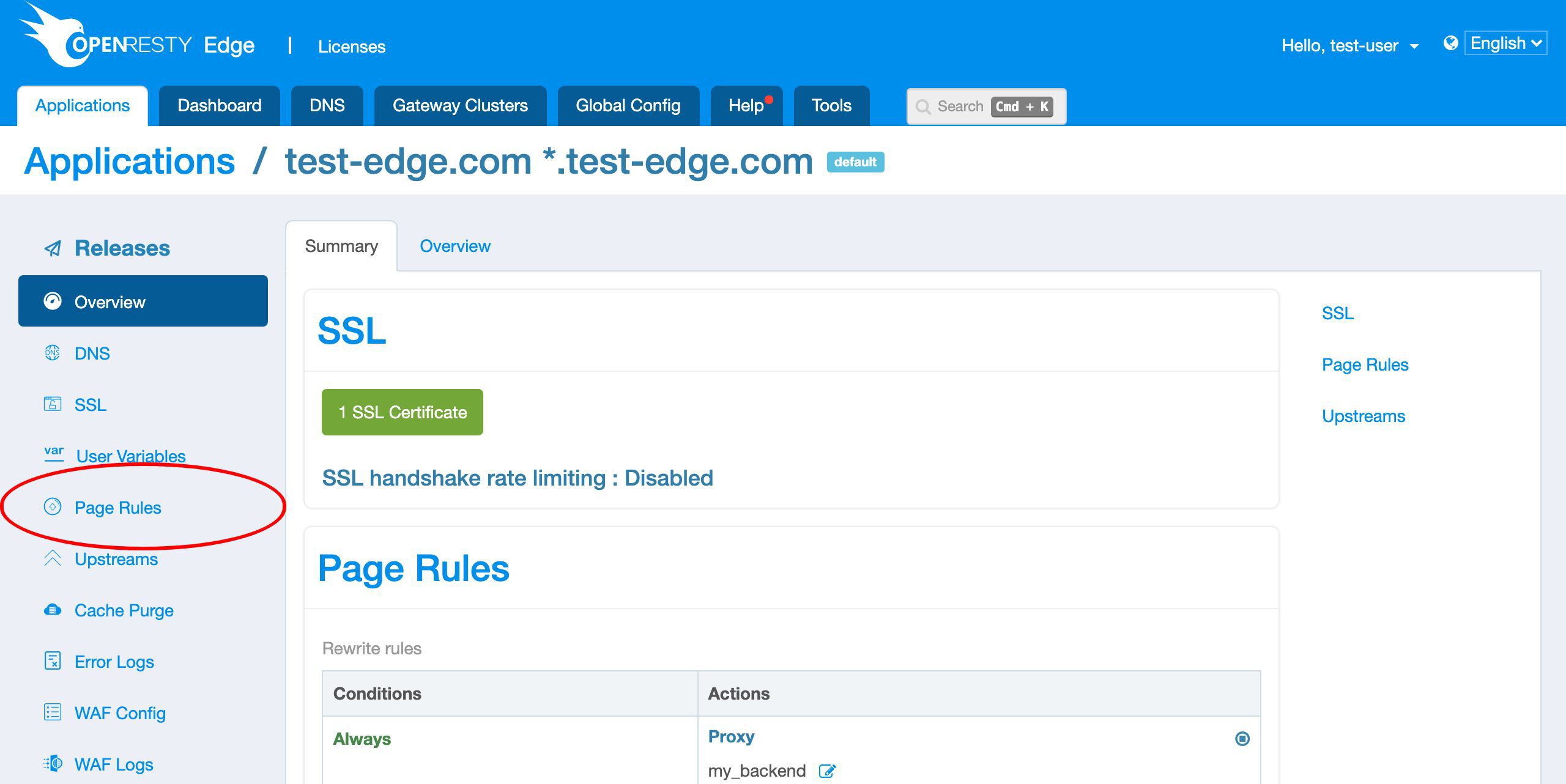
Enter the application.
First we add a simple page rule to output a custom response body.
Create a new page rule.
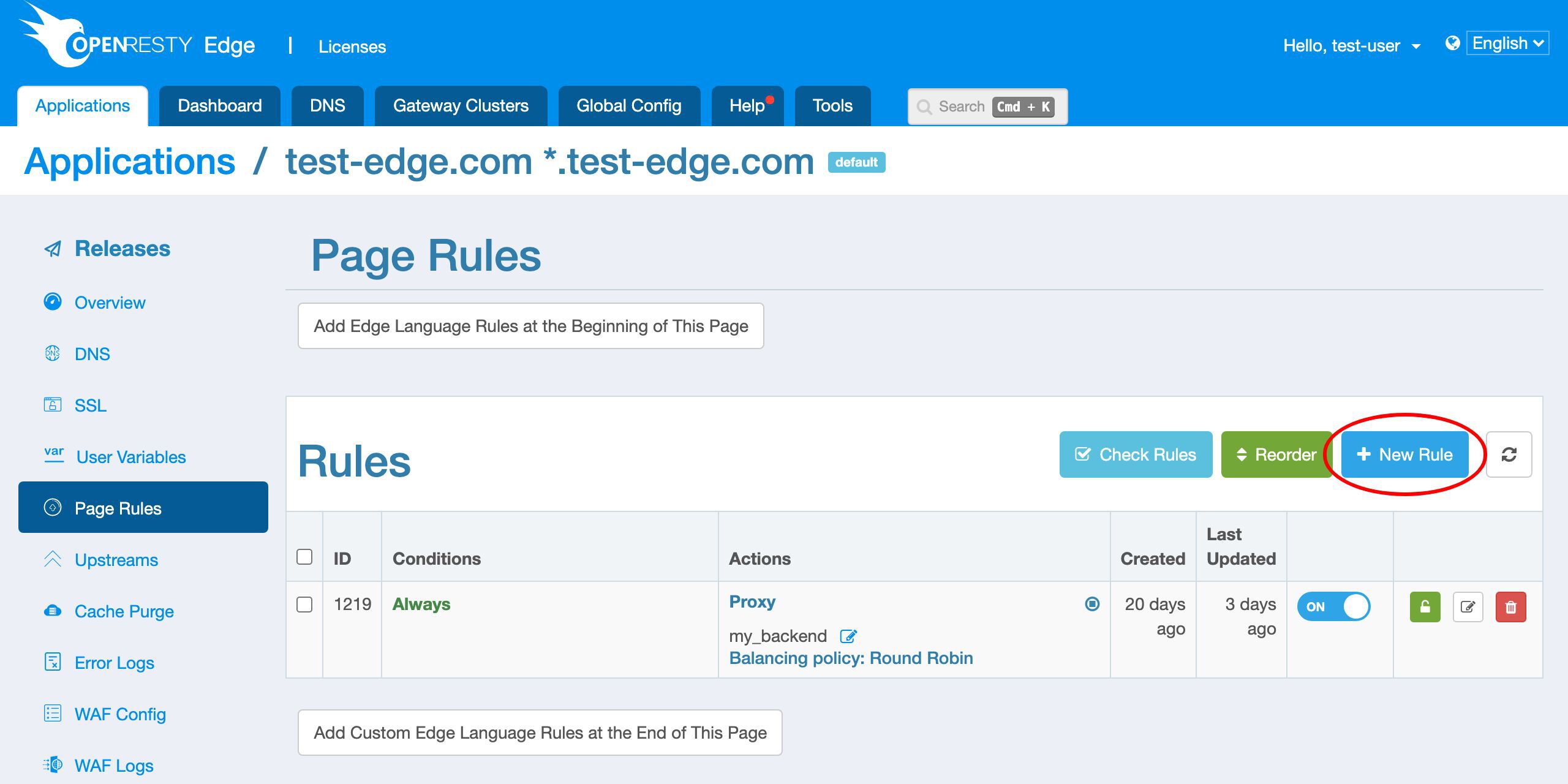
We do not specify a condition for this rule. So it will fire unconditionally.
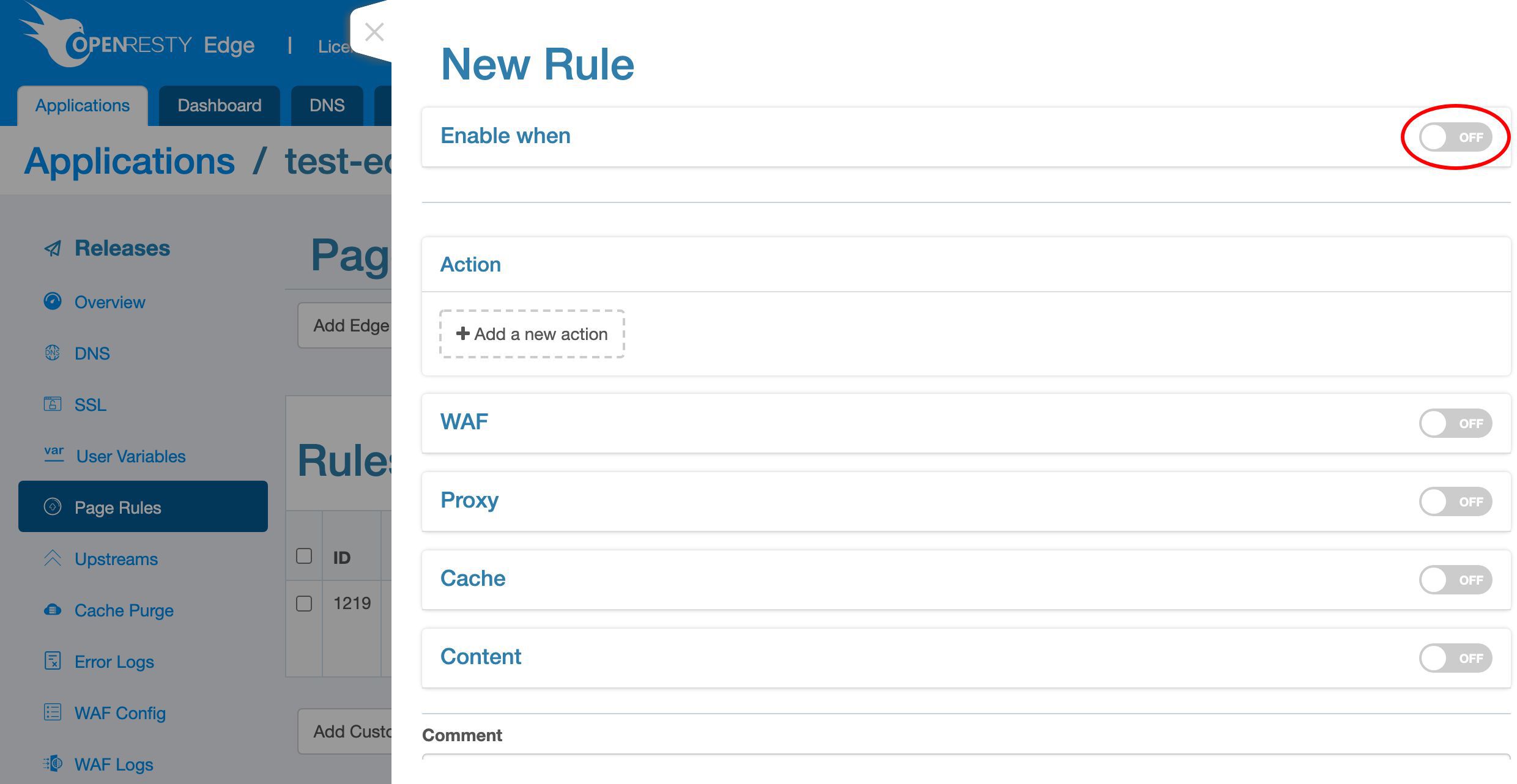
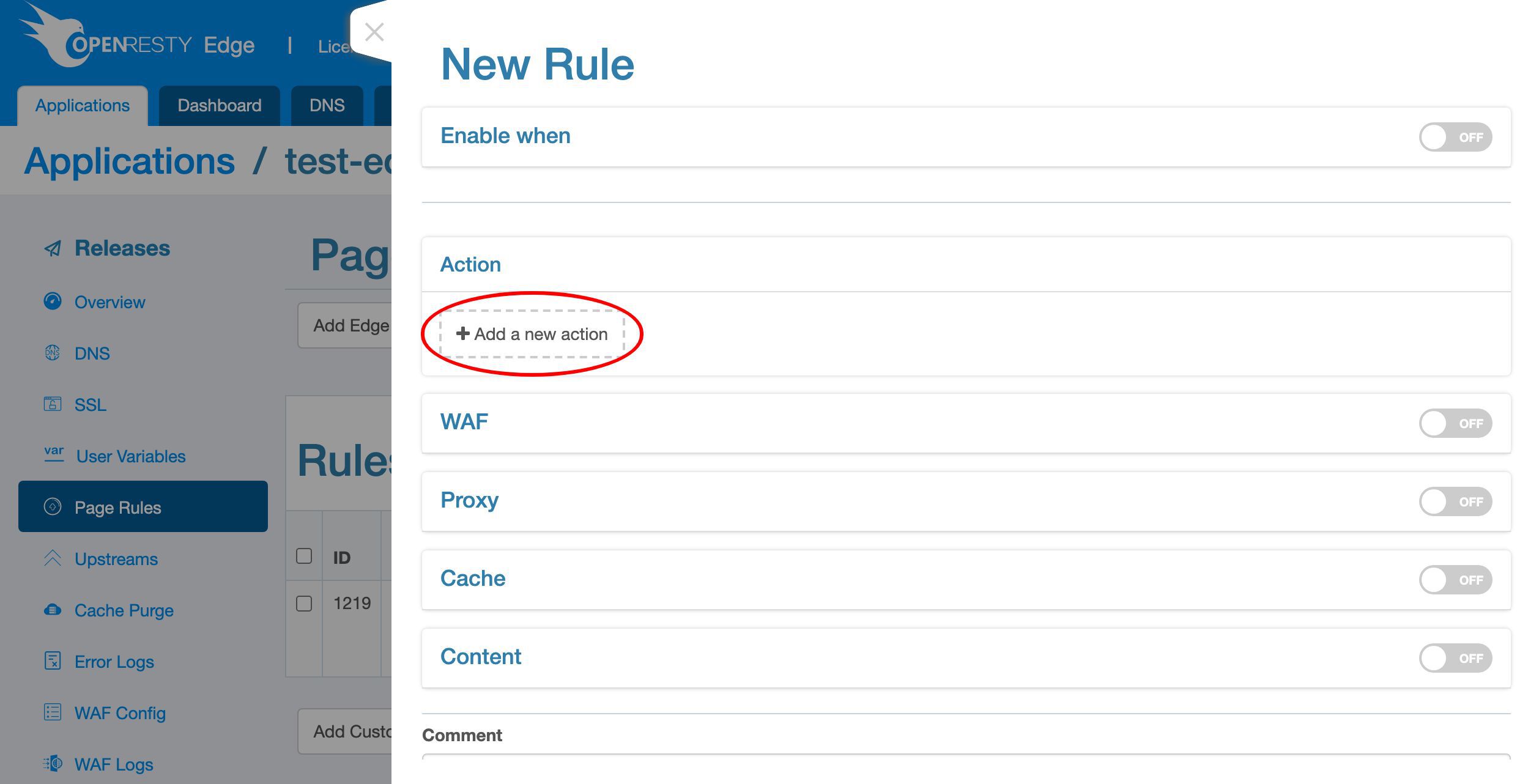
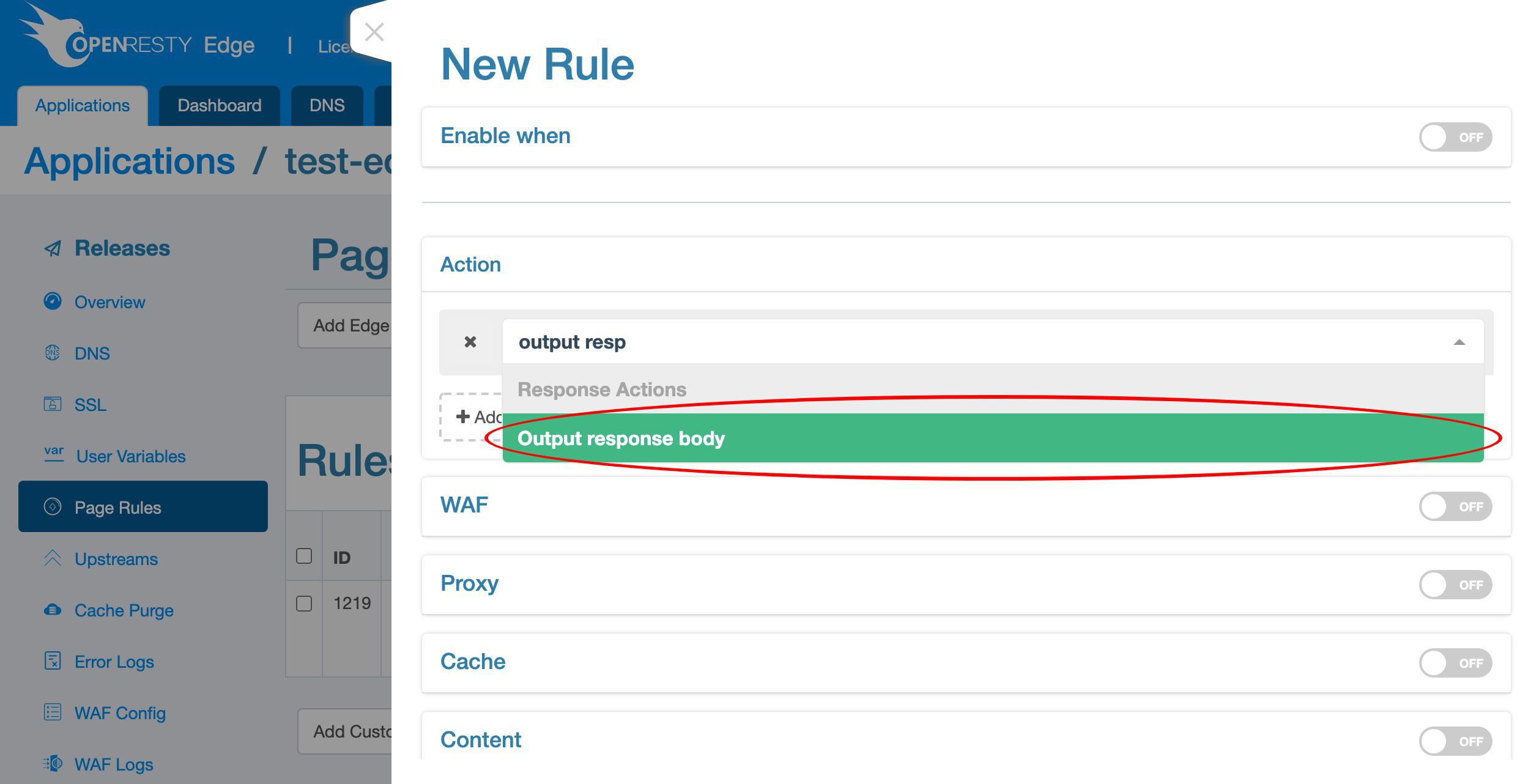
Add a new action for returning a response directly.
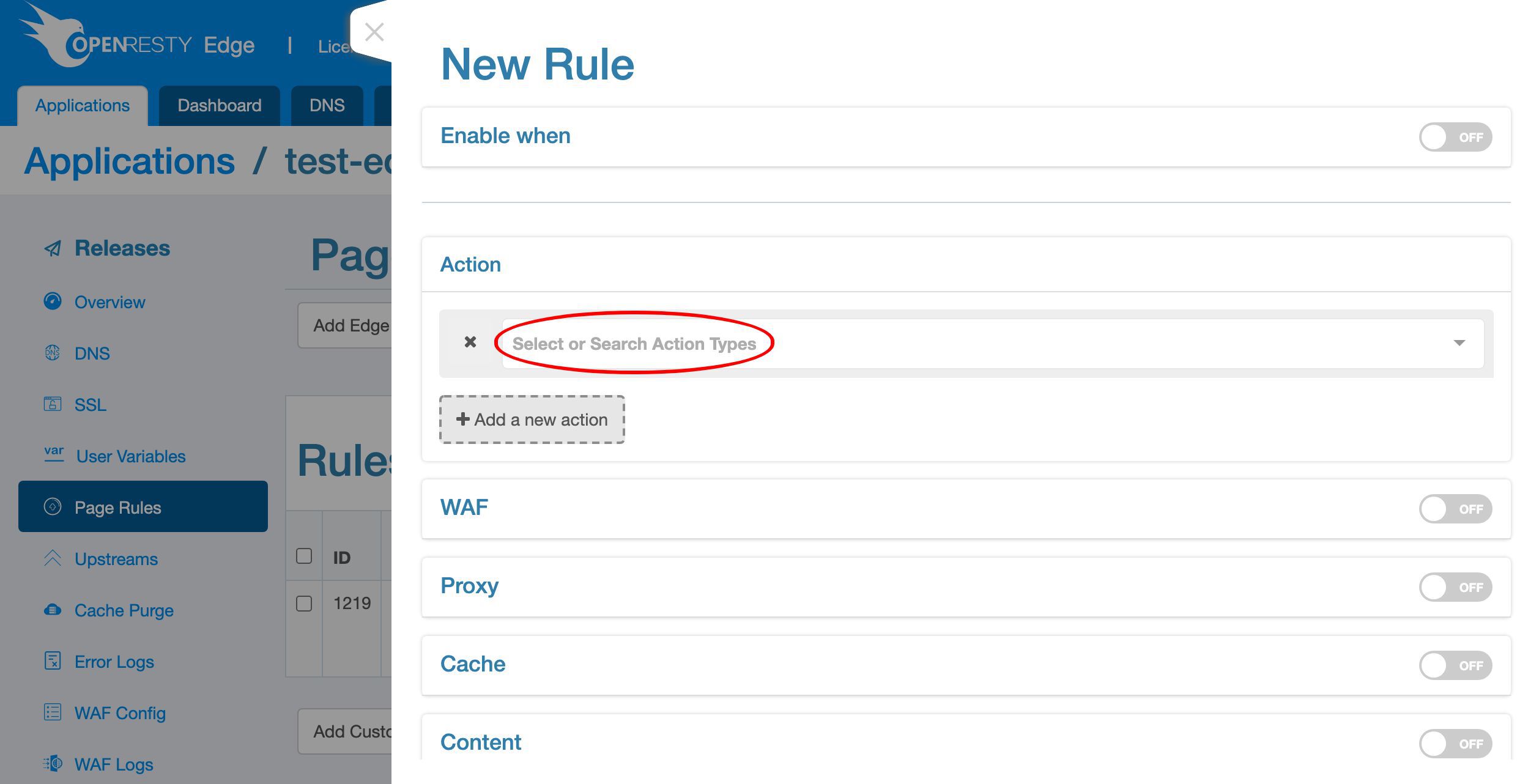
We can search for the “Output response body” action.
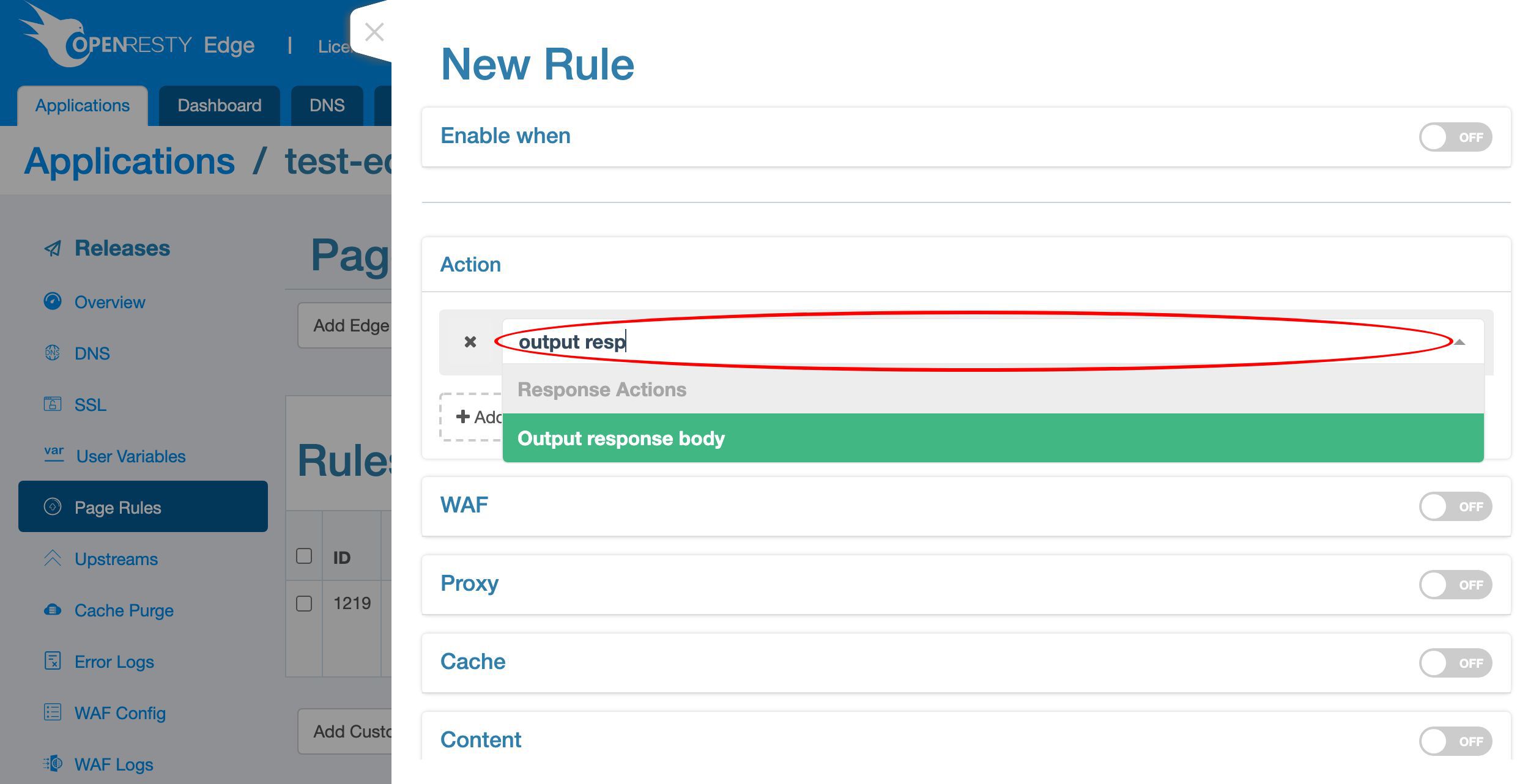
Select it.
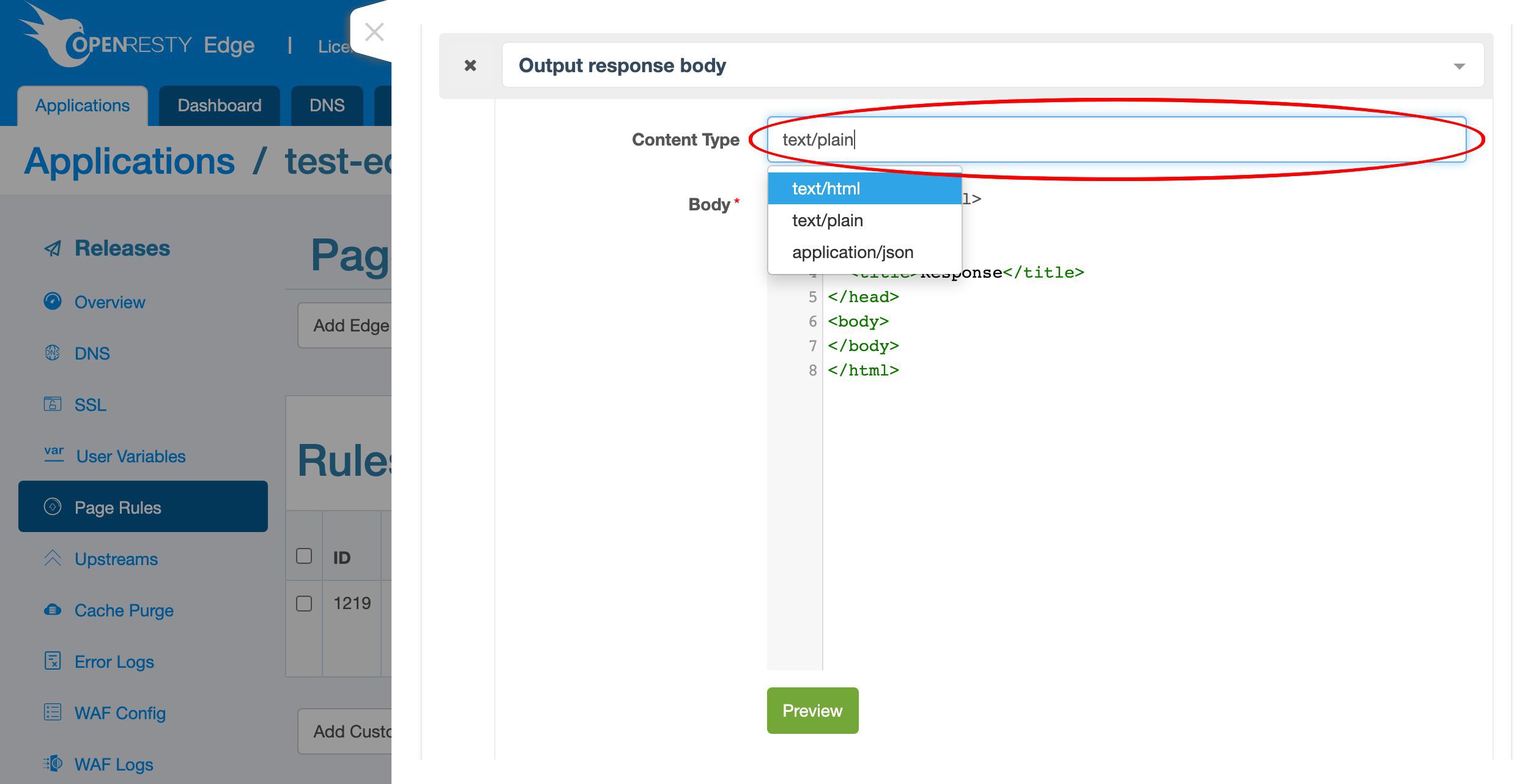
Here we specify the “text/plain” Content-Type header.
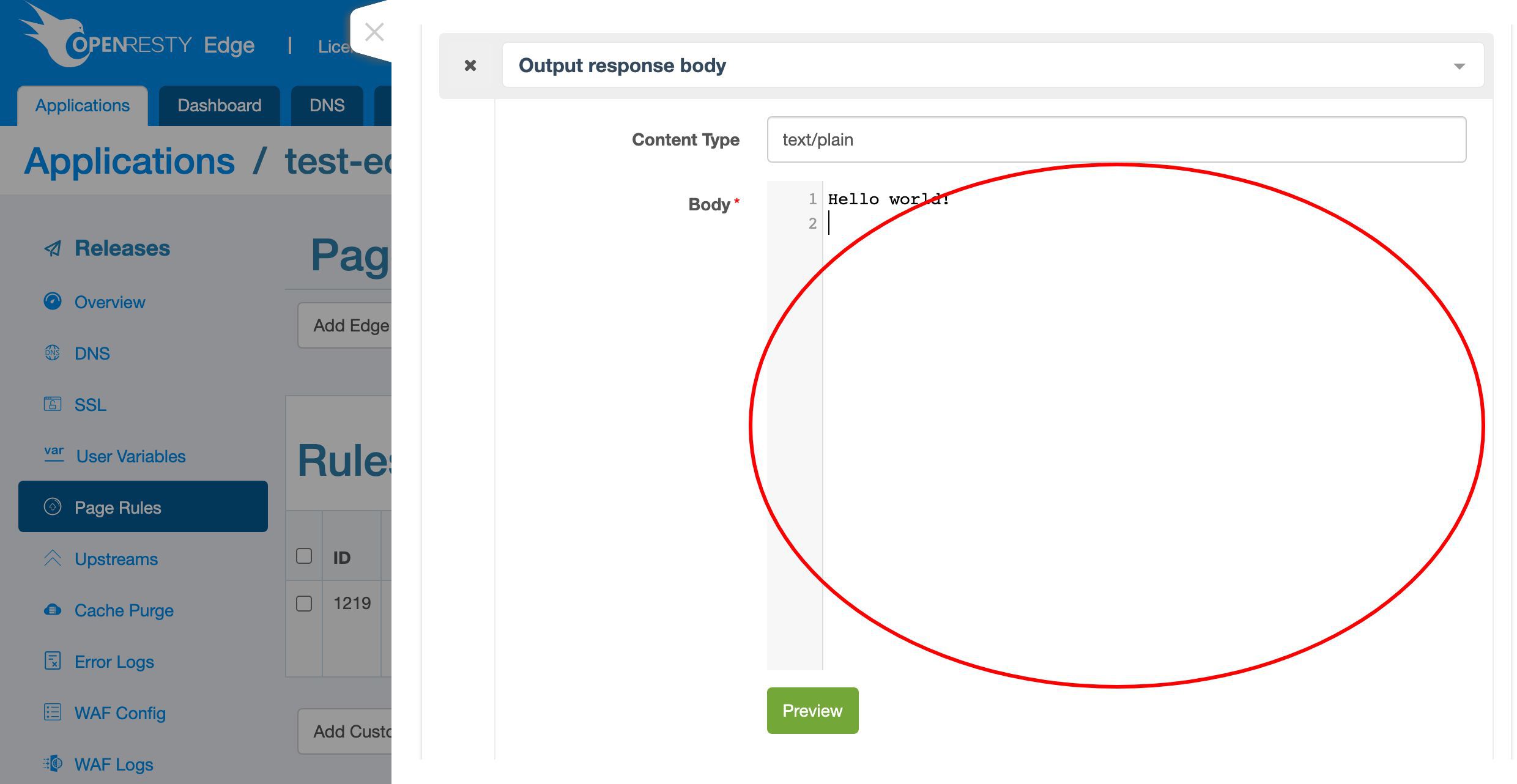
And specify the “Hello world” response body.
We need to make sure that this rule always runs before other rules. Let’s mark it as an Always-Top rule.
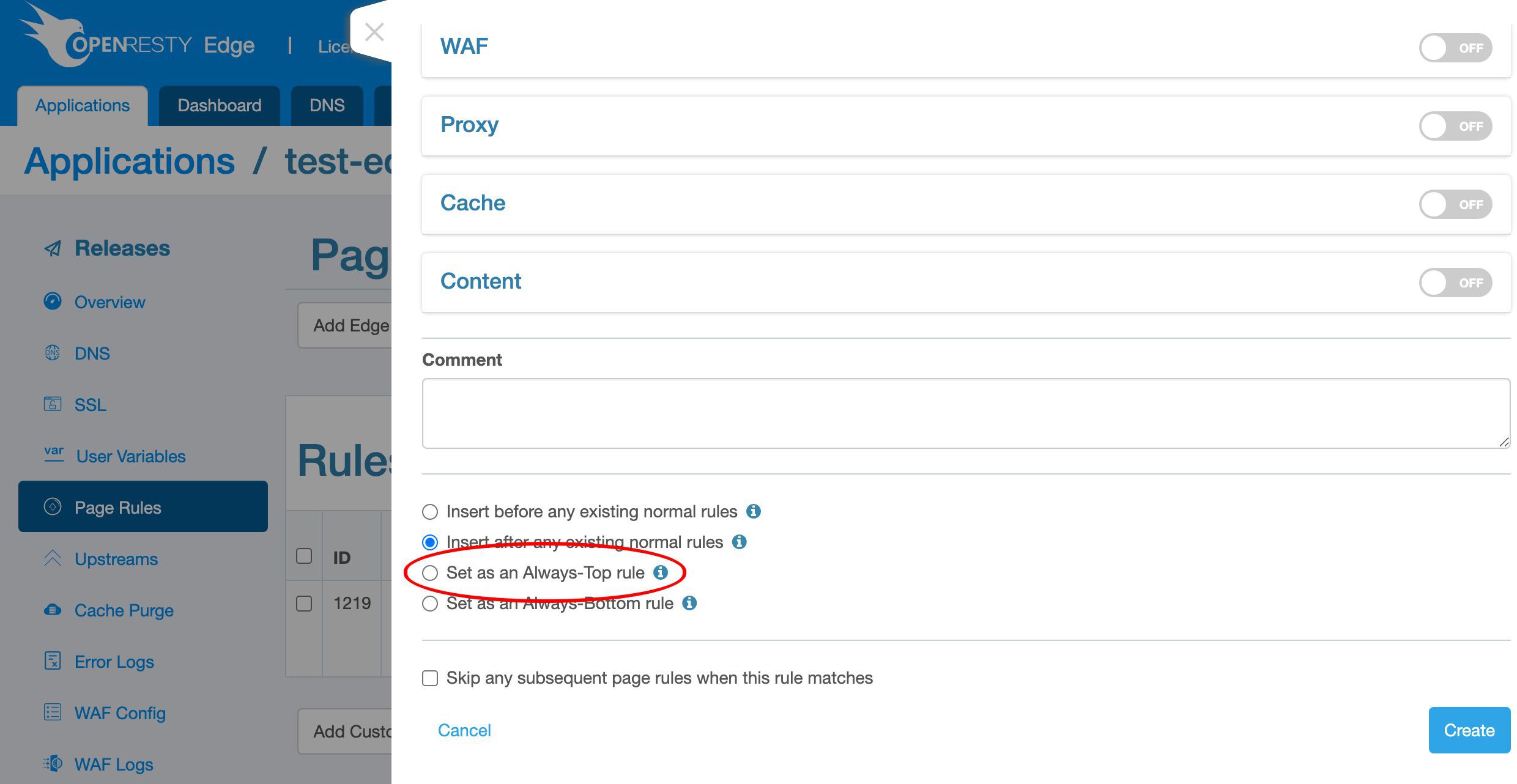
We skip any subsequent rules if this rule is matched.
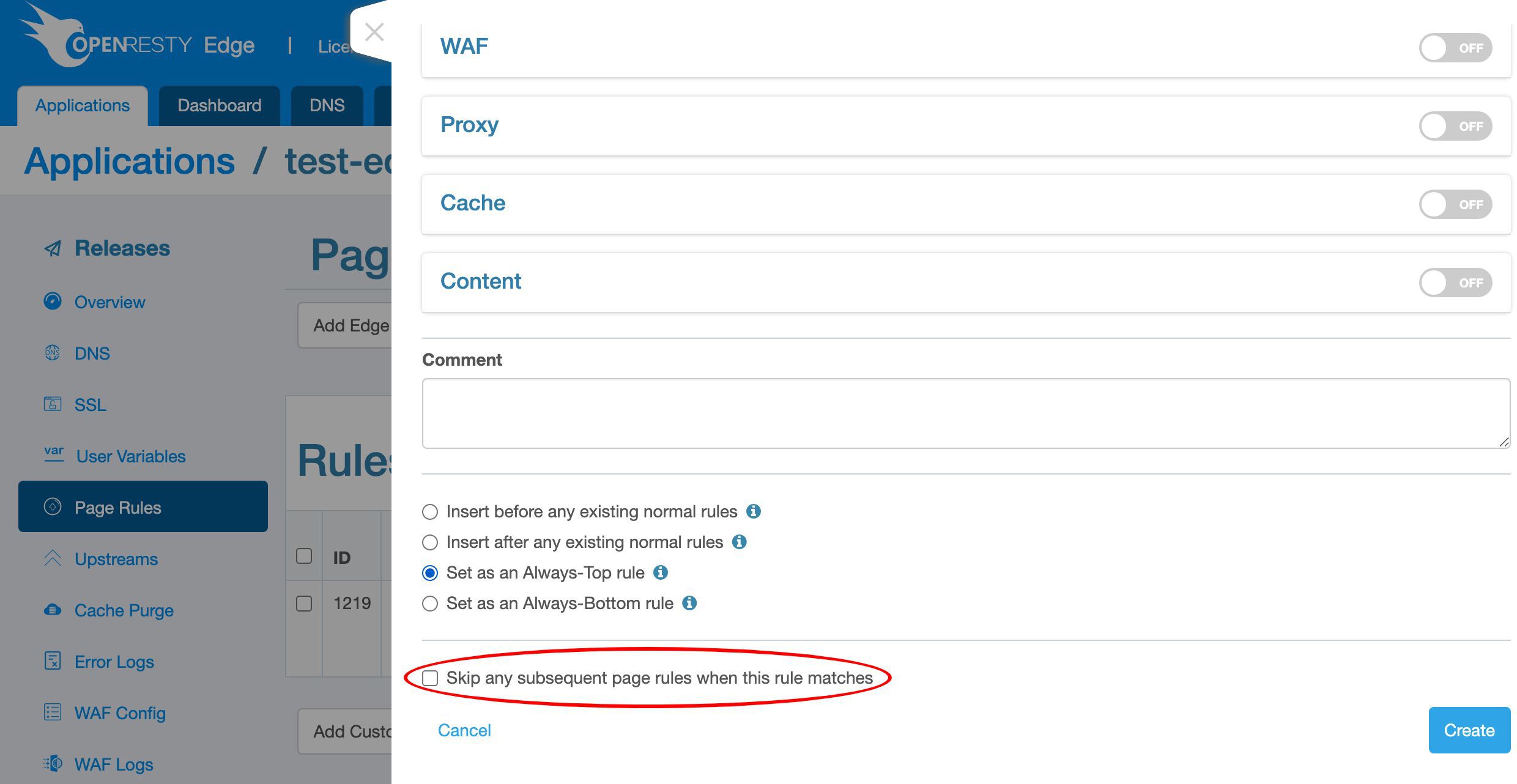
And then create it.
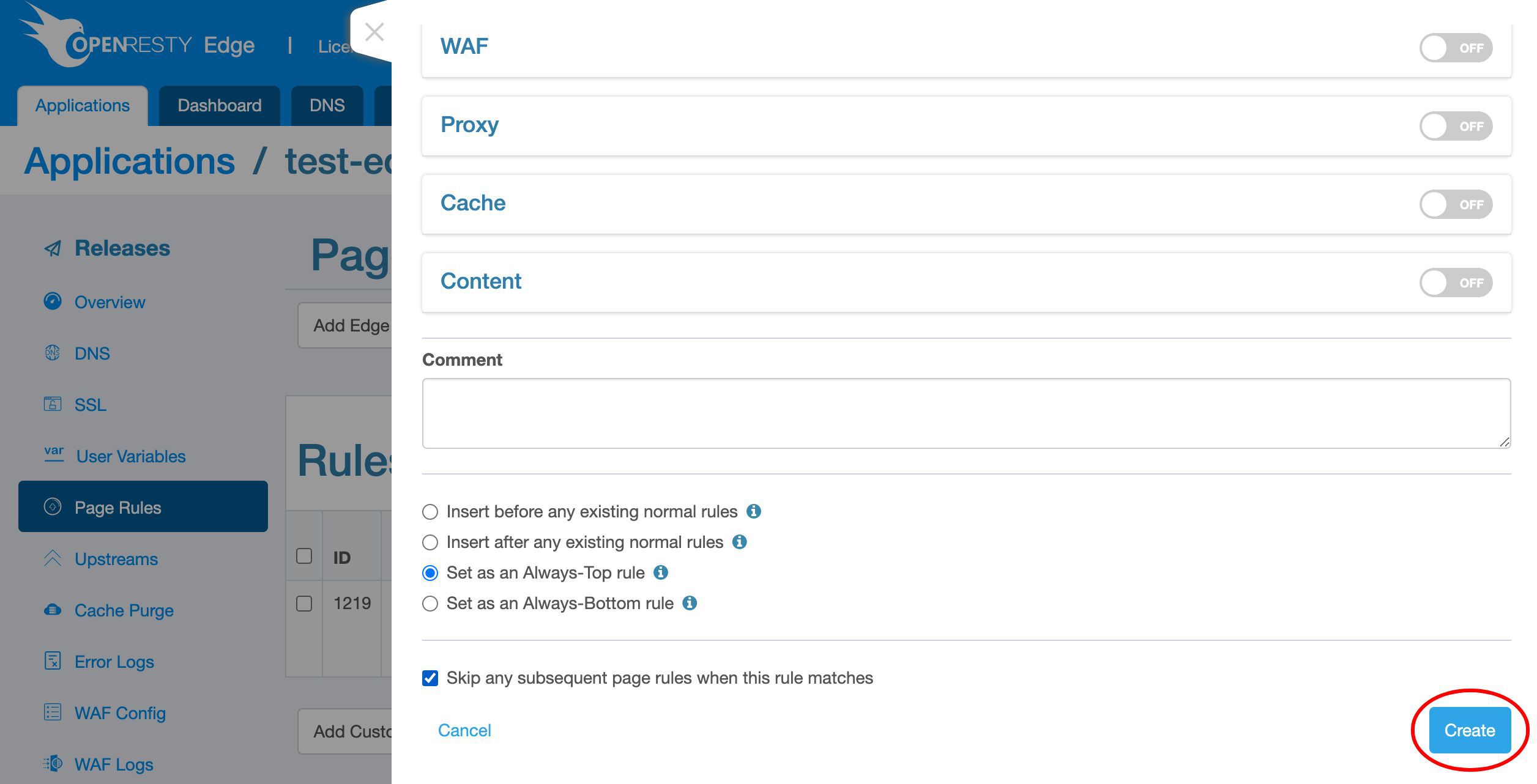
We can see our page rule is already listed here.
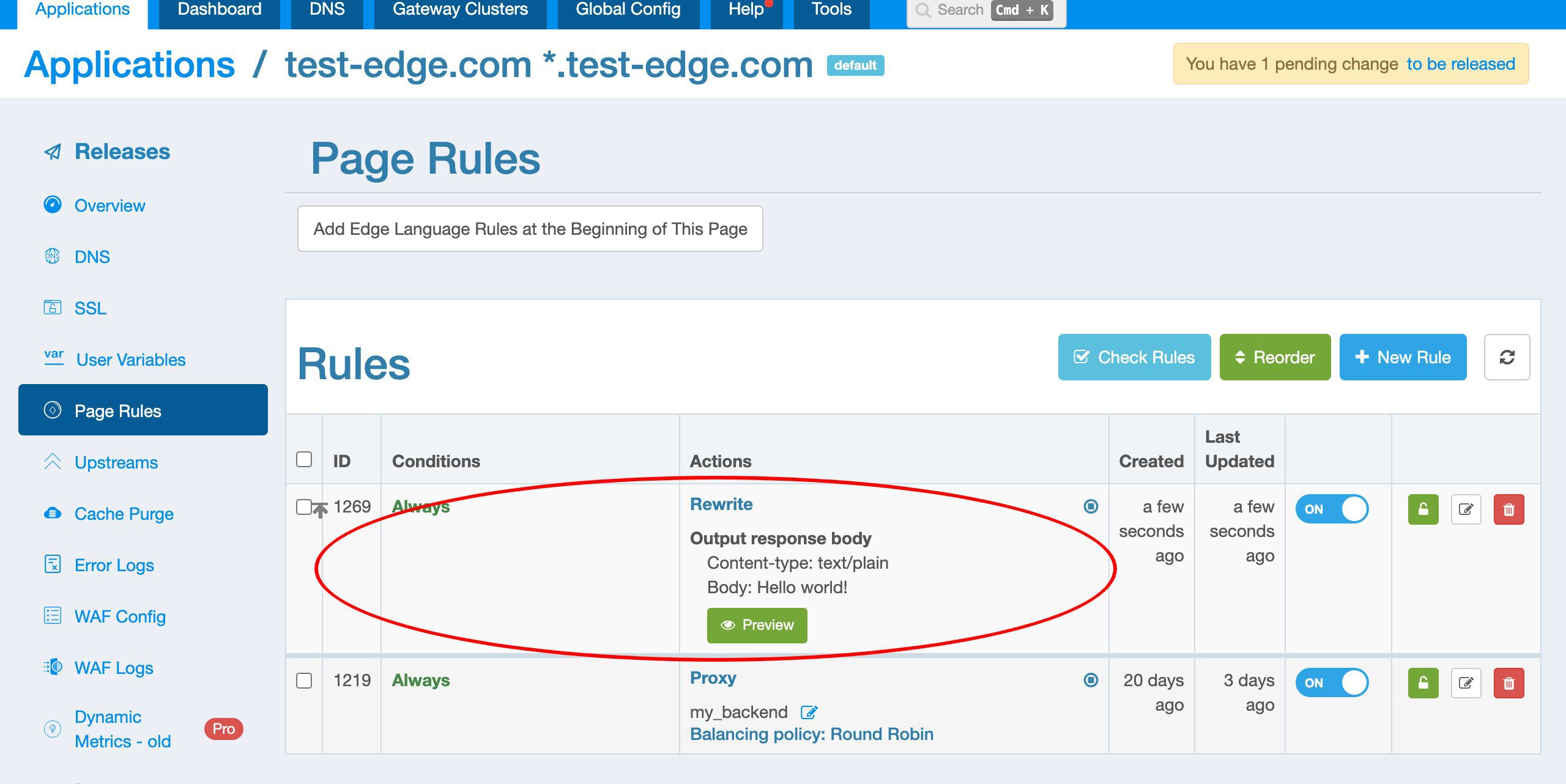
Release the page rule to all gateway clusters
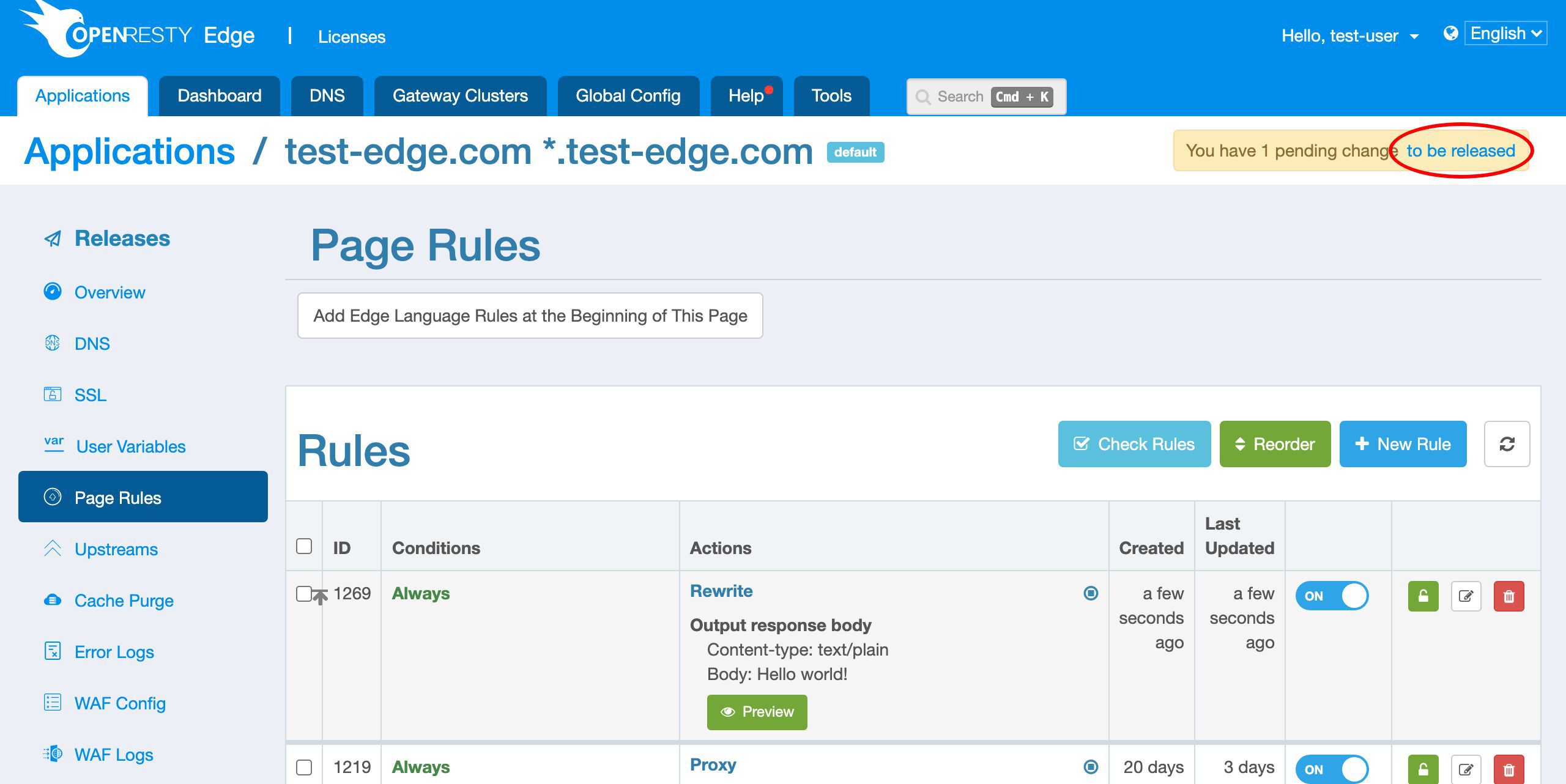
Our new page rule is not online yet since it is still a pending change.
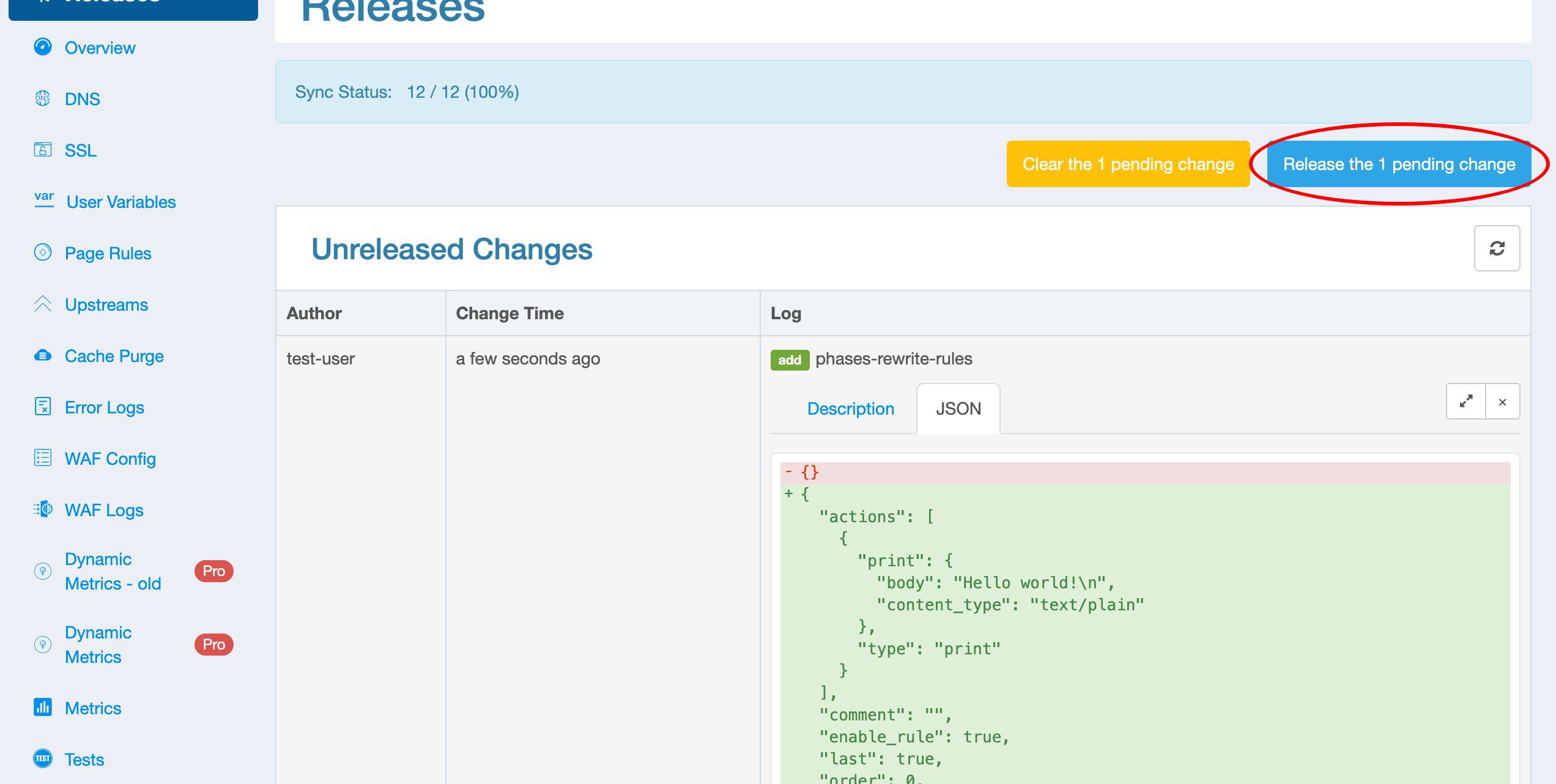
We can push it out by making a new configuration release.
We could use this Clear button if we want to clear any pending changes. We don’t want to clear it now.
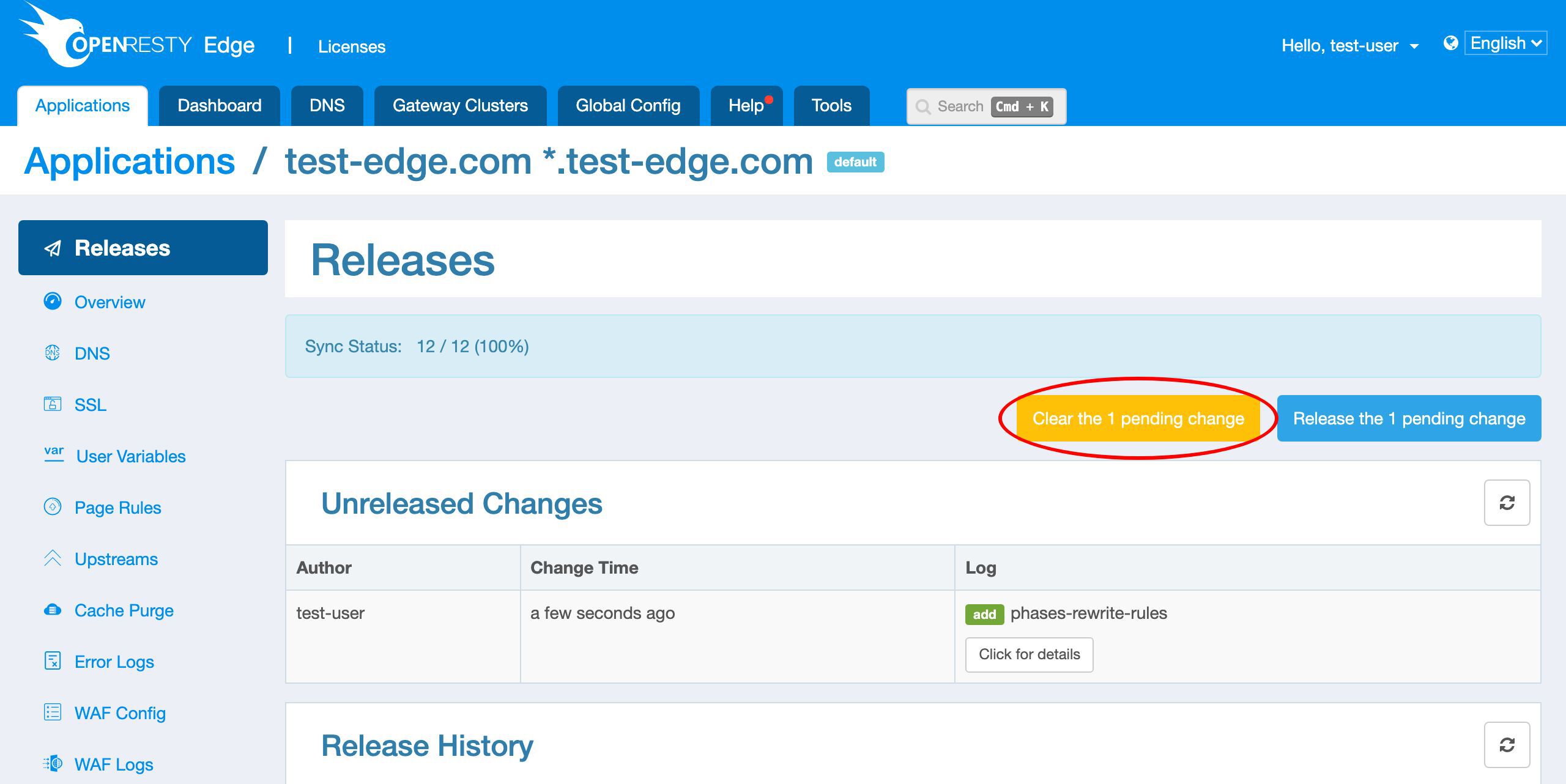
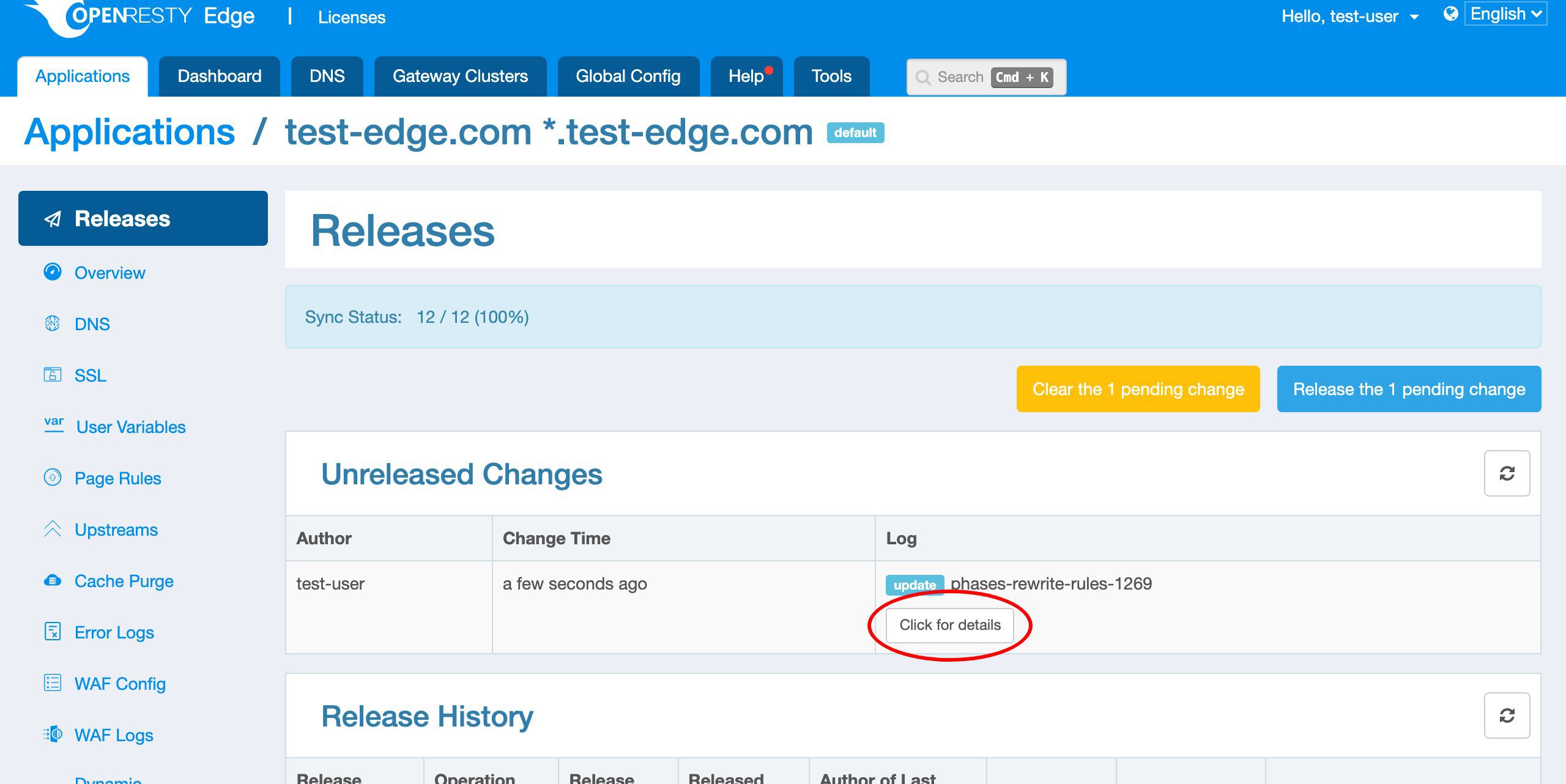
Before making a config release, we can check out the details of the pending changes.
Just click this button to check out the diff for the change.
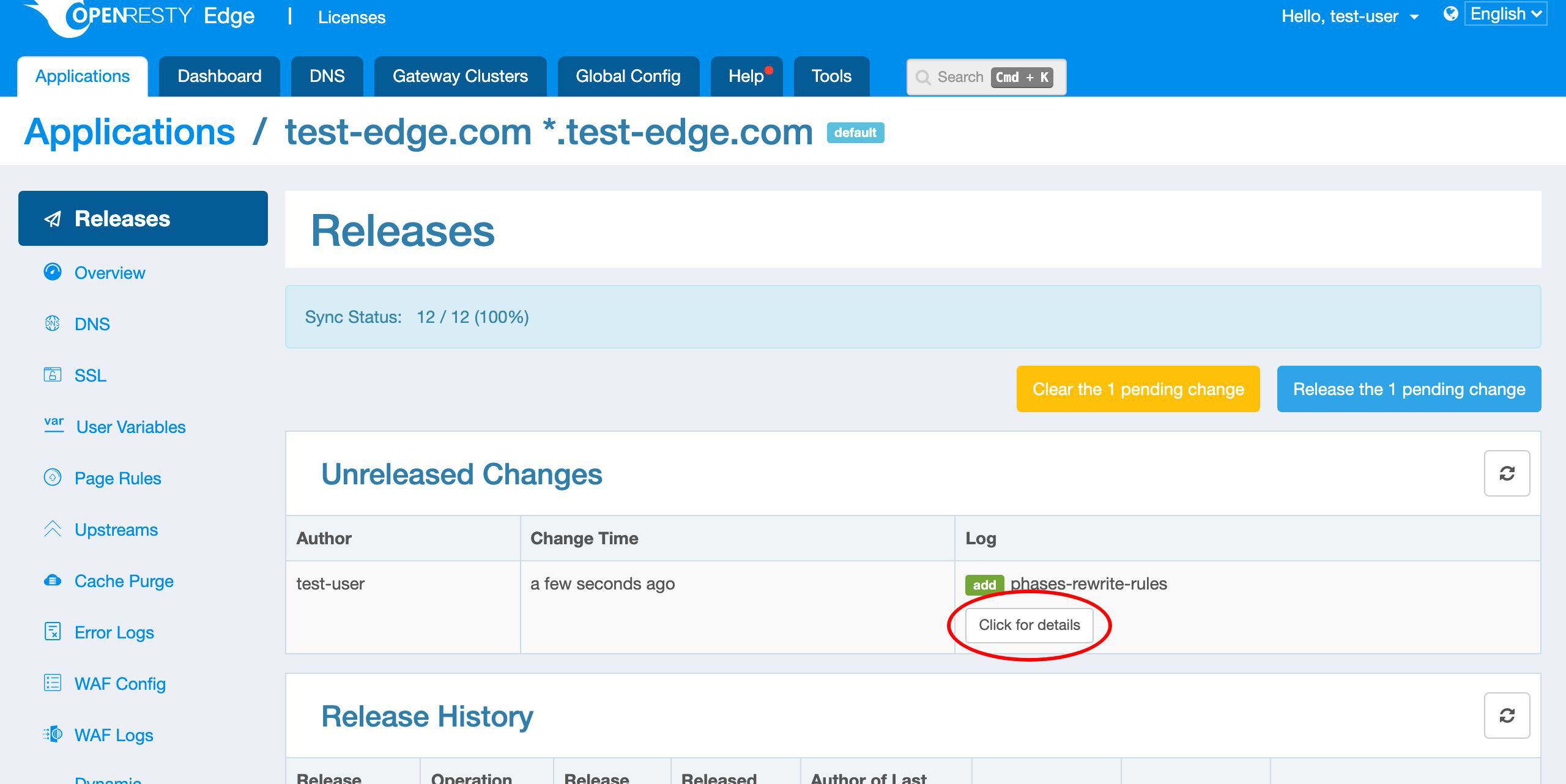
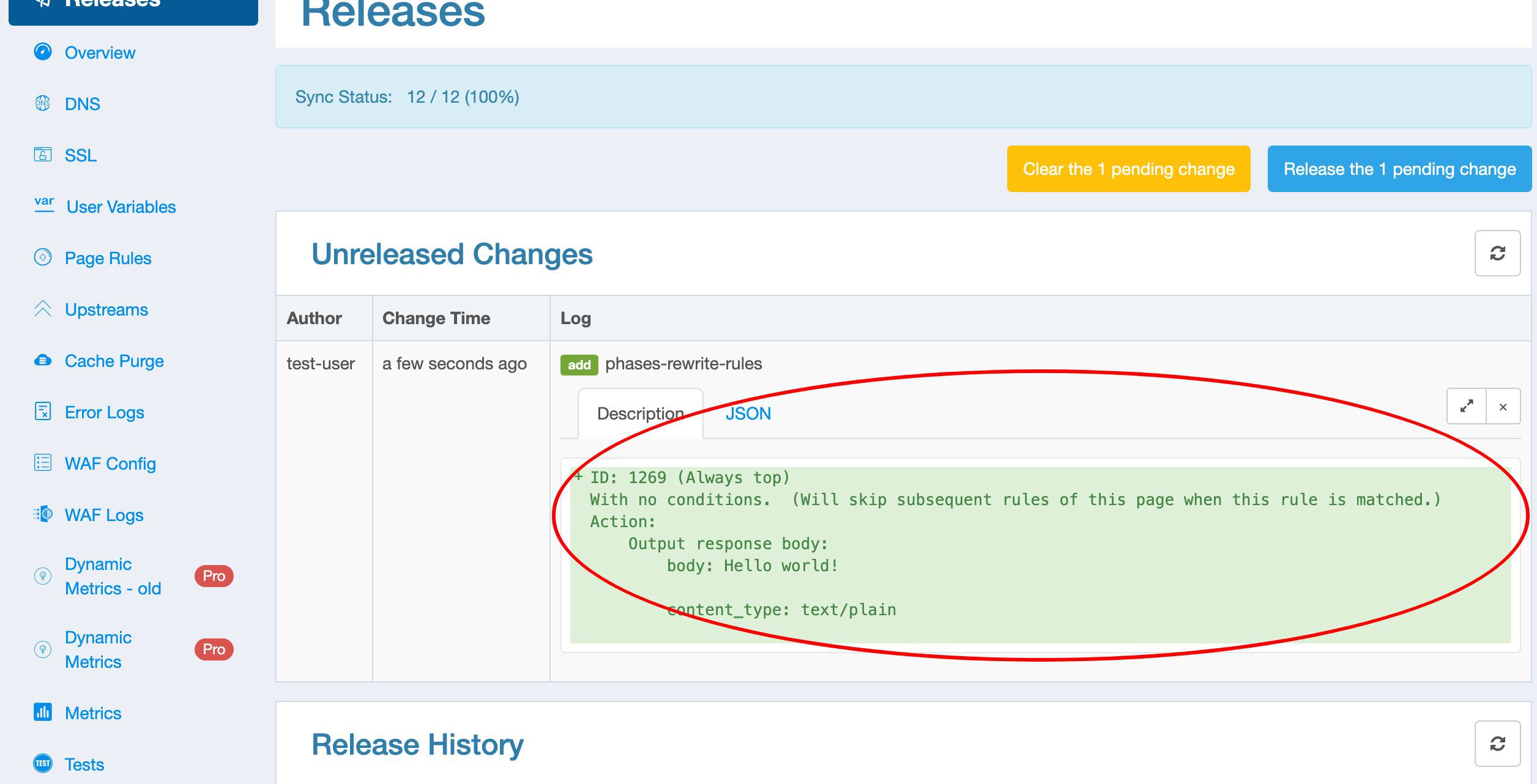
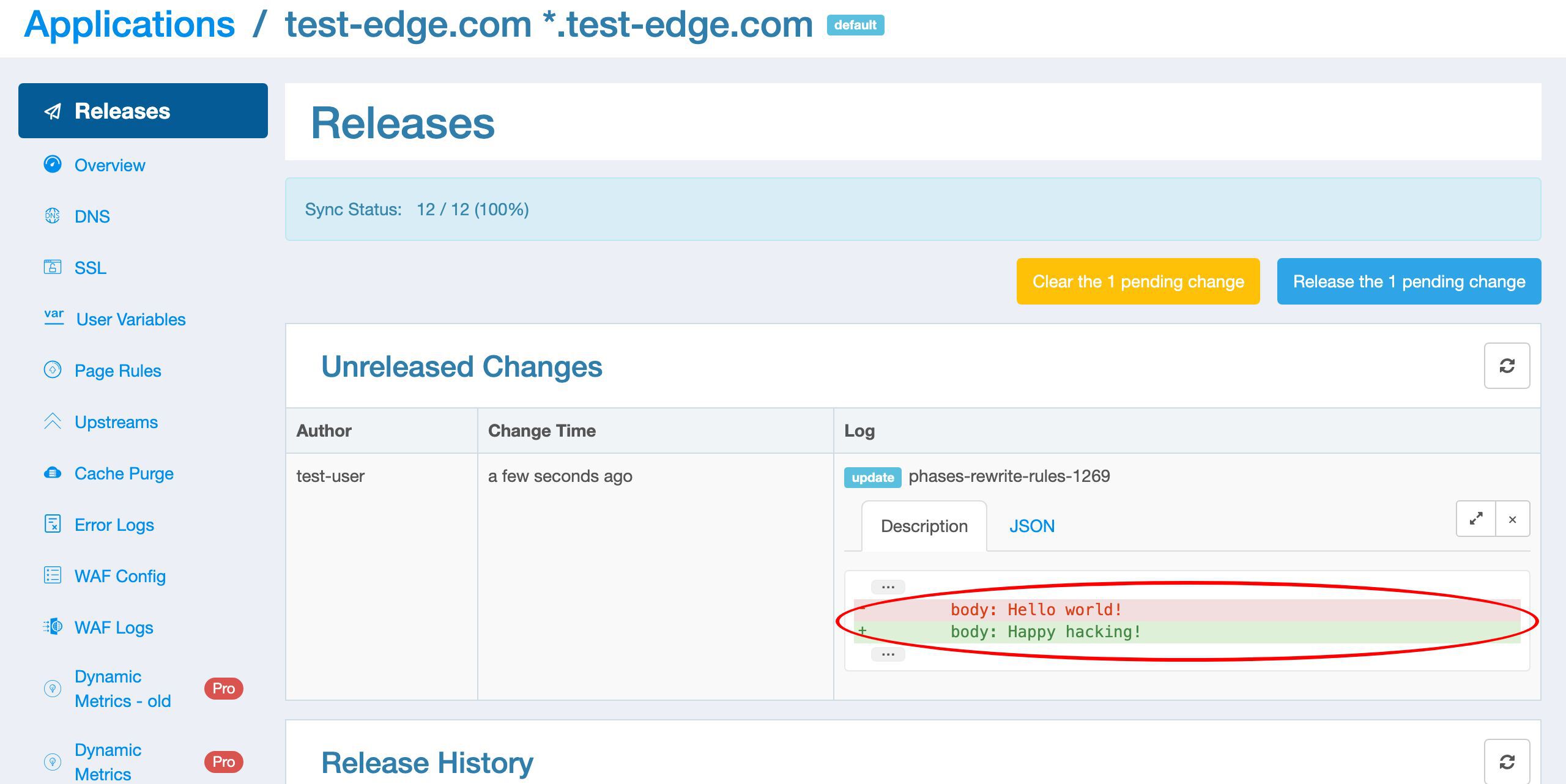
We provide a readable textual description for the changes.
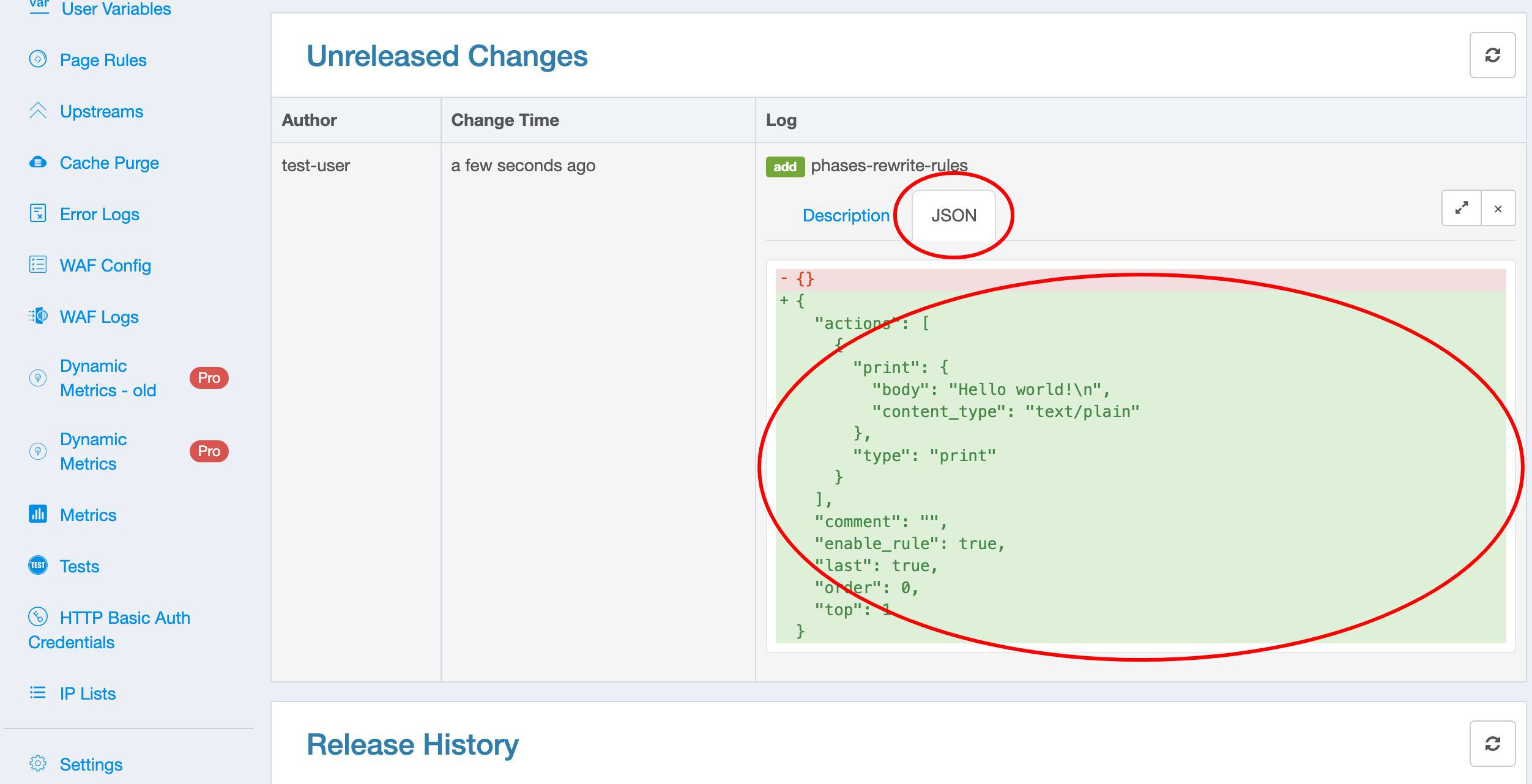
And also the changes in the JSON format.
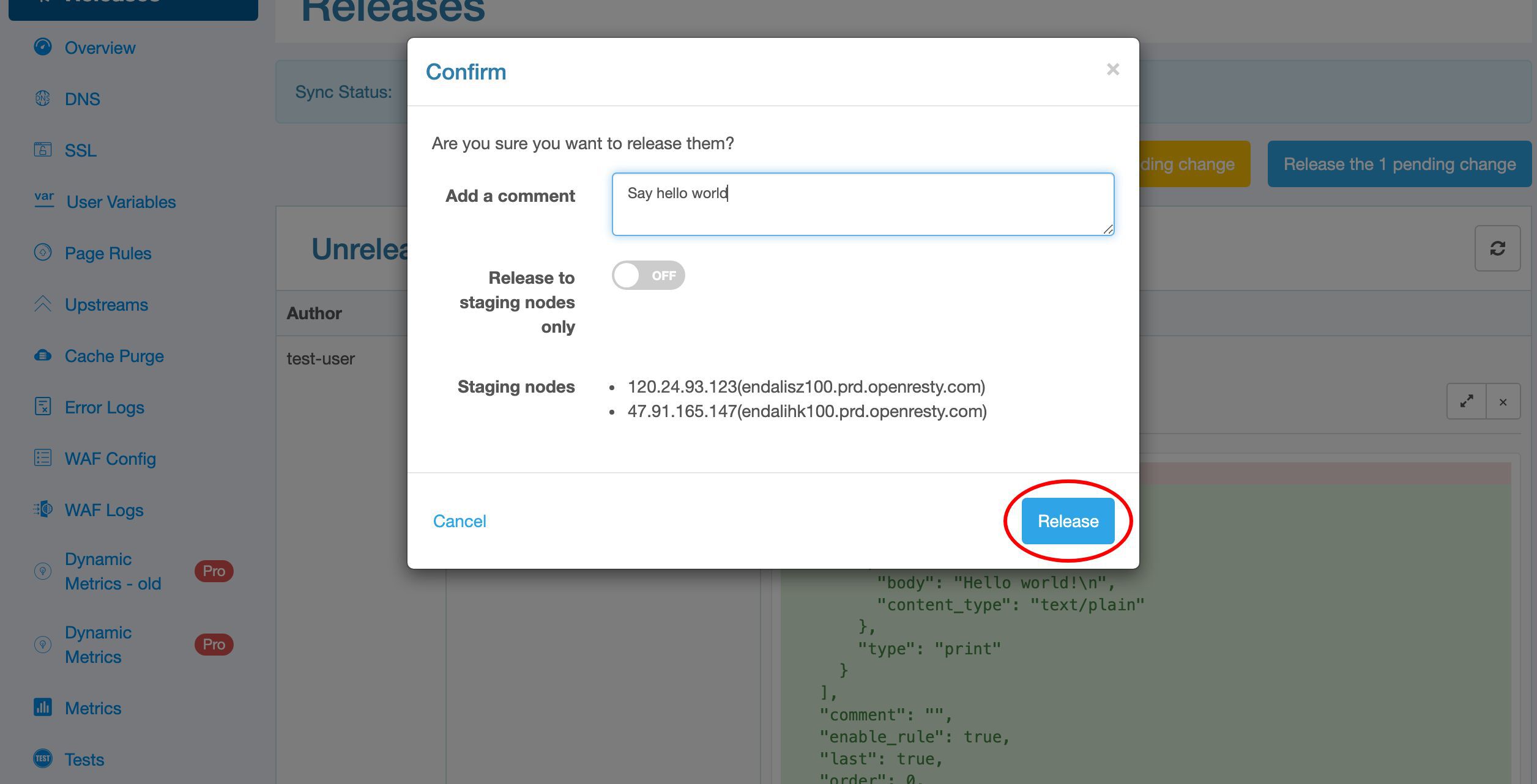
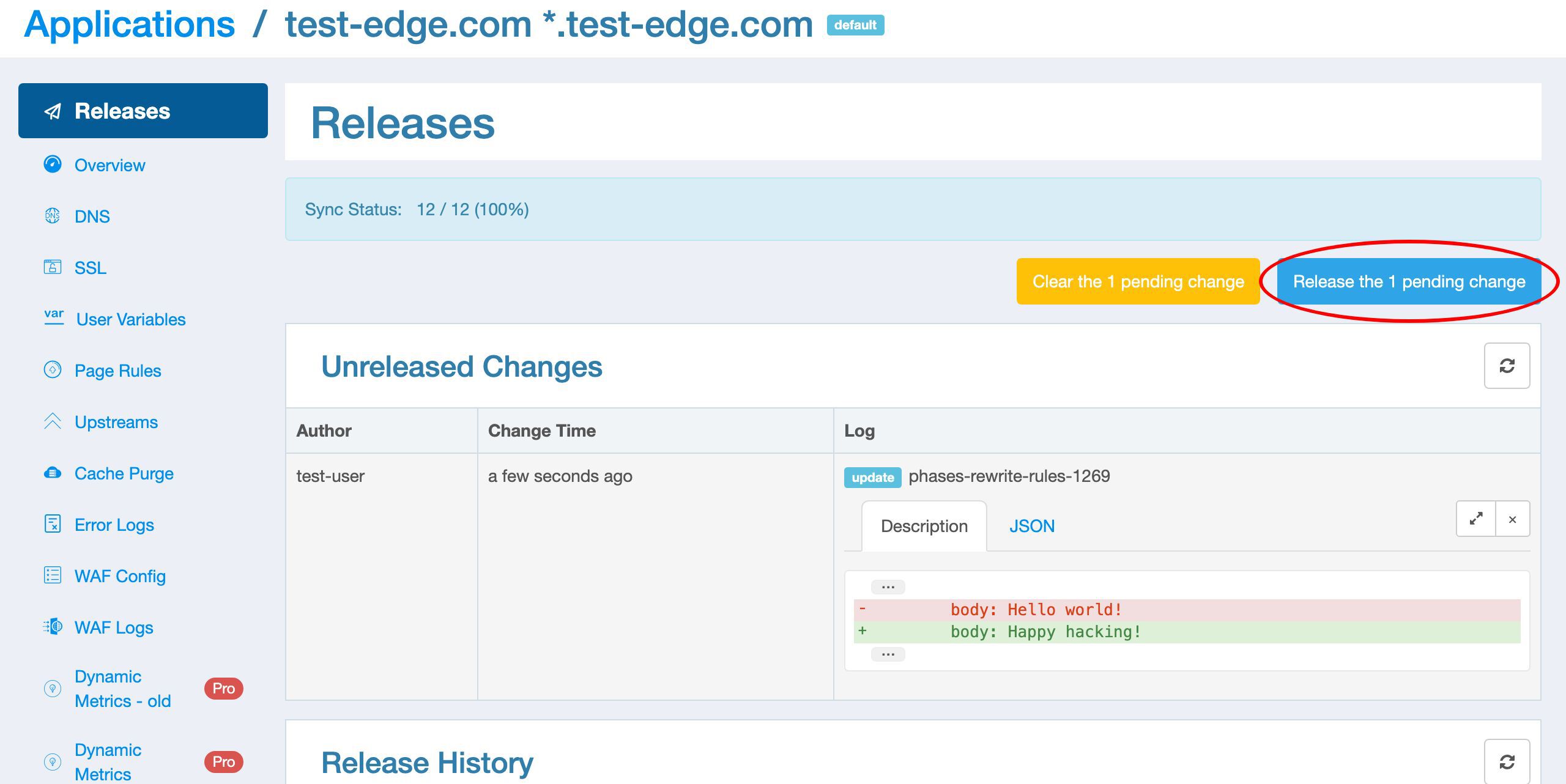
Let’s can make the new release now.
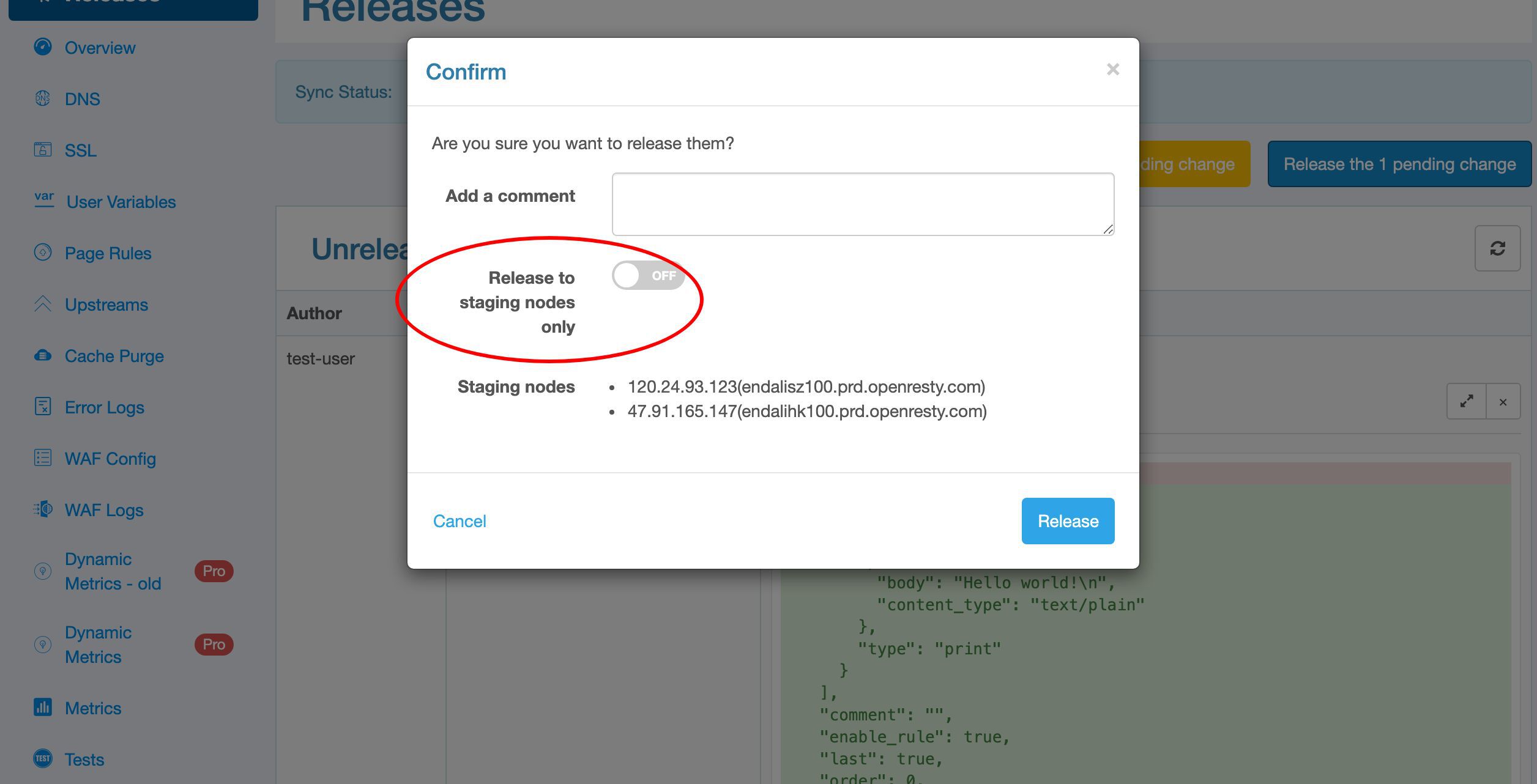
You have an option to release to your own staging gateway nodes only.
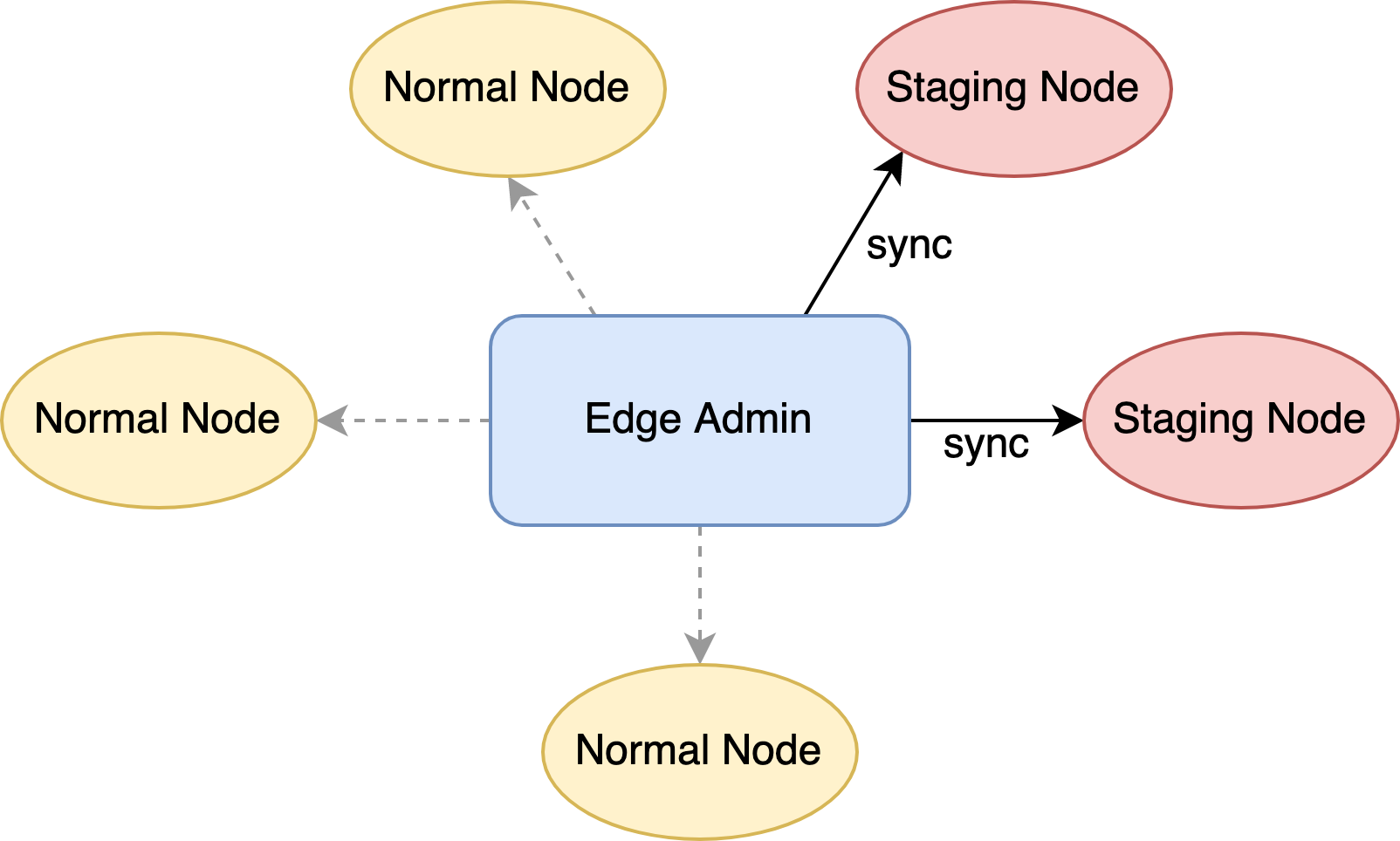
In that case, this config release will have the type “Staging”. We’ll demonstrate this in a future video tutorial. Otherwise it will be of the type “Normal”.
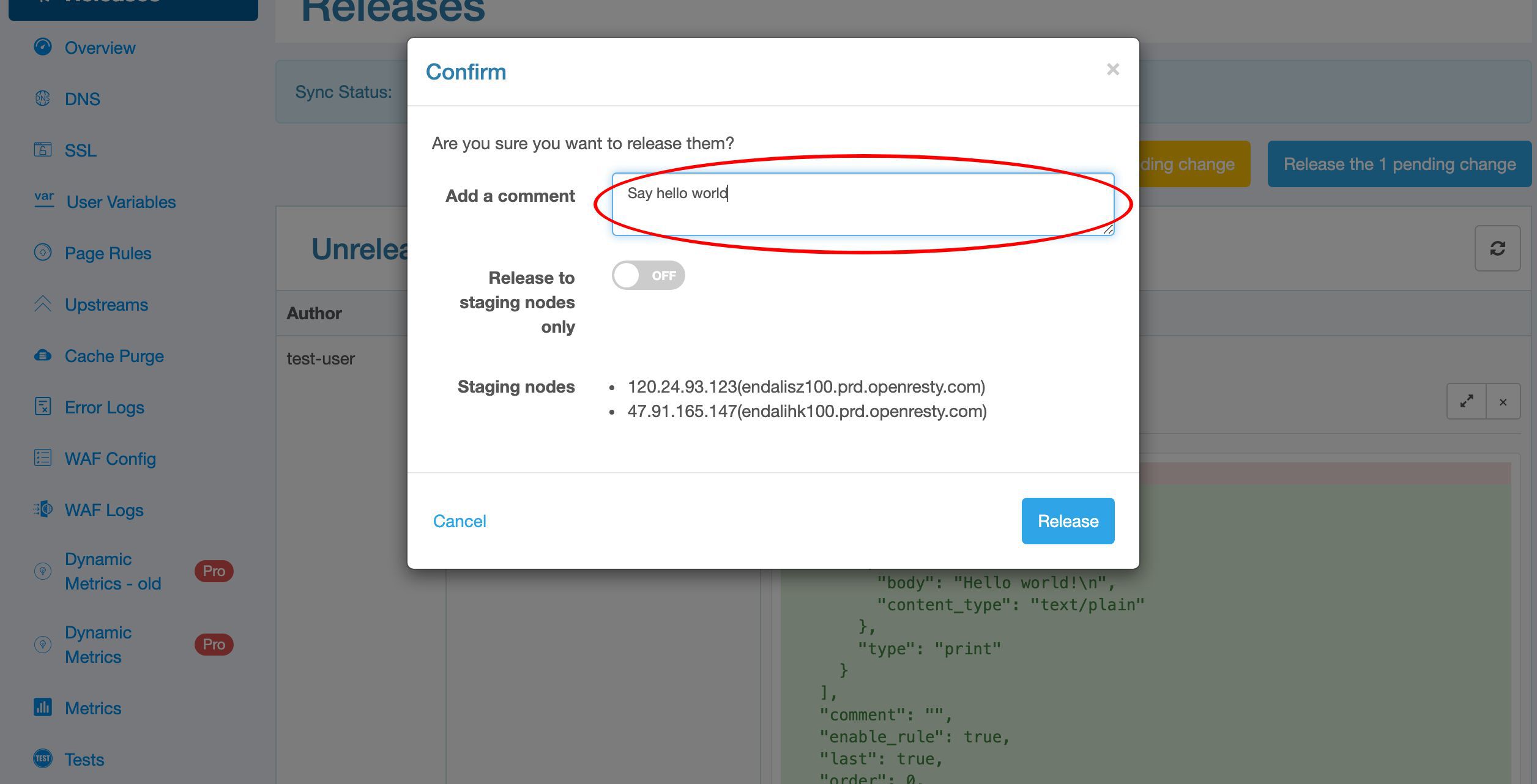
Add some notes or comments here to describe the release. This is optional though.
Then ship it by clicking on the Release button.
It is fully synchronized now.
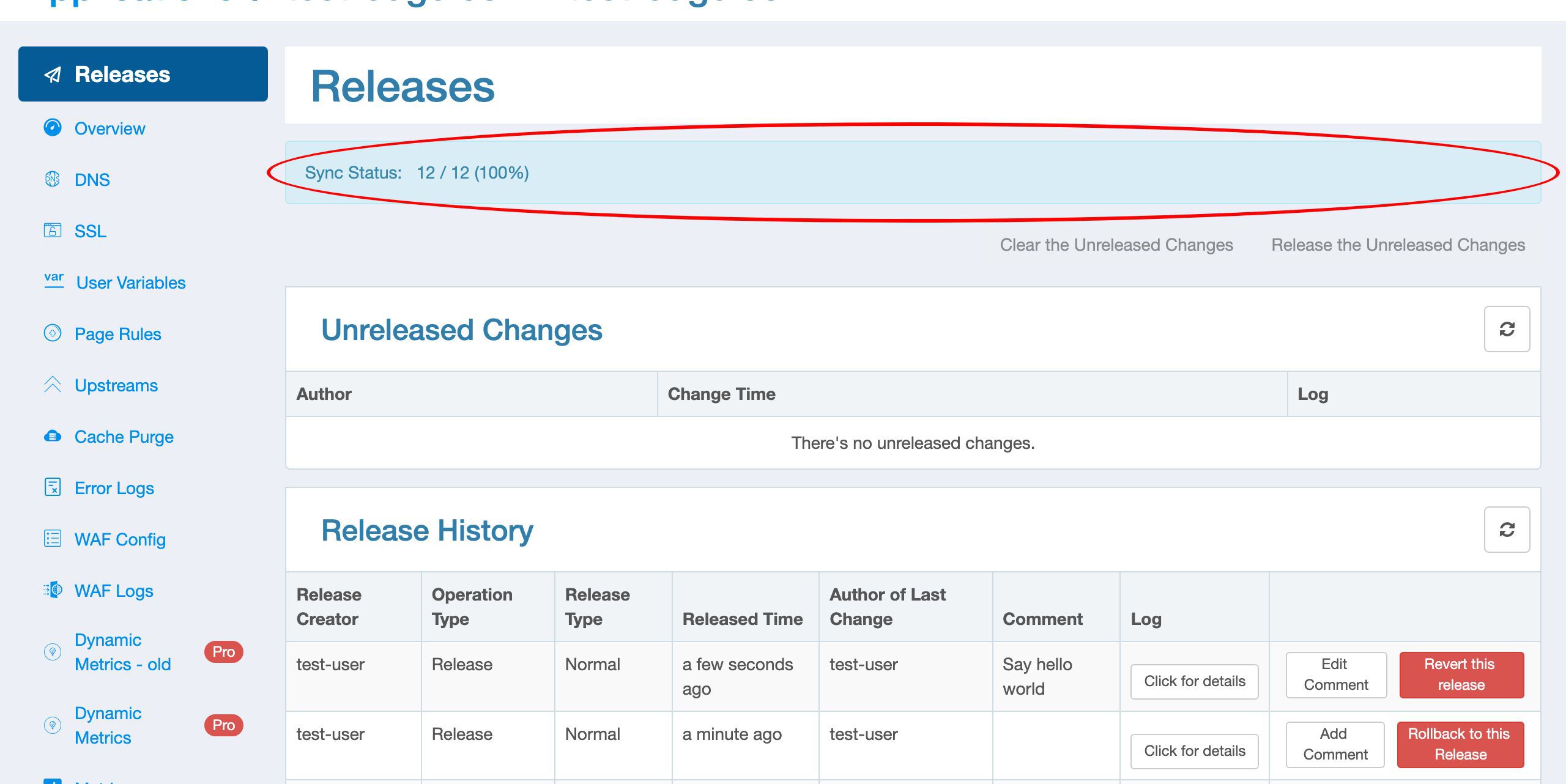
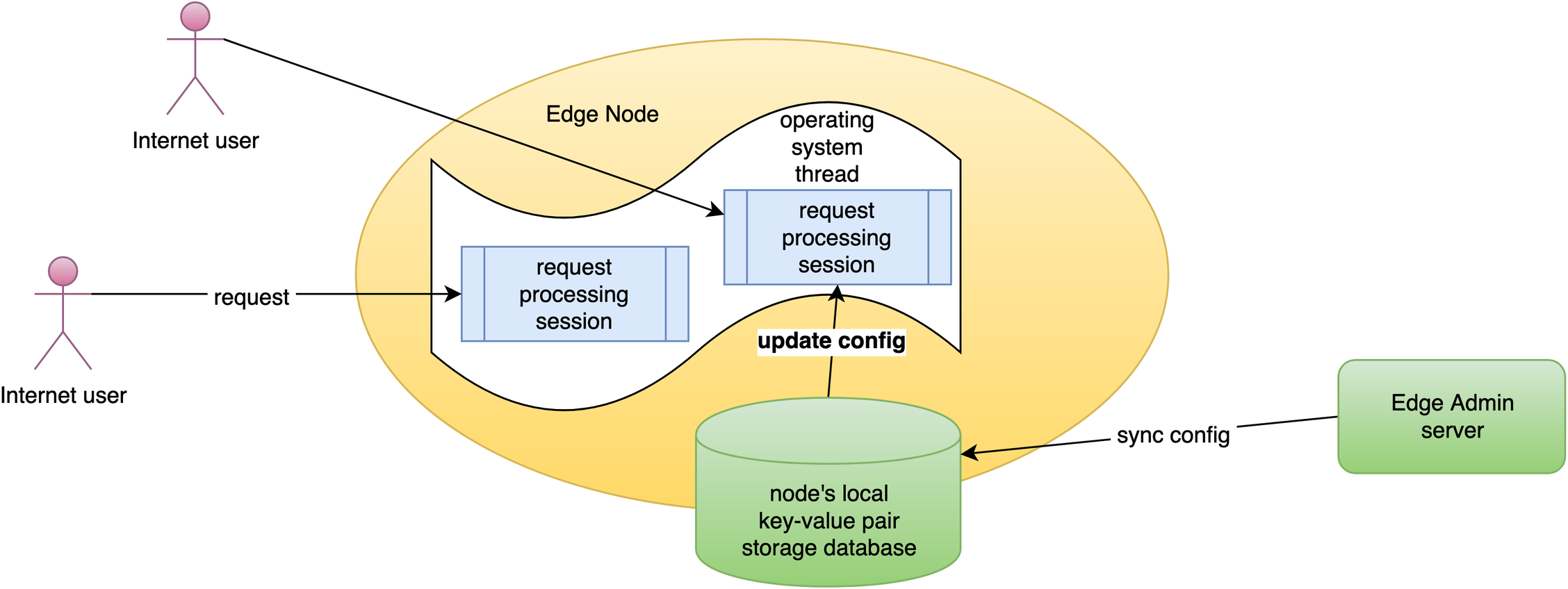
Now the new page rule has been pushed to all the gateway clusters and servers.
Our configuration changes do NOT require server reload, restart, or binary upgrade. So it’s very efficient and scalable.
Test the released config with curl
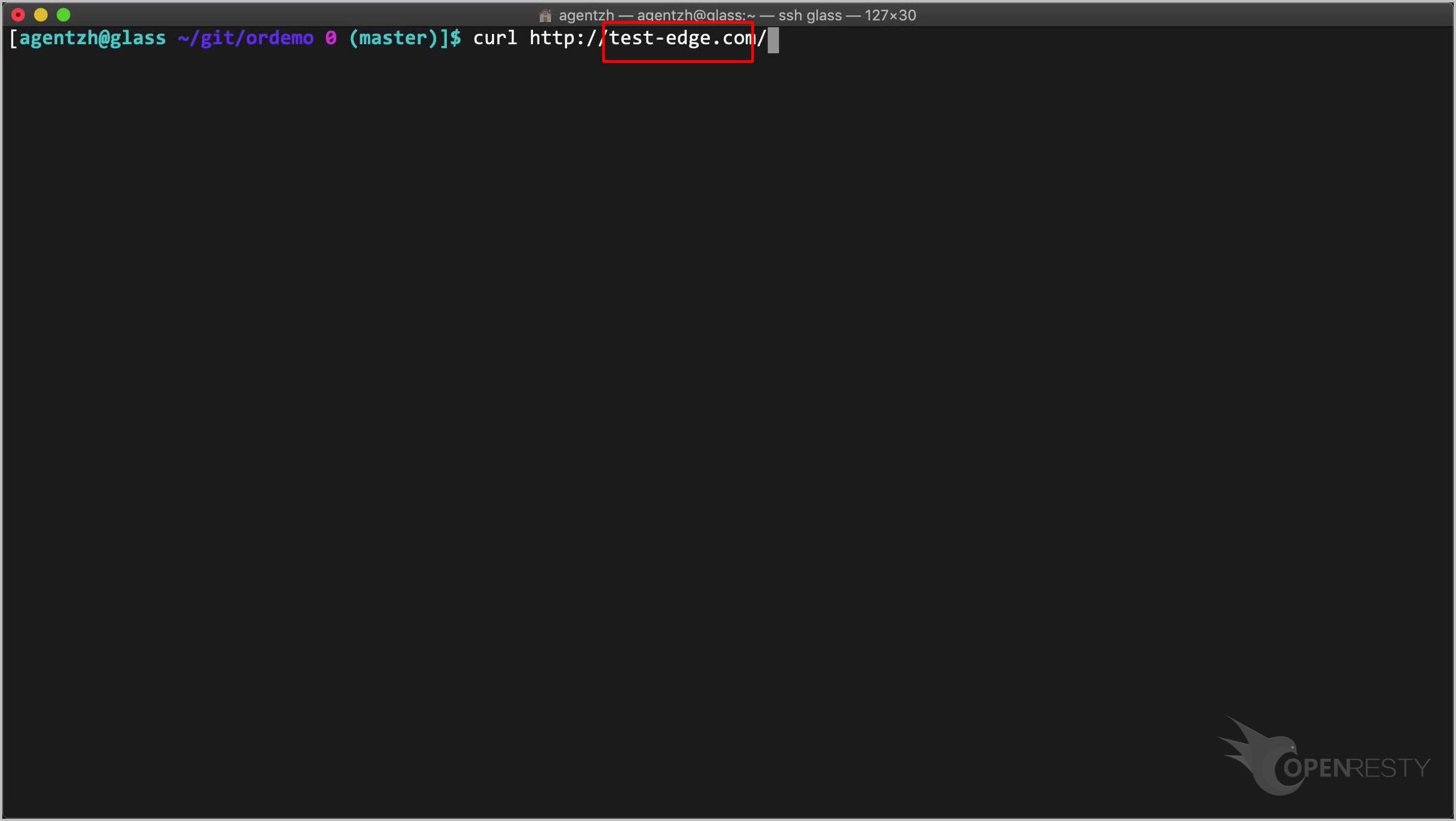
Then on the terminal, we can send a test request to our application.
curl http://test-edge.com/
The test-edge.com domain is already resolved to our gateway node servers managed by OpenResty Edge.
Run it.
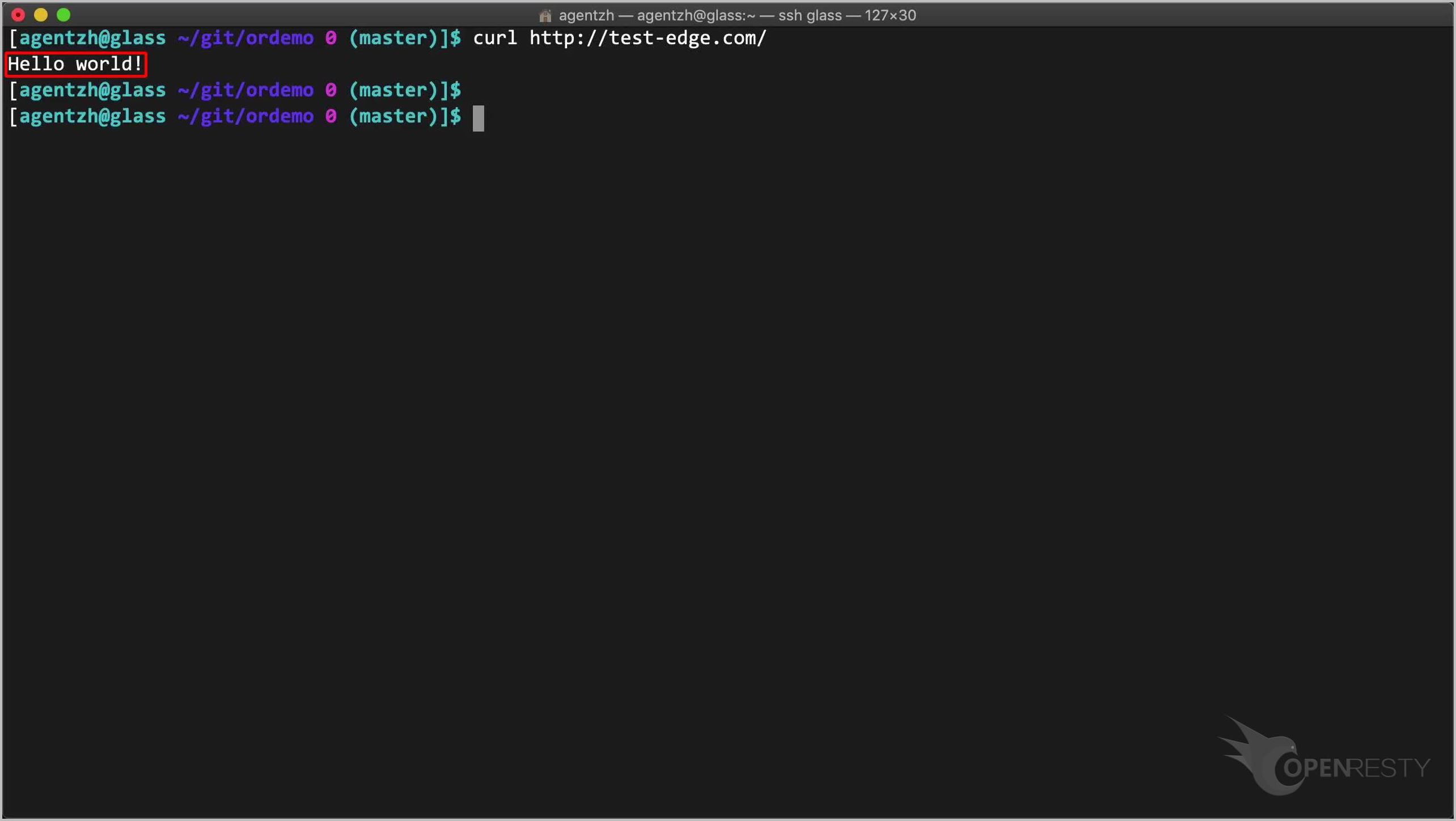
We indeed got the “Hello world” response body.
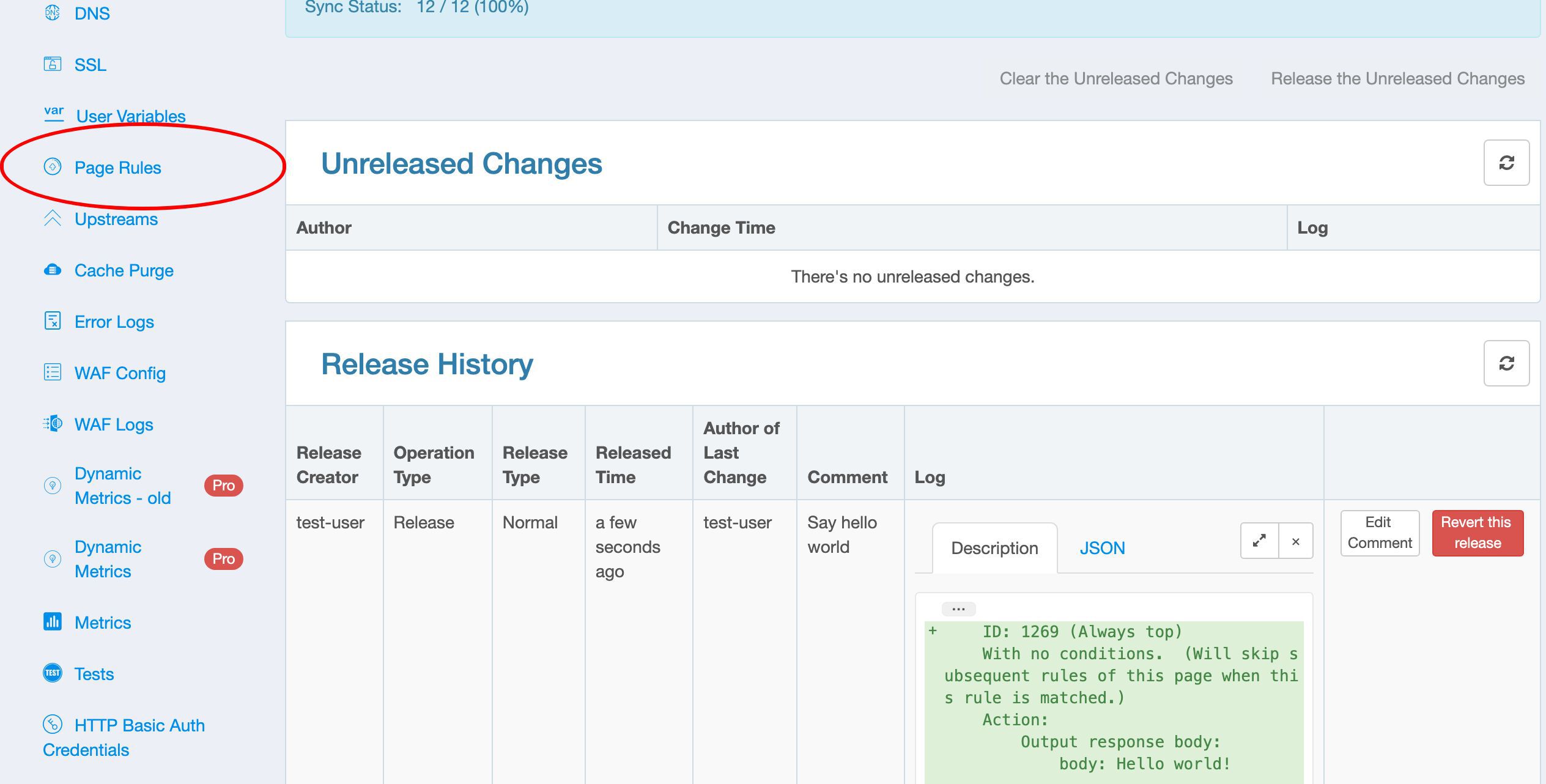
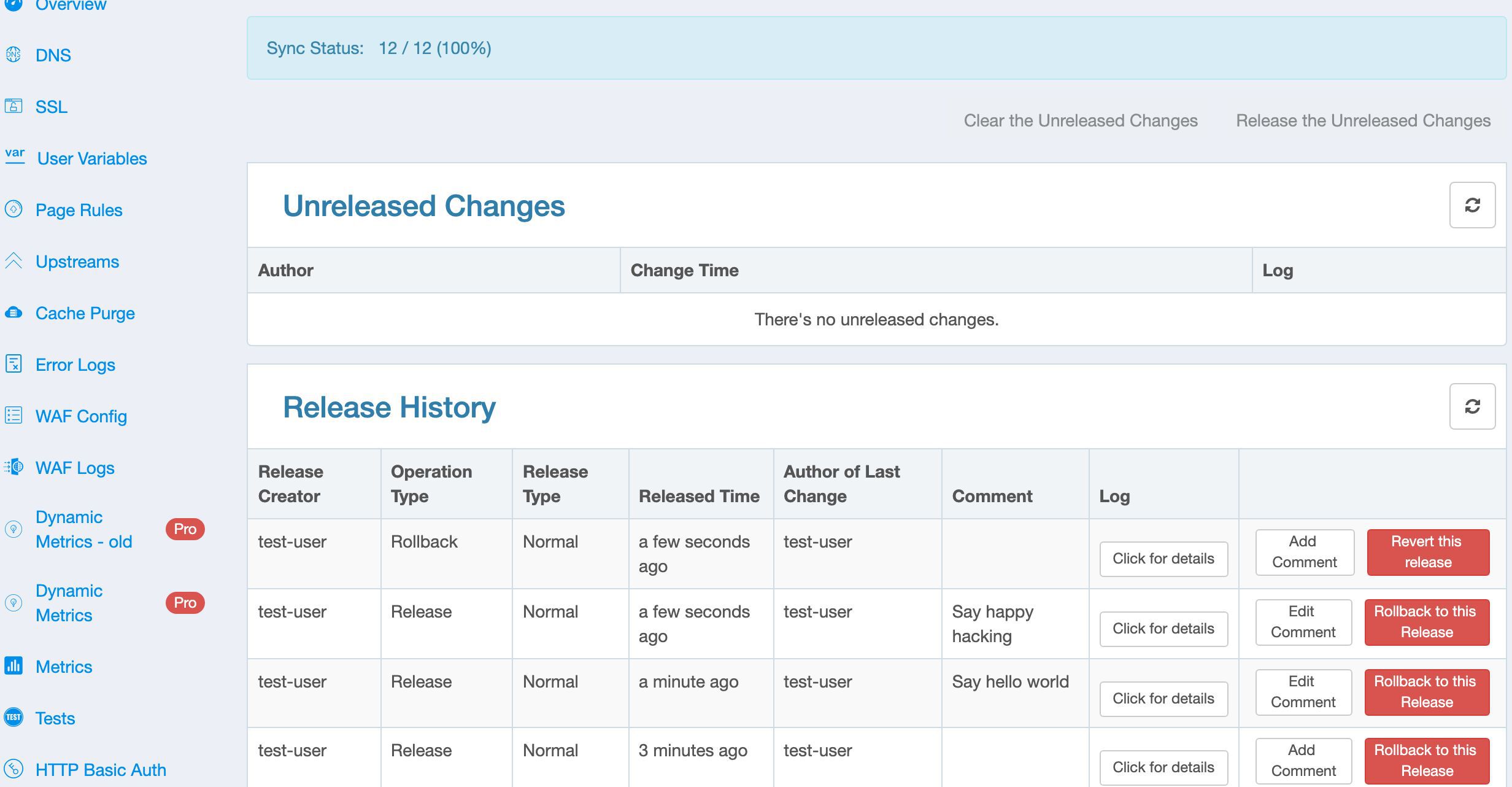
Back to the Releases page, we can browse all the release history in this table.
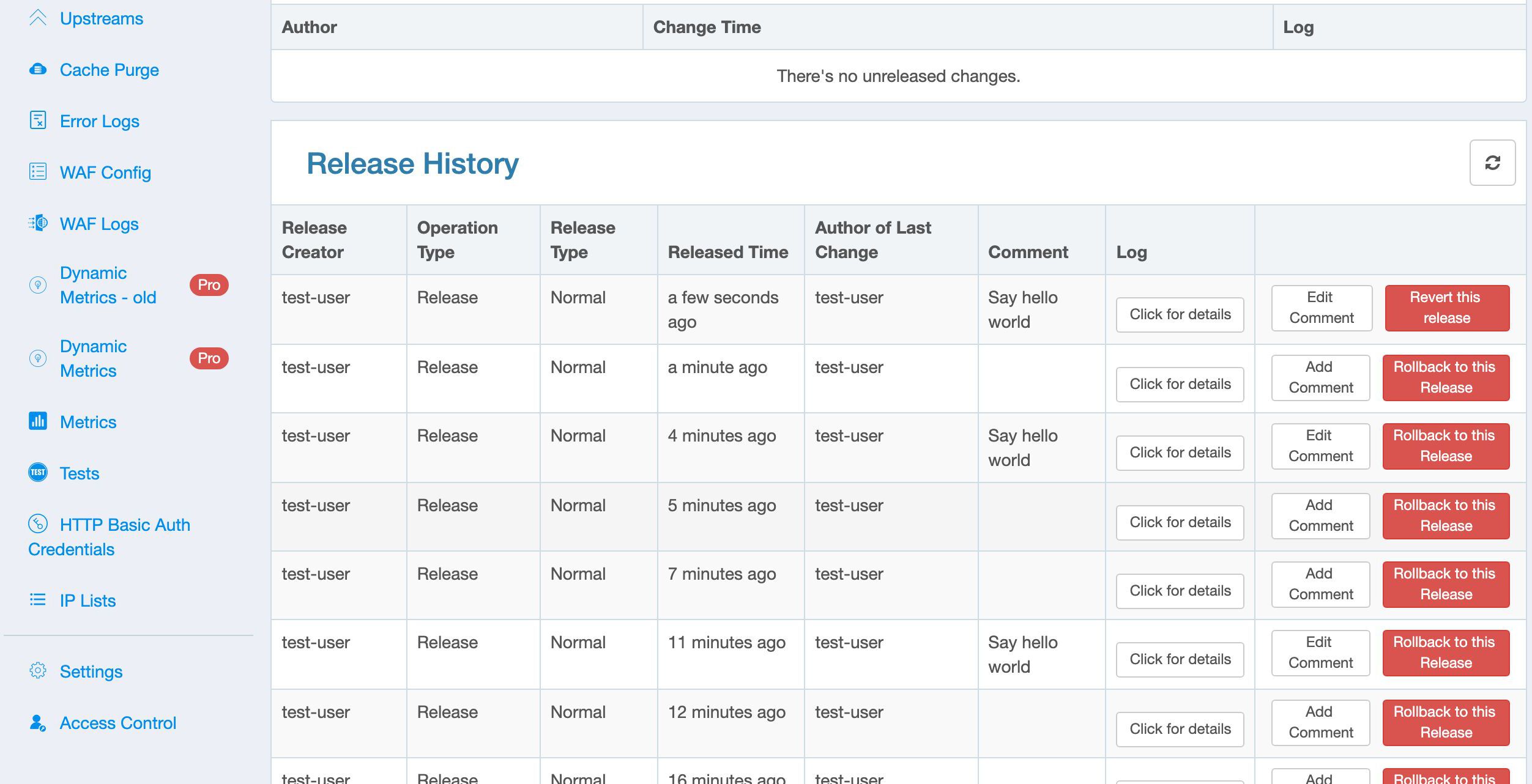
Here we can see who authored each release.
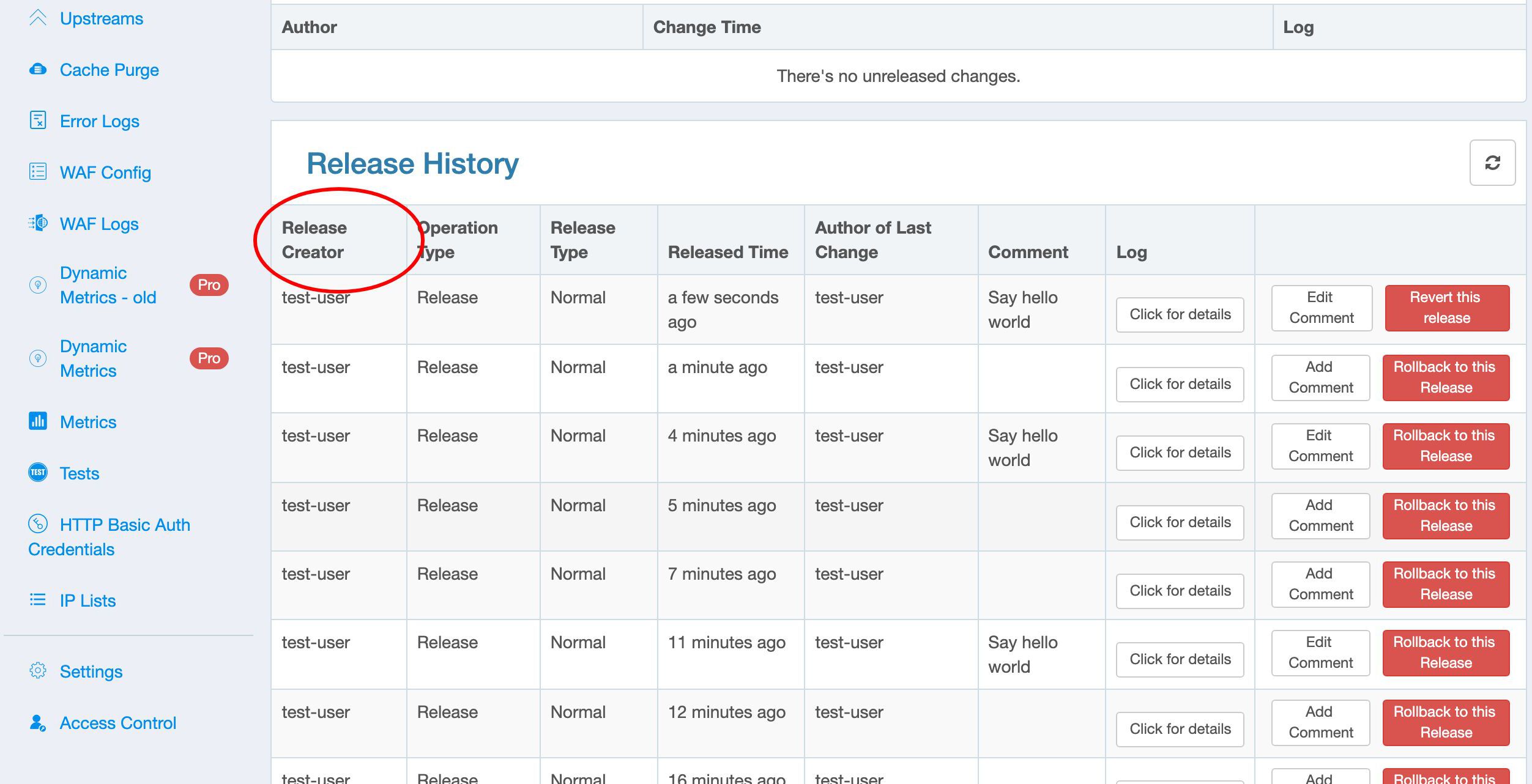
And also what time the release was made.
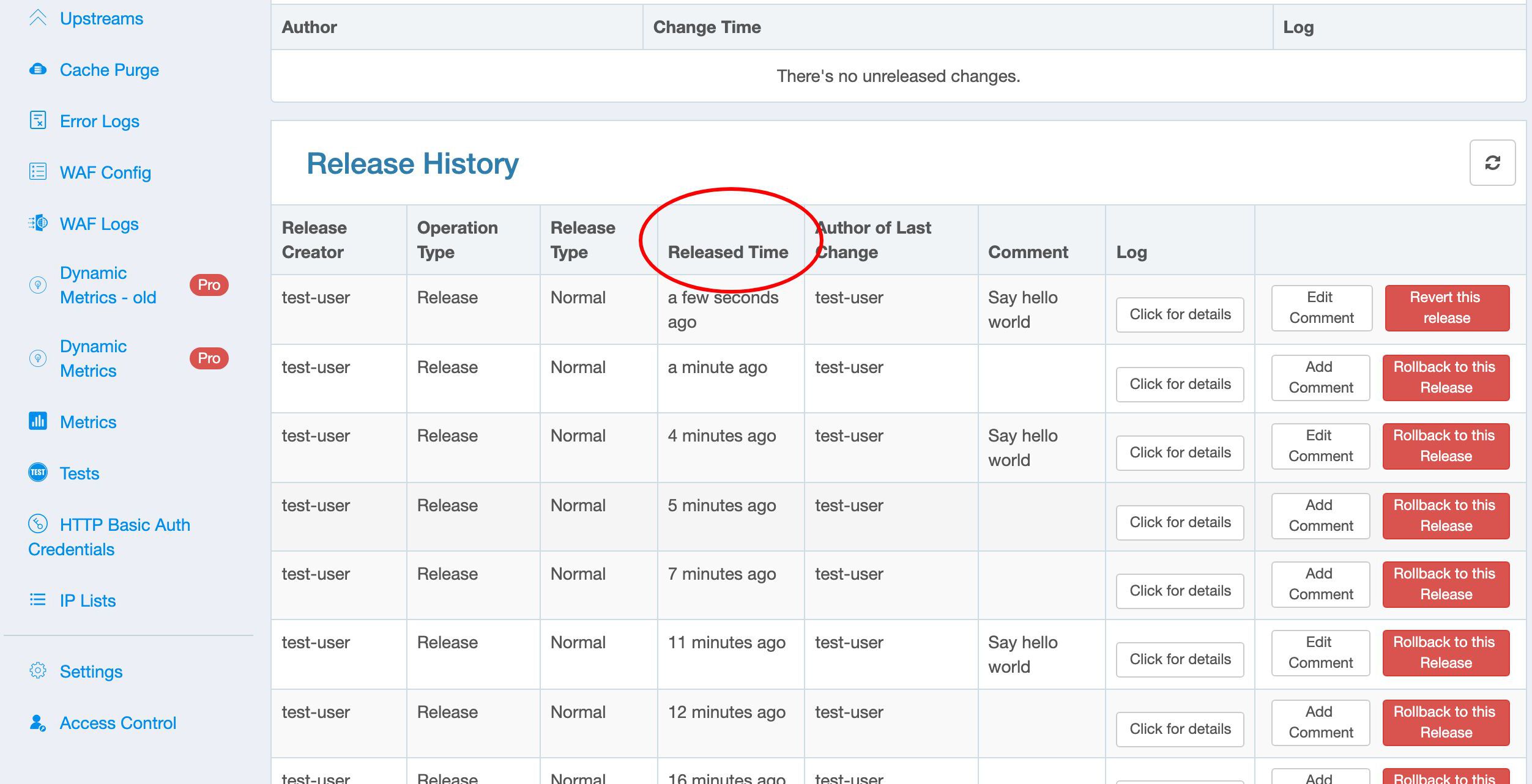
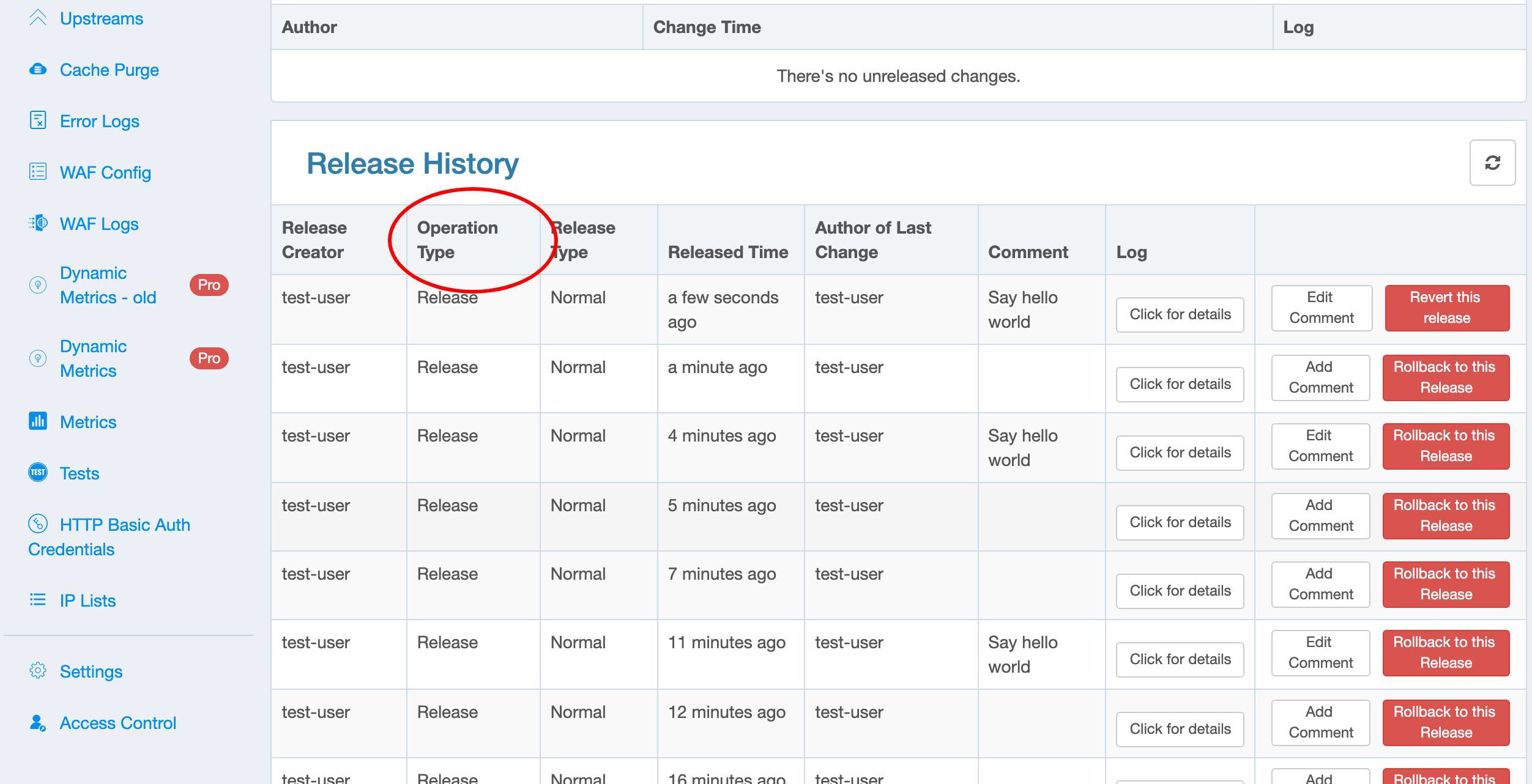
You can check out the operation type, which can be either a “Release” or a “Rollback”.
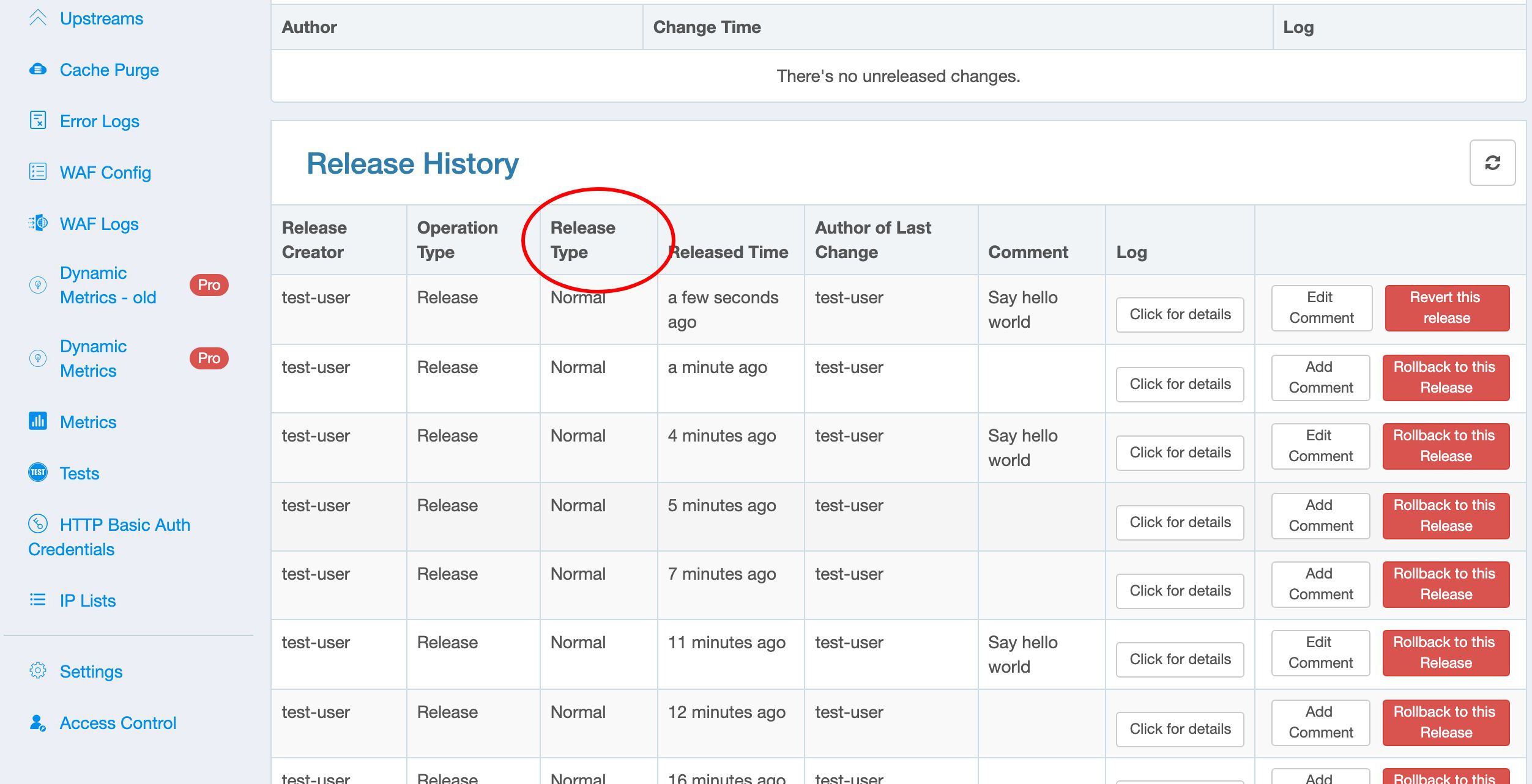
The Release type can be either a Normal one or Staging one.
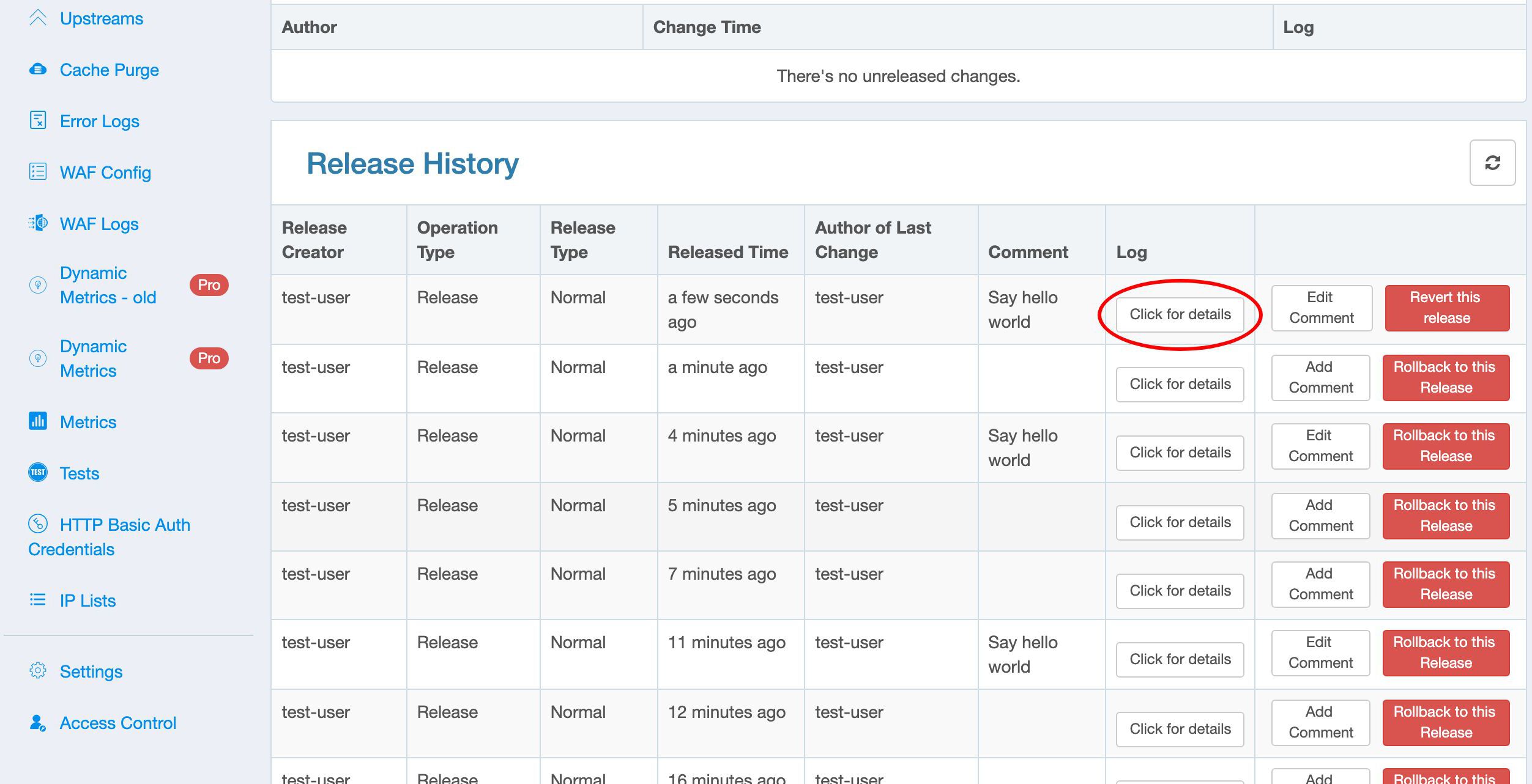
We also can expand the details of each historical release here.
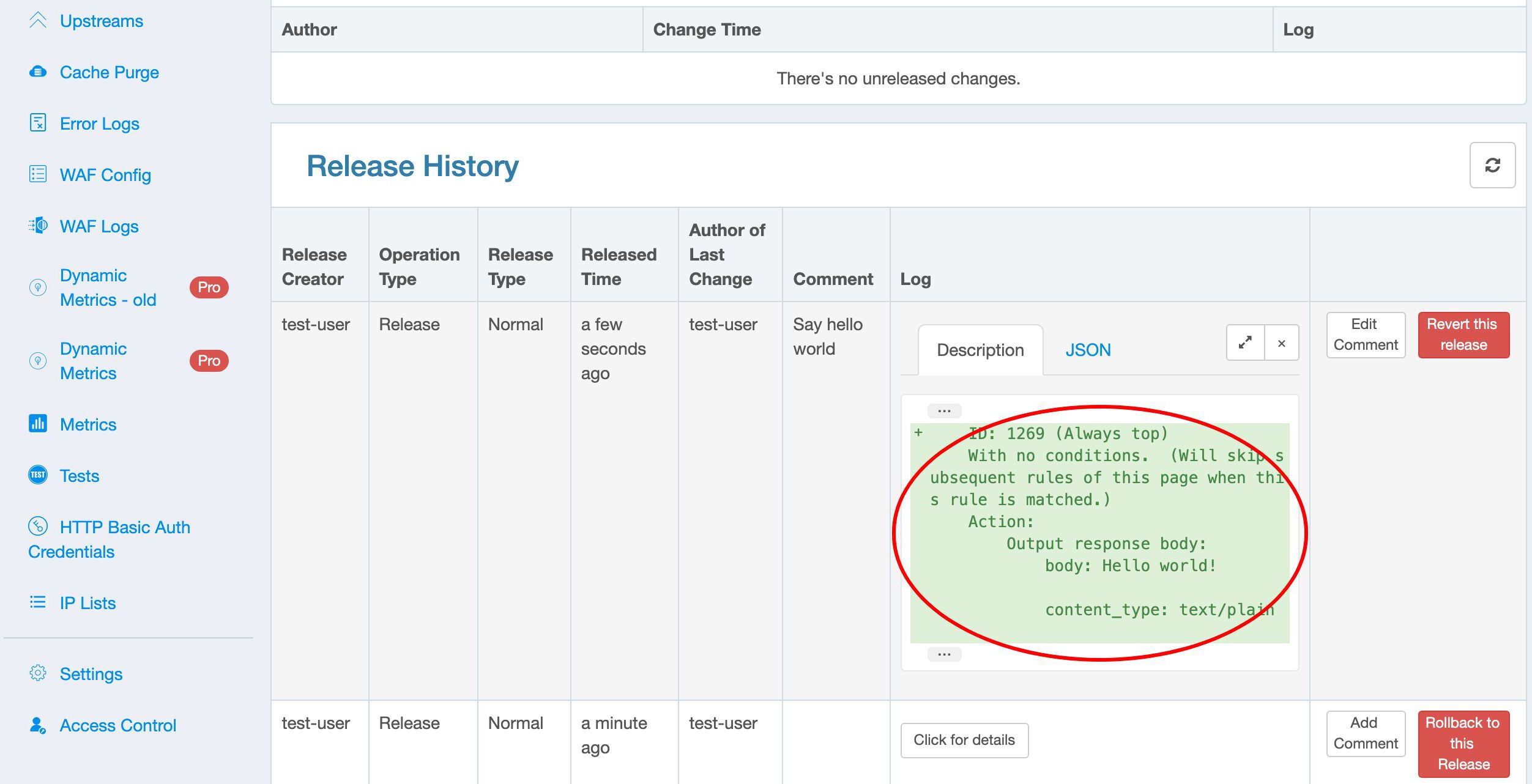
It still has the textual description.
Modify the page rule
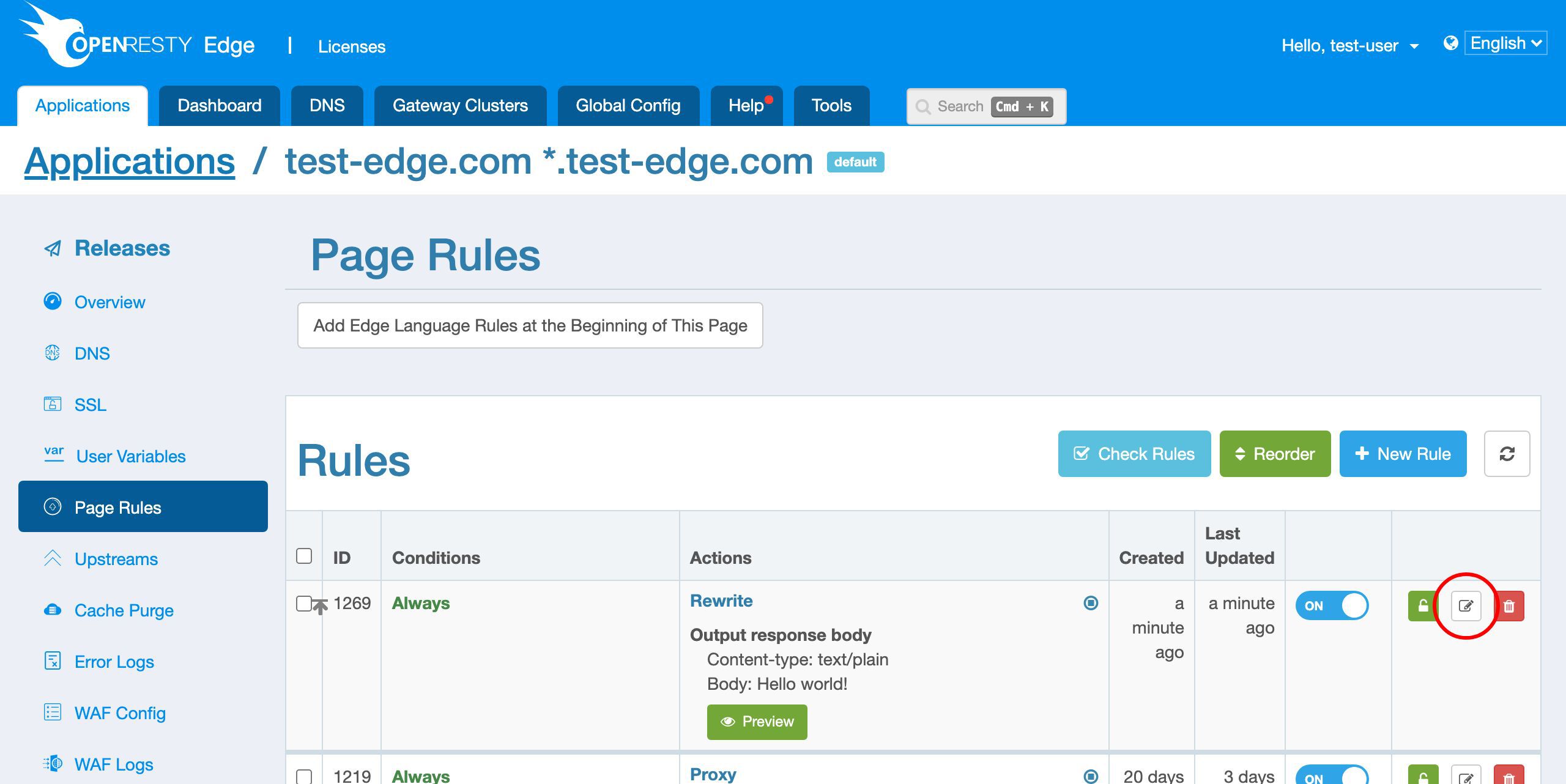
Let’s edit our new page rule a bit. Go back to the page rules page.
Edit this rule.
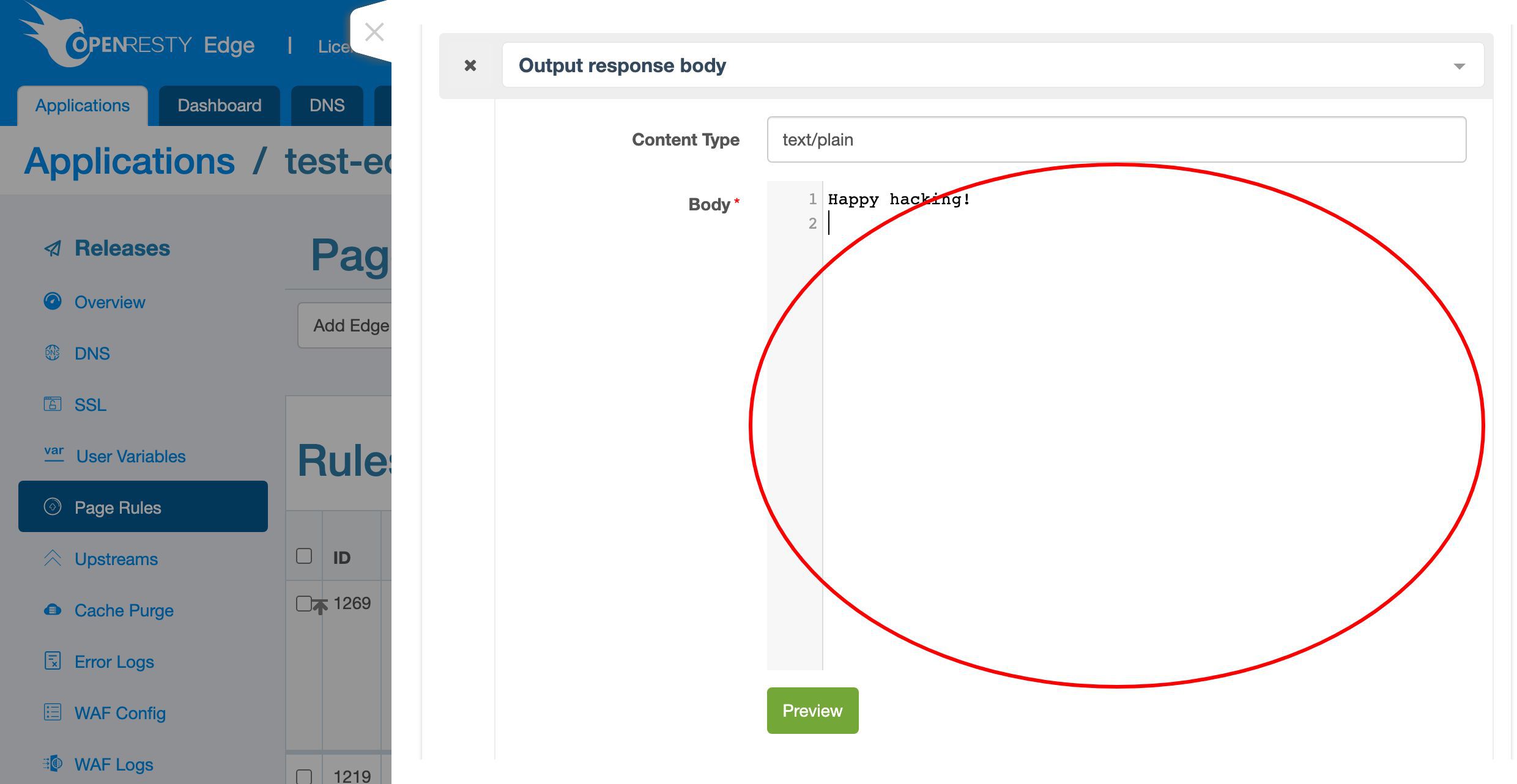
Let’s change the response body to “Happy hacking!”
Save it.
We now have a new pending change again.
Release the modified config
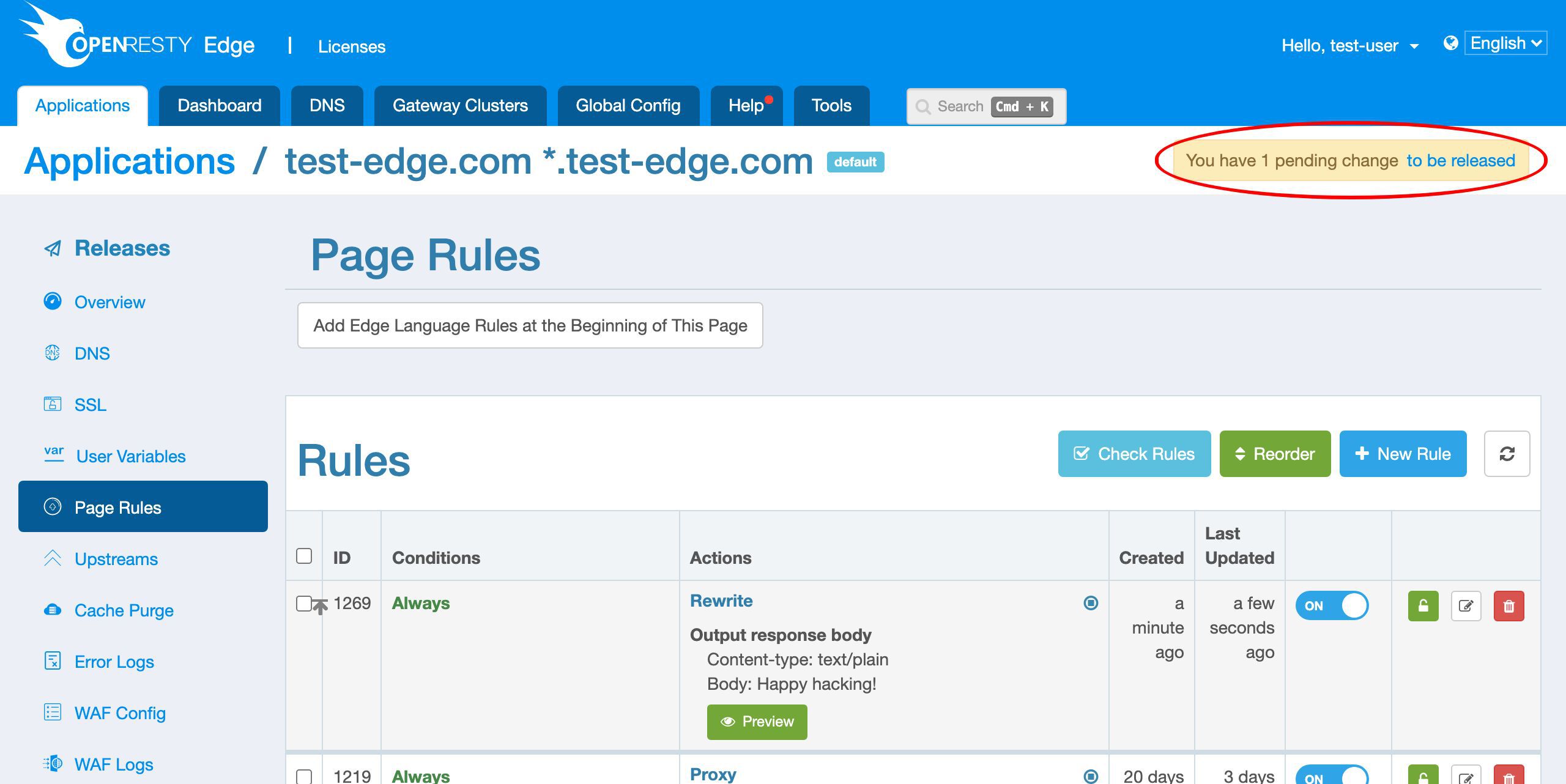
Make another new config release.
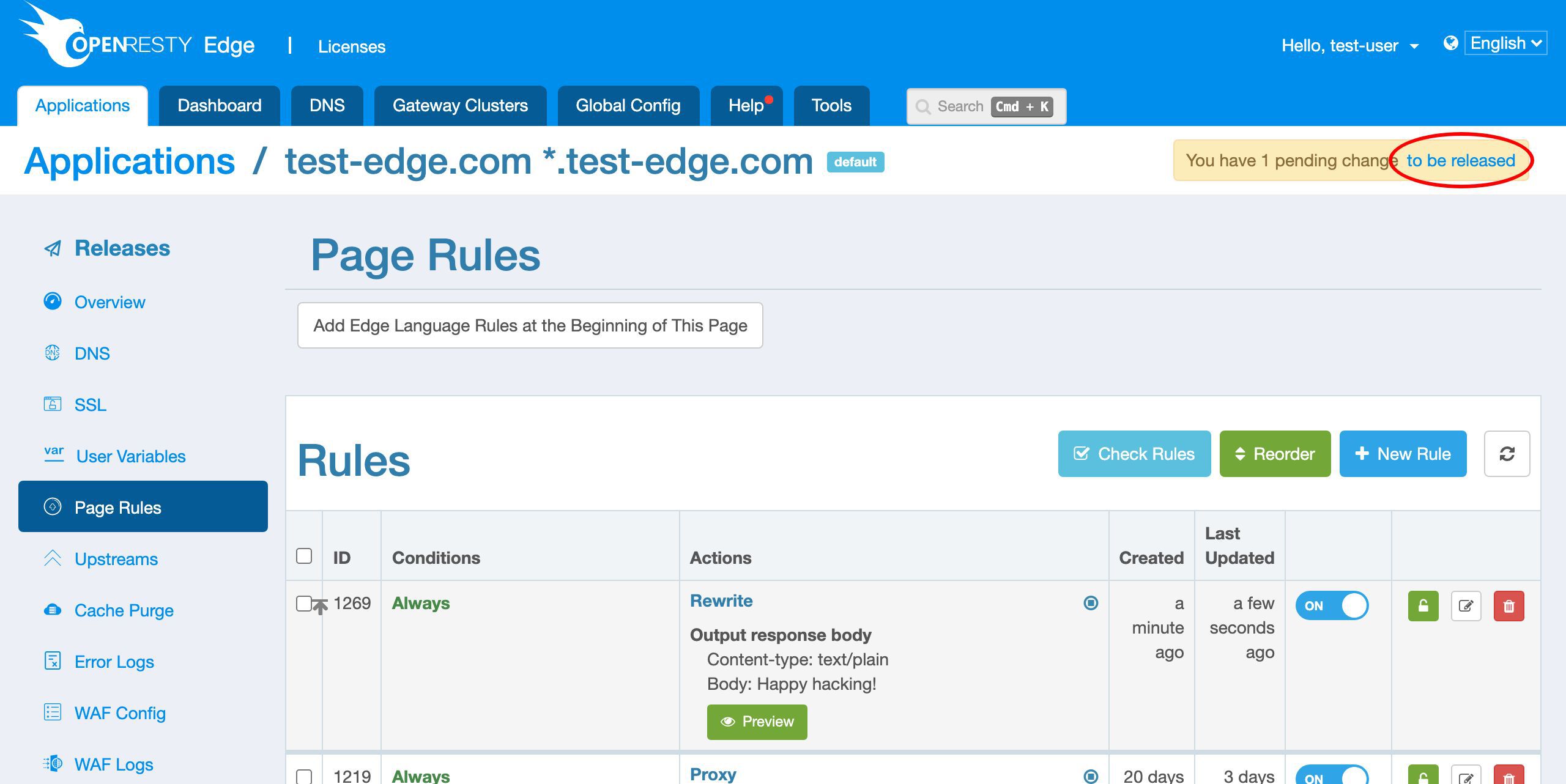
Check the details of the pending change again.
It shows that we replaced the “Hello world” message with “Happy hacking”.
Let’s release this pending change.
This time we add a comment “Say happy hacking”.
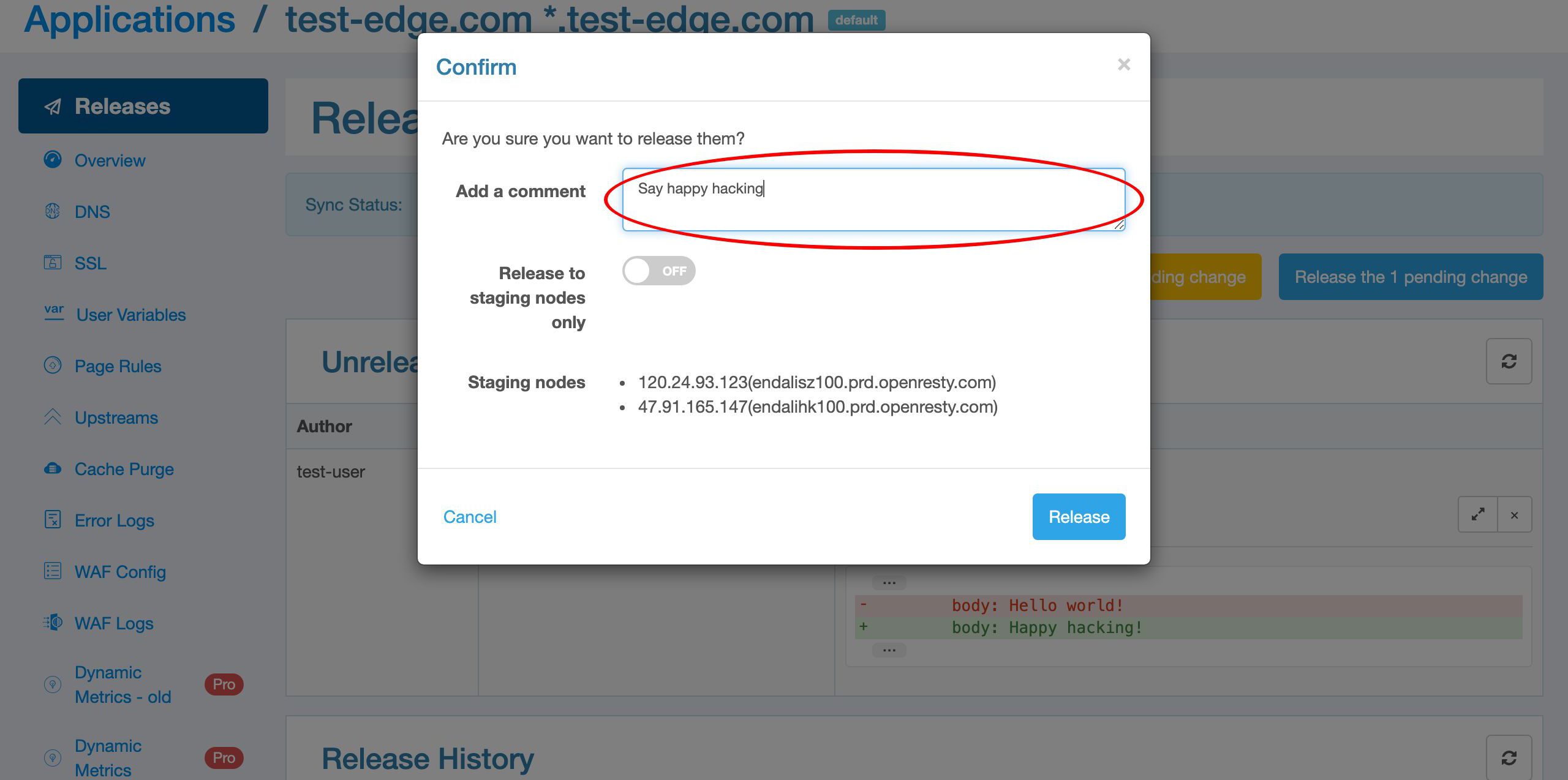
Ship it.
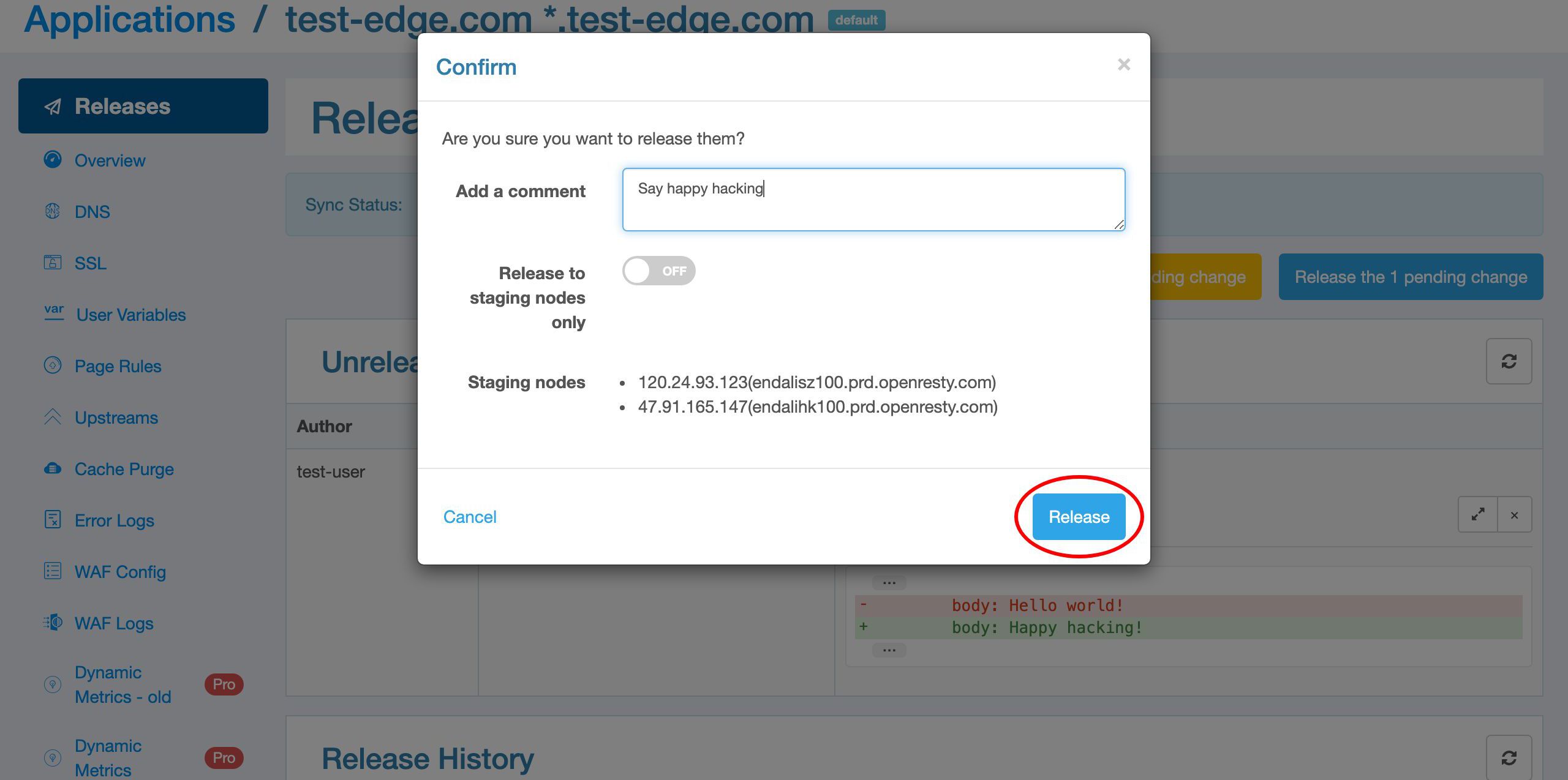
A new release is pushed out.
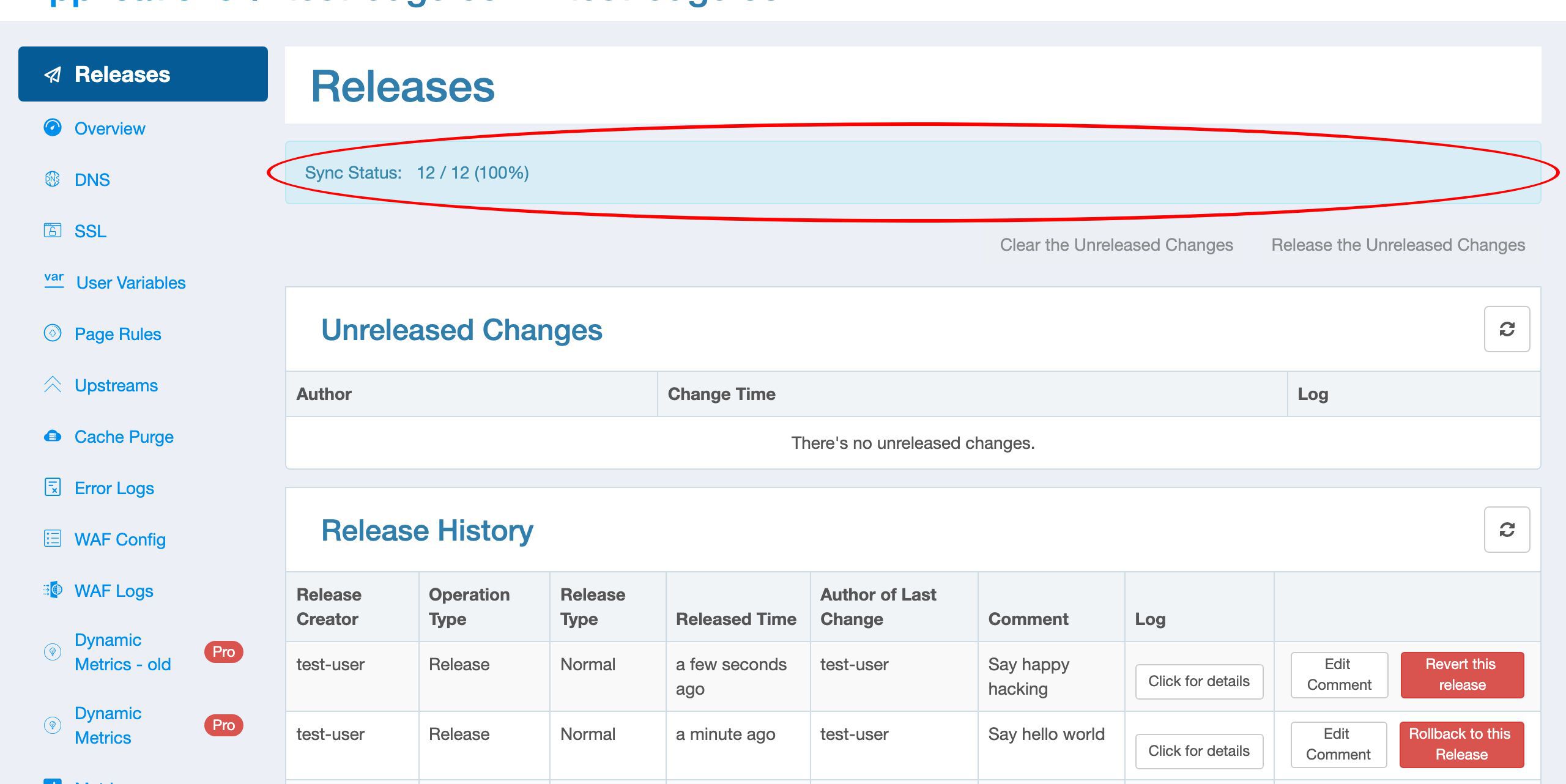
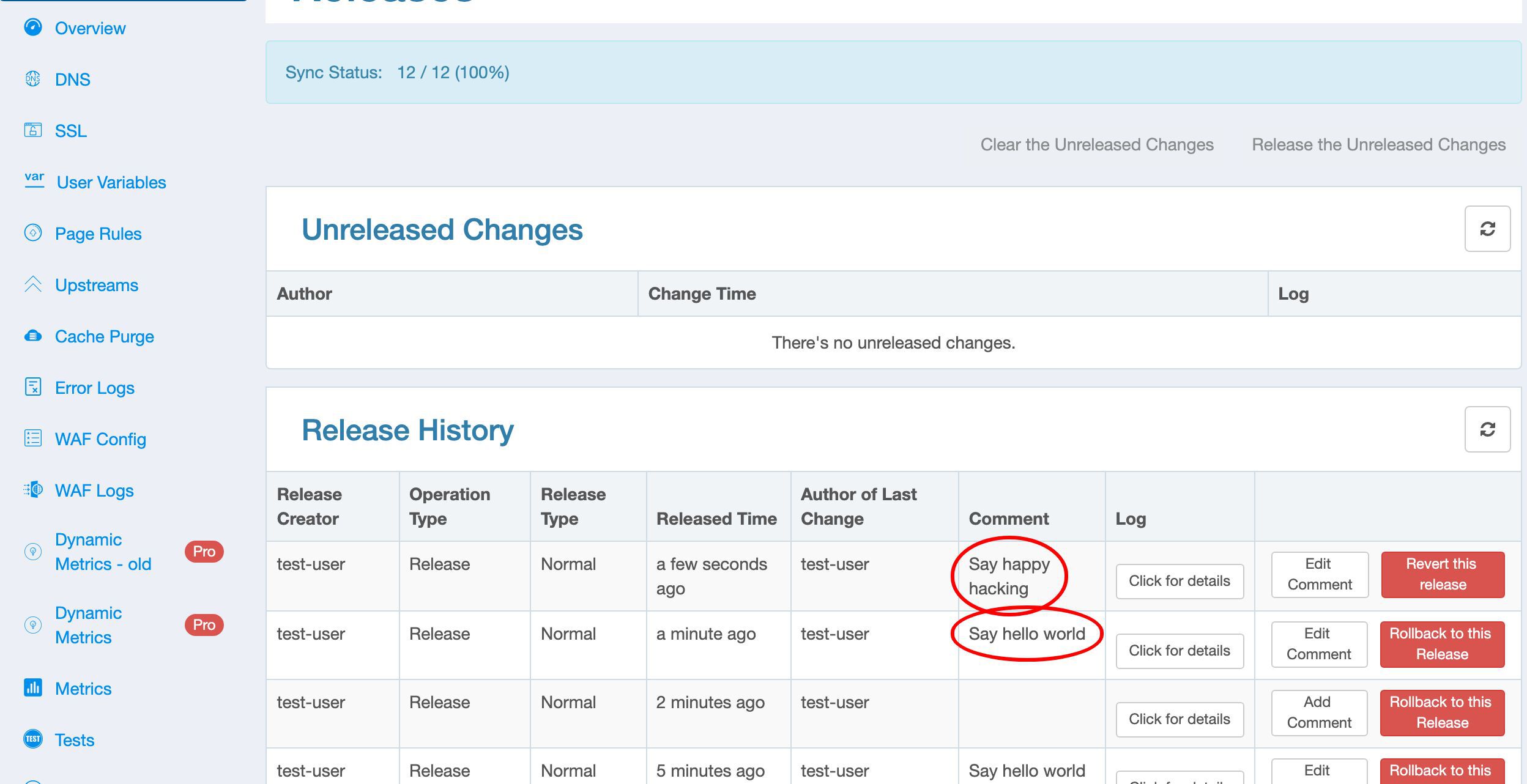
The release history is also updated.
Test the modified config
Let’s send a test request on the terminal again.
curl http://test-edge.com/
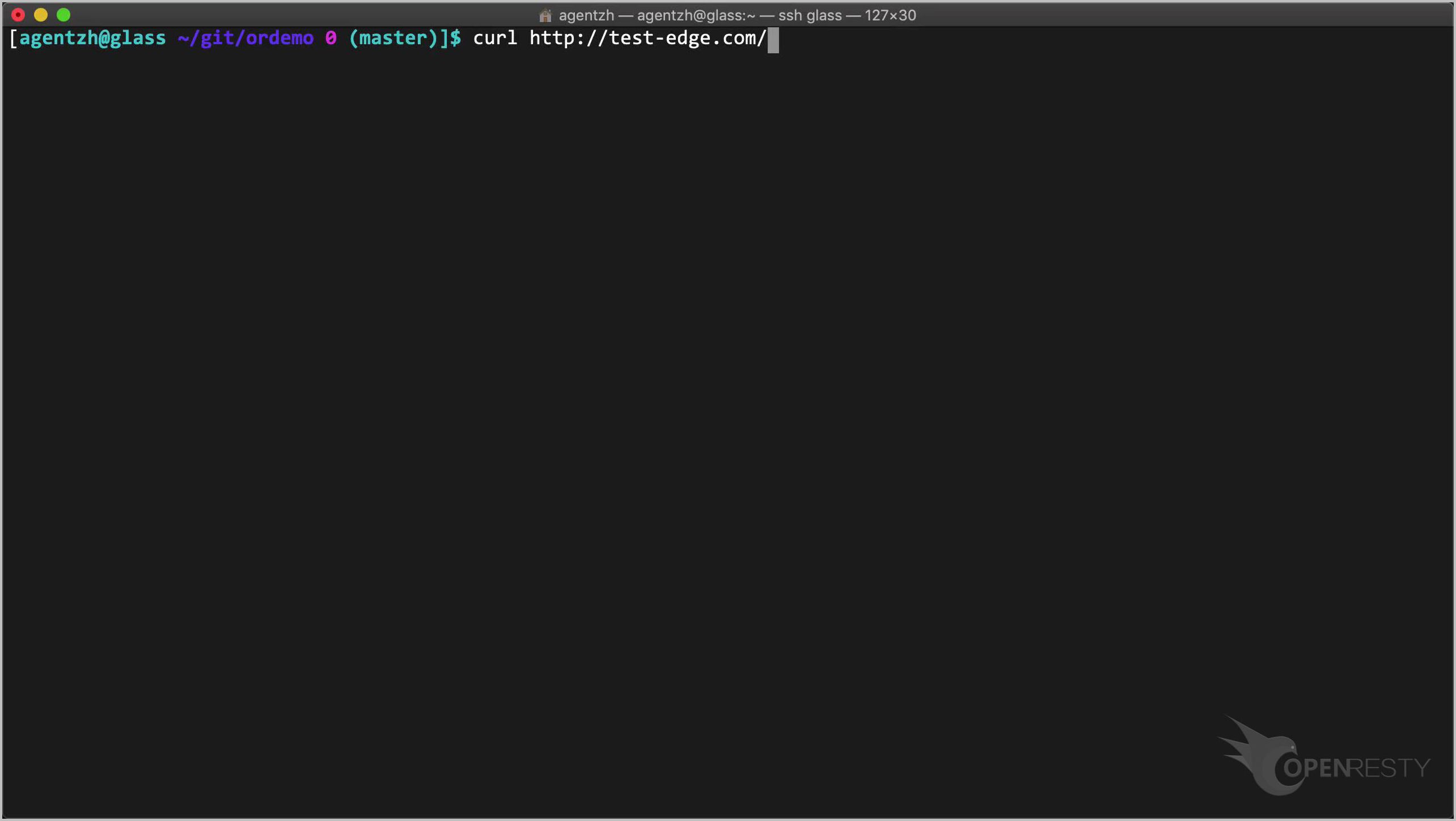
Run it.
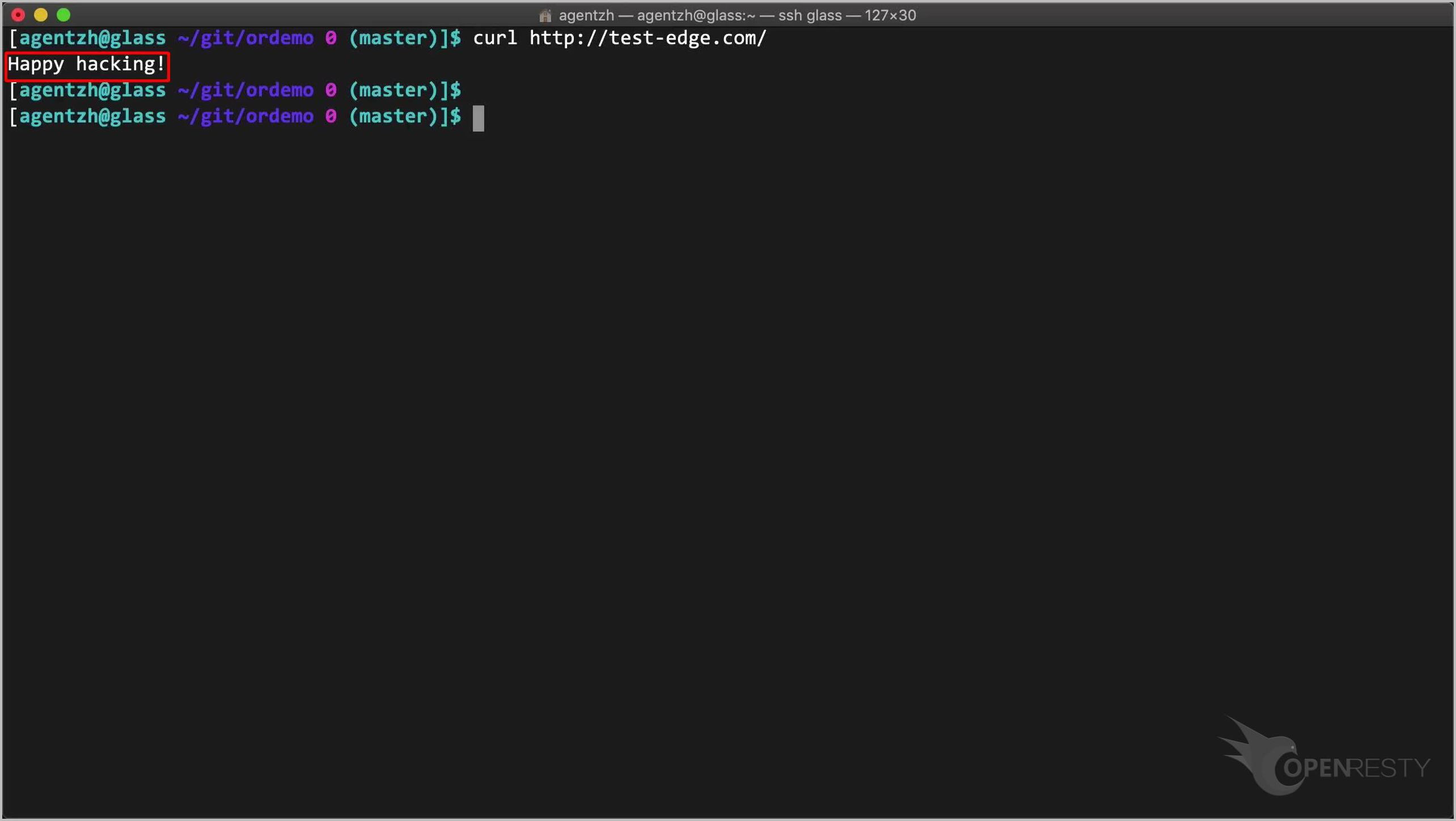
The response body is indeed changed to “Happy hacking”.
Revert the latest config release
Next, say, we want to revert the latest config release.
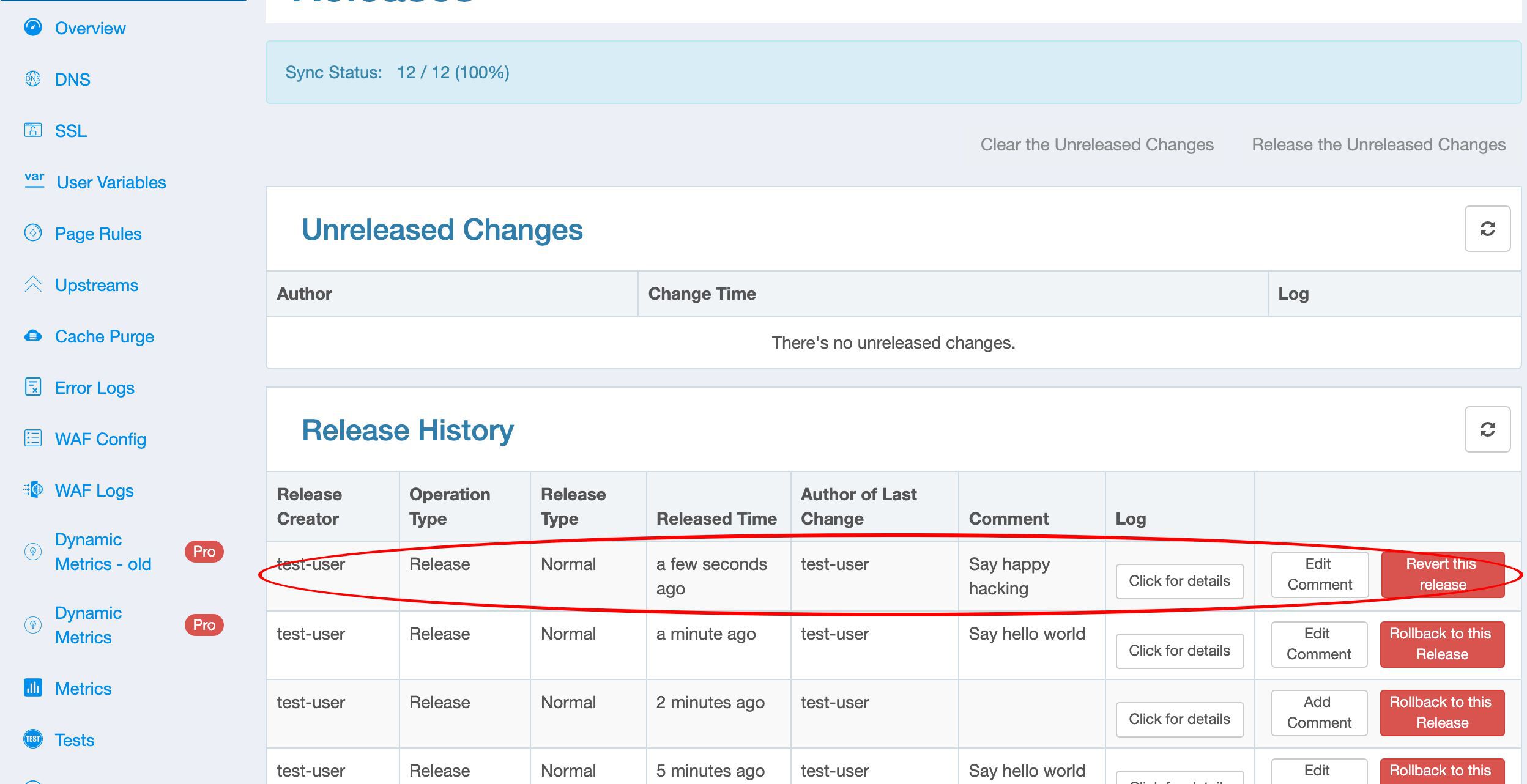
Just click on this “Revert this release” button.
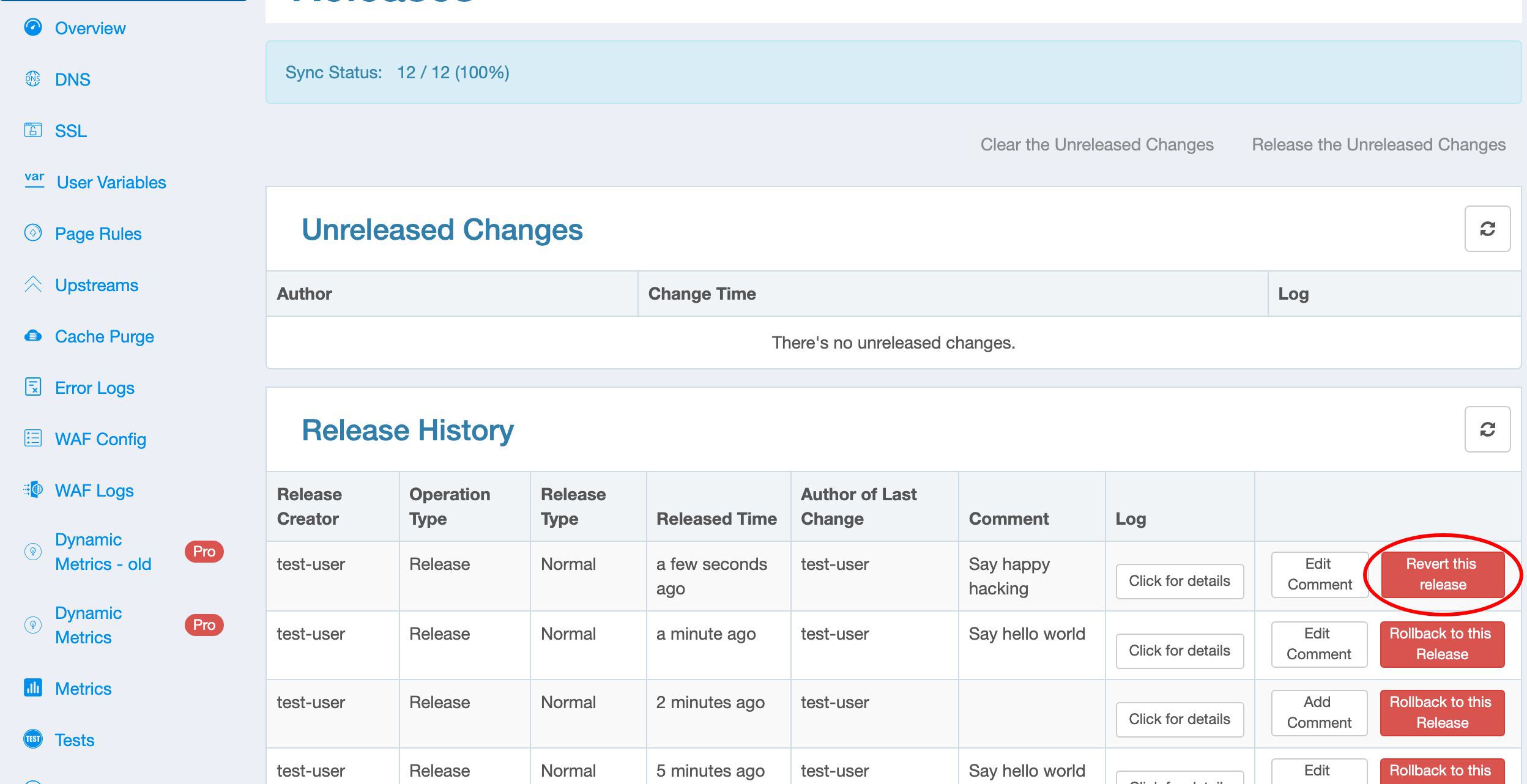
Confirm to revert.
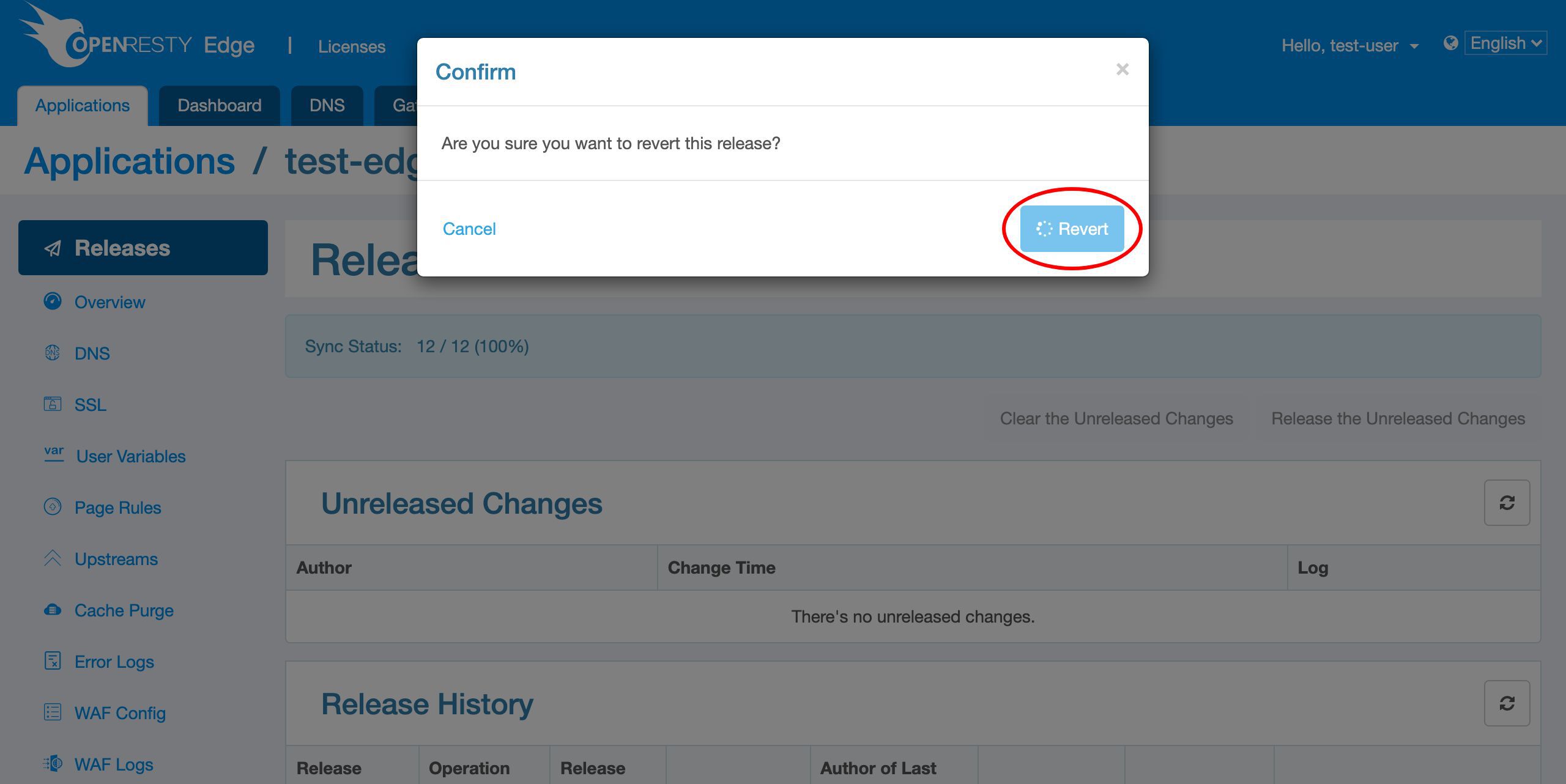
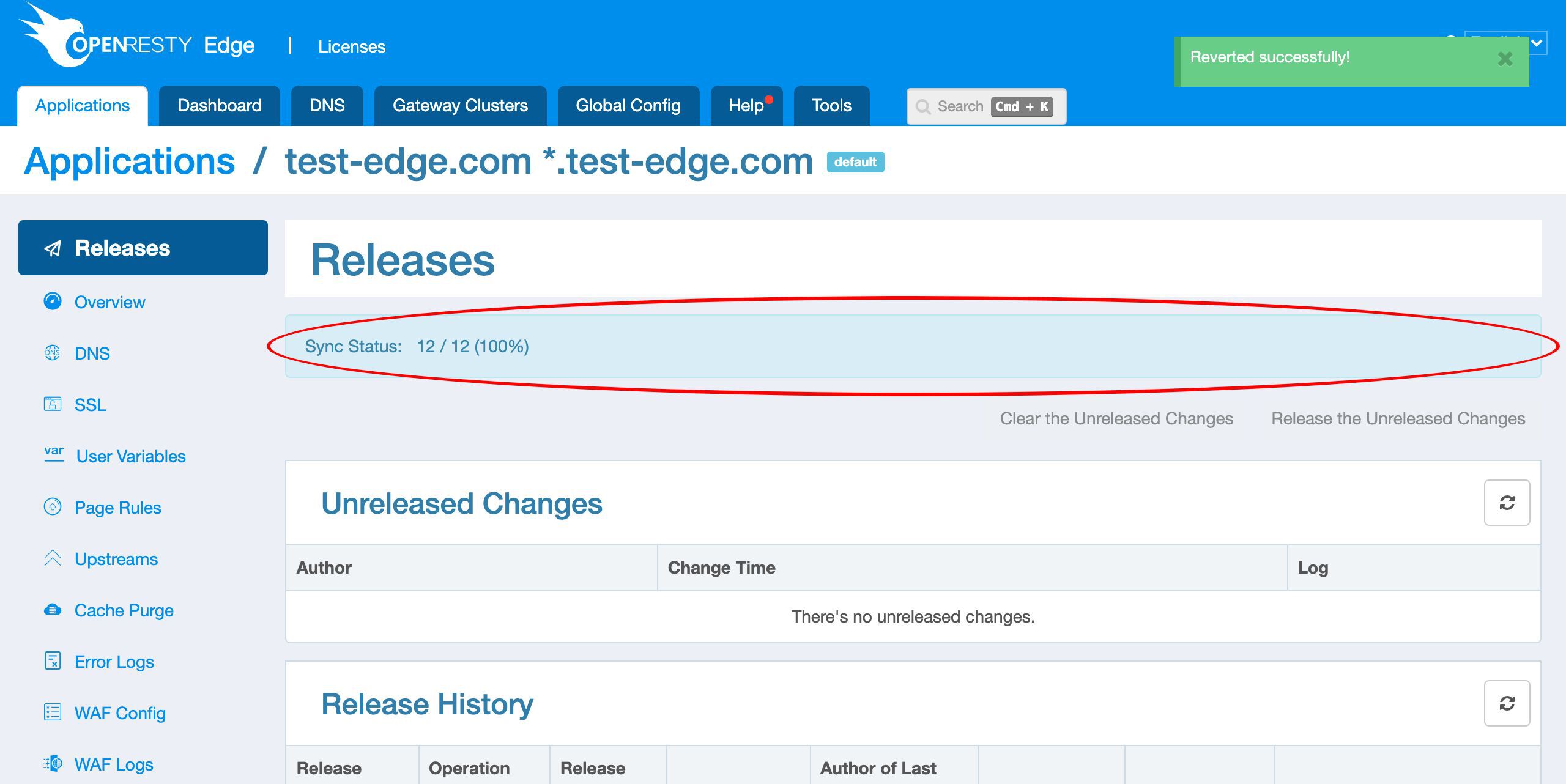
The release revert is now pushed out to all the gateway servers.
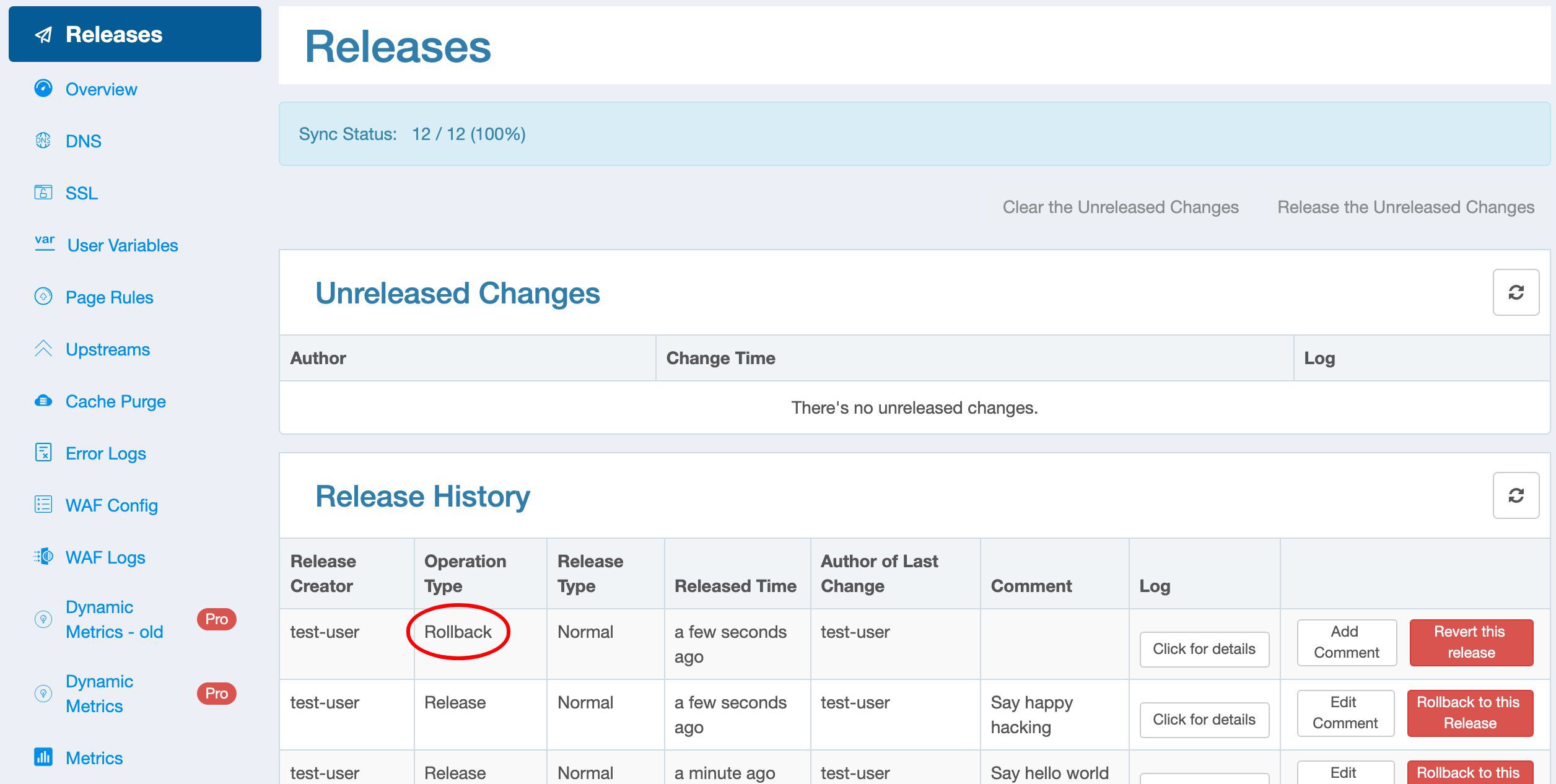
Now you see the latest Operation log has the type “Rollback”.
Test the reverted config
We test it out again on the terminal.
curl http://test-edge.com/
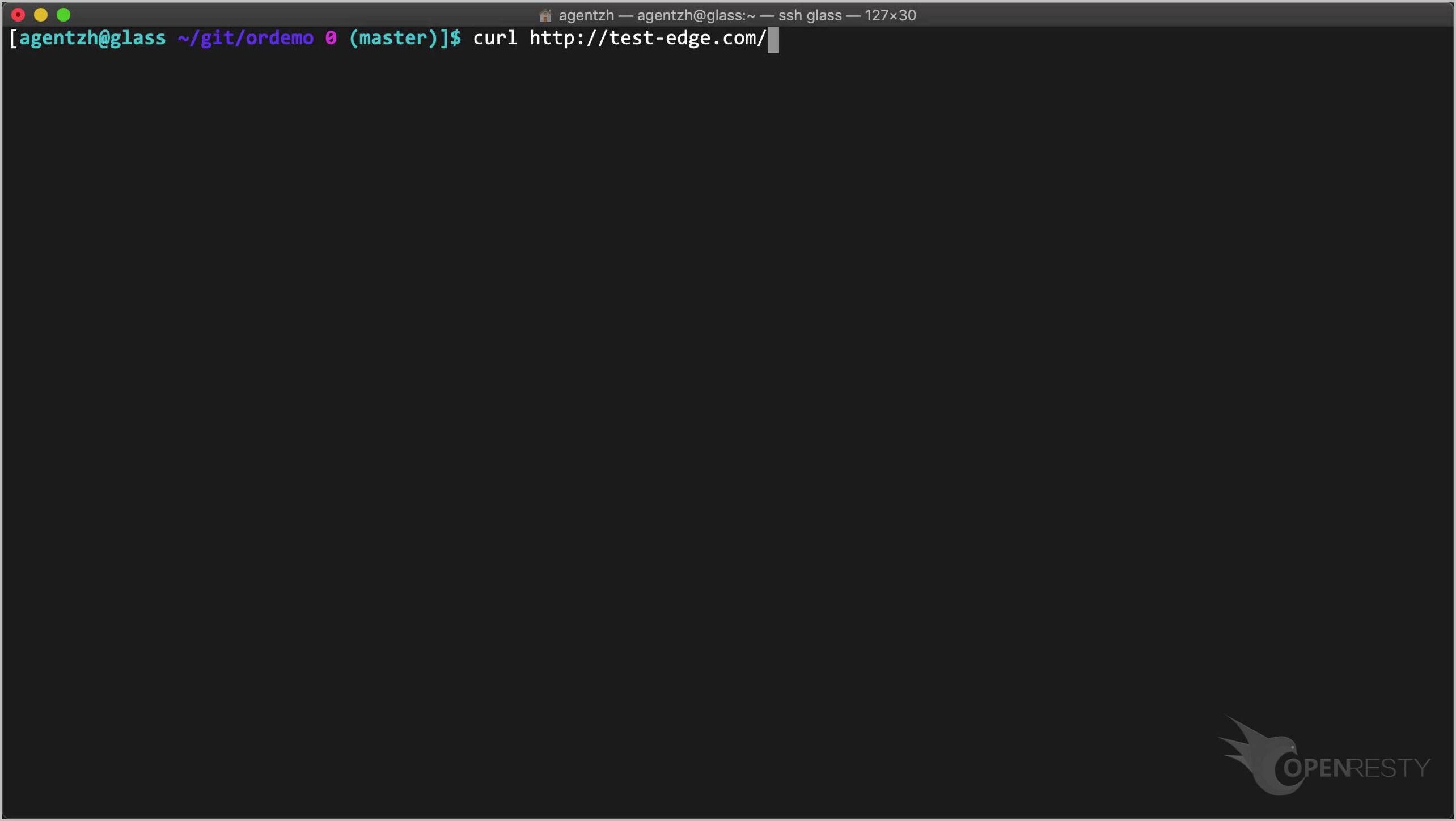
Run it.
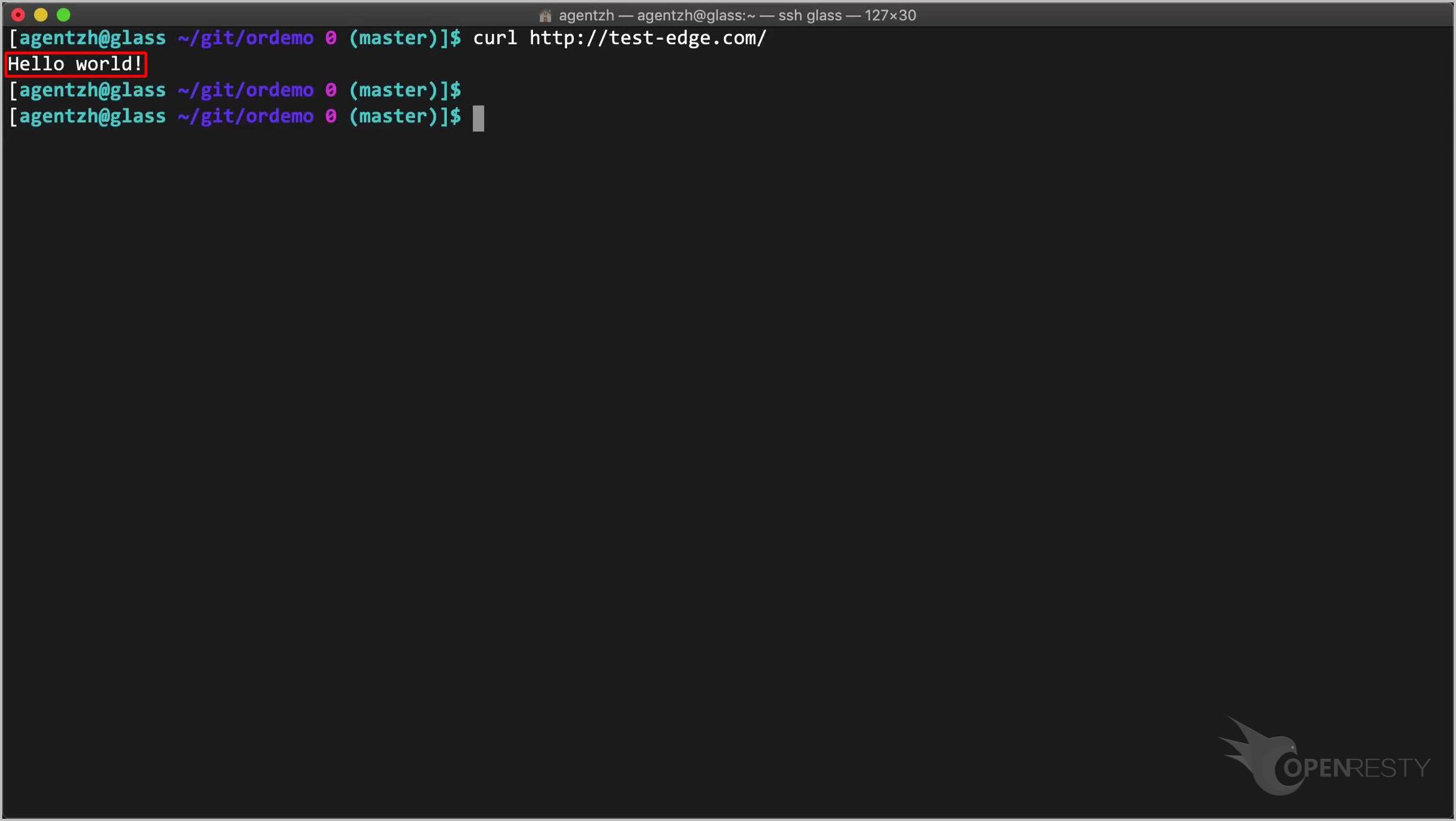
It indeed turns back to “Hello world” now.
Roll back to any earlier release
We can rollback to an even older release, not just undo the last one.
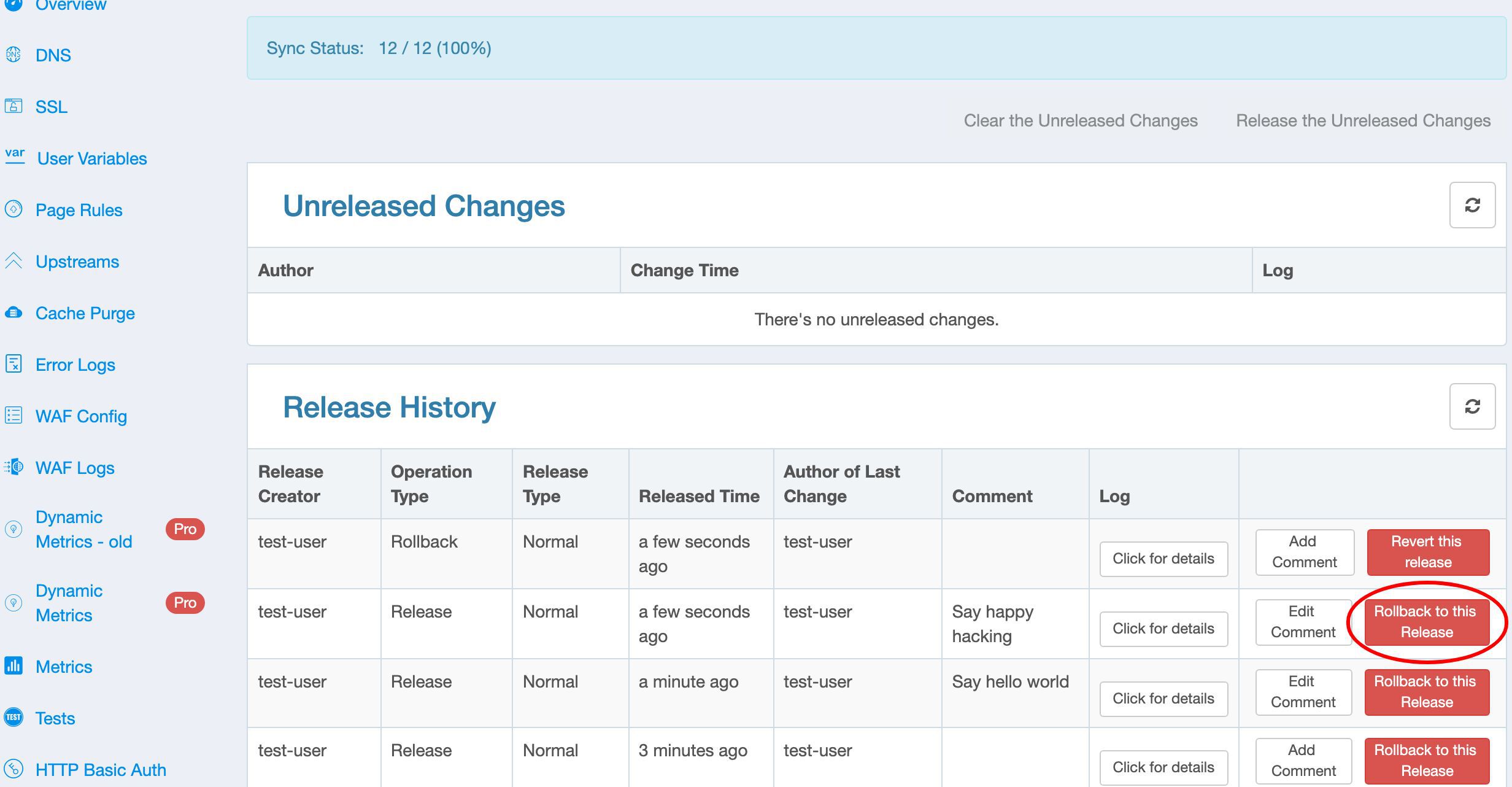
Say, we want to rollback to the second last release this time.
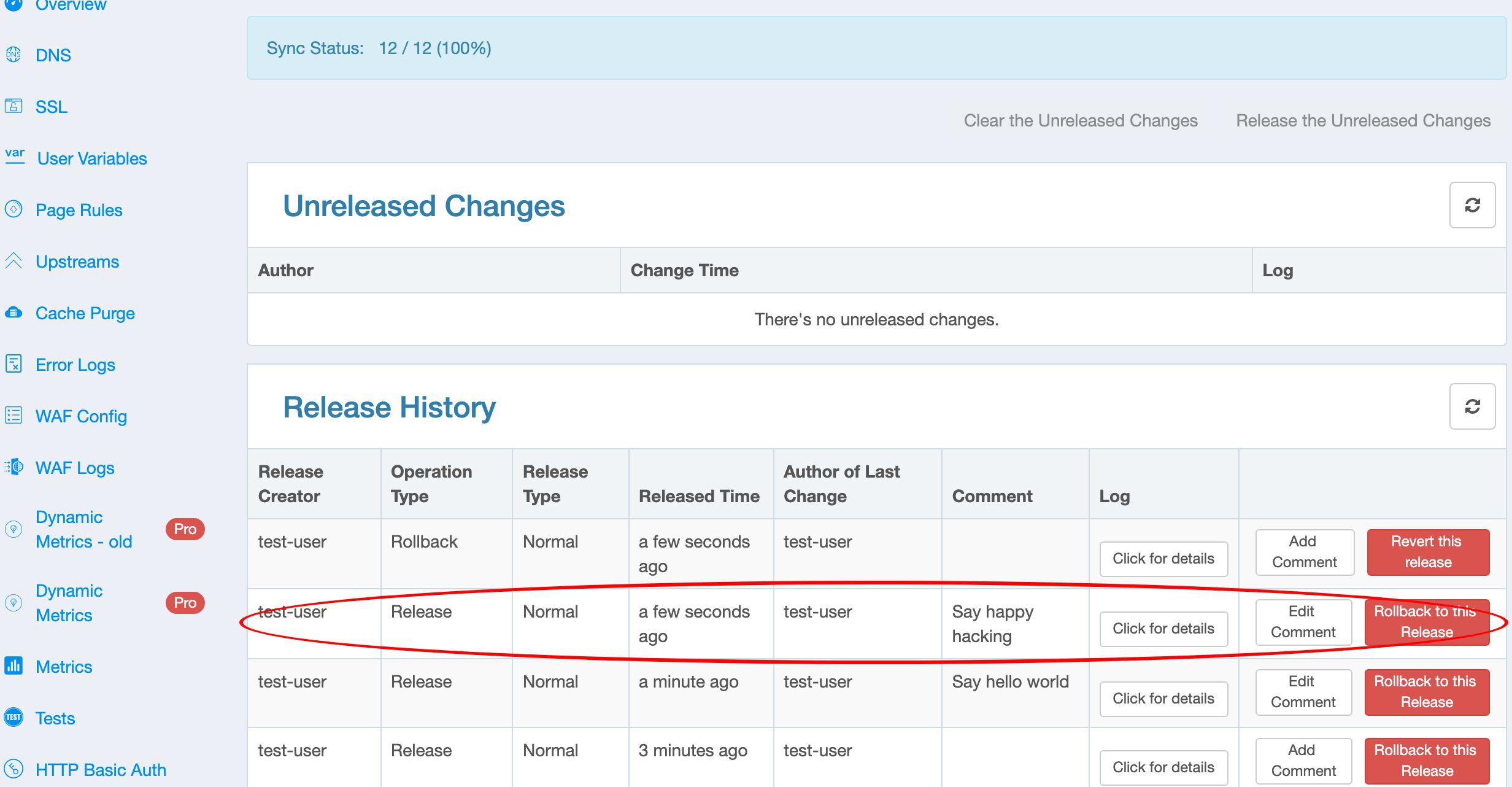
We could just click on this “Rollback to this release” button. Feel free to try it out yourself.
This is what I’d like to cover today.
Frequently asked questions
How do I release a configuration change in OpenResty Edge?
Any change you make in the web console—such as a new page rule—stays a pending change until you make a config release. On the Releases page, review the pending diff, optionally add a description, and click Release. The change is then pushed to all gateway clusters and servers.
Does releasing a config change require a server reload or restart?
No. Configuration releases in OpenResty Edge do not require a server reload, restart, or binary upgrade. The new configuration is synchronized to every gateway cluster and server automatically, which keeps releases efficient and scalable.
What is the difference between a Normal and a Staging release?
A Staging release ships the configuration only to your own staging gateway nodes, so you can verify a change before it goes live. A Normal release pushes it to all gateway servers. The release history labels each entry with its type so you can tell them apart.
How do I revert the latest release?
Open the latest entry in the release history and click “Revert this release”, then confirm. The revert is pushed out to all gateway servers immediately, and the operation is recorded in the history with the type “Rollback”.
Can I roll back to any earlier release, not just the last one?
Yes. Besides reverting the most recent release, you can pick any older entry in the release history—for example the second-to-last one—and click “Rollback to this release” to restore that exact configuration version.
Can I preview a change before releasing it?
Yes. Before making a release you can check the pending change as a human-readable textual description and as a JSON diff, so you can review exactly what will be pushed to the gateways.
What is OpenResty Edge
OpenResty Edge is our all-in-one gateway software for microservices and distributed traffic architectures. It combines traffic management, private CDN construction, API gateway, security, and more to help you easily build, manage, and protect modern applications. OpenResty Edge delivers industry-leading performance and scalability to meet the demanding needs of high concurrency, high load scenarios. It supports scheduling containerized application traffic such as K8s and manages massive domains, making it easy to meet the needs of large websites and complex applications.
If you like this tutorial, please subscribe to this blog site and/or our YouTube channel. Thank you!
About The Author
Yichun Zhang (Github handle: agentzh), is the original creator of the OpenResty® open-source project and the CEO of OpenResty Inc..
Yichun is one of the earliest advocates and leaders of “open-source technology”. He worked at many internationally renowned tech companies, such as Cloudflare, Yahoo!. He is a pioneer of “edge computing”, “dynamic tracing” and “machine coding”, with over 22 years of programming and 16 years of open source experience. Yichun is well-known in the open-source space as the project leader of OpenResty®, adopted by more than 40 million global website domains.
OpenResty Inc., the enterprise software start-up founded by Yichun in 2017, has customers from some of the biggest companies in the world. Its flagship product, OpenResty XRay, is a non-invasive profiling and troubleshooting tool that significantly enhances and utilizes dynamic tracing technology. And its OpenResty Edge product is a powerful distributed traffic management and private CDN software product.
As an avid open-source contributor, Yichun has contributed more than a million lines of code to numerous open-source projects, including Linux kernel, Nginx, LuaJIT, GDB, SystemTap, LLVM, Perl, etc. He has also authored more than 60 open-source software libraries.
Related Articles
OpenResty XRay Apr 28, 2024

OpenResty XRay Sep 16, 2021

OpenResty XRay Sep 6, 2021

OpenResty XRay Jun 29, 2021

OpenResty XRay Jun 25, 2021