
How to Run a Real-Time Cache Purge Network-Wide in OpenResty Edge
Real-time cache purge invalidates cached HTTP responses across an entire gateway network the moment you submit a purge job — with no server reload, restart, or configuration release. In OpenResty Edge you can purge by full URL, by URL prefix, or by custom conditions (URI suffix, headers, cookies, query args).
This tutorial walks through creating a purge job, verifying cache status with the Cache-Status header, purging by URL prefix, and building flexible custom purge conditions.
Create a real-time cache purge job in OpenResty Edge
As always, let’s go to the OpenResty Edge’s Admin web console. This is our sample deployment of the console. Every user has her own local deployment.
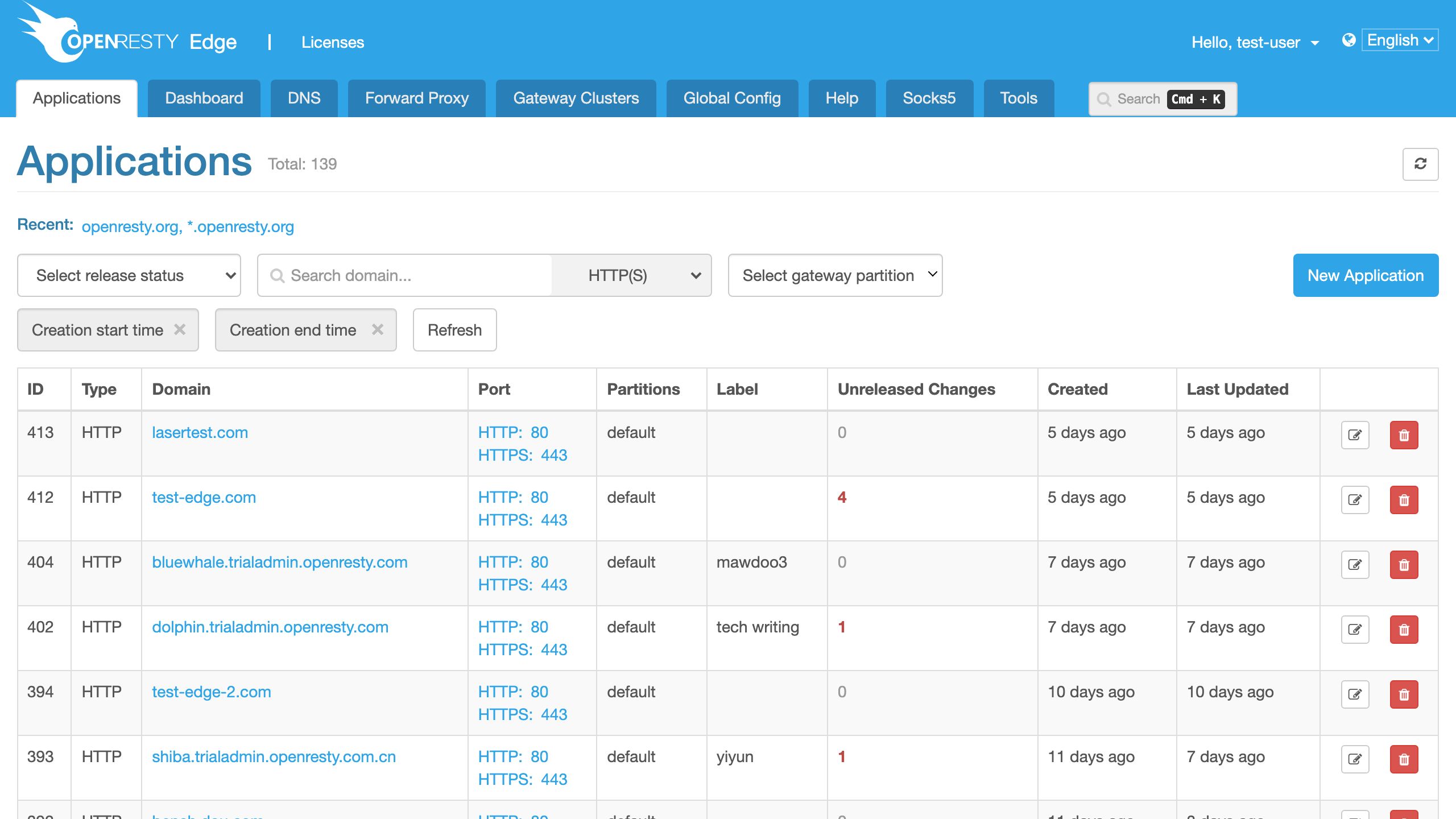
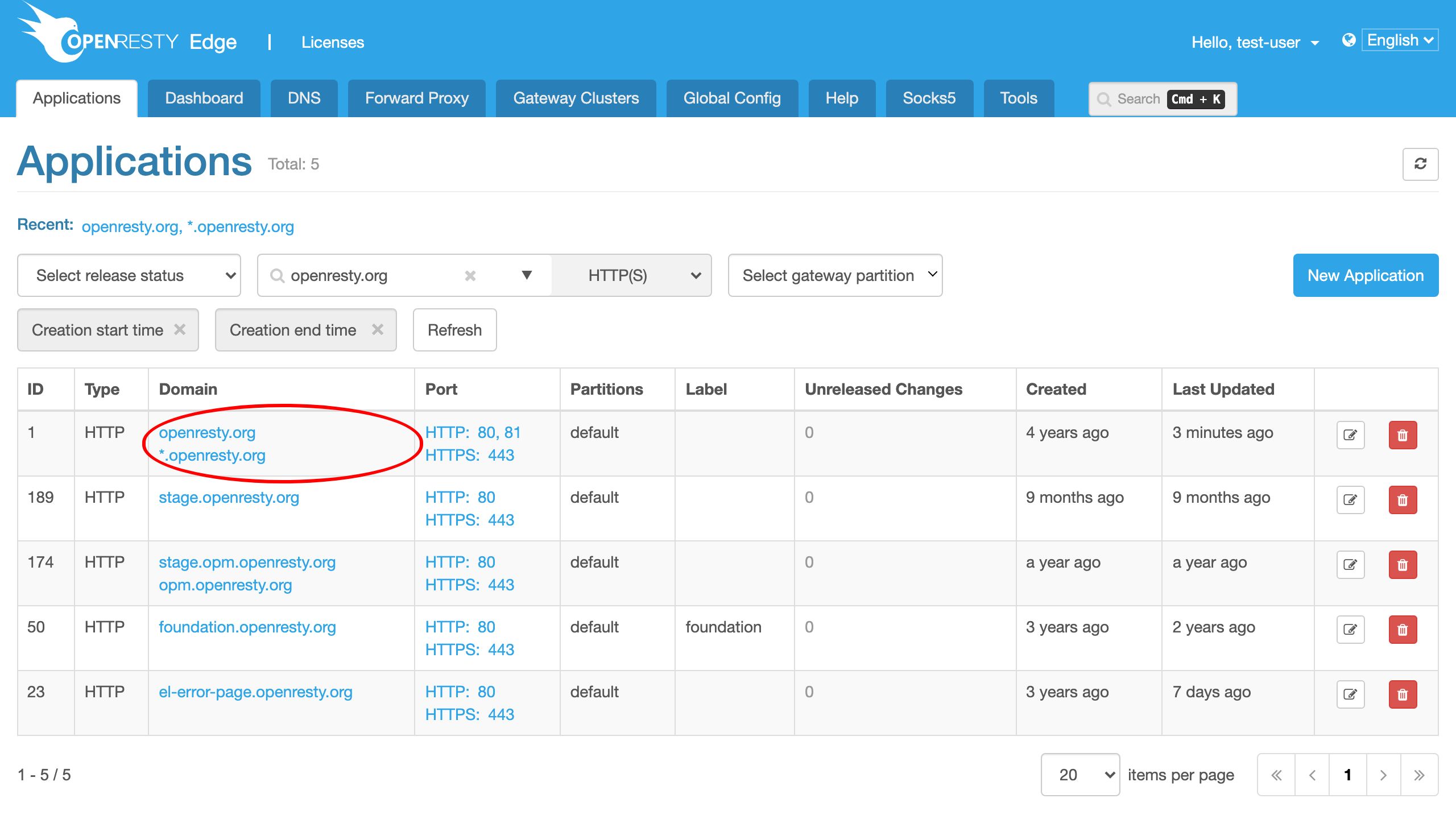
This time we use a real world application for our openresty.org website.
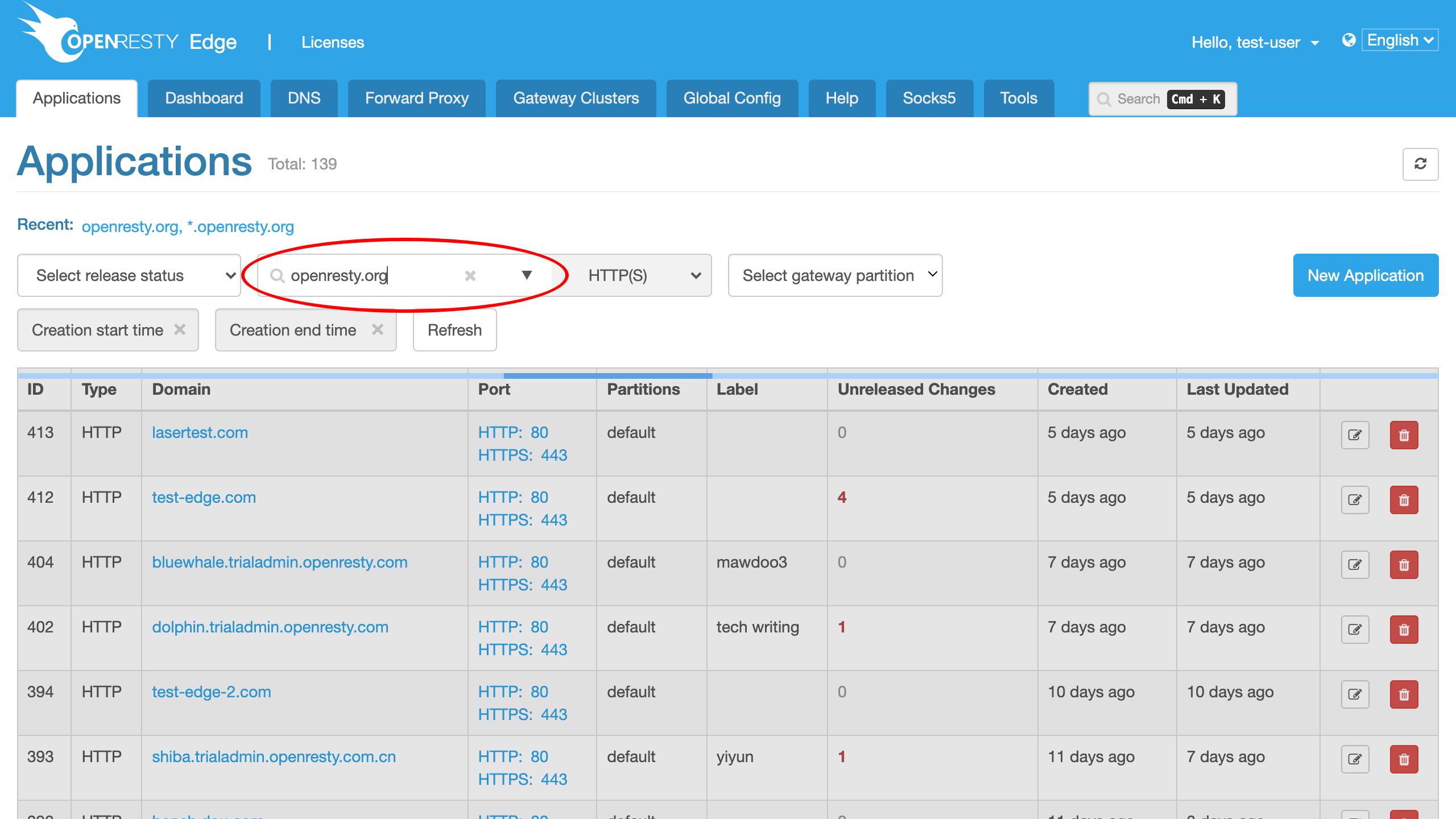
Enter this application.
Go to the Cache Purge page of this application.
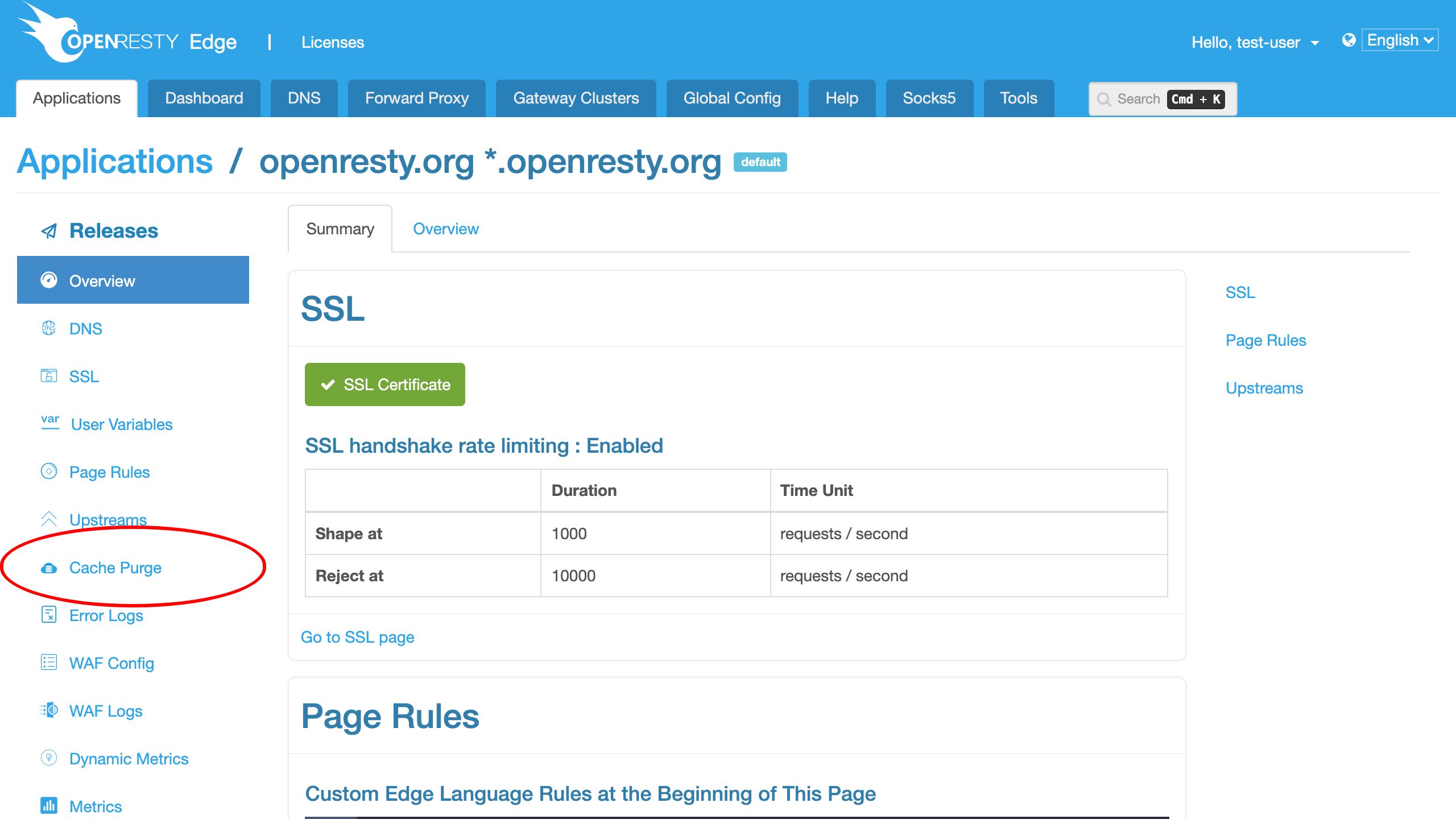
We can see that we already have a lot of previous purge jobs.
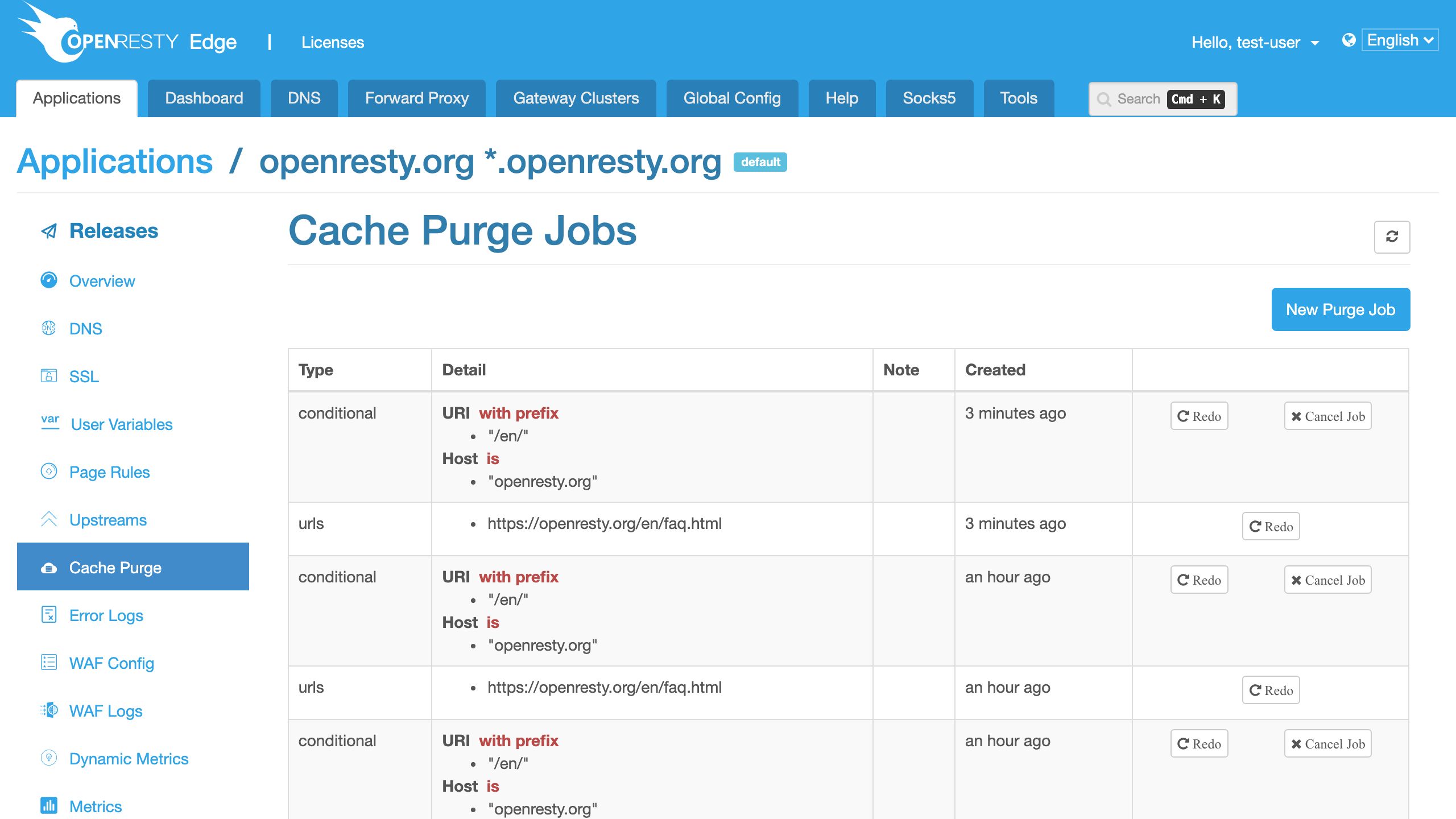
Let’s create a new purge job.
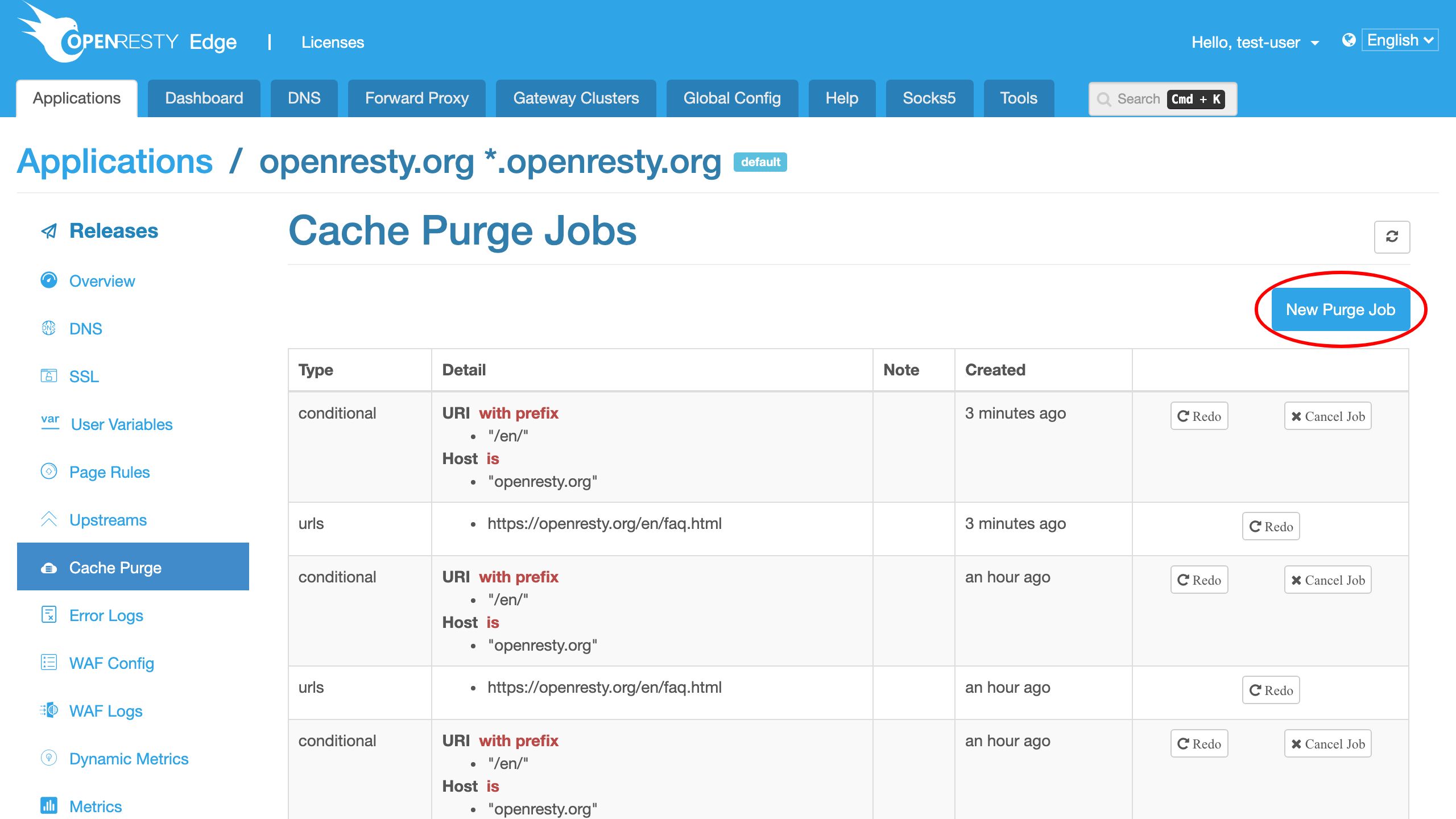
We can see that we can purge either by full URLs,
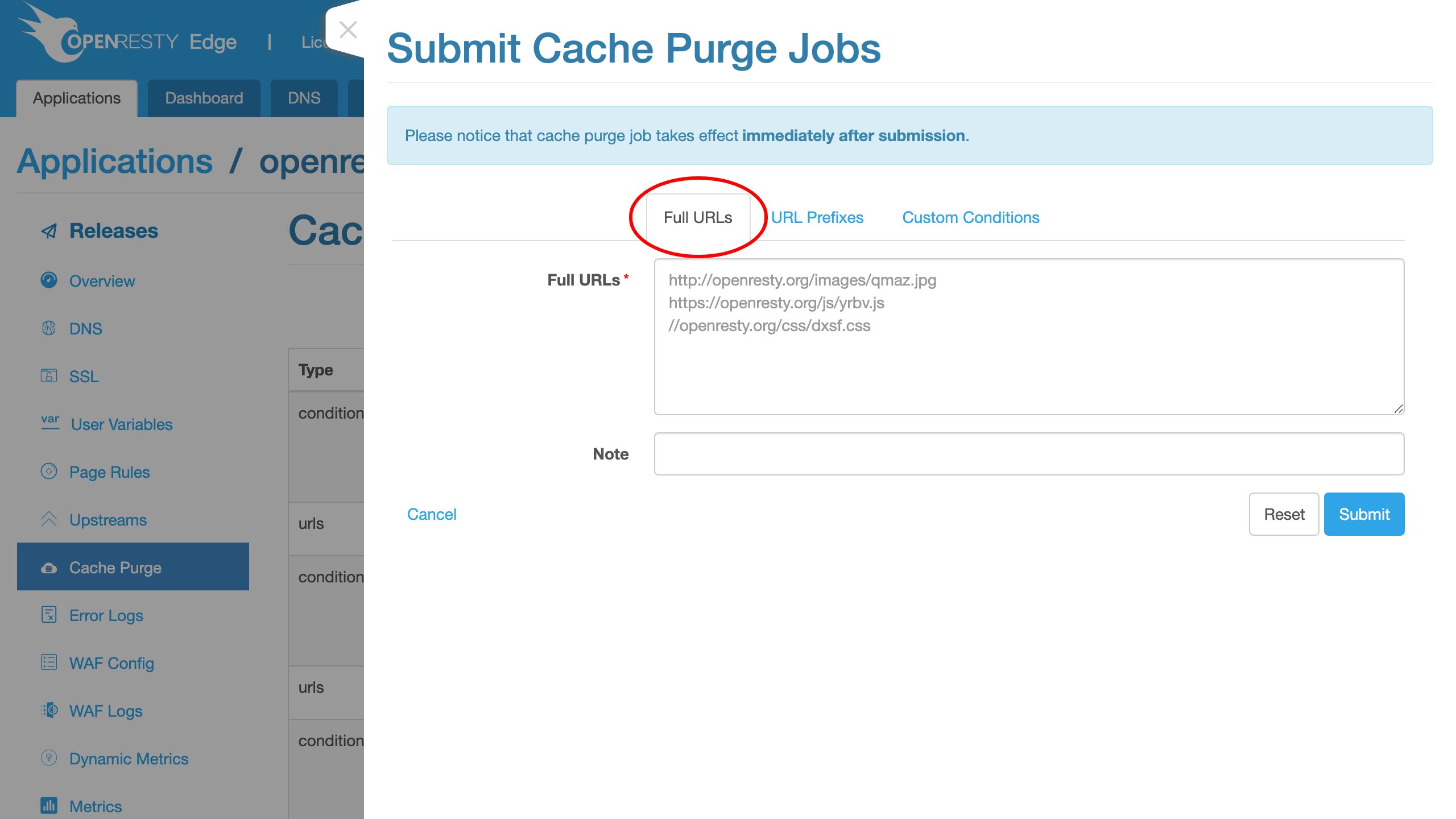
URL prefixes,
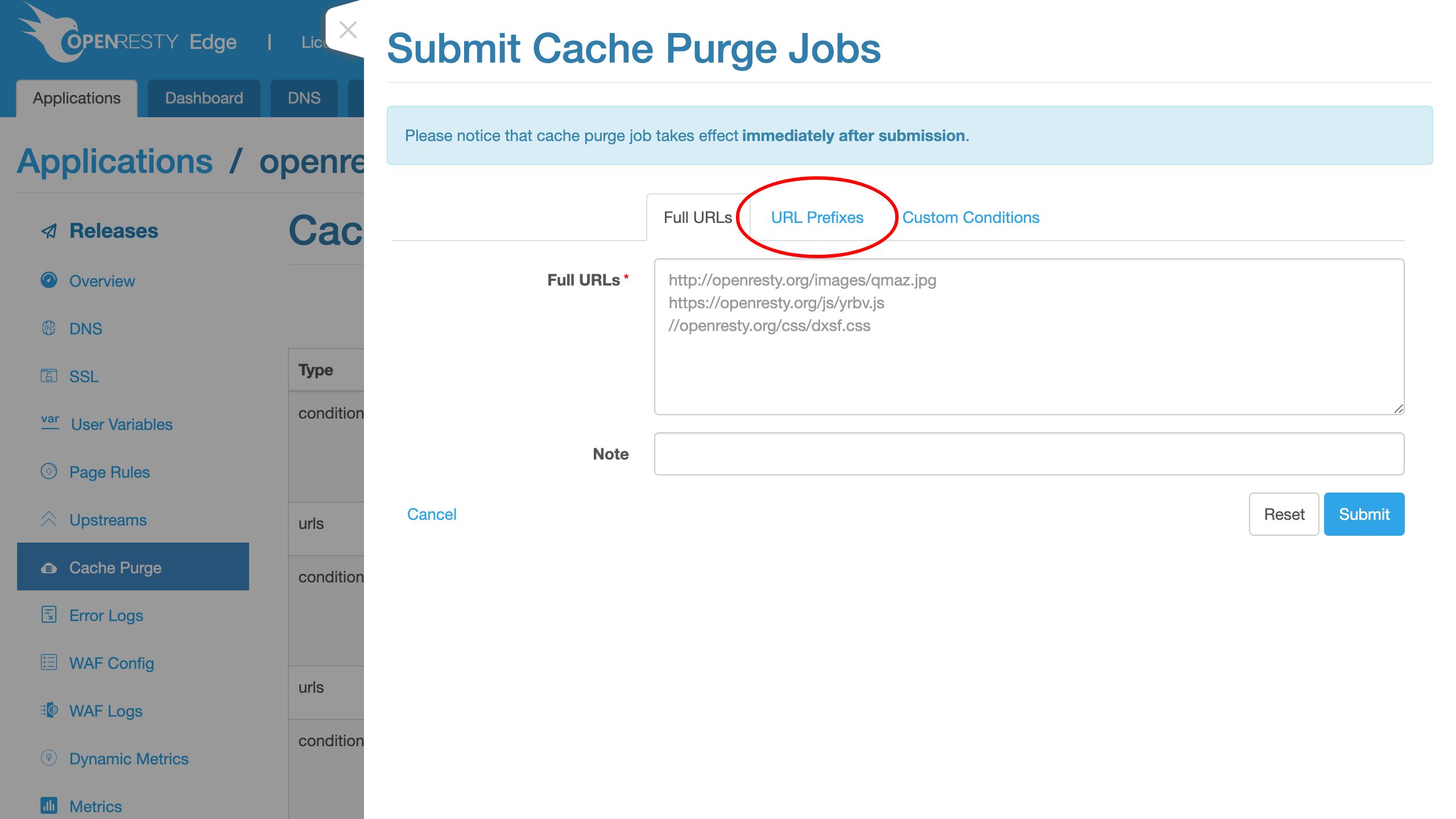
or complex custom conditions.
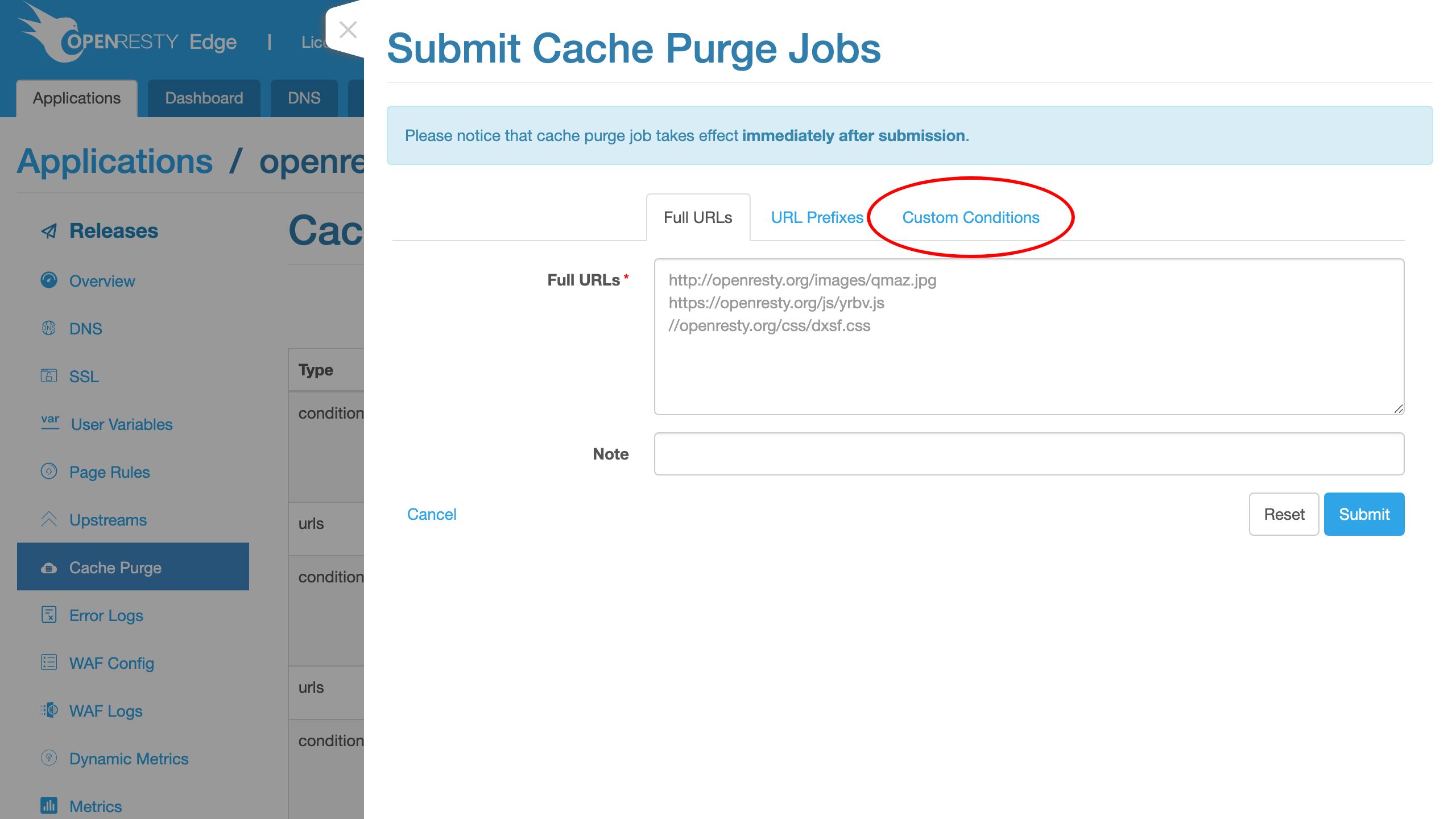
We’d try the full URL mode first.
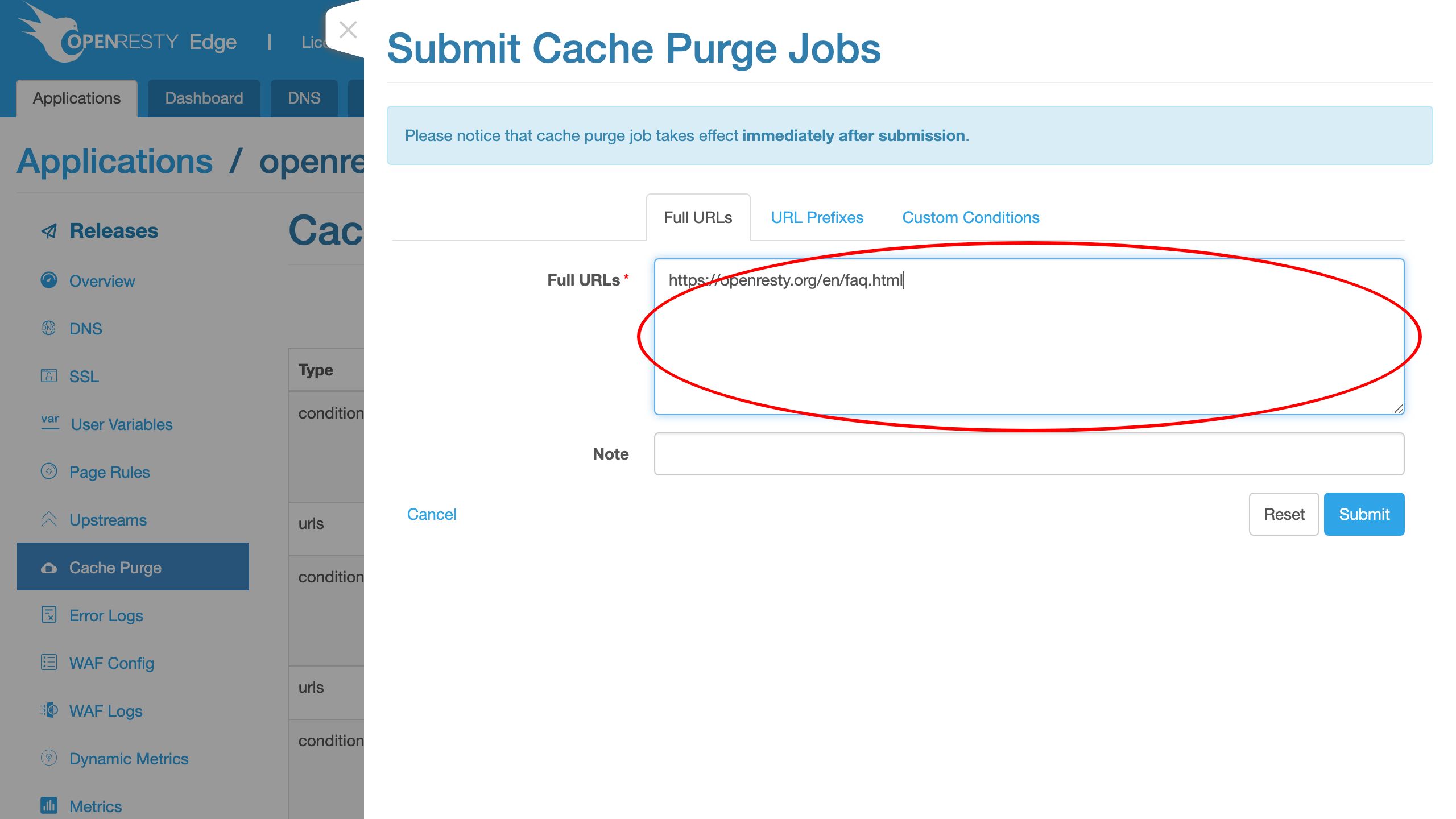
This is the FAQ page on that site. Note that it does not matter if we use http:// or https:// here. This is because we did not include the scheme string in our cache key. The scheme string is not included by default.
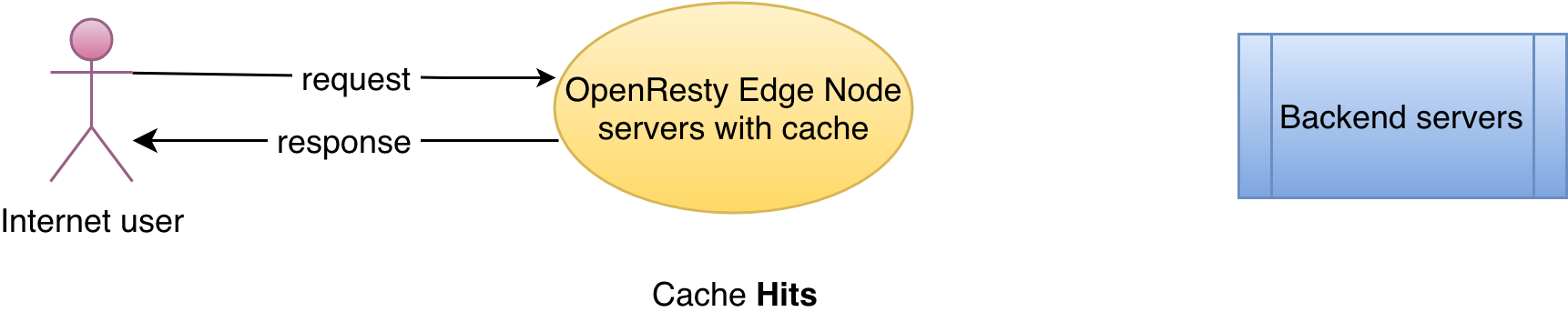
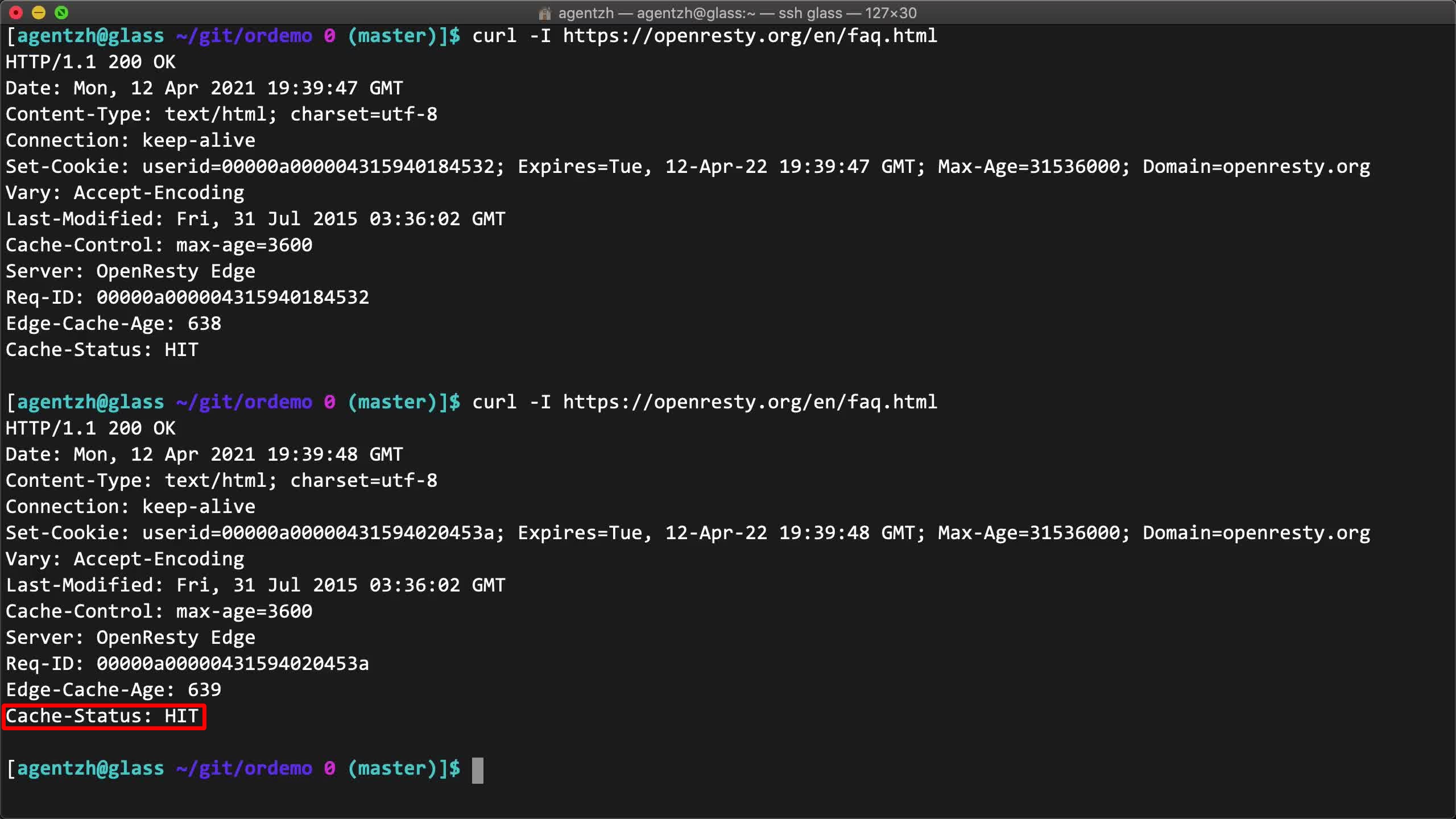
Before submitting the purge job, let’s make sure the cache is a hit for this web page so that we can test the effect of purges.
On the terminal, we can send test requests to the FAQ web page to make sure it is already a cache hit.
curl -I https://openresty.org/en/faq.html
And do it again.
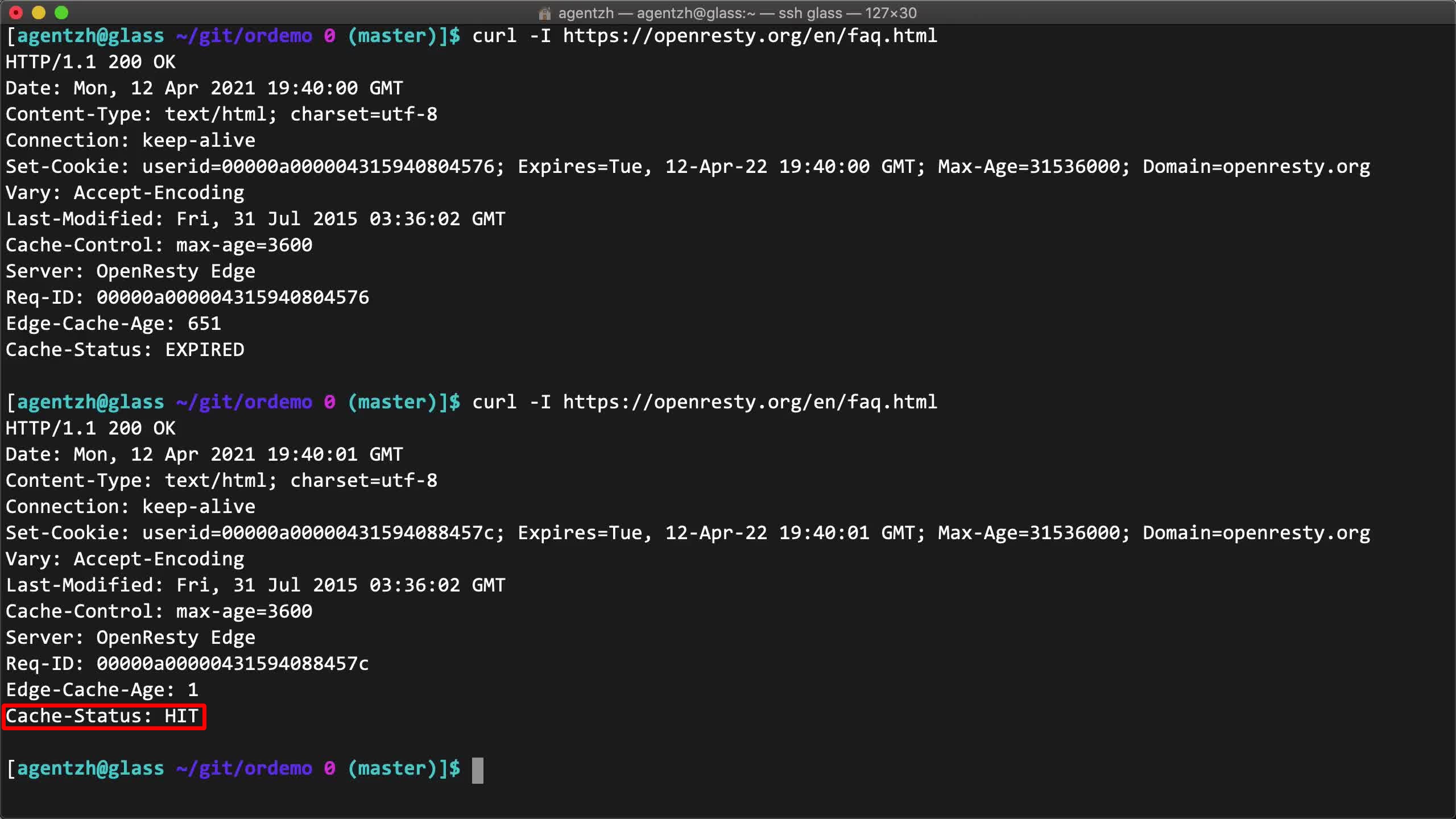
Note the Cache-Status: HIT response header returned.
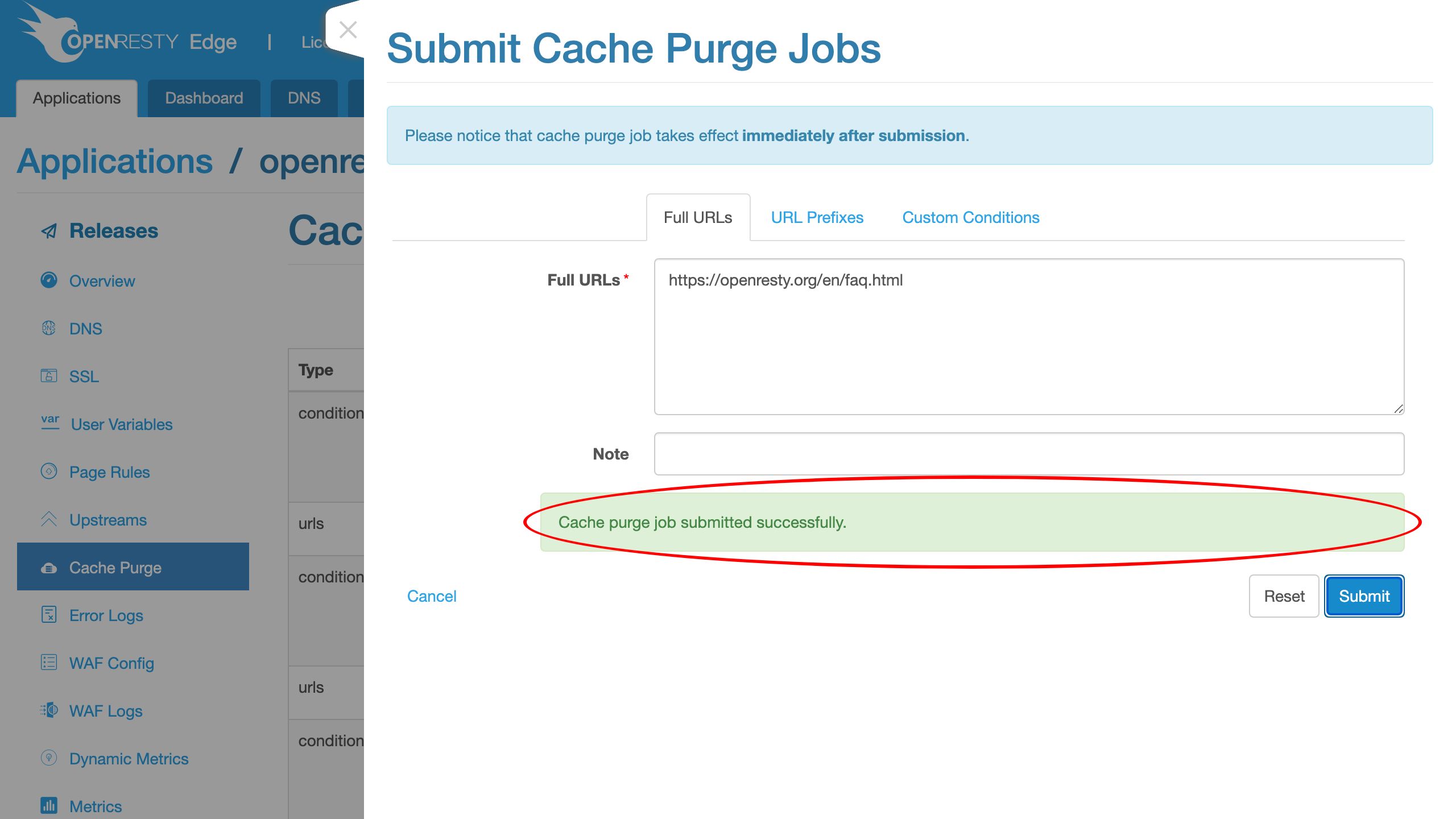
Then submit our cache purge job.
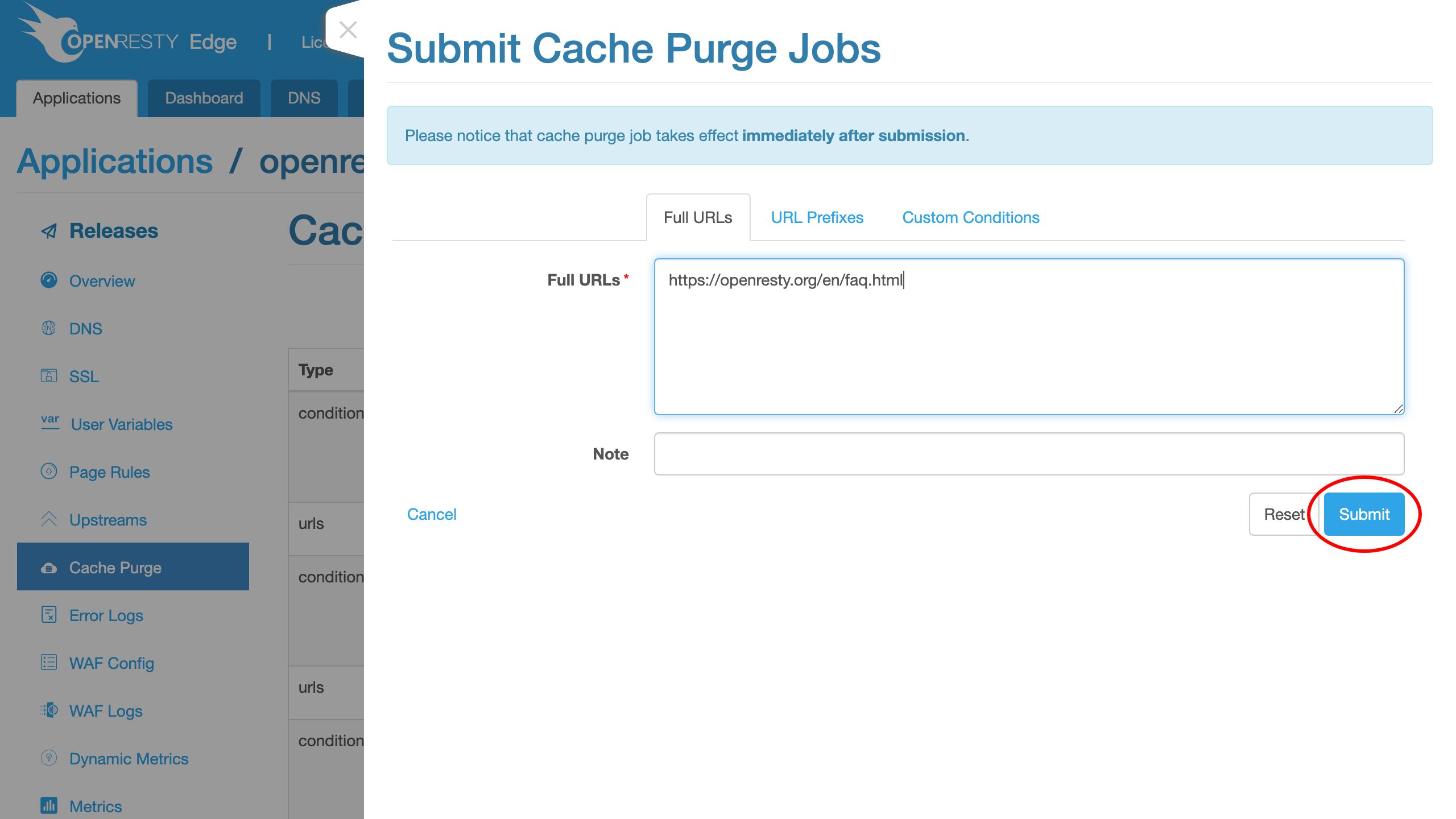
Great! It is already purged across the whole network.
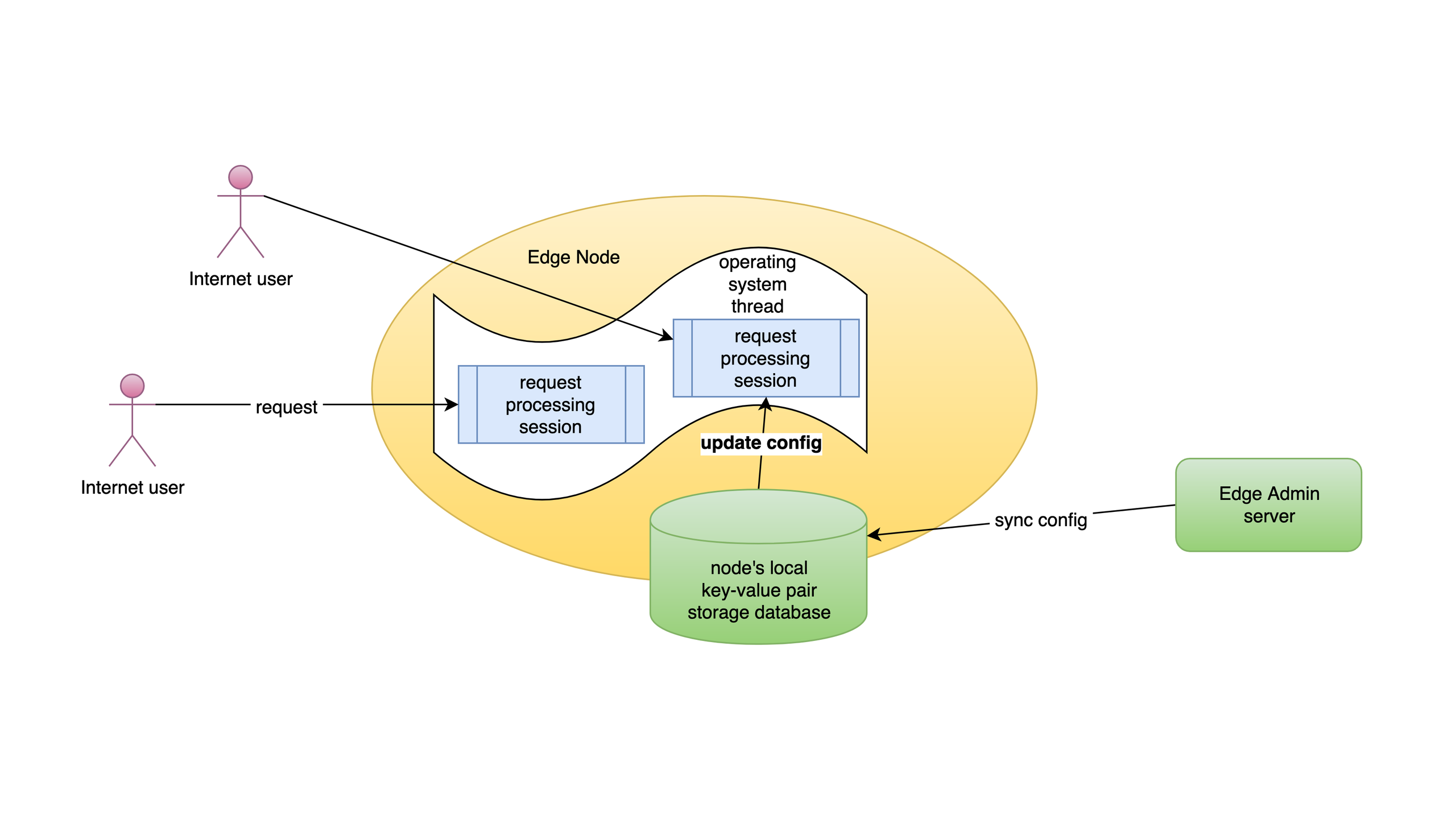
Purge cache across the whole network with no reload or release
Unlike the rest of the application-level configurations, cache purge jobs are synchronized across the gateway network immediately. It does not require making new application configuration releases. This makes real-time invalidation practical even across a self-hosted private CDN.
Cache purges do not require server reload, restart, or binary upgrade.
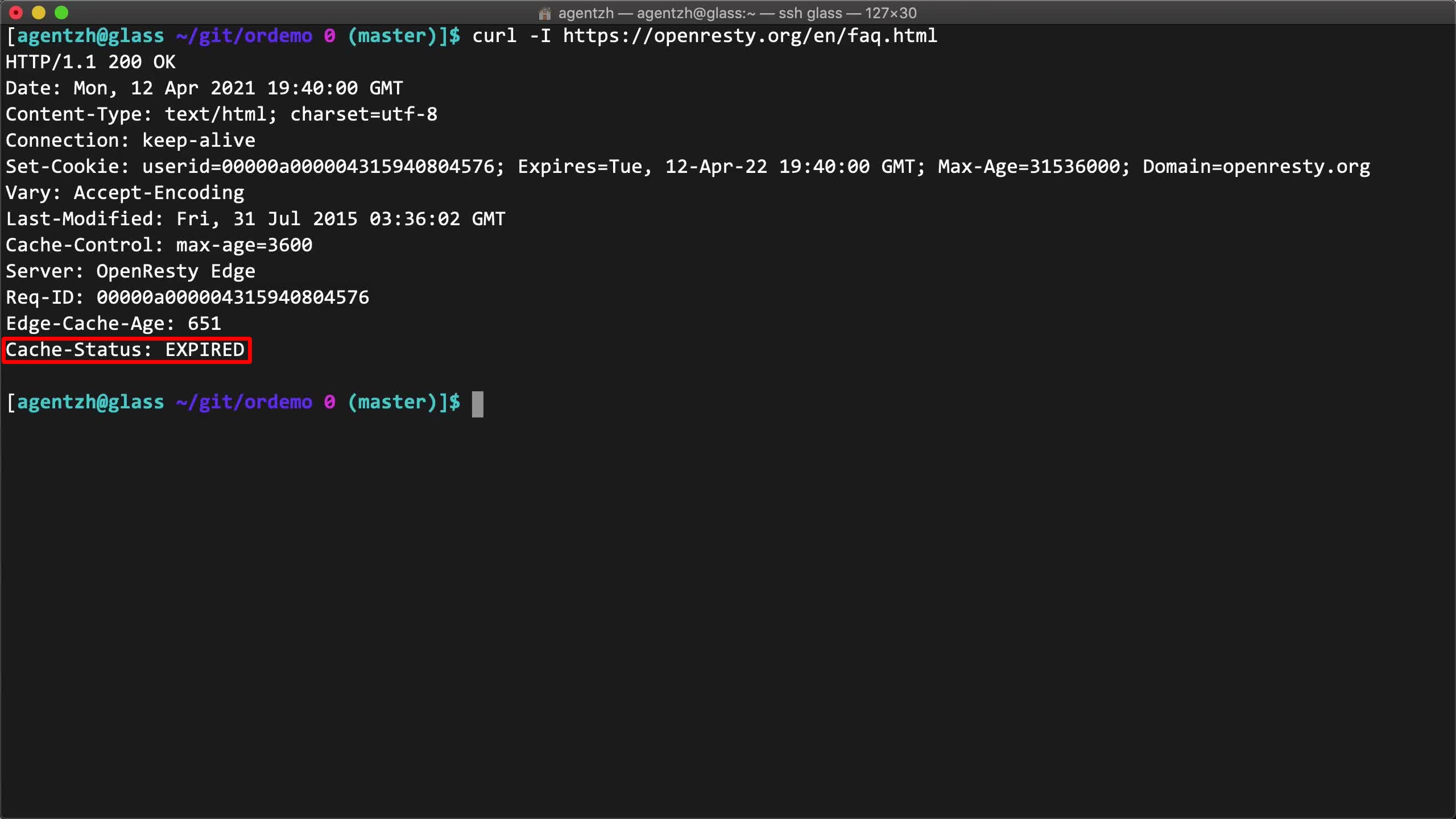
Verify the cache status with the Cache-Status header (HIT / EXPIRED)
Let’s verify the cache status again on the terminal.
curl -I https://openresty.org/en/faq.html
Note the Cache-Status: EXPIRED response header returned. It is indeed a cache miss now.
The second request should be a cache hit again.
Note the Cache-Status: HIT response header.
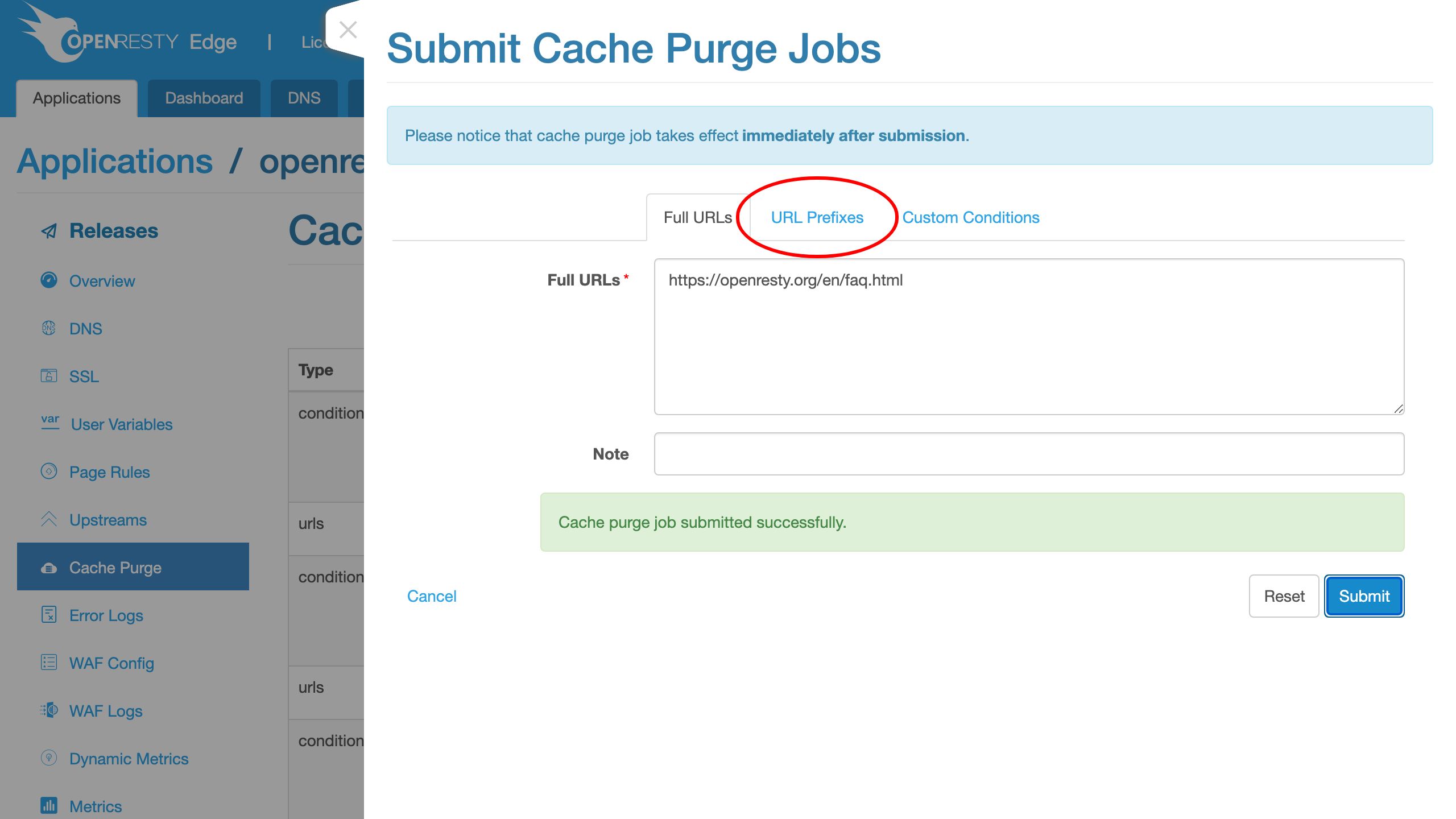
Purge cache by URL prefix
Let’s try purging by URL prefixes this time.
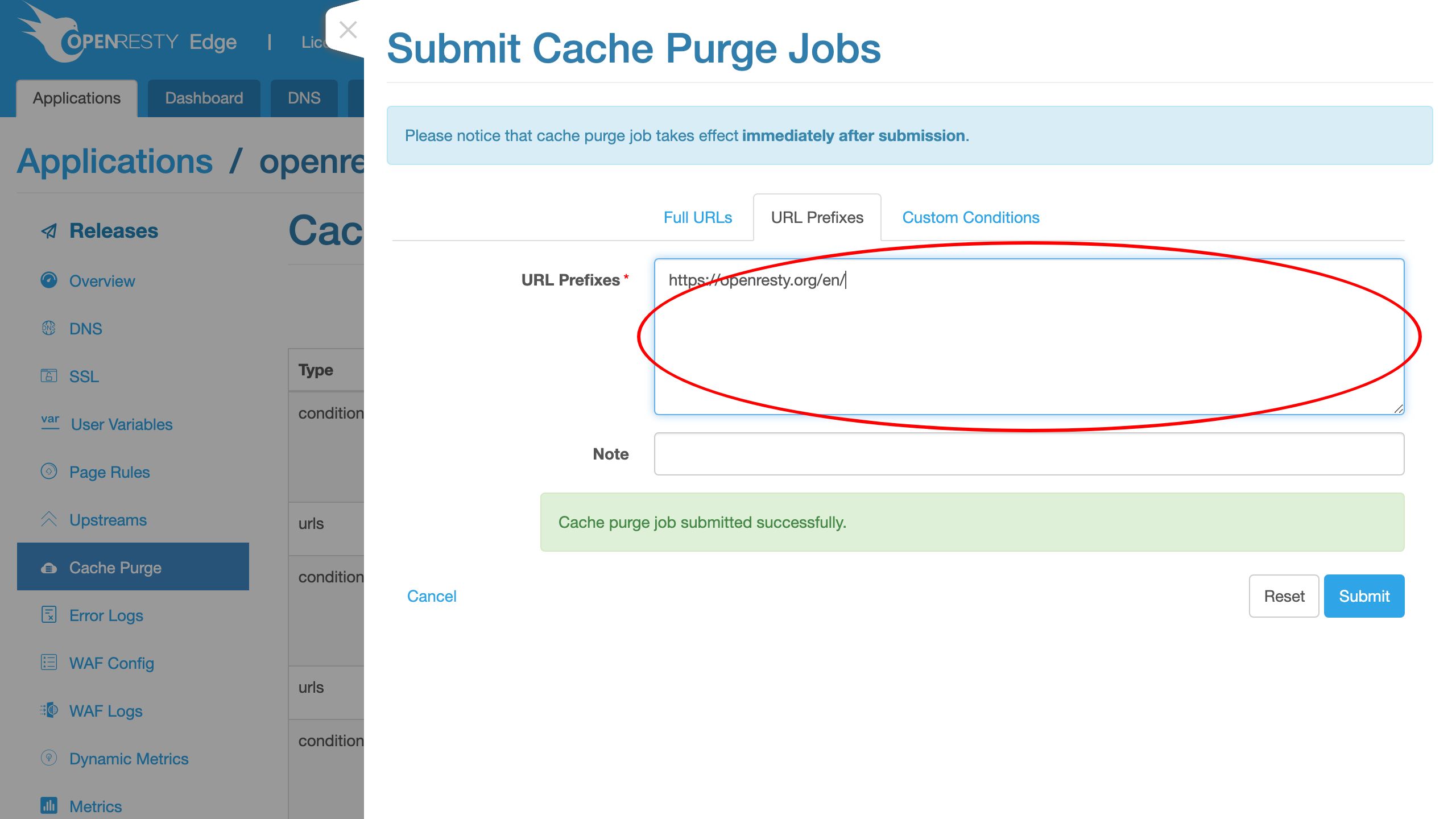
We purge everything under the /en/ location.
Now submit the new job.
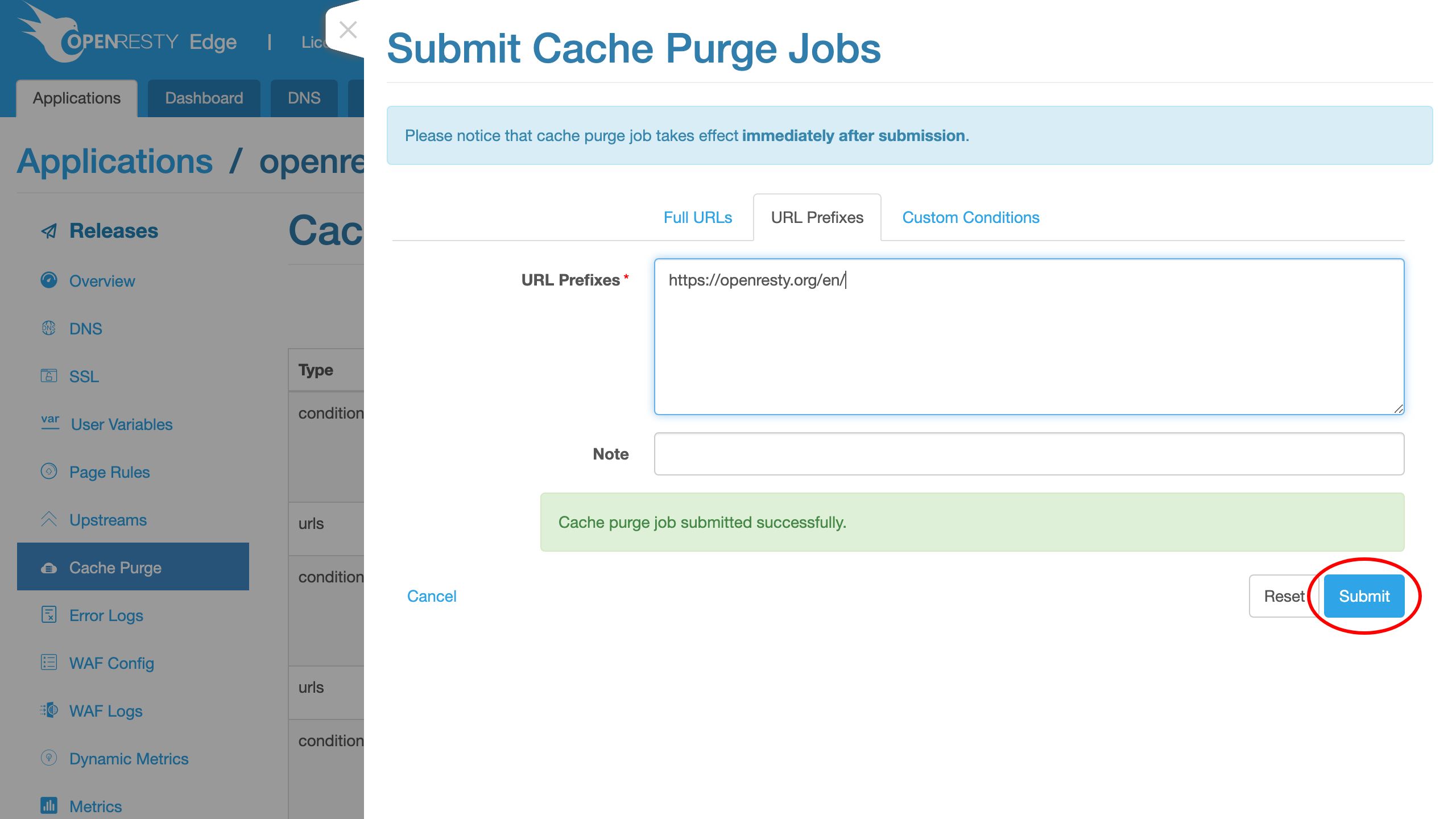
It has been propagaged to the whole gateway network now.
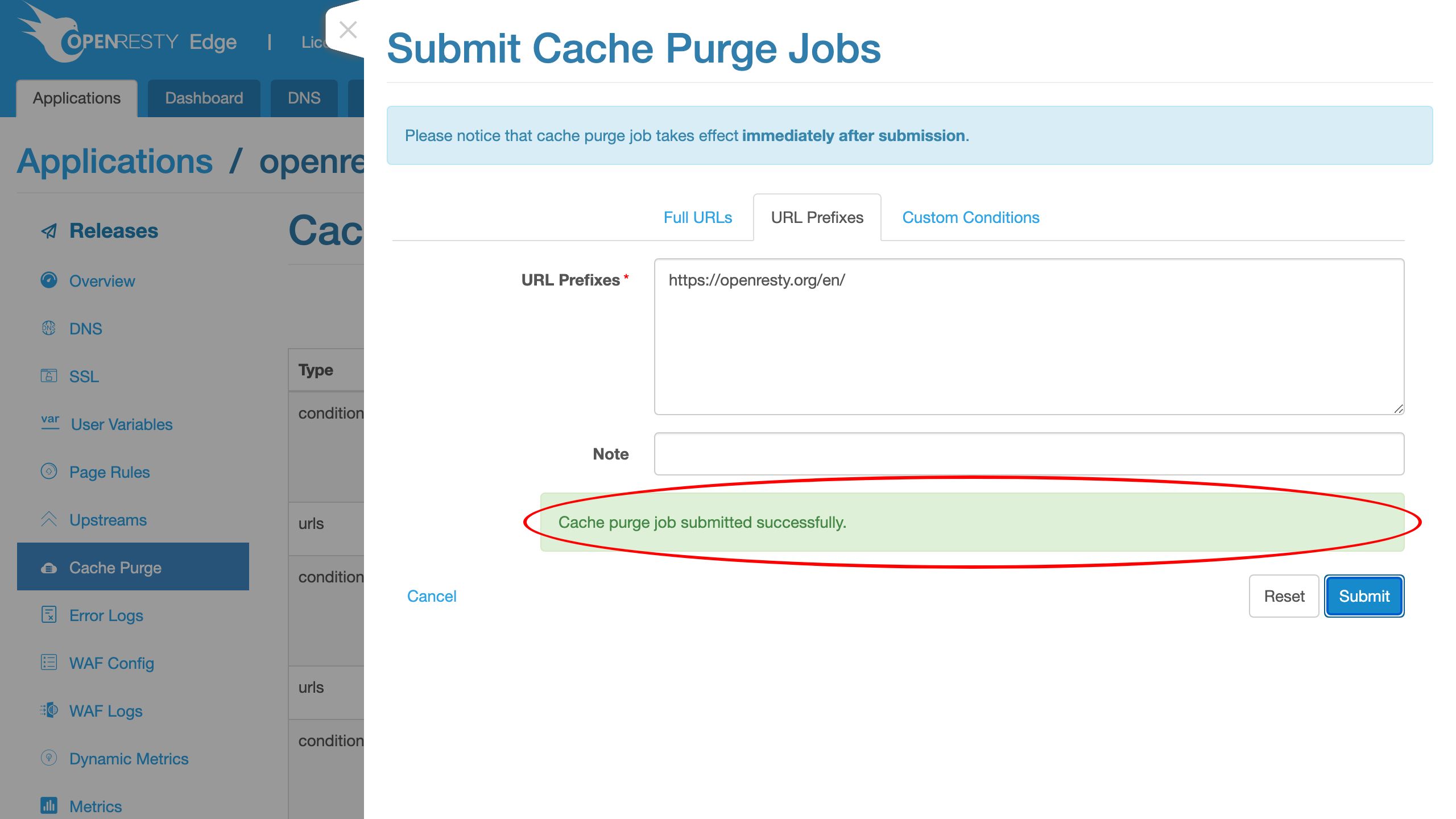
Send the test request to our FAQ page.
curl -I https://openresty.org/en/faq.html
It is indeed a cache miss as expected.
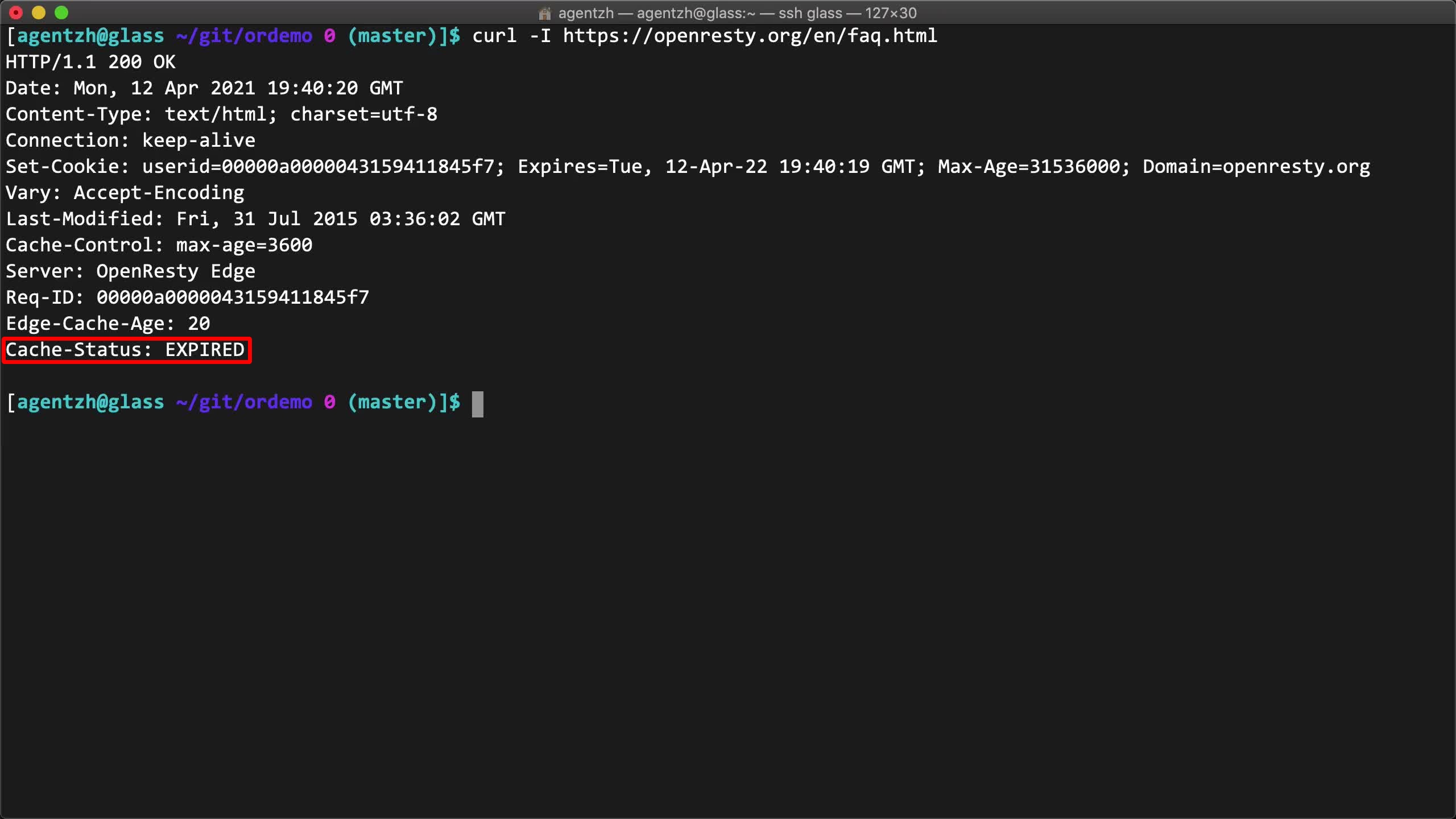
Test another page under the /en/ URI prefix, the events page.
curl -I https://openresty.org/en/events.html
It is also a cache miss as desired.
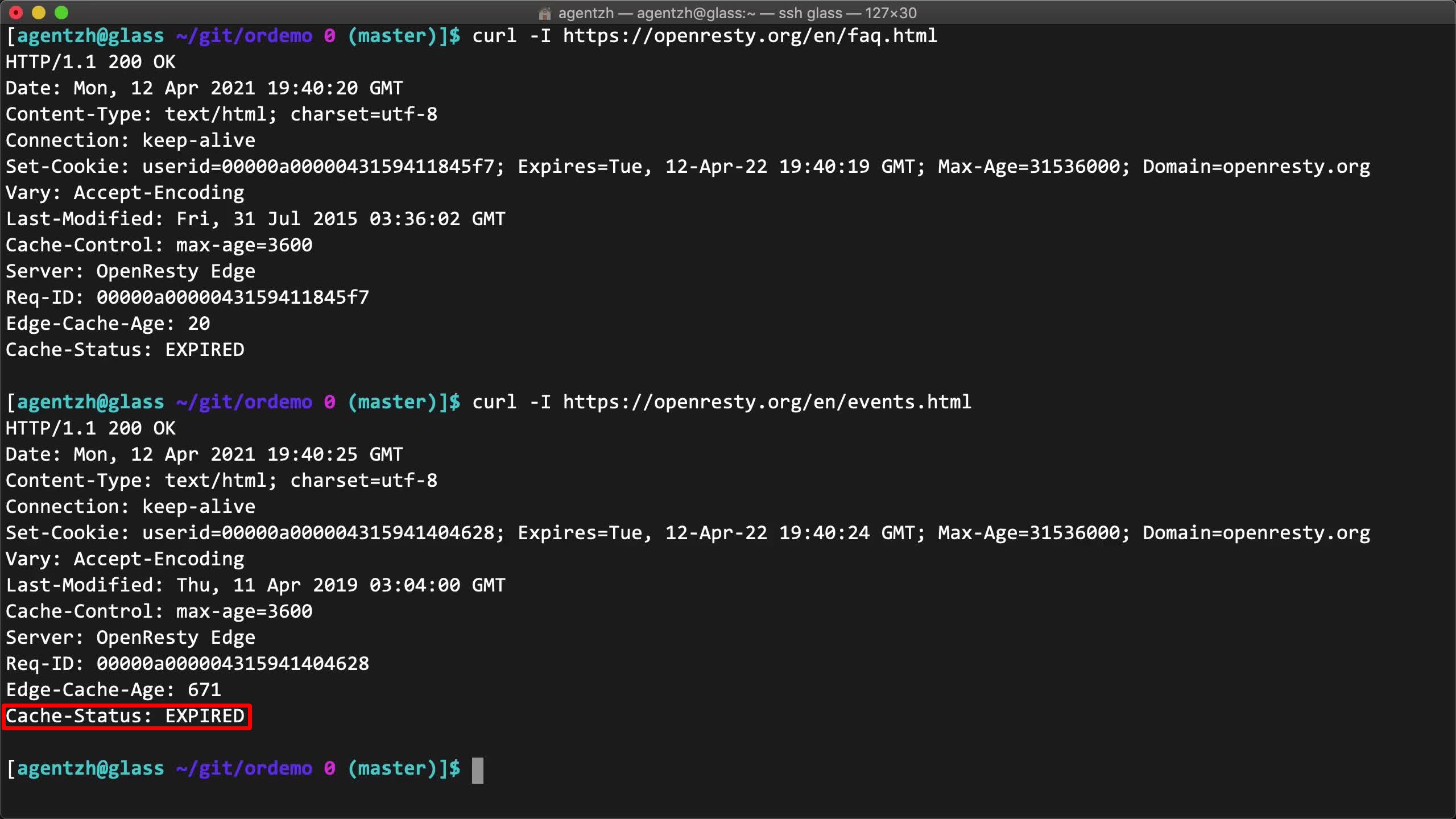
Or the /en/ page itself.
curl -I https://openresty.org/en/
Also a cache miss.
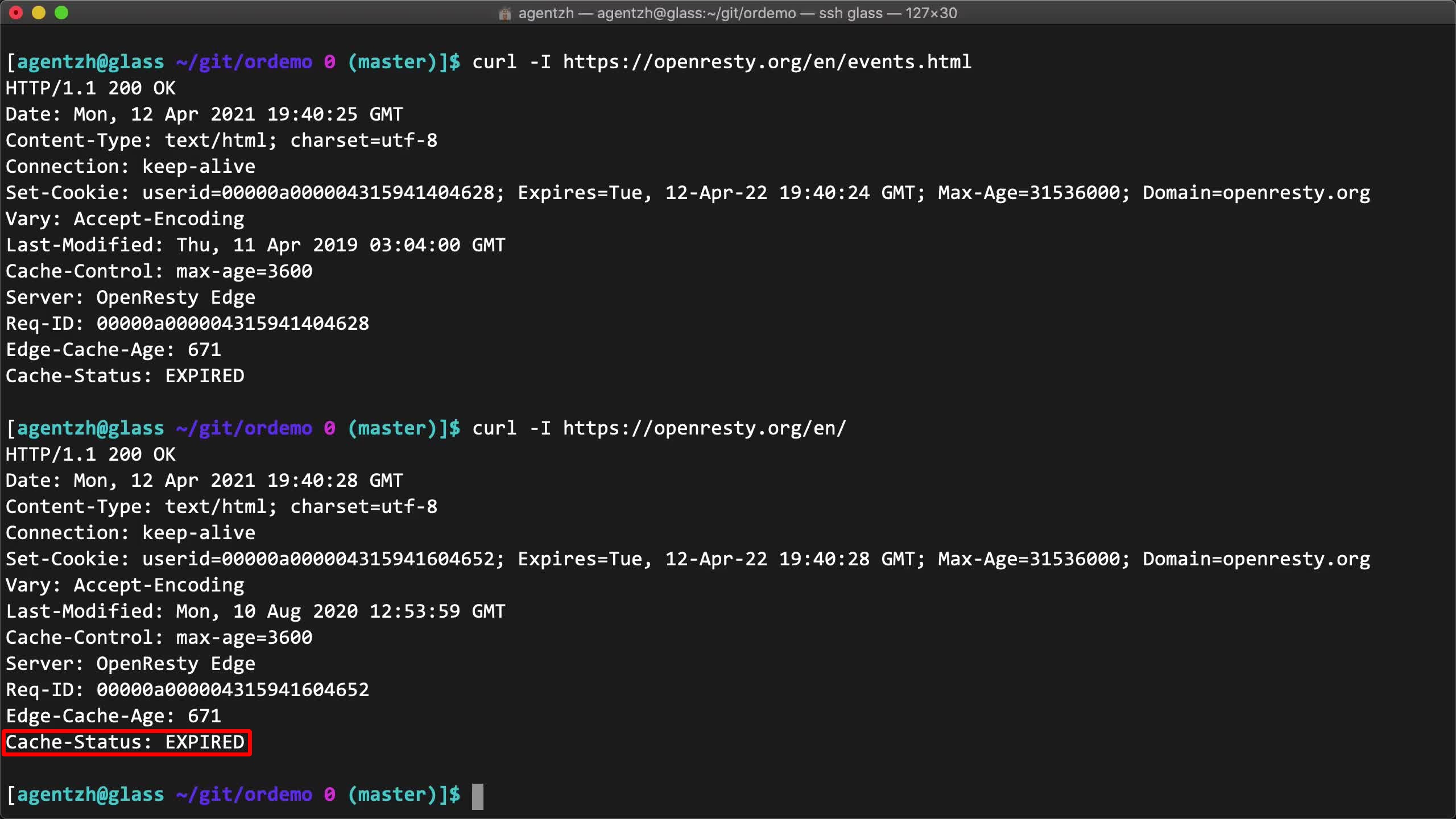
We can also purge other kinds of resources like all CSS files, all our images, as long as these files are grouped under pre-defined URL locations.
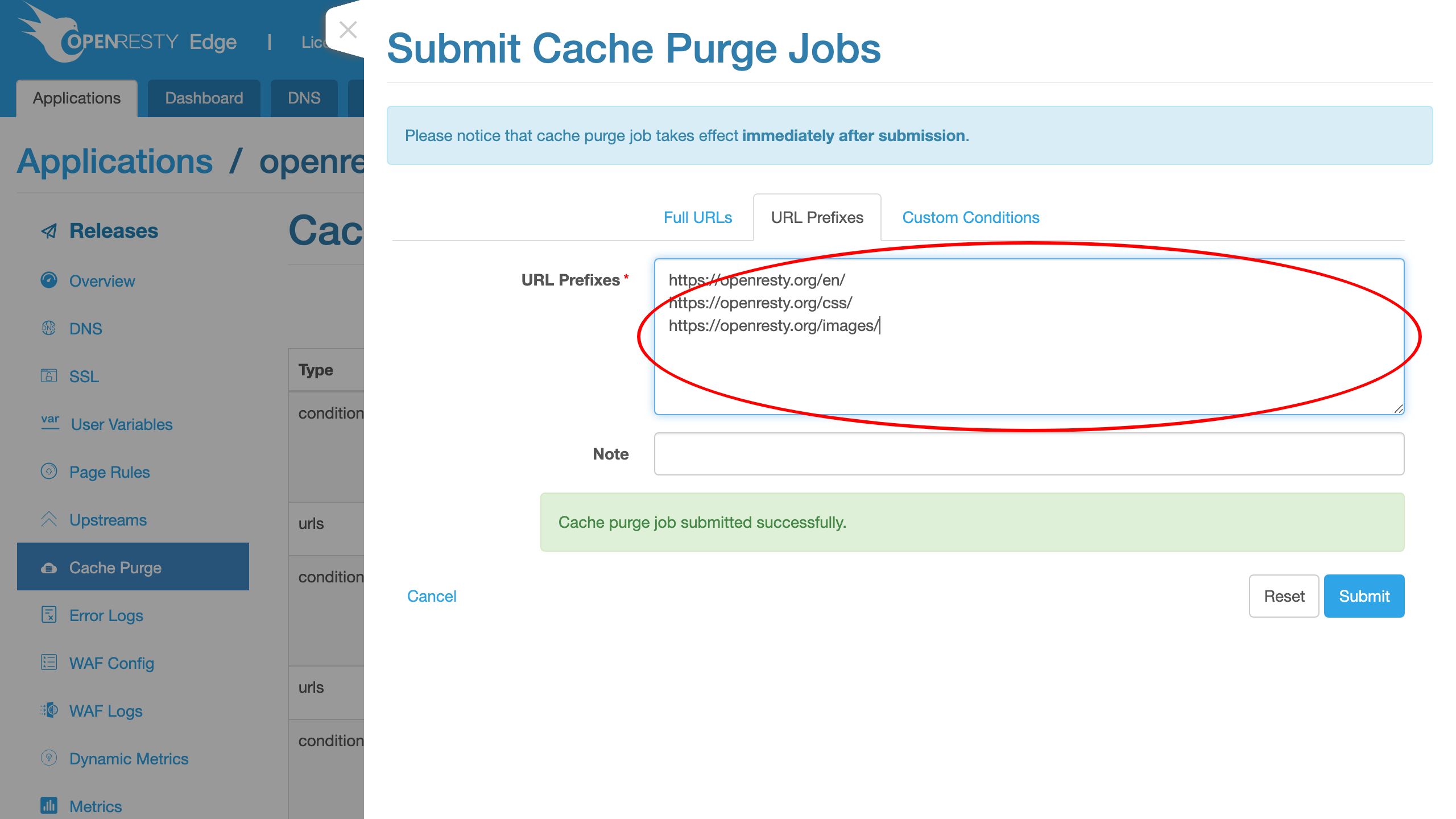
We don’t bother actually submitting this new purge job.
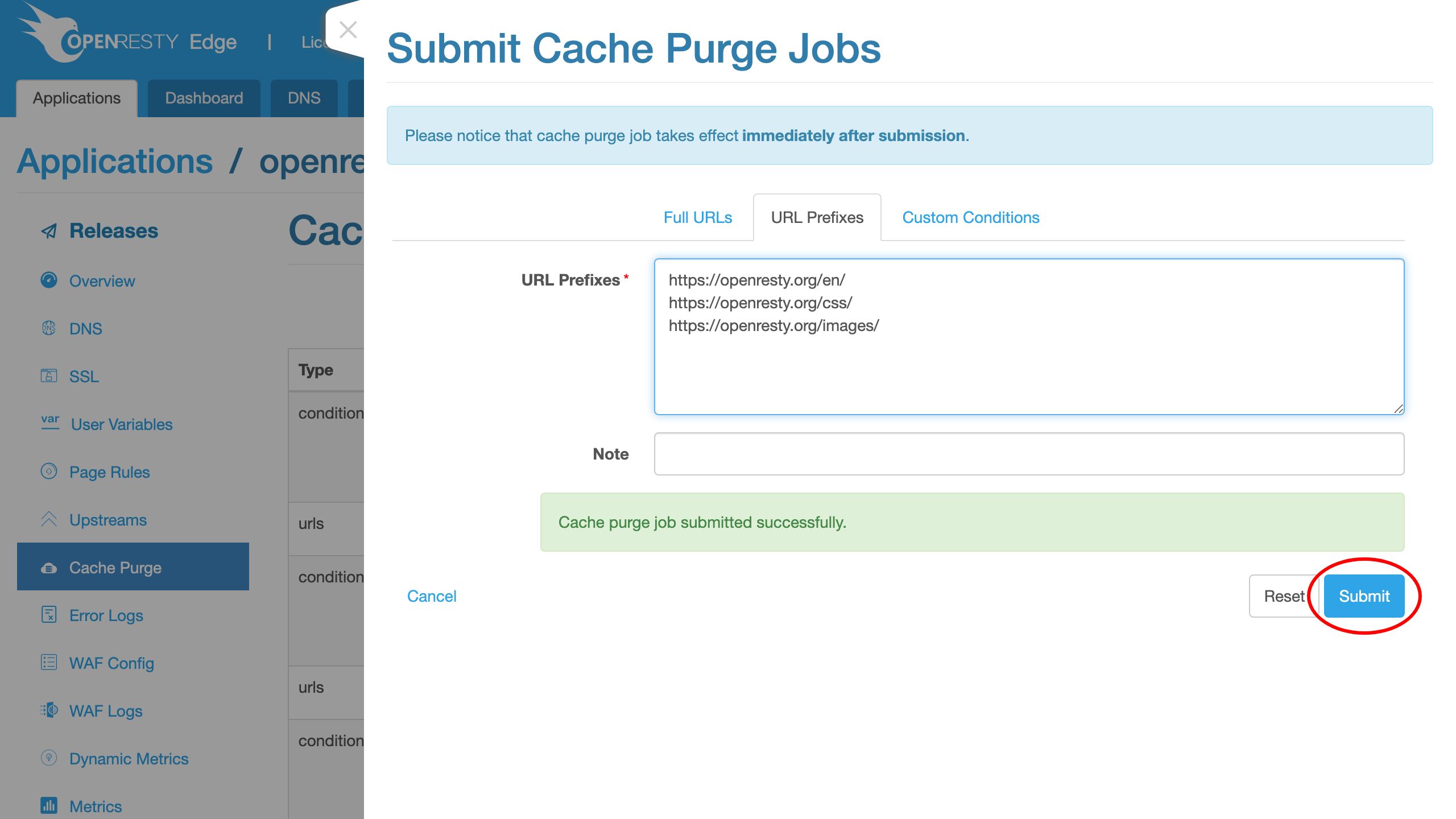
Custom purge conditions (suffix, headers, cookies, args)
We may want to define more complicated purge conditions.
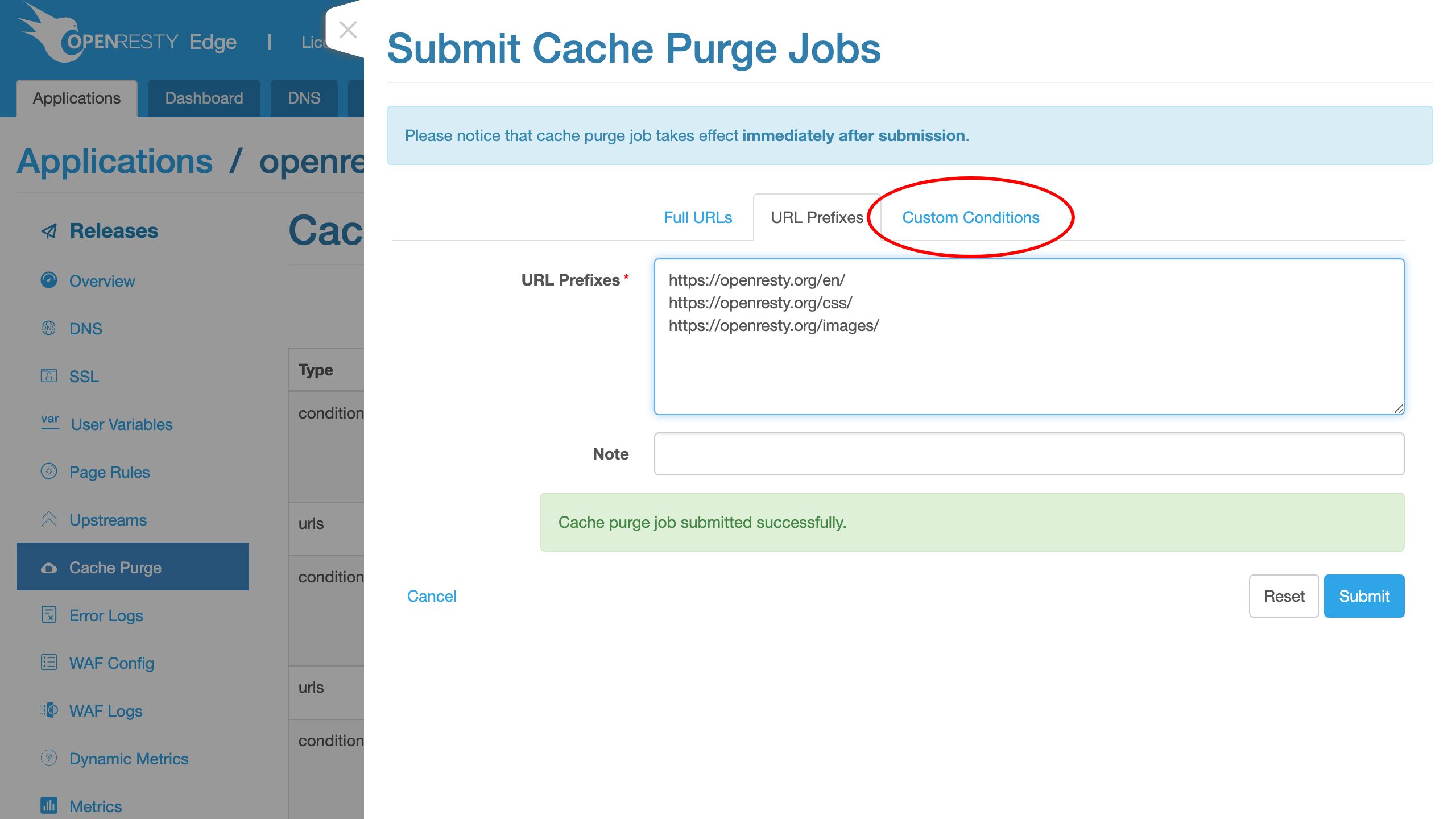
We could, for instance, purge all resources with the URI suffix .css, no matter what their URI locations are.
Choose the suffix match operator.
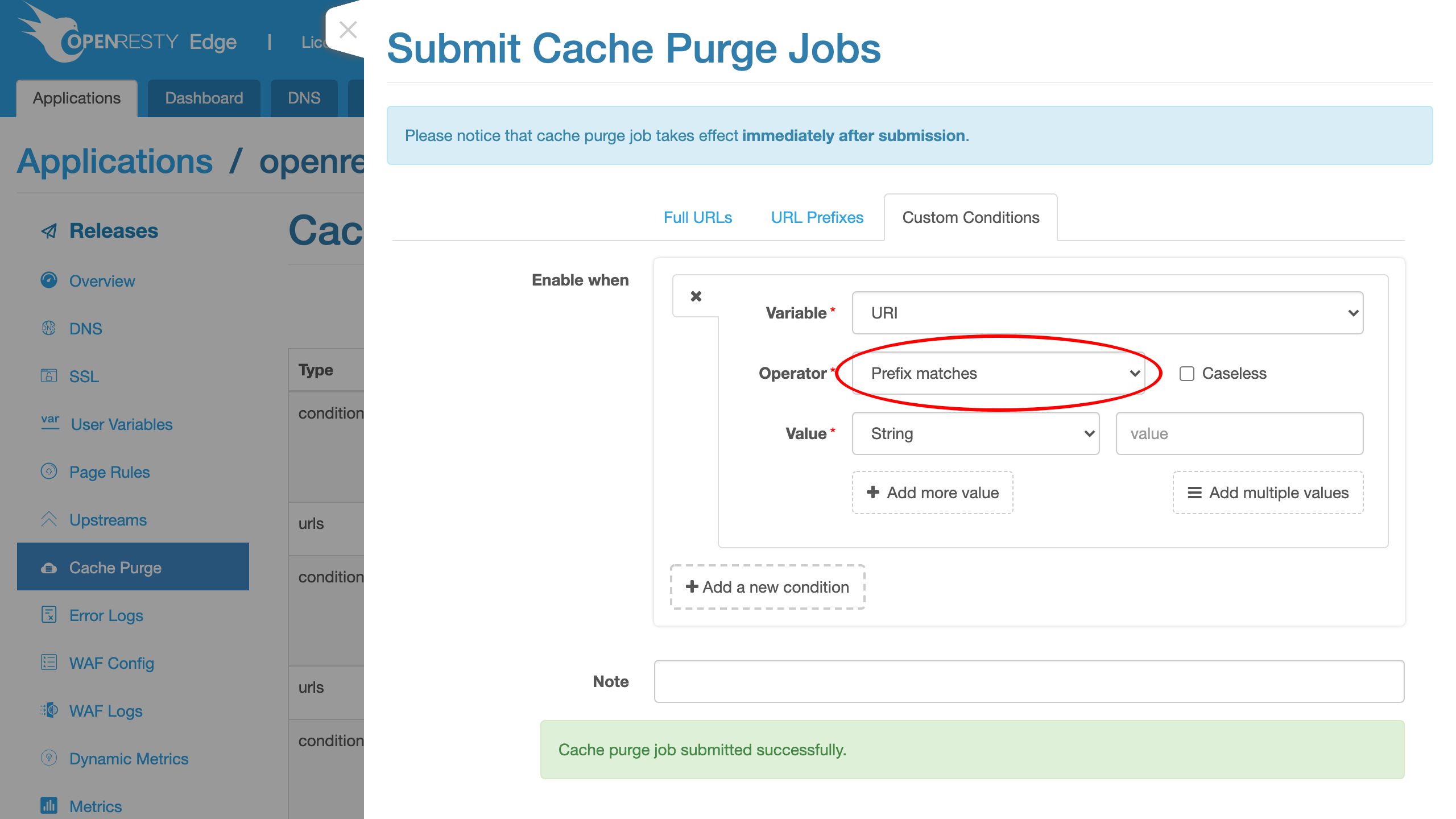

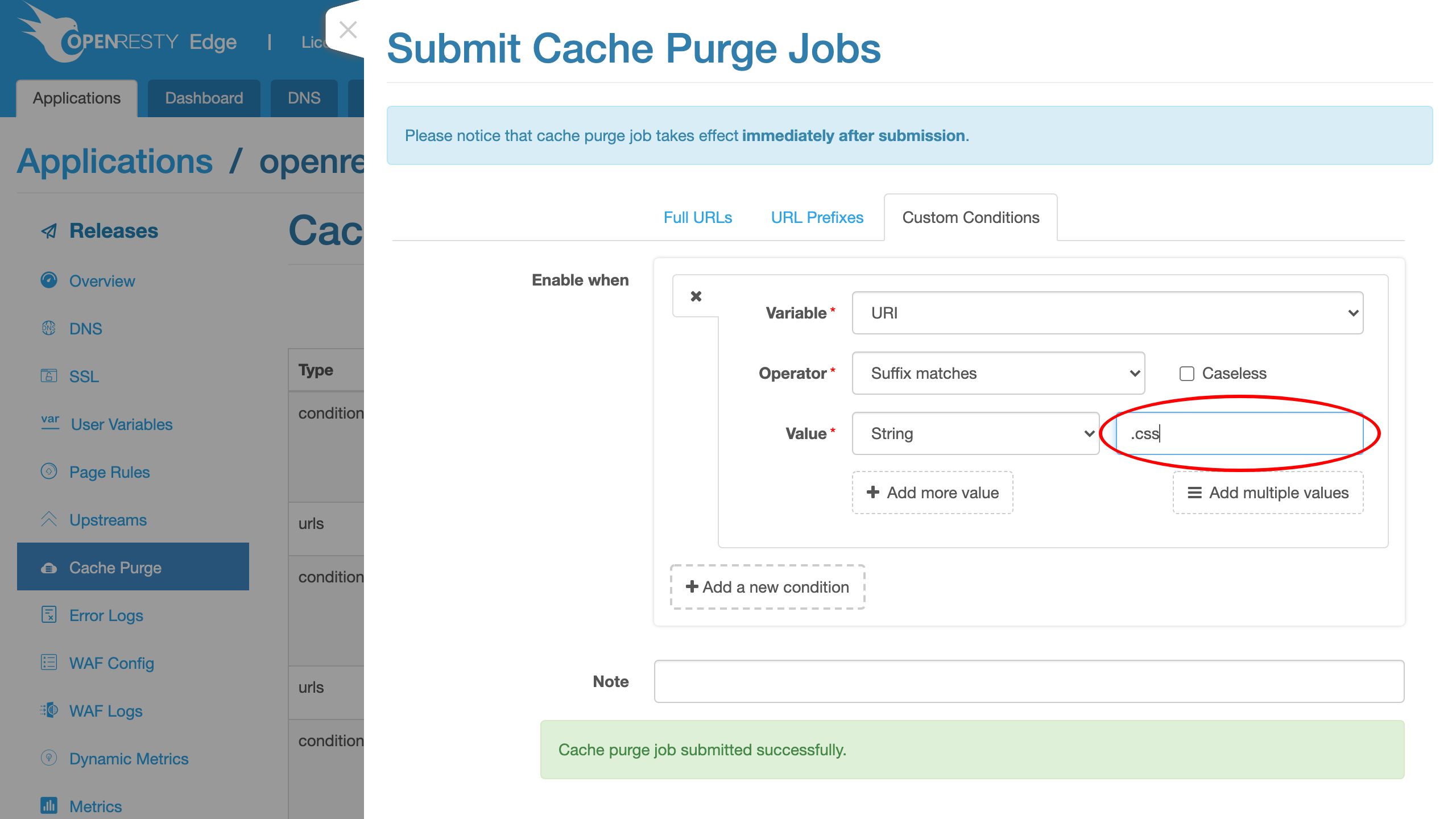
We can add more conditions to the current purge job which are AND’d together.
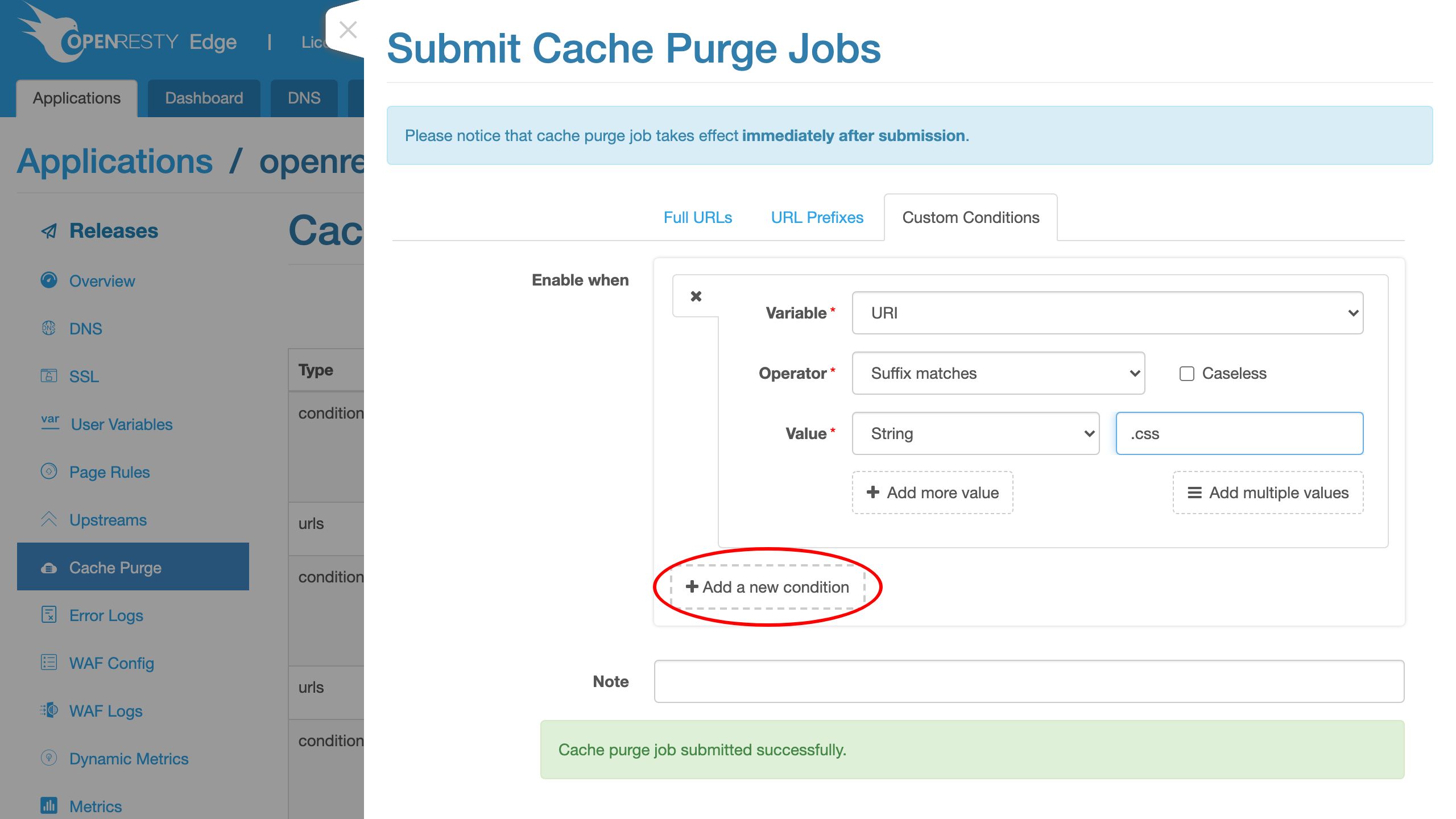
We may add a condition checking URI arguments, request headers, cookies, and many more.
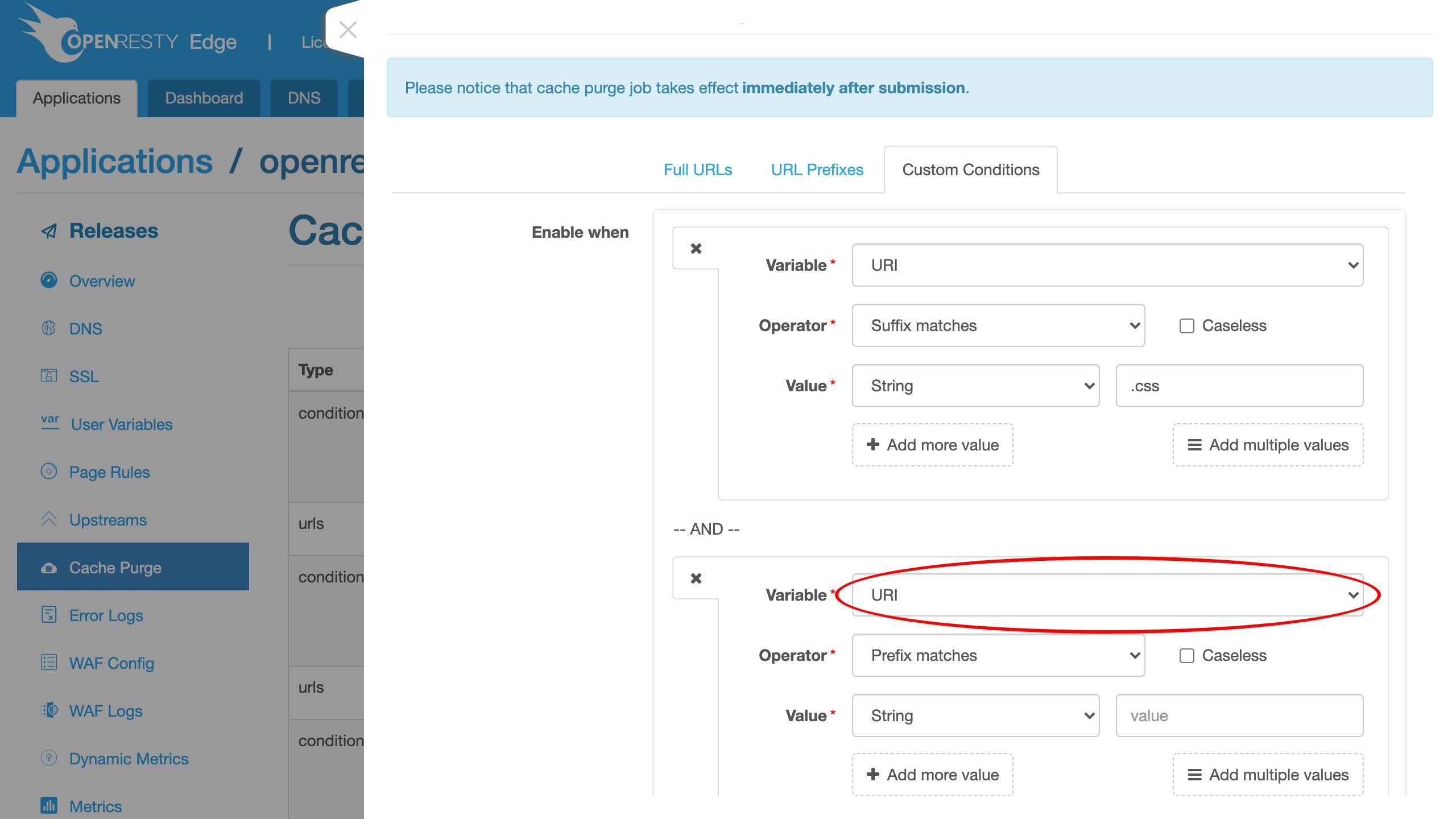
We may also use wildcard or regular expression patterns instead of a literal string pattern.
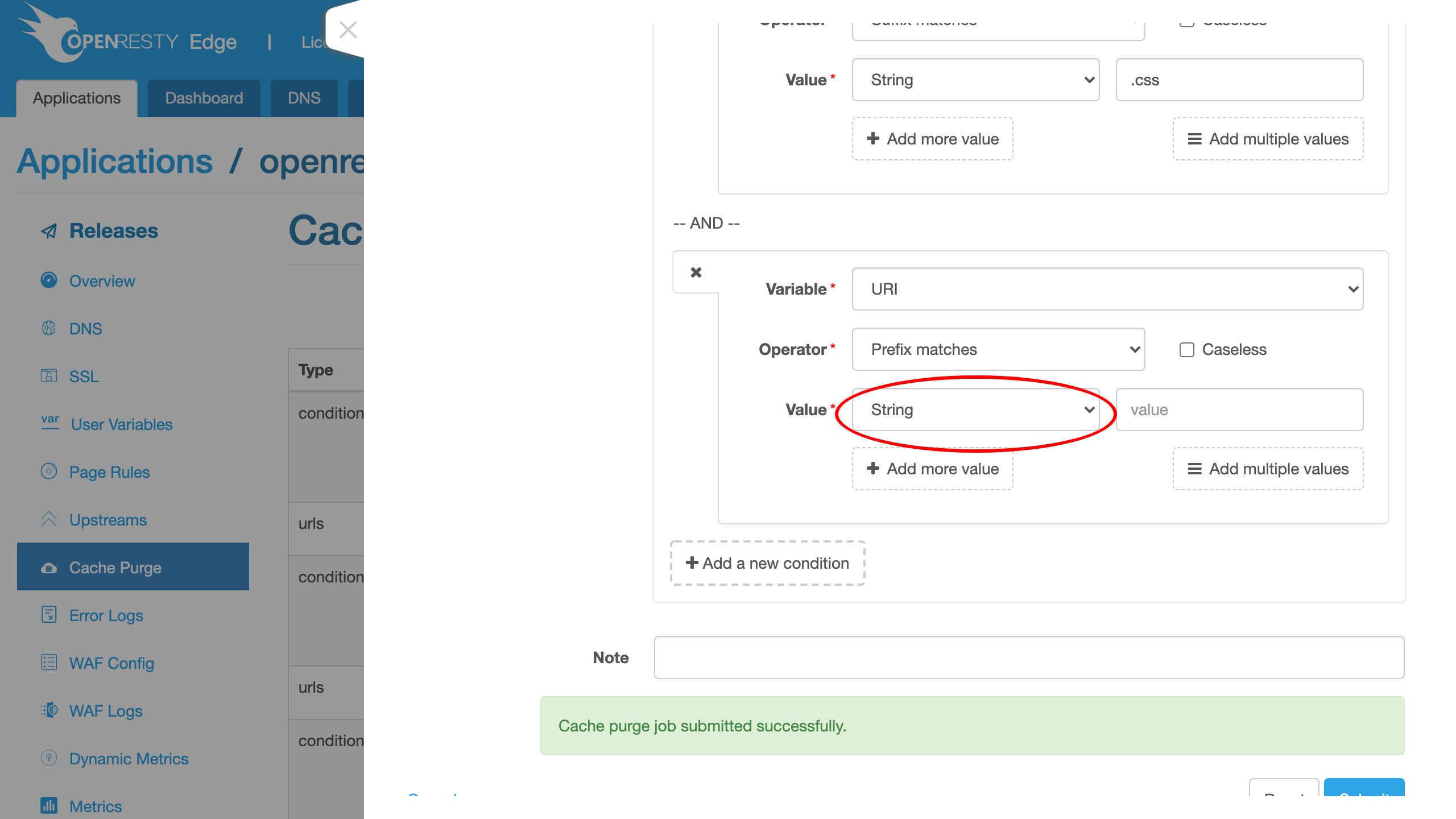
Or add more value patterns which are OR’d together.
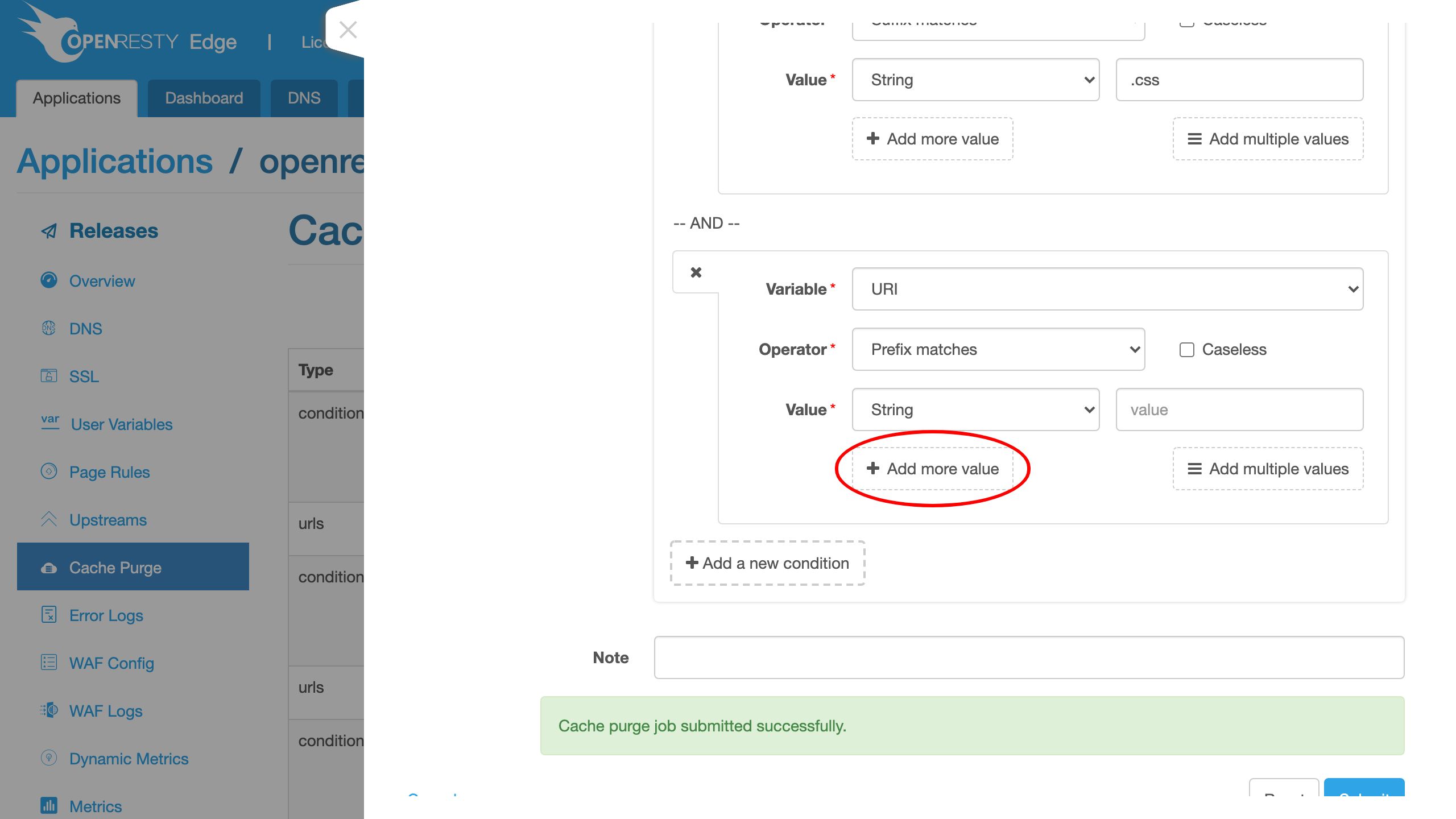
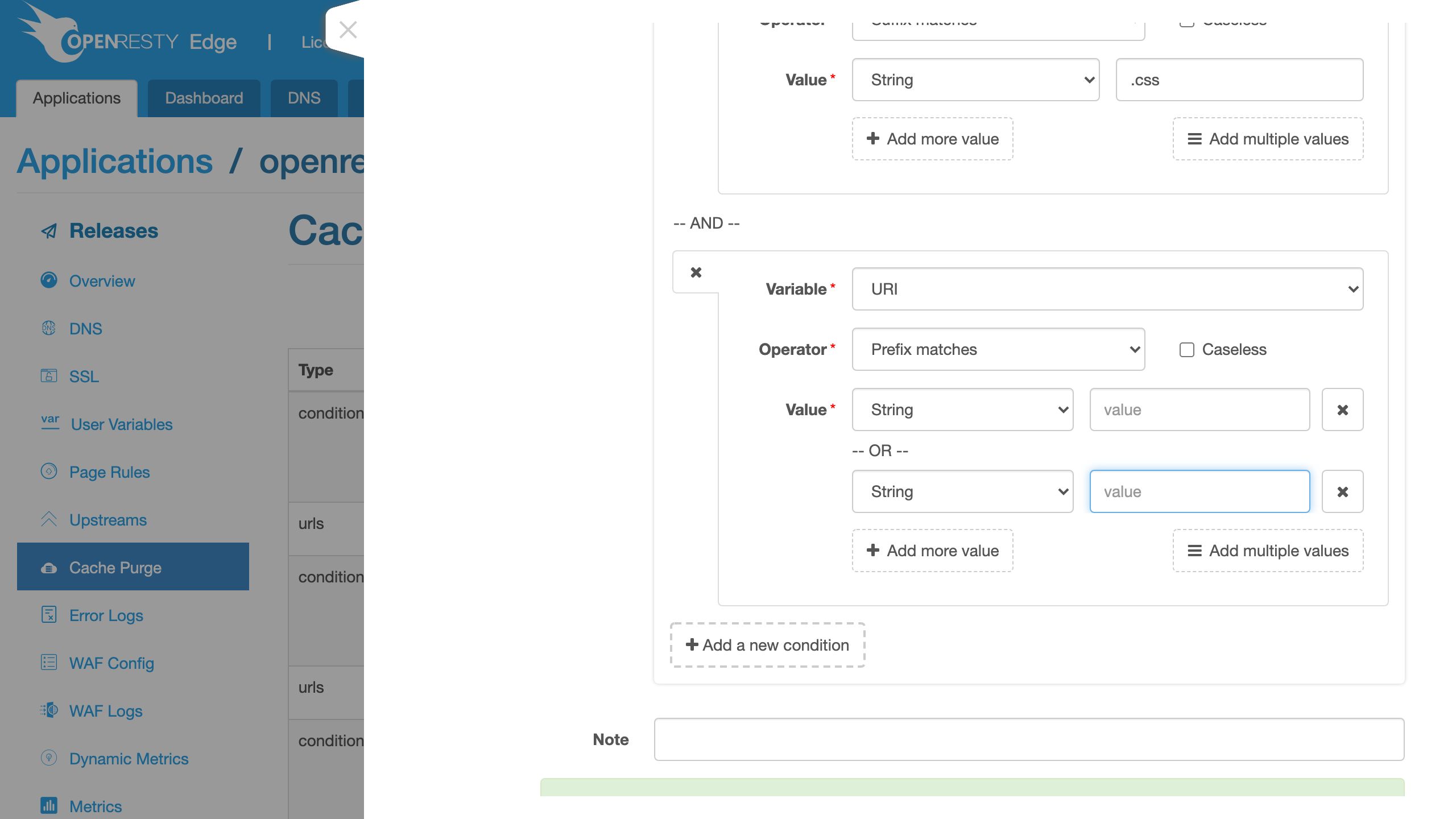
Feel free to try these conditions yourself. As we can see, it is very flexible, just like our Page Rules’ conditions. This is what I’d like to cover today.
Frequently asked questions
What is real-time cache purge?
Real-time cache purge is the immediate invalidation of cached HTTP responses across every edge node in a gateway network. In OpenResty Edge, the moment you submit a purge job it propagates across the whole gateway network immediately, so cached objects matching your rule stop being served without waiting for the cache to expire on its own.
Does a cache purge require a server reload or restart?
No. Cache purge jobs are synchronized across the gateway network immediately and do not require a server reload, restart, or binary upgrade. Unlike application-level configuration changes, purges also don’t need a new configuration release to take effect.
How do I check whether a page is cached with Cache-Status?
Send a request with curl -I and read the Cache-Status response header. Cache-Status: HIT means the response was served from cache, while Cache-Status: EXPIRED (or a miss) means it was fetched from the origin. Sending the same request before and after a purge lets you confirm the purge took effect.
Can I purge the entire CDN network at once?
Yes. A single purge job applies across the whole gateway network, so you can invalidate content on a self-hosted CDN network-wide in one step. You can scope it by full URL, by URL prefix (for example everything under /en/), or by custom conditions such as a .css URI suffix.
What is OpenResty Edge
OpenResty Edge is our all-in-one gateway software for microservices and distributed traffic architectures. It combines traffic management, private CDN construction, API gateway, security, and more to help you easily build, manage, and protect modern applications. OpenResty Edge delivers industry-leading performance and scalability to meet the demanding needs of high concurrency, high load scenarios. It supports scheduling containerized application traffic such as K8s and manages massive domains, making it easy to meet the needs of large websites and complex applications.
If you like this tutorial, please subscribe to this blog site and/or our YouTube channel. Thank you!
About The Author
Yichun Zhang (Github handle: agentzh), is the original creator of the OpenResty® open-source project and the CEO of OpenResty Inc..
Yichun is one of the earliest advocates and leaders of “open-source technology”. He worked at many internationally renowned tech companies, such as Cloudflare, Yahoo!. He is a pioneer of “edge computing”, “dynamic tracing” and “machine coding”, with over 22 years of programming and 16 years of open source experience. Yichun is well-known in the open-source space as the project leader of OpenResty®, adopted by more than 40 million global website domains.
OpenResty Inc., the enterprise software start-up founded by Yichun in 2017, has customers from some of the biggest companies in the world. Its flagship product, OpenResty XRay, is a non-invasive profiling and troubleshooting tool that significantly enhances and utilizes dynamic tracing technology. And its OpenResty Edge product is a powerful distributed traffic management and private CDN software product.
As an avid open-source contributor, Yichun has contributed more than a million lines of code to numerous open-source projects, including Linux kernel, Nginx, LuaJIT, GDB, SystemTap, LLVM, Perl, etc. He has also authored more than 60 open-source software libraries.
Related Articles
OpenResty XRay Apr 3, 2021

OpenResty XRay Jul 8, 2026

OpenResty XRay Mar 18, 2021

OpenResty XRay Apr 10, 2024

OpenResty XRay Jun 5, 2023