
CockroachDB High CPU Usage: Profiling a Live Go Server with Flame Graphs
When a CockroachDB process burns high CPU—over 250% of a core here—OpenResty XRay pinpoints exactly where the time goes on the live Go server, with no restart or code change. Go garbage collection alone took about 13% of CPU, driven by hot object-allocation paths in the kvcoord, Raft, and sqlMux components.
The rest of this tutorial walks through how OpenResty XRay quantifies where CPU time is spent inside Go’s CockroachDB, automatically analyzing and interpreting the Go (golang) language-level CPU flame graph to surface the most CPU-intensive code paths.
Problem: CockroachDB High CPU Usage
CockroachDB is a distributed database written in the Go(golang) programming language. We’ll analyze how CPU time is distributed inside a running CockroachDB server.
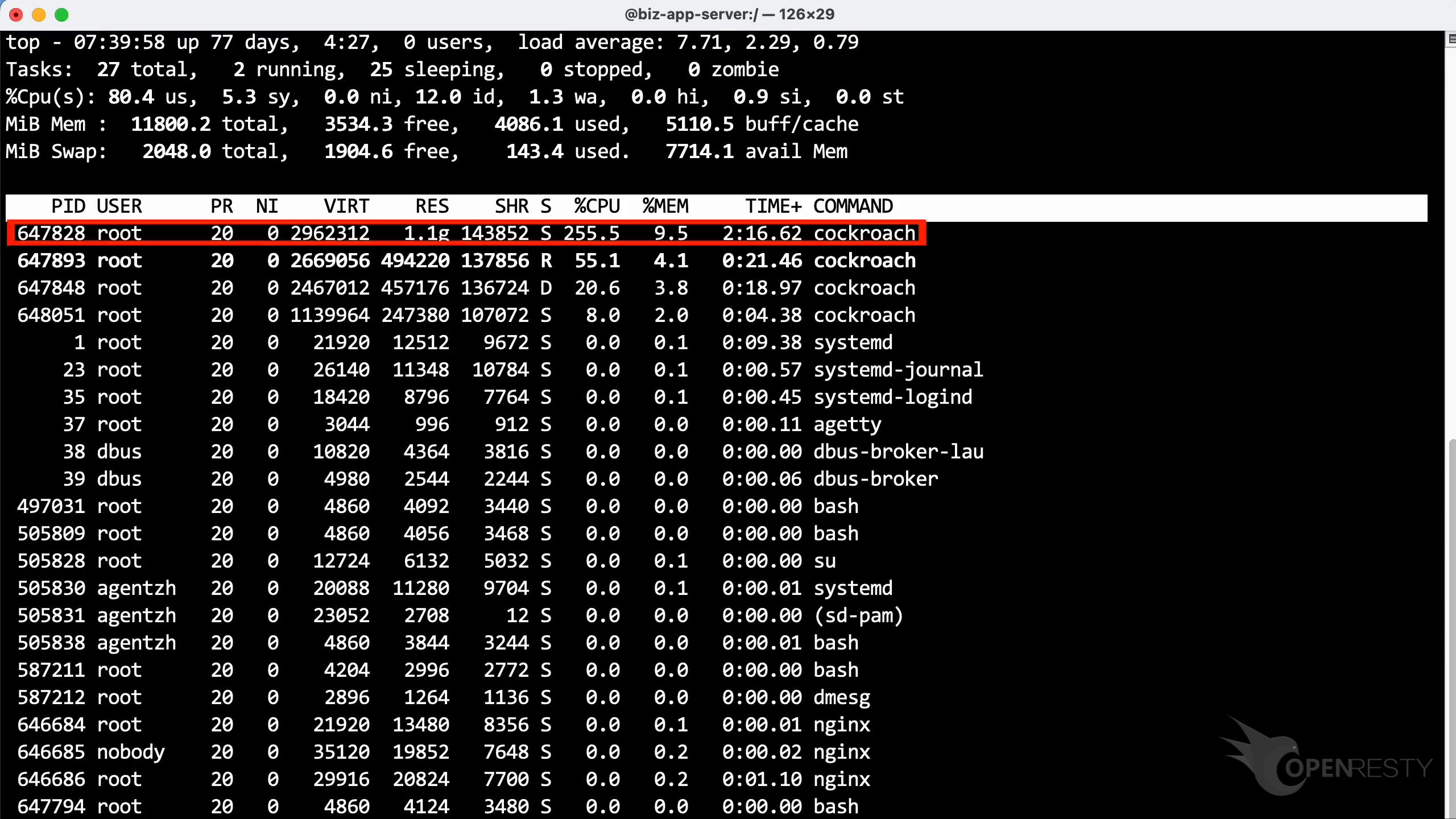
Run the top command to check the CPU usage. As shown, this process consumes more than 250% of CPU cores.
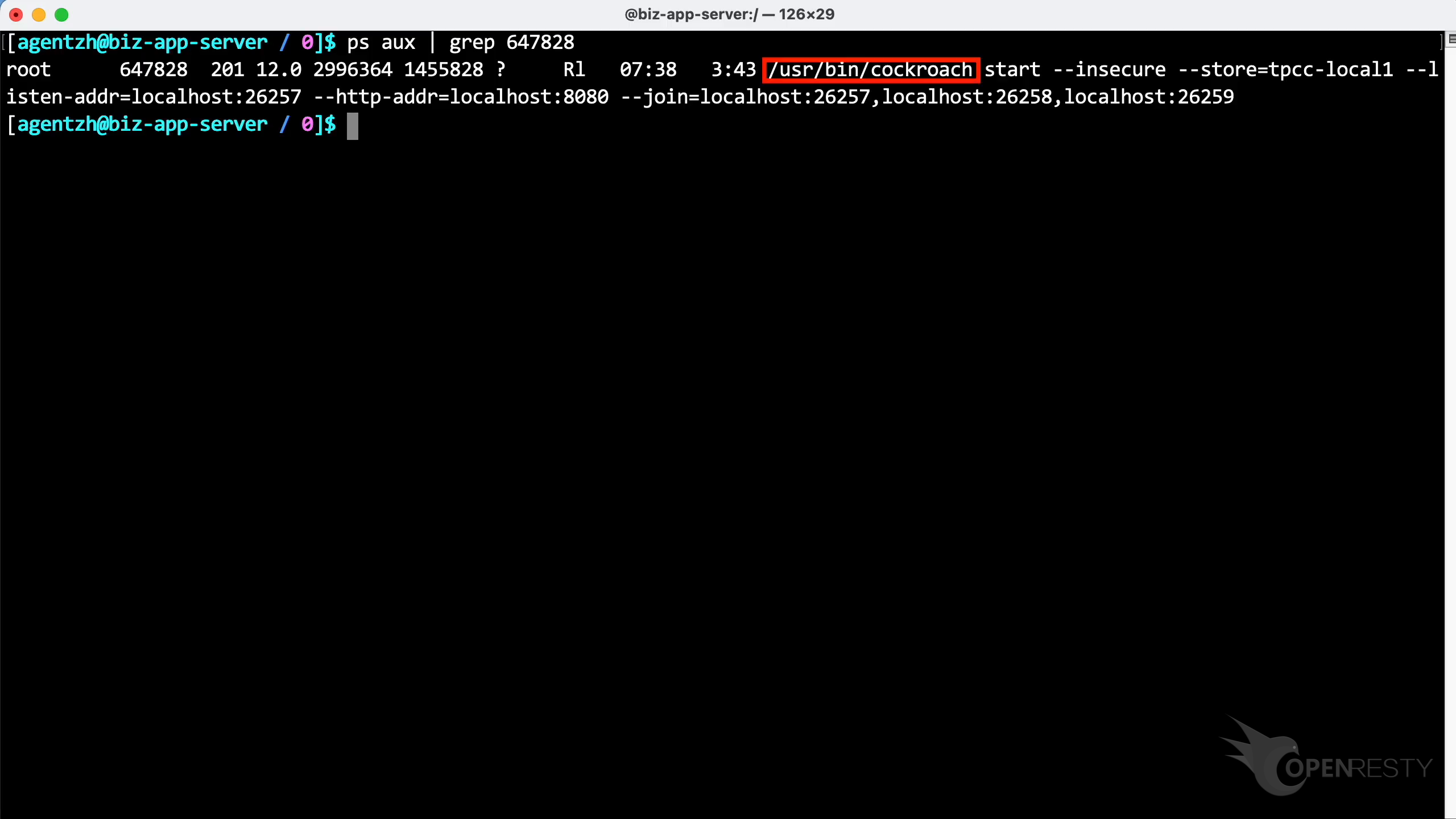
Let’s run the ps command to see more details about this process. We can see it is the standard CockroachDB binary executable shipped with the Linux distribution.
Find the Most CPU-Intensive Go Code Paths with Guided Analysis
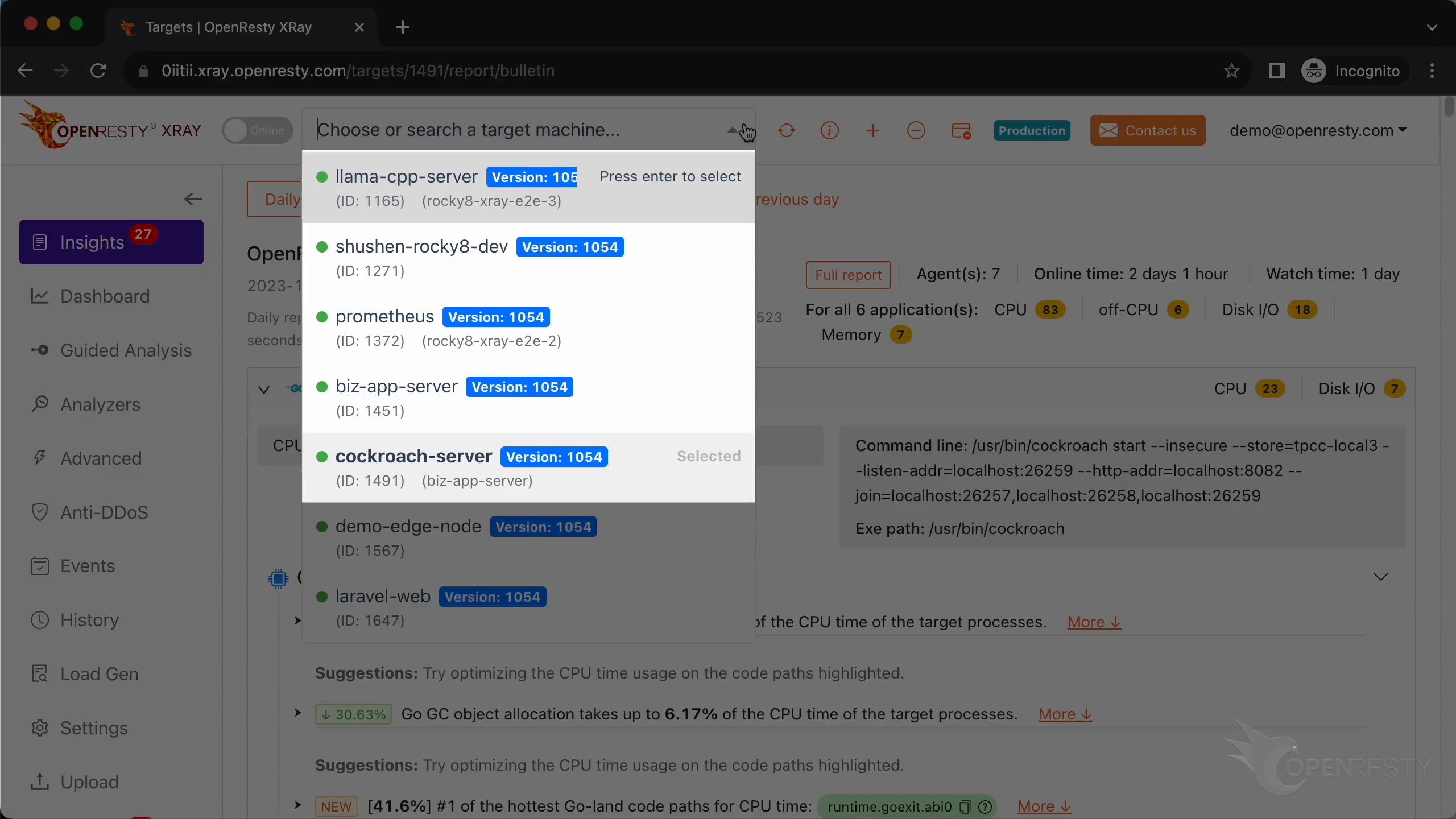
Let’s use OpenResty XRay to analyze this unmodified CockroachDB process in real time—no restart and no code changes. Open the OpenResty XRay web console, confirm you are watching the right machine, and go to the “Guided Analysis” page.
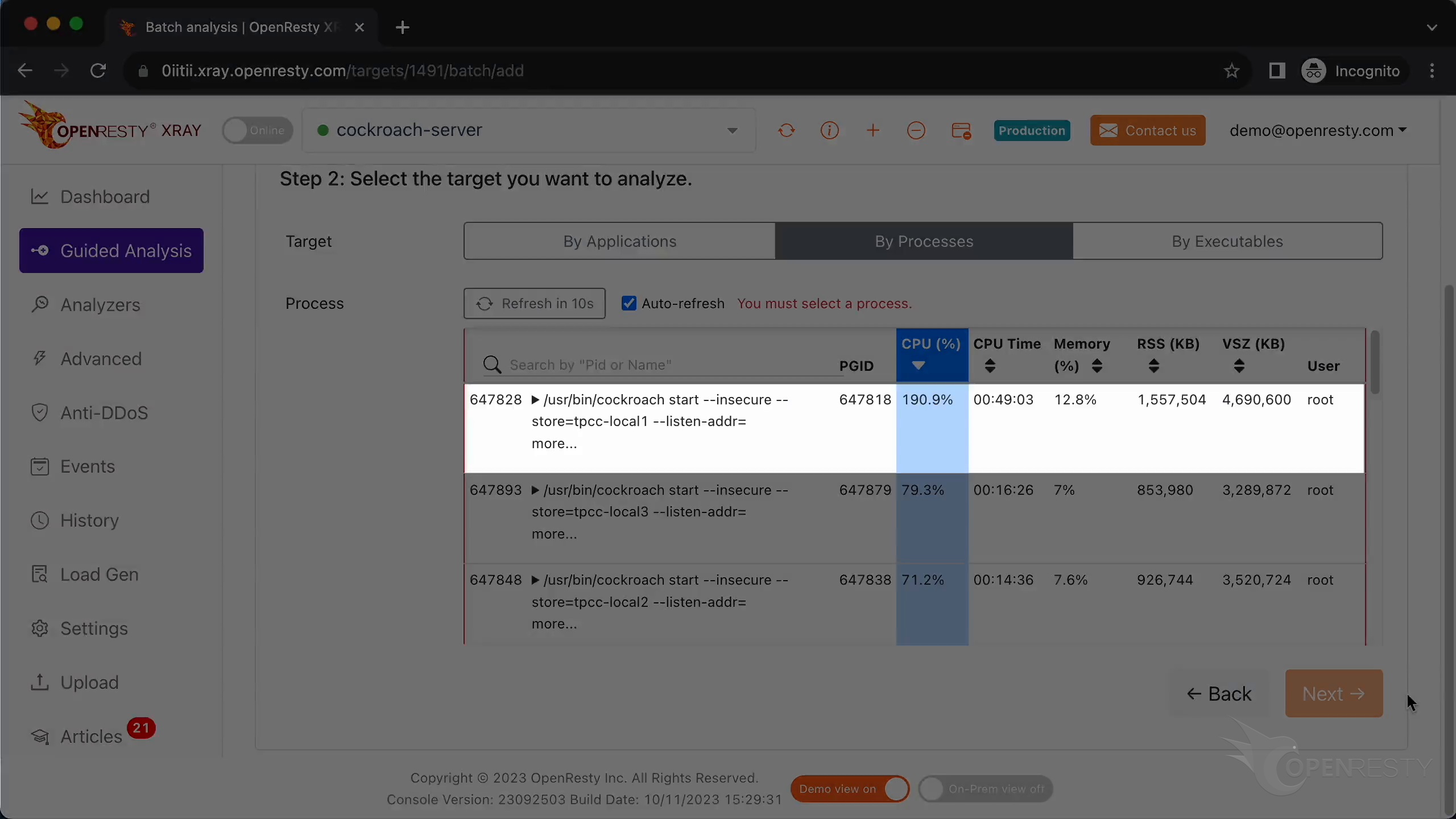
On the Guided Analysis page, select the “High CPU Usage” problem type, choose “By Processes”, and pick the CockroachDB process that consumes almost 200% of CPU cores—the same one we saw earlier in top.
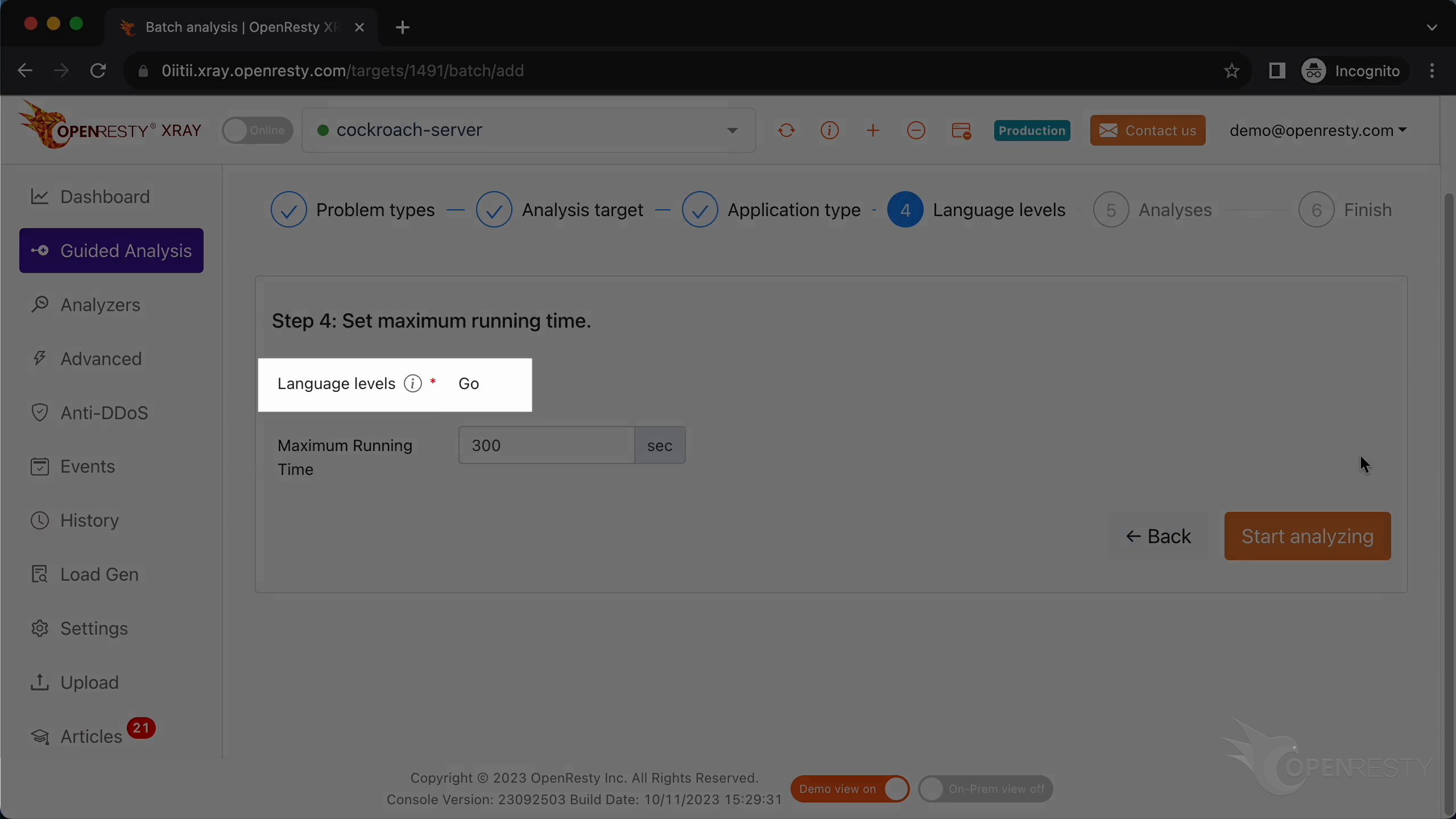
Keep the application type and language level at the detected default of “Go”, leave the maximum analyzing time at the default 300 seconds, and start analyzing.
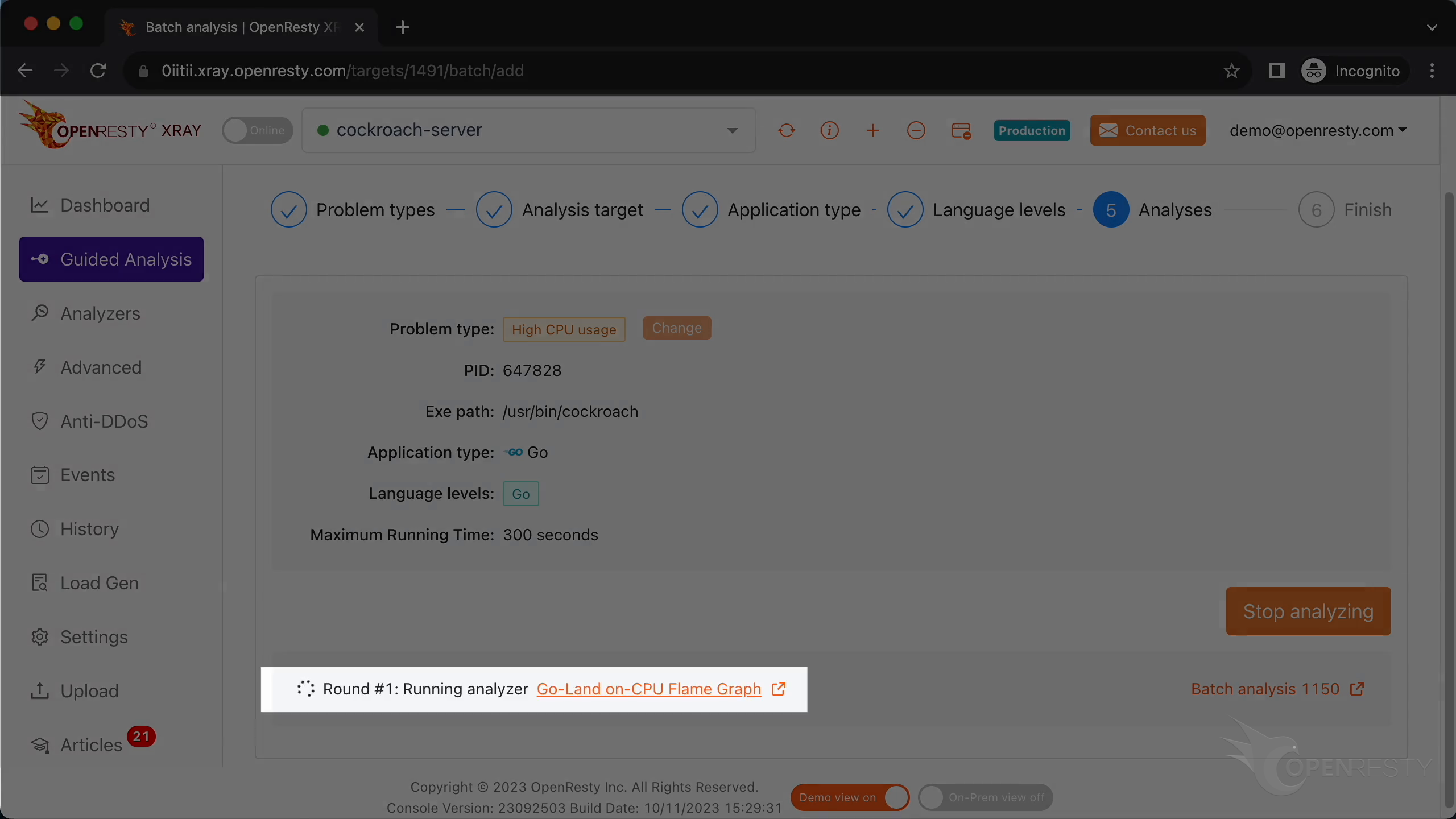
OpenResty XRay runs several rounds of sampling on the live process. Two rounds are enough for this case, so we stop analyzing.
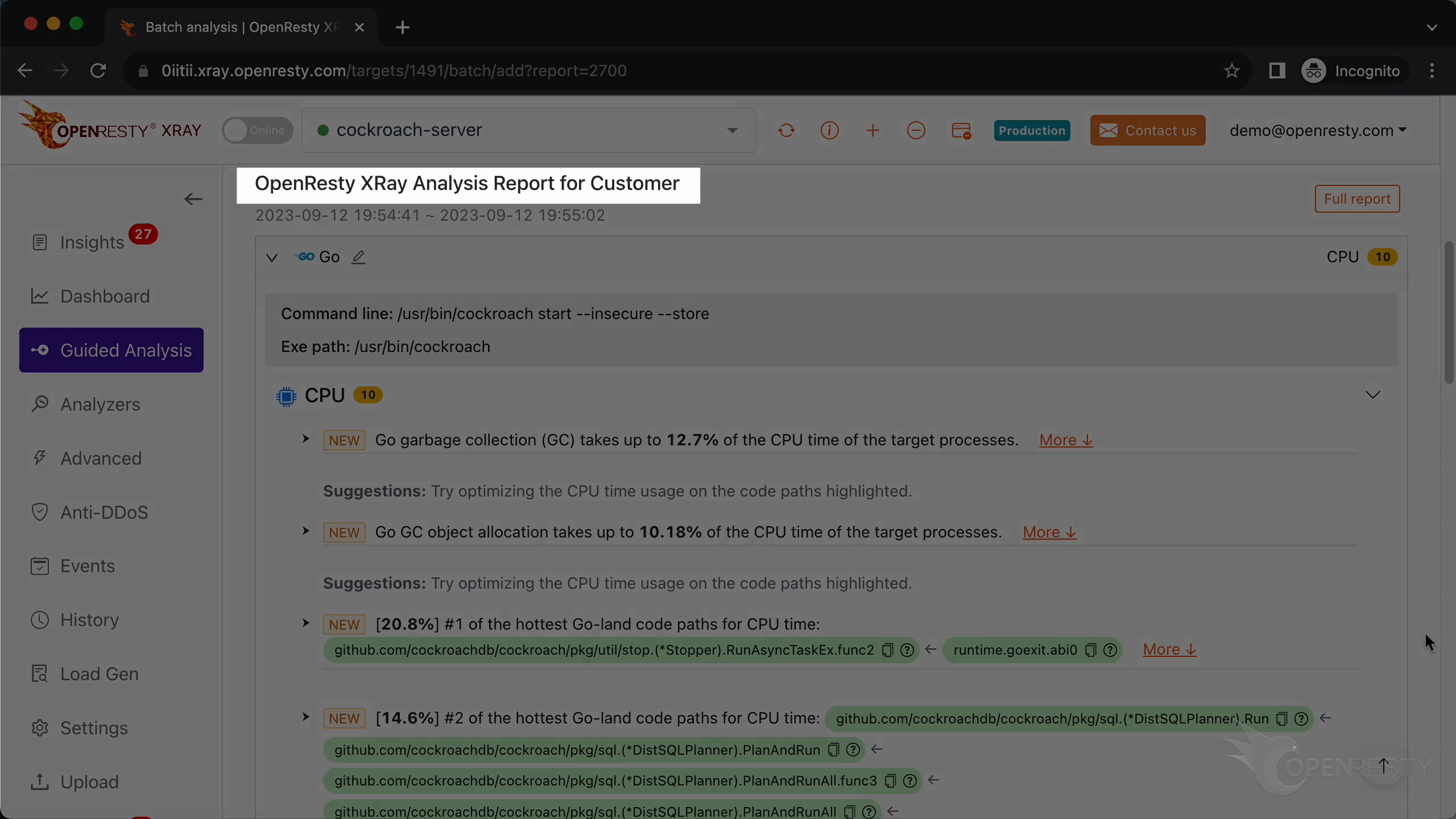
It automatically generated an analysis report.
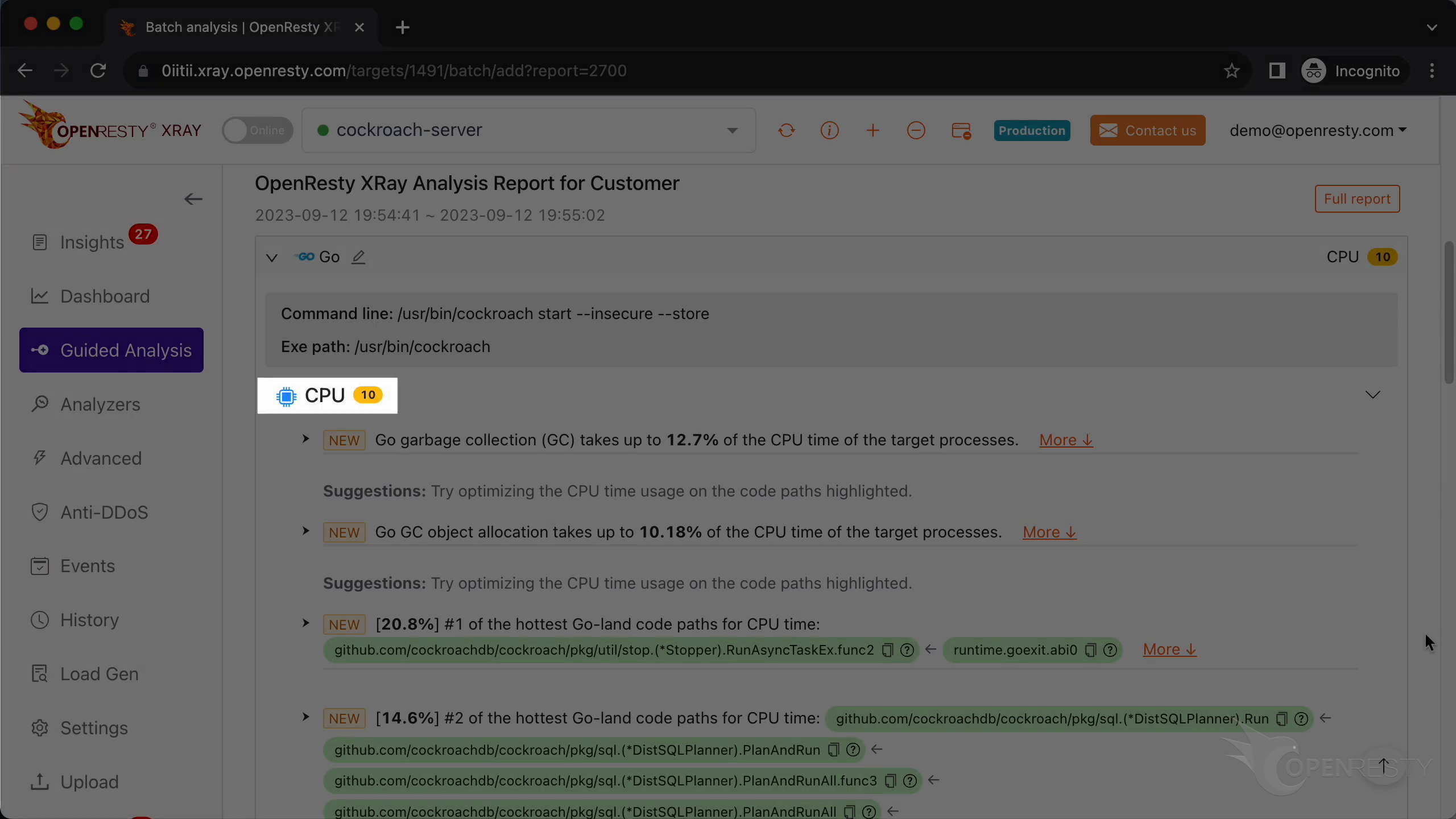
This is the type of problem we diagnose. It’s CPU.
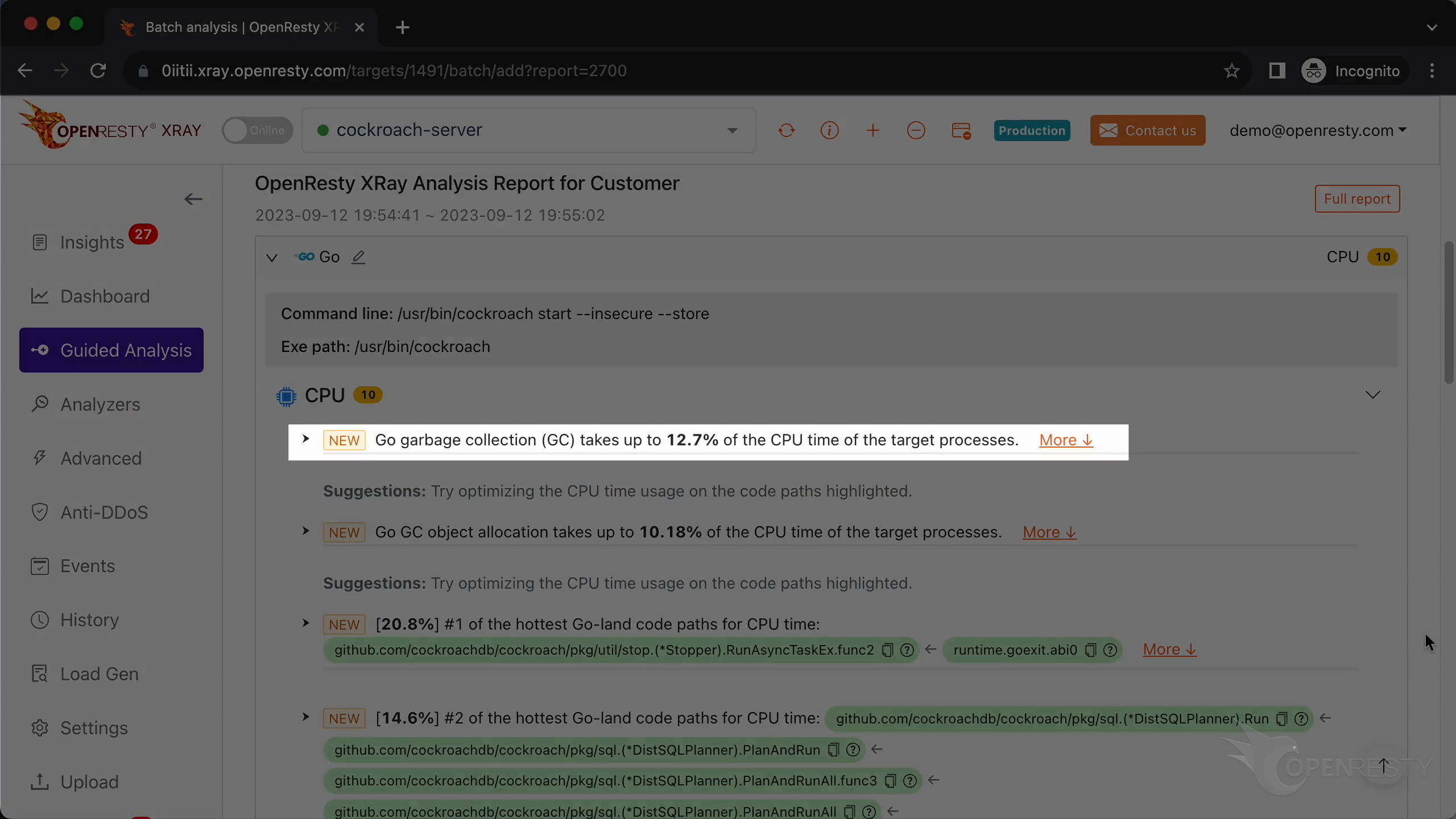
The Go runtime’s garbage collection takes about 13% of CPU time.
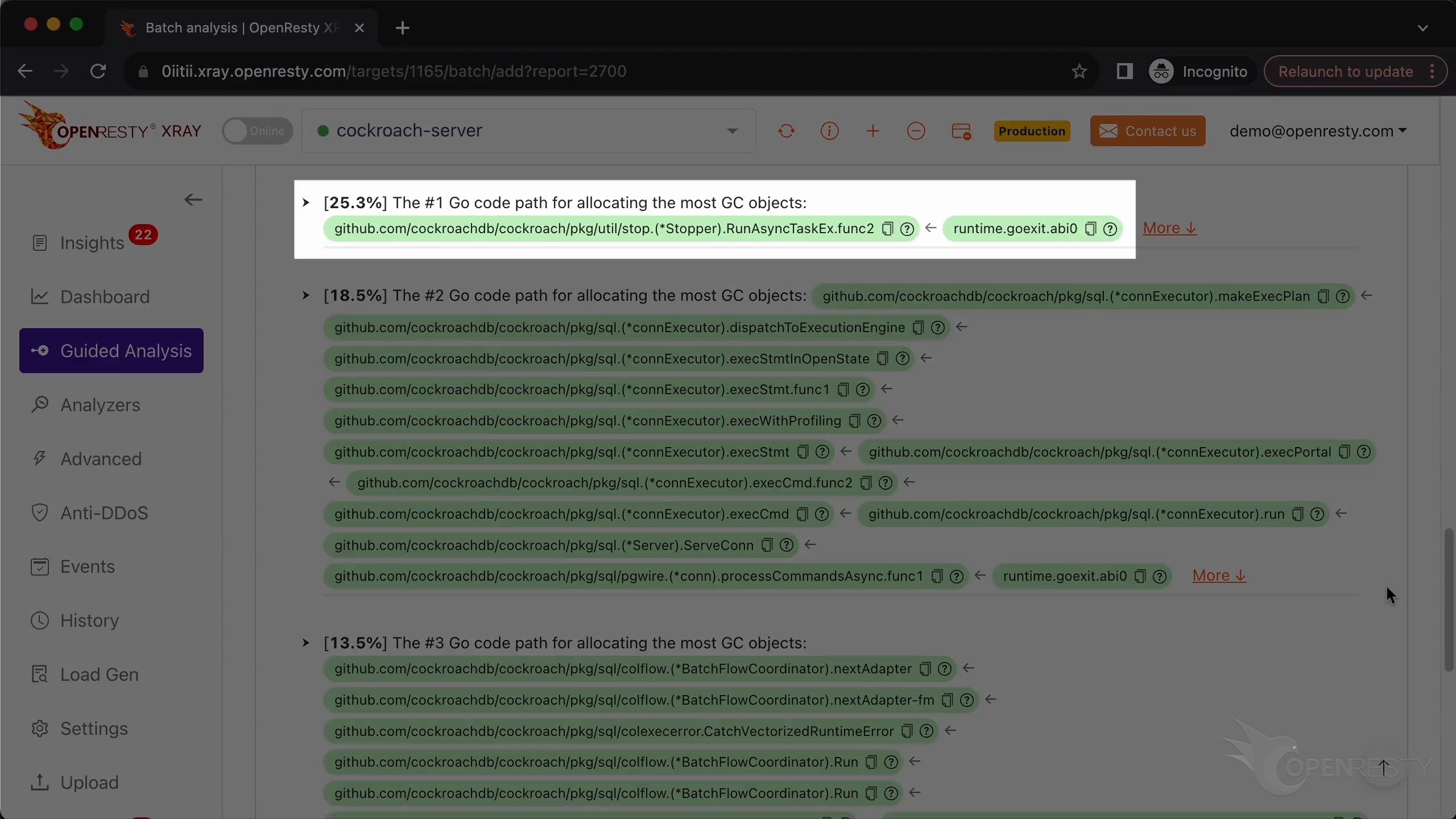
This Go code path created about 25% of the total number of new GC objects created.
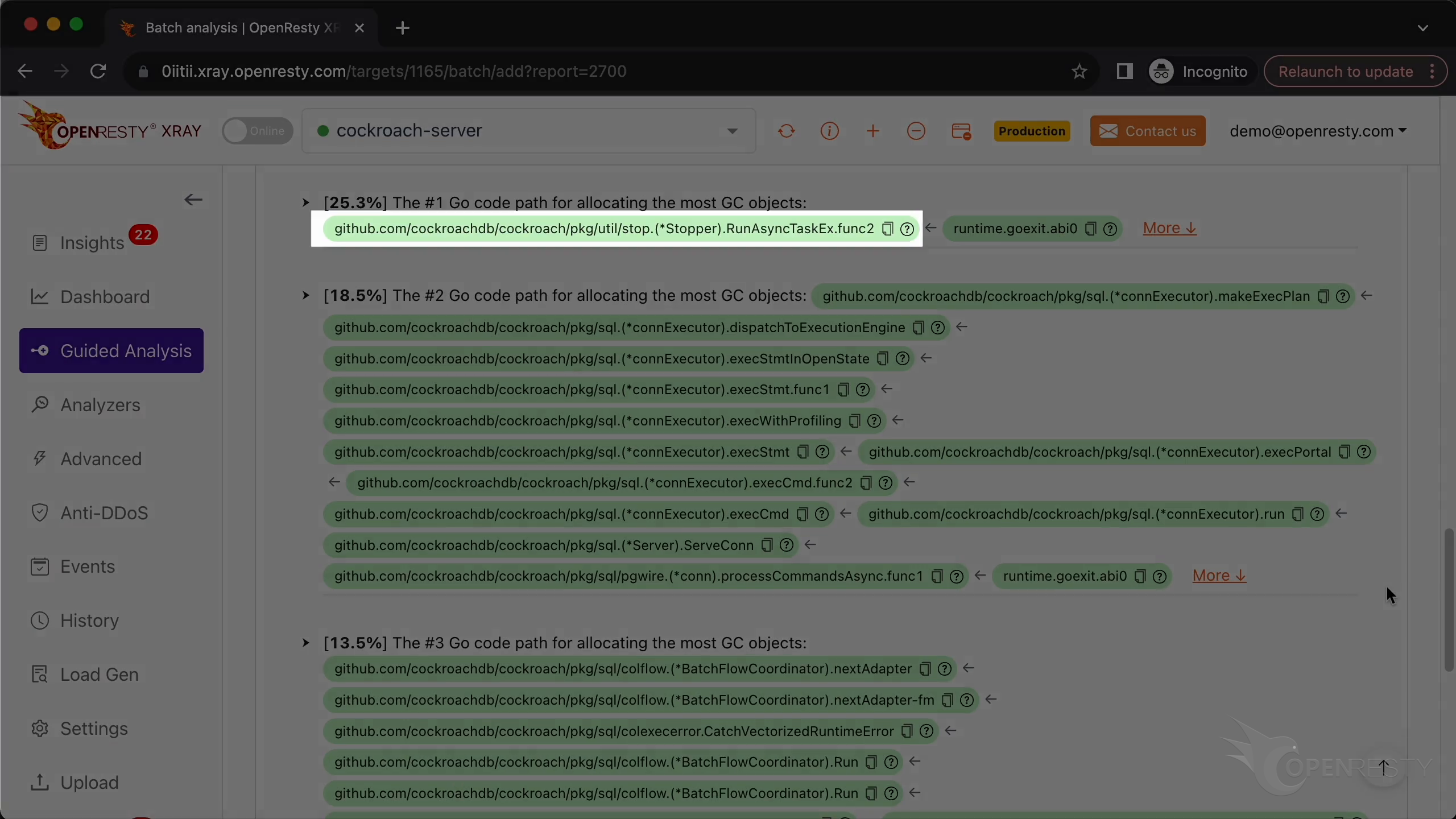
Currently executing is an anonymous function created in the function RunAsyncTaskEx. It’s used to manage the lifecycle of various asynchronous tasks in the CockroachDB system.
Click to see more details.
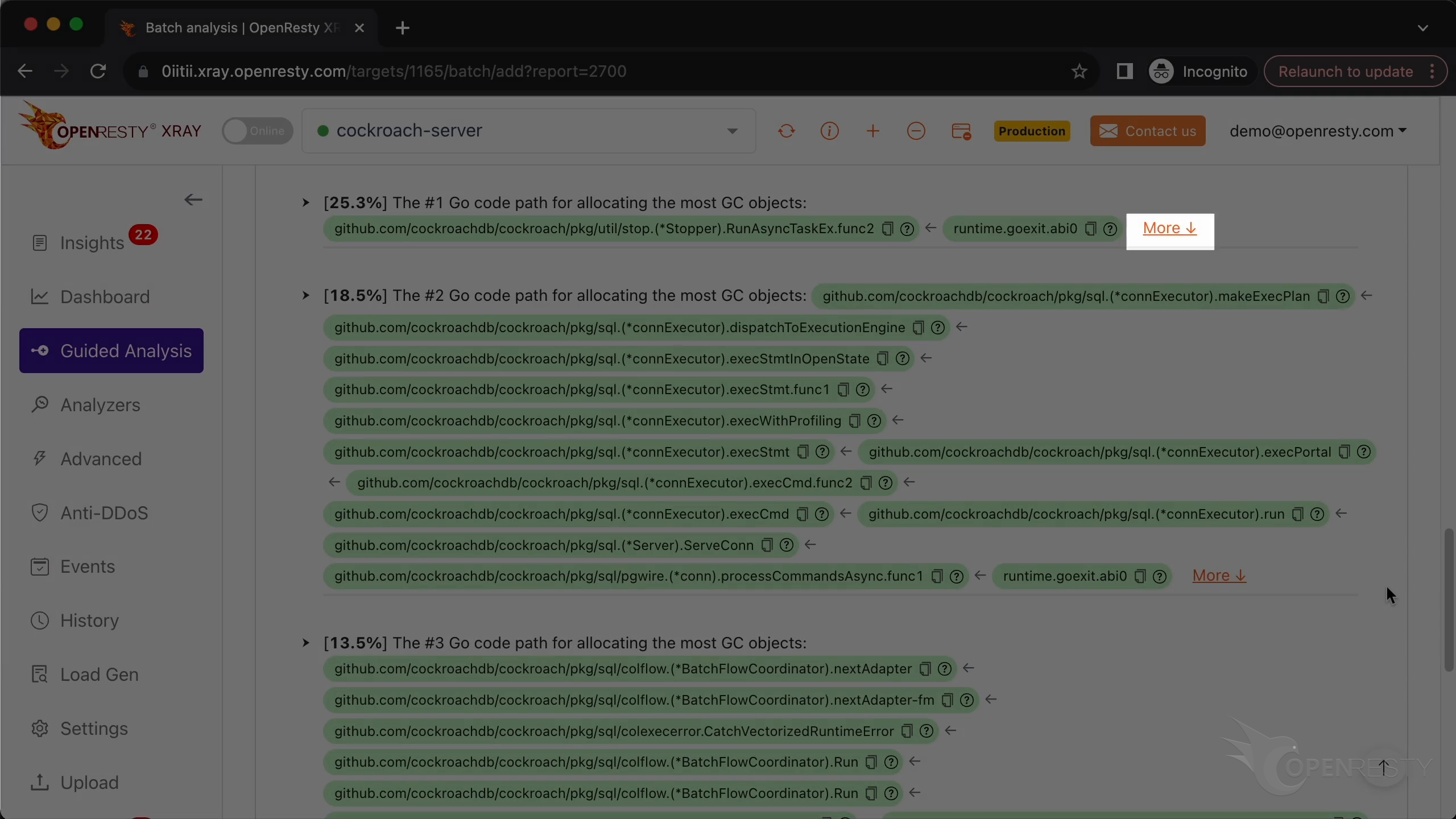
This hot code path is automatically inferred from this Go-land GC objects allocation flame graph.
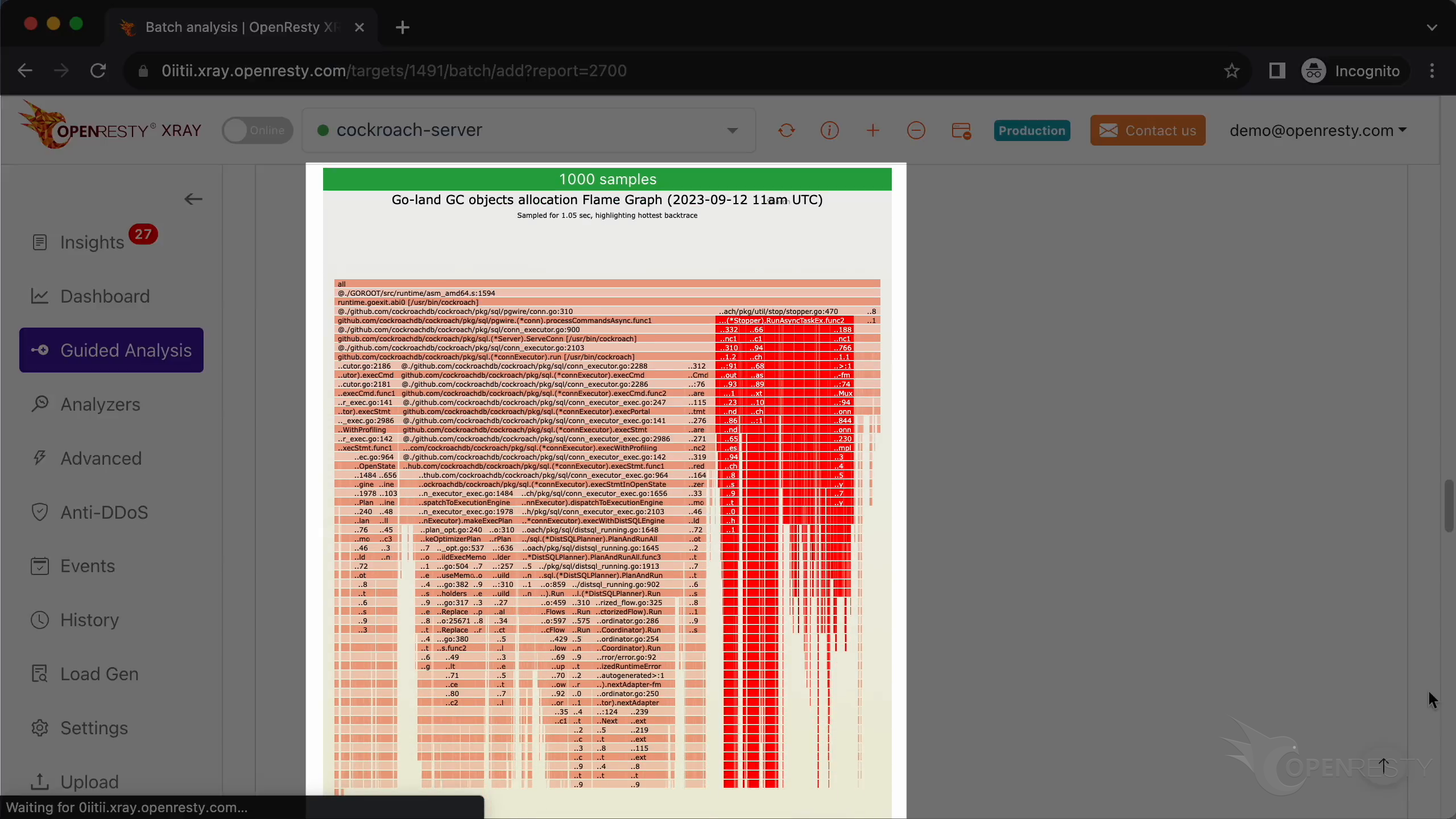
Let’s enlarge it.
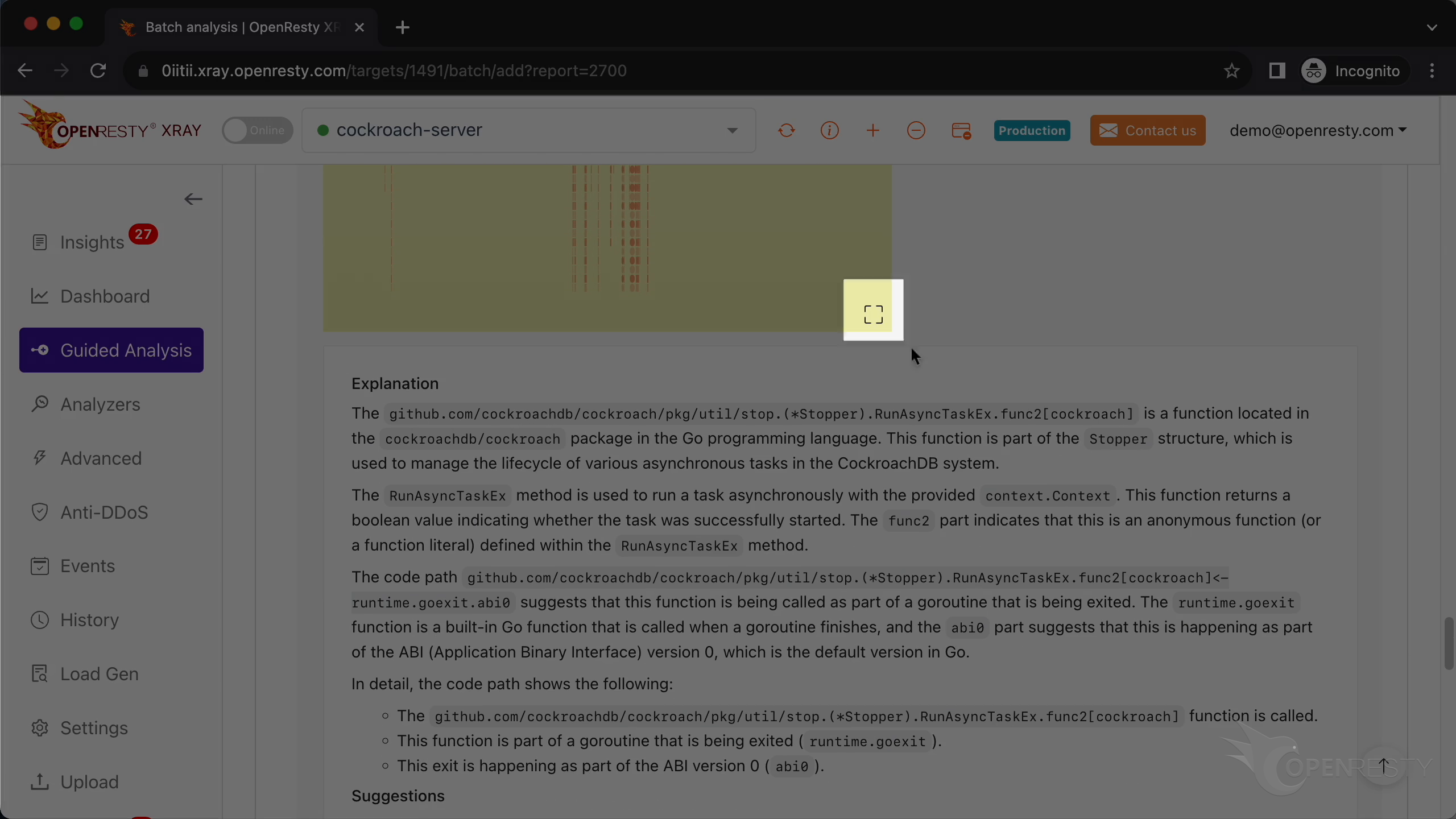
Continue to zoom in.
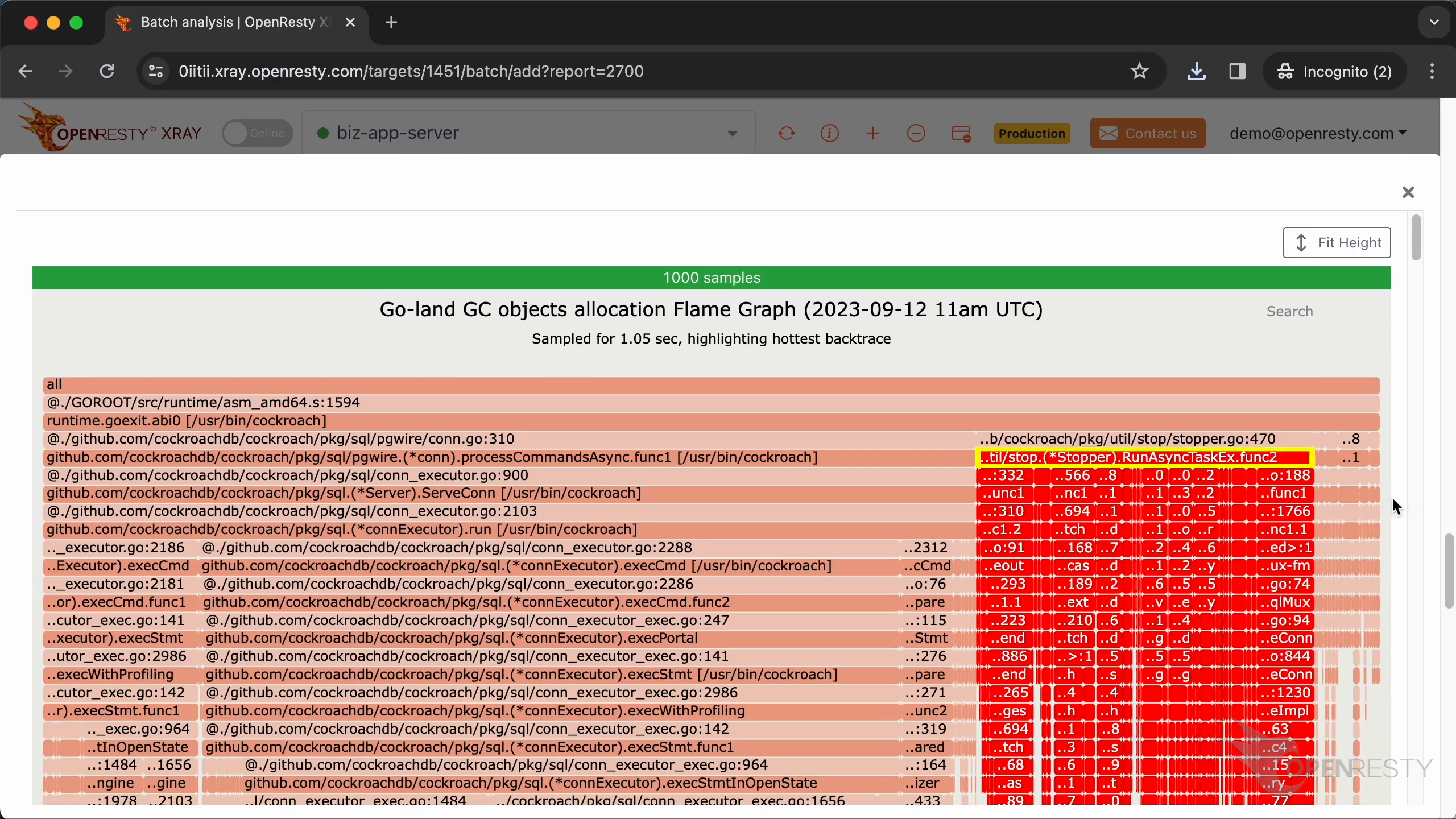
This hot code path consists of three main parts. The kvcoord package,
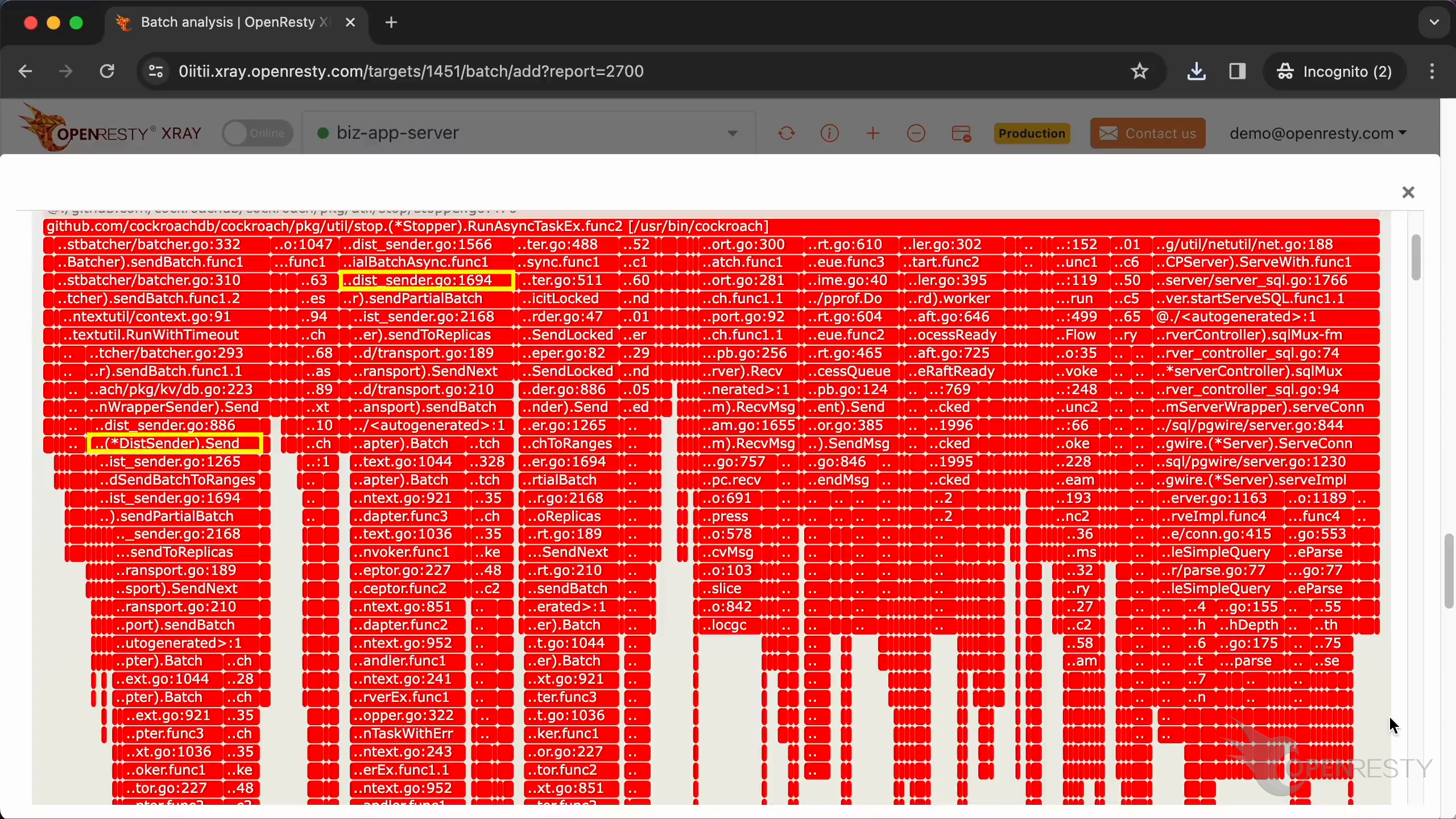
the Raft protocol,
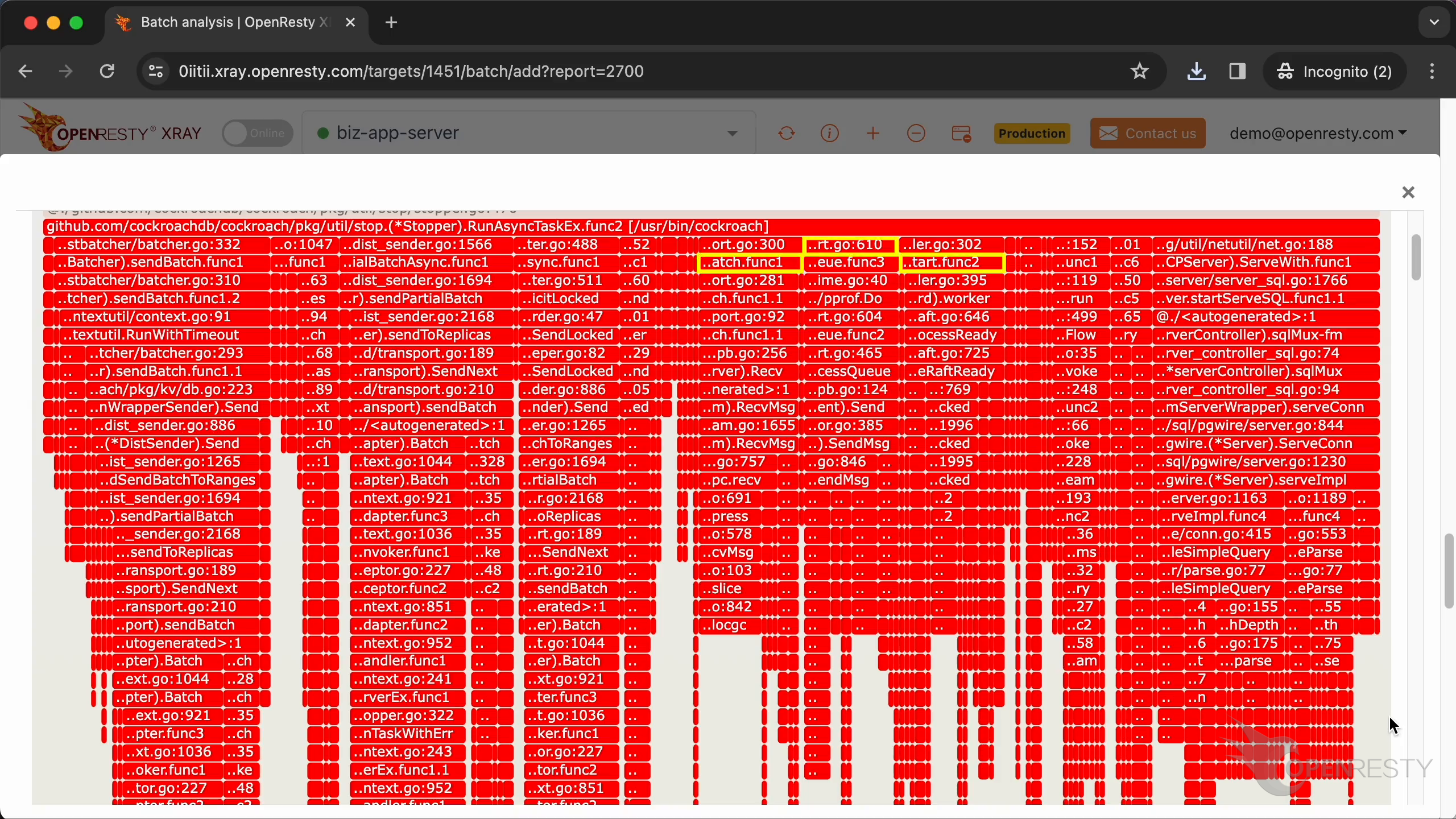
and the sqlMux component.
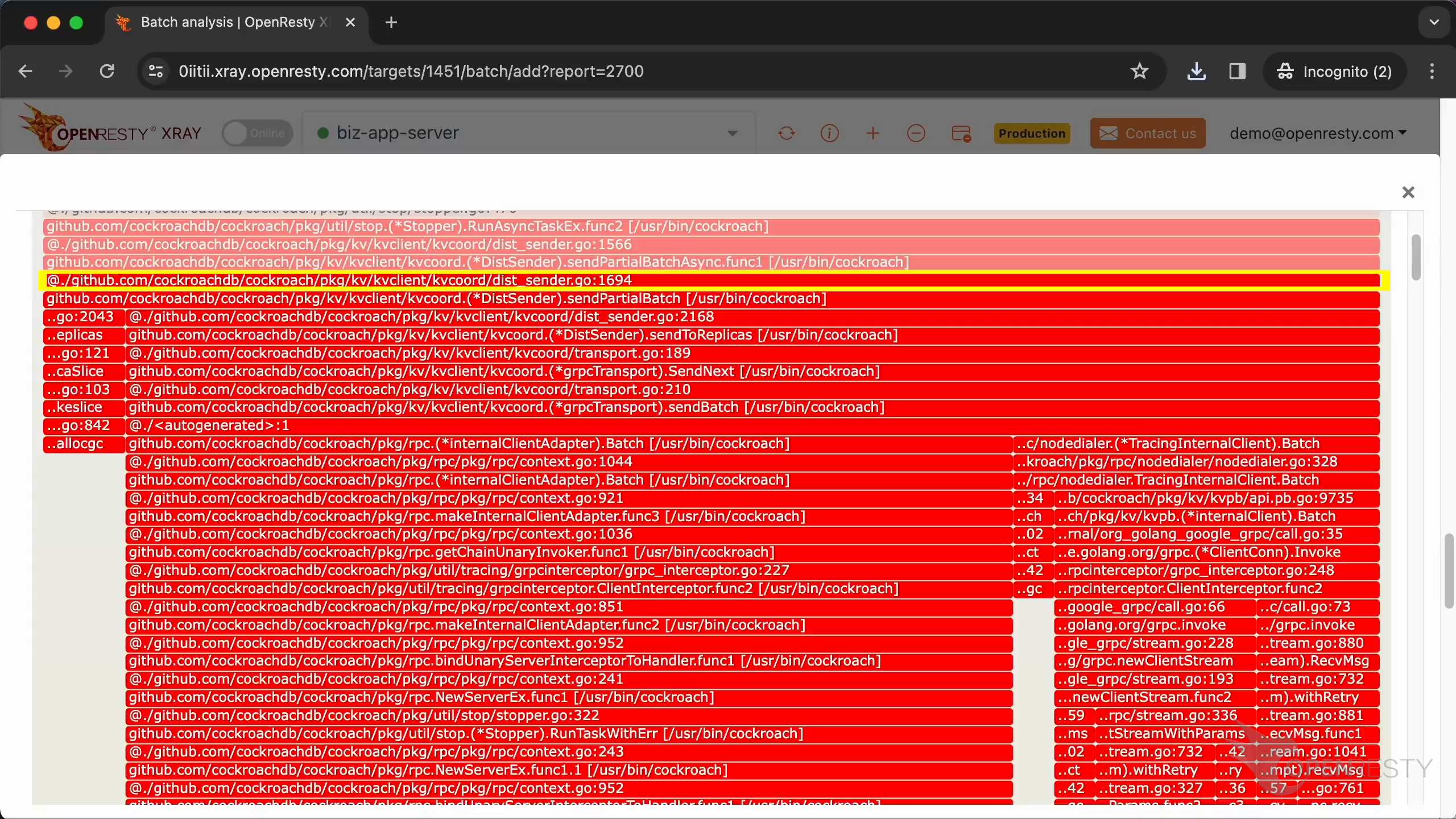
Click to enlarge kvcoord/dist_sender.
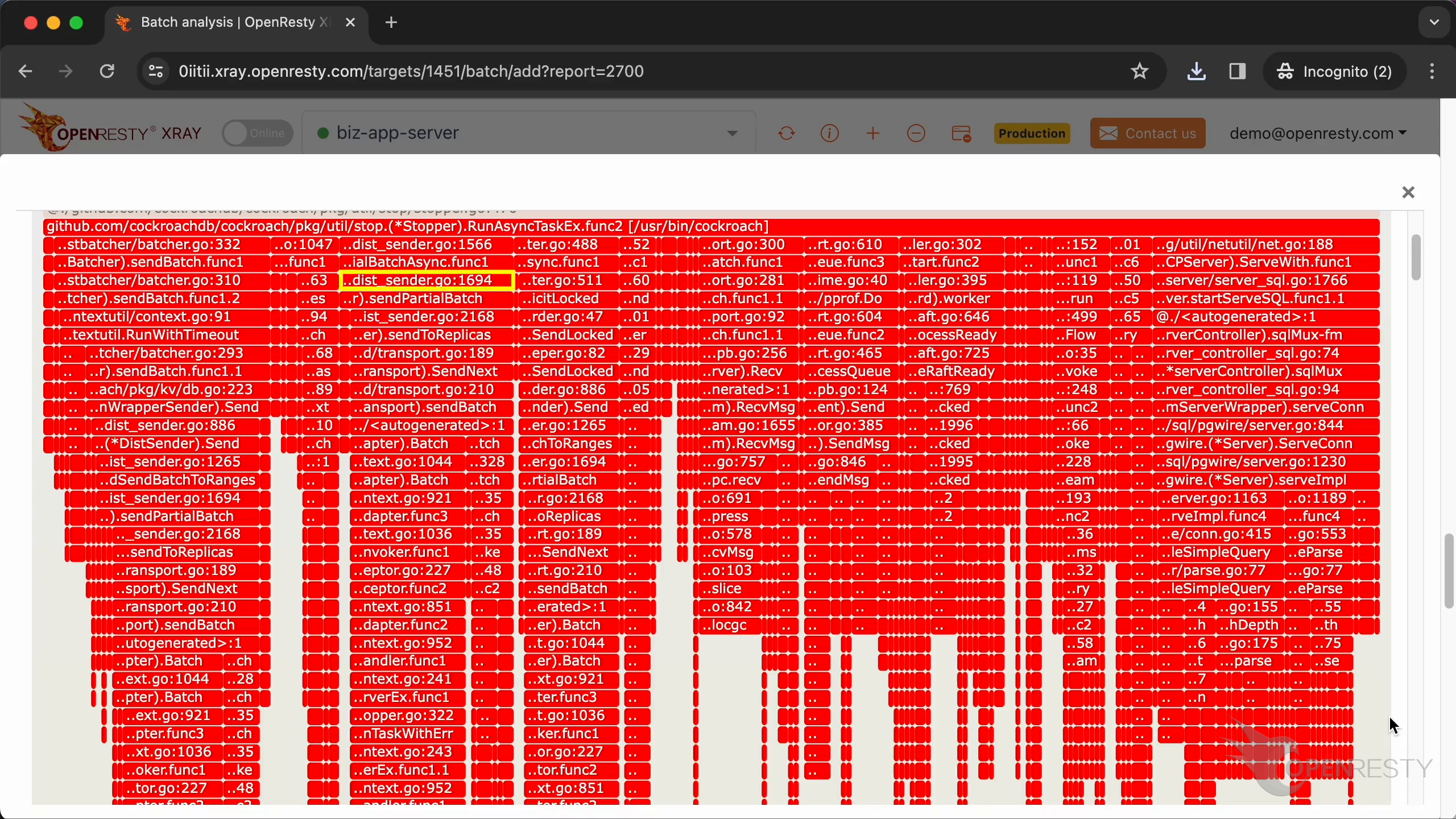
kvcoord is a key-value coordinator module in CockroachDB. It handles concurrent access and data consistency. And responsible for coordinating concurrent operations between multiple kvclient instances, to ensure data correctness and consistency.
Click to enlarge the Start function.
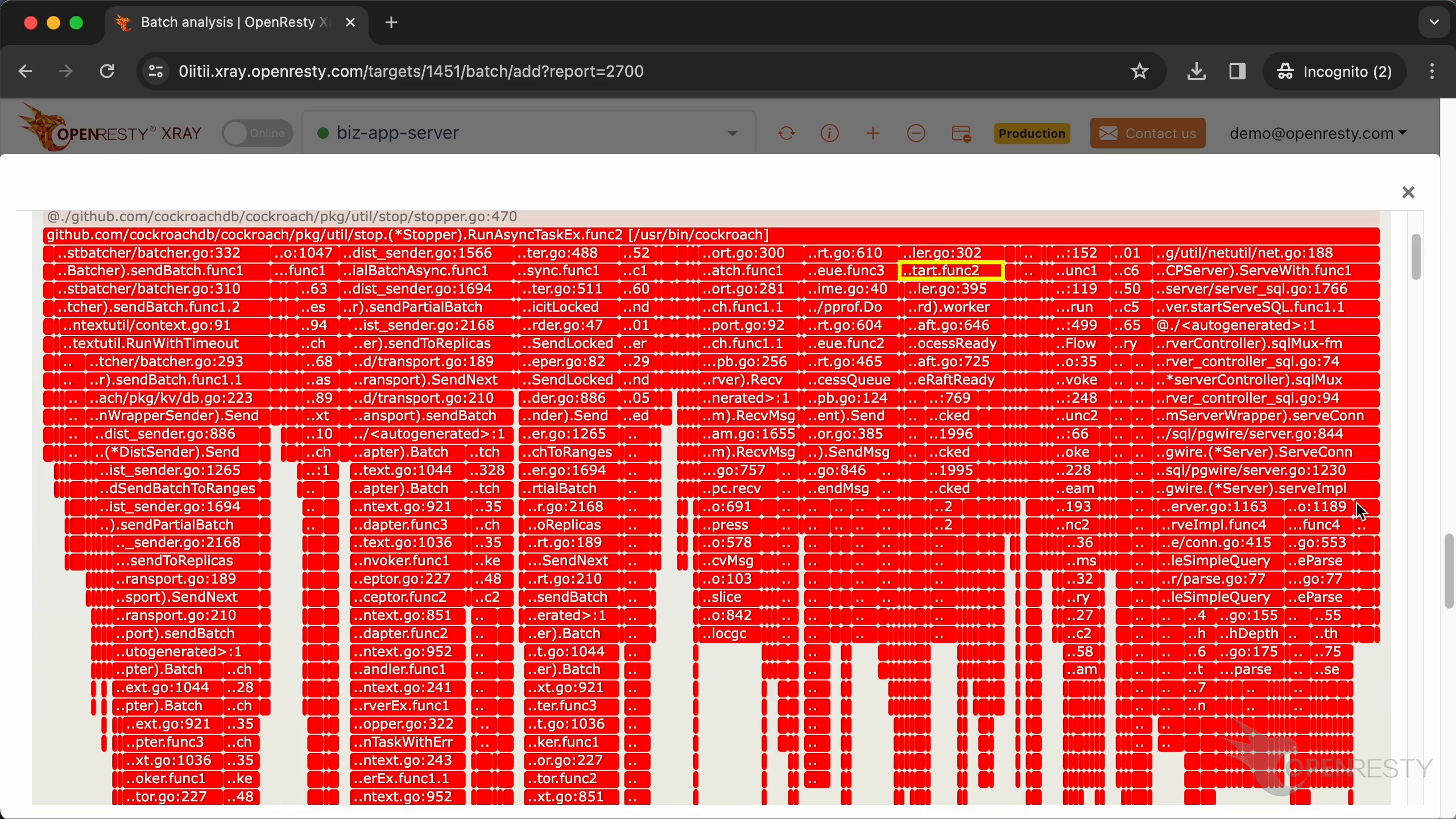
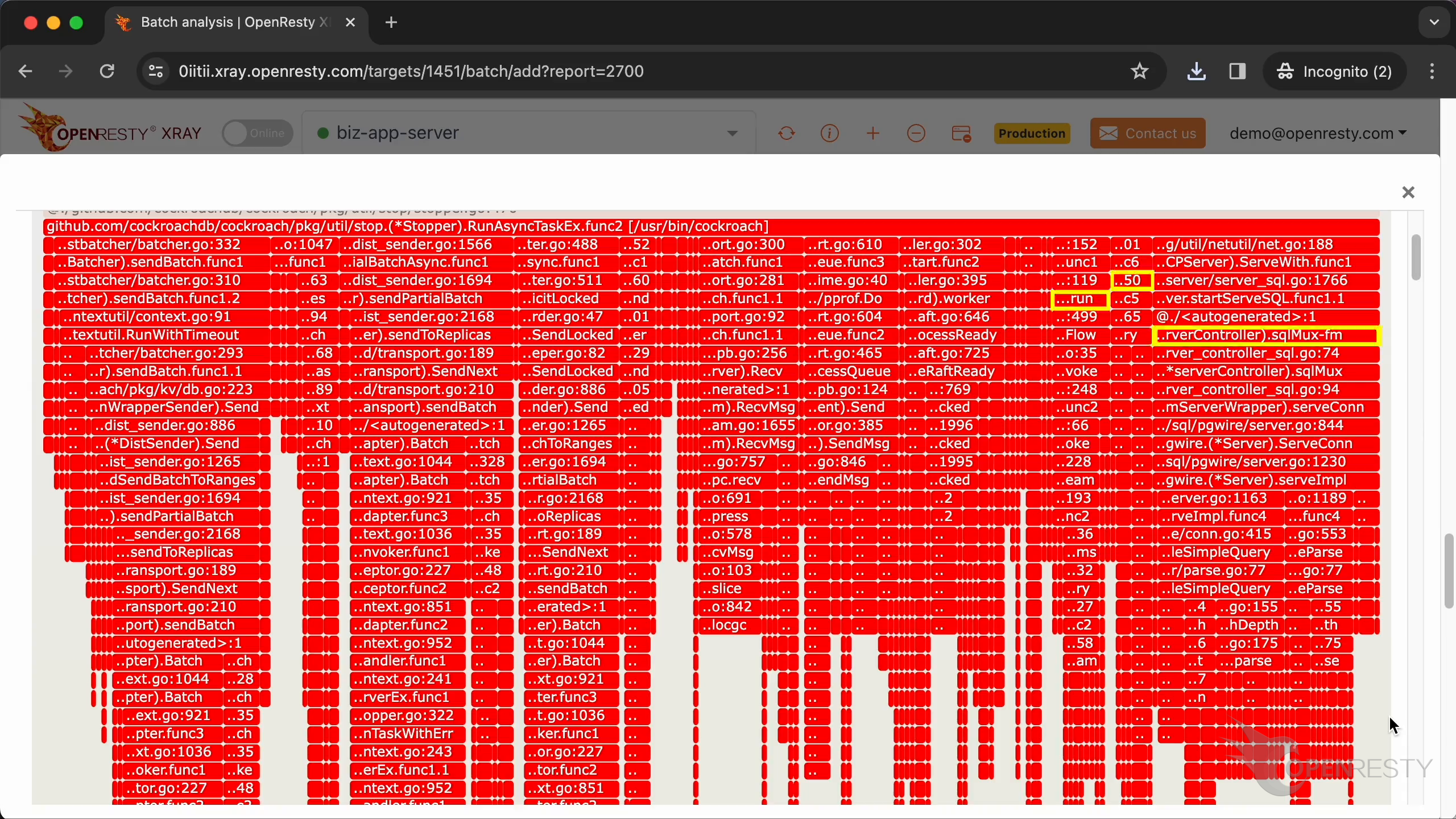
Raft is a distributed consistency protocol used by CockroachDB for data replication and fault tolerance. CockroachDB is a distributed database. It uses multiple kvserver nodes to provide high availability and scalability.
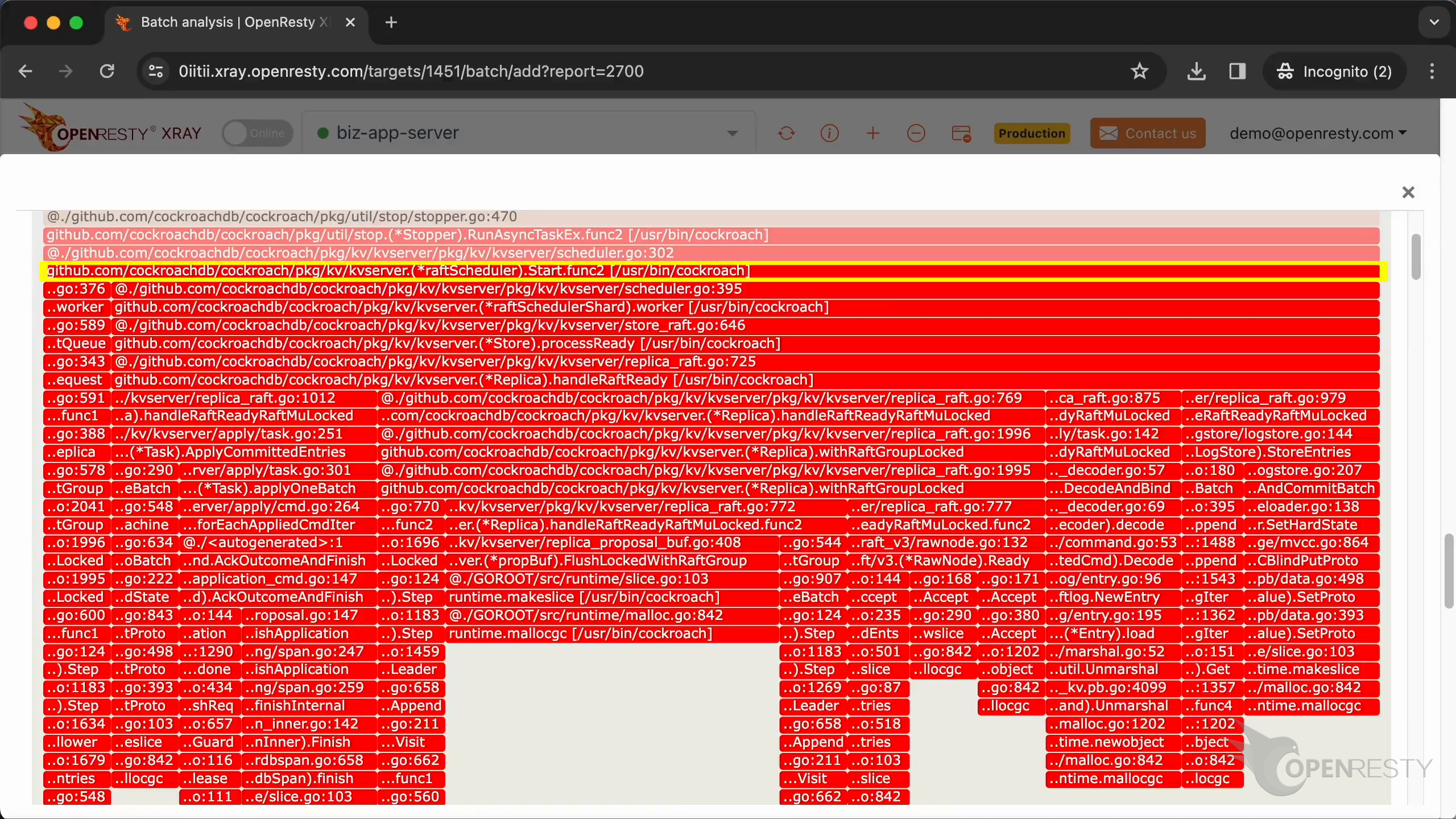
Zoom in the sqlMux function.
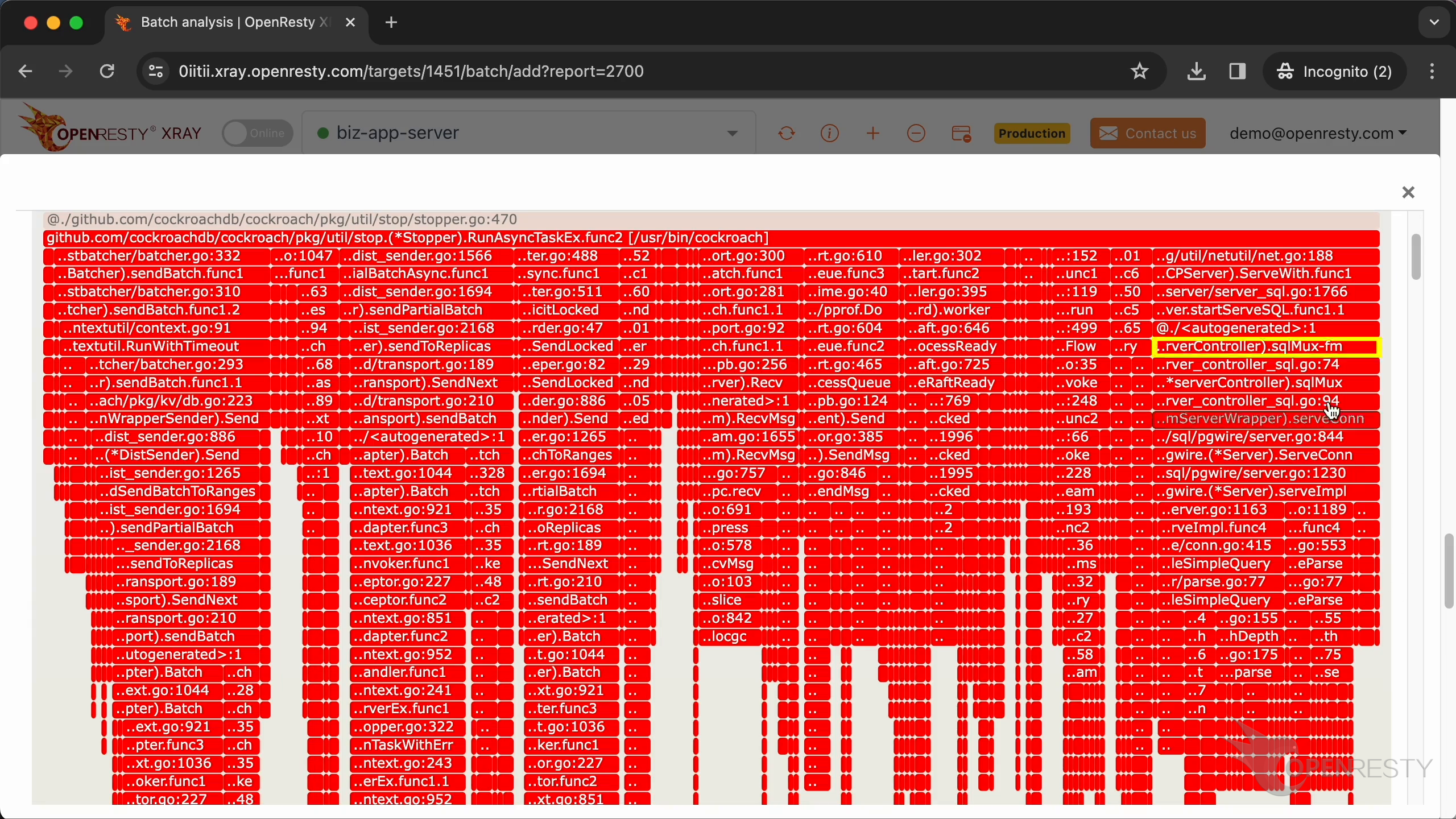
sqlMux handles routing and multiplexing of SQL requests on CockroachDB’s nodes.
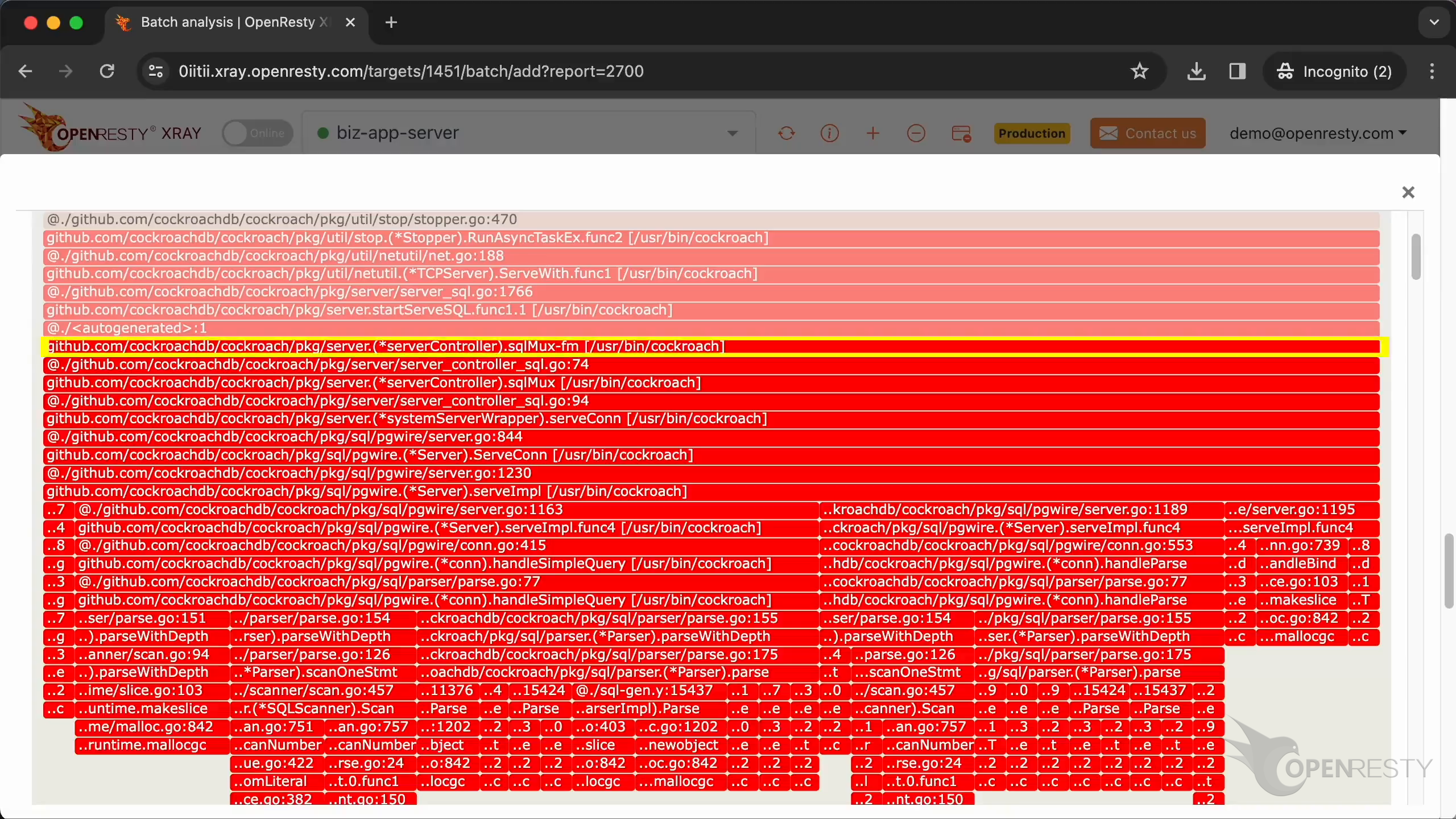
These are the other code paths that allocate the most GC objects.
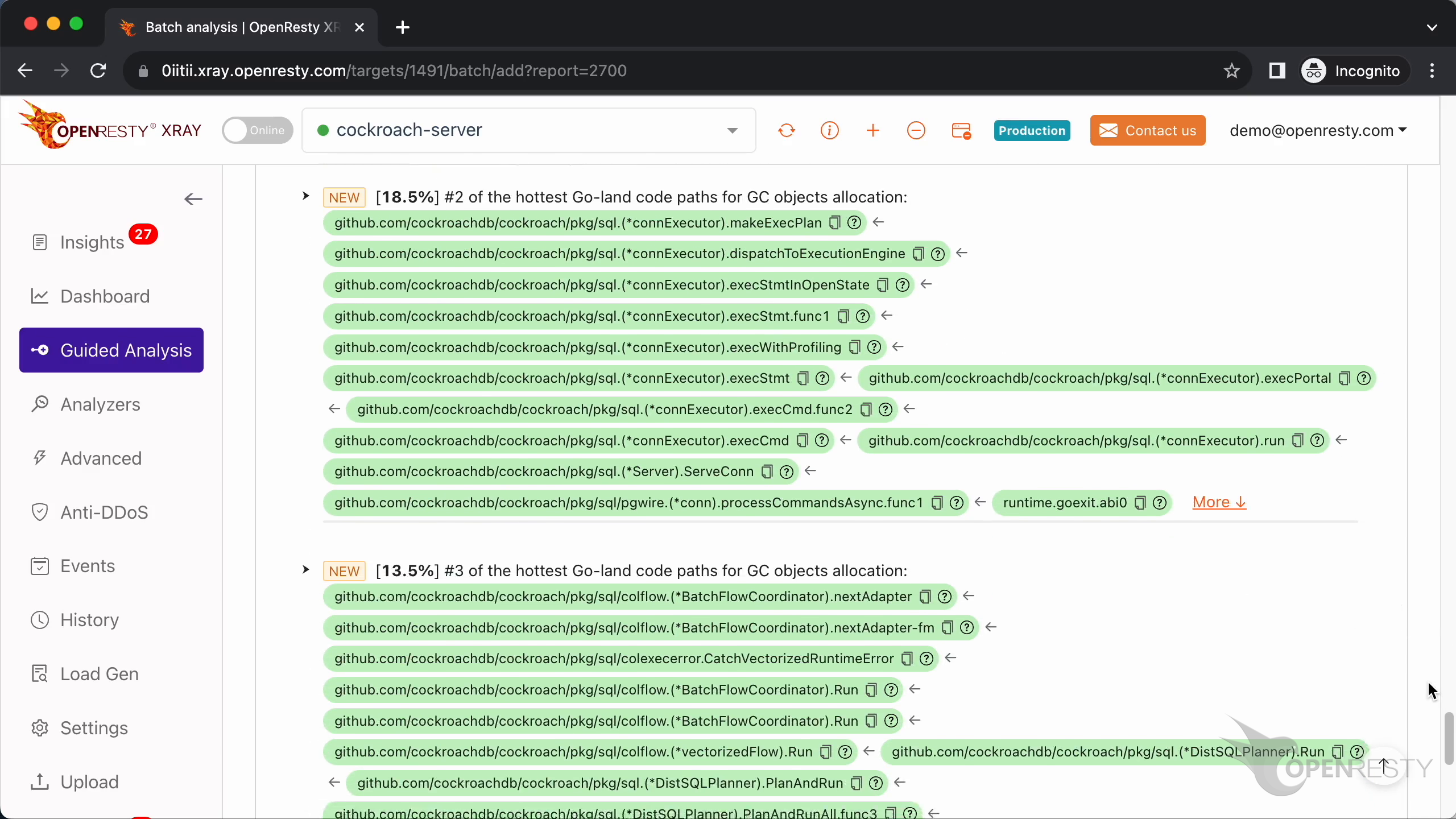
This is the second GC object allocation path.
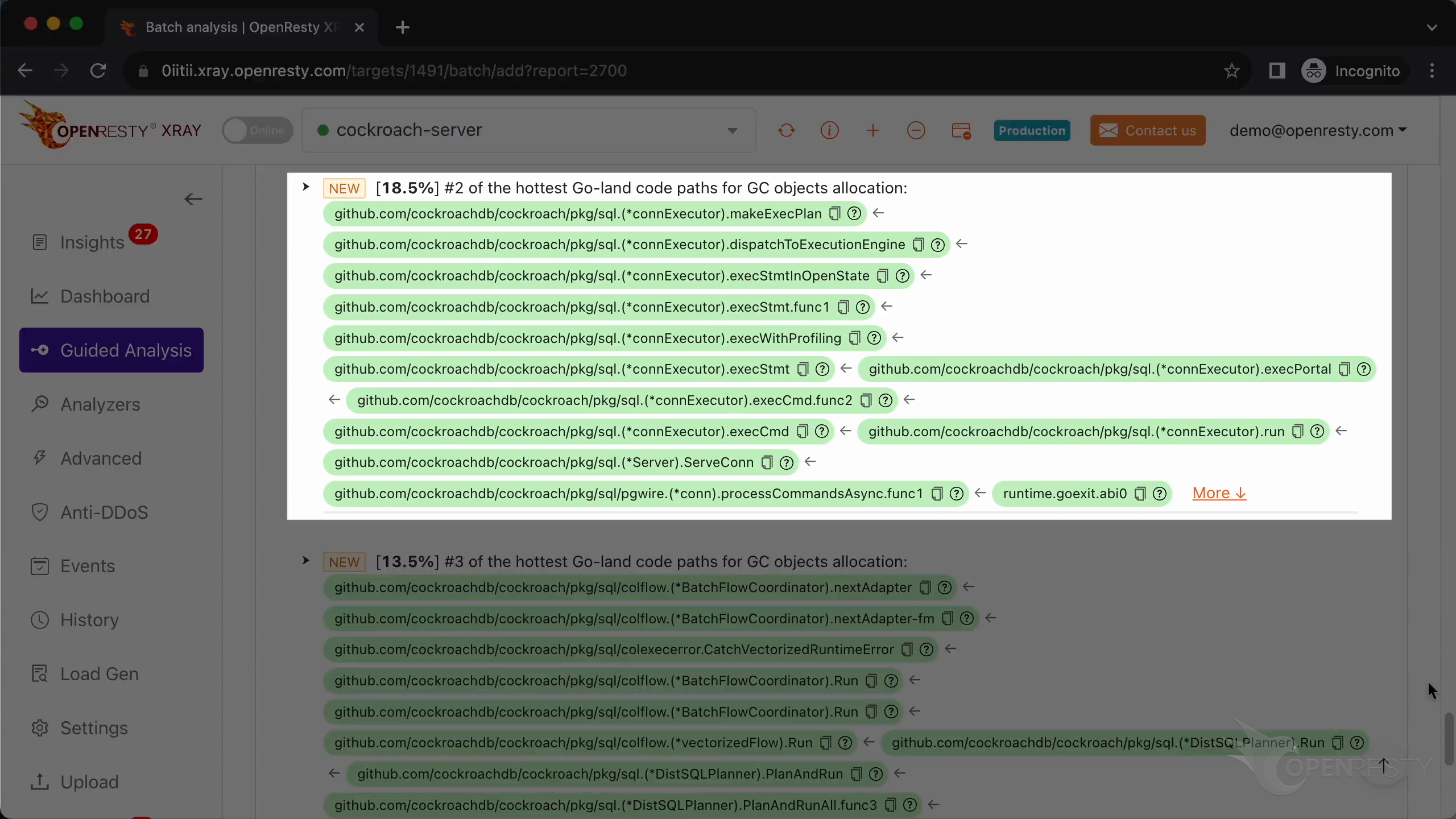
In the CockroachDB SQL layer, the makeExecPlan() function creates a query execution plan.
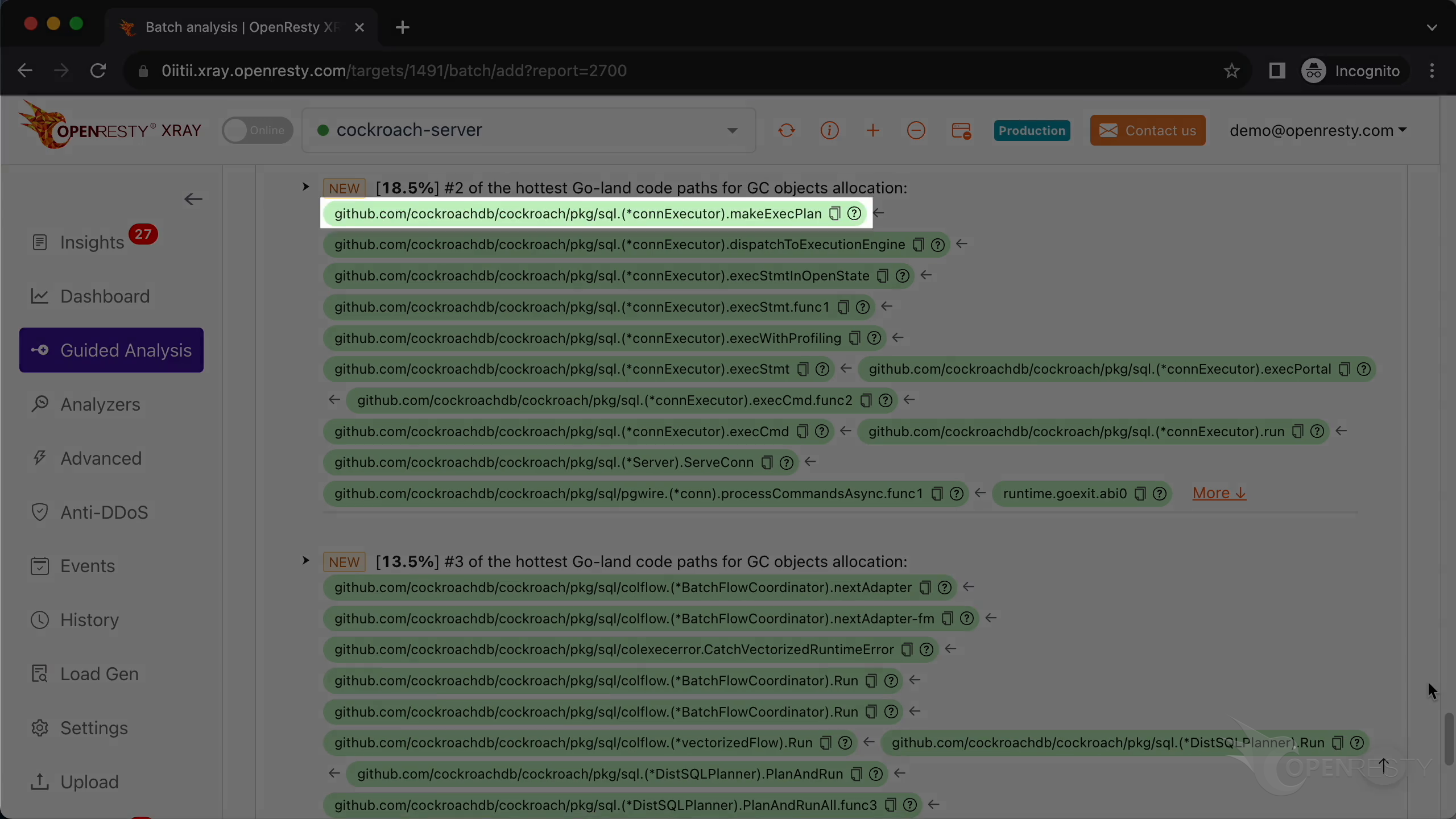
Take a look at the third GC object allocation path.
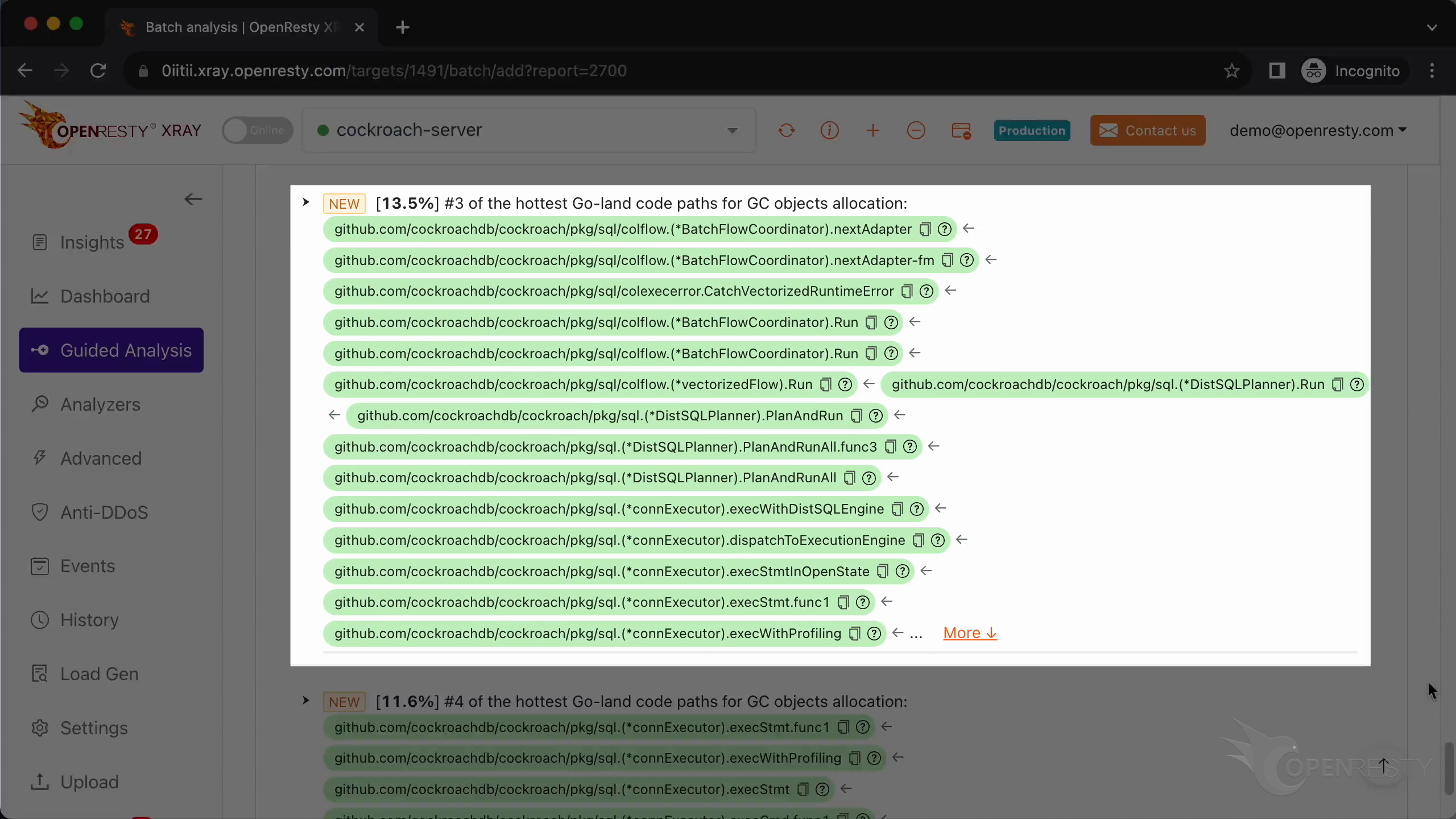
Calling nextAdapter() also creates a large number of GC objects when processing a stream of column data.
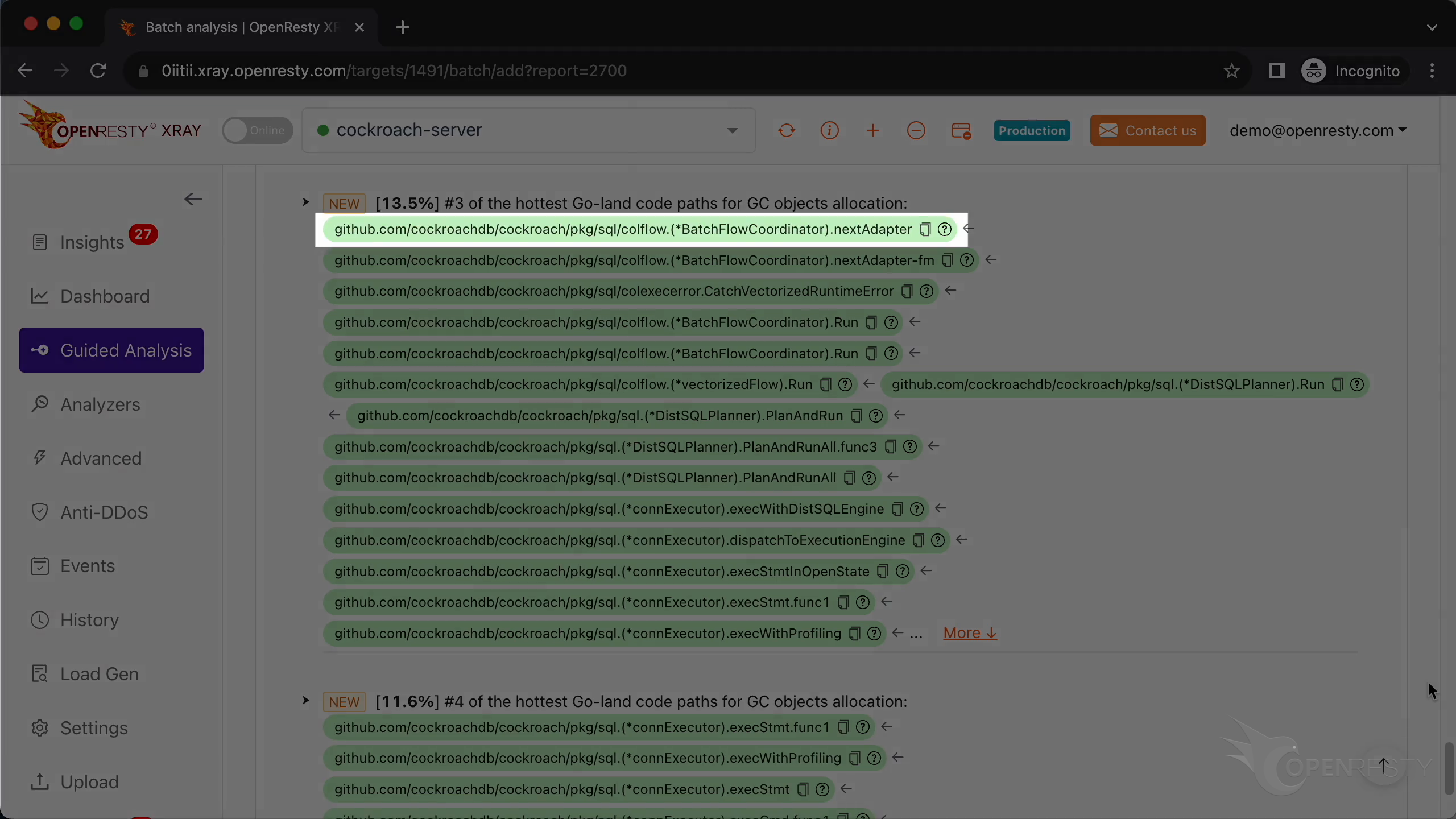
Now we see the fourth Go-code path.
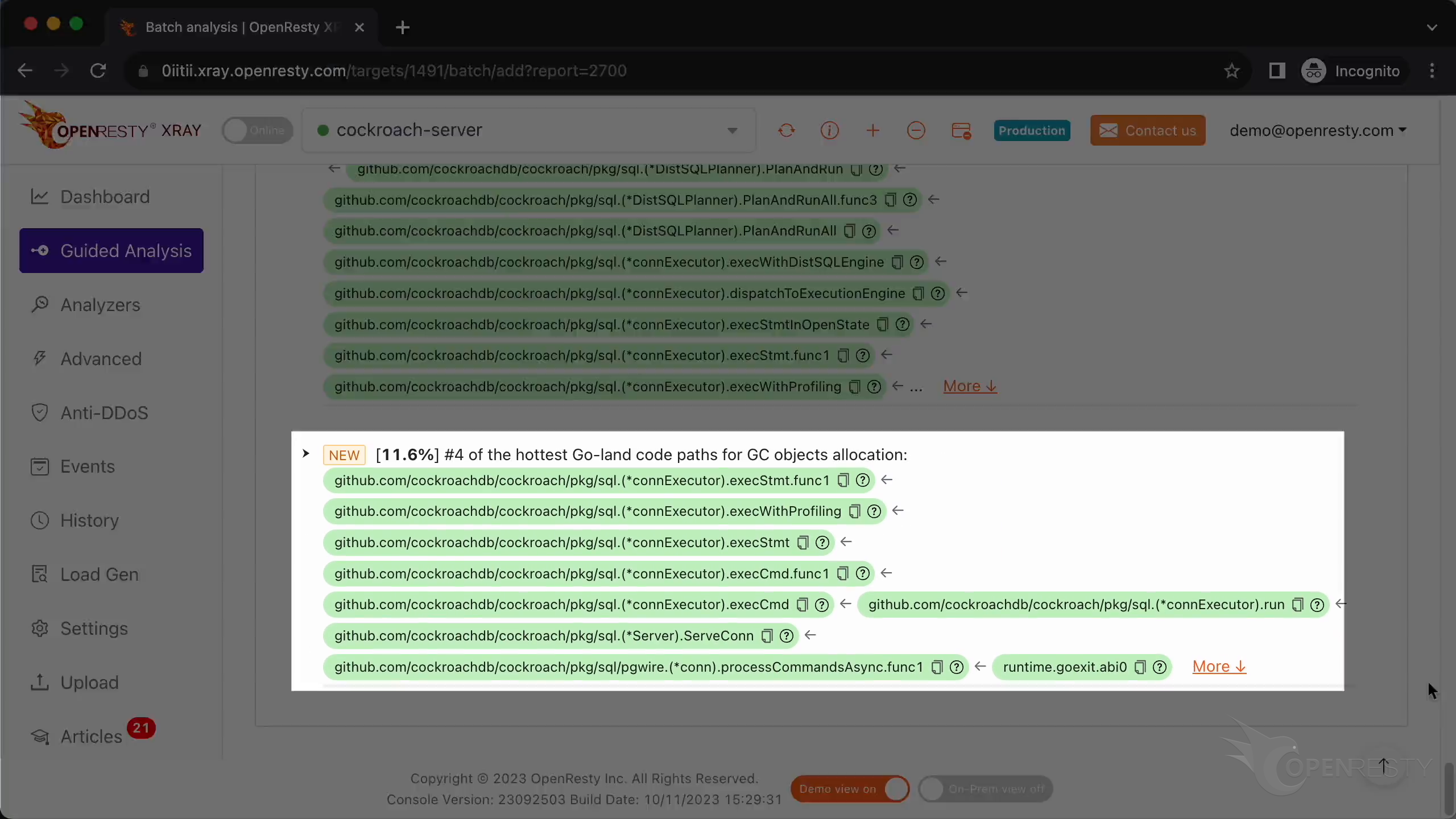
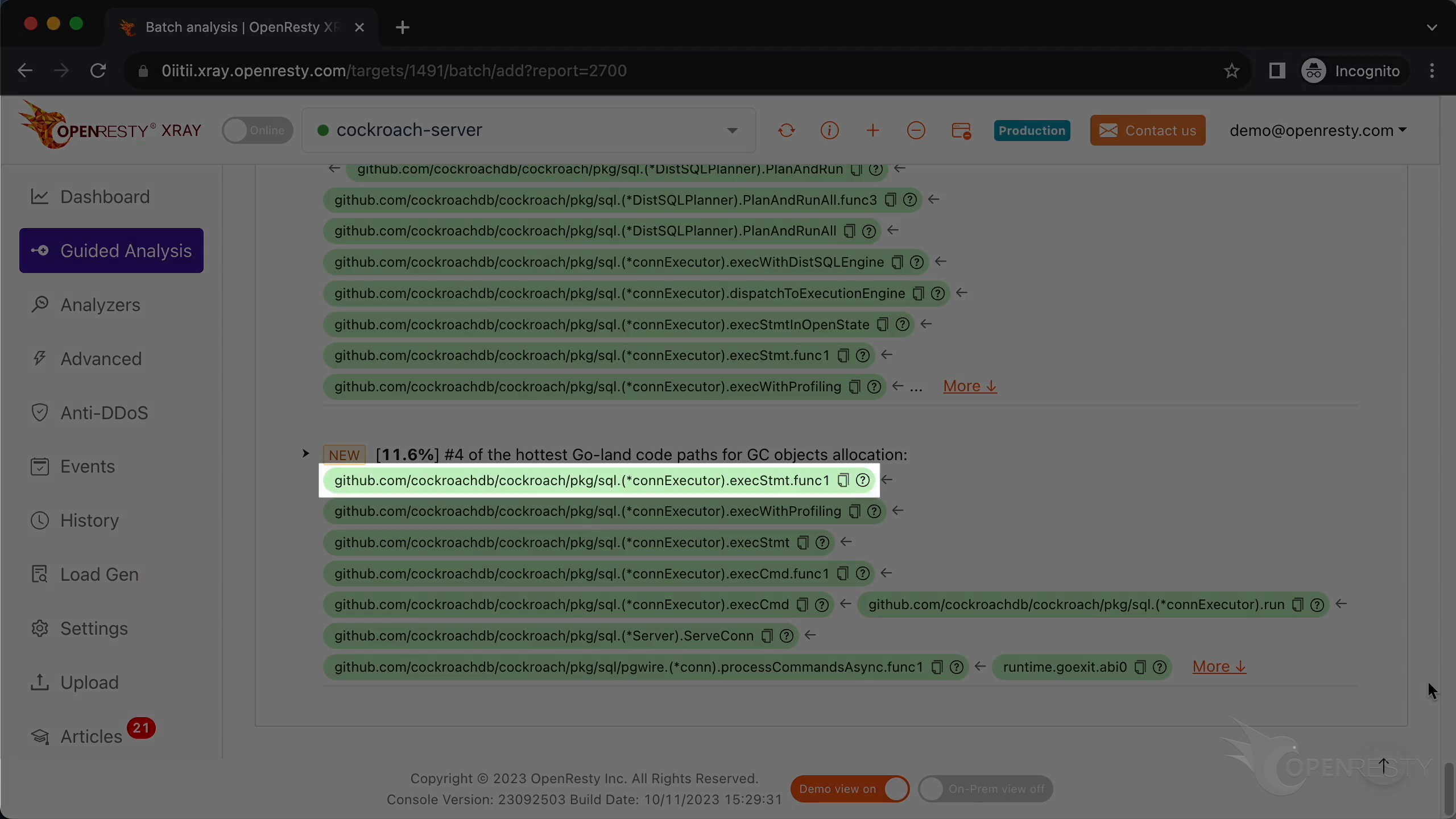
The execStmt function also creates a lot of GC objects during execution.
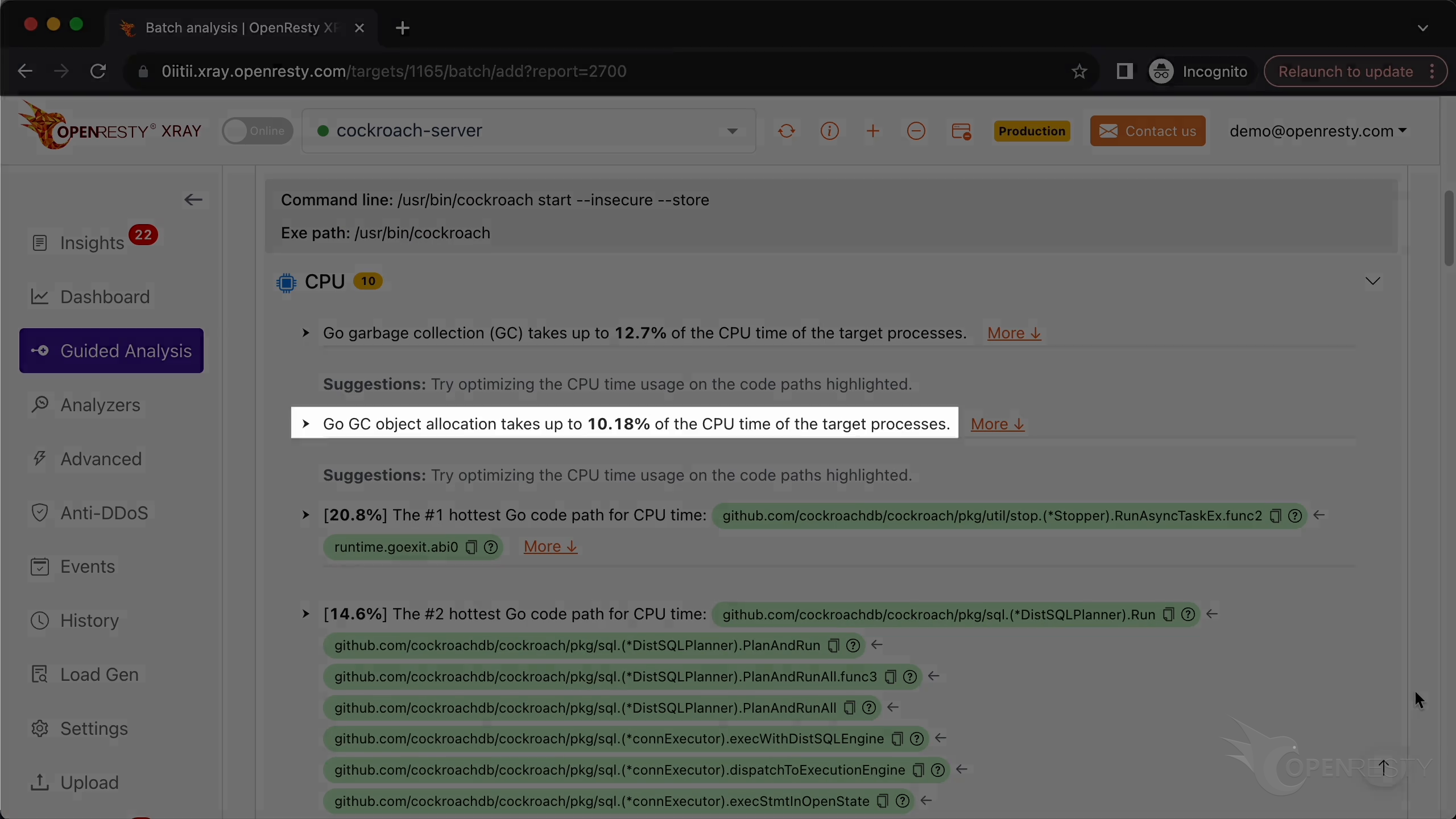
GC object collection takes up nearly 10% of CPU time.
Automatic CPU Analysis and Reports
OpenResty XRay can also monitor online processes automatically and show analysis reports.
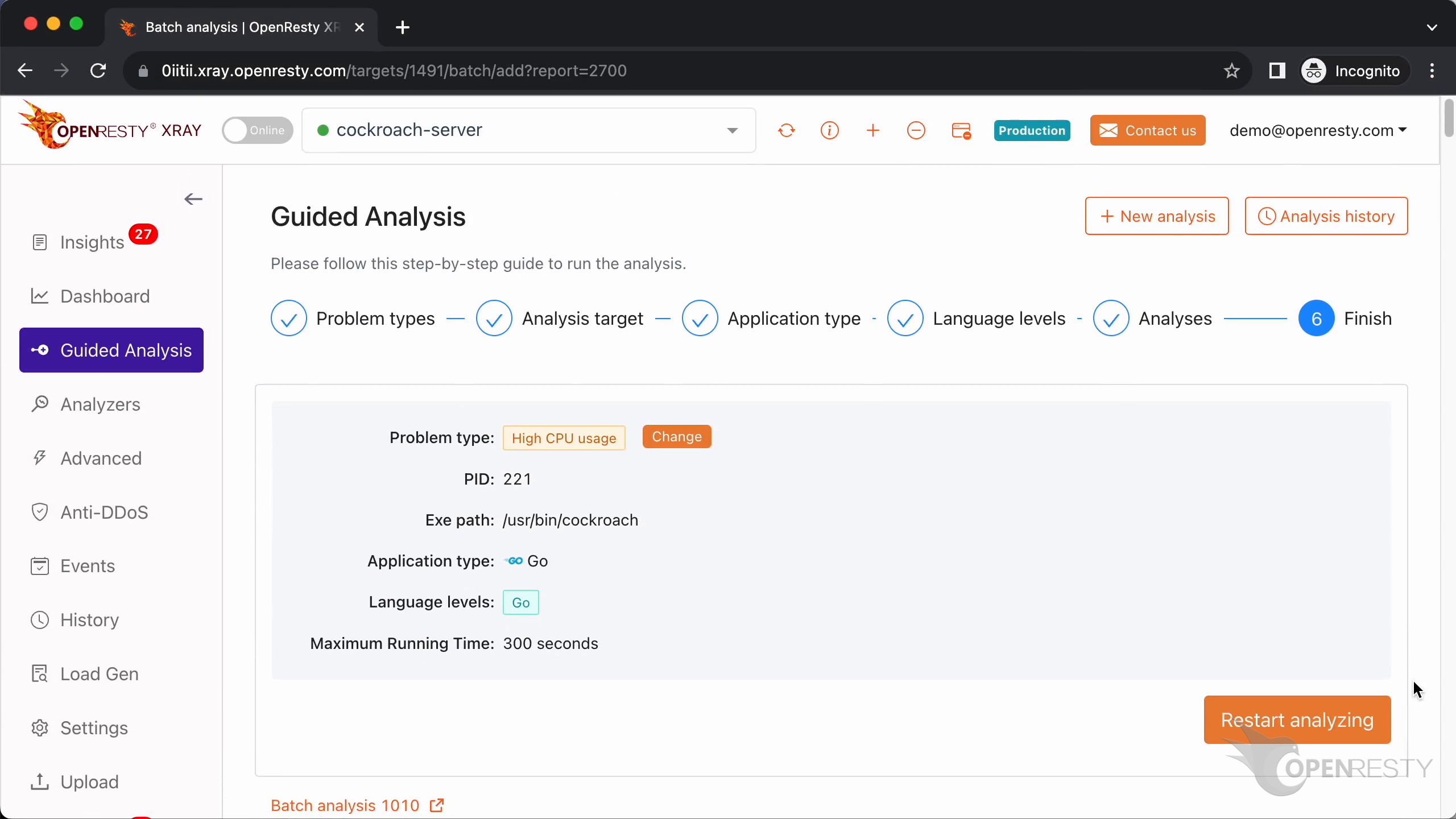
Go to the “Insights” page.
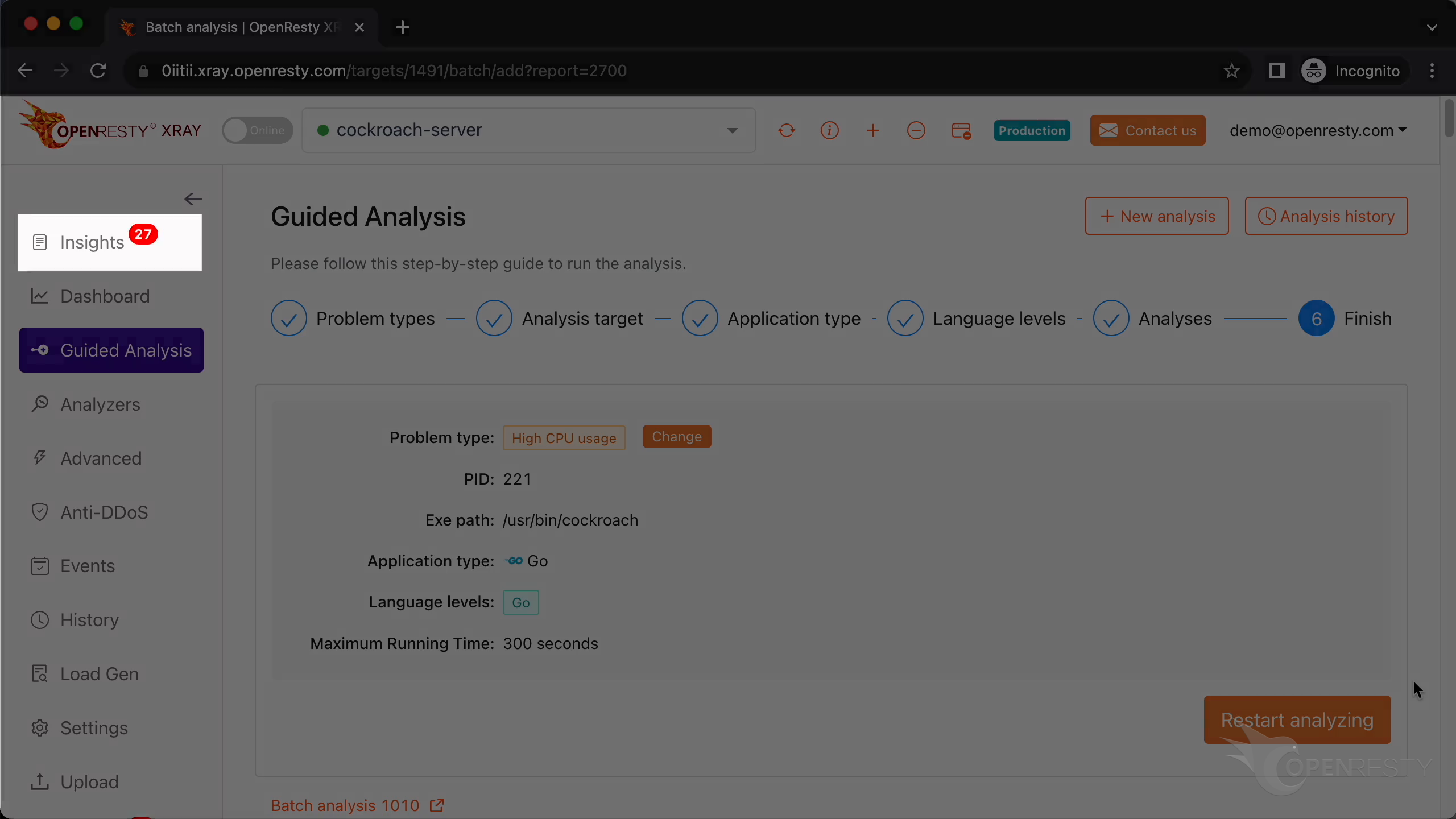
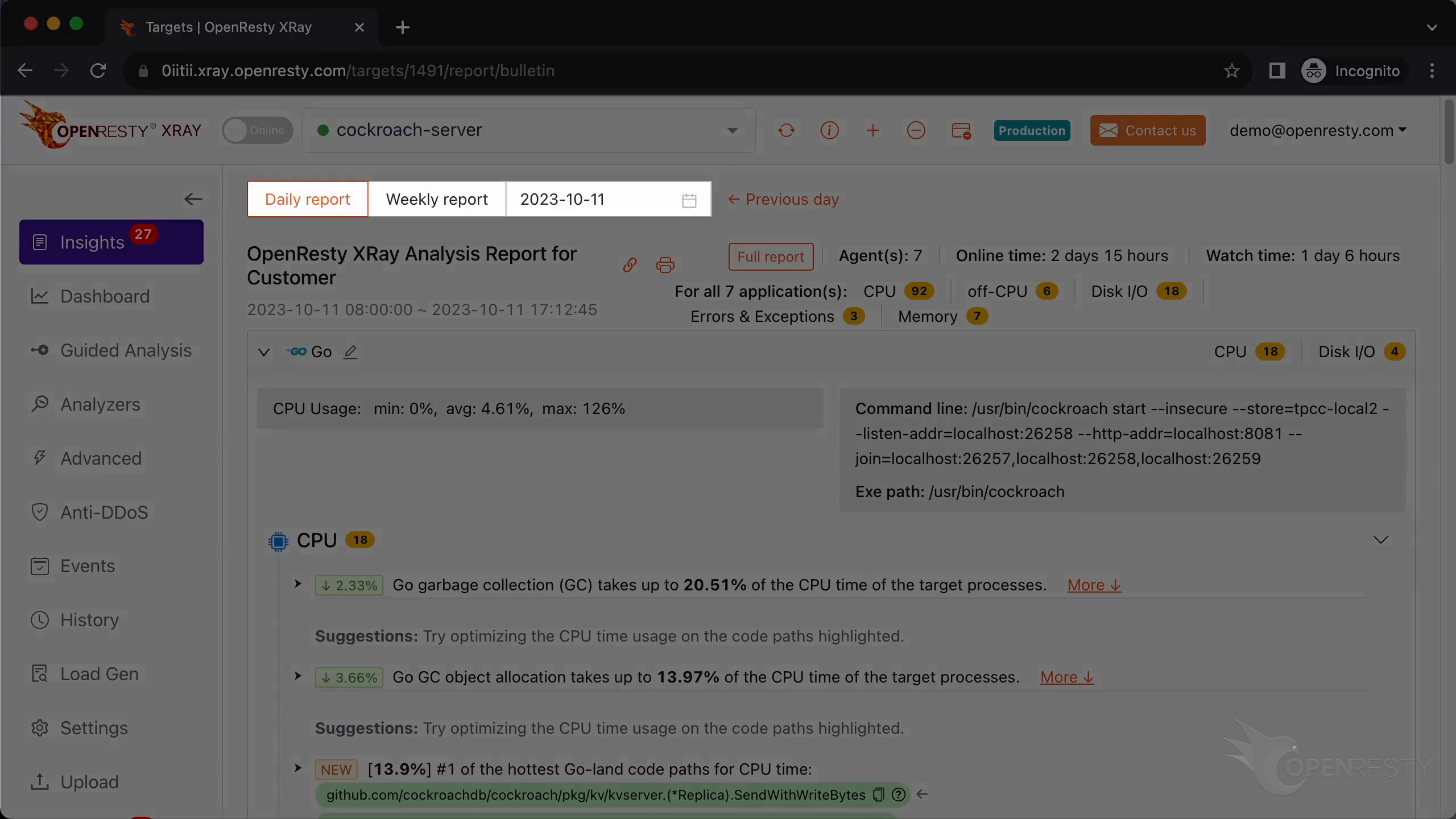
You can find the reports on the Insights page for daily and weekly periods. For this reason, you don’t have to use the “Guided Analysis” feature.
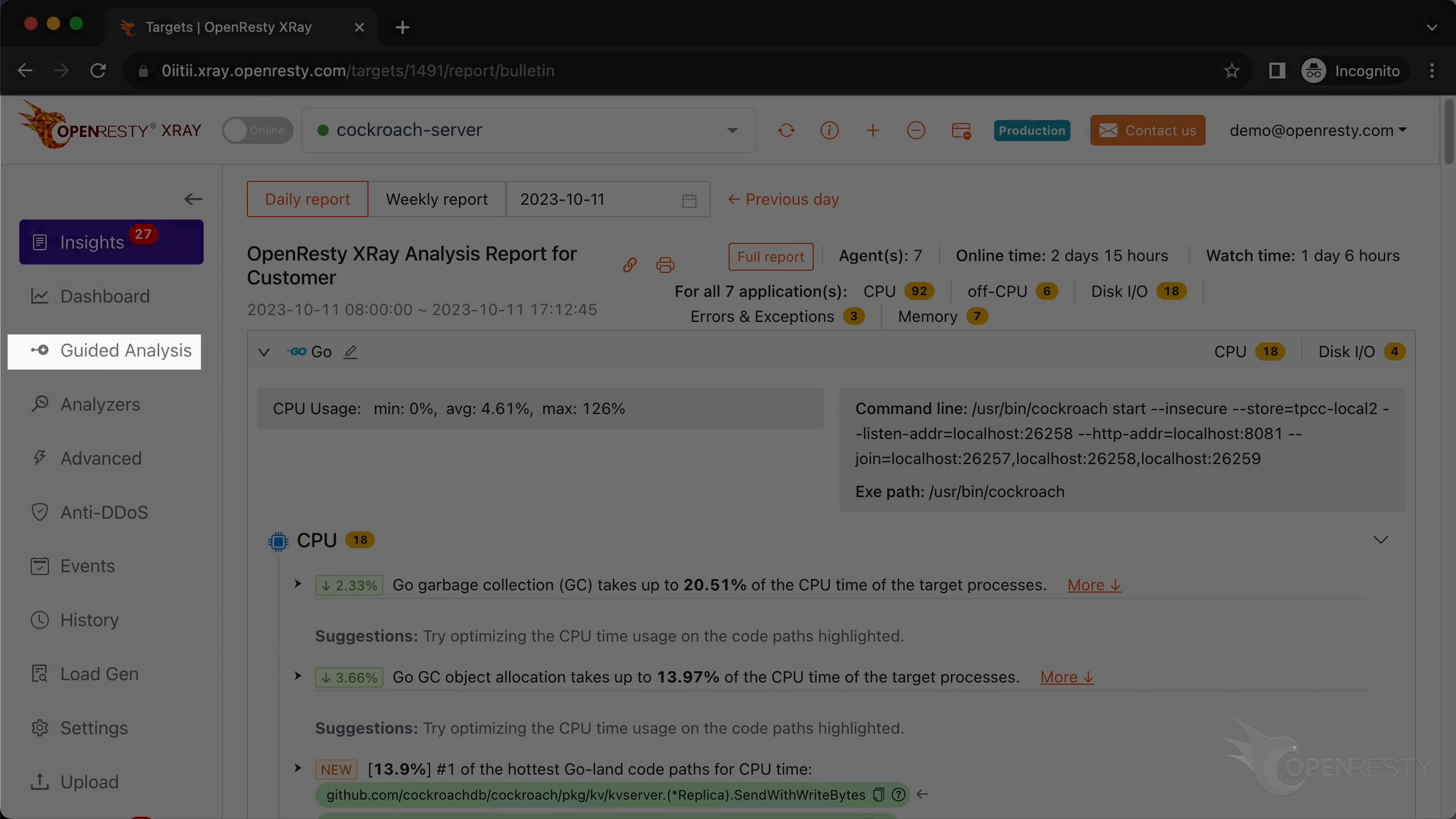
Though “Guided analysis” is useful for application development and demonstration purposes.
Frequently Asked Questions
Why is my CockroachDB using high CPU?
In this analysis, Go garbage collection was a major cost: the GC itself took about 13% of CPU time, and GC object collection nearly 10%. The heavy object allocation came from hot code paths in the kvcoord key-value coordinator, the Raft replication protocol, and the sqlMux SQL request multiplexer, as well as the SQL layer’s makeExecPlan(), nextAdapter(), and execStmt() functions. High CPU on your own cluster can differ, so profiling the live process is the reliable way to know where the time actually goes.
How do I find which CockroachDB code is using the most CPU?
Run OpenResty XRay’s “Guided Analysis” against the live CockroachDB process, choose “High CPU Usage” by process, and let it sample for a couple of rounds. It generates a Go language-level CPU and GC-object-allocation flame graph and automatically infers the hottest code paths down to the function level—no restart and no code changes required.
Can I profile CockroachDB’s CPU without a restart or pprof?
Yes. OpenResty XRay analyzes the unmodified, running CockroachDB binary directly, so you do not need to enable Go’s pprof endpoints, pass debug flags, or restart the server. This makes it safe to diagnose CockroachDB high CPU usage on a production node while it is still serving traffic.
What is OpenResty XRay
OpenResty XRay is a dynamic-tracing product that automatically analyzes your running applications to troubleshoot performance problems, behavioral issues, and security vulnerabilities with actionable suggestions. Under the hood, OpenResty XRay is powered by our Y language targeting various runtimes like Stap+, eBPF+, GDB, and ODB, depending on the contexts.
If you like this tutorial, please subscribe to this blog site and/or our YouTube channel. Thank you!
About The Author
Yichun Zhang (Github handle: agentzh), is the original creator of the OpenResty® open-source project and the CEO of OpenResty Inc..
Yichun is one of the earliest advocates and leaders of “open-source technology”. He worked at many internationally renowned tech companies, such as Cloudflare, Yahoo!. He is a pioneer of “edge computing”, “dynamic tracing” and “machine coding”, with over 22 years of programming and 16 years of open source experience. Yichun is well-known in the open-source space as the project leader of OpenResty®, adopted by more than 40 million global website domains.
OpenResty Inc., the enterprise software start-up founded by Yichun in 2017, has customers from some of the biggest companies in the world. Its flagship product, OpenResty XRay, is a non-invasive profiling and troubleshooting tool that significantly enhances and utilizes dynamic tracing technology. And its OpenResty Edge product is a powerful distributed traffic management and private CDN software product.
As an avid open-source contributor, Yichun has contributed more than a million lines of code to numerous open-source projects, including Linux kernel, Nginx, LuaJIT, GDB, SystemTap, LLVM, Perl, etc. He has also authored more than 60 open-source software libraries.
Related Articles
OpenResty XRay Aug 23, 2023

OpenResty XRay Sep 28, 2023

OpenResty XRay Aug 4, 2023

OpenResty XRay Jul 28, 2023

OpenResty XRay Aug 27, 2026